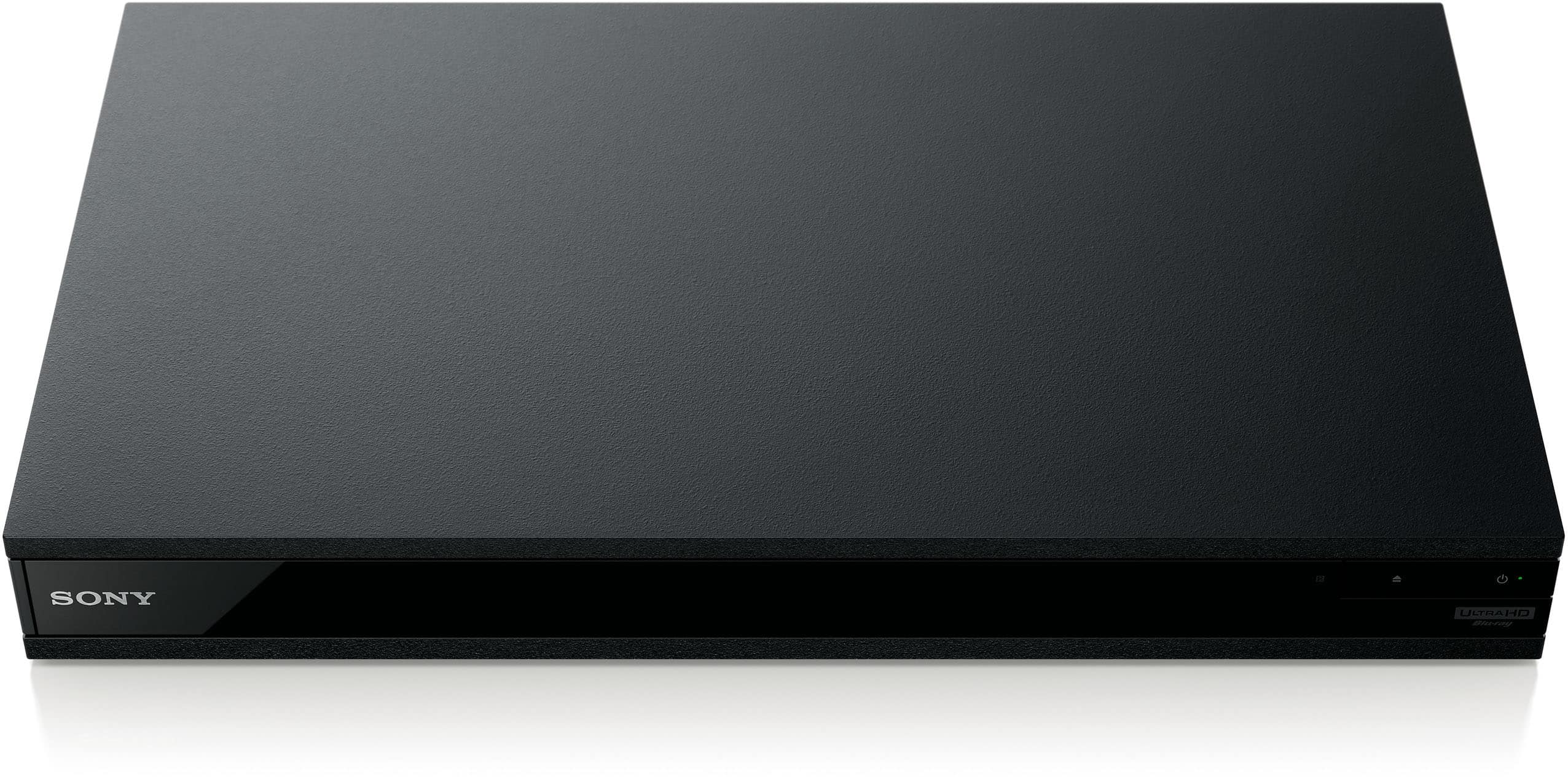
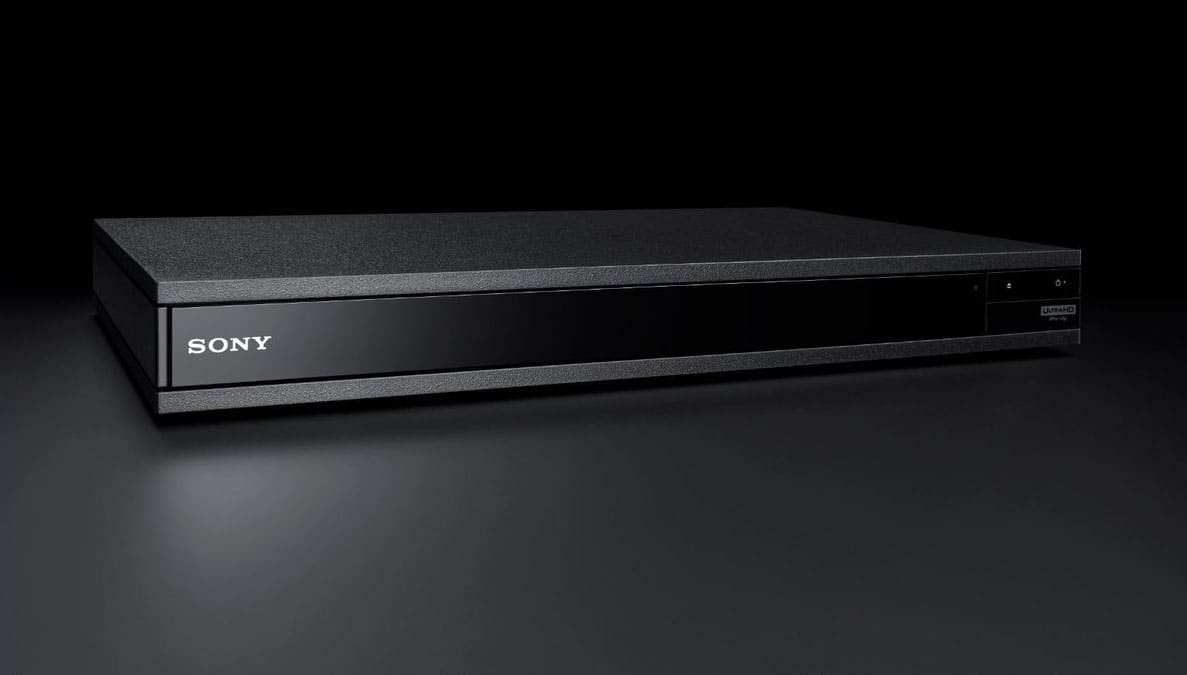
A:Answer2019.
Sonically, the Sony UBP-X800M2 is excellent. It handles its highest-quality sources – Hi-Res audio files and, especially, DVD-Audio and SACD discs – with so much aplomb and precision that it deserves to be partnered with as high-end an audio system as you can manage.
A:AnswerRegion code (BD/DVD VIDEO only)
Your player has a region code printed on the
the rear of the unit and will only play BD/DVD
VIDEO labeled with identical region codes or DSVDs marked "All"
A:AnswerThe manual doesn't list it, so I think it's OK, but you probably need to check further before committing. It certainly recognizes and plays Dolby Atmos, all the DTS-X variants, Tru-HD, but there is nothing starting with the letter "E" on the non-playable list.

A:AnswerThe Sony 4K Blu-ray player has to be connected to the TV with a 4K compatible HDMI cable like the AudioQuest - Ocean HDMI cable. The built in Wi-Fi is for internet connectivity for streaming apps and online content for Blu-ray discs.
A:AnswerYou can play CD via a digital connection to your A/V receiver , however to play SACD you have to connect HDMI out put of DVD to HTMI input of your A/V receiver. You do not have to have your TV on to listen to the music however, you can not see what tract number you are playing unless you see it on your TV monitor.
A:AnswerMusic and pictures only (unsure = DOUBTFUL of video)
Specs limited to 1000 files (regardless of USB size)
_____
I still contact Sony to make a internal m2 hard drive version of this (DVDs are harder to buy = streaming is limited to 1080 without freezing = full downloads are best)
A:AnswerYes. The hdmi cable supports up to 13 channels of audio so when you run the hdmi cable out of the Sony 4k player to your Visio Sound bar input and then run another hdmi from the ARC output to your ARC connection on your Visio you’ll be all set to hear your player play back in 5.1 format and it’ll select it automatically.