Early Black Friday DealsNew Doorbusters through SundayShop now

Main Content

Questions & Answers

Your price for this item is $117.00

The comparable value price is $119.99
Page Showing 1-20 of 28 questions
  • QuestionCan I track them if I lose them?

    Asked by Lik.

    • Answer No

      Answered by user582521

  • QuestionWhat is the material that goes inside the ear? Is the app you download only for cell phones or can I do it on a laptop? No cell service here = no cell phone so it would be great if I could download the app and use it on my laptop. .

    Asked by Aria.

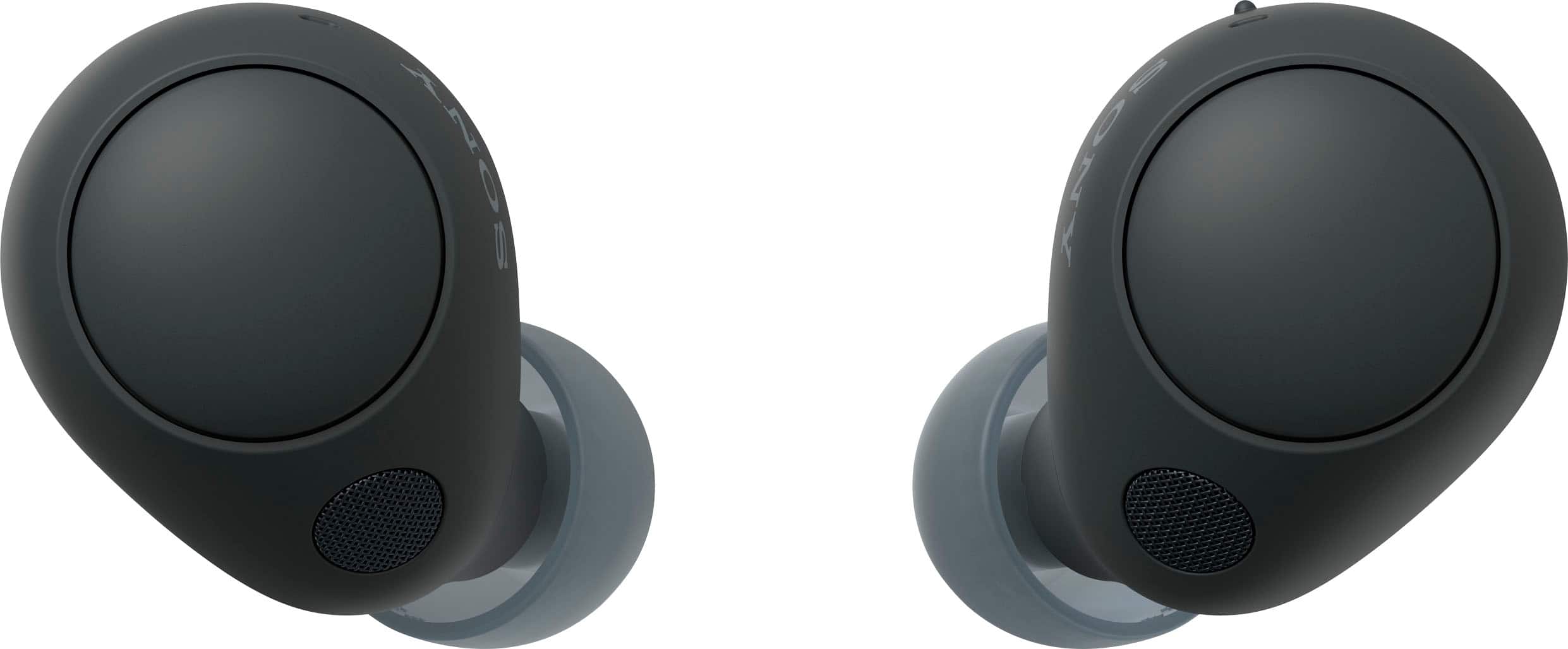
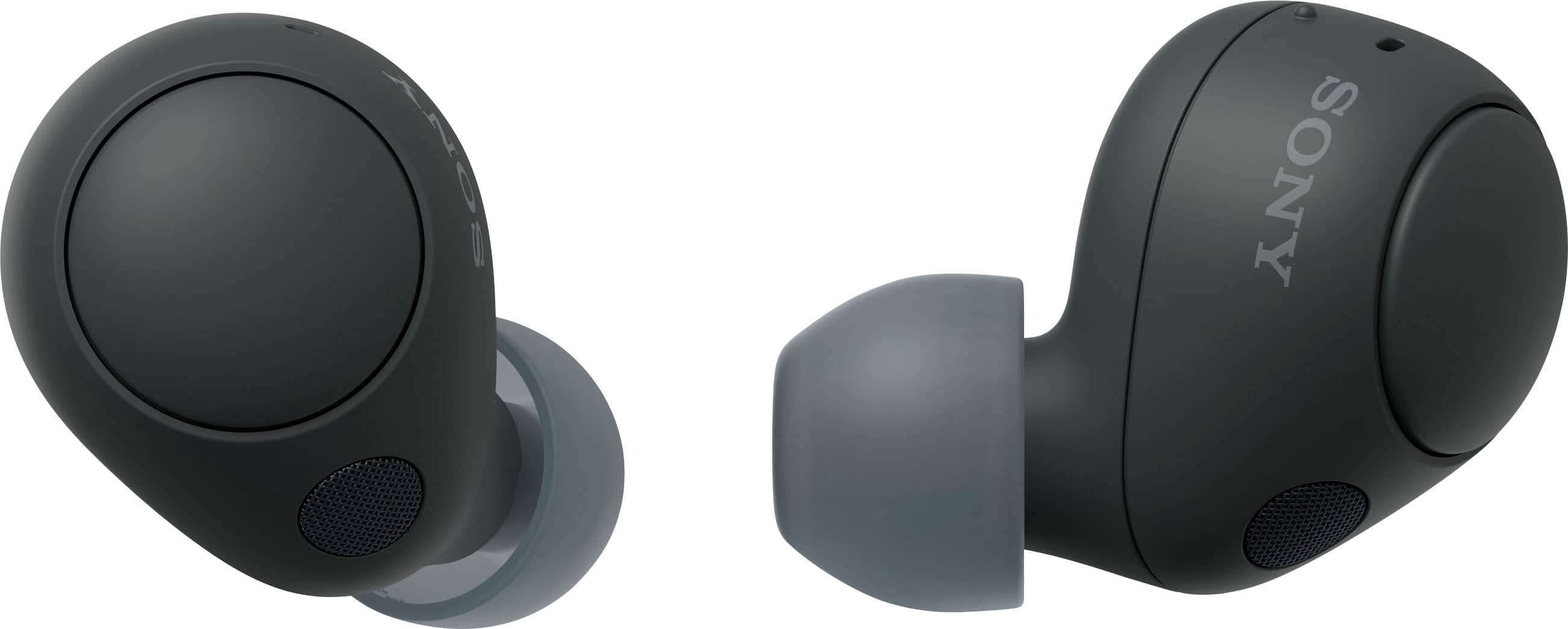
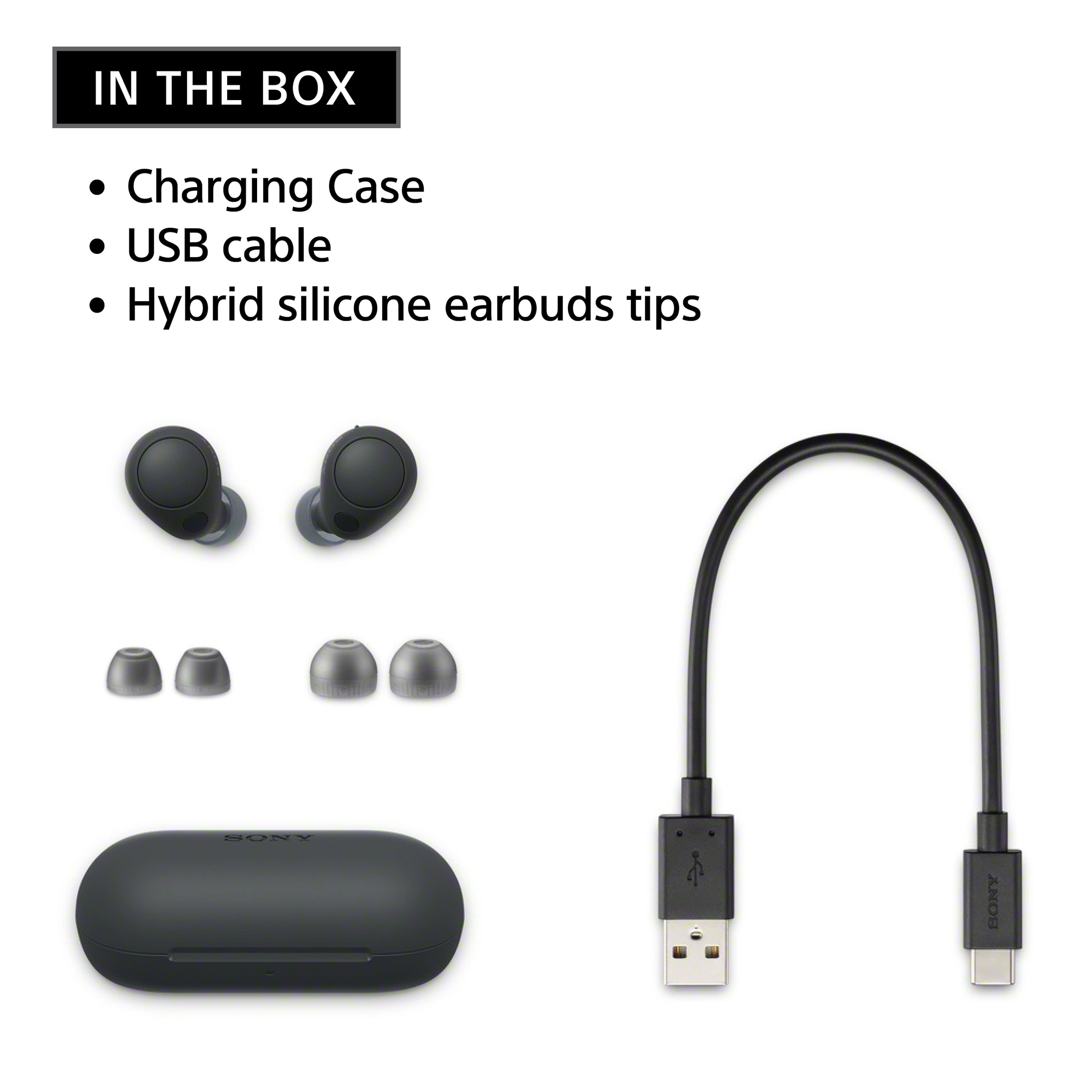
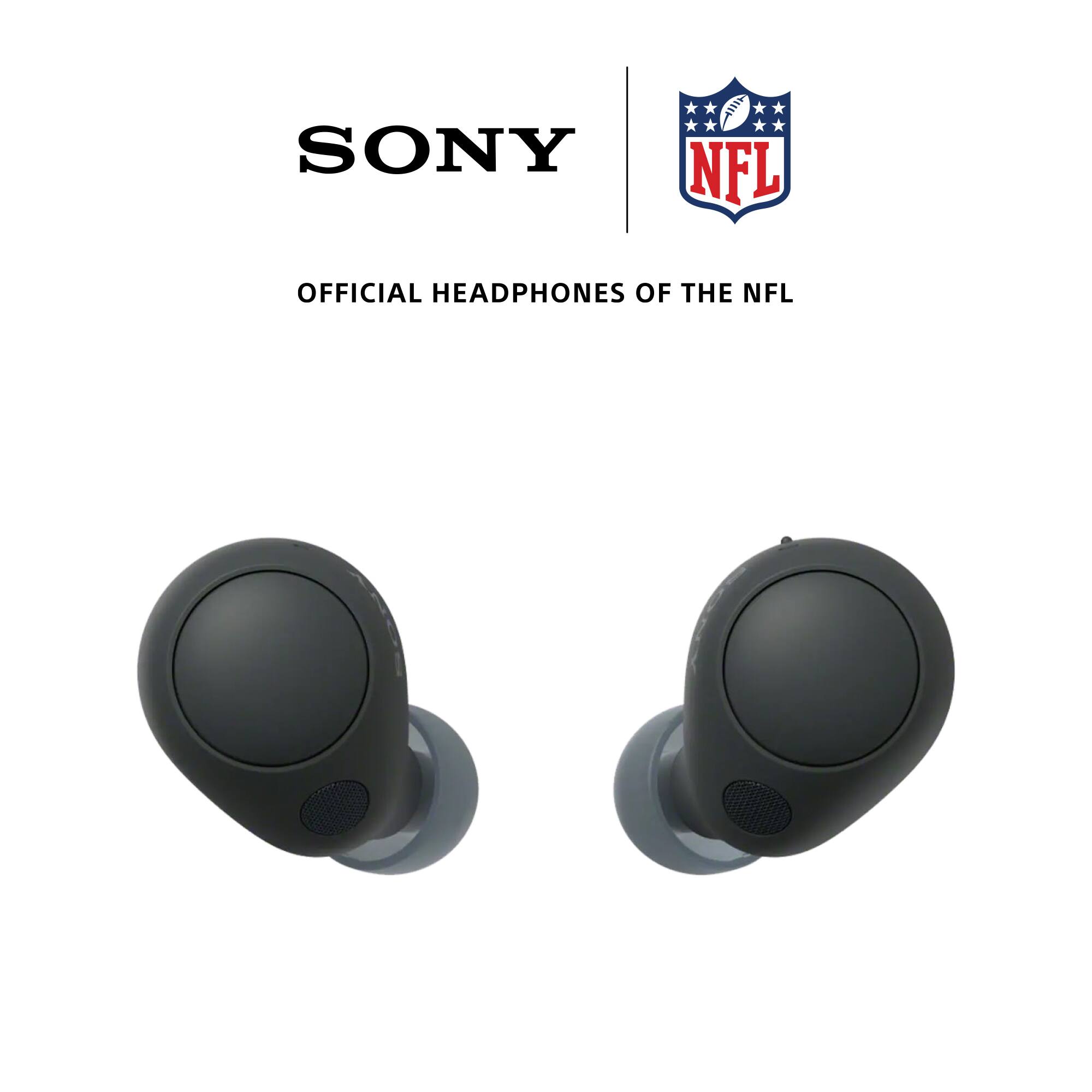
    • Answer Hi Aria, Thank you for your interest in the WF-C700N. The supplied earbud tips (SS/M/LL 2 each) are made of hybrid silicone rubber. Unfortunately, it is not available to download for Windows OS laptop. You can download the Sony Headphones Connect App on your Android and iOS devices. The good news is that the equalizer settings are stored within the app and device where it is installed. It will remember the equalizer settings from the app if you use it on different Bluetooth devices. The Headphones Connect app is a utility app that helps you to quickly connect compatible Bluetooth headphones to your smartphone. After connection, the app allows you to customize audio settings with your headphones. The WF-C700N also features Swift pair. Swift Pair makes it quick and easy to pair your headphones with your Windows 11 or Windows 10 laptop, desktop PC or tablet. Pop-up pairing guidance appears on nearby Windows 11 or Windows 10 devices when pairing mode is selected. Hope this helps! Regards, Jess

      Answered by SonyListens

  • QuestionHiw do I answer incoming calls and how do I hang up a call

    Asked by Anonymous.

    • Answer Hi there, Thank you so much for your inquiry! You can enjoy a hands-free call with a smartphone or mobile phone that supports the Bluetooth profile HFP (Hands-free Profile) or HSP (Headset Profile), via a Bluetooth connection. When you hear a ring tone, press the button twice quickly on the left or right headset unit to receive the call. When you have finished your call, press the button twice quickly on the left or right headset unit to end the call. For more information on this, please check out our help guide link: https://helpguide.sony.net/mdr/2968/v1/en/contents/TP1000781976.html? Should you need further assistance with your Sony product, please contact us for help. Send us an email at [email protected] using the format below. Apologies if you disclosed some of this information in your review and to customer service, we just want to ensure that we have your accurate details at the time of communication. Full Name: Username: Telephone Number: Model Number: Issue: Regards, Carl

      Answered by SonyListens

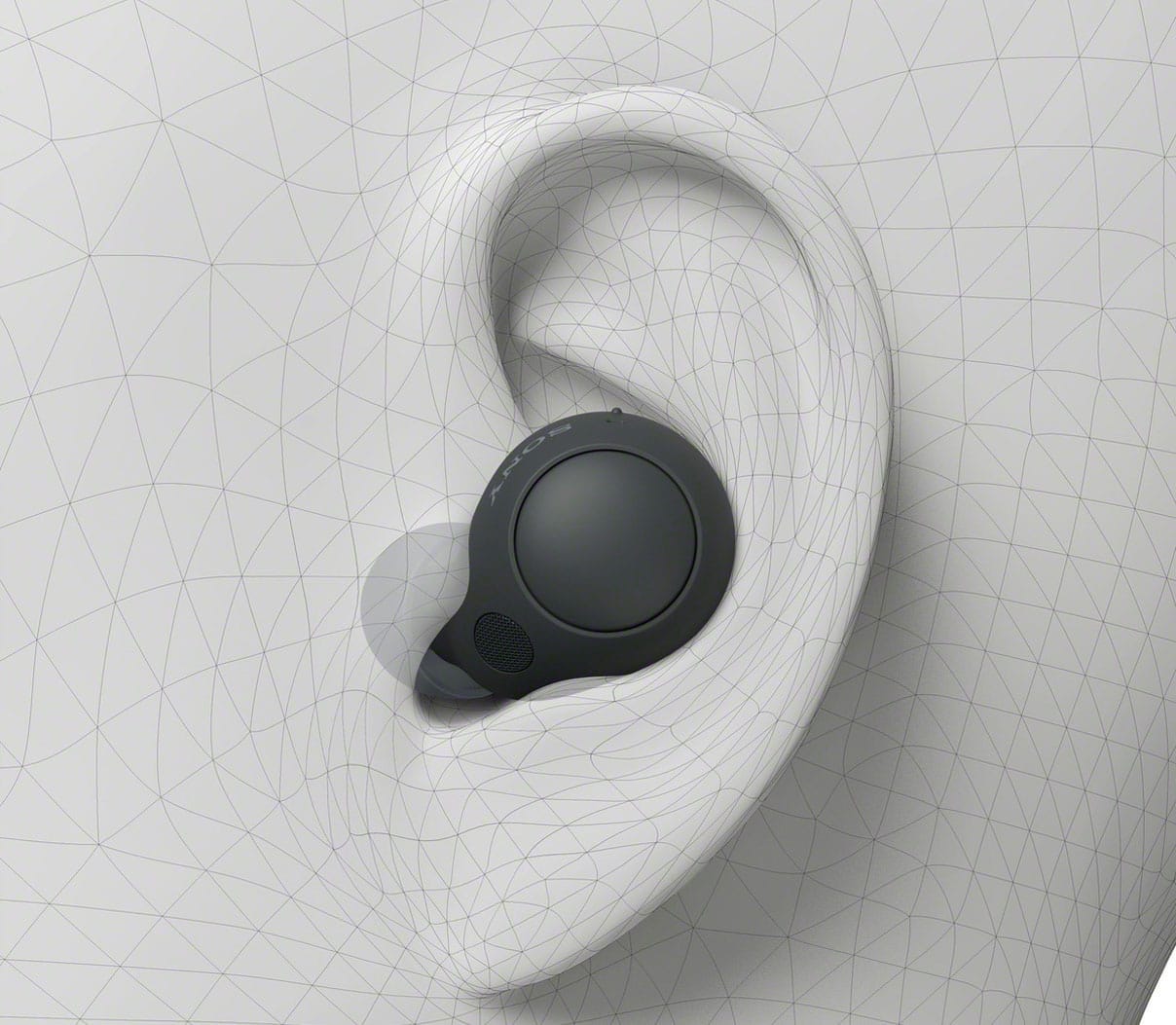
  • QuestionAre the ear buds small enough to fit flat in your ear so you can sleep on your side?

    Asked by Anonymous.

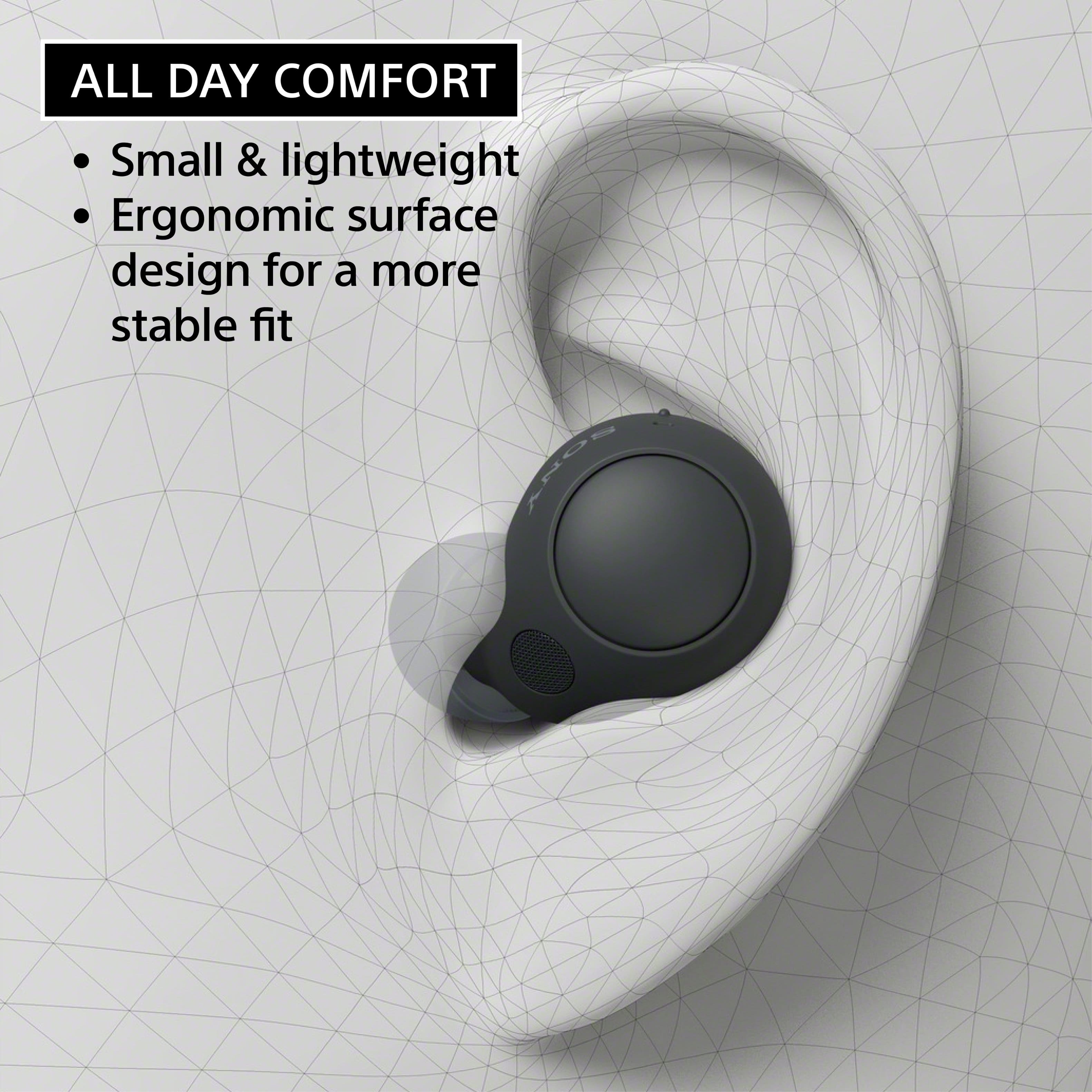
    • Answer Hi there, Thank you so much for the question. The WFC700N has a protruding design that may get in the way of sleeping with the earbuds on. However, there are no restrictions saying you can't use the headphones while sleeping, especially when you lie down on your head side. Please note that prolonged use of snug-fitting earbuds may strain your ears and laying down in bed while wearing them is not recommended. I hope this helps! Regards, Carl

      Answered by SonyListens

  • QuestionAre the buttons activated by touch or do they actually get pressed and have a click? I find the touch buttons frustrating because when you have a hat or hood over them they get activated.

    Asked by Foz.

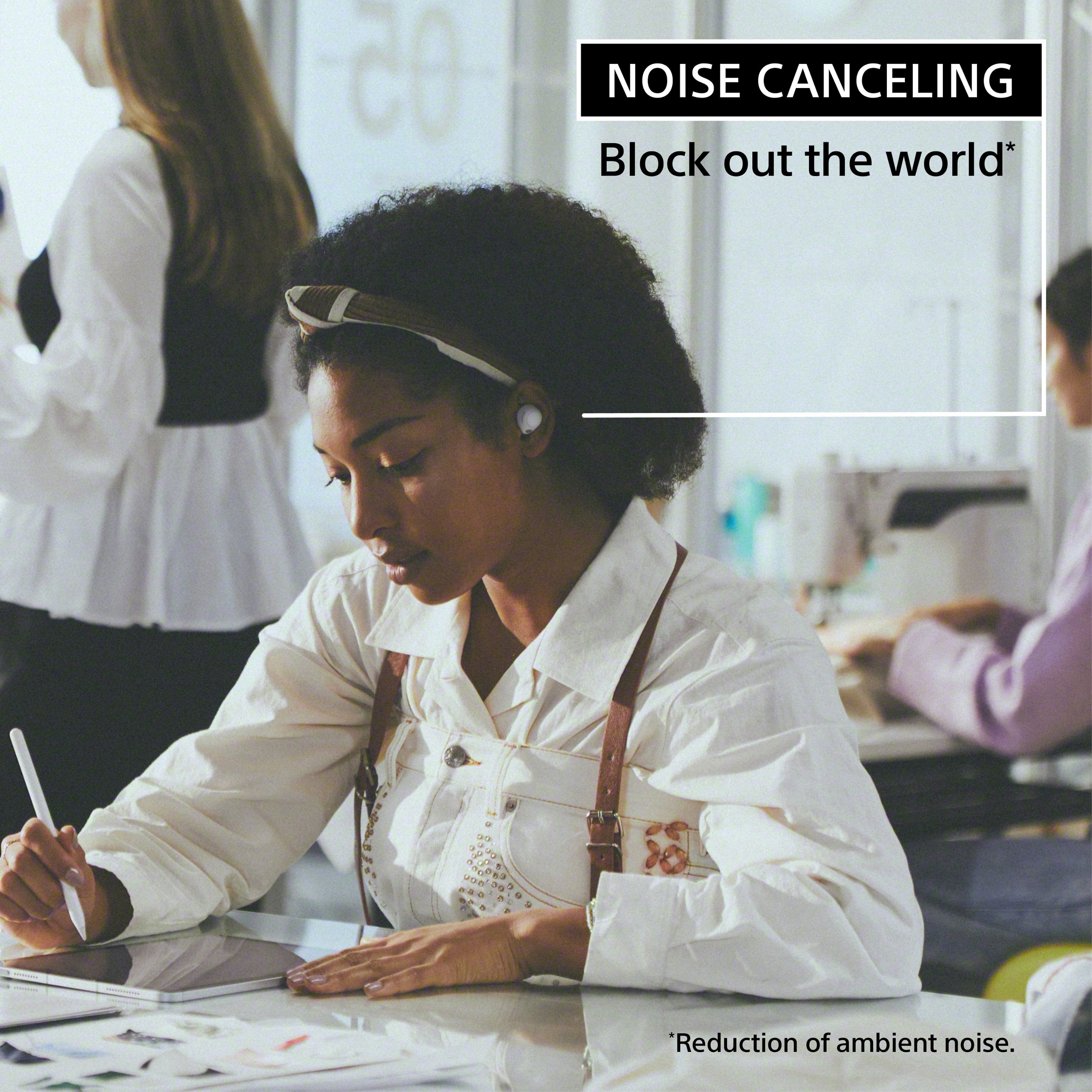
    • Answer Hi Foz, Thank you for your inquiry! The WFC700N is activated by touch. You can see the functions of the WFC700N's touch control on our help guide link: https://helpguide.sony.net/mdr/2968/v1/en/contents/TP1000941040.html Cancel out background noise with Noise Sensor Technology or use the Ambient Sound Mode to stay connected to your natural surroundings. Adjust ambient sound with the Sony | Headphones Connect app to control your listening experience. I hope this helps! Regards, Carl

      Answered by SonyListens

  • QuestionCompatible to iphone

    Asked by Anonymous.

    • Answer Yes.

      Answered by WesleyH

  • QuestionAre these earbuds interchangeable? Can I use just the left one, or the right one?

    Asked by Tracey.

    • Answer They are specific to left and or right. You can use just one and leave the other in the case.

      Answered by Anonymous

  • QuestionIs this compatible to ps portal bec its sony?

    Asked by Exodia.

    • Answer Hi Exodia, Thanks for reaching out to us. Unfortunately, no. The PS Portal uses PlayStation Link and does not natively support Bluetooth audio devices, including Sony Bluetooth headphones. This means pairing your Bluetooth headphones with the PS Portal won’t be possible. You can connect our WF-C700N to your television (via Bluetooth- the TV must support Bluetooth A2DP (Advanced Audio Distribution Profile)) so you can get the audio from the PlayStation. We still recommend using headphones that are designed for consoles. These are the INZONE headphones and earbuds that are compatible with the PlayStation 5. These models can be connected to the PS5 using a USB dongle (or wired): • INZONE H3 • INZONE H7 • INZONE H9 • INZONE Buds (WFG700N) Regards, Jess

      Answered by SonyListens

  • QuestionHow do you adjust volume?

    Asked by Nicky.

    • Answer the volume adjustment in 4 right clicks to volume up or 4 left clicks to lower down the volume. if you download the application Sound Connet you can change the settings.

      Answered by JesusO

  • QuestionDo these have the ambient sound feature?

    Asked by Dan.

    • Answer Hi Dan, Thank you for your inquiry! Yes, it does! To activate the Ambient Sound Mode Press the button on the left headset unit while the noise canceling function is on. For more information on this, please check on our help guide link: Listening to ambient sound during music playback (Ambient Sound Mode) https://helpguide.sony.net/mdr/2968/v1/en/contents/TP1000779995.html? I hope this helps! Regards, Carl

      Answered by SonyListens

  • QuestionCan you use with a google phone?

    Asked by Kippy.

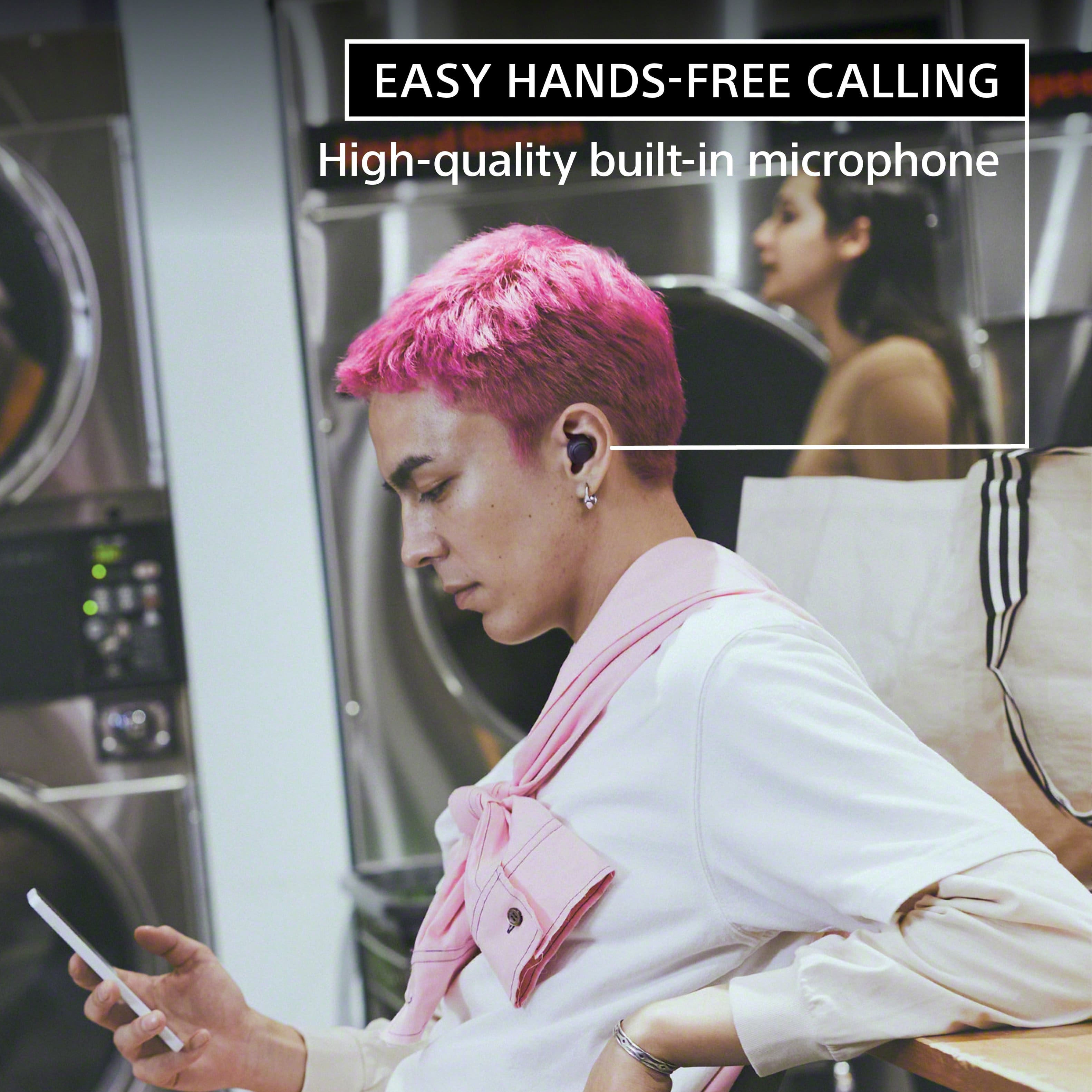
    • Answer Hi Kippy, Thanks for the question. Yes. You can pair the WFC700N In-ear headphones with any mobile devices that supports A2DP Bluetooth profile. With the WFC700N, conversation flows freely with easy hands-free calling, now clearer than ever with a high-quality built-in microphone. Regards ,-Craig

      Answered by SonyListens

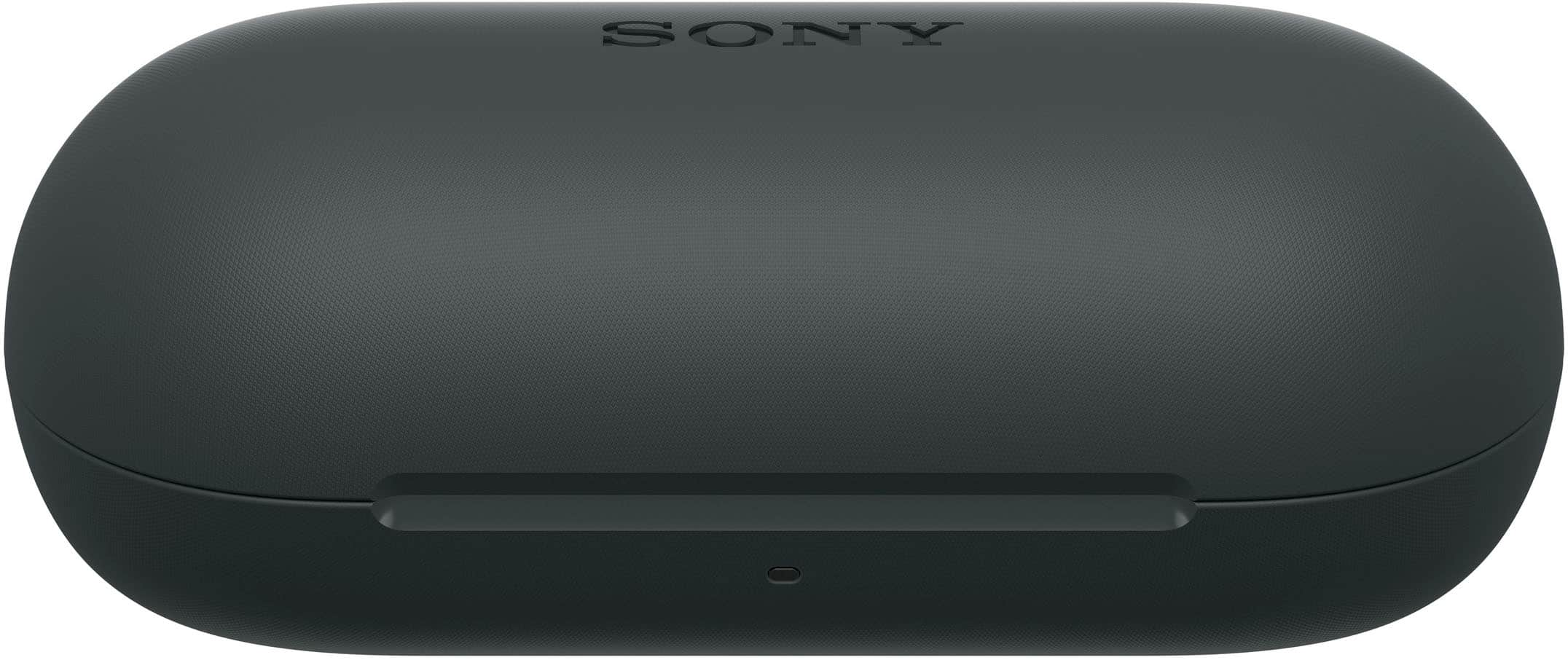
  • QuestionIf I by any chance happen to lose the case, is it possible to get a new one for the earbuds, or would a new set need to be purchased for optimal use? If anything, could the case be tracked?

    Asked by Jet.

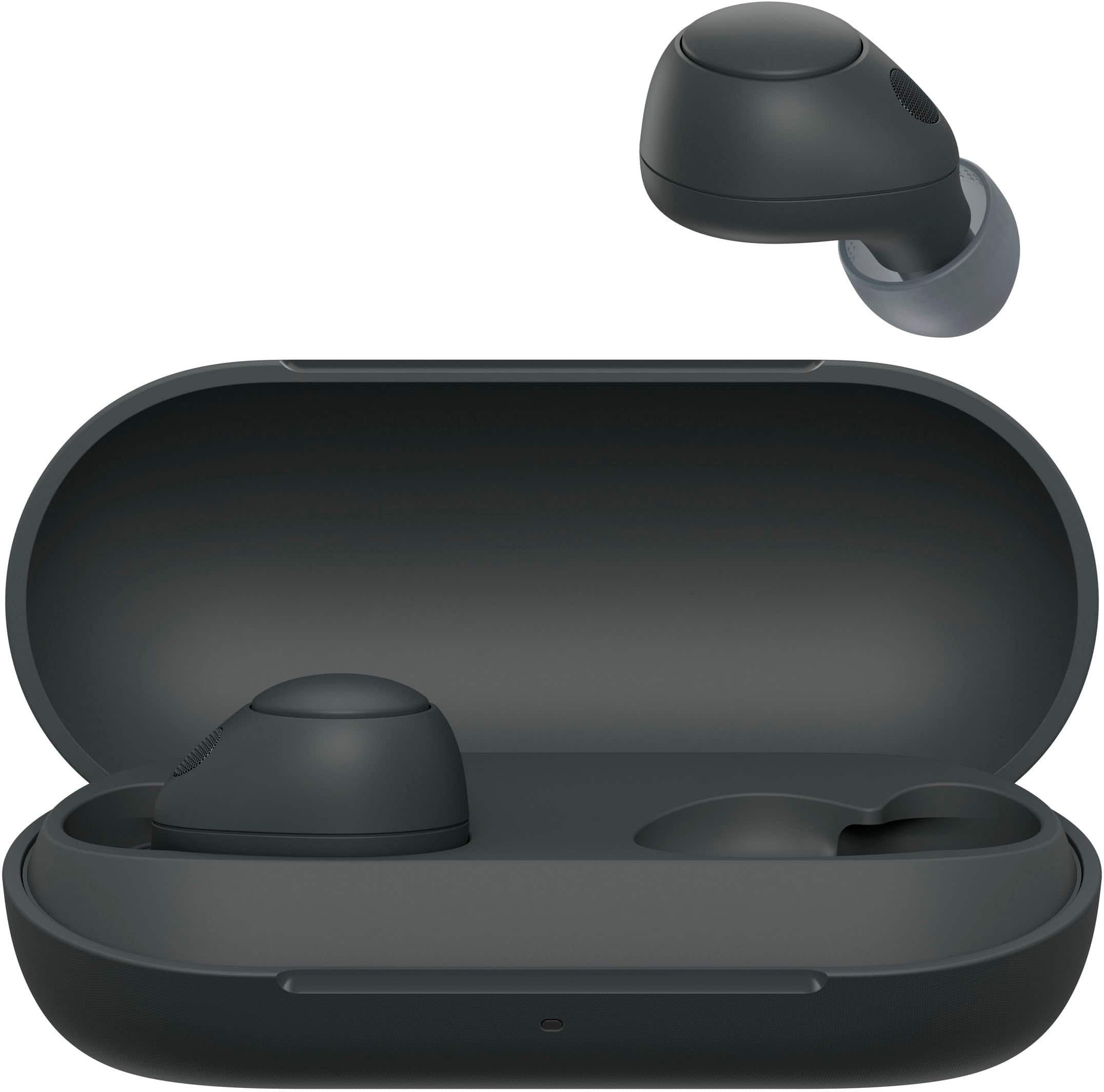
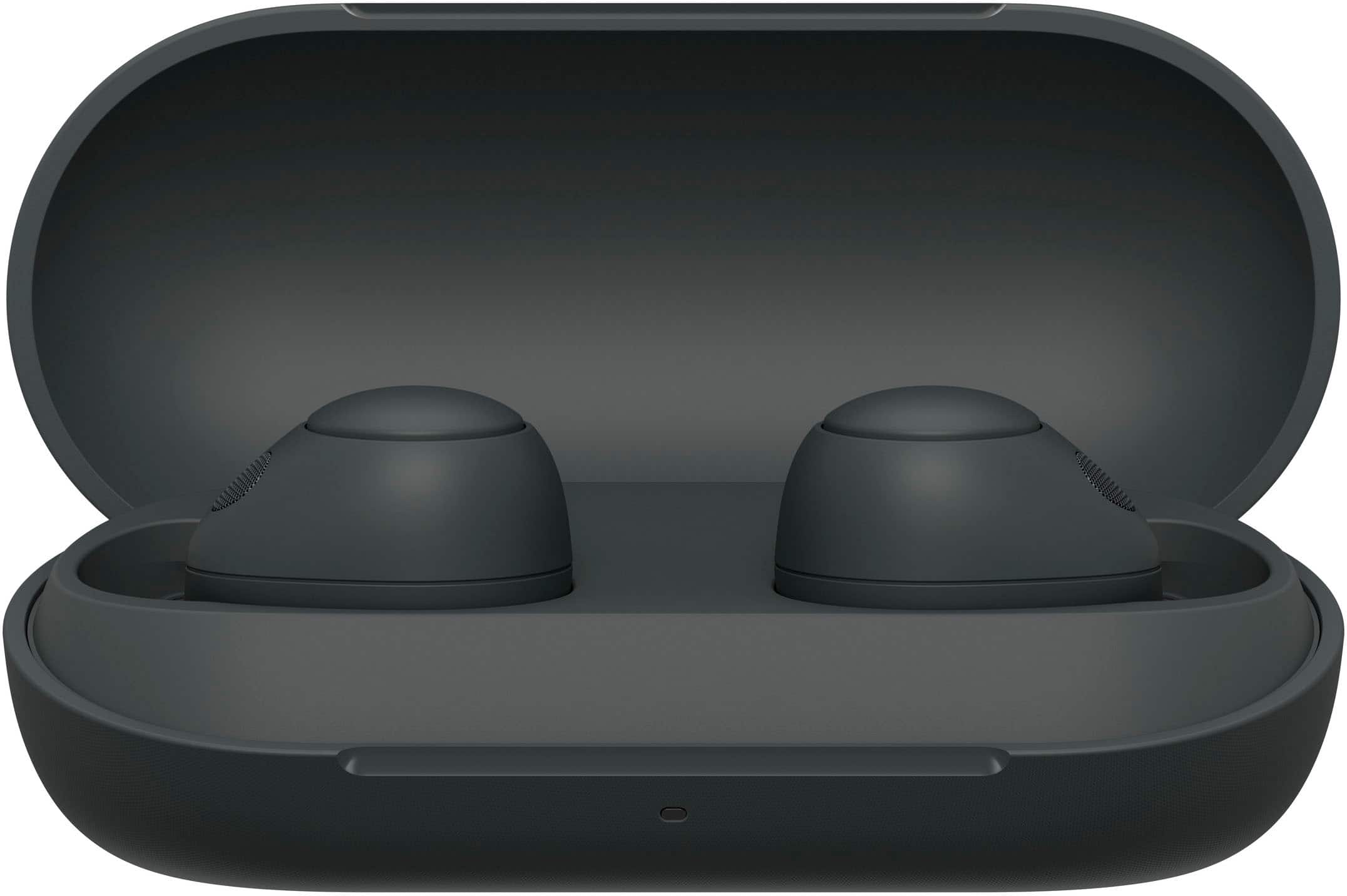
    • Answer Hi Jet, thank you for question. The charging case cannot be tracked in case they went missing or lost. In addition, the earbuds and charging case are not available individually. The two sides of the headphones and the charging case are pre-set with information that allows them to communicate with and from each other. These settings can only be configured at an Authorized Service Center with all three components present. For this reason, you can't simply replace one missing part. Should you need further assistance, we recommend contacting us at [email protected] to further assist you. Hope this helps. Erin

      Answered by SonyListens

  • QuestionWas on vacation and lost my charger cord - what would I replace it with please?

    Asked by Patriot777.

    • Answer USB 3.1

      Answered by Keith

  • QuestionDoes it works with iPhone 11?

    Asked by Anonymous.

    • Answer Yes it works, along with any other newer iphone released.

      Answered by TomtheMann

  • QuestionAre they hearing aides too?

    Asked by Bud.

    • Answer Yes... works great.. can hear running water in the next room

      Answered by Keith

  • QuestionDoes this connect to playstation link?

    Asked by Afraz.

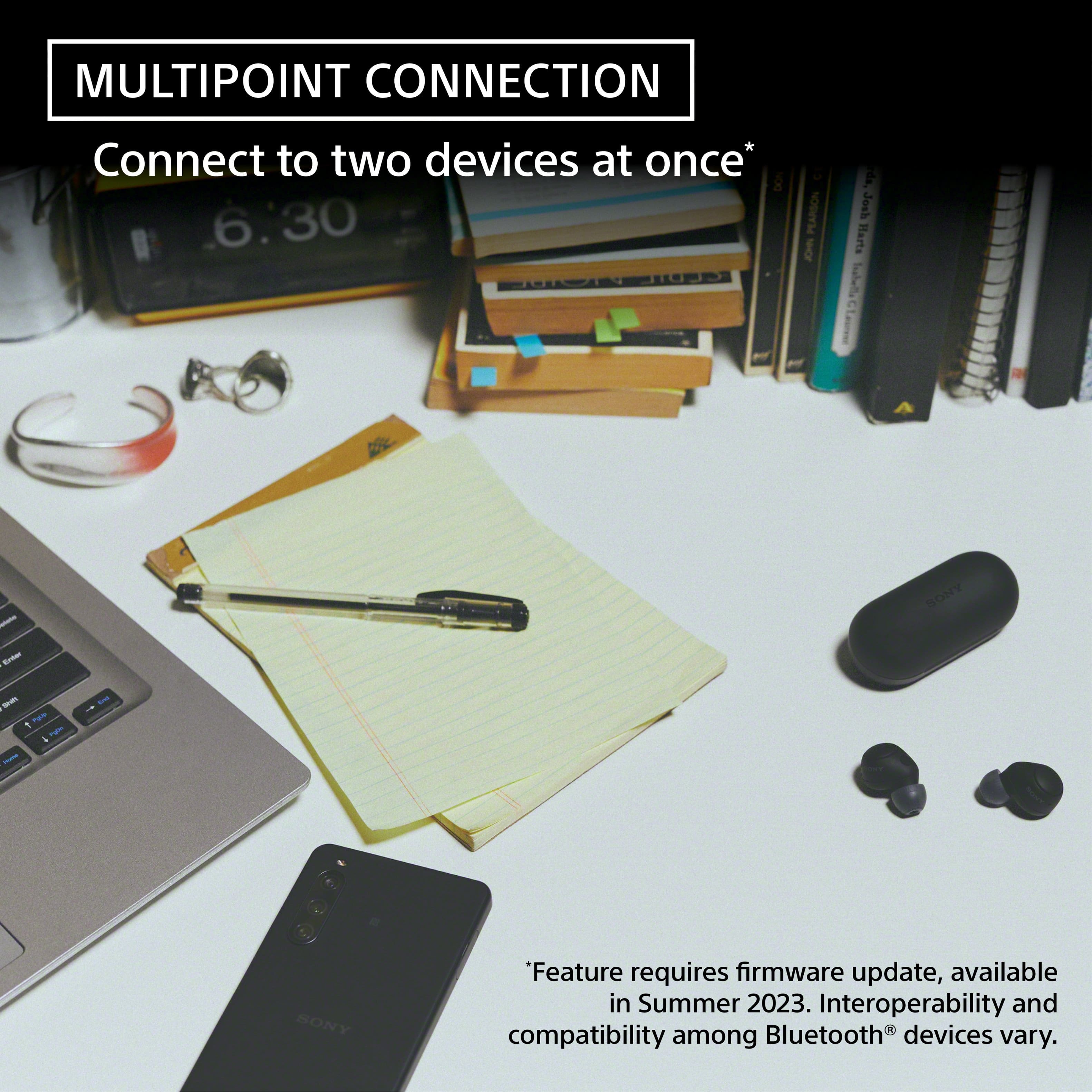
    • Answer Hi Afraz, Thank you for your inquiry! The WFC700N is capable of pairing with devices that support Bluetooth A2DP. If your Playstation Link supports A2DP Bluetooth, yes, it will work with the headphones. Regards, Carl

      Answered by SonyListens

  • QuestionDo these detect your heart rate?

    Asked by Anonymous.

    • Answer No

      Answered by user582521

  • QuestionWill this work with my Sony Bravia TV {Sony 55 TV purchased 10 yrs ago}? Thanks

    Asked by Dre.

    • Answer Hi Dre, Thank you for your inquiry! The WFC700N will pair with TVs that support Bluetooth A2DP. If your Sony Bravia TV supports Bluetooth A2DP, yes it will pair with the WFC700N. Cancel out background noise with Noise Sensor Technology or use the Ambient Sound Mode to stay connected to your natural surroundings. Adjust ambient sound with the Sony | Headphones Connect app to control your listening experience. Regards, Carl

      Answered by SonyListens

  • QuestionThe playback function is not working, I have tried to change the button function but it’s not working on any earplug… any ideas?? Thanks

    Asked by Malin.

    • Answer Hi Malin, We are sorry to hear that you are experiencing issues with your WFC700N headphones. We'd love to troubleshoot the issue and make this a better experience for you. May we contact you to help? If so, please email the below information to [email protected] Apologies if you disclosed some of this information in your review and to customer service, we just want to ensure that we have your accurate details at the time of communication. Full Name: Username: Telephone Number: Model Number: Issue: Regards, Carl

      Answered by SonyListens

  • QuestionGood Morning: Can I use this headphone with my laptop, Samsun and iPhone. and with my TV?. Also Does it have a microphone? Thanks

    Asked by Mimi.

    • Answer Hi Mimi, Thank you for your inquiry! Yes, the WF-C700N has a built-in microphone! The WF-C700N can pair with Bluetooth devices that support A2DP Bluetooth. If your devices support this connection, yes, it will pair with the headphones! I hope this helps! Regards, Carl

      Answered by SonyListens