A:Answer Hello bdo,
Thank you so much for your inquiry!
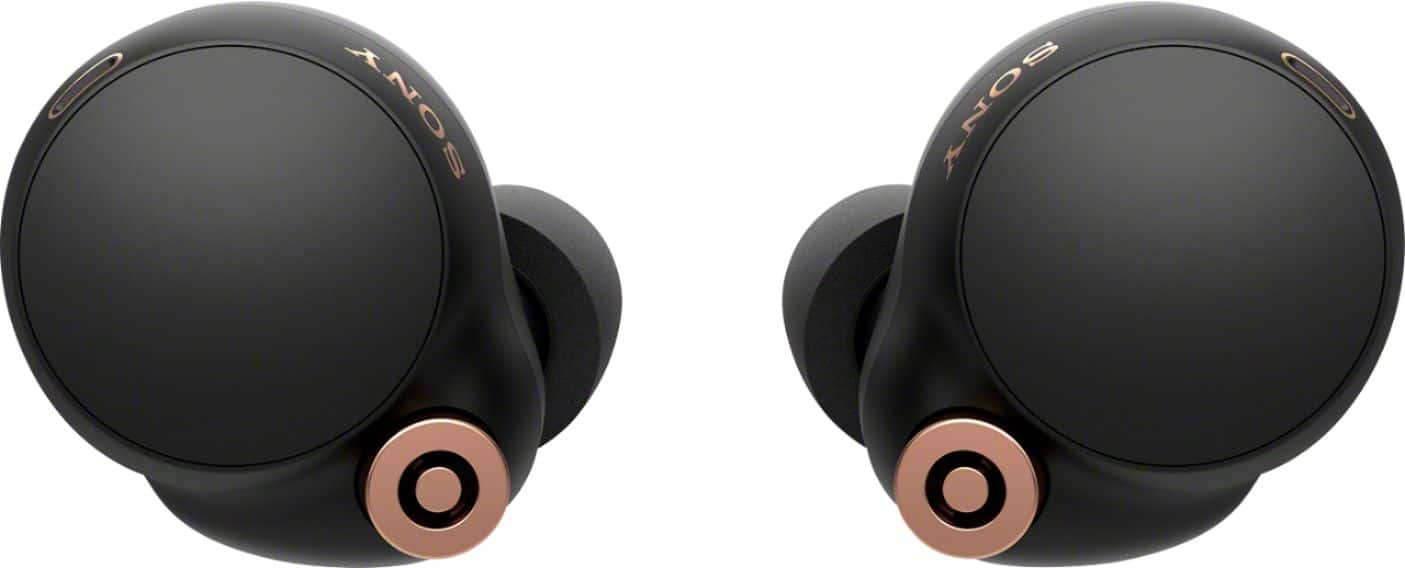
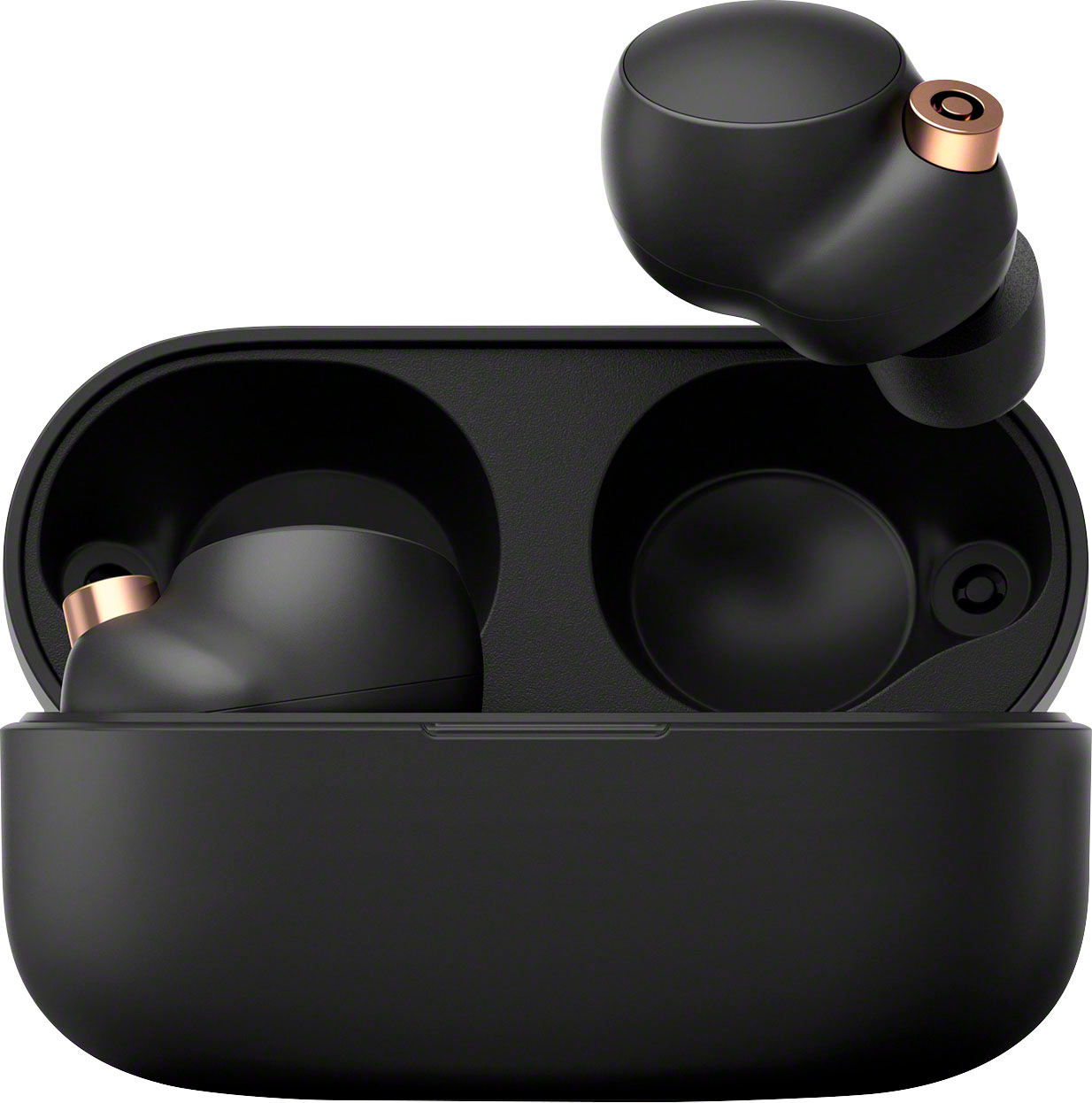
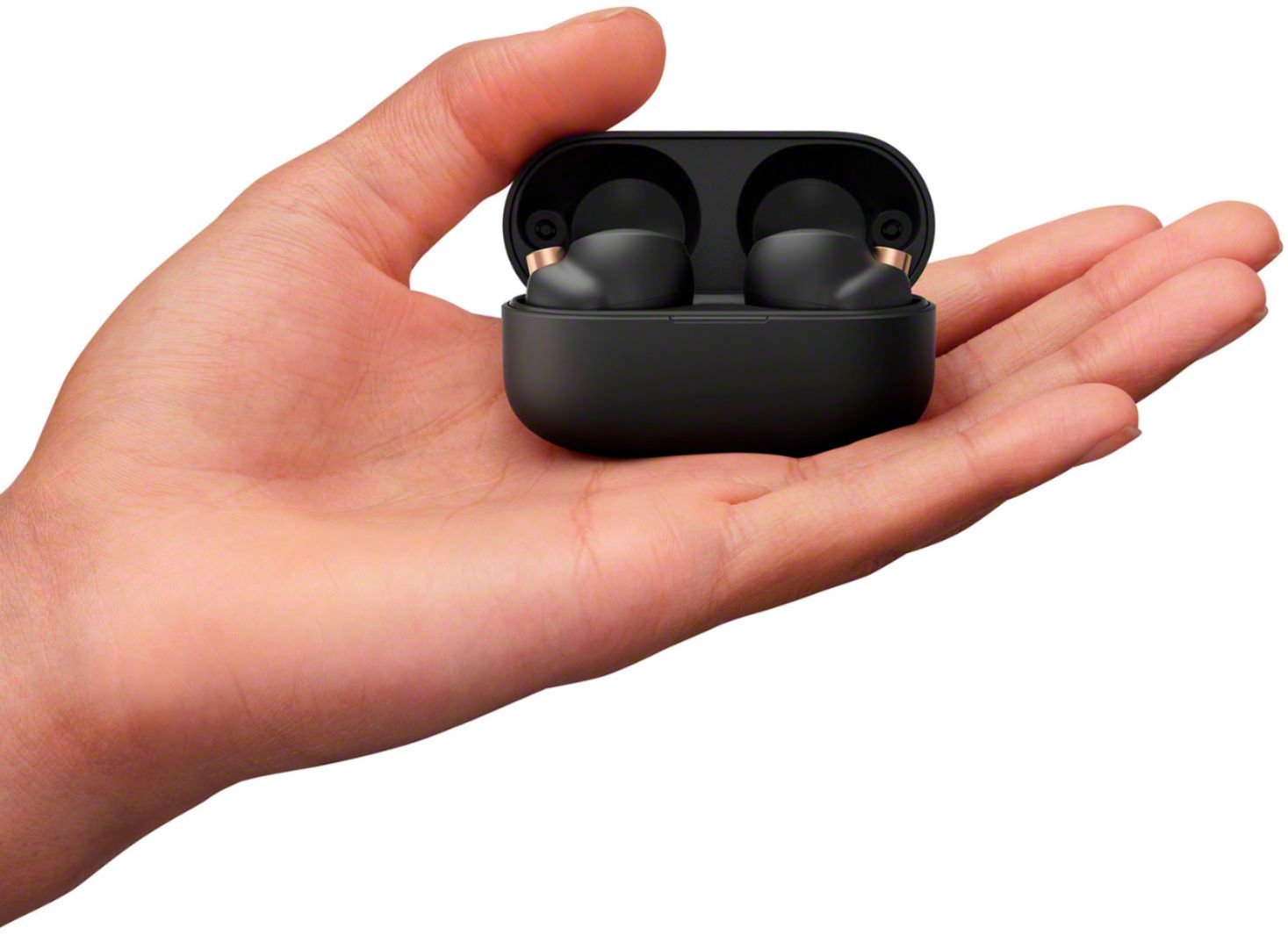
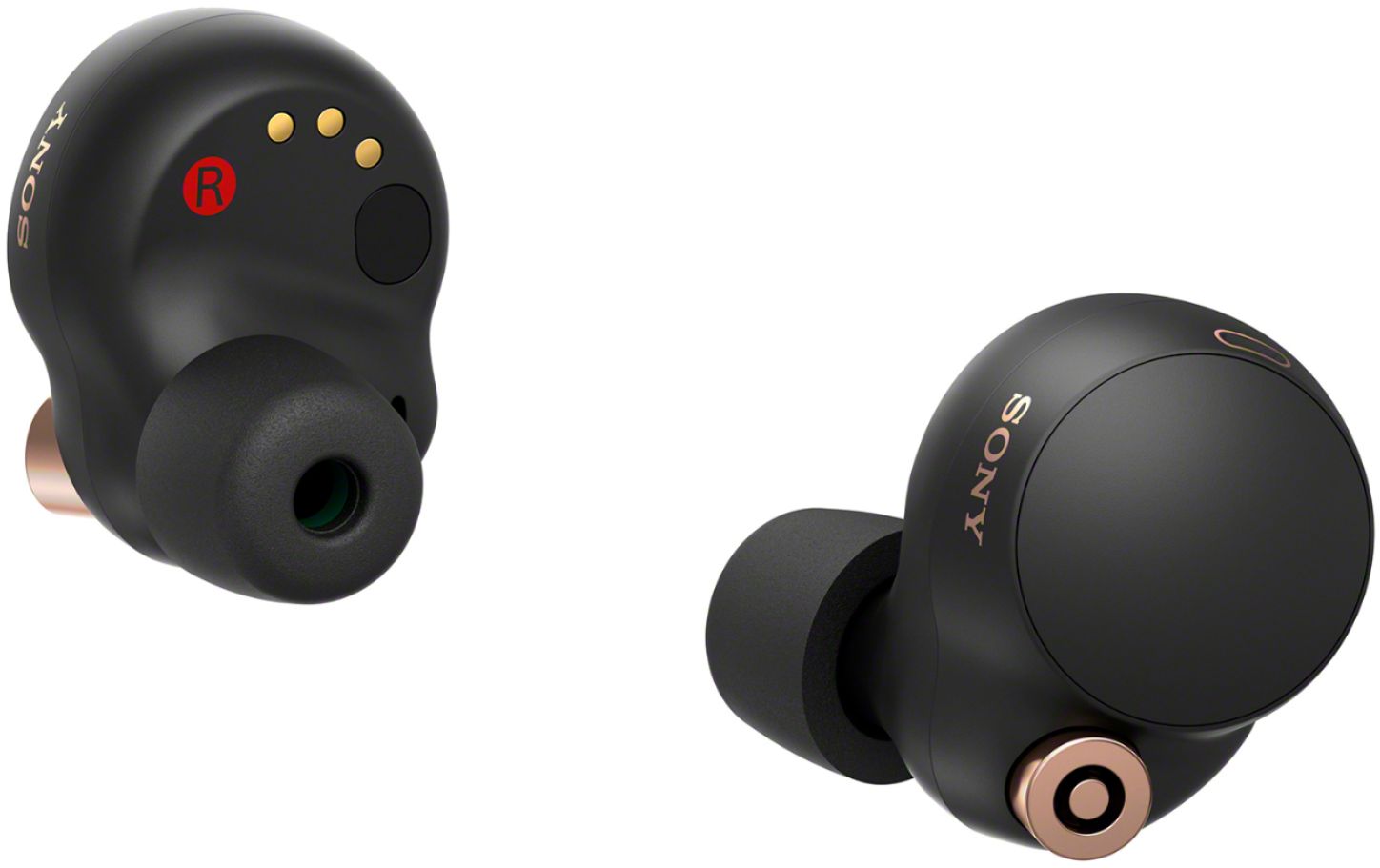
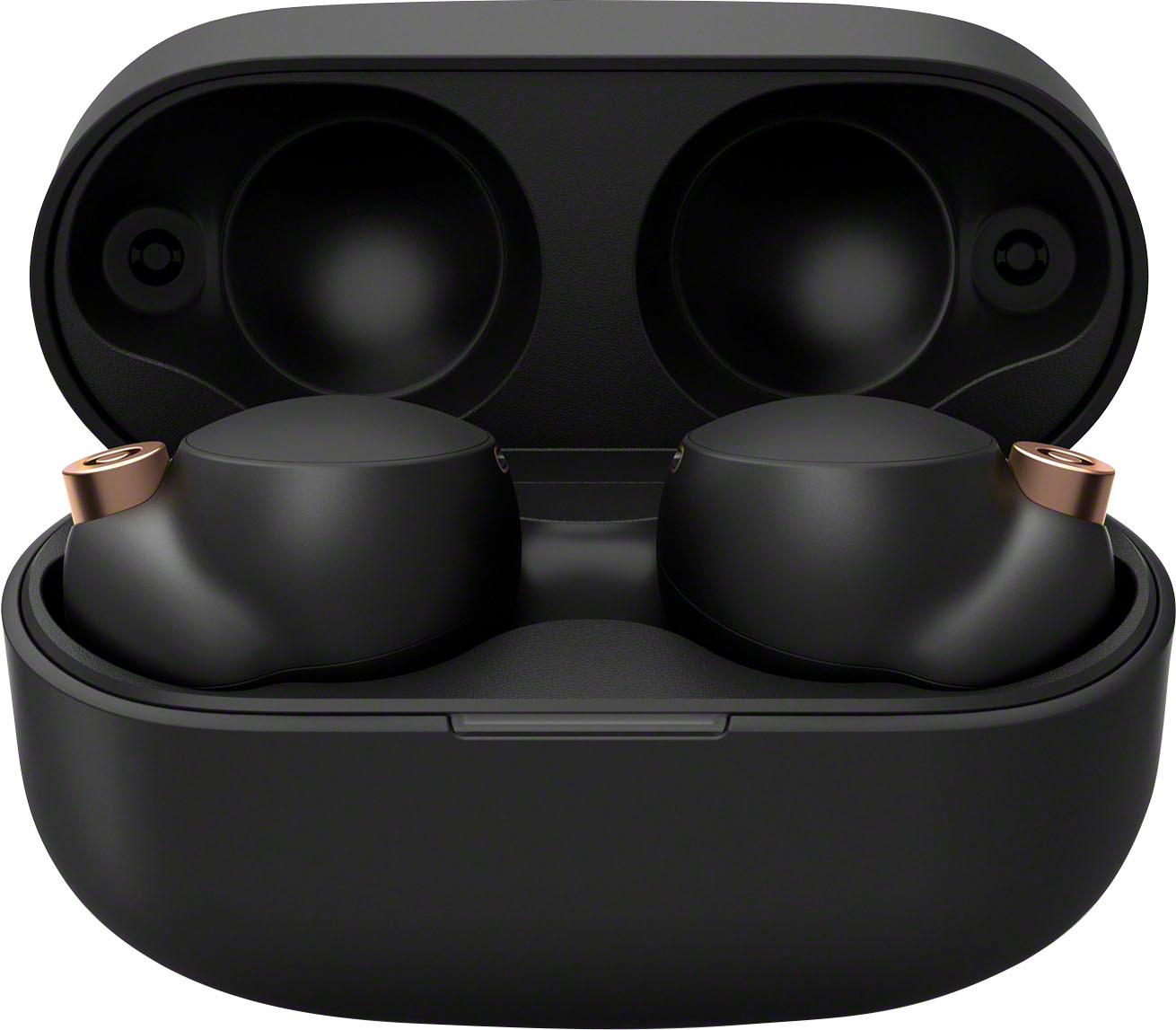
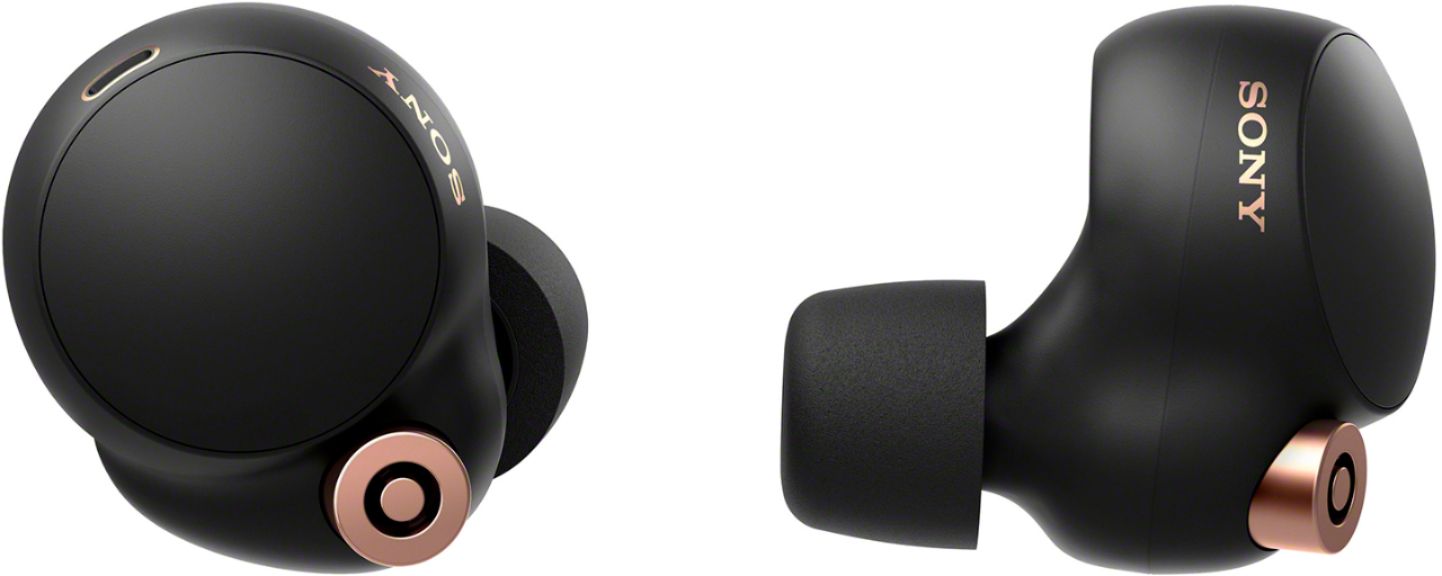
We are sorry, but the use of third-party accessories to these headphones is not recommended and not guaranteed to work. However, the WF-1000XM4 industry-leading noise cancelation True Wireless headphones feature a new ergonomic surface design for a more stable fit.
For optimum performance, we recommend using only the supplied earbud tips of the headphones. It comes in 3 sizes: S (orange), M (green) L (light blue).
Note:
• If you feel earbud tips are difficult to put into your ears, change the size of earbud tips or squeeze earbud tips lightly before wearing the headset.
• Change the earbud tips to ones that fit more snugly in your ears. When changing the earbud tips, try the earbud tip sizes in order from the larger ones to the smaller ones. The size of the left and right earbud tips may be different.
• The “Sony | Headphones Connect” app will help you to determine which earbud tips are most suitable for you to achieve the optimal noise cancelation effect.
For more details, check out the following links:
https://helpguide.sony.net/mdr/wf1000xm4/v1/en/contents/TP1000237901.html?search=Fit
https://helpguide.sony.net/mdr/wf1000xm4/v1/en/contents/TP1000241097.html
I hope this helps!
- Romeo