Questions & Answers
- Model:
- WHCH520/B
- |
- SKU:
- 10736432
Q: QuestionWhat is the maximum range/distance between device and headset ie how many feet before Bluetooth disconnects?
Asked by Lissa.
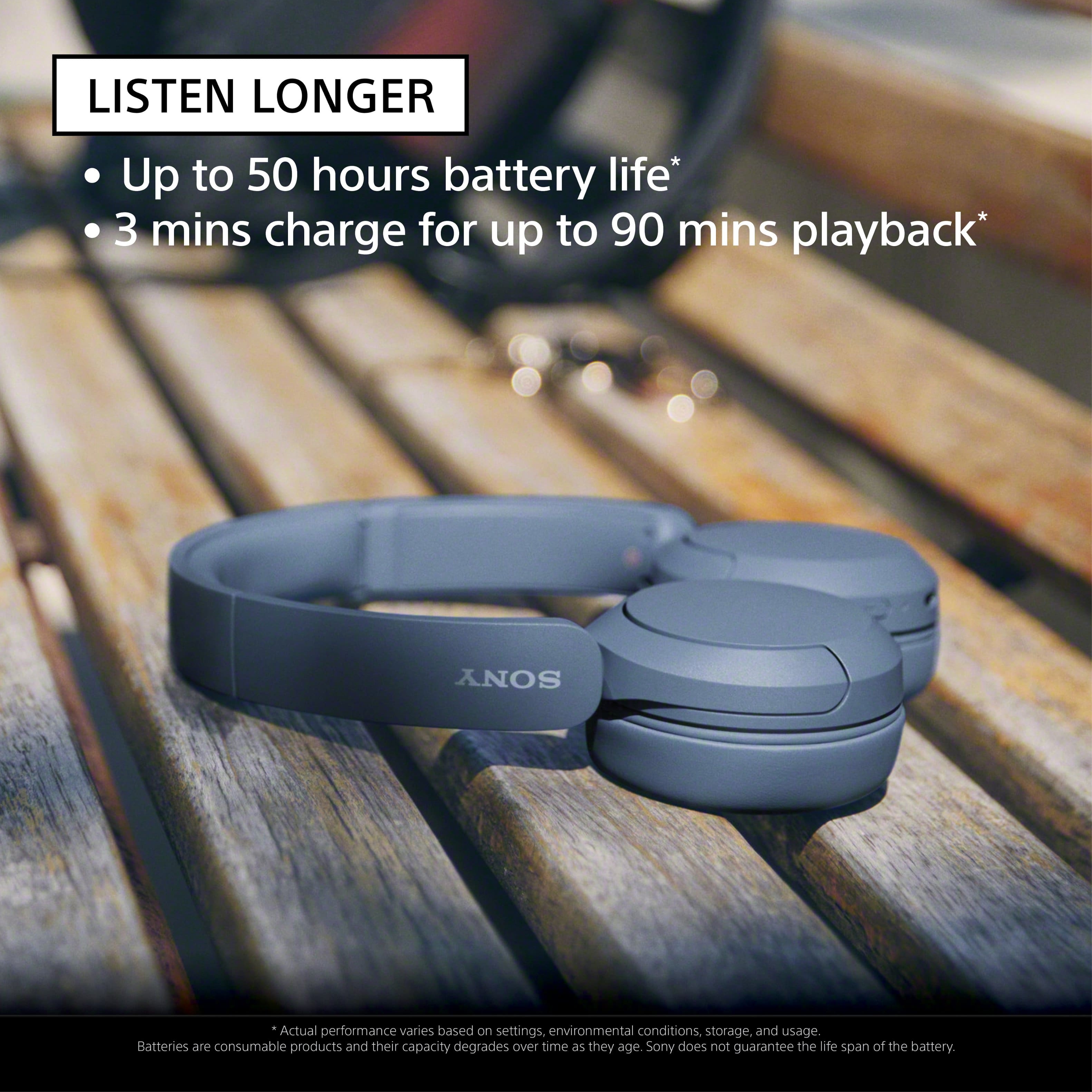
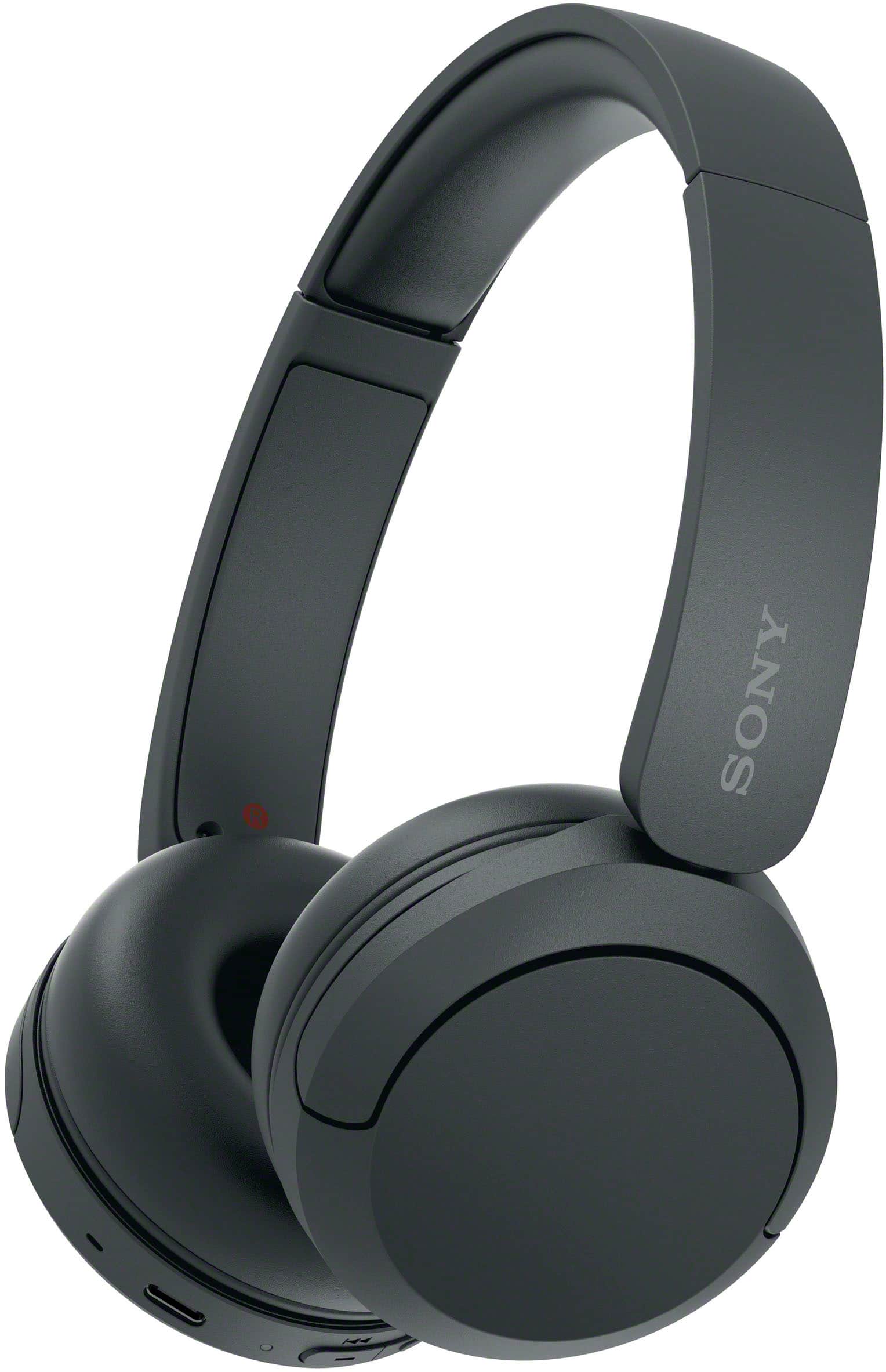
- A:Answer Hi Lissa, Thank you very much for your question! The WH-CH520 wireless headphones have a Bluetooth specification version 5.2 with an effective range of up to 32.81 ft. However, maximum communication range will vary depending on obstacles (person, metal, wall, etc.) or electromagnetic environment. With the WH-CH520 headphones, you will enjoy high sound quality all day long. With up to 50 hours of battery life, stable connectivity, and enhanced call performance, meet the demands of your day. I hope this helps you, and thanks again for your inquiry! - Romeo
Answered by SonyListens

Q: QuestionCan these headphones listen to a non-wireless source with an appropriate adapter cable (USB-C to 3.5 mm)?
Asked by Dave.
- A:Answer Hi Dave, Thank you very much for your inquiry. The WH-CH520 is a Bluetooth only headphones. We are sorry, but the use of any third-party accessories to these headphones is not recommended and not guaranteed to work. If you are looking for a headset that has an aux or 3.5mm headphone port for wired connection, then we recommend the following models: • WH-CH710N Wireless Noise Canceling Headphones • WH-CH720N Wireless Noise Canceling Headphones • WH-XB910N Wireless Noise Canceling EXTRA BASS™ Headphones • WH-1000XM4 Wireless Premium Noise Canceling Headphones • WH-1000XM5 Wireless Industry Leading Noise Canceling Headphones To learn more about the specifications & features of each model, visit Sony support website. I hope this helps! Best regards, Romeo
Answered by SonyListens

Q: QuestionDo these have a built-in microphone? We need bluetooth headphones for an iPad with a mic.
Asked by MassCustomer.
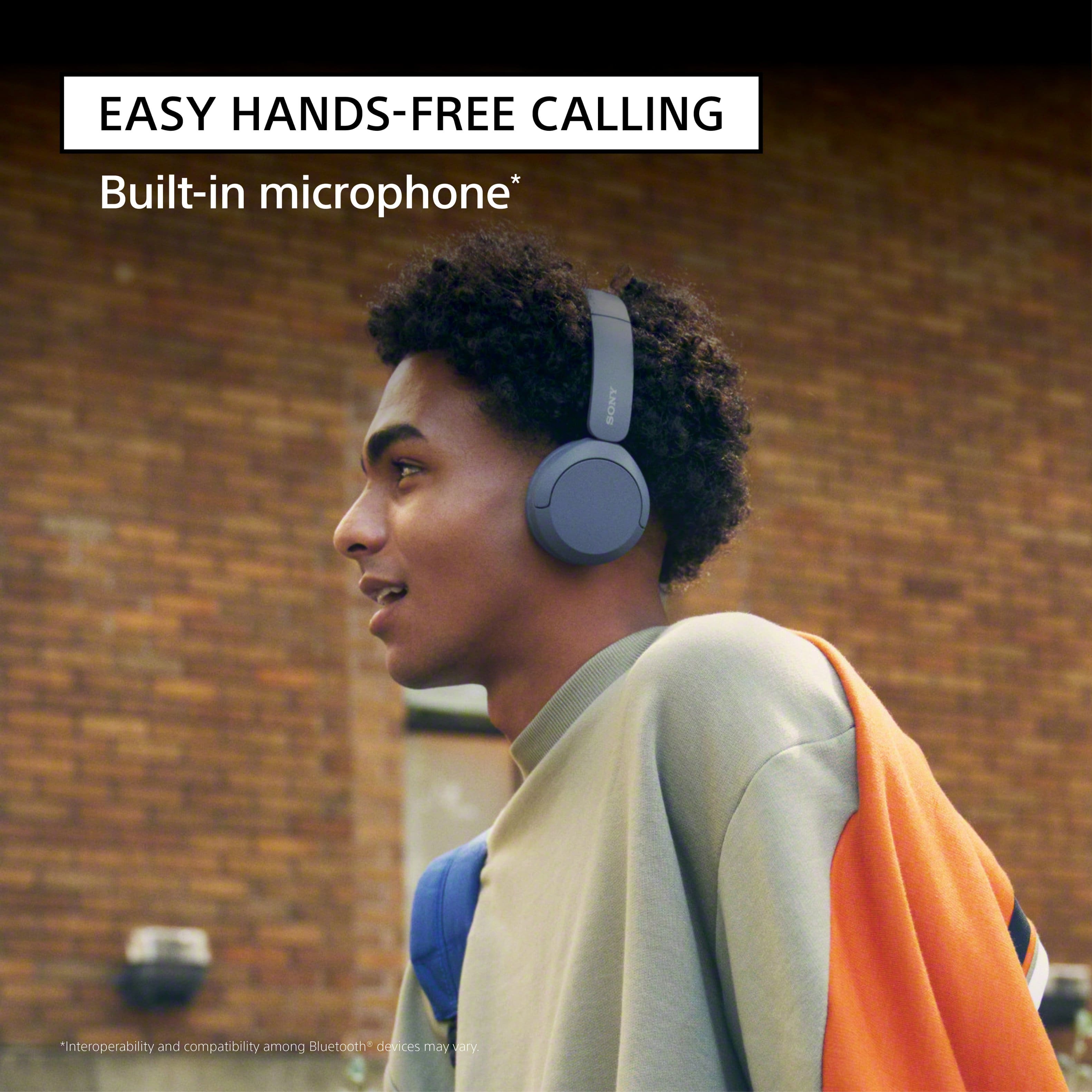
- A:Answer Hi MassCustomer, Thank you very much for your question! Absolutely, yes. The WH-CH520 Wireless Headphones have a built-in microphone (located on the right unit). These headphones should work with your iPad, provided that it supports the following Bluetooth profile: • A2DP • AVRCP • HFP • HSP You may check with your device manufacturers' information to confirm the compatibility. With the WH-CH520 headphones, you will enjoy high sound quality all day long. With up to 50 hours of battery life, stable connectivity, and enhanced call performance, meet the demands of your day. I hope this helps! Best regards, Romeo
Answered by SonyListens

Q: QuestionHow do you turn the headphones on and off
Asked by Bob.
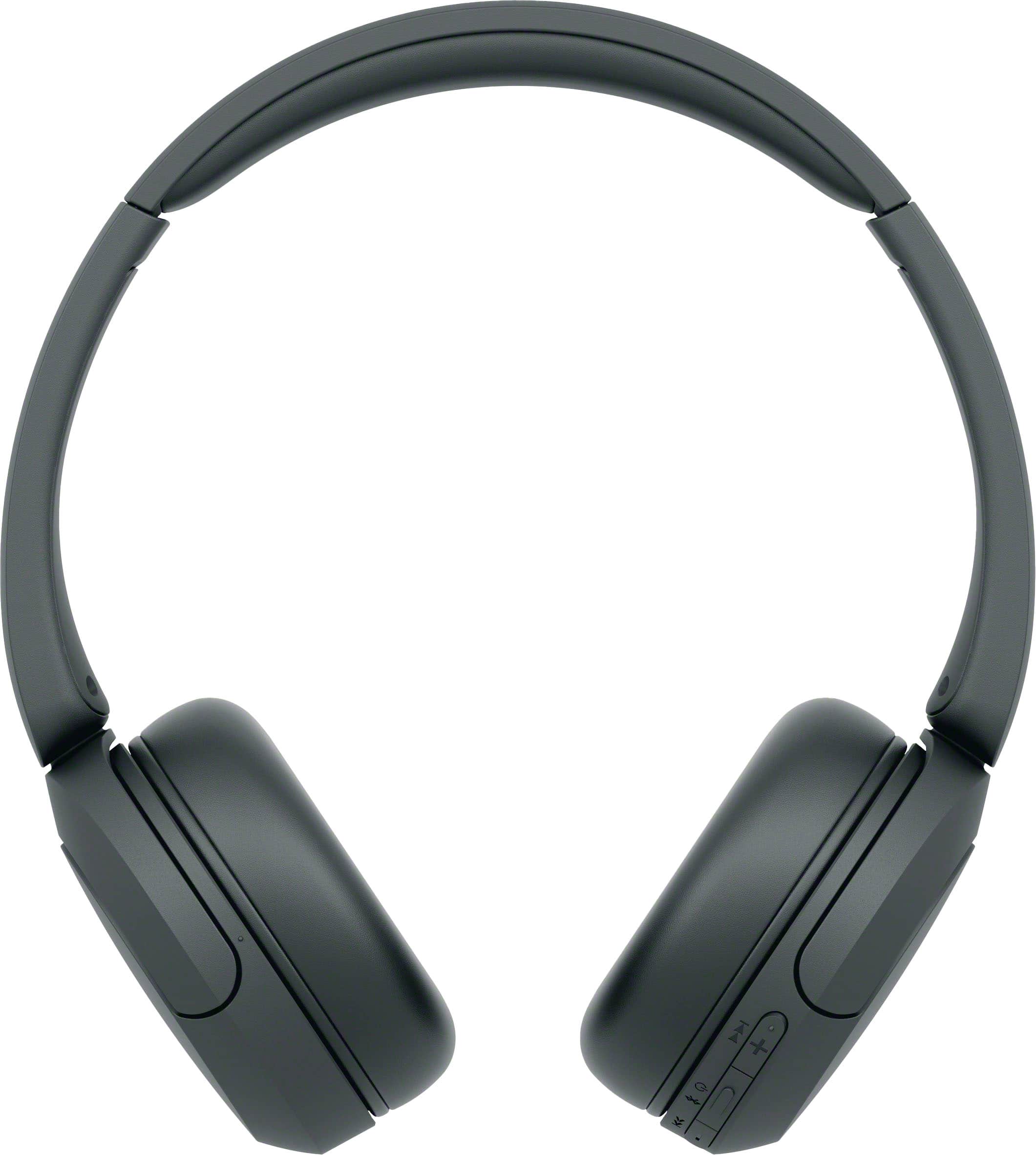
- A:Answer Hi Bob, Thank you for asking! Turning the Sony WH-CH520 headphones on and off is simple, as both actions use the same dedicated (power) button. To Turn the Headphones On: Press and hold the (power) button for approximately 2 seconds or more. The indicator light (blue) will flash, confirming the headphones are active. To Turn the Headphones Off: Press and hold the (power) button for approximately 2 seconds or more. The indicator light will flash briefly before turning off completely, indicating the headphones are powered down. We hope you find this information helpful, and thanks for considering Sony products! Regards, Dominick
Answered by SonyListens
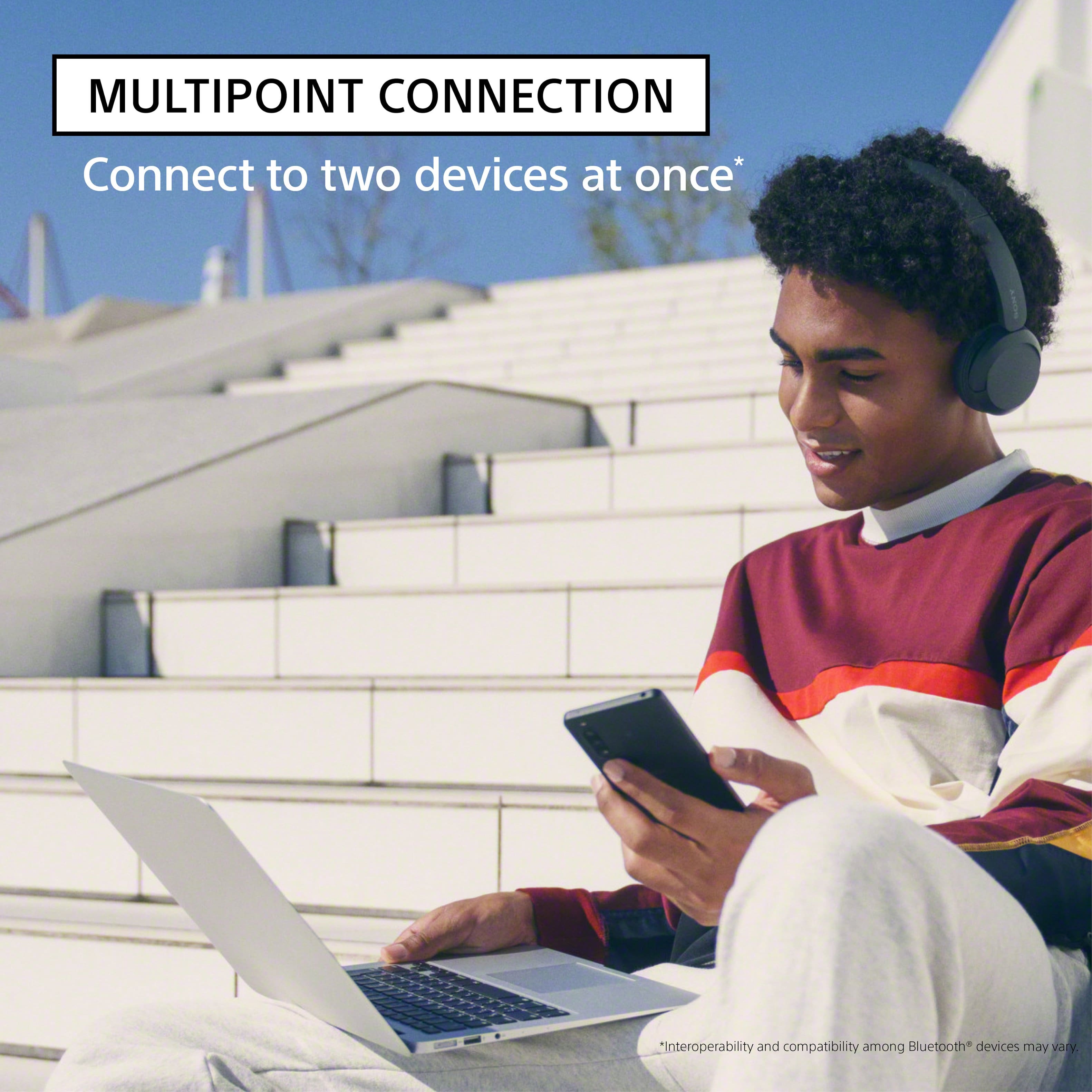
Q: QuestionI noticed that in the features section it says easily connects to your PC Windows 10? I have Windows 11, will it connect to it? Also can it easily connect to my TV just for ordinary program listening without all the phone apps for music, etc ?
Asked by Ampman.
- A:Answer Hi Ampman! Thanks for reaching out. That's a great question and we're happy to help. Yes, the WH-CH520 headphones are compatible with Windows 11. While the feature section might specifically mention Windows 10, rest assured that they will connect just as easily to your Windows 11 PC. The connection process is the same, just go through your Bluetooth settings to pair them up. For detailed information about this topic, please check this link: https://helpguide.sony.net/mdr/2958/v1/en/contents/TP1000940509.html As for your TV, you can absolutely connect your headphones to your television for regular program listening without any phone apps. The key is to make sure your TV supports the right Bluetooth profile. Your TV needs to have the A2DP (Advanced Audio Distribution Profile). Most modern smart TVs have this, but you may need to check your TV's manual or its specifications online to be sure. If your TV does support A2DP, the connection process will be straightforward: just put your headphones in pairing mode and then find them in your TV's Bluetooth settings to connect. We sincerely hope this information is helpful to you. Thanks for considering Sony products! Best regards, Estefany
Answered by SonyListens
Q: QuestionDo these headphones leak noise?
Asked by Schmemmers.
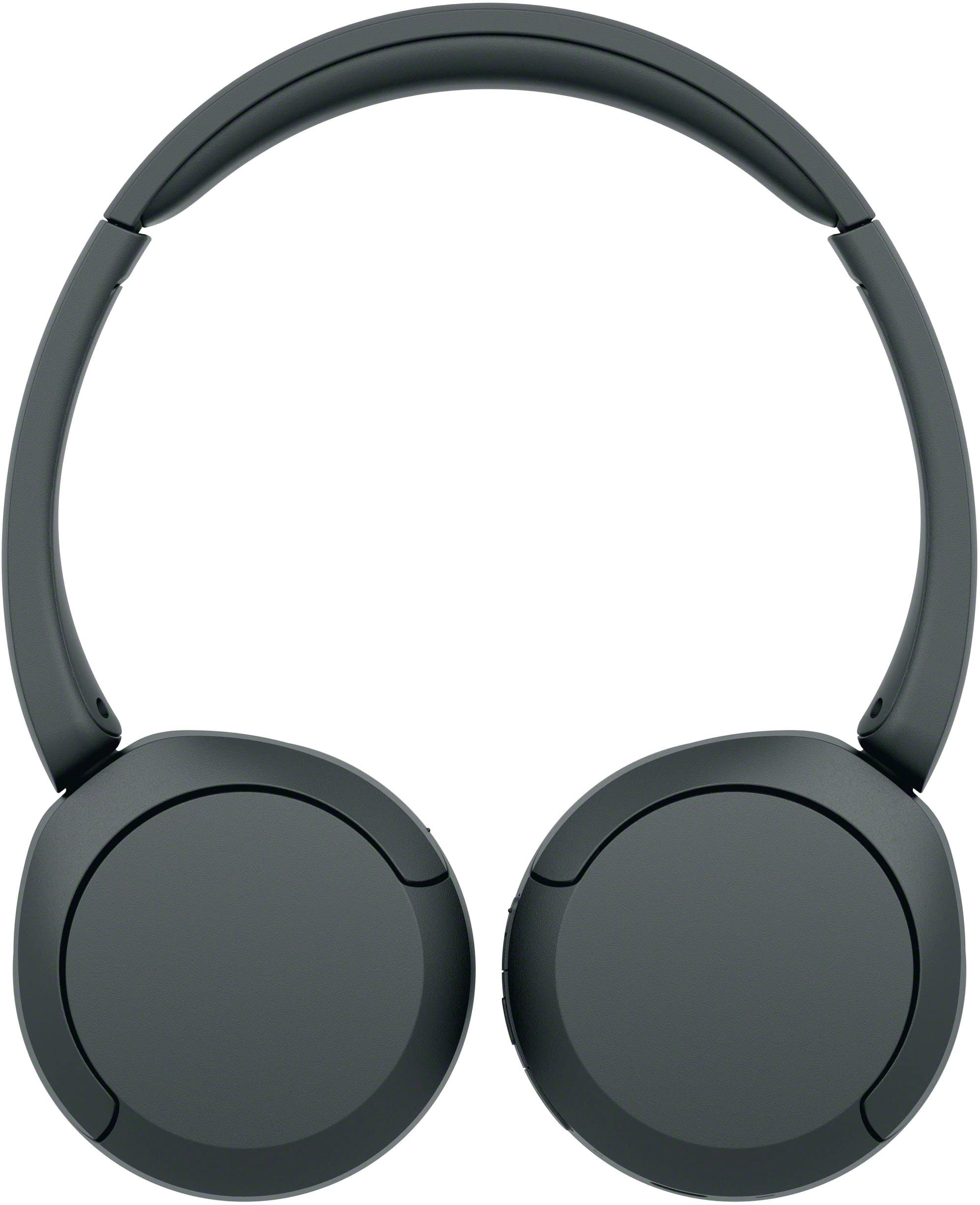
- A:Answer Hi Schmemmers! Thank you for asking about the WH-CH520 headphones and sound leakage. The WH-CH520 is an on-ear headphone model. Due to their design, on-ear headphones, in general, tend to have some degree of sound leakage, especially at higher volumes. They don't create a complete seal around your ear like over-ear headphones do, so some sound can escape. However, we've designed them with comfortable ear pads and an adjustable headband to help achieve the best possible fit and minimize leakage! Thanks for considering Sony products! Best regards, Estefany
Answered by SonyListens
Q: QuestionCan I use these on a plane to watch a movie on the plane entertainment system ?
Asked by Becky.
- A:Answer Hi Becky, This will depend on the airlines and in-flight entertainment system that they are using. If the airlines allow using Bluetooth headphones, then you can use the WH-CH520 Wireless Headphones. Please note that this headset doesn't offer an aux or 3.5mm headphone port for wired connection. If the in-flight entertainment system only supports 3.5mm jack (wired connection), then we recommend the following models as a compatible option: • WH-CH710N Wireless Noise Canceling Headphones • WH-CH720N Wireless Noise Canceling Headphones • WH-XB910N Wireless Noise Canceling EXTRA BASS™ Headphones • WH-1000XM4 Wireless Premium Noise Canceling Headphones • WH-1000XM5 Wireless Industry Leading Noise Canceling Headphones I hope you find this information to be helpful! Best regards, Romeo
Answered by SonyListens

Q: QuestionAre these headphones compatible with a macbook air?
Asked by Lizz.
- A:Answer Hi Lizz, Thank you very much for your question! The WH-CH520 is compatible with Apple products that support Bluetooth A2DP (Advanced Audio Distribution Profile) for wireless music playback. To confirm the compatibility with your MacBook Air, we recommend contacting Apple support. With the WH-CH520 headphones, you will enjoy high sound quality all day long. With up to 50 hours of battery life, stable connectivity, and enhanced call performance, meet the demands of your day. I hope this helps you, and thank you for considering Sony! Romeo
Answered by SonyListens

Q: QuestionDo these headphones have a mute button?
Asked by Rush.
- A:Answer Hi Rush, Thank you for your inquiry. The WHCH520 doesn't have a mute button. You will need to use the mute function of the connected audio device to mute the microphone. To learn more about the parts and controls of these headphones, please visit its Help Guide (can be found in Sony's support website) and search for "Location and function of parts." With the WH-CH520 headphones, you will enjoy high sound quality all day long. With up to 50 hours of battery life, stable connectivity, and enhanced call performance, meet the demands of your day. Thank you very much for your purchase and for choosing Sony! - Romeo
Answered by SonyListens

Q: QuestionDO THEY HAVE NOISE CANCELLING
Asked by DAN.
- A:Answer Hi DAN, Thank you for your question. The WHCH520 offers high sound quality with up to 50 hours of battery life. Unfortunately, it doesn’t offer noise cancelation. If you are looking for a headset that can give you the best noise canceling experience, then we recommend the following models: • WH-CH710N Wireless Noise Canceling Headphones • WH-XB910N Wireless Noise Canceling EXTRA BASS™ Headphones • WH-1000XM4 Wireless Premium Noise Canceling Headphones • WH-1000XM5 Wireless Industry Leading Noise Canceling Headphones To learn more about the specifications & features of each model, visit Sony support website. I hope this helps! Best regards, Romeo
Answered by SonyListens

Q: QuestionWhen using these headphones and my phone rings ,Should I hear it through these ? I don't get any ring of my phone ?
Asked by Patty.
- A:Answer Hi Patty, Thank you very much for your question! When an incoming call arrives, a ring tone will be heard from the headset, and the indicator (blue) flashes quickly. You will hear either of following ring tones, depending on your smartphone or mobile phone. • Ring tone set on the headset • Ring tone set on the smartphone or mobile phone • Ring tone only for a Bluetooth connection set on the smartphone or mobile phone If no ring tone is heard via the headset, then the headset may not be connected with the smartphone or mobile phone over HFP (Hands-free Profile) or HSP (Headset Profile) Bluetooth profile. Check the connection status on the smartphone or mobile phone. I hope this helps. With the WH-CH520 headphones, you will enjoy high sound quality all day long. With up to 50 hours of battery life, stable connectivity, and enhanced call performance, meet the demands of your day. Thanks for considering Sony! - Romeo
Answered by SonyListens

Q: QuestionAre they comfortable if you are wearing glasses?
Asked by Anonymous.
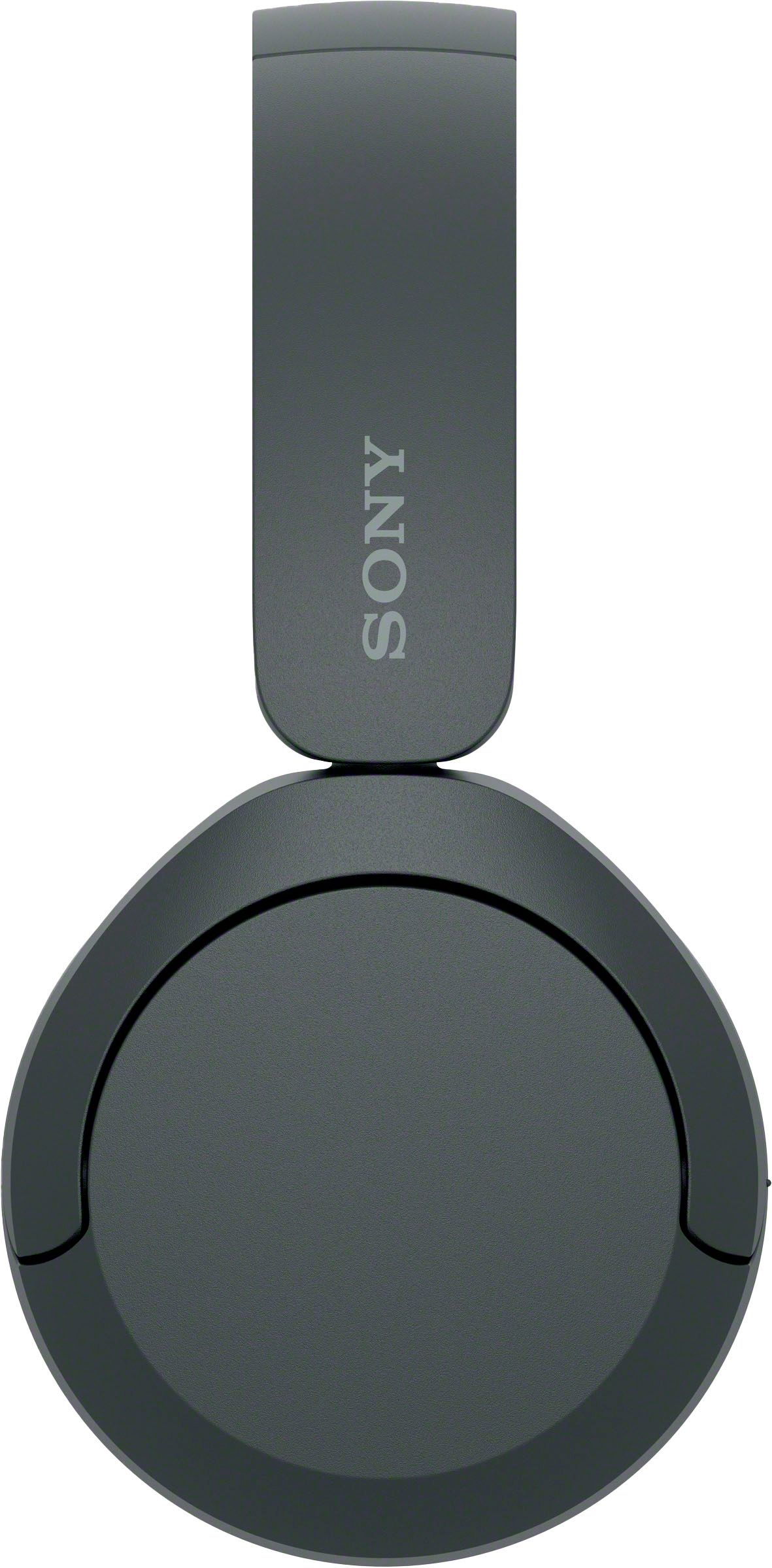
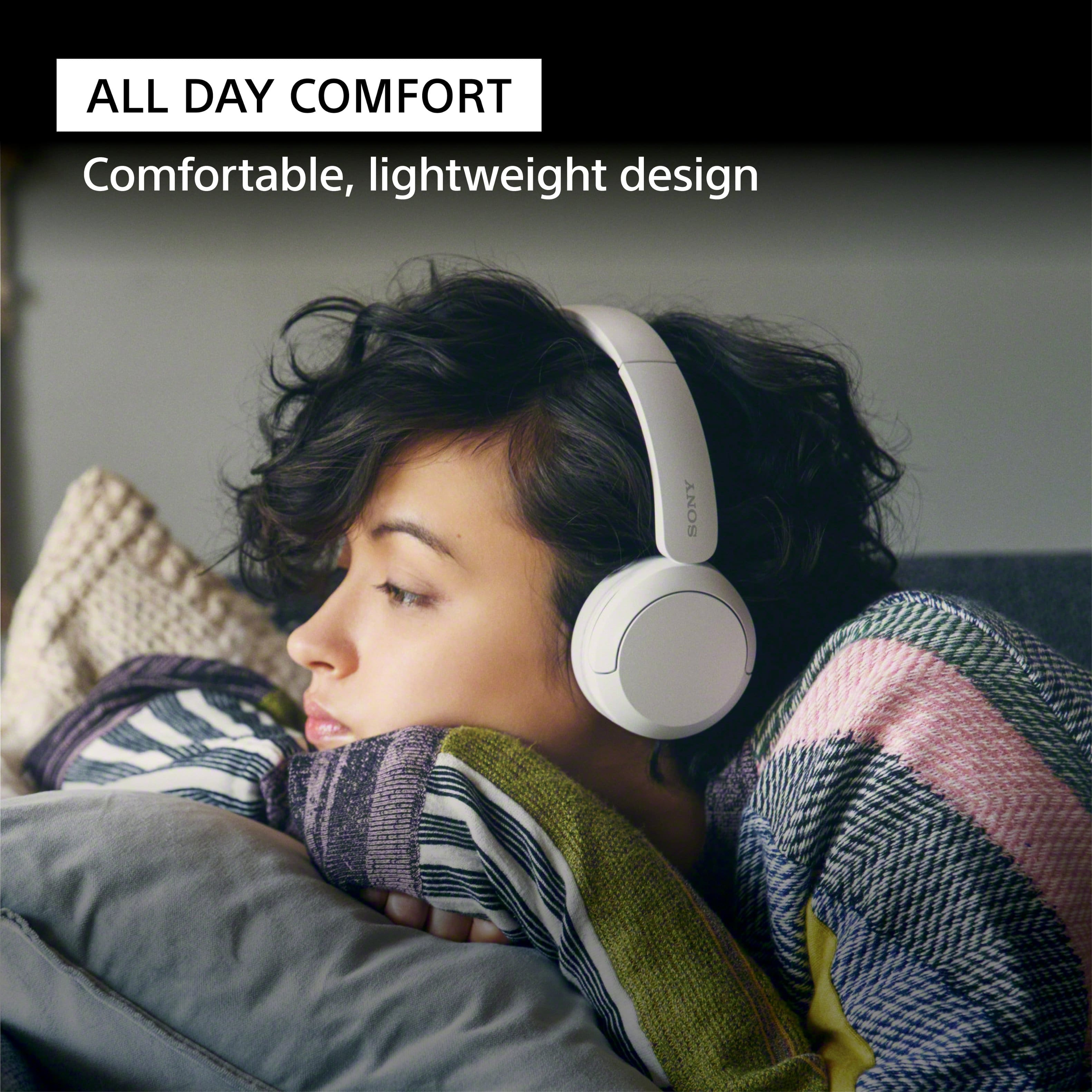
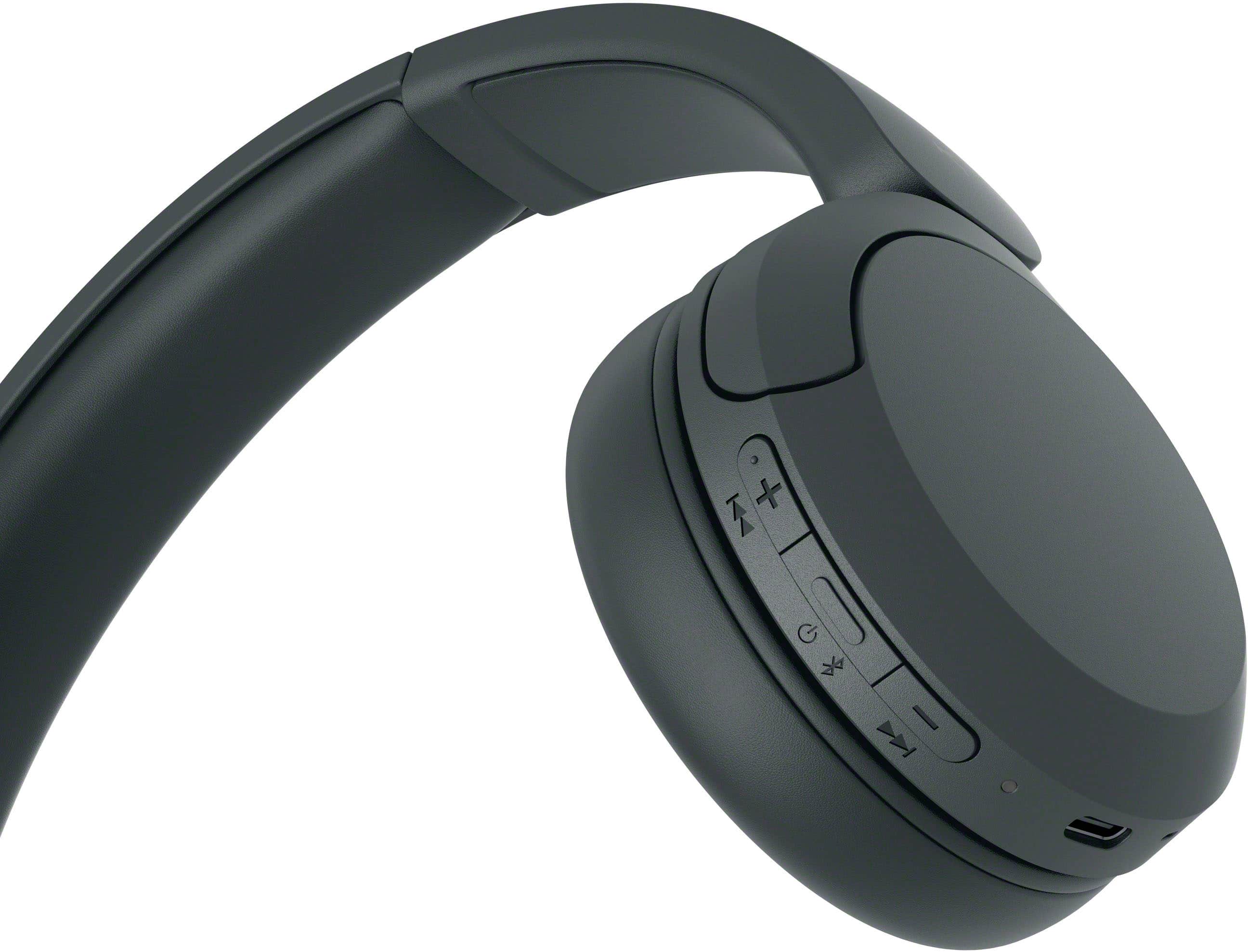
- A:Answer Hi there, Thank you very much for your question. Absolutely, yes! You'll find the WH-CH520 comfortable to use while wearing eyeglasses. This model features a slider that you can adjust for a snug, comfortable fit. For more details, check out the Help Guide. With the WH-CH520 headphones, you will enjoy high sound quality all day long. With up to 50 hours of battery life, stable connectivity, and enhanced call performance, meet the demands of your day. I hope this helps you, and thanks again for your inquiry! - Romeo
Answered by SonyListens

Q: Questiondoes this headphone set come with a battery charger?
Asked by skip.
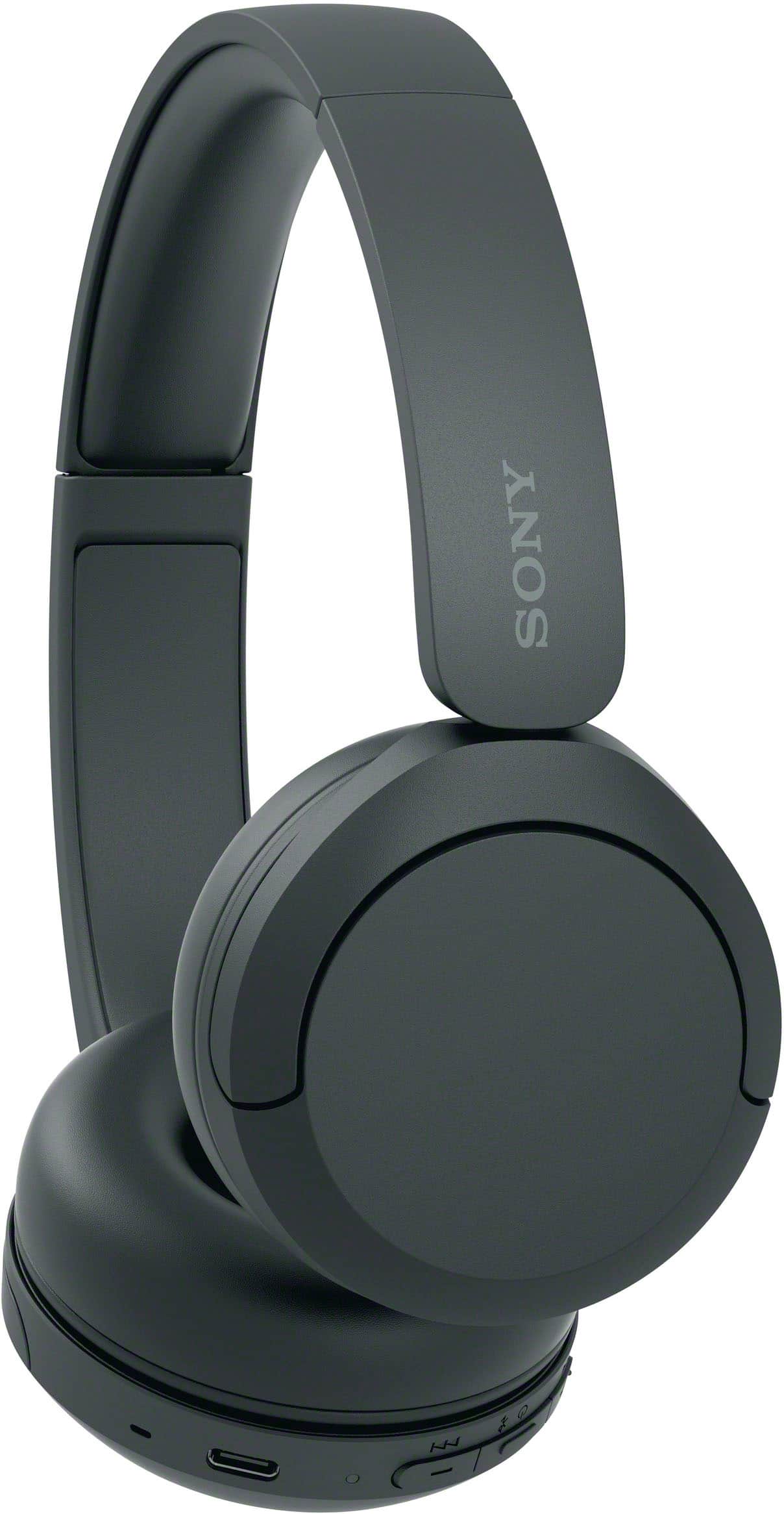
- A:Answer Hello skip! Thanks for the question! We're happy to assist you with this. The Sony WH-CH520 headphones do not come with a wall charger plug. However, they do come with a USB-C charging cable inside the box. To charge them, you can plug this cable into a computer port, or you can use a standard USB wall adapter like the one you use for your phone. If you need to buy a wall adapter, just look for a regular, commercially available USB AC adapter that has an output power of 0.5 A (500 mA) or more. For further information, kindly visit the following link: https://helpguide.sony.net/mdr/2958/v1/en/contents/TP1000776814.html We appreciate you considering Sony for your next purchase! Best regards, Estefany
Answered by SonyListens
Q: QuestionDo I need any additional equipment to use the headphones with my tv?
Asked by Anonymous.
- A:Answer Hello there, Thank you for considering Sony products! We appreciate your inquiry about using the WHCH520 headphones with your TV and are happy to assist you. The WHCH520 headphones can connect directly to any Bluetooth-enabled TV that supports the A2DP (Advanced Audio Distribution Profile) protocol, allowing you to enjoy wireless audio without additional equipment. To ensure compatibility, please check your TV’s specifications for this feature. If your TV does not support Bluetooth audio streaming, a Bluetooth transmitter can be used to connect the headphones seamlessly. For step-by-step pairing instructions, please visit: https://helpguide.sony.net/mdr/2958/v1/en/contents/TP1000776852.html Best regards, -Fred
Answered by SonyListens
Q: QuestionIs there an on/off button on headsets? I see a button on transmitter with the Bluetooth button. Should we turn that off so headsets don't drain battery or is there a button on headsets to shut off and disconnect from Bluetooth after use? Thank you
Asked by DLHELP.
This question was asked about the related product: Sony - WH-CH520 Wireless Headphone with Microphone - Black
- A:Answer Hi DLHELP, Thank you for your question! There is a dedicated power button directly on the Sony WH-CH520 headset so you can turn it off and preserve the battery life when it is not in use. The power button is located on the right earcup, positioned right between the volume up (+) and volume down (-) buttons. To turn off the headset, simply press and hold this button for about 2 seconds (or until you see the blue indicator light turn off). This will safely power down the device and disconnect it from your Bluetooth connection. For step-by-step visual instructions and more details, you can visit the official Sony Help Guide here: https://helpguide.sony.net/mdr/2958/v1/en/contents/TP1000776837.html Thank you for choosing Sony! Best regards, Dominick
Answered by SonyListens
Q: QuestionAre they compatible with iPhone?
Asked by Anonymous.
- A:Answer Hello there, Thank you for considering Sony products! We appreciate your inquiry about the compatibility of the WH-CH520 headphones with iPhone and are happy to assist you. Yes, the WH-CH520 headphones are fully compatible with iPhone devices. They offer easy Bluetooth pairing, comfortable design, and excellent sound quality, making them a great choice for seamless wireless listening. For step-by-step instructions on pairing and connecting with your iPhone, please visit: https://helpguide.sony.net/mdr/2958/v1/en/contents/TP1000777041.html Best regards, -Fred
Answered by SonyListens
Q: QuestionDoes it come with a charger?
Asked by Charger.
- A:Answer Hi, thank you for your question! We're happy to assist. The Sony WH-CH520 headphones come with a USB Type-C cable for charging. However, a wall charger is not included in the package. You can use any compatible USB charger or connect the cable to a USB port on your computer to charge the headphones. Check out this link for more details: https://helpguide.sony.net/mdr/2958/v1/en/contents/TP1000776814.html We appreciate you considering Sony for your next purchase! Best regards, Estefany
Answered by SonyListens
Q: QuestionIs this compatible with PS3 gaming consule
Asked by Wendy.
- A:Answer Hi Wendy! Thanks for the question, we’re happy to assist you with this! The WH-CH520 headphones are not compatible with the PlayStation 3. For a more seamless gaming experience, we recommend the Sony INZONE H3 headset. This wired headset is designed for gaming and offers full compatibility with the PS3. We hope this helps! Thanks for considering Sony products! Best regards, Estefany
Answered by SonyListens
Q: QuestionDo these headphones have a mute button
Asked by Sharon.
- A:Answer Hi Sharon, thanks for your question! We're happy to assist. The Sony WH-CH520 headphones do not have a built-in mute button. To mute the microphone during calls, you'll need to use the mute function on the device you're connected to, such as your smartphone or computer. If you'd like to learn more about this product, please visit this link: https://helpguide.sony.net/mdr/2958/v1/en/index.html Thanks for considering Sony products! Best regards, Estefany
Answered by SonyListens