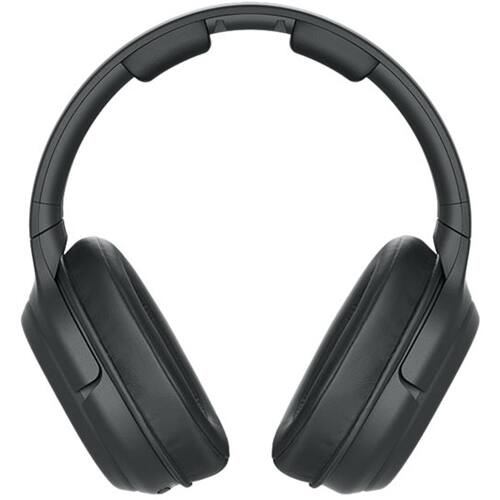
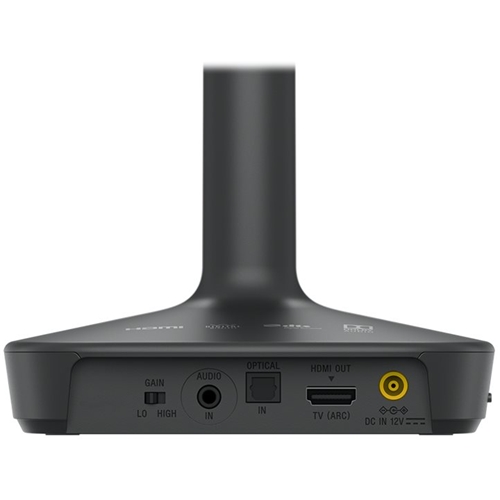
A:AnswerHi, EJS, This unit comes with an optical digital cable (optical rectangular plug × optical rectangular plug, 1.5 m). It does not come with an HDMI cable: https://helpguide.sony.net/mdr/whl600/v1/en/contents/TP0001687161.html. -Vincent
A:AnswerI experienced the same. Poured over internet and Sony TV settings, was unable to resolve using the hdmi arc. Gave up and switched to the alternate 3.5 mm audio cable option. Sound quality is great, no loss I am aware off.
A:AnswerI found I could only get them to work hooking directly into my TV, hooking into my receiver HDMI I couldn't access them due to setting on receiver.
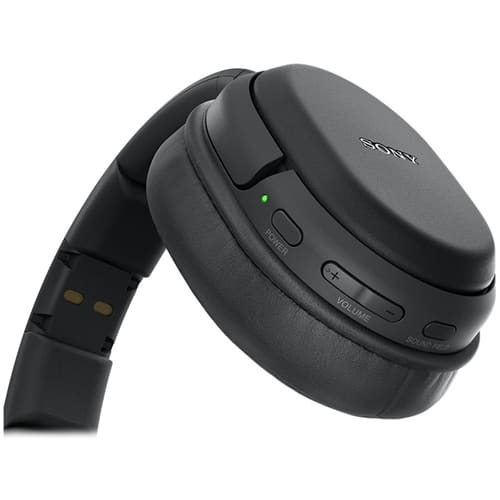
They are self powered.
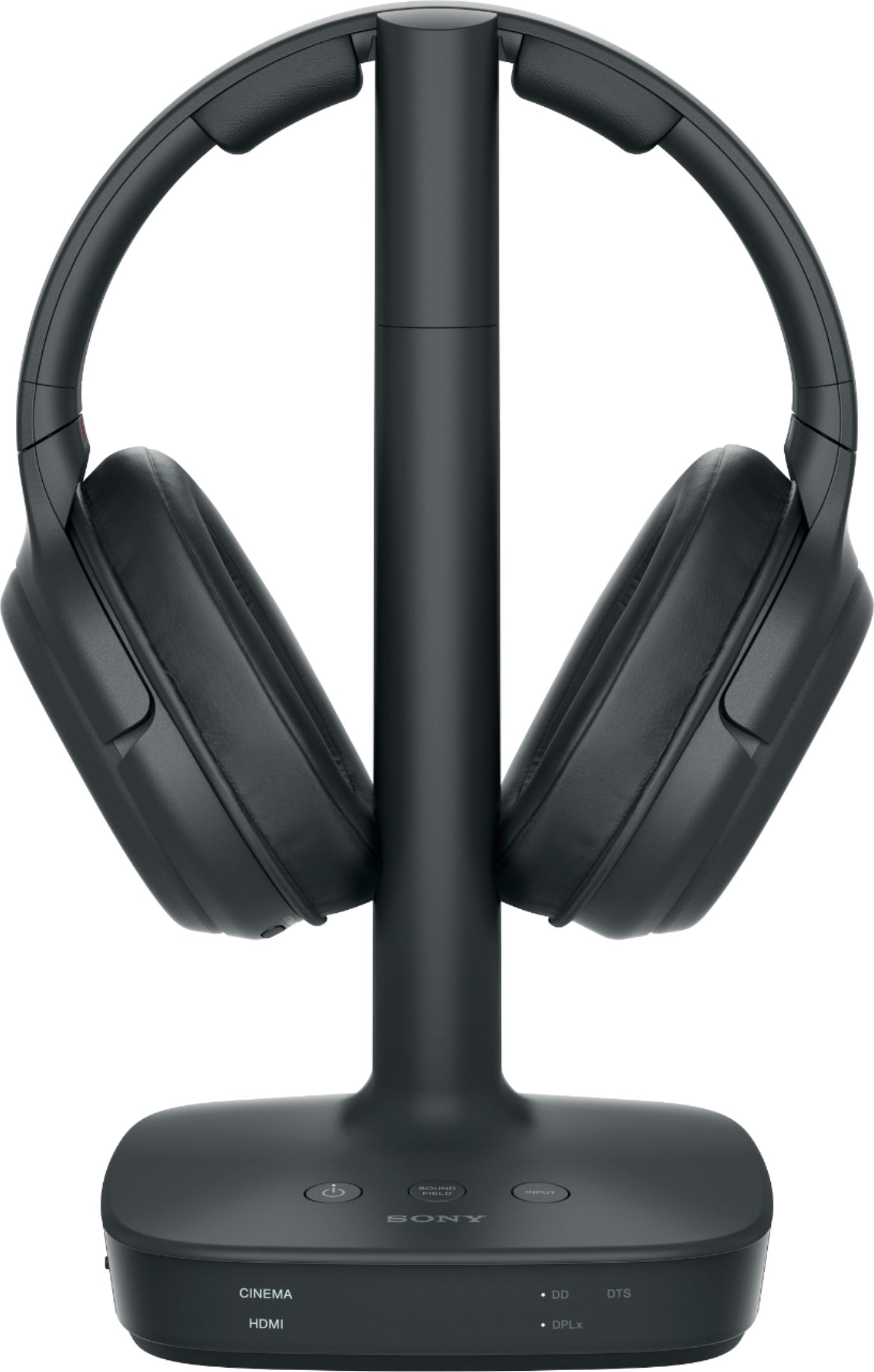
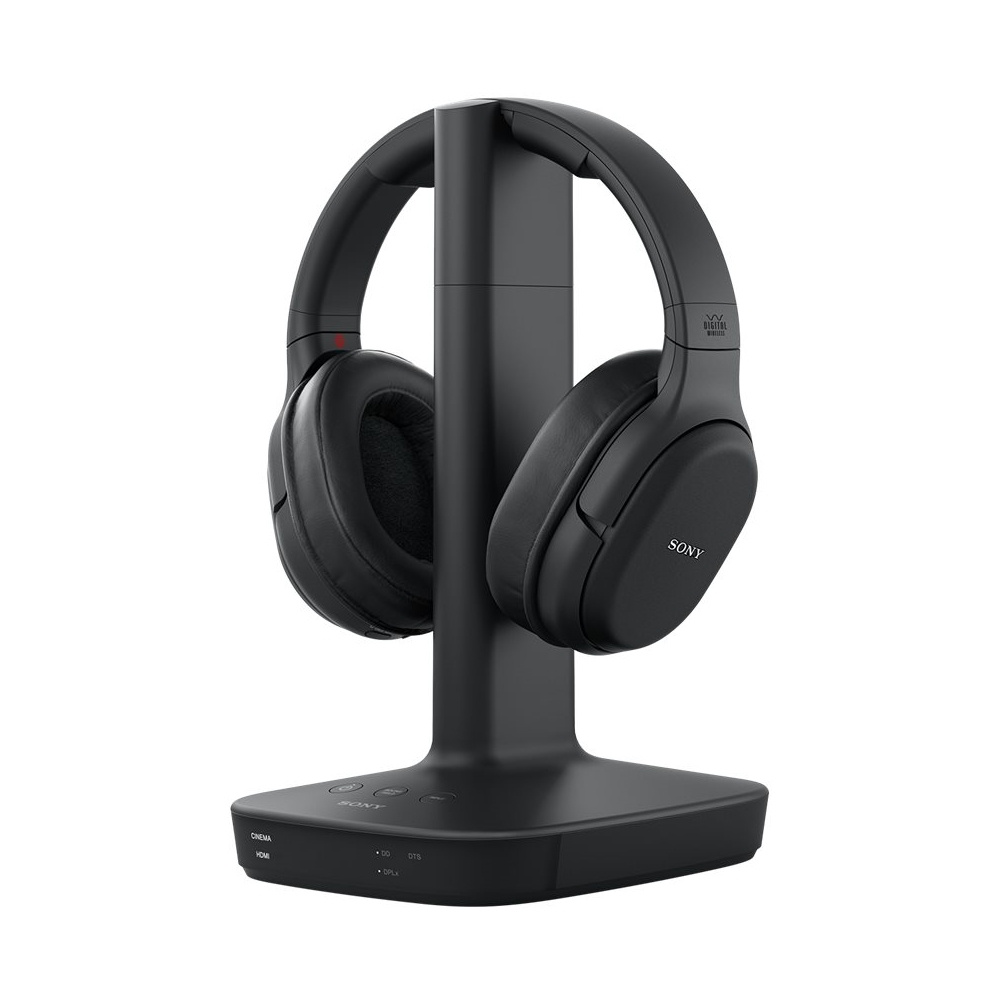
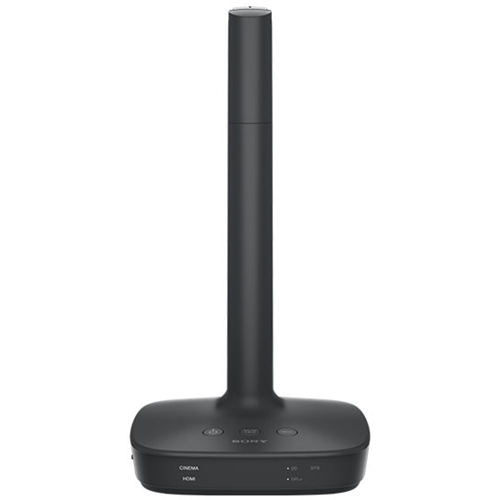
A:Answerthere is a charging tower which includes outlets & switches that allow you to use your earphones. It comes in the same package with the earphones.
A:AnswerYou may have the wrong earphones. I did. Had to go back to Best Buy to exchange for correct earphones that are made for listening to tv. I have a Sony soundbar but still needed a connection to the tv.. suggest you hire Geek squad or call them for help.
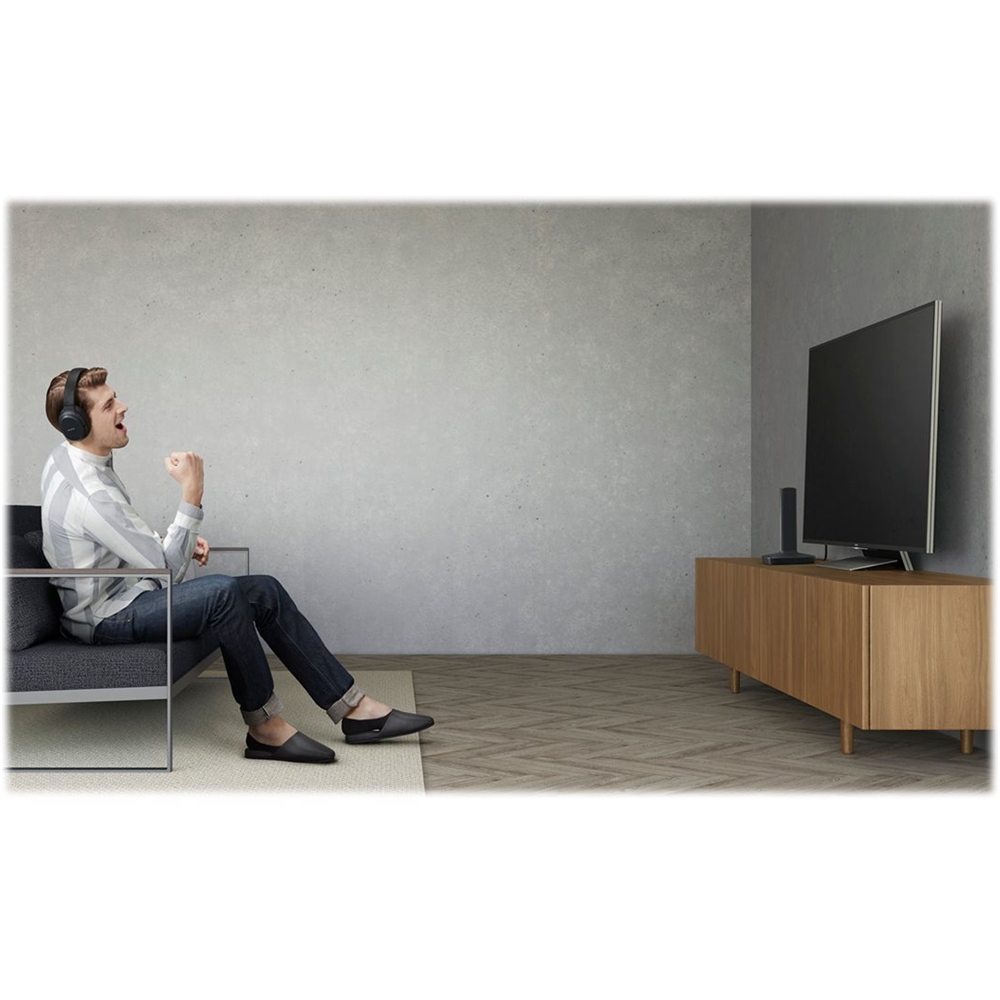
A:AnswerDepends on your TV. Yes, you can listen through the headphones and speakers for the TV or audio system as long as the headphone jack on your TV doesn’t silence the speakers when using analog audio. When using digital (optical) audio out of your TV, you may need to install an optical splitter to feed the headphones and your speaker system.
A:AnswerHello, Sarapoep!
The audio output on some TVs disables the TV speakers after you connect your headphones. However, you can adjust the setting on your TV to hear sound from both.
Happy to help,
David