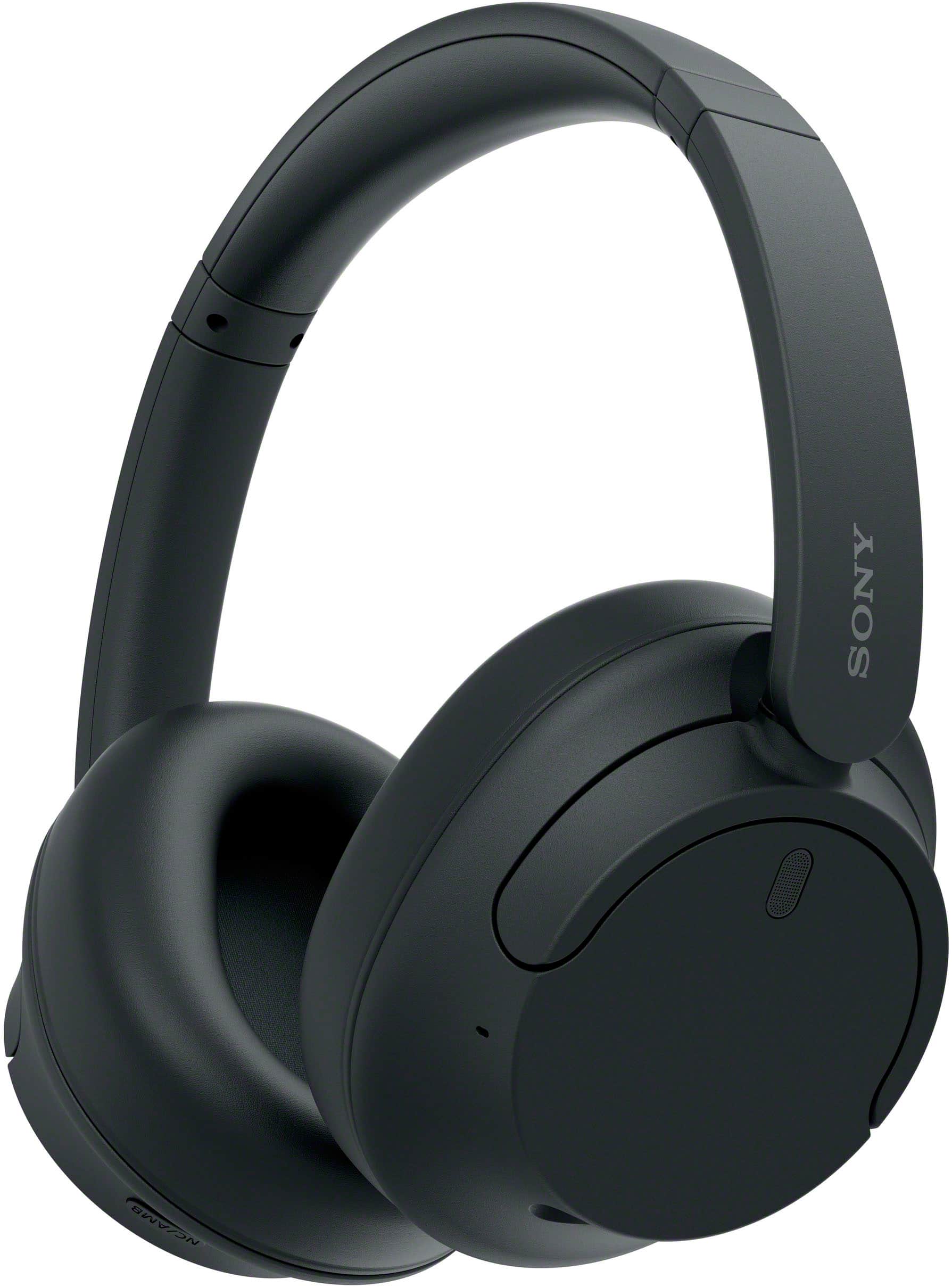
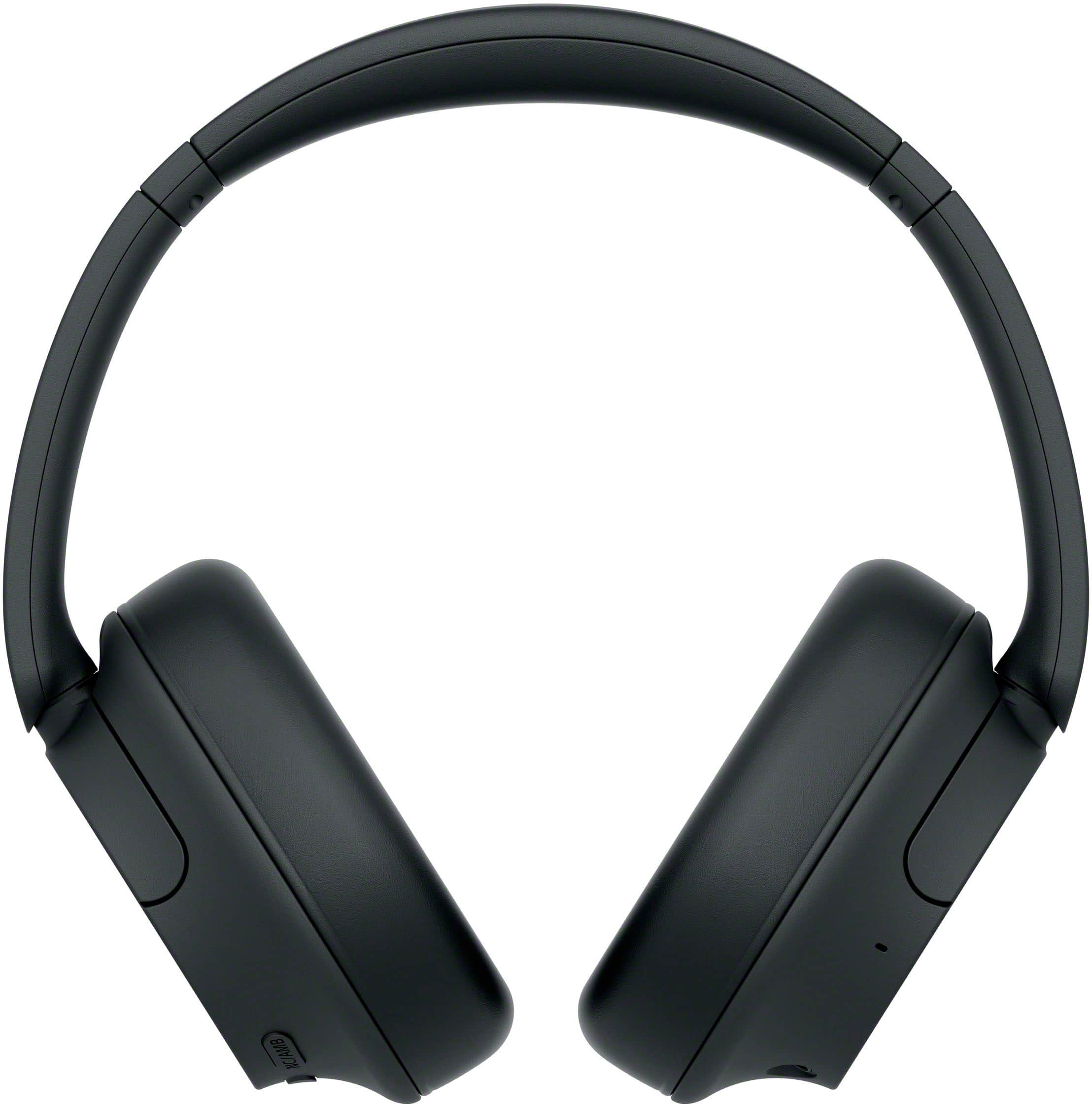
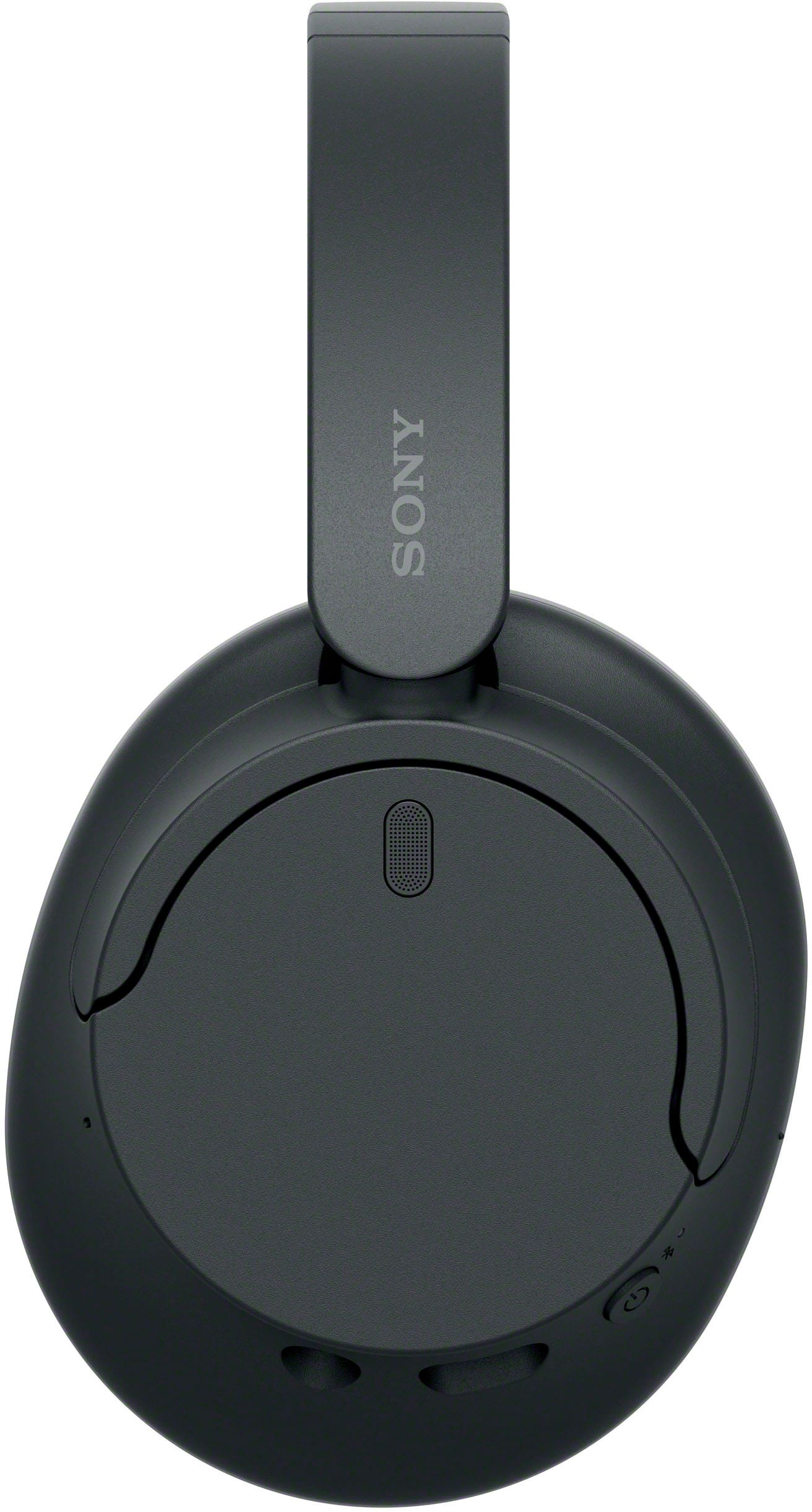
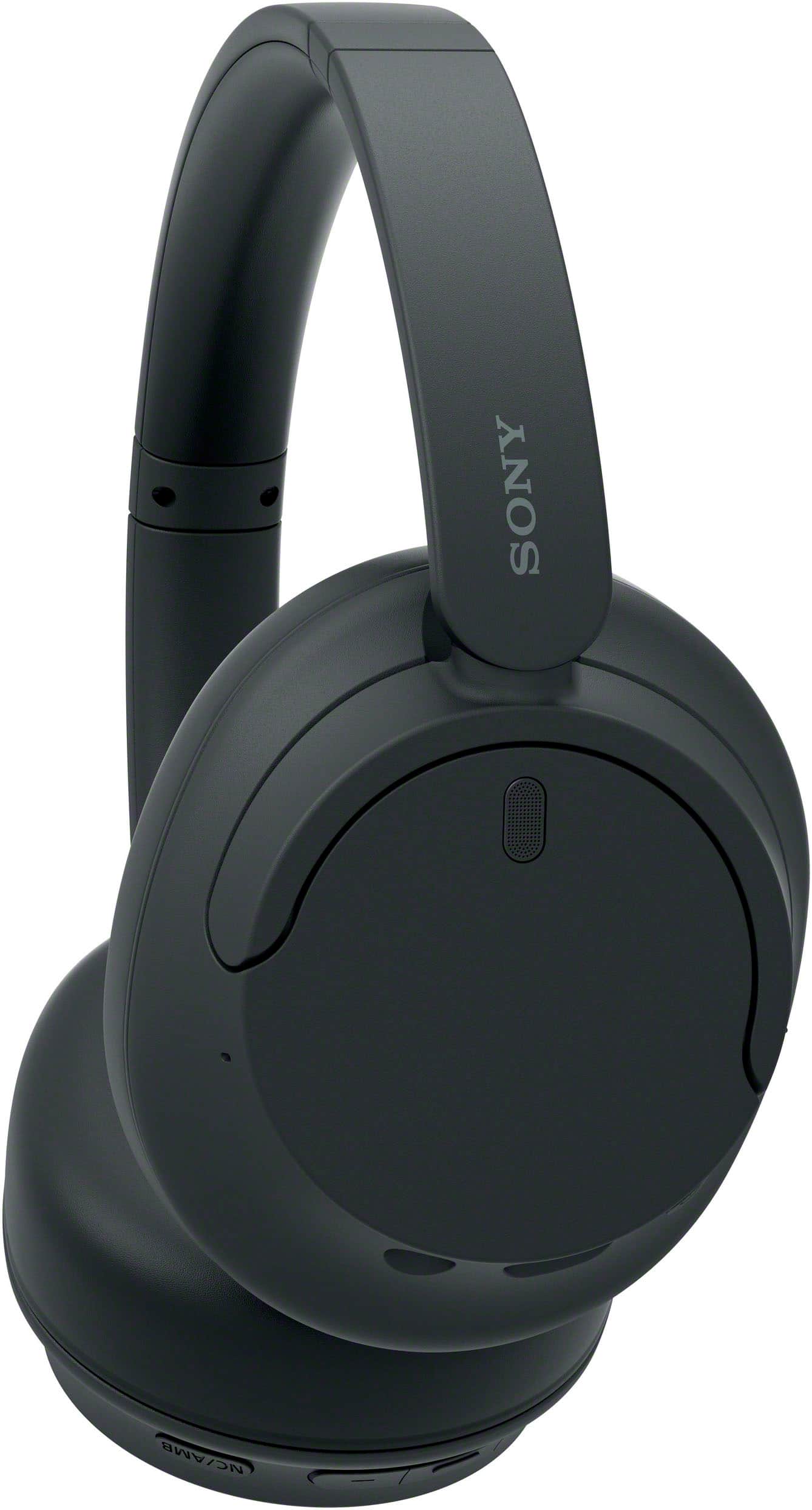
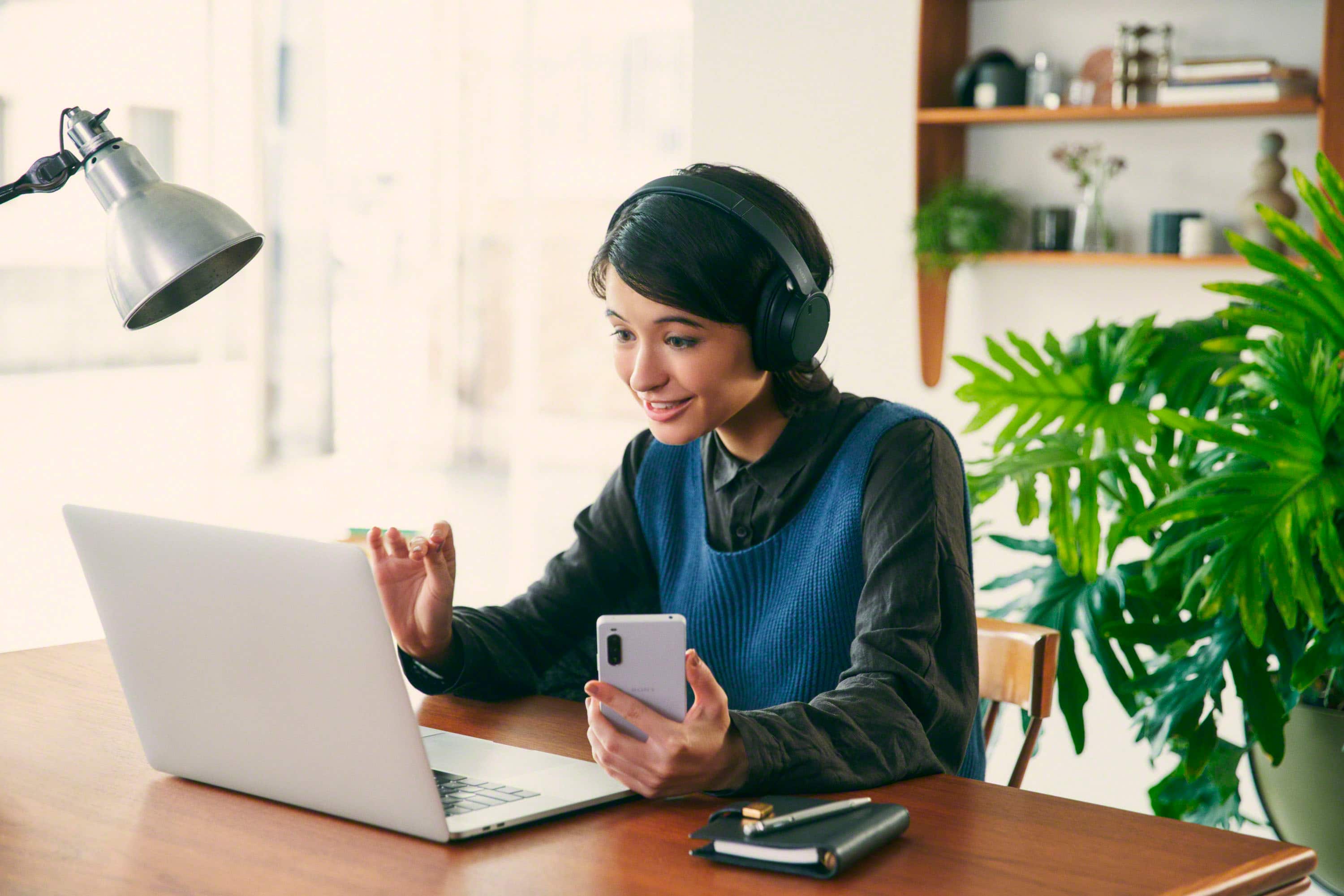
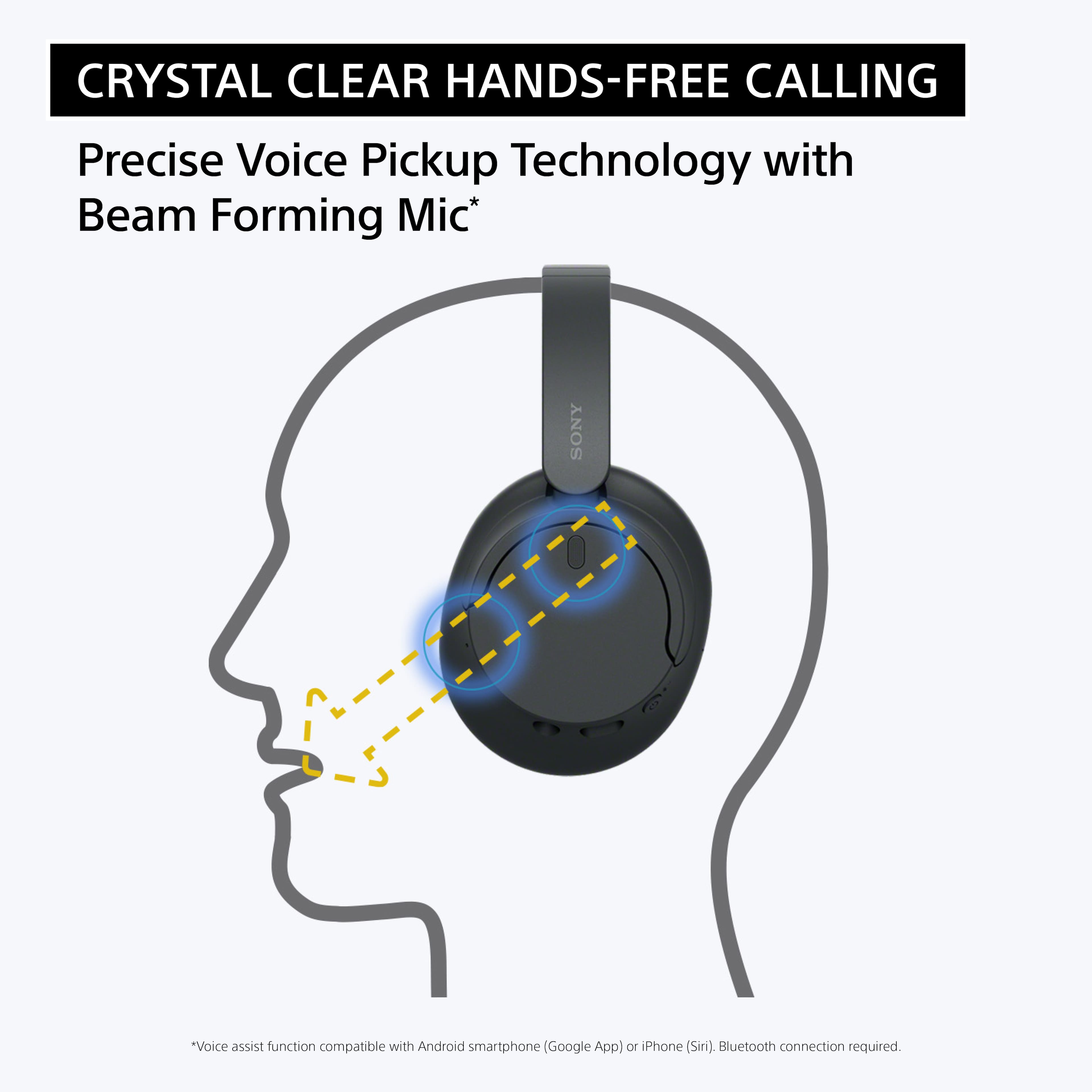
A:AnswerYes, you can answer calls on your iPhone using the Sony WH-CH720N headphones. When you receive a call, you can press the multifunction button on the headphones to answer it. You can also talk through the built-in microphone on the headphones to speak with the person calling you. The sound quality for both listening and speaking during calls is clear, and you can use the headphones just like a regular Bluetooth headset for hands-free conversations.
A:AnswerIt seems like you may be looking for headphones (possibly "dead" meaning non-functional ones) to connect to your Bravia Flat Screen TV.
If you're looking for wireless headphones to pair with your Sony Bravia TV, here are a few options:
1. Bluetooth Headphones
If your Sony Bravia TV has Bluetooth functionality, you can pair Bluetooth headphones like the Sony WH-CH720N directly with the TV for wireless audio.
2. Wired Headphones
If your TV doesn't support Bluetooth or you prefer wired headphones, you can use the 3.5mm audio output (if available on your TV) to connect wired headphones. For this, you’ll need an adapter or a headphone with a 3.5mm jack.
3. Using a Bluetooth Transmitter
If your Bravia TV doesn’t have Bluetooth support, you can connect a Bluetooth audio transmitter to the TV’s audio-out port (like the headphone jack or optical audio out), which will then transmit the audio to any Bluetooth headphones you use.
Let me know if you need more details on setting these up!
A:AnswerHi JimmyMac, thanks for choosing and purchasing our product. We're sorry to hear that you have an issue paring your new headphones with your Samsung TV. Please make sure your WH-CH720N headphones are not connected to any other device. If they are, disconnect them from that device before trying to pair with your TV. Please follow this link to isolate the issue:
https://helpguide.sony.net/mdr/2966/v1/en/contents/TP1000777004.html
If you require any additional support with regard to this product, please email us at [email protected] with the following details: Name: Username: Model Number: Issue: Telephone Number:
~Earl
A:AnswerHi Terrysonyphones, Thank you for the question. To be able to listed to music, the WHCH720N has to be paired to a source device like mobile phone, laptop, or TV.
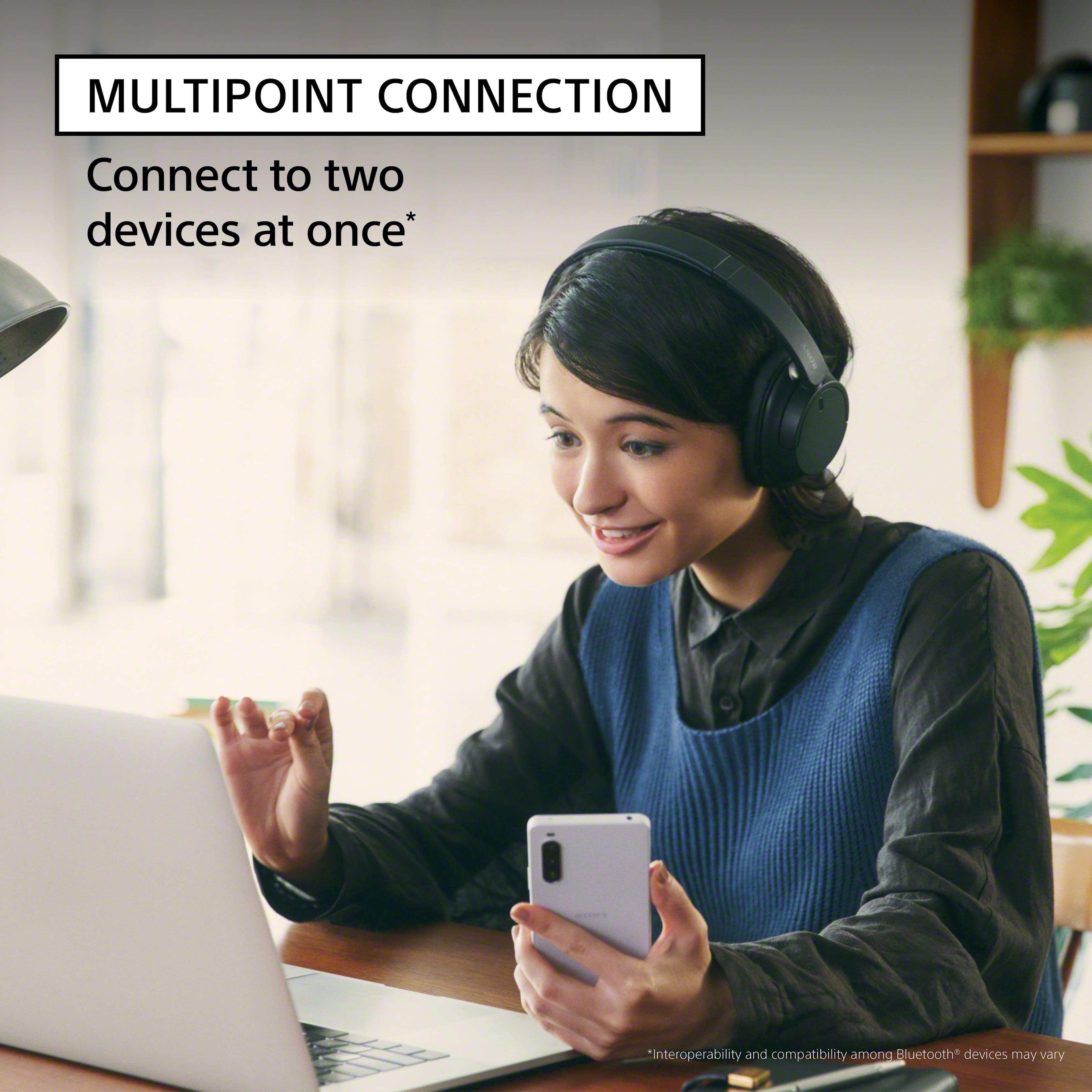
For total convenience, these Bluetooth® headphones can be paired with two Bluetooth devices at the same time. So when a call comes in, your headphones know which device is ringing and connects to the right one automatically. Regards, -Craig
A:AnswerYes, the Sony WH-CH720N headphones can be used for making and receiving cell phone calls. They have a built-in microphone and support Bluetooth, so you can pair them with your phone. When you receive a call, you can answer it by pressing the multifunction button on the headphones. Similarly, you can end the call by pressing the same button. The sound quality for calls is clear, and the microphone picks up your voice well.
A:AnswerHi Richard, Thank you for reaching out to us. The WHCH720N's Help Guide and Reference guide can be found on this link: https://www.sony.com/electronics/support/wireless-headphones-bluetooth-headphones/wh-ch720n/manuals
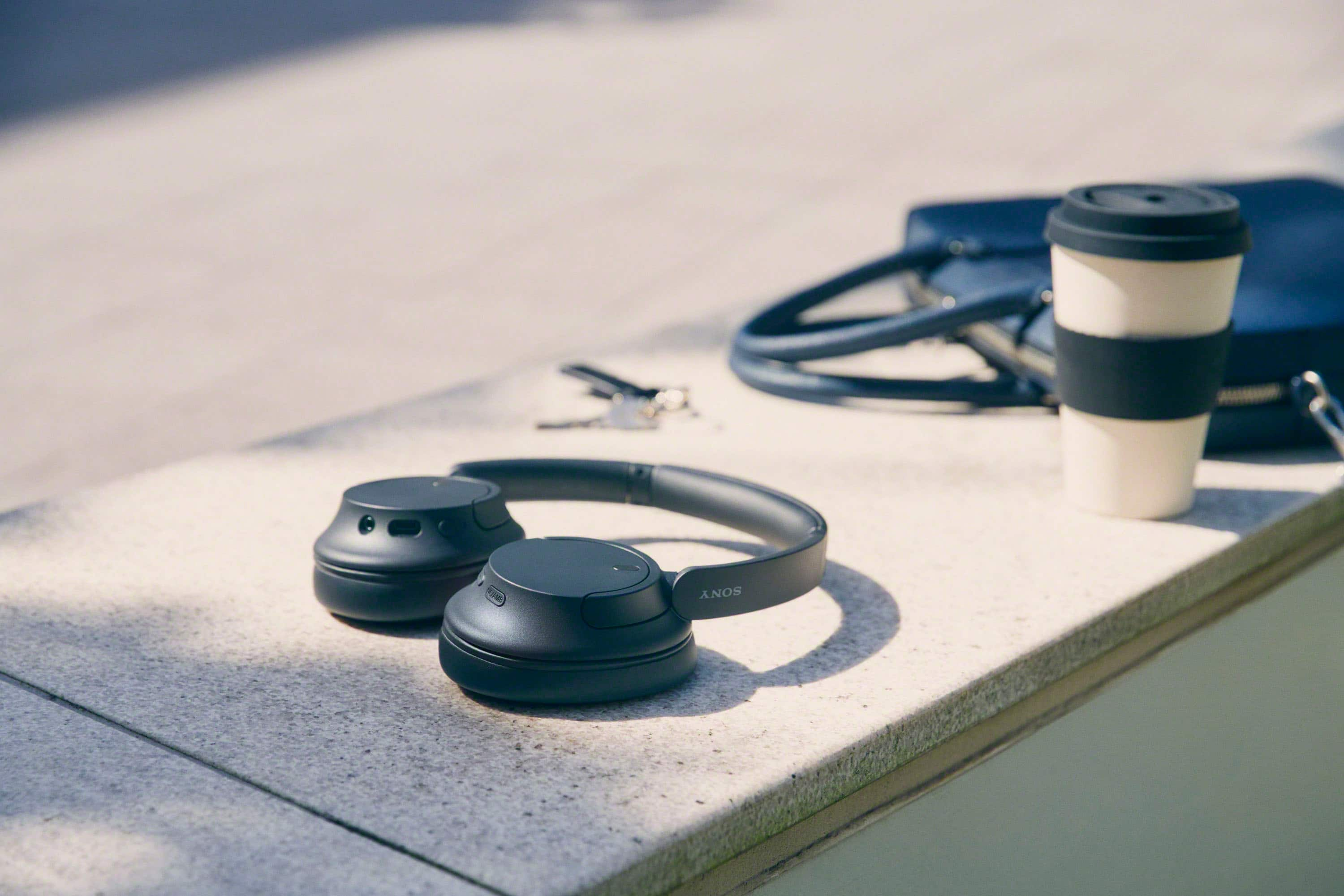
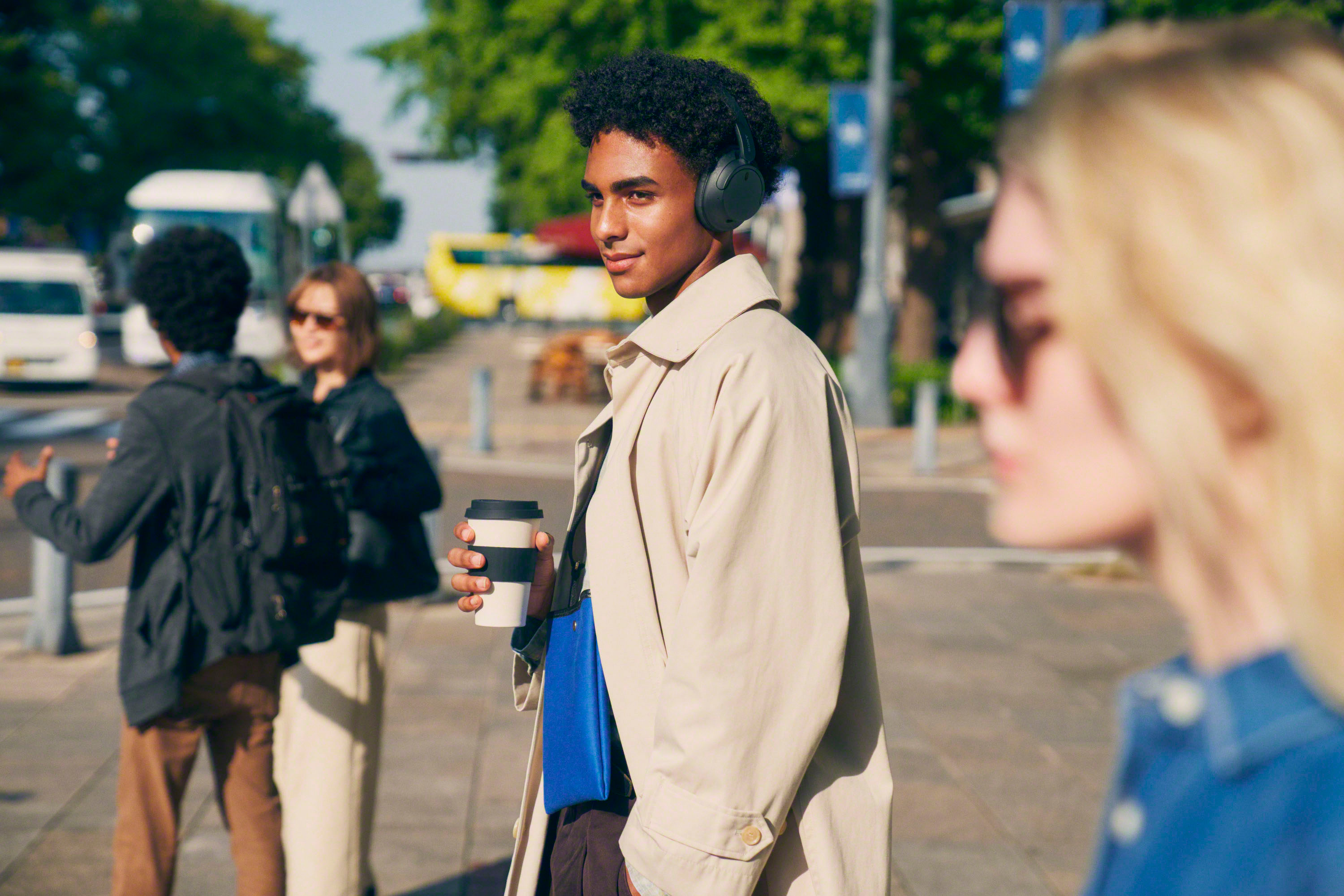
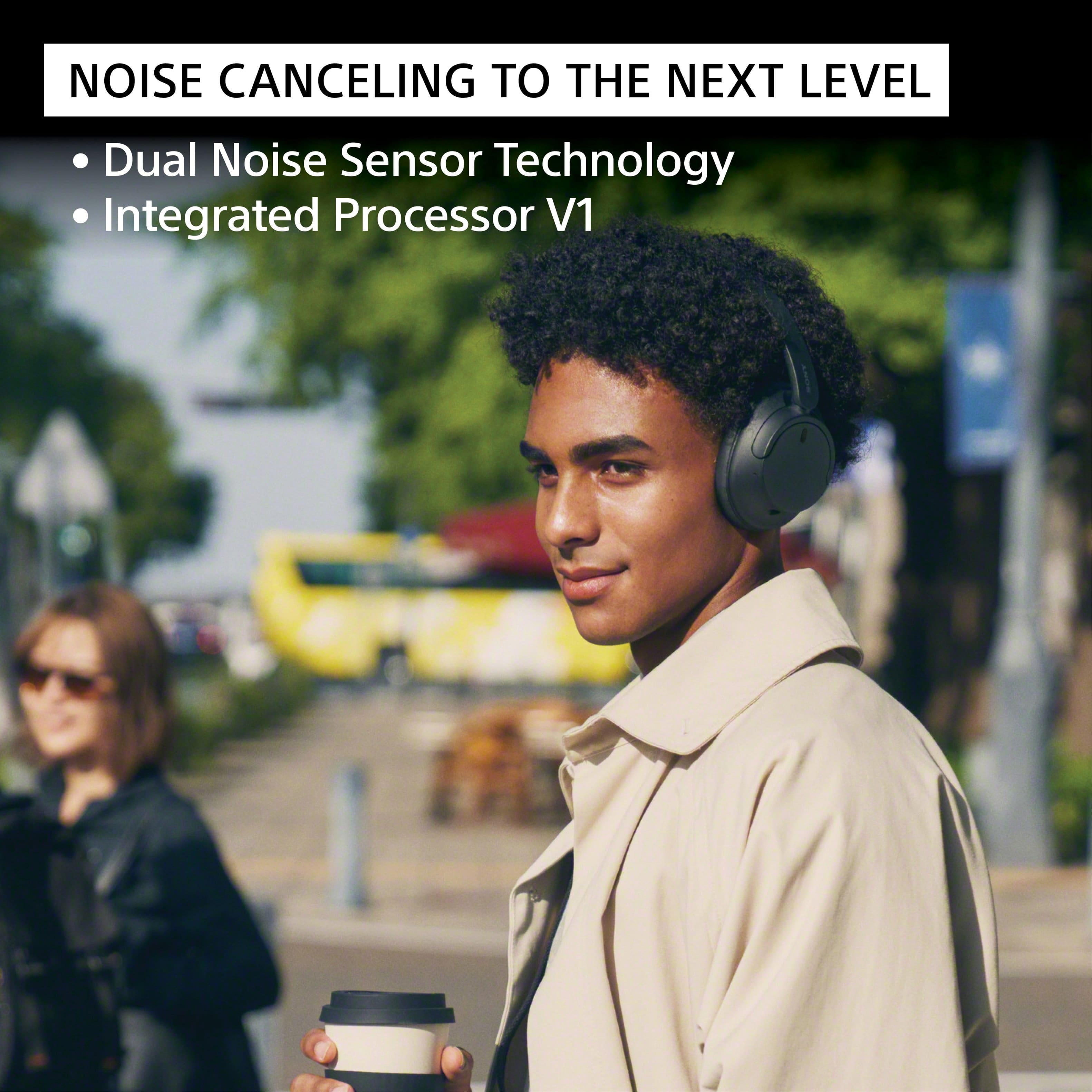
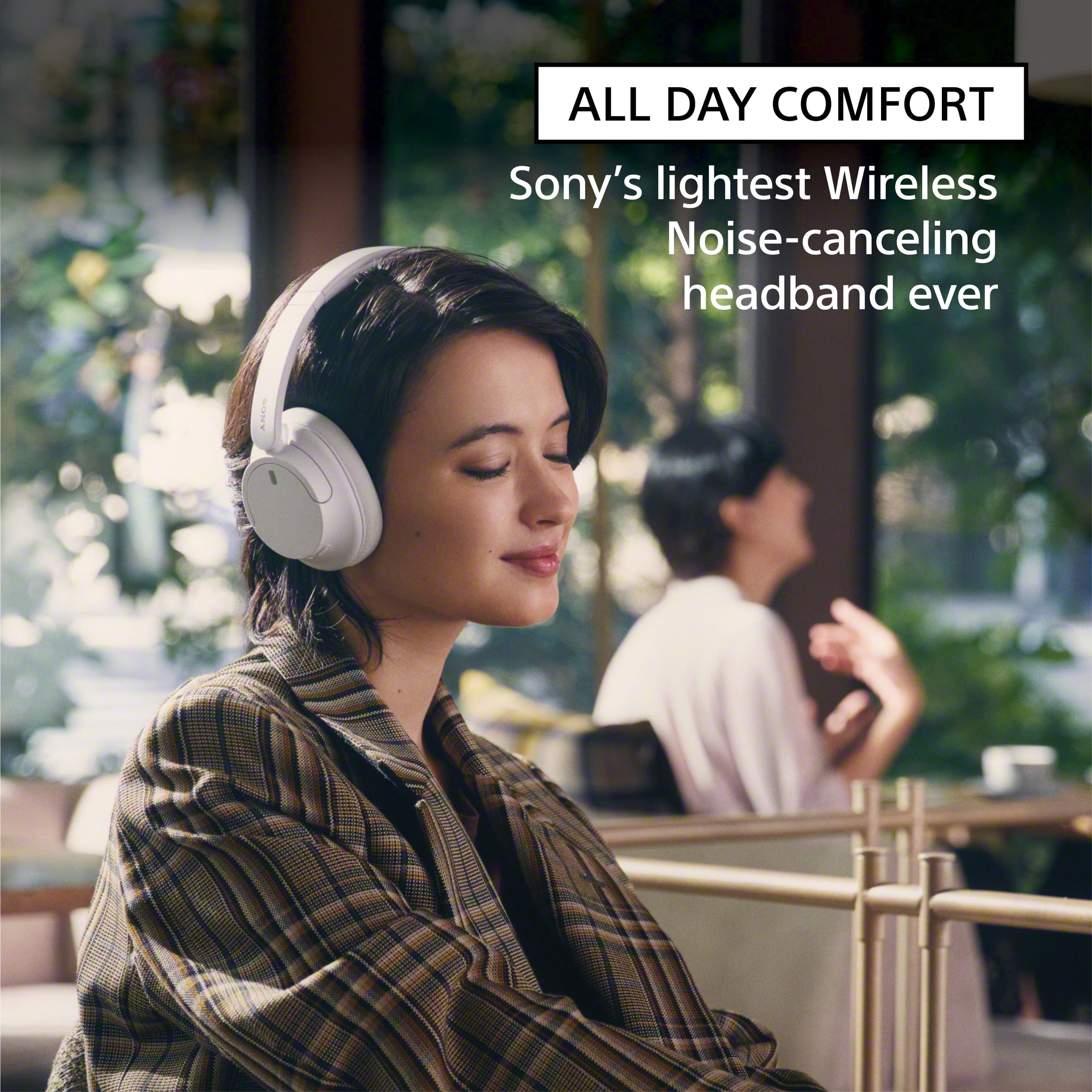
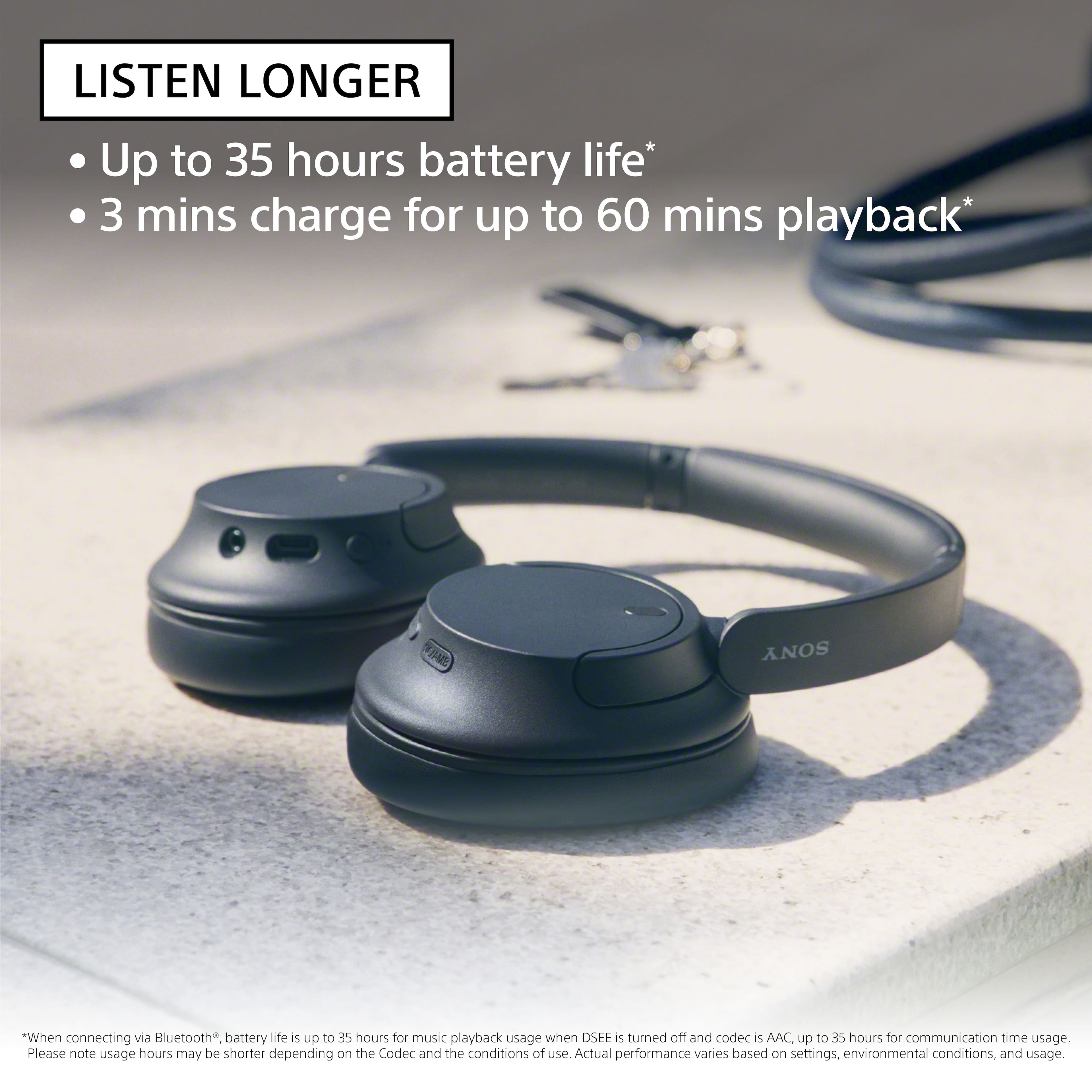
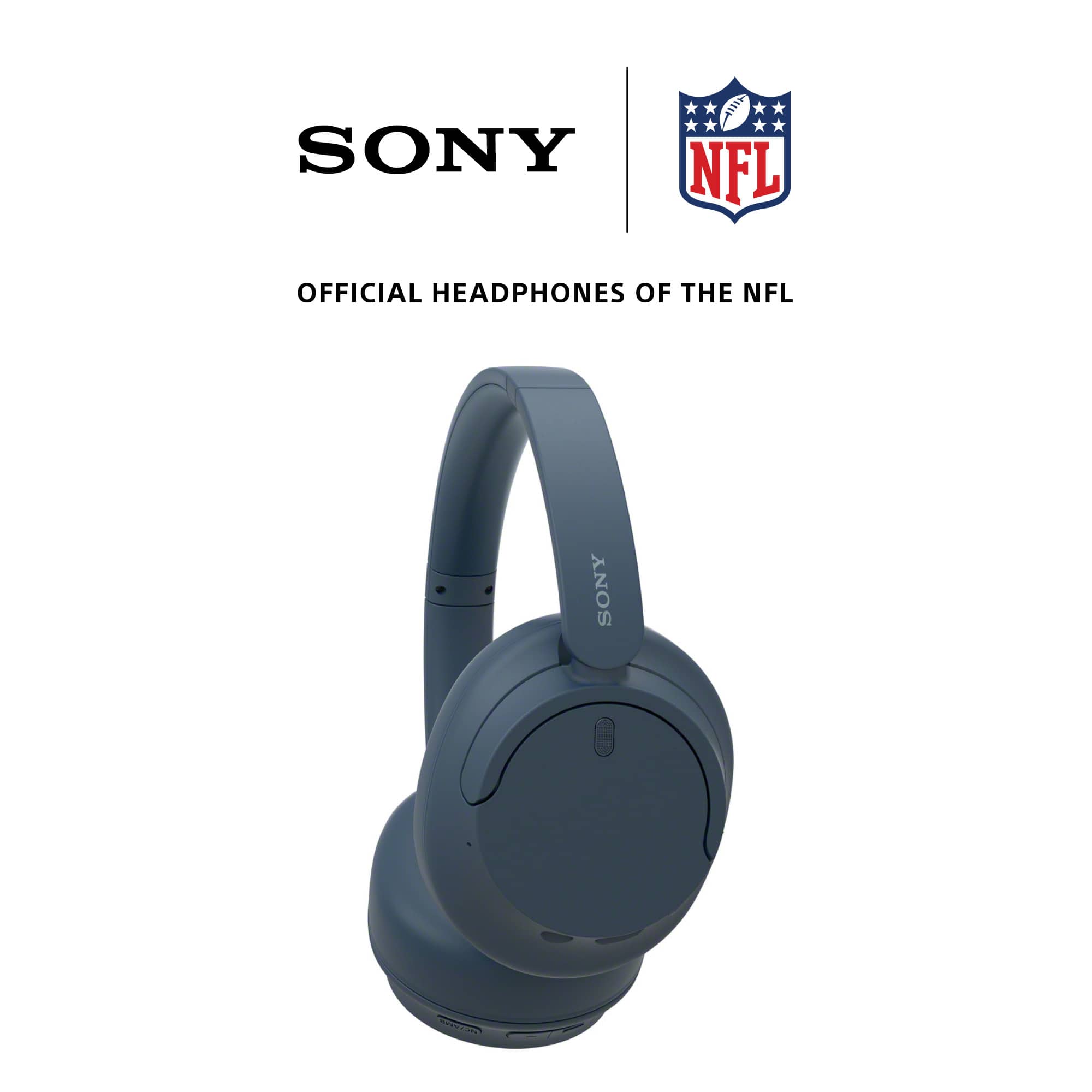
Turn down the world's noise with the long-lasting noise cancellation performance. Featuring Dual Noise Sensor technology and an Integrated Processor V1, the WH-CH720N allows you to fully immerse yourself in music without any distractions. Ergonomically designed to be lightweight, comfortable, and with up to 35 hours of battery life, you’ll almost forget you’re wearing it.
Regards,
Carl
A:AnswerHi Steve, Thanks for the question. There is no need to switch audio output when you want to listen to your headphones when watching TV. When you successfully paired your headphones to your TV, the TV speakers will automatically be disabled and the sound will come out from your headphones. The TV speakers will enable when you disconnect your Bluetooth headphones.
For more details, kindly visit the link below : https://www.sony.com/electronics/support/articles/00159290
Regards,
-Craig
A:AnswerHi Tom, Thanks for the question. The WH-CH720 headphones can be paired with a TV that supports Bluetooth audio out (A2DP - Advanced Audio Distribution Profile). However, it is not possible to pair two WH-CH720 headphones simultaneously to a single TV. Most TVs, including Sony models, typically support connecting only one Bluetooth audio device at a time. If you need to use two headphones simultaneously, you might need to look into a Bluetooth transmitter that supports dual audio output. Regards, -Craig
A:AnswerHi BC11, Thank you for the question. Unfortunately, NRR is not listed as part of the product specifications. Please note that while they offer good noise-canceling features, they may not provide the level of hearing protection required in an extremely loud environment. It is recommended to use specialized hearing protection earmuffs that are specifically designed to protect against the high decibel levels that are produced by loud machines. These earmuffs often have a higher Noise Reduction Rating (NRR) and are built to handle your specific needs. Regards, -Craig
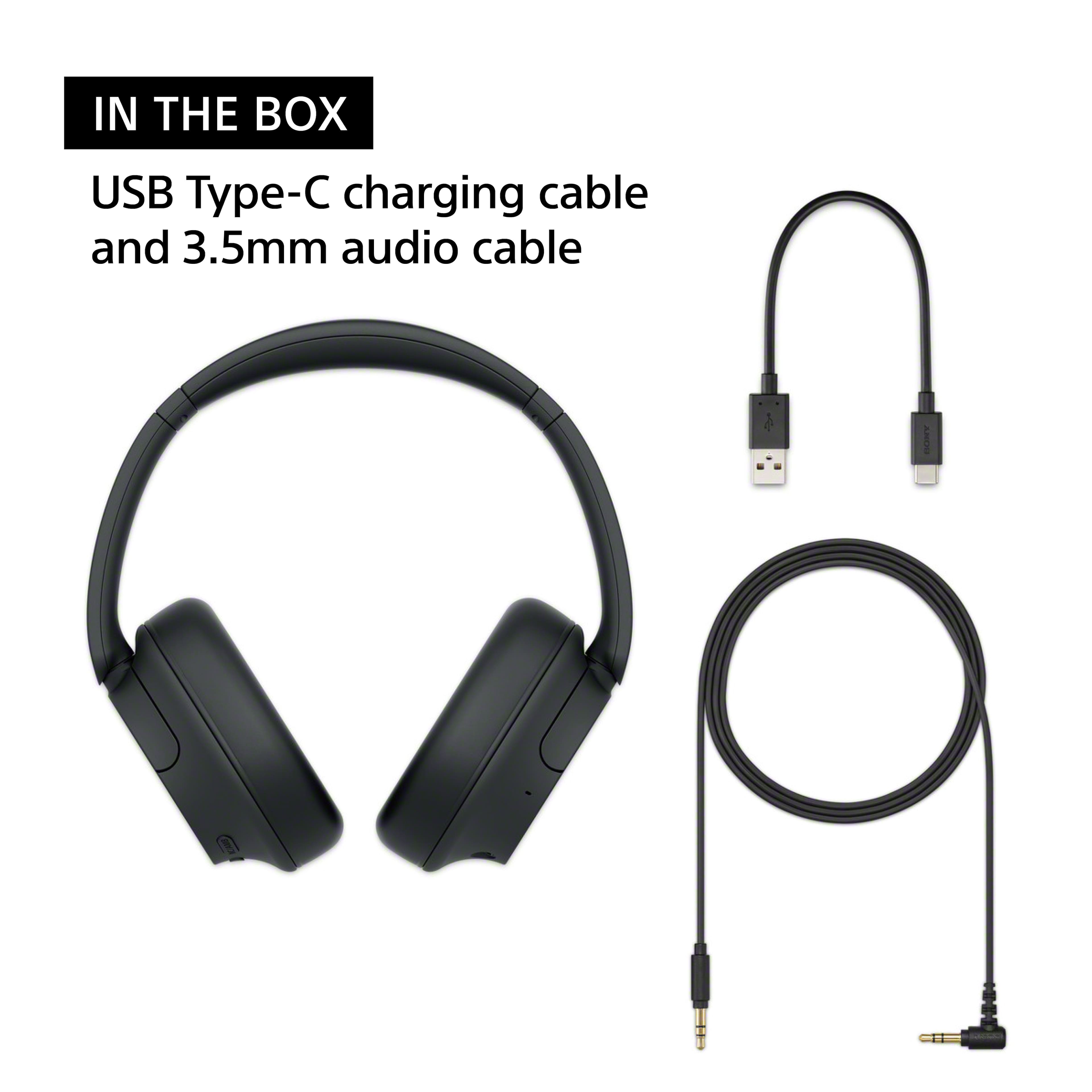
A:AnswerYes, the Sony WH-CH720N headphones can be used on an airplane to watch movies. You can connect them to the in-flight entertainment system using the 3.5mm audio cable (included with the headphones) if the system doesn't support Bluetooth. For Bluetooth-enabled systems, you can connect wirelessly.
Keep in mind that you may need to ensure the airplane's entertainment system supports Bluetooth connections, as some still only work with wired connections. If you use the wired option, you won't need to worry about battery life for the headphones during the flight.