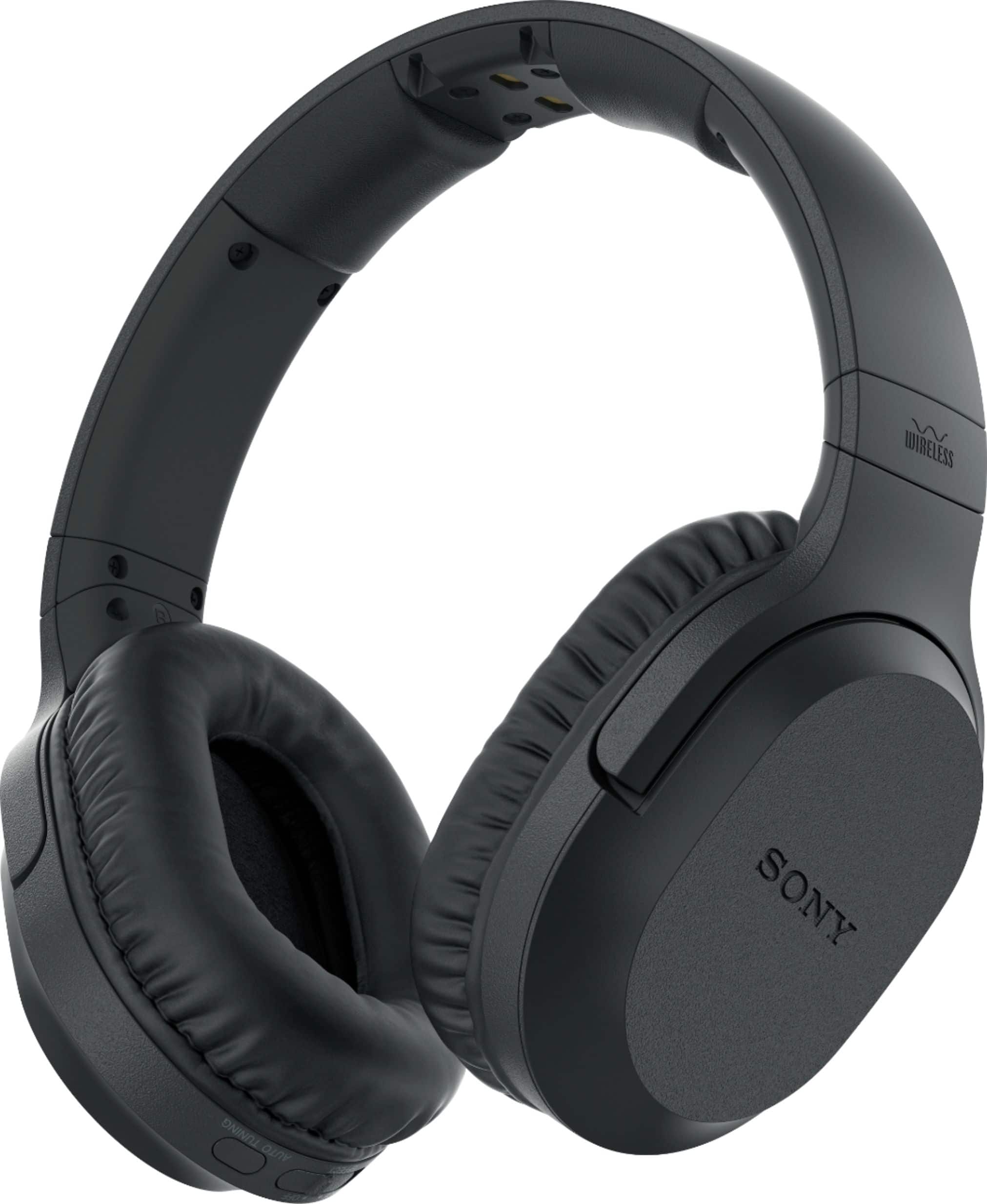
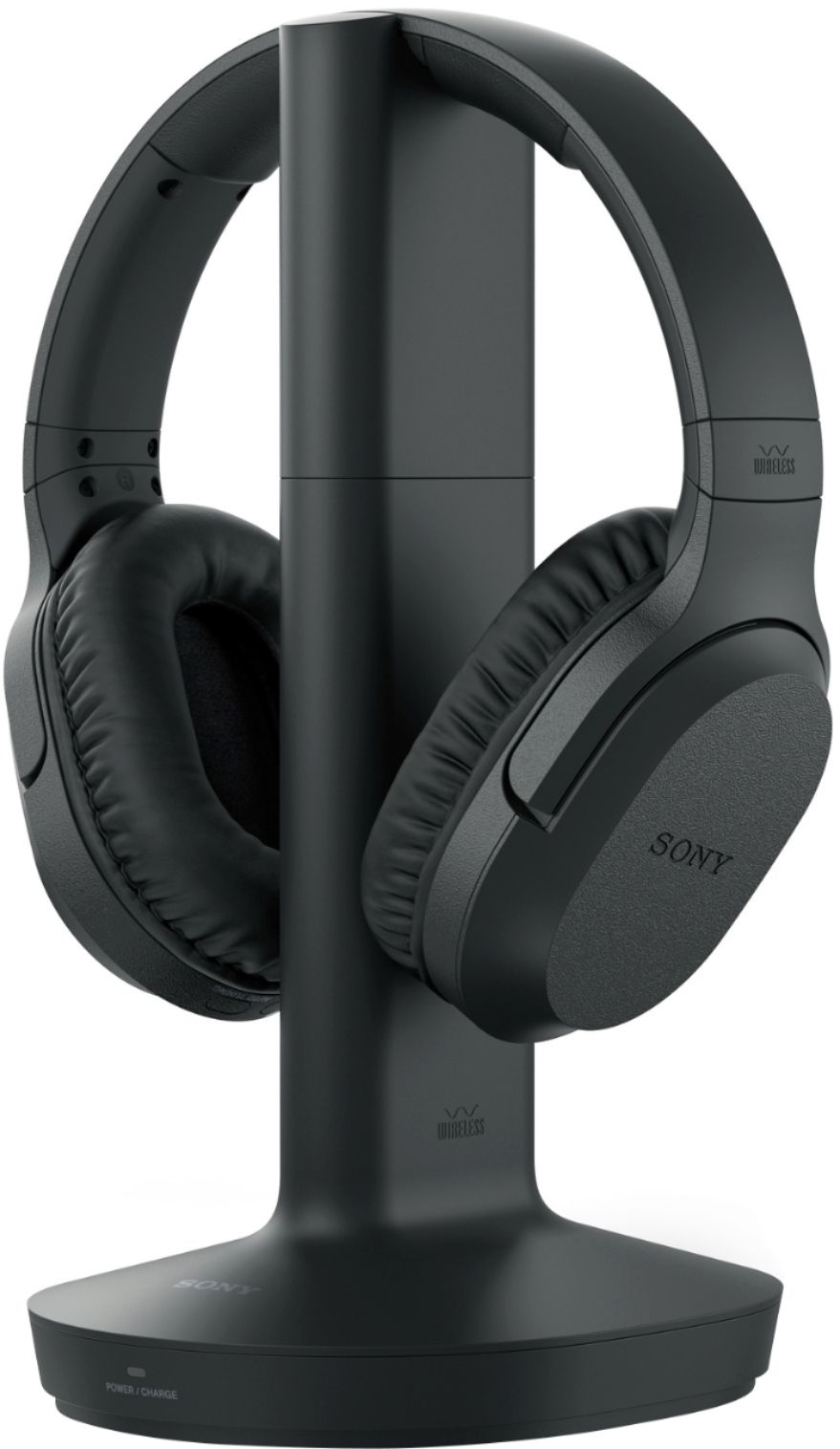
A:AnswerThe charging unit automatically turns the headphones off when placed correctly on the unit. No need to manually turn off on the headphone itself for charging. However do manually turn off if , say, you are going to do an errand or the laundry and remove headphones without intent to recharge at that time.
A:AnswerI'm guessing the BB guy didn't fully understand the wiring or component issue. You CAN use these with any analog component audio out - doesn't have to be TV at all. However, on many VIZIO TVs, the audio out is dead if there's no power. Many people plug the component cables directly from a cable box to the headphone transmitter. In that way, you'd always have the audio whether or not the TV has power at all... and could bypass the DVD/VCR issue altogeher. Hope this helps!
A:AnswerFOR ME, it held a solid range of about 18'. By that time though I am out of the room and walls are in the way. It may be better if there were no obstructions.
A:AnswerI don't know the answer, but mine are only about a month old and I have the same problem. Mine has shut off for no reason during a show and they are fully charged. I mess with it a couple doing nothing but pulling the plug and putting them back in and it comes back on. I also have a huge amount of crackling noises while I'm watching TV. It is intermitant (sp), but constant. Don't know what that is either, but gets on my nerves. Anyone have any thoughts?
A:AnswerIt is because you’re probably I the output jack. Try pulling back a little or make sure it is pushed into the port. Mine was only one but on pulling the plug back a little it was stereo
A:Answerthe supplied 3.5 mm stereo mini-pin cable plugs into and connects the the wireless transmission/headphone charging tower to the 3.5 mm headphone port on the TV. HDMI does not provide any connection to the headphone tower. However, if your TV does not have a 3.5 mm headphone output port, but does have HDMI output or Optical/Digital output, connected to an AV stereo receiver with HDMI and/or Optical/Digital input on the rear and a 1/4" headphone port on the front, you set your receiver input to either of those choices and then insert a 1/4" to 32.5 mm headphone jack into the front port and then one end of the supplied 3.5 mm stereo cable into that and the other into the input port at the base of the transmission/headphone charging tower. turn everything "On" and you have wireless headphone access to TV/TV apps, or Youtube, or Spotify or Netflix from your computer/internet, if you can connect your computer to the AV receiver, usually from a soundcard connection(Optical/Digital or RCA).
A:AnswerIf your TV has sound outputs for an optical cable or a coaxial cable BB has an adapter that converts to the red & white RCA cables. Then use a red/white RCA Y cable to 3.5 mm cable to hook up the headphones.
A:AnswerHi Helpmeeeee, If your TV doesn't have RCA inputs, you can connect these headphones to the headphone jack of your TV instead. Please refer to this link for further information: https://www.sony.com/electronics/support/res/manuals/4743/da265ba85491320863fd7b2651202bb7/47438071M.pdf -Sam