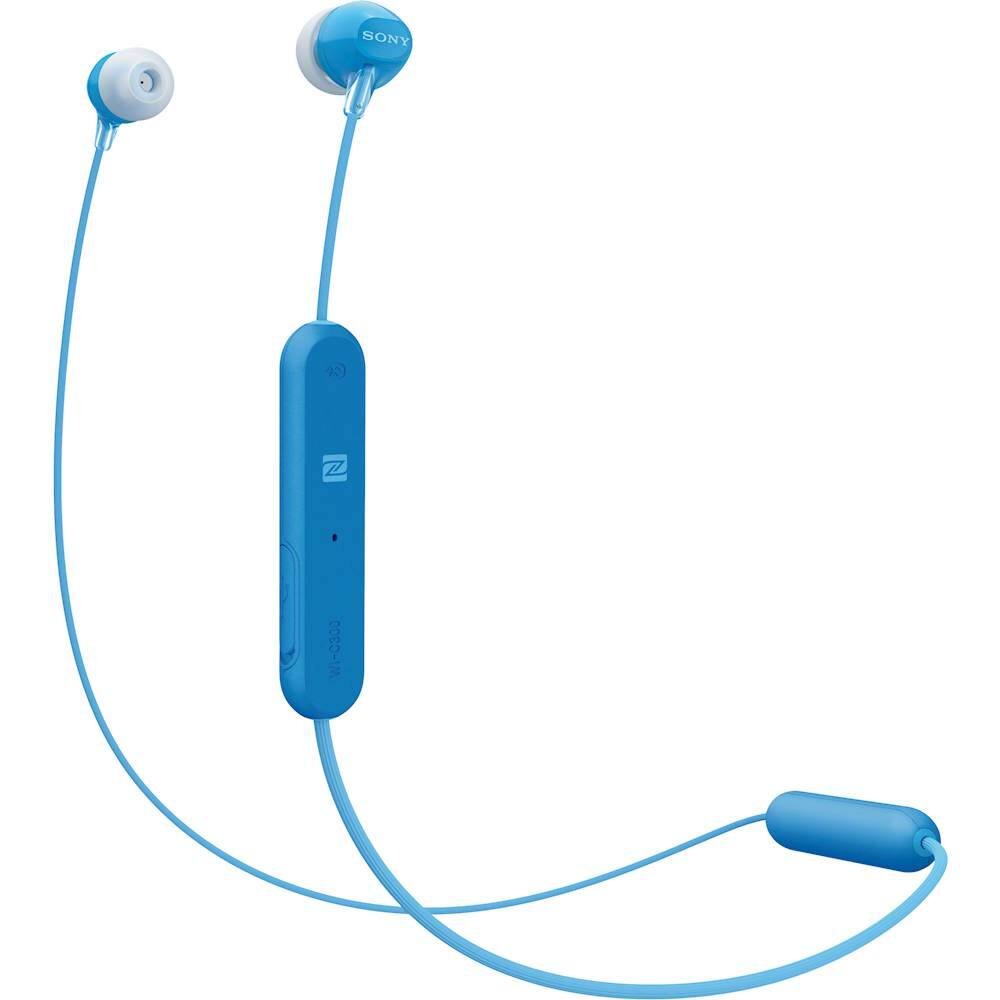
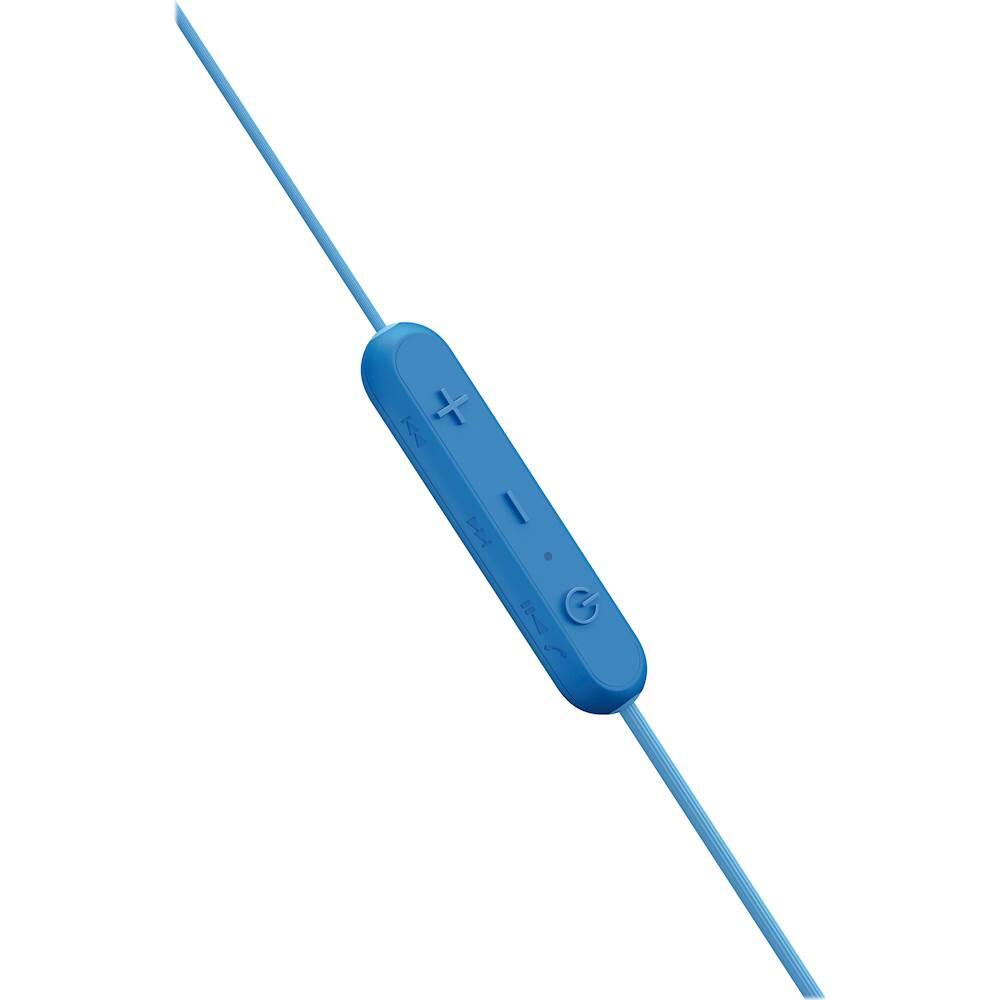
A:Answer If you have not connected it to any other device before, you turn on the headphones by holding the power button down (about 2 seconds) until you hear "power on" from the headphones and it'll automatically go into pairing mode if it hasn't been paired before, then you can go into your smartphone's Bluetooth settings and should see "WI-C300" in the list to click on and pair. If the headphones have been paired to another device before, you hold the power button down for about 7 seconds until you hear "Bluetooth pairing" and you'll then see it in the Bluetooth list on your smartphone. For iOS, it is Settings>Bluetooth and for Android it's generally the same where you go into your phone's settings with the exception of the quick settings menu for easier access.