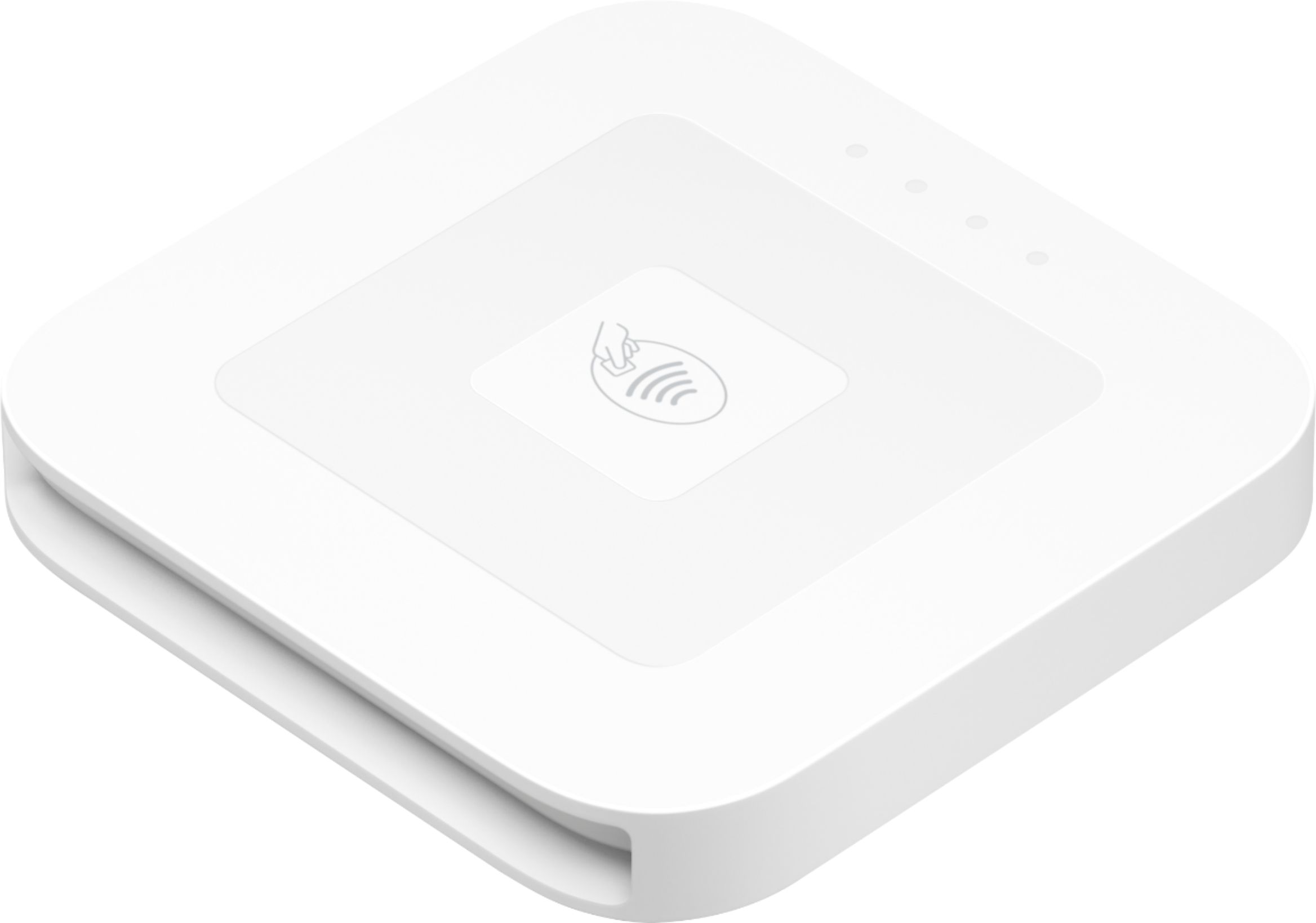
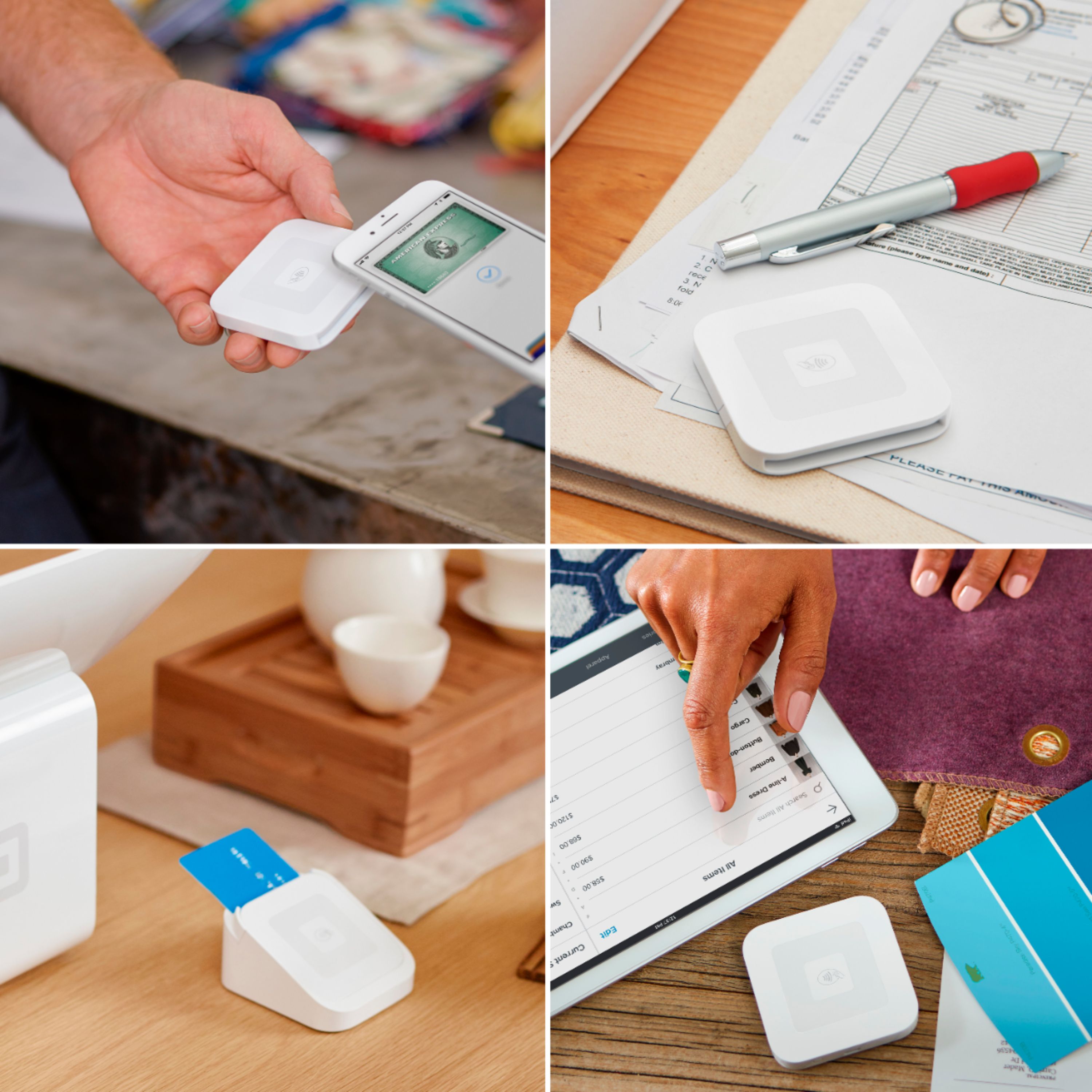
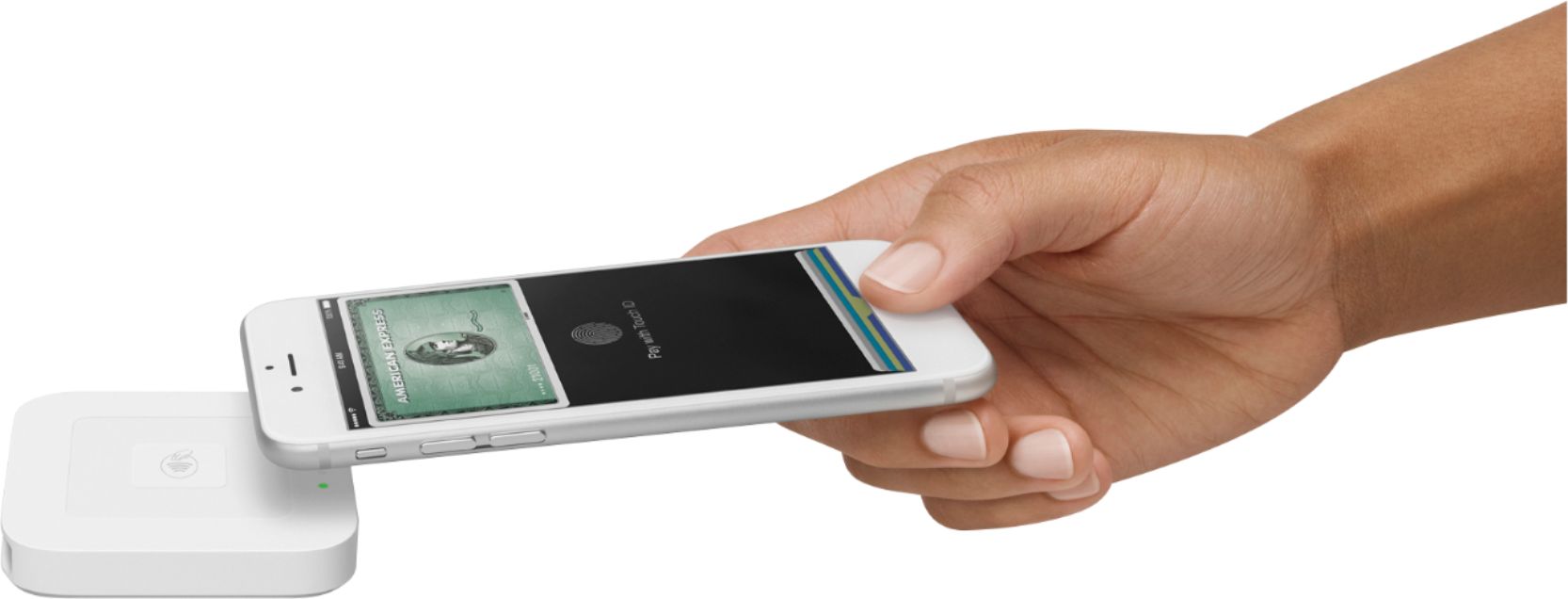
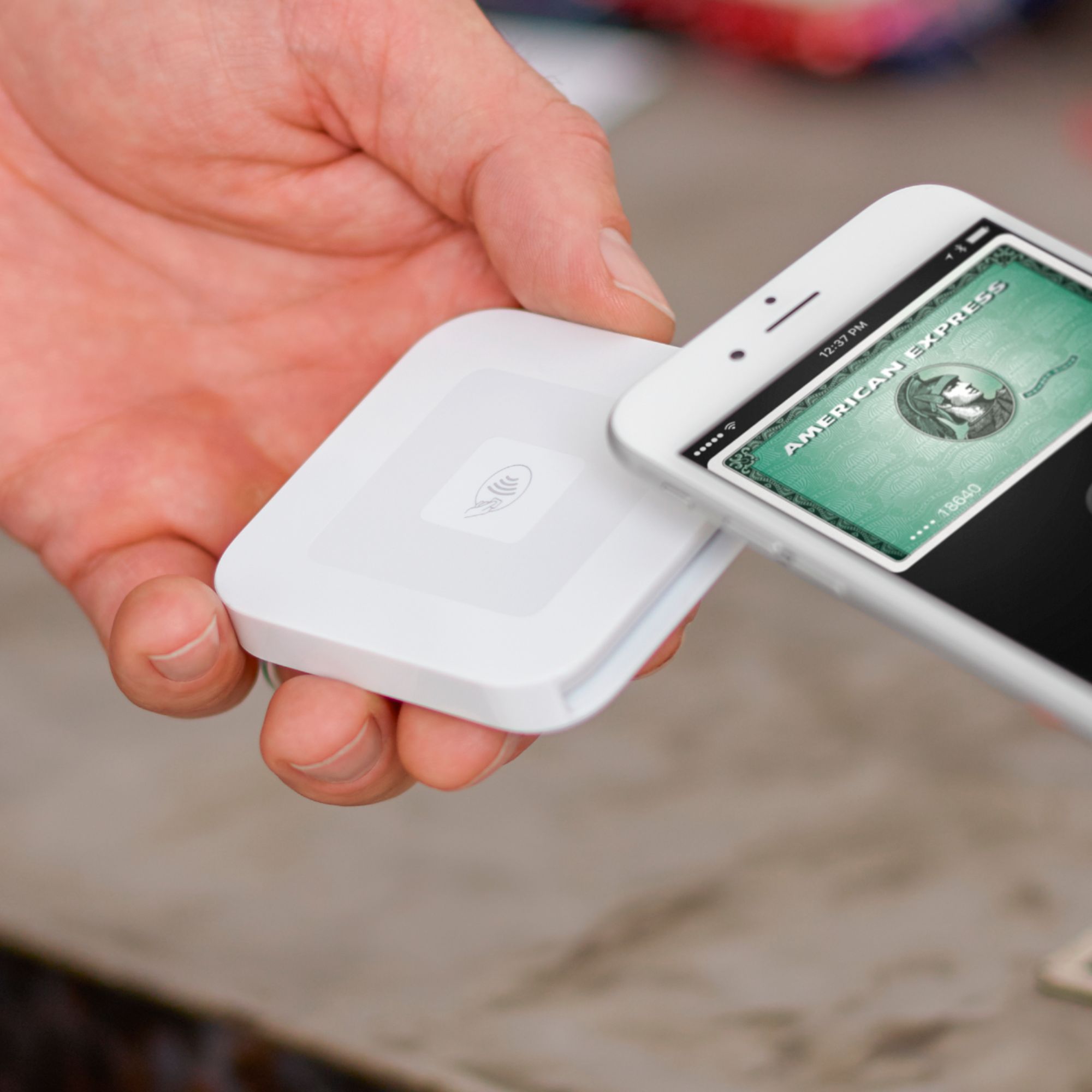
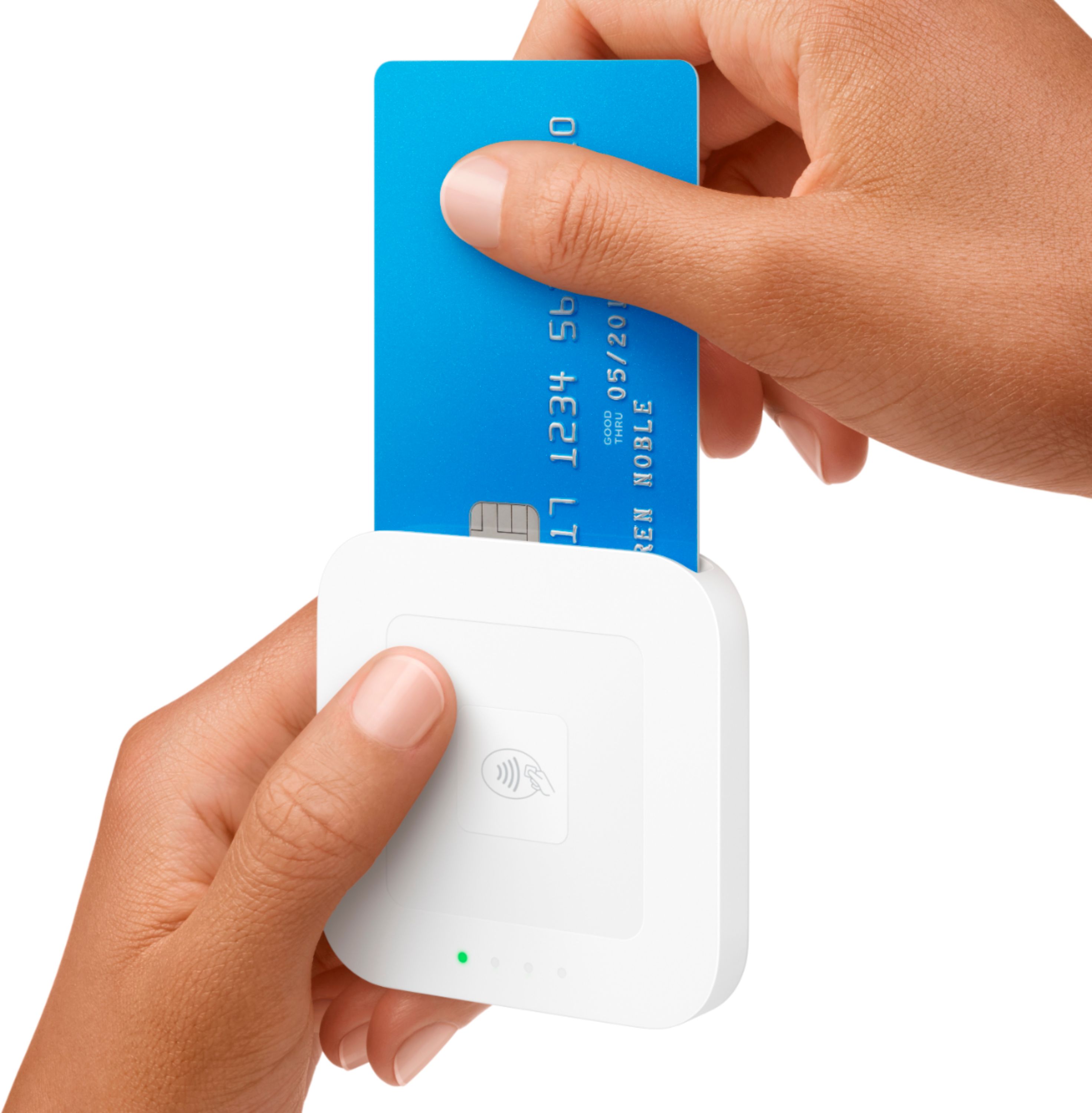
A:AnswerYes, as per Square's website, if a card is not chip enabled, you can swipe the card with the mag stripe reader that is included in the box. Furthermore, you are protected as long as you are swiping a card without a chip, whereas, if you swiped a card that IS chip enabled, you would be liable.
A:AnswerI did a five day trade show convention and charged it once in the beginning before the show and maybe one more time to be on the safe side and had no issues. I had three 10hr days and two 8hr days. If the gives a better idea of usage.
A:AnswerYes you can. We use this for craft fairs and shows and it will take input from either reader. The chip reader is connected by bluetooth so they can both be connected at the same time.
A:AnswerYou have to have internet to process the transaction, but this device uses blue tooth or a direct connect to the device. You can set it to offline processing and then batch them when you have internet, but may get stiffed if you do it that way
A:AnswerYes - the reader comes with a charging cable that will plug into USB port on computer, AC powered USB power source, or external phone battery charger. We have had the reader run for at least a full day of pretty constant use on one charge.
A:AnswerHey Eboni. The Square reader can be used with multiple devices, but it only connects with one device at a time. To connect your reader to another device, make sure to disconnect it from its current device. To do so, visit your in-app Settings > tap Square Reader > select your reader from the list > tap Forget this Reader twice to confirm.
A:AnswerHey! The processing rate for tapped, dipped, and swiped payments accepted in the Square Point of Sale app is 2.6% + 10¢. Feel free to look up the details here: http://squ.re/learnaboutfees
Also, yes, you can link your bank account and your deposits will be sent at the end of each business day.
A:AnswerYes you can. You just have to use the Square app for that, you don’t actually need this card reader for what you’re trying to do. In the Square all, you can either manually enter the CC number, or send them an invoice that they can pay through Square.
A:AnswerThe swipe reader that plugs into a headphone jack should work with your iPad 2. But this contactless device requires Bluetooth 4.0, which was a featured introduced on the iPad 3.
A:AnswerNo. This is not just a device. It is the device plus the merchant banking service combined into one easy-to-use package. If you use the Square device, your transactions will go through Square’s service.
A:AnswerAll Square merchants have a per transaction limit of $50,000. If you'd like to accept individual transactions above $50,000 each, you'll need to split the payment into multiple installments. Make sure to record the receipt number and the total amount charged for each installment.