Early Black Friday DealsNew Doorbusters every Friday.Shop now

Main Content

Questions & Answers

Your price for this item is $40.99
Clearance
The comparable value price is $44.99
Page Showing 201-220 of 628 questions
  • Questionlanguages ​​available roku?

    Asked by Lucas.

    • Answer All the same language options as you would find on any electronic device

      Answered by Tigerusangelus

  • QuestionDoes Roku receive Discovery Plus streaming service?

    Asked by DPRCPA.

    • Answer Hi DPRCPA! Yes, the Discovery+ channel is available on the Roku Channel Store.

      Answered by Roku Team

  • QuestionDo you have to hav3 cable for (Roku) stick to work

    Asked by Nanvy.

    • Answer You just need internet service. If you do not have a wireless network then make sure to purchase a rolu with a netwconnector so you can plug it into you router. But if you have wifi. Any roku will work.

      Answered by Tsweazea

  • QuestionDoes this device support Discovery + ?

    Asked by Jo.

    • Answer The Roku setup shows Discovery+ as an option to add.

      Answered by Whirlpool

  • Questionis this require subscriptions

    Asked by Snowden.

    • Answer Hello Snowden! Roku does not require an activation fee, registration fee, or charge for support of any kind. Some channels require a paid subscription or a one-time charge, while many others are free. The Roku Channel offers tons of free content including; movies, tv shows, live TV guide and Roku Originals. In addition, there are many other free channels available on the Roku Channel Store. Browse the Roku Channel Store directly from your Roku device, or by visiting channelstore.roku.com.
      Answered by Roku Team

  • Questiondo you have to pay a monthly subscription?

    Asked by Anonymous.

    • Answer No You can get all free app

      Answered by alex

  • Questionhow do you get sports on roku

    Asked by nick.

    • Answer We stream Hulu which includes the ESPN channels and other sports channels as well.

      Answered by IWatch6

  • QuestionCan I use with "dinosaur" Vizio TV (it has a HDMI).

    Asked by LDC1980.

    • Answer Yes, I just added Roku to my Vizio with no problem.

      Answered by IWatch6

  • QuestionHow many TVs work on one device

    Asked by Rose.

    • Answer The only TV that will work is the one that has the ROKU stick. You can download the app and play it on your TV.

      Answered by IWatch6

  • QuestionWill the Roku be streaming the Peacock app

    Asked by Will.

    • Answer Hi Will! Yes, the Peacock channel is available on the Roku Channel Store. Just like your smartphone accesses an “app store” to add new applications, your Roku streaming player accesses the Roku Channel Store to add new channels. Some channels require a paid subscription or a one-time charge, while many others are free. Browse the Roku Channel Store directly from your Roku device, or by visiting channelstore.roku.com. Channels can also be added when using the Roku mobile app on a compatible mobile device.
      Answered by Roku Team

  • QuestionDoes roku support Korea on demand?

    Asked by Anonymous.

    • Answer I don't know if Roku supports that but you might try emailing Roku directly on their website & get the answer directly from them,

      Answered by nanapat

  • QuestionCan I get HBO max ?

    Asked by tlr.

    • Answer It is a premium channel. So there is an extra charge.

      Answered by Michele

  • QuestionDoes this stick allow me to download movies or episodes from Disney? Not the app, but shows to watch later. I have satellite internet so I have to download shows first. Will the stick save a download or is it purely a streamer?

    Asked by Dialupgirl.

    • Answer No. The stick is for streaming movies and TV shows only. You will need a DVR to record,

      Answered by Surfer

  • Questionis it good to stream sling tv

    Asked by solo.

    • Answer Hi Solo! The SlingTV channel is available on the Roku Channel Store. Just like your smartphone accesses an “app store” to add new applications, your Roku streaming player accesses the Roku Channel Store to add new channels. Some channels require a paid subscription or a one-time charge, while many others are free. Browse the Roku Channel Store directly from your Roku device, or by visiting channelstore.roku.com.
      Answered by Roku Team

  • QuestionMy remote from roku stopped working after 3 months, tries reset and new batteries

    Asked by Bk.

    • Answer You could try to reset to the factory settings and start over and/or try on another TV just to be sure it's the device and not your TV. I had to do this when mine didn't work. The only downside is you have to reload and re sign into the streaming apps but a small price to pay to get things up and running. If that doesn't work call their support line. I've had pretty good luck with their support

      Answered by SonosFan

  • QuestionHow do I connect it to get discovery+ on my TV??

    Asked by Anonymous.

    • Answer You have to have a discovery+ account first. Then simply search for the app in the Roku store & install. I have 2 of the sticks & it took as long as entering my login info to get them working.

      Answered by daniel918

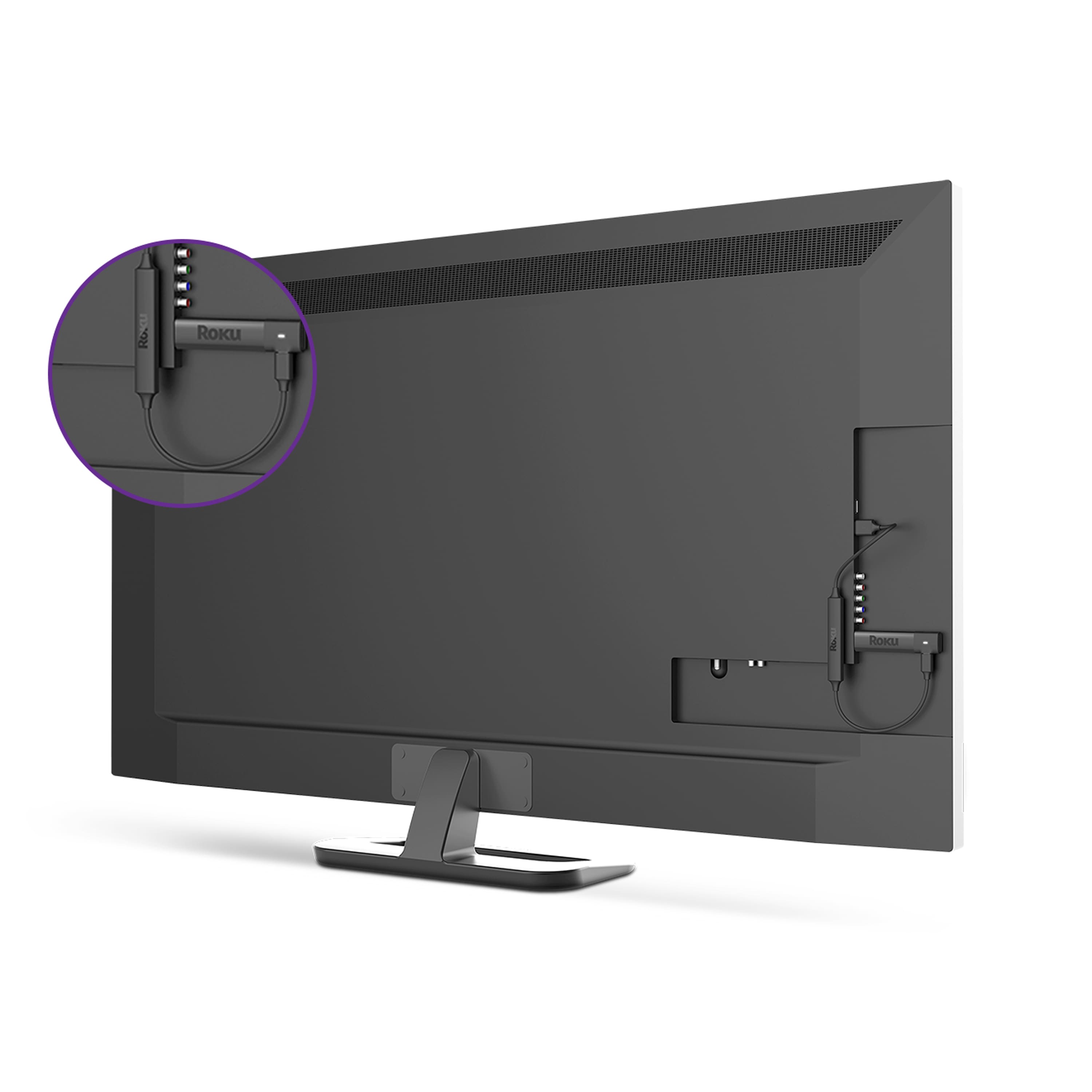
  • QuestionI have an older TV approx.- 7-9 yo will my new Roku work ok when it comes in?

    Asked by Tad.

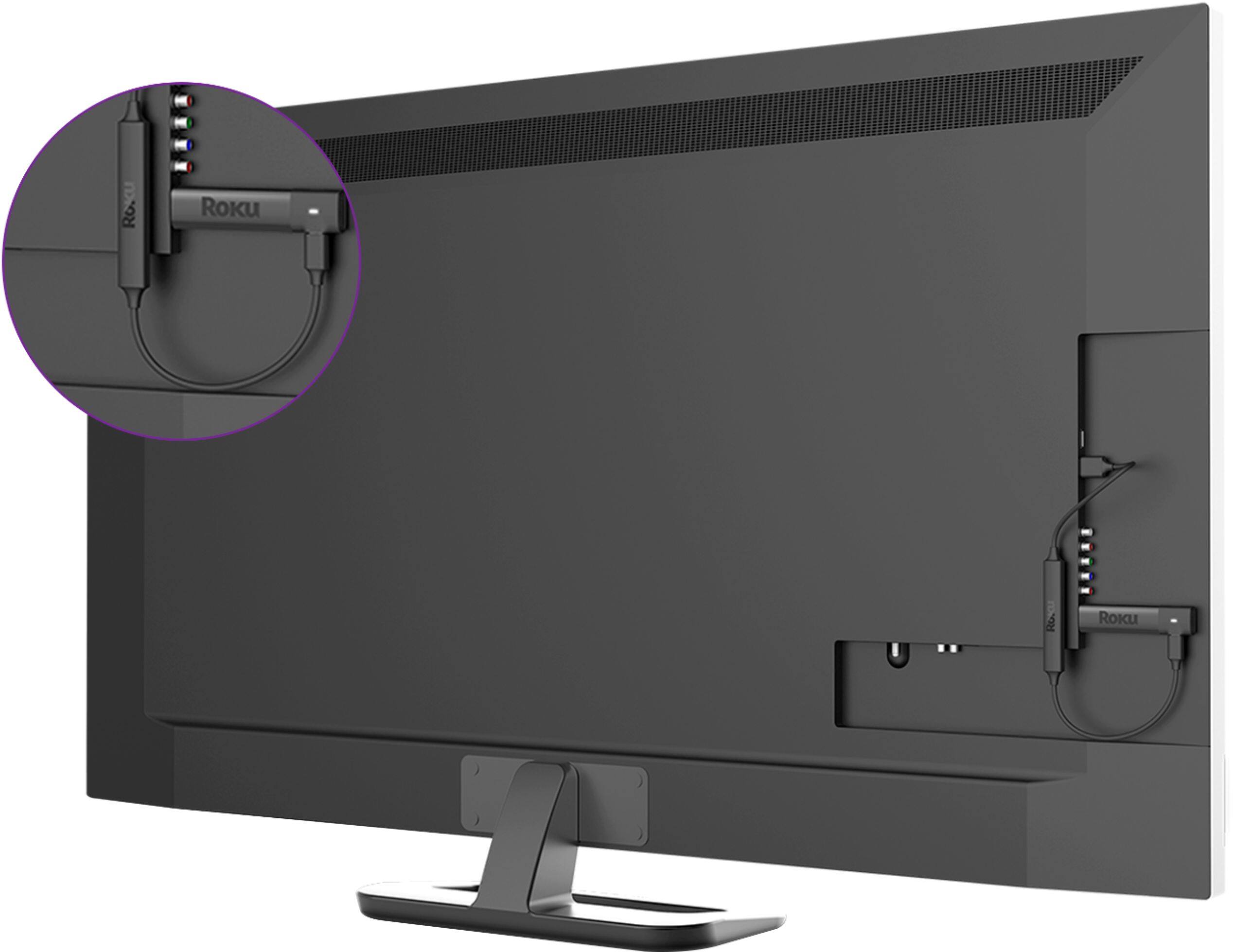
    • Answer If it has an HDMI it will plug right it. Even if it doesn’t and you only have RCA connections (Red, White, Yellow) you can get an HDMI to RCA conversion box. They are worth it.

      Answered by JustinTex

  • QuestionDo I need a Roku for every television in my home?

    Asked by Mary.

    • Answer Yes you need a stick for each tv unless you want to unplug the stick and move it but you can only use it on 1 tv at a time.

      Answered by Anonymous

  • QuestionCan this be used with a TCL Roku tv? I read a review that said it would ruin the tv.

    Asked by Anonymous.

    • Answer If you have a "Roku" TV you don't need the stick, it's part of the TV.

      Answered by tiny

  • QuestionHave 2015 hisense which model streaming stick plus generation would work and how do I tell what generation it is.

    Asked by Dustyrose.

    • Answer I have the 4K streaming sticks. I like it because it has the volume/mute control on it (tho in an awkward place). No ide what generation . I have one plugged into a 2008 Samsung, a 2015 Samsung and a 2018 LG, all work fine

      Answered by Recca