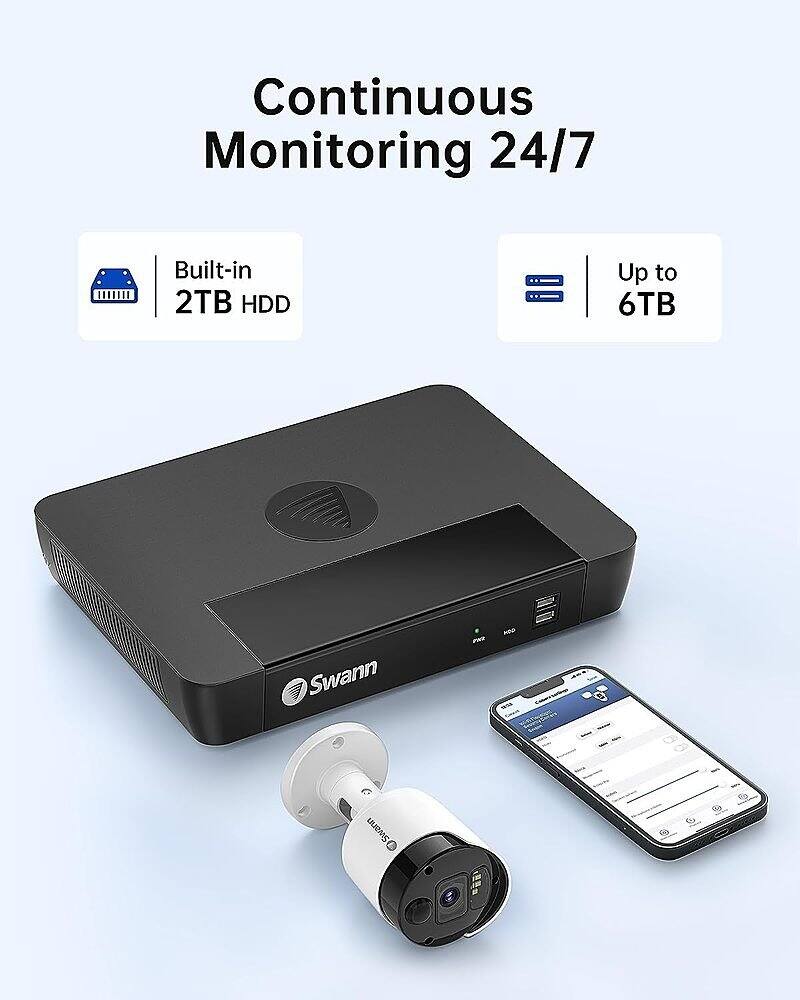
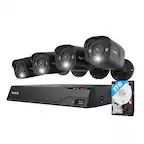
A:AnswerHi Nudge. You will need to wire the NVR to your router if you wish to view the system on your phone via the Swann Security app, or for the NVR to receive software updates which Swann may release from time to time. If you don't need to view your system on a phone and are happy just to view it locally from a screen connected to the NVR instead, then it doesn't need any connection to the internet. No, the NVR does not have Bluetooth. - SD, Swann Team
A:AnswerHi Chennel. Yes, within the settings you can choose 24/7 recording for some or all cameras if you wish to. Normally Swann would recommend using motion-based recording instead though so that you are only getting recordings that are relevant rather than hours of nothing happening. Either way, it is entirely up to you. -SD, Swann Team
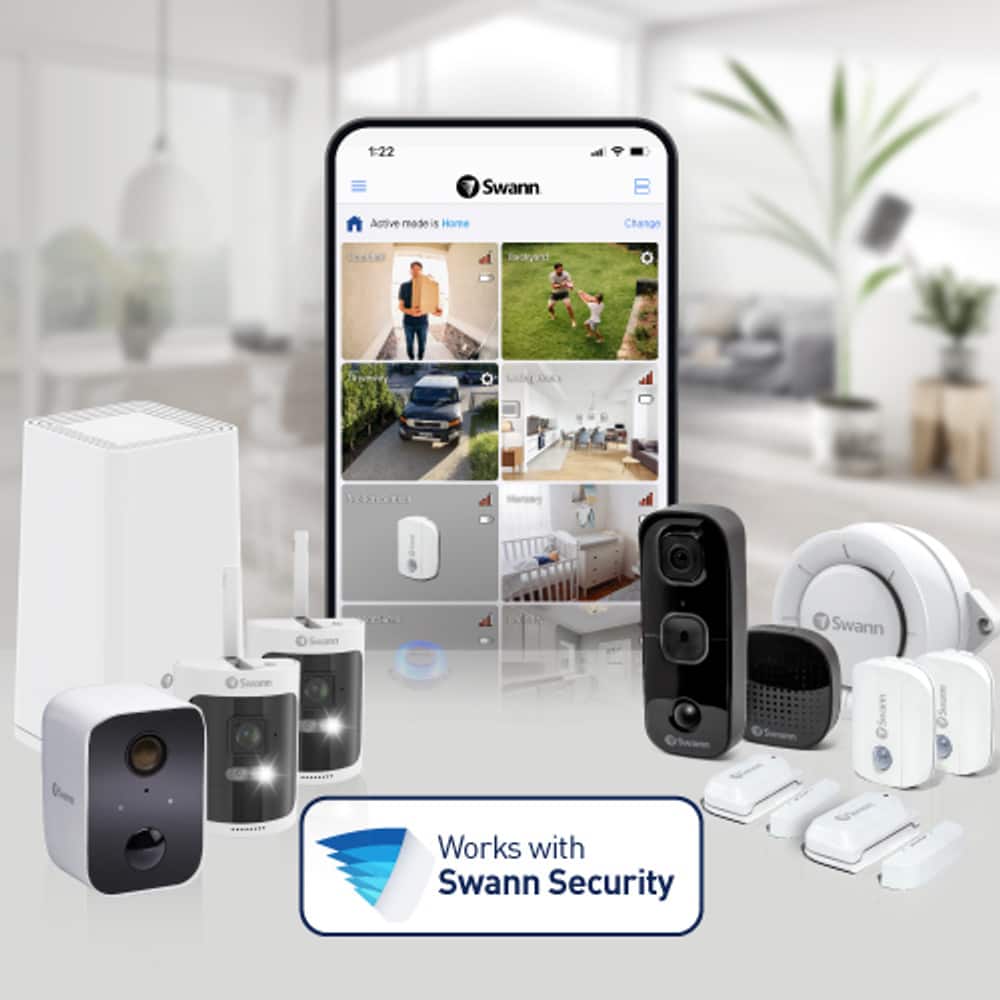
A:AnswerHello futuresplit. For Apple and Android, you will use the Swann Security App. If you would like to use "hands-free security" using voice commands, you can stream video from your cameras via the Google Assistant & Chromecast, Google Home Hub, or via Alexa devices with a screen, such as Echo Spot. If you need further clarification please visit our support page or contact us over the phone.
https://support.swann.com/s/ .
Your feedback is important to us.
LV-Swann Team
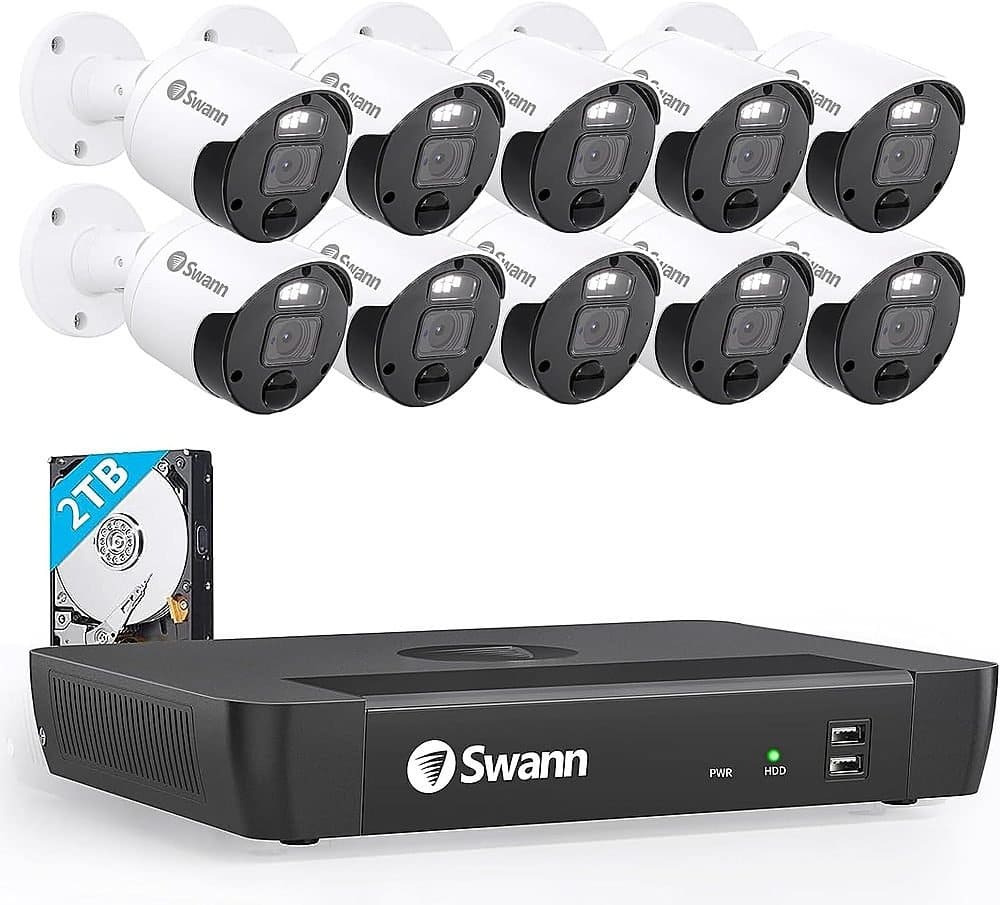
A:AnswerHi Julia. You can only have one copy of the Swann Security app on your phone at a time, however you can pair two different NVRs under the same app account. This means you could view all your cameras from the two different systems within a single app, and just name each NVR/Camera differently. Alternatively if you'd definitely prefer two distinct apps, you may be able to view one via the Swann Security App, and a second one via an app called RXCamView. -SD, Swann Team
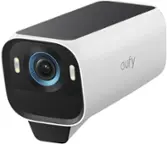
A:AnswerHello Ethan. Thank you for your inquiry, please check out our Swann 4K Pan-Tilt Add-On Camera model SWNHD-900PT with digital zoom. Hope that helps. LV - Swann Team
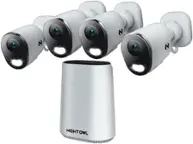
A:AnswerHello ski87. Thank you for reaching out with your question. Unfortunately, we are unable to confirm if these two products are compatible. Swann only tests with our brand products and their pertaining software. Some Swann camera options for your NVR are model NHD-900PT with a pan rotation of 0 - 355° and pan rotation of 0 - 90° or our NHD-900DE with 110° Super-Wide Angle. Hope that helps. LV - Swann Team
A:AnswerThanks for your question. These cameras can read license plates on a car up to around 50ft/15m away. Larger objects can of course be seen further away. - SD, Swann Team
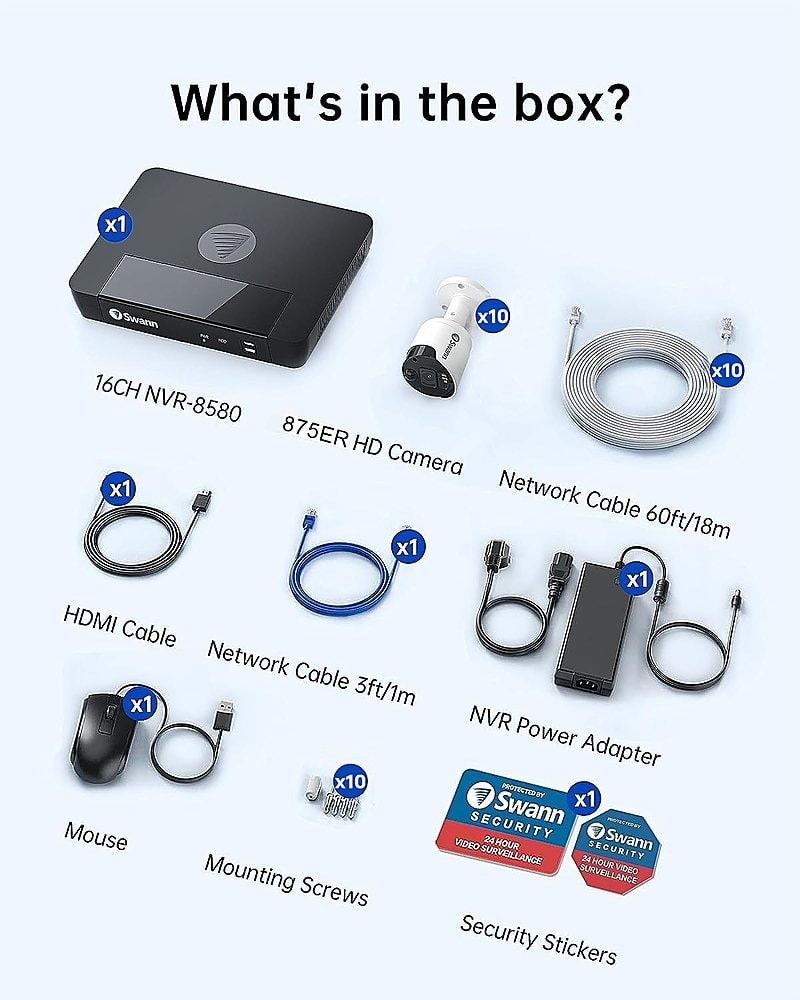
A:AnswerHi BigAl. Yes, the kit includes all the wires you need. There is a 60ft network cable for each camera, you need to run these cables between each camera and the back of the NVR box. Then there is another shorter network cable to connect the NVR to your router. You will need to connect a monitor/TV to the NVR for the initial setup and installation, and after that you can view on your phone as long as the NVR has internet access.
-SD, Swann Team
A:AnswerHi Jared. Yes, a rich notification is defined as an alert with extra detail attached such as an image. Swann offer Rich Notifications for Wi-Fi cameras as part of our Secure+ subscription service. They are not available for this wired NVR system sorry, you would just get standard push notification alerts but without images attached. -SD, Swann Team
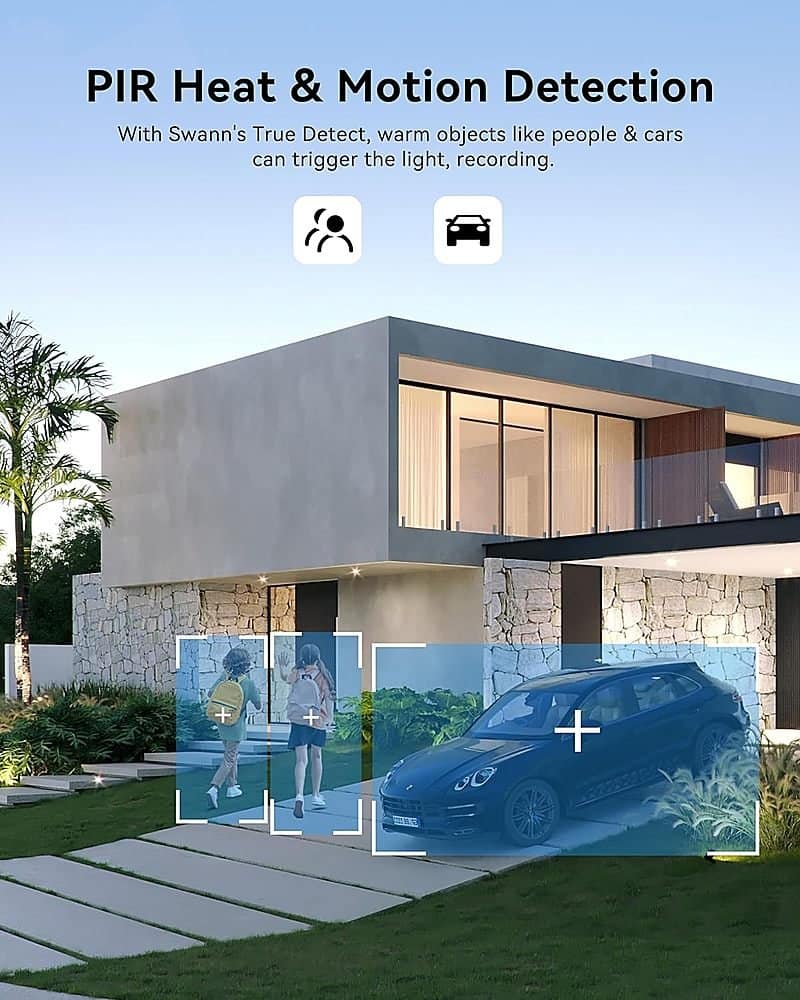
A:AnswerHi George. Yes, you can receive a push notification on your phone from the Swann Security app whenever a camera detects motion. Through the app settings you can select which camera(s) send you an alert, or turn them on or off depending on the time of day using the Schedules feature. -SD, Swann Team.
A:AnswerHi Tesla. Yes, you can do exactly as you’ve described. The system can be operated locally with a monitor & without any internet connection. You only need an internet connection if you’d like to view the system on a smartphone app or to update its firmware. -SD, Swann Team