A:AnswerTo access the sleep timer you would press the remote menu button from any input or from the home screen navigate to: Settings(Gear Button)>Settings>System>Power&Energy>Sleep Timer>Choose your time option. Hope this helps! Thank you, TCL Customer Support
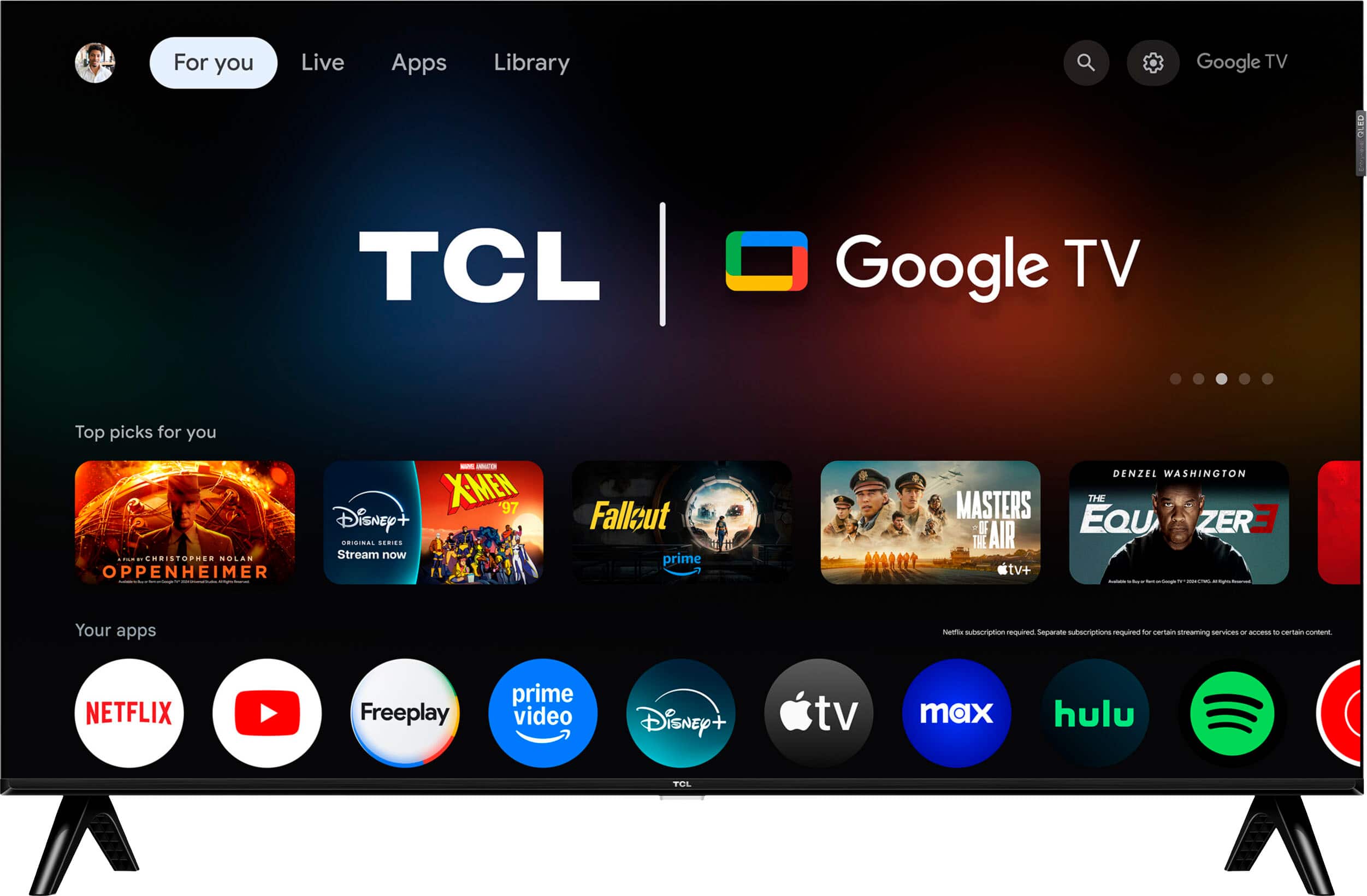
A:AnswerThis TCL TV does indeed feature Google Assistant built into the TV. In order for us to better assist, please reach out to us at [email protected] with your contact information and a description of what you need help with. Thank you, TCL Customer Support
A:AnswerThis TV does offer closed captions. You should be able to adjust the size in the settings menu. Hope this helps! Thank you, TCL Customer Support
A:AnswerOur TCL TVs featuring Google TV support Bluetooth and can be paired with compatible audio devices that also support and pair via Bluetooth. Hope this helps! Thank you, TCL Customer Support
A:AnswerIn order for us to better assist, please reach out to us at [email protected] with your contact information and a description of what you need help with. Thank you, TCL Customer Support
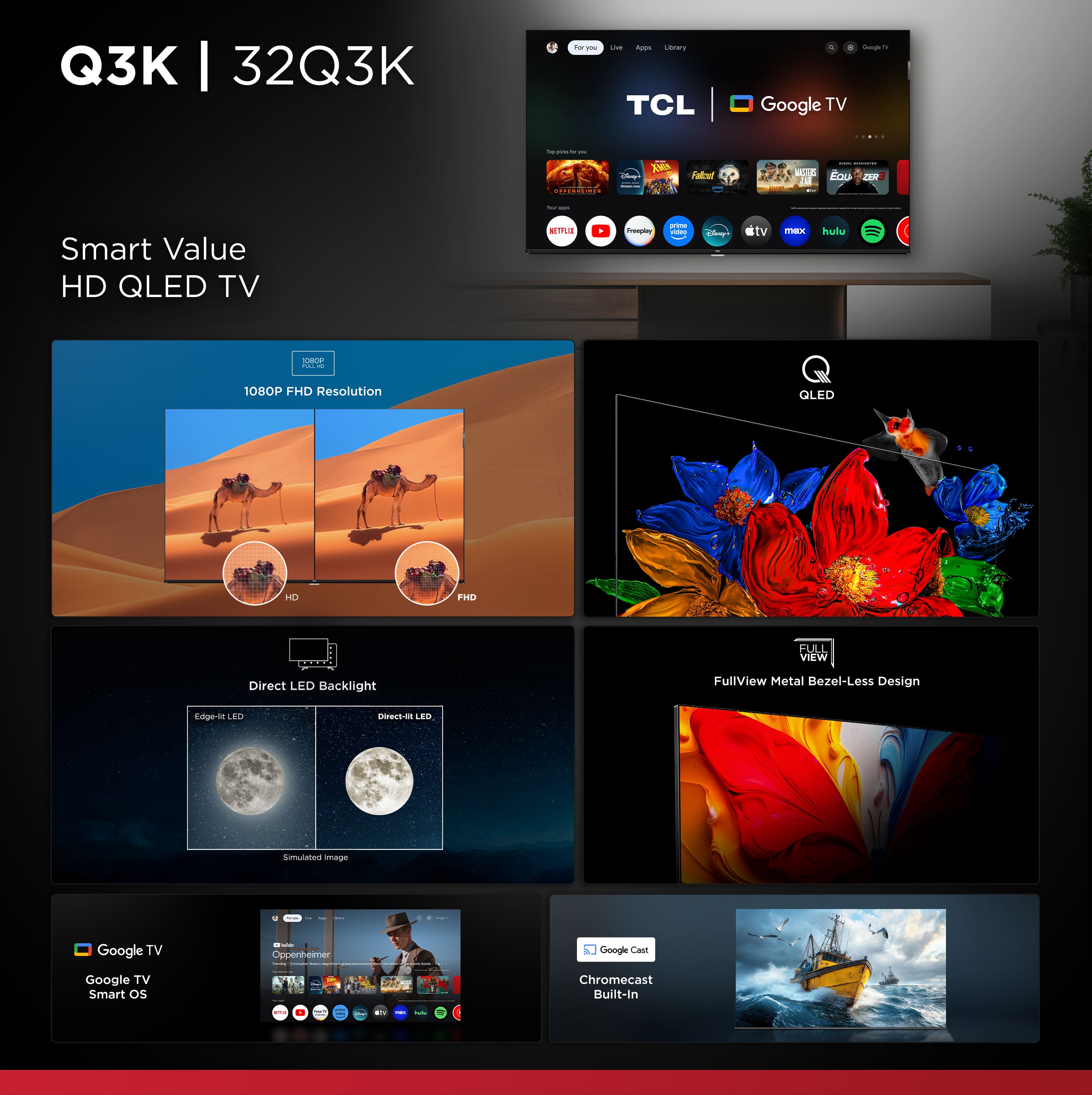
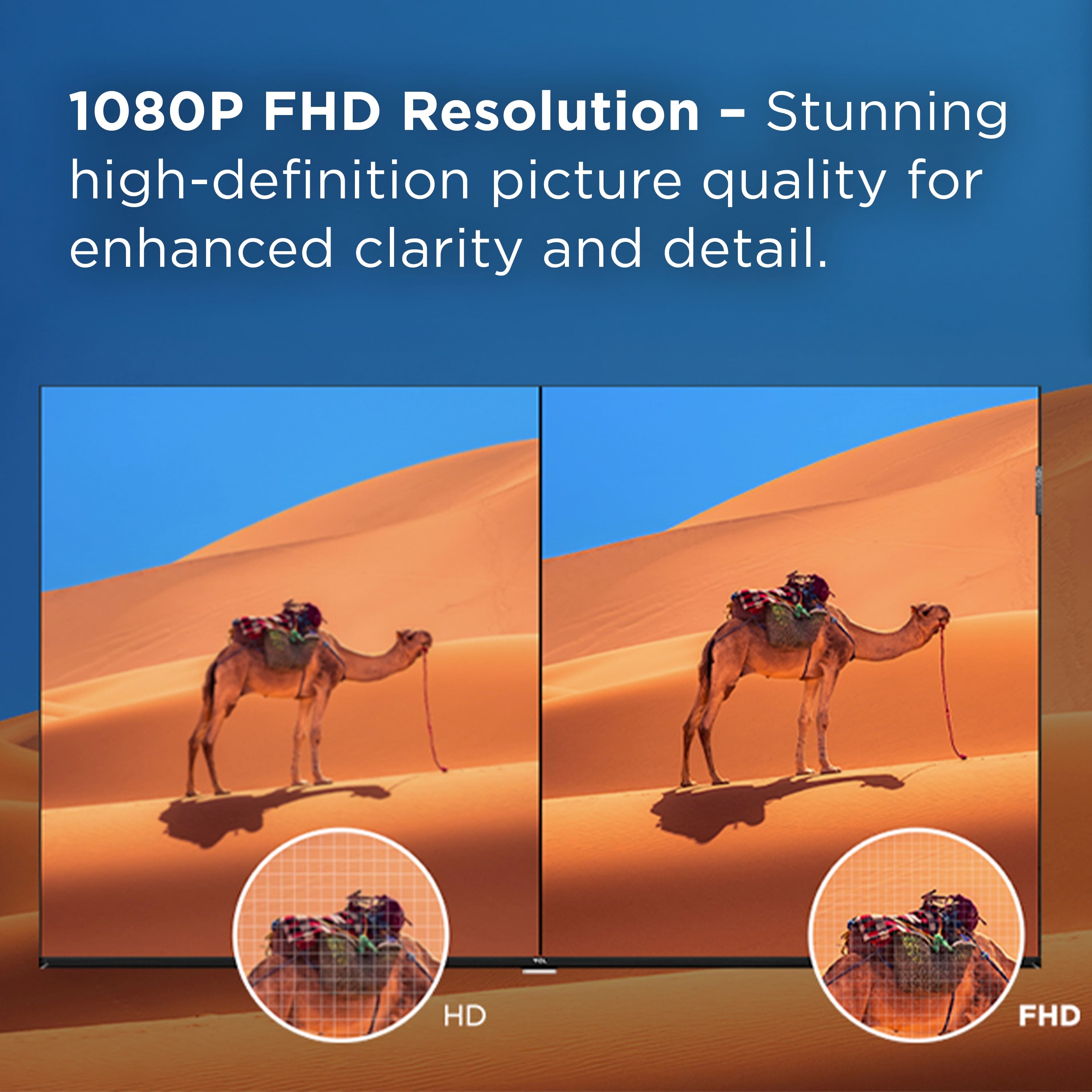
A:AnswerThis TCL TV features a 1080p resolution and supports 60Hz. For more advanced gaming features, you would want to check out our other series. Hope this helps! Thank you, TCL Customer Support
A:AnswerWhile you can use the TV in basic mode and just use the inputs, it is recommended to connect to the Internet to get all the most current software updates. Hope this helps! Thank you, TCL Customer Support
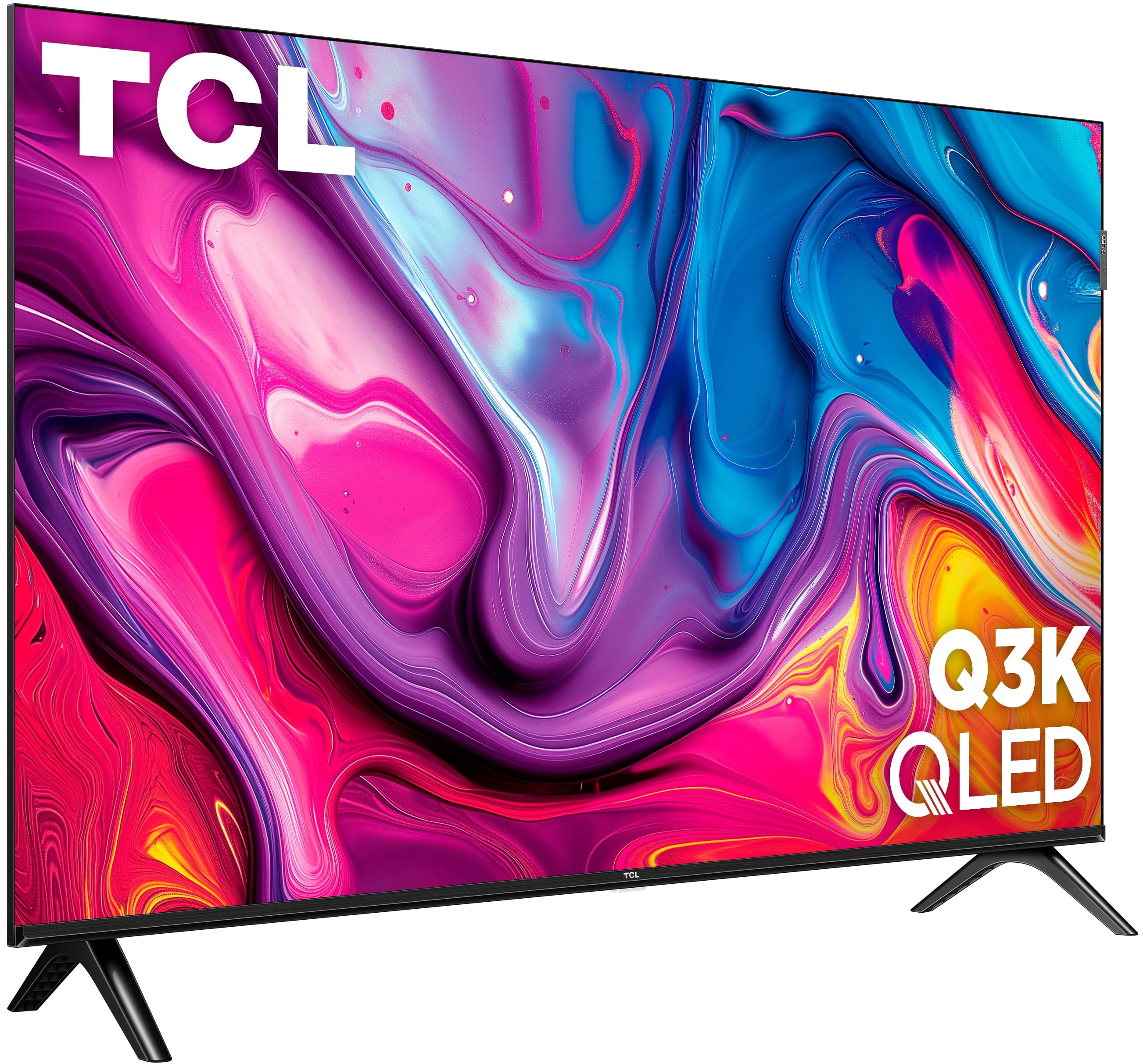
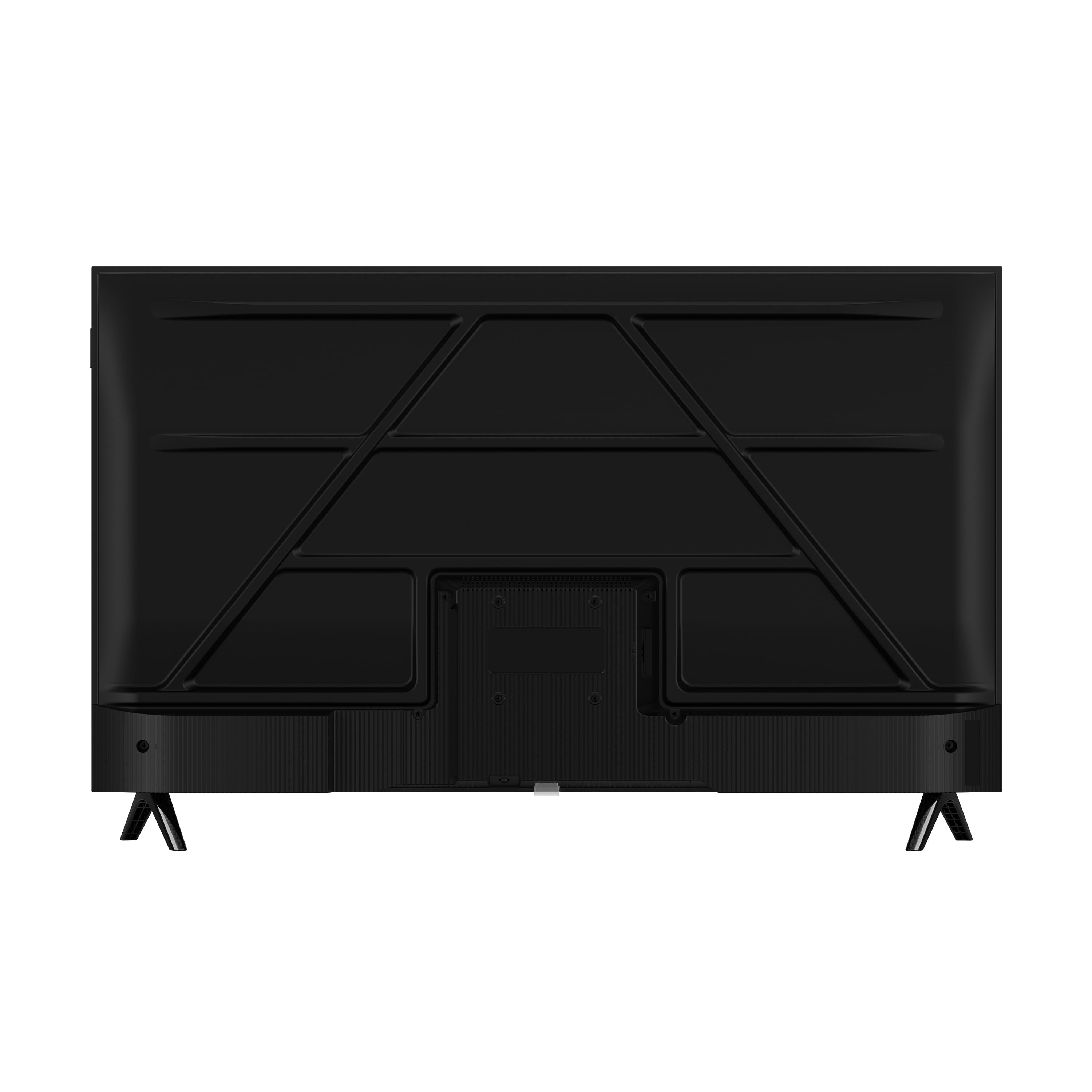
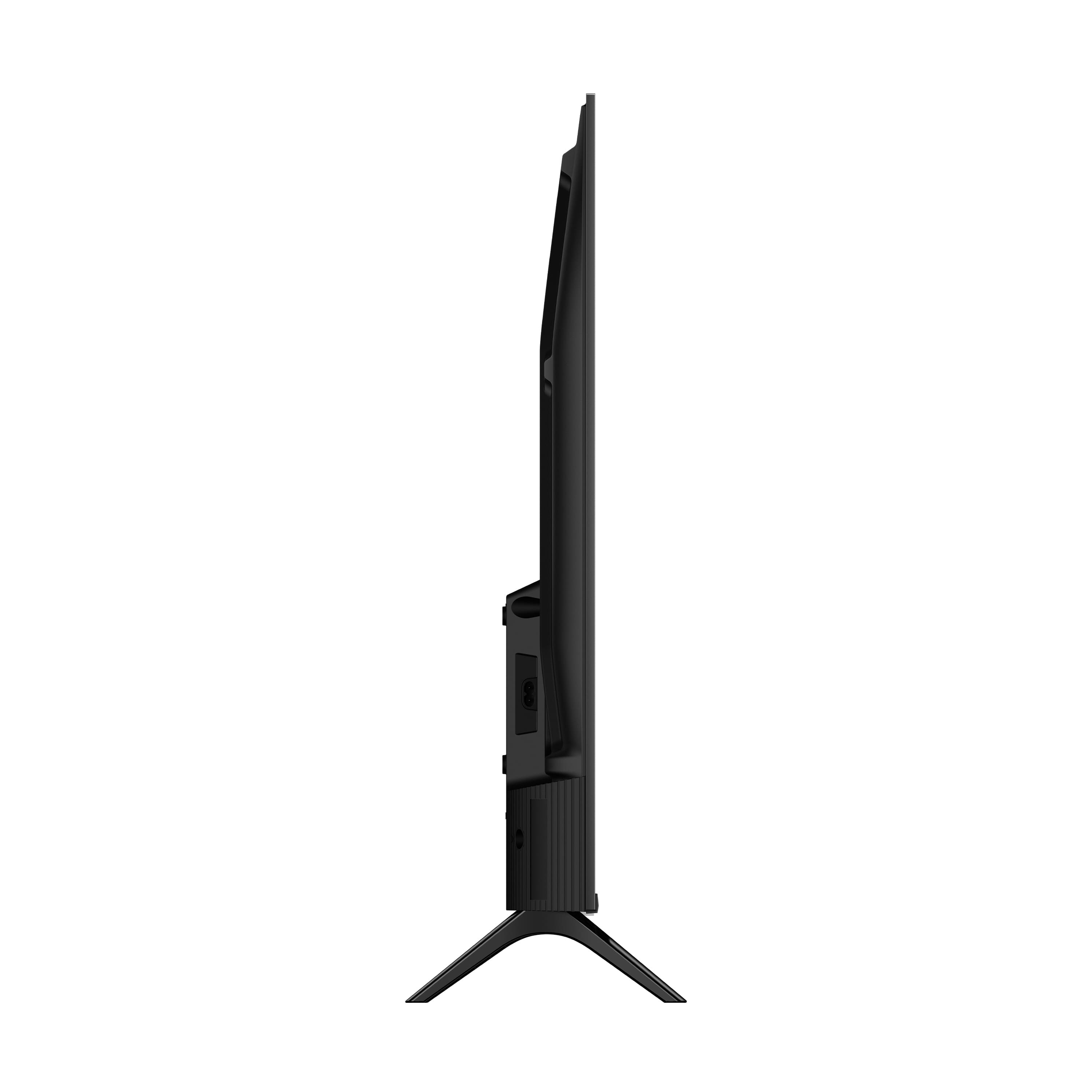
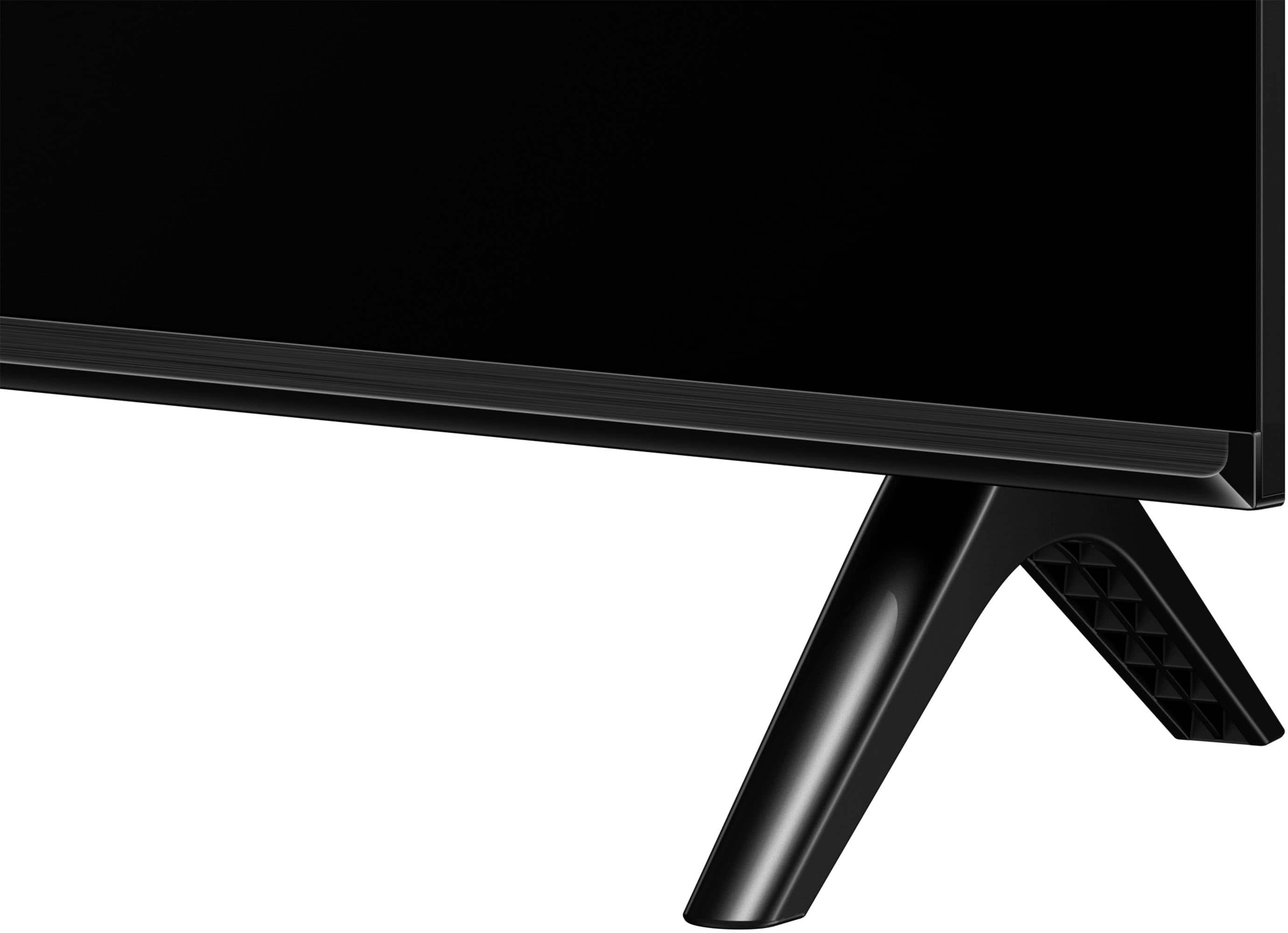
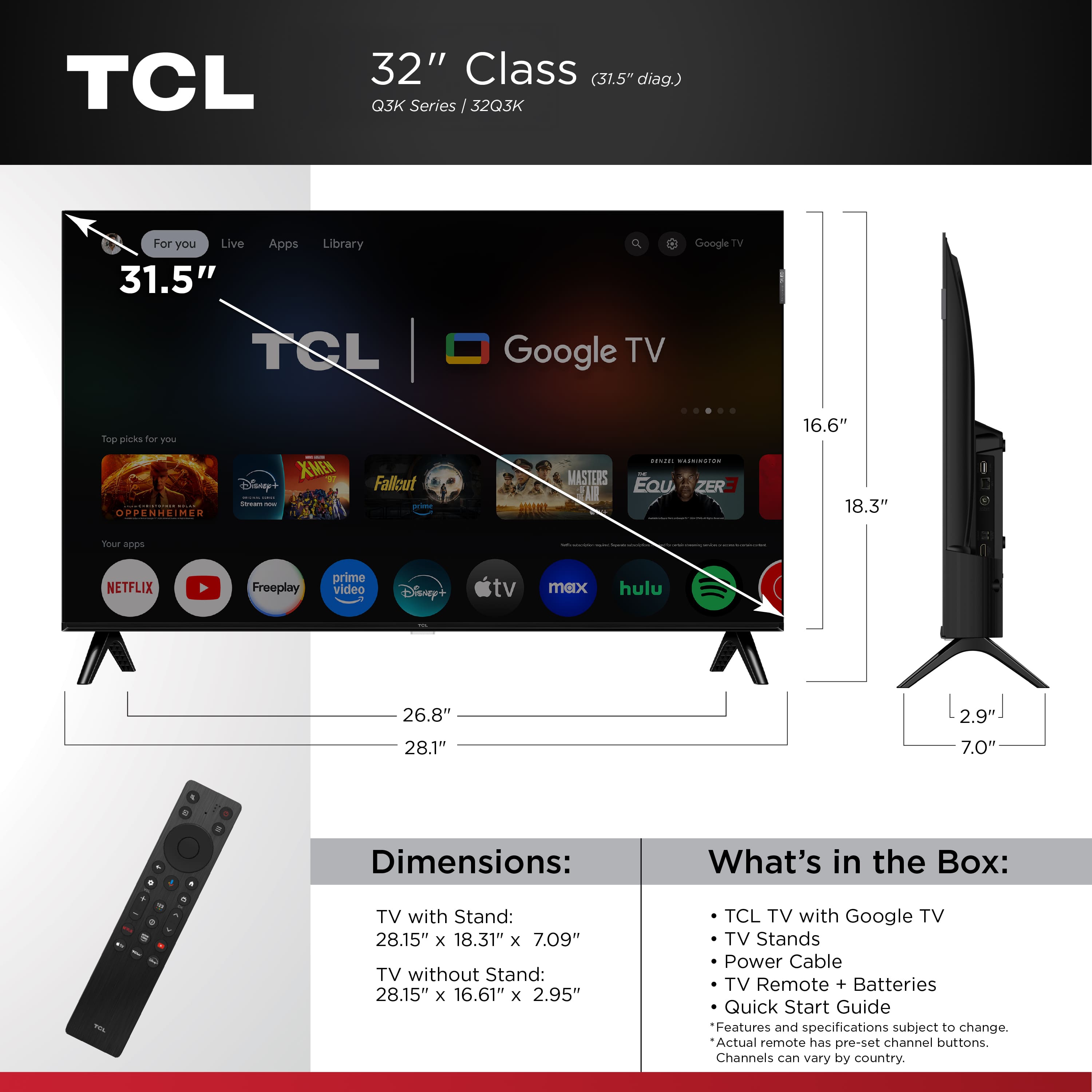
A:AnswerThe feet sit at a slight angle. The inside measurement on the front of the TV is 25 6/8" approximately and 26 6/8" on the outside of the foot. The backside of the TV the feet will be slightly closer together.
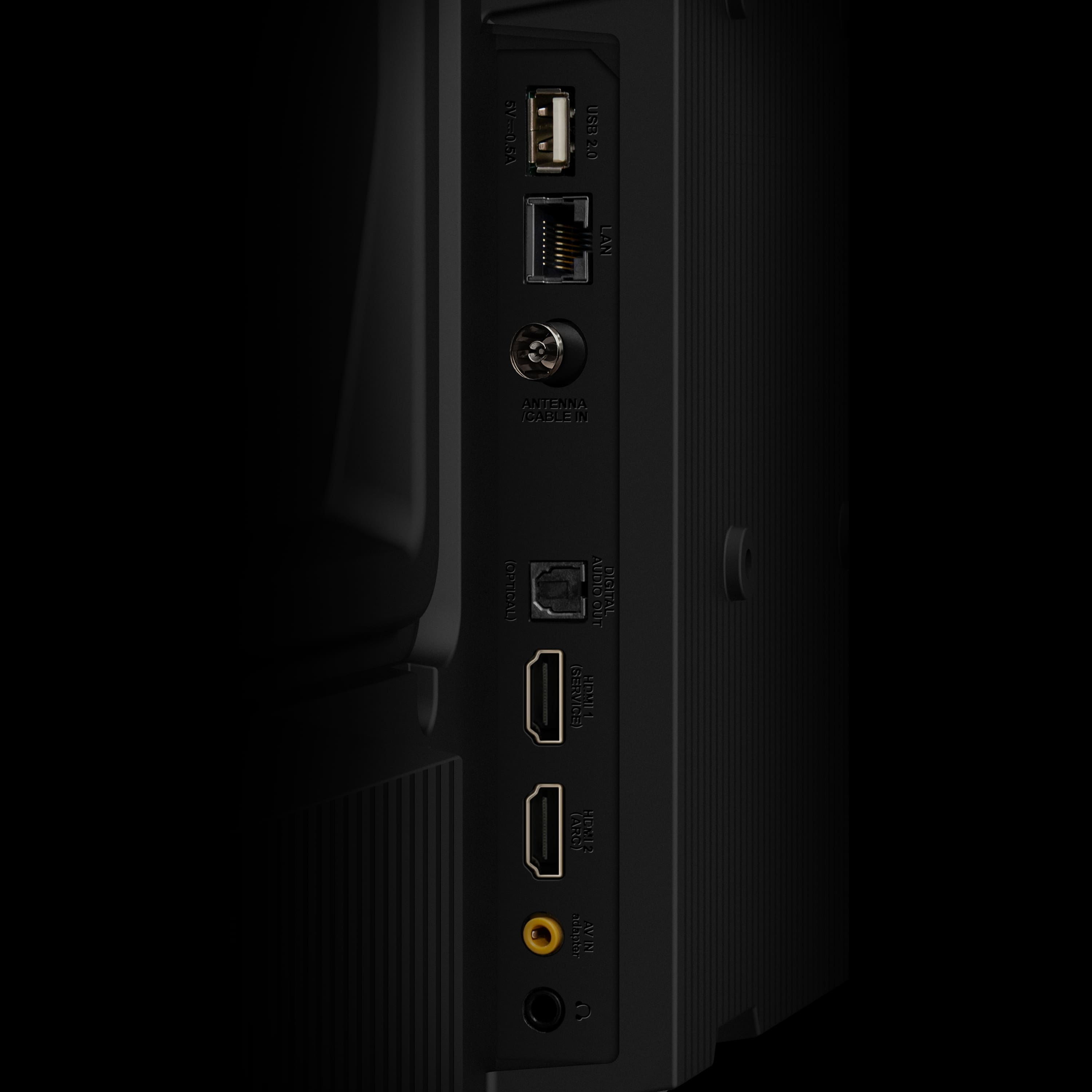
A:AnswerThis TCL TV is compatible with most soundbars and speakers and can be connected via HDMI eARC, Optical, or Bluetooth. Hope this helps! Thank you, TCL Customer Support
A:AnswerIn order to use the smart features on the TV, like screen mirroring, the TV would need an Internet connection. Hope this helps! Thank you, TCL Customer Support