Last-Minute SavingsLimited quantities.Shop now

Skip to content
Gift Ideas
Main Content

Questions & Answers

Your price for this item is $284.99
Clearance
The comparable value price is $299.99
Page Showing 21-40 of 186 questions
  • QuestionHow simple is it to change the input? Can you for example change to HDMI 4, leave it there, and then after turning it back on resume that input without going through the Roku menu every time?

    Asked by JasonM.

    • Answer You can program the TV to power on to a specific input, or the last input used. To do this, you would go to Home>Settings>System>Power>Power on>Select the input that works best for you. Hope this helps! Thank you, TCL Customer Support

      Answered by TCLExpert

  • QuestionDo I need to paid a monthly suscription to use ROKU?

    Asked by Condesa.

    • Answer In order to use the smart features of this TCL Roku TV, you would need to complete the guided setup. This includes connecting to the Internet via WiFi, creating a Roku account (completely free), and activating the TV (completely free). There are no fees to simply use the TV. Hope this helps! Thank you, TCL Customer Support

      Answered by TCLExpert

  • Questioncan this TV be put on a pedestal instead of using the legs? TLC model 43s525

    Asked by Anonymous.

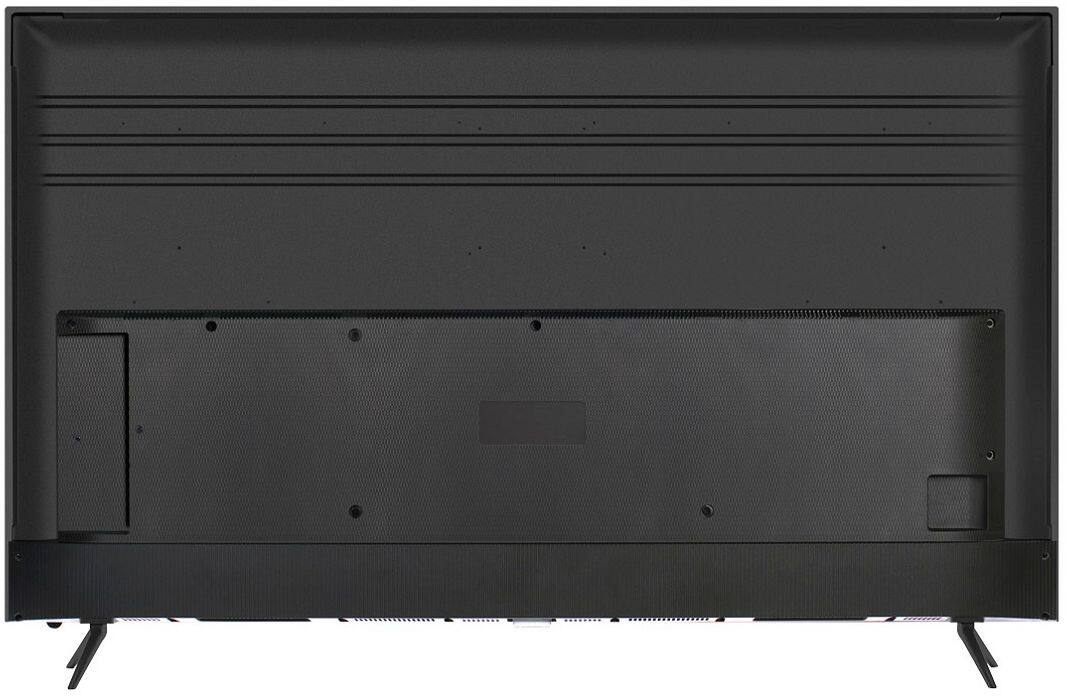
    • Answer It can mount to the third party pedestals like you find on amaz. Table top pedestal, wall mount full motion, tv stand with built in mount, and the rolling monitor stands would all work fine as this is standard screw locations and dimensions.

      Answered by godfetish

  • QuestionDo any of the roku tv's have Bluetooth?

    Asked by Lola.

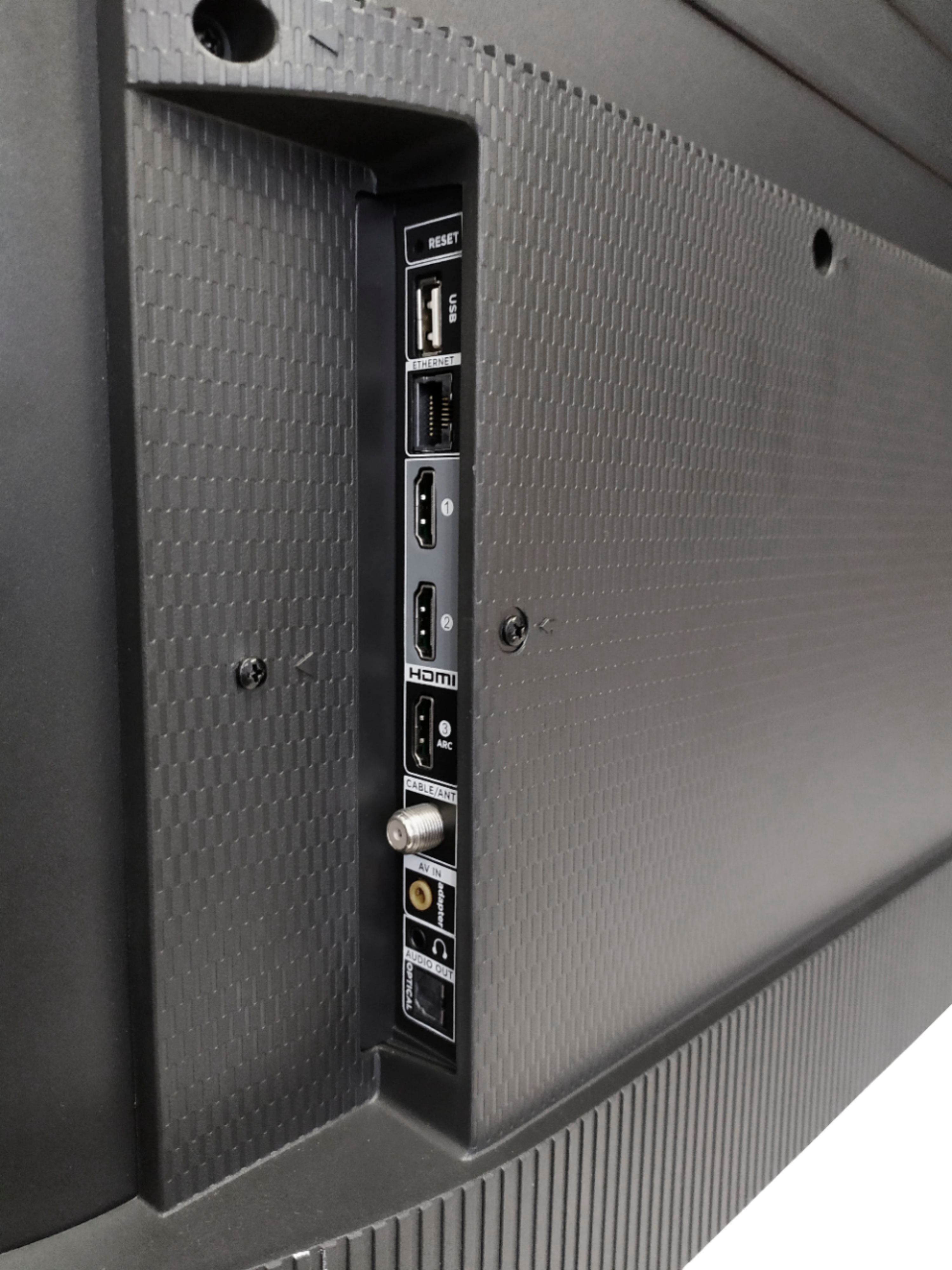
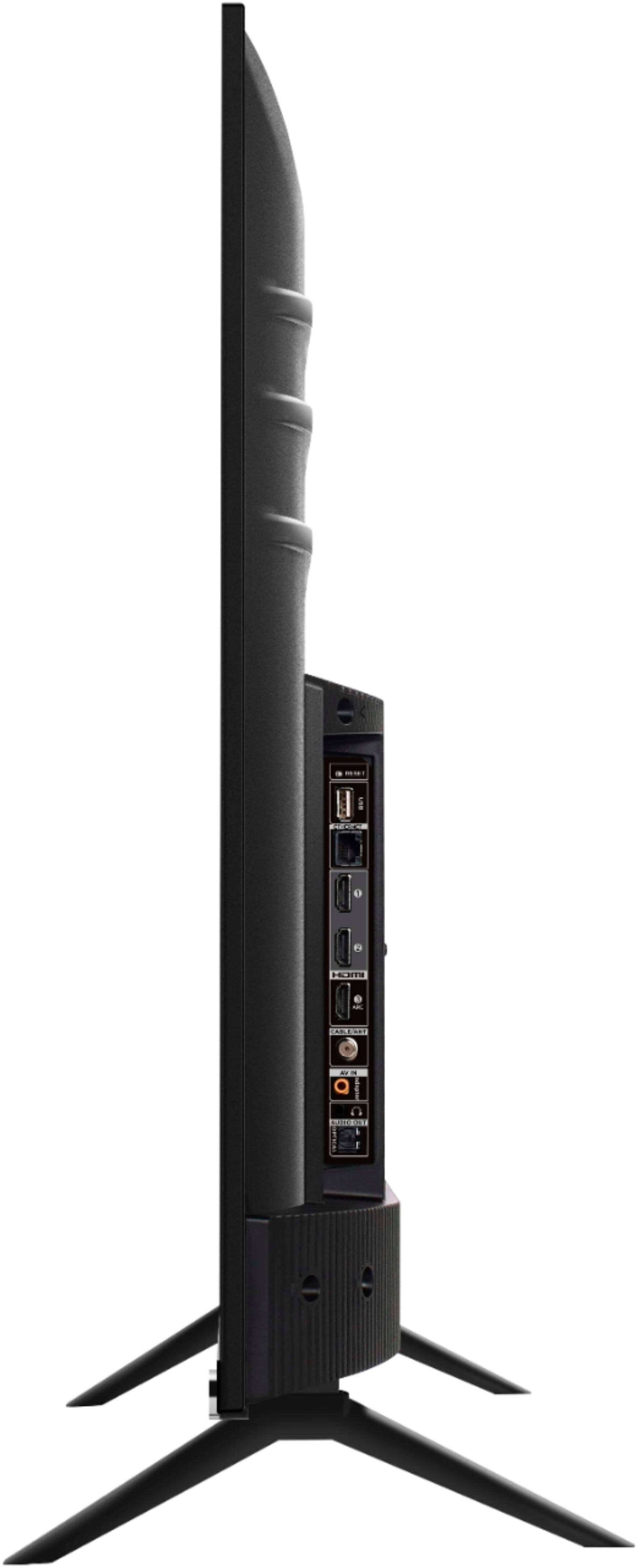
    • Answer Currently, our Roku based TVs do not support Bluetooth. If you are trying to connect a sound bar or speakers you can use the Optical port, or the HDMI ARC port. For Headphones, there is a Headphone jack on the back of the TV, or you can download the Free Roku app for private listening. Hope this helps! Thank you, TCL Customer Support

      Answered by TCLExpert

  • QuestionDoes TCL43S525 Roku TV support Miracast?

    Asked by Confused.

    • Answer TCL Roku TVs support screen mirroring with compatible Android and Windows devices. Here is a great article with more details on how: https://support.roku.com/article/208754928-how-to-use-screen-mirroring-with-your-android-or-windows-device. Hope this helps! Thank you, TCL Customer Support

      Answered by TCLExpert

  • QuestionDoes this support 5g wifi? Does this have google play?

    Asked by Anonymous.

    • Answer This TCL Roku TV has the ability to connect to the Internet via WiFi or Ethernet. It supports both 2.4GHz and 5GHz WiFi. You can go to www.Roku.com/whats-on to see what streaming channels and apps are offered through the Roku Channel Store. To search for a specific channel you would simply want to enter that information into the search section. Hope this helps! Thank you, TCL Customer Support

      Answered by TCLExpert

  • QuestionCan you plug in your vcr/ DVD player?

    Asked by Dyann.

    • Answer This TCL Roku TV features various inputs that can be used to connect external devices like a VCR/DVD player. Hope this helps! Thank you, TCL Customer Support

      Answered by TCLExpert

  • QuestionIf you are using the TV to watch over-the-air broadcasting channels with NO INTERNET connected, since there are no numbers on the tv remote, by what means do you change the channel. Is there some grid or guide ? (Please understand, no internet connected)

    Asked by John.

    • Answer Even if there is NO INTERNET, the TV will still populate a channel list. It will not have the channel information that is typically found in a guide, but there will be a channel list that you can scroll through and select channels. Hope this helps! Thank you, TCL Customer Support

      Answered by TCLExpert

  • QuestionCan this TV be used s a computer monitor and what is needed to accomplish this?

    Asked by Walter.

    • Answer I could be, though I would not recommend it for productivity work. How TVs display are slightly different than a PC monitor and text tend to be less crisp. That said, it can be used as a computer monitor and you will need to connect your computer to it via an HDMI cable. Depending on your computer, you may need a converter for your video our (like a DVI or VGA to HDMI),however many newish computers will have an HDMI out you can use.

      Answered by DeconBlues

  • QuestionDoes this tv have a timer

    Asked by Suse.

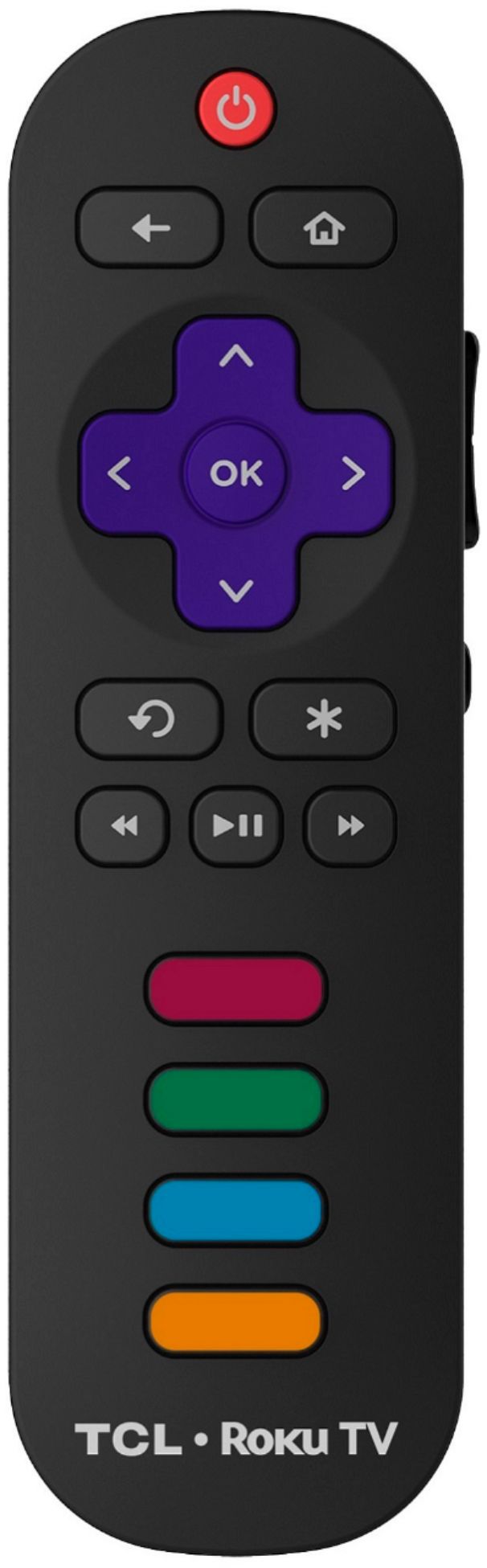
    • Answer There is not a physical button for it, but there is an option for it. Simply press the asterisk (*) button on your TCL Roku TV remote while watching content, highlight the sleep time option, and choose how long you want to set it for (30minutes-3hours). Hope this helps! Thank you, TCL Customer Support

      Answered by TCLExpert

  • QuestionIs the refresh rate 120hz native? Does the hdmi support version 2.1 or better so the device sending a signal to the tv at 4k 120hz ( FPS ) can be shown at that rate. Want to use as monitor for Xbox series x.

    Asked by Kevkev.

    • Answer This TCL Roku TV features an effective refresh rate of 120Hz CMI. Additionally, this TV does not support HDMI Auto Low Latency Mode, or HDMI-ALLM. Hope this helps! Thank you, TCL Customer Support

      Answered by TCLExpert

  • QuestionCan I use the Roku Remote app on my iPad with this TV?

    Asked by PersonaNonGrata.

    • Answer Absolutely! You can indeed download the free Roku mobile app on your Smartphone or tablet to use as a remote. Through the Roku mobile app, you gain access to power toggle, volume toggle, private listening, voice search, and more. Hope this helps! Thank you, TCL Customer Support

      Answered by TCLExpert

  • QuestionDoes this tv support HDMI 2.1 ?

    Asked by Jake.

    • Answer This model does not currently support HDMI Auto Low Latency Mode, or HDMI-ALLM. Hope this helps! Thank you, TCL Customer Support

      Answered by TCLExpert

  • QuestionWe have a hidden WiFi network. Will this tv be able to connect?

    Asked by Flowergirl.

    • Answer You link this TV to your WiFi the same way you link your laptop , desktop or cell phone to your WiFi. It practically connects itself, just enter your WiFi password. If you are close enough to your router I'd suggest connecting via cat 5 hardwired connection which is more stable overall but WiFi will work fine if you have a good router. Don't expect gigabit speeds but evidently it is not necessary. I use a hard wire and never see it get past 90 Mbps so it seems to be capped at a 100 Mbps connection. Our Roku Premiere box is in the next room and does just fine on the 2.4 GHz WiFi connection, usually connecting between 40-70 Mbps. Evidently this is all the speed these devices need.

      Answered by Jake

  • Questionwhat is the difference between series 4,5,6,7? samson has 6,7, TCL has 4,5

    Asked by jon.

    • Answer For 4K models, TCL Offers the following series: 4, 5, 6, and 8. Each series builds on each other. All of these series are 4K UHD, have HDR support, and have a Roku operating system. The 5-Series, 6-Series, and 8-Series additionally have Dolby Vision Support as well as a wide color gamut, auto-game mode, an edge-to-edge glass display, etc. The 6-Series and the 8-Series both feature Quantum Dot Technology (QLED). The 6-Series features CCZ technology while the 8-Series has Quantum Contrast. You can also visit www.tclusa.com/products/home-theater/8-series and scroll down to "Compare All Models" to see all models compared. Hope this helps! Thank you, TCL Customer Support
      Answered by TCLExpert

  • QuestionDoes this TV have Atmos, it used to.

    Asked by Christy.

    • Answer This TCL Roku TV supports Dolby Atmos passthrough. Hope this helps! Thank you, TCL Customer Support
      Answered by TCLExpert

  • QuestionCan I use this a computer monitor?

    Asked by mrdba.

    • Answer If your pc has HDMI Connections it should work

      Answered by DelcoDadof3

  • QuestionDoes this TV have ARC support on any of its HDMI connectors??

    Asked by JerroldH.

    • Answer Yes. It has it on one of the hdmi ports

      Answered by Viziobi

  • QuestionDo I need an external router since the wifi is in the tv?

    Asked by Bob63.

    • Answer You will need a WiFi signal to the tv via a wireless router, or you can hardwire directly from the modem to the tv.

      Answered by Earlyg

  • QuestionDoes the 43S525 offer the ability to turn off motion smoothing?

    Asked by Gniff.

    • Answer Yes. That will make movies not look like a soap opera.

      Answered by Larrymoe52