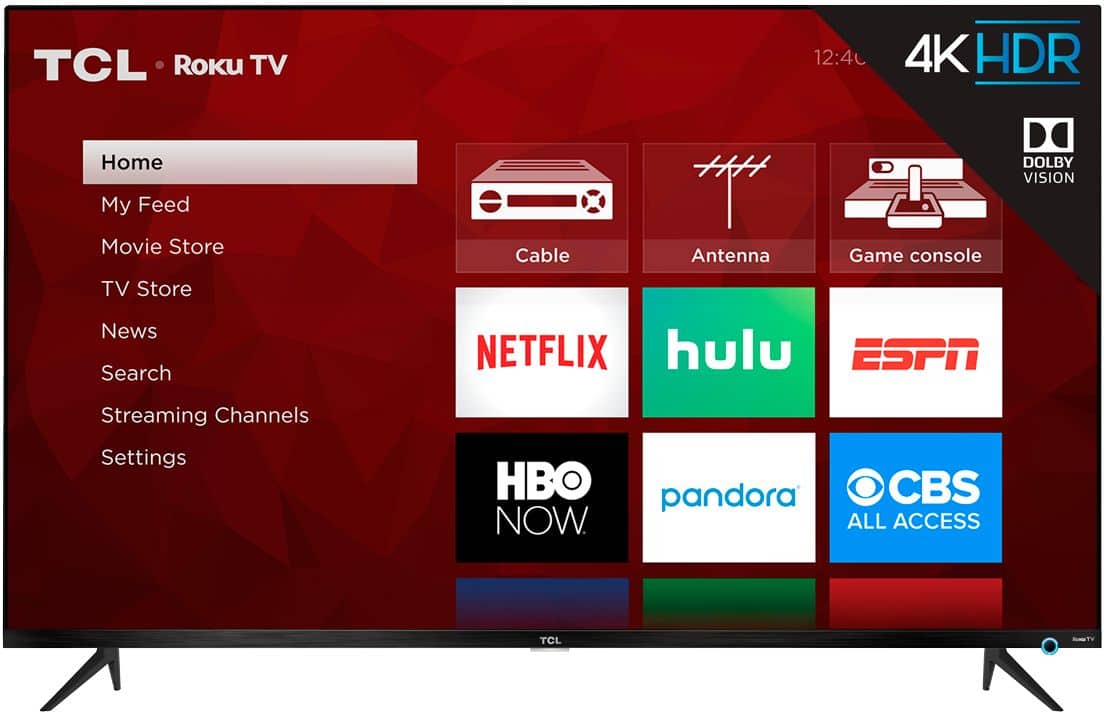
A:AnswerWhile this TV features an effective refresh rate of 120Hz CMI, it does not support 120fps input from external sources. Hope this helps! Thank you, TCL Customer Support
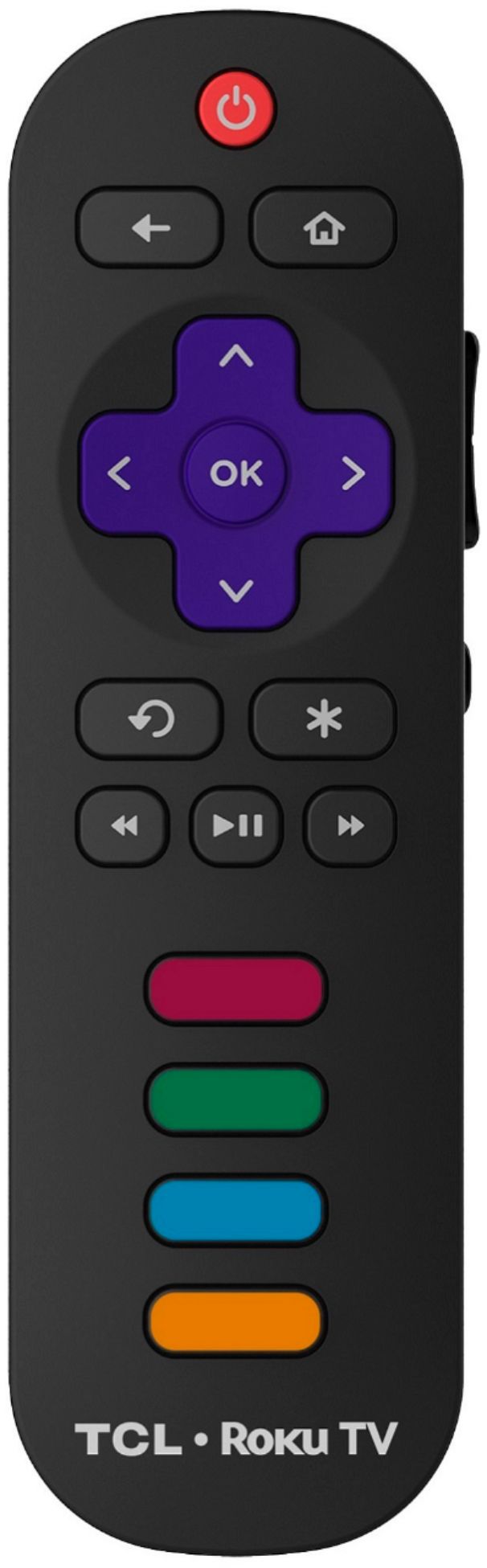
A:AnswerThere is not a physical button for it, but there is an option for it. Simply press the asterisk (*) button on your TCL Roku TV remote while watching content, highlight the sleep time option, and choose how long you want to set it for (30minutes-3hours). Hope this helps! Thank you, TCL Customer Support
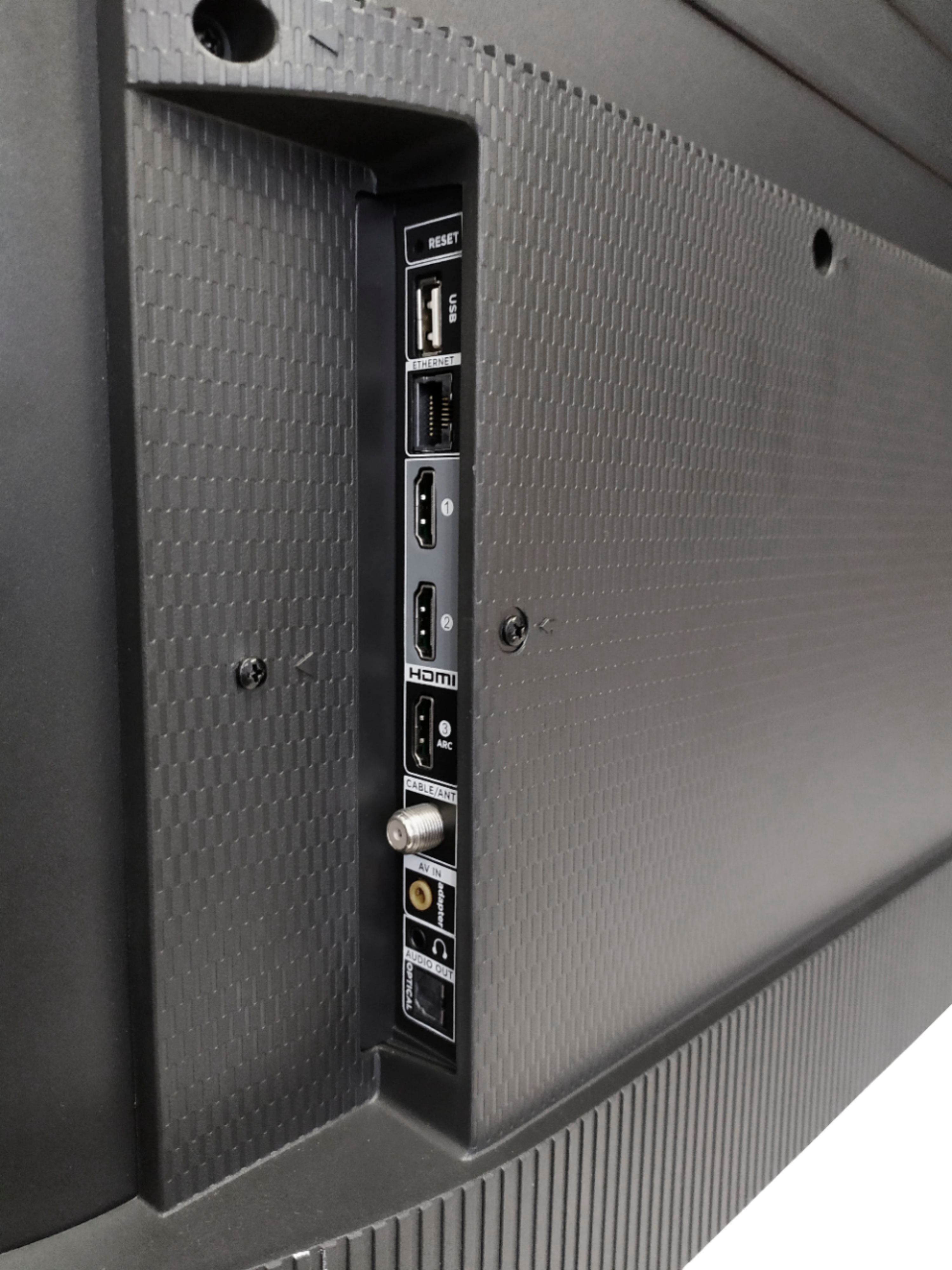
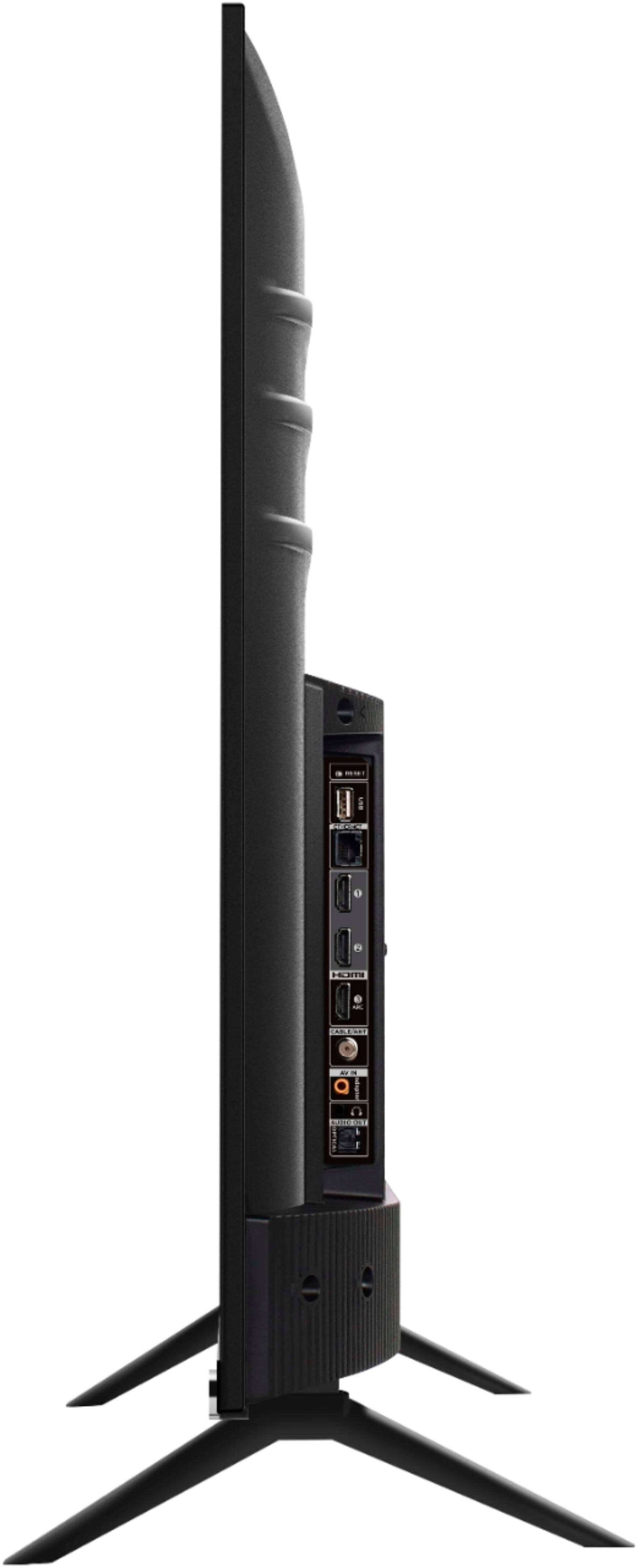
A:AnswerMy daughter used her recent model Macbook air to stream a live hockey game from a youtube feed to the tv using a usbc connector to HDMI cable, Worked great.

A:AnswerI have not and I have two of these TVs. Either there is an issue with the internal WiFi chip or check your WiFi setup. It can also depend on your speed. Make sure you are connecting to the 2.4 GHz band SSID on your router. If the problem persists, I would use the warranty to get it fixed or a new one.
A:AnswerNo built-in Bluetooth, but a separate transmitter/receiver would work. If it's needed for headphones/earbuds, I recommend bypassing the transmitter/receiver idea and using the Roku phone app; you can do the Bluetooth thing that way - plenty of tutorials online.