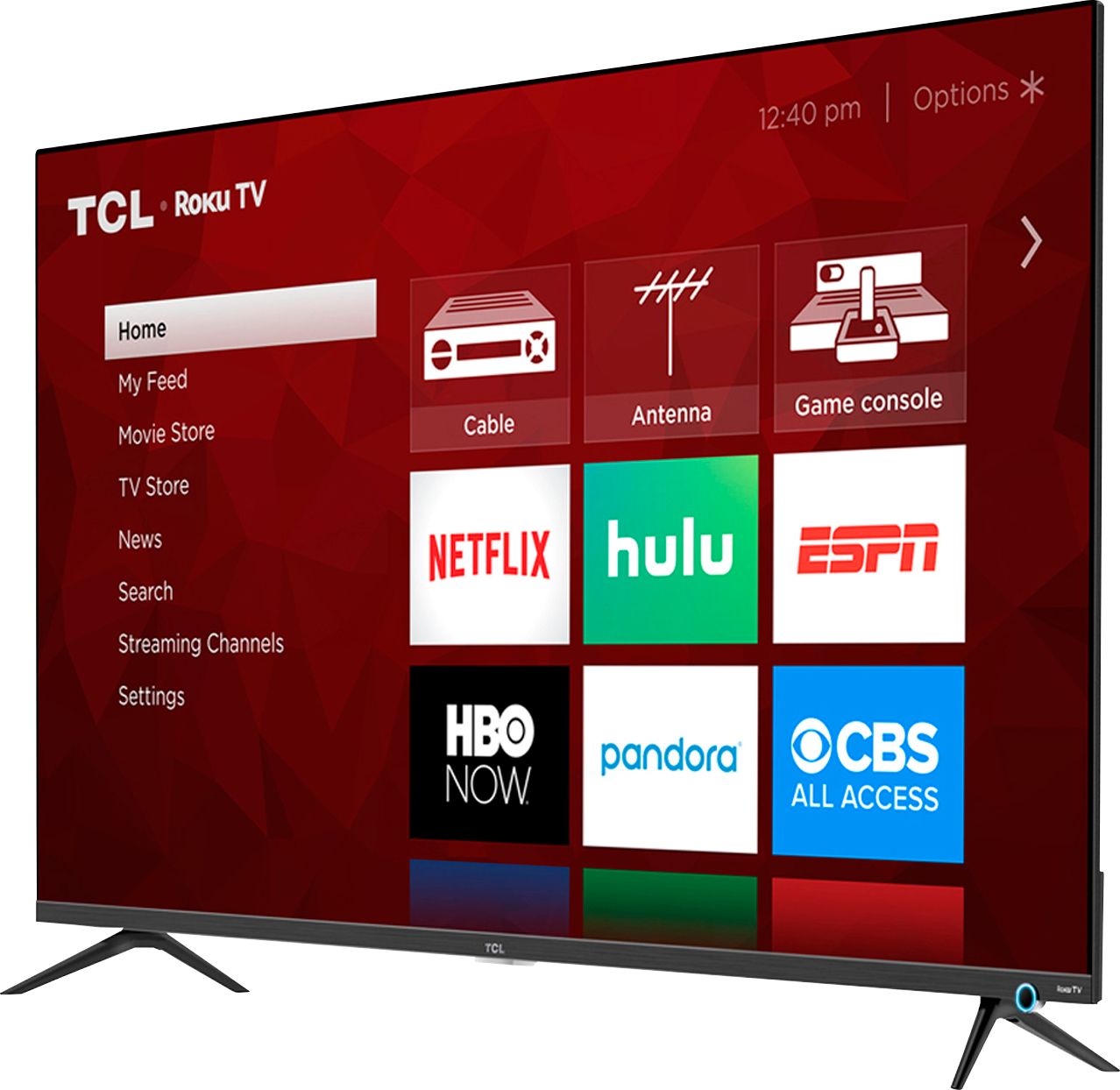
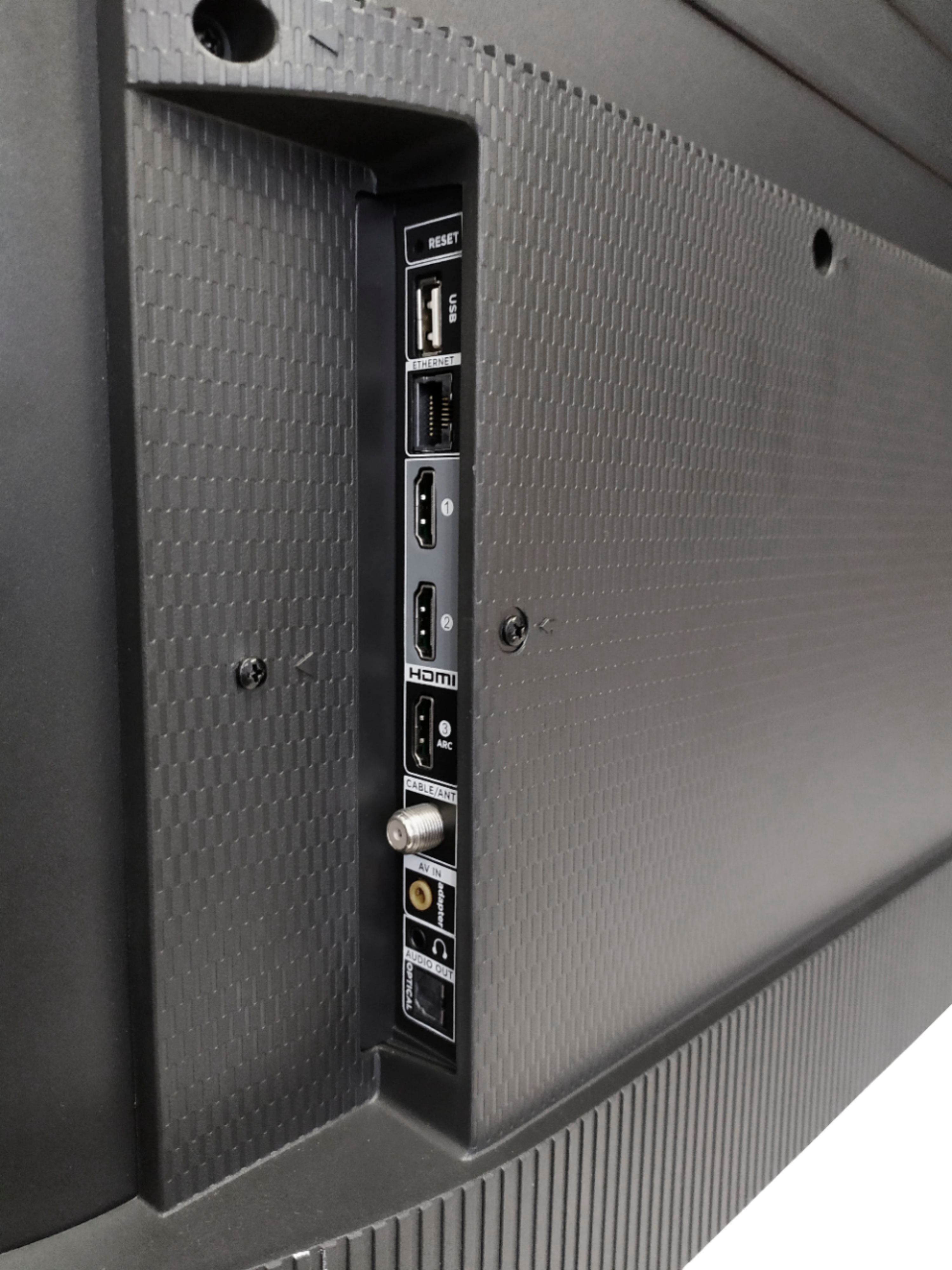
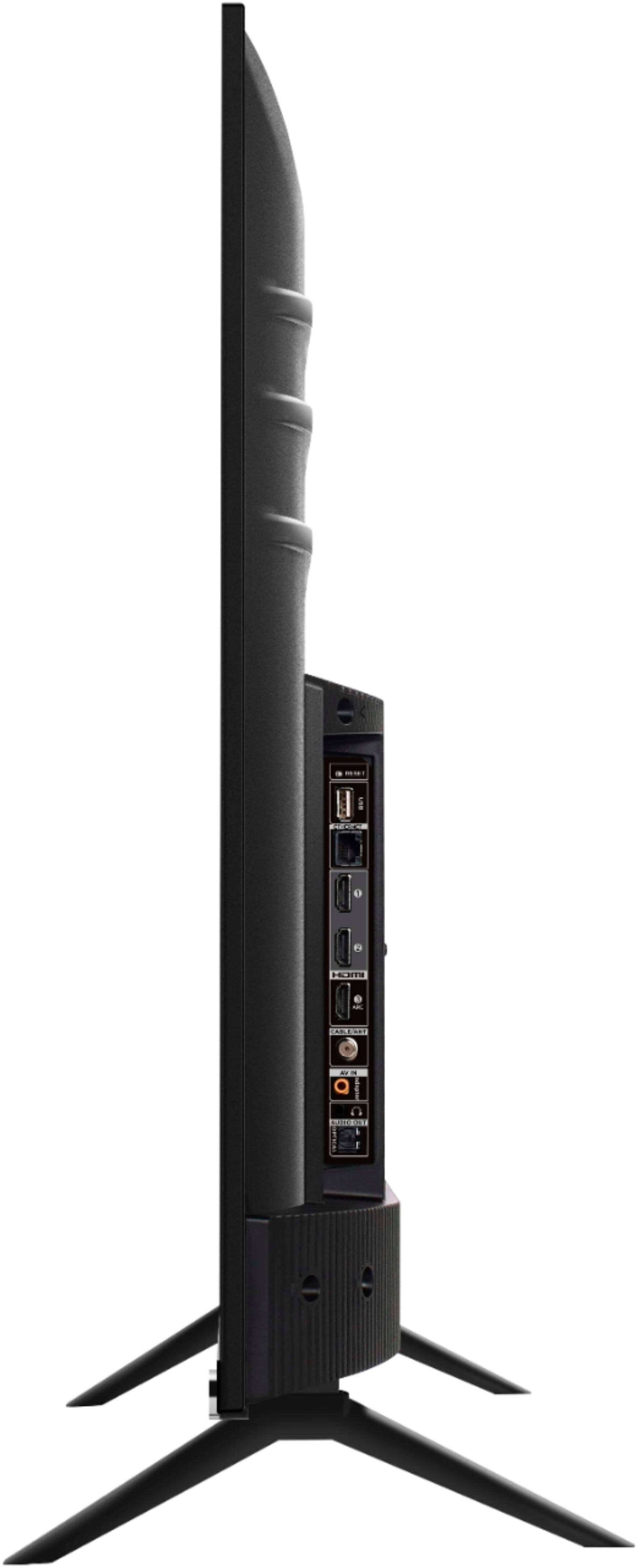
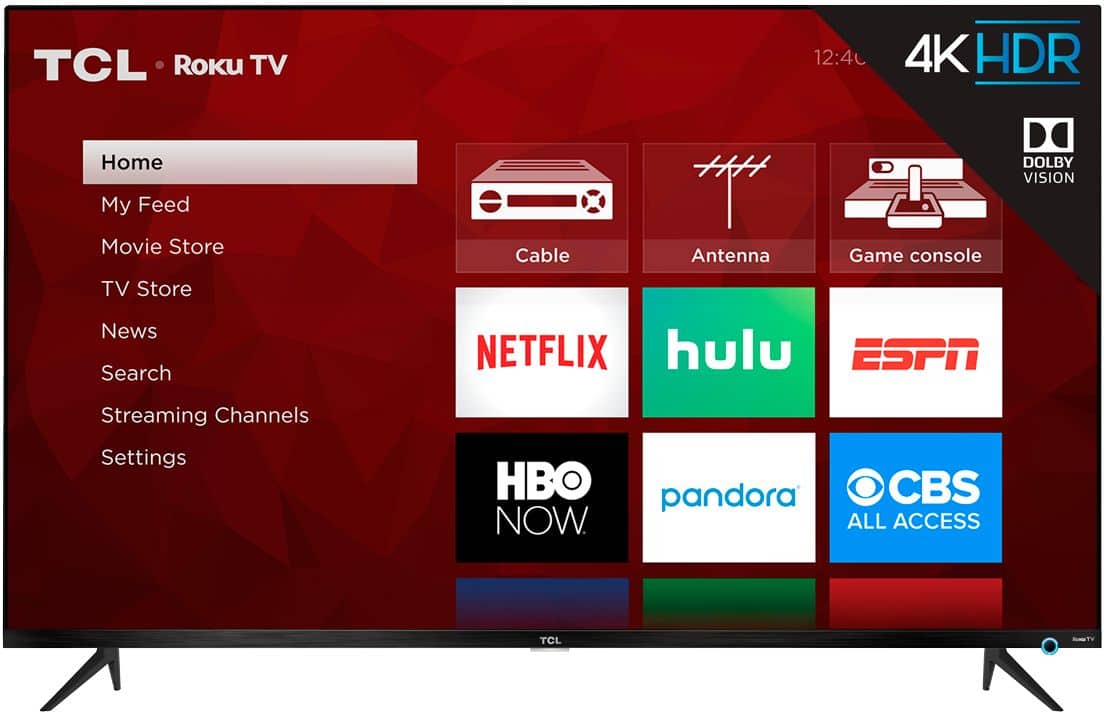
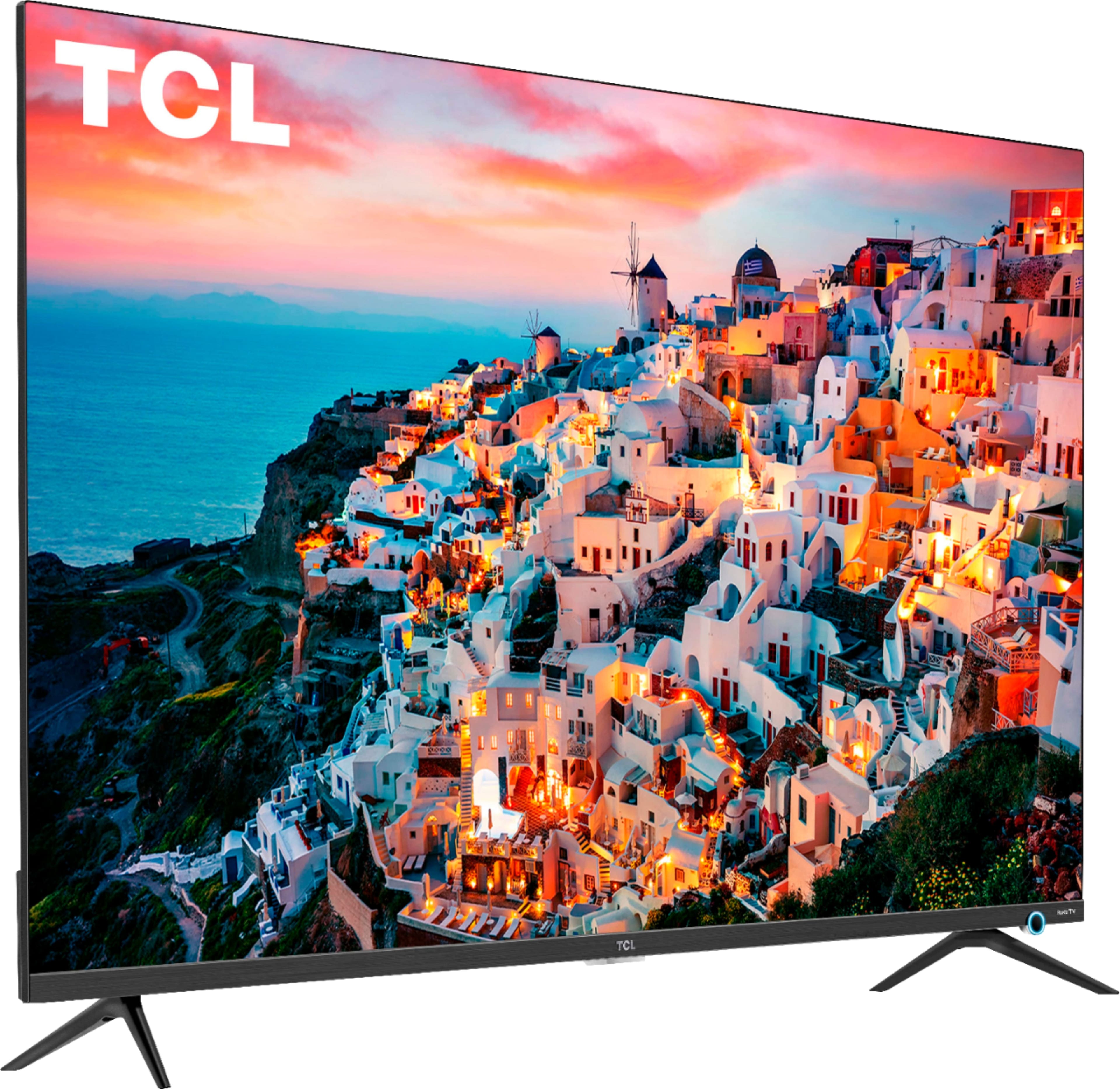
A:AnswerAbsolutely! This TCL Roku TV has various inputs, including 3 HDMI ports, that can be used to connect external devices like a game console. This TV features a 4K resoltuions and will upscale none 4K content. The majority of our customers report a great experience with this TV. Hope this helps! Thank you, TCL Customer Support
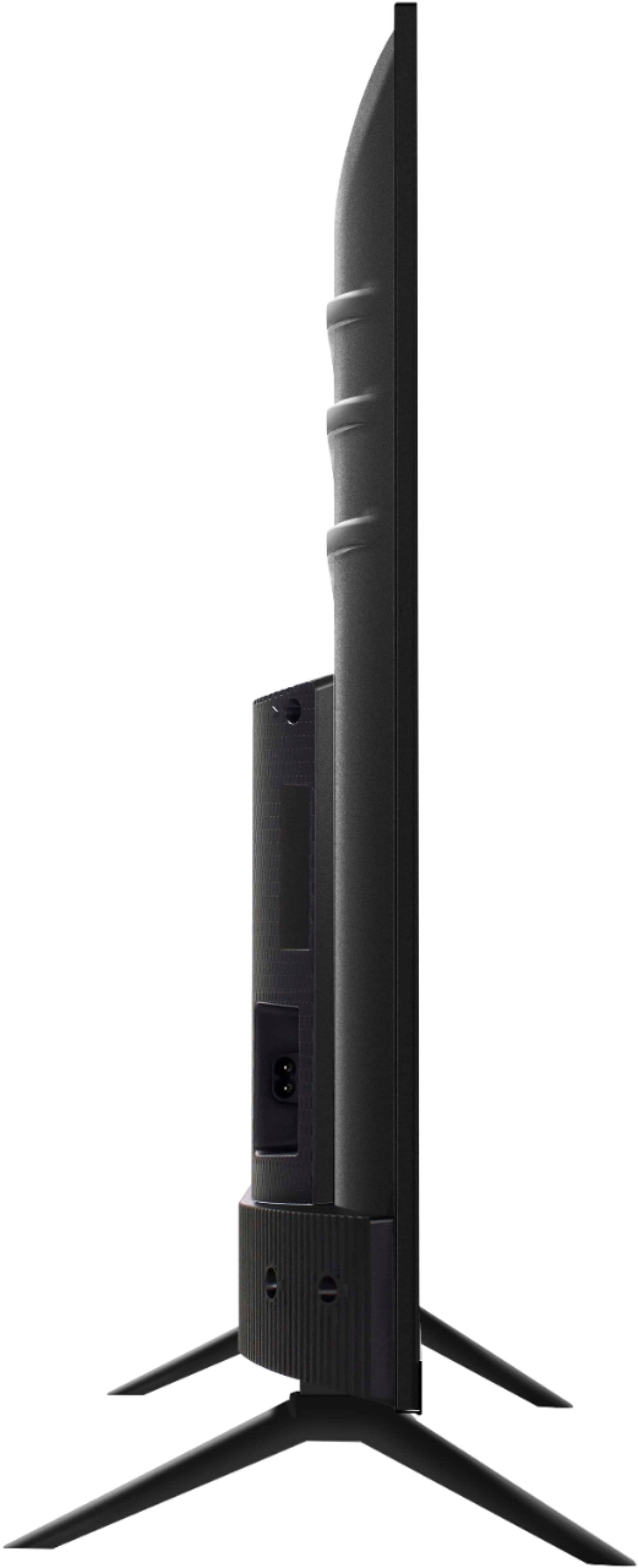
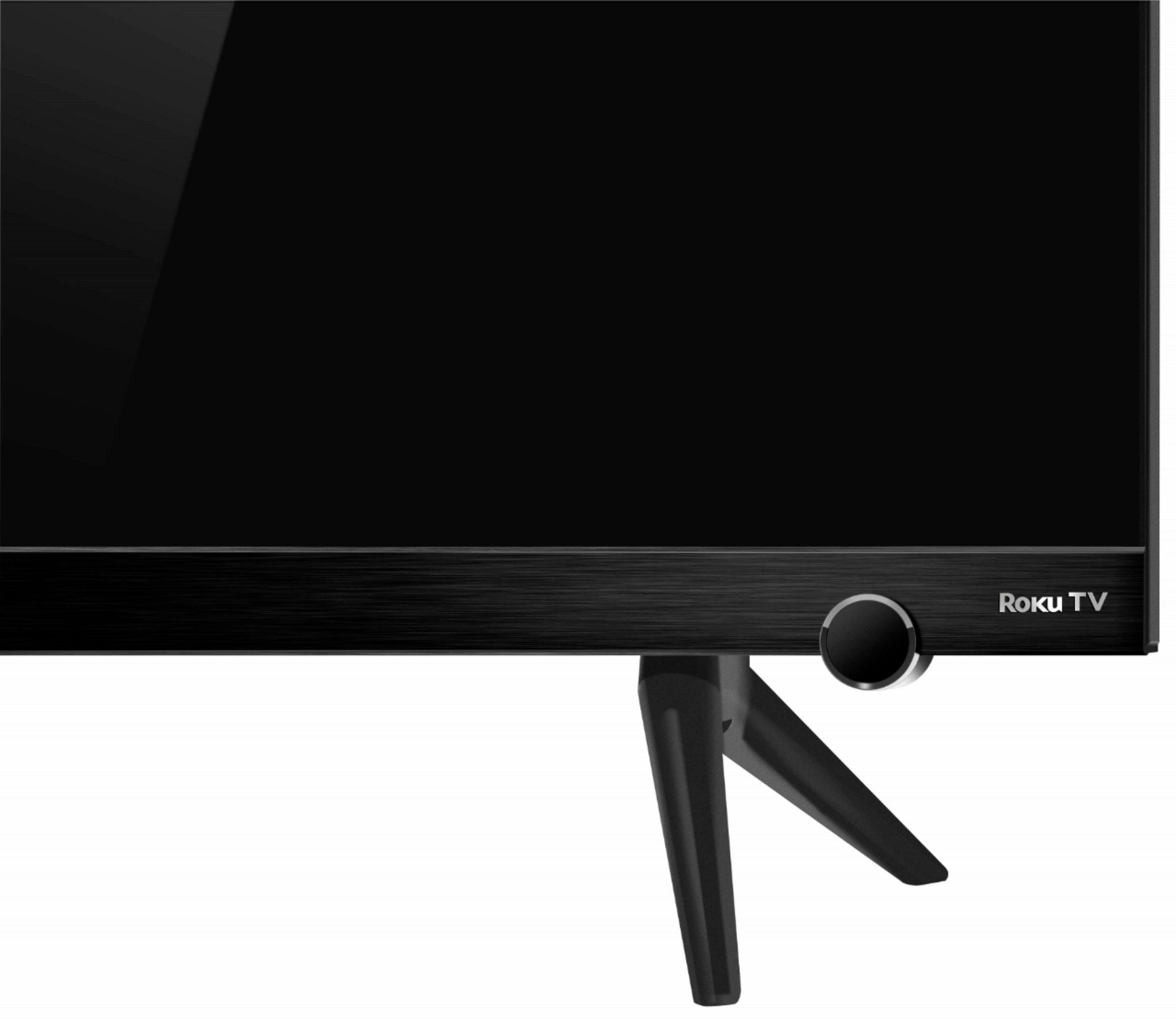
A:AnswerFor this 43 inch TCL Roku TV the feet spacing to fit on a stand is 36.3 inches wide and 10.0 inches deep. Hope this helps! Thank you, TCL Customer Support
A:AnswerThe majority of our customers report a good experience with the amount of memory. You can visit https://www.tclusa.com/products/home-theater/5-series/tcl-43-class-5-series-4k-uhd-dolby-vision-hdr-roku-smart-tv-43s525.html for all currently available information on this particular model. Hope this helps! Thank you, TCL Customer Support
A:AnswerI have a 50in table top and the max itll fit would be 47.5in . But it isnt optionable to place the feet inward as i tried when I first installed it and if your getting the same size as i am a 43in it wouldnt make no compatible sense if 43in would fit on a 35in table!. Unless you mount your tv which I'll highly recommend if you dont have the right measurements , besides that Im very satisfied with picture performance to sound quality and great wifi direct response.
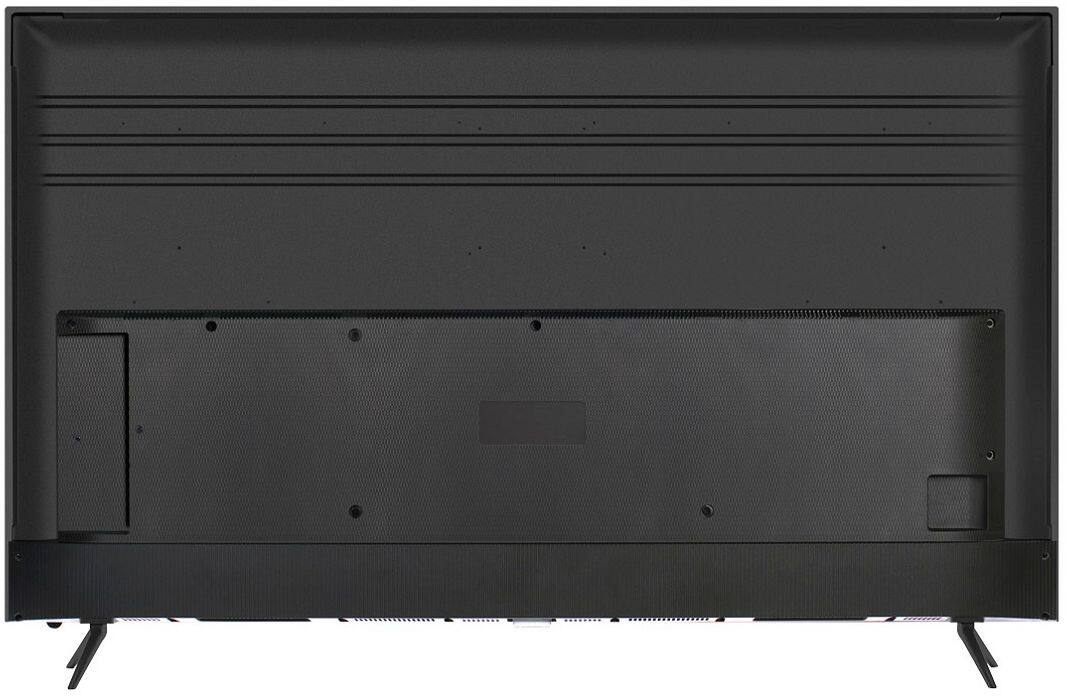
A:AnswerDo not know what ypur 40" tv uses, but this one has 100X100 VESA mounting holes. Mine (43S525) is mounted with the VESA mounting on a table mount instead of a wall mount. It works great.
Not knowing anything about your previous TV, I can't tell you if you can reuse the wall mount, but it is likely you will be able to reuse it if the wall mount can handle a 100X100 VESA mounting pattern.
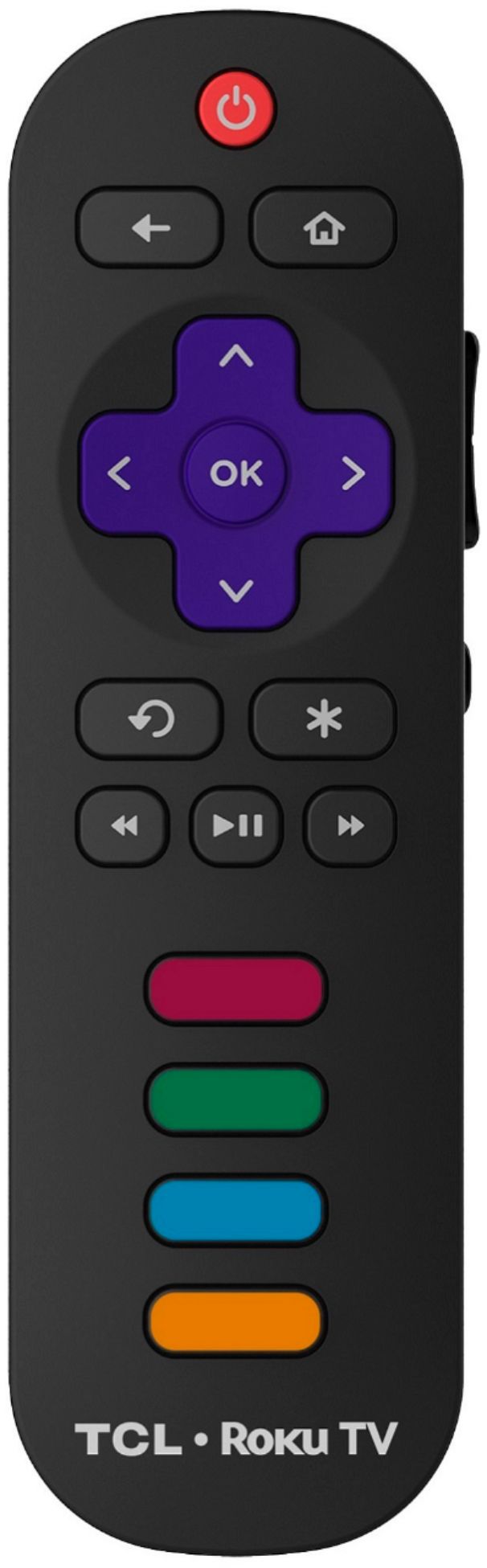
A:AnswerThis TCL Roku TV comes with a standard IR remote. However, you can download the free Roku mobile app on your Smartphone or tablet to use as a remote. Through the Roku mobile app, you gain access to power toggle, volume toggle, private listening, voice search, and more. Furthermore, our 6-Series models ending in R625 and our 8-Series feature voice remotes. Hope this helps! Thank you, TCL Customer Support
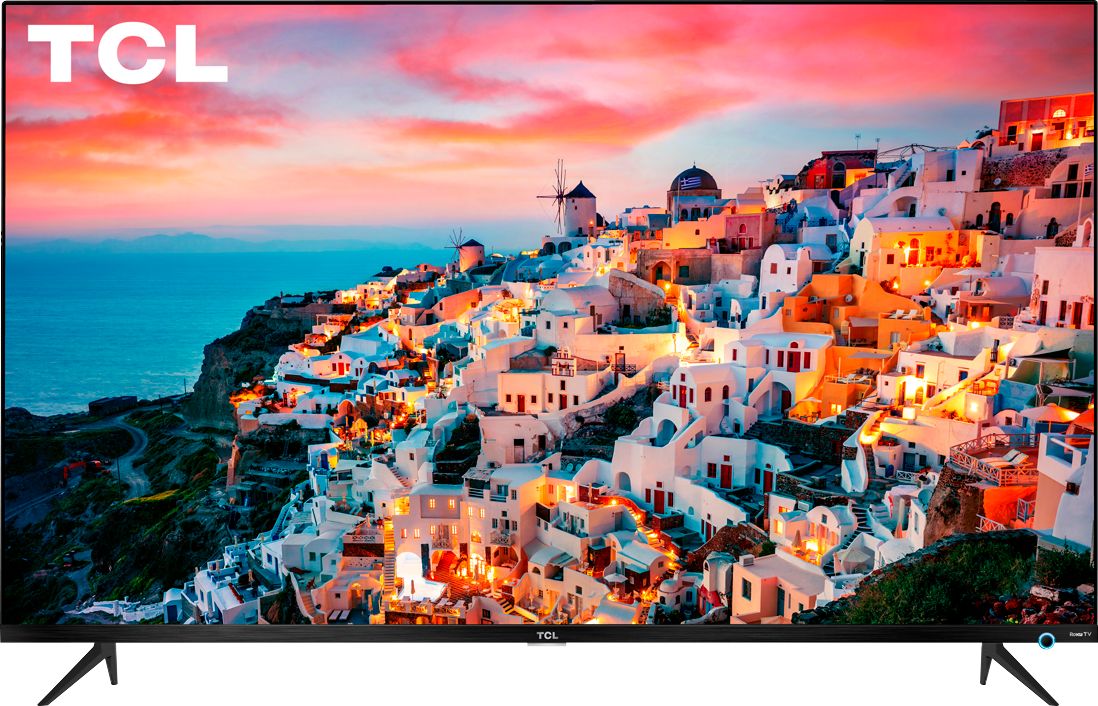
A:AnswerScreen mirroring with a Roku device is not supported with iOS® or Apple devices. However, you can download the free Roku mobile app on your smartphone to use as a remote, cast personal photos and videos to the TV, experience private listening, etc. You can also cast select channels (Such as YouTube) from your Apple device. You can visit https://support.roku.com/article/208754928-how-to-use-screen-mirroring-with-your-android-or-windows-device for more information. Thank you, TCL Customer Support
A:AnswerFrom the TCL User Guide pg 121:
SPDIF optical – The TV has an SPDIF optical connector that outputs a
digital audio signal. To use the optical output, connect a TOSLINK
optical cable from the amplifier to the Optical or SPDIF connector on
the TV.
A:AnswerOur TCL Roku TVs are compatible with Google Voice Assistant. You can visit https://support.tclusa.com/tcl-roku-tvs-now-work-with-google-assistant for more information. Hope this helps! Thank you, TCL Customer Support
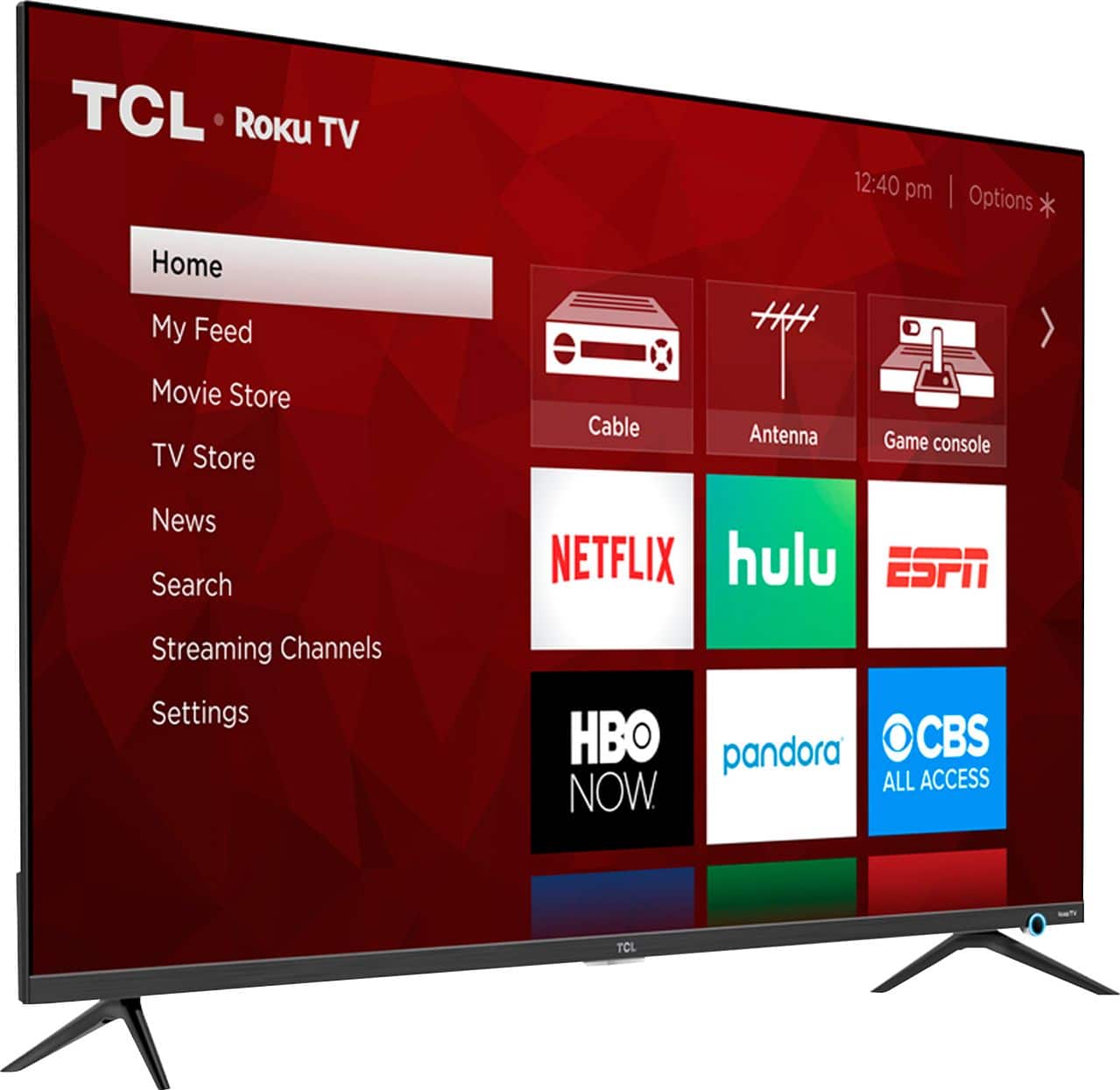
A:AnswerI have not purchased a sound bar yet, but this set does have an HDMI ARC port so you can connect a sound bar of your choice if desired.

See Step 4 on page 7 of the Setup Guide.