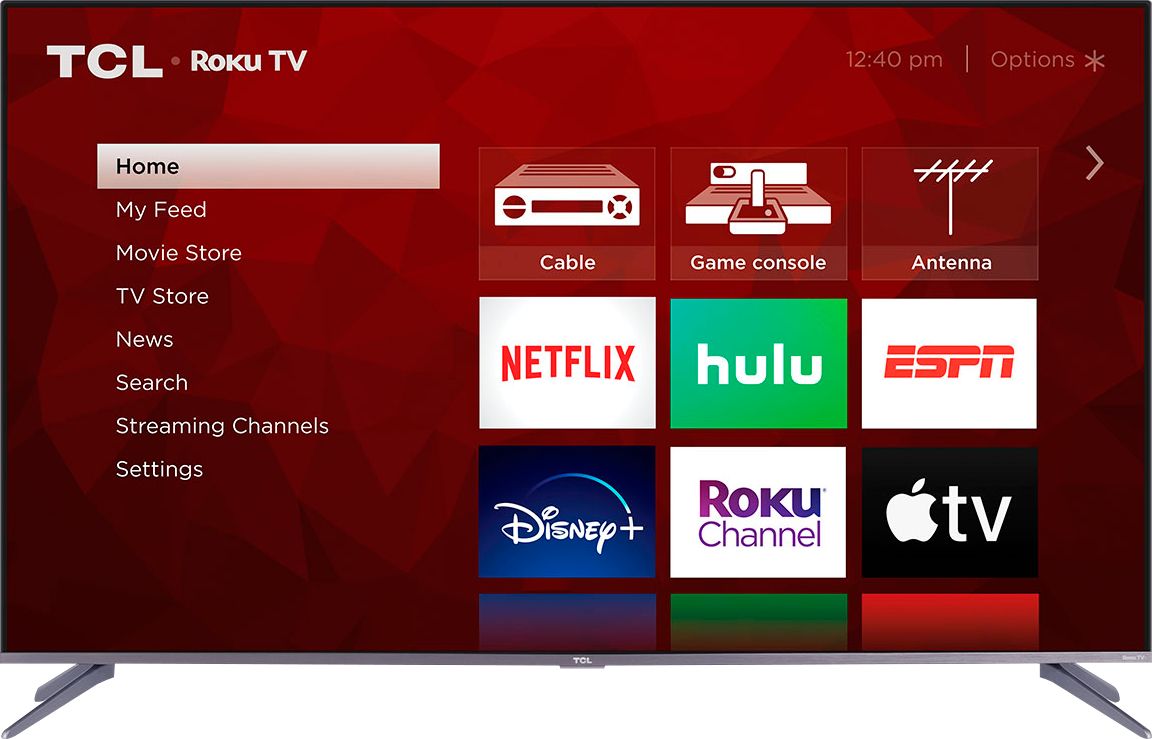
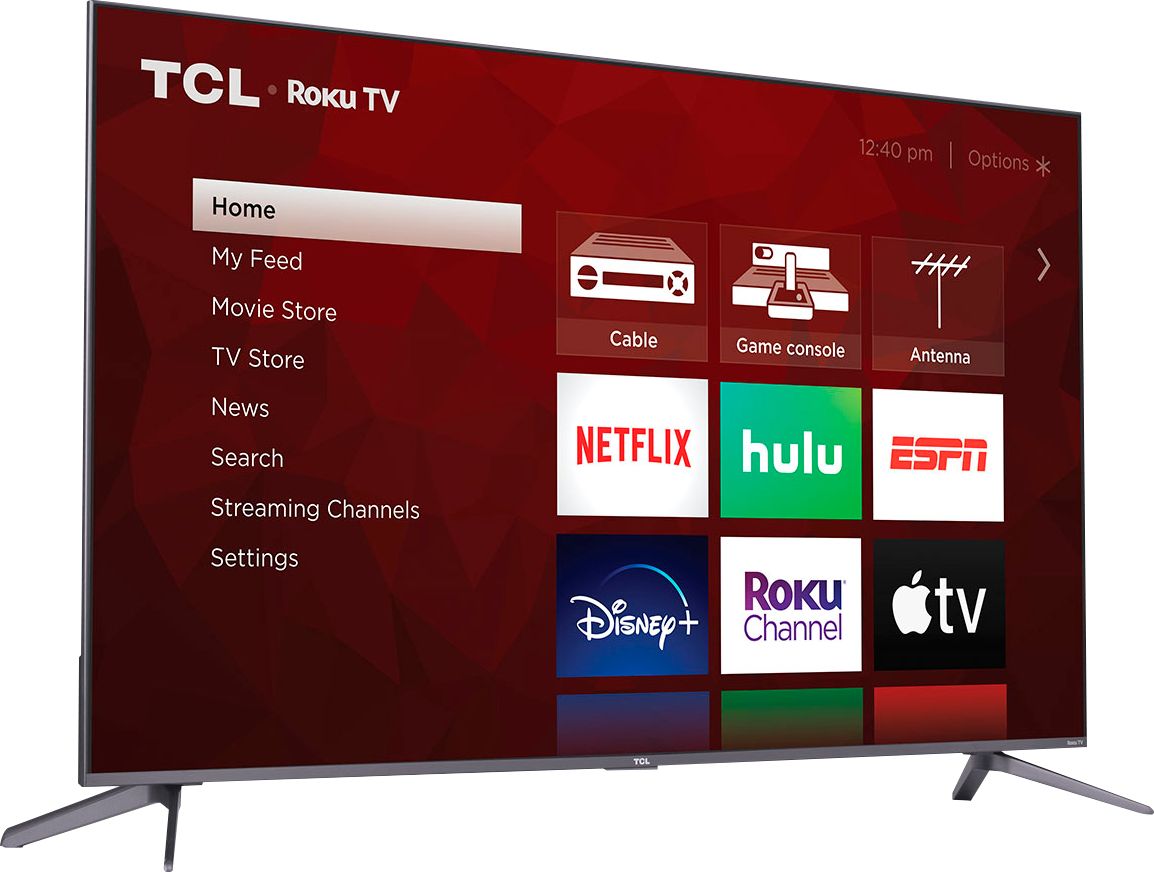
A:AnswerThe Roku Ultra does not compare to the internal one on the TV. The internal Roku is super slow. Using a WIFI connection with a speed of over 150 mbps the setup from factory default took almost 90 minutes to add all the channels from my Roku account
A:AnswerThe sound (like a lot of modern TVs) is weak. TCL makes an excellent sound bar with wireless subwoofer than can be had for less than $150 and pairs perfectly with this TV (its made for it). I spent less than $500 at XMAS and got both the TV and soundbar and have been very pleased with the overall experience.
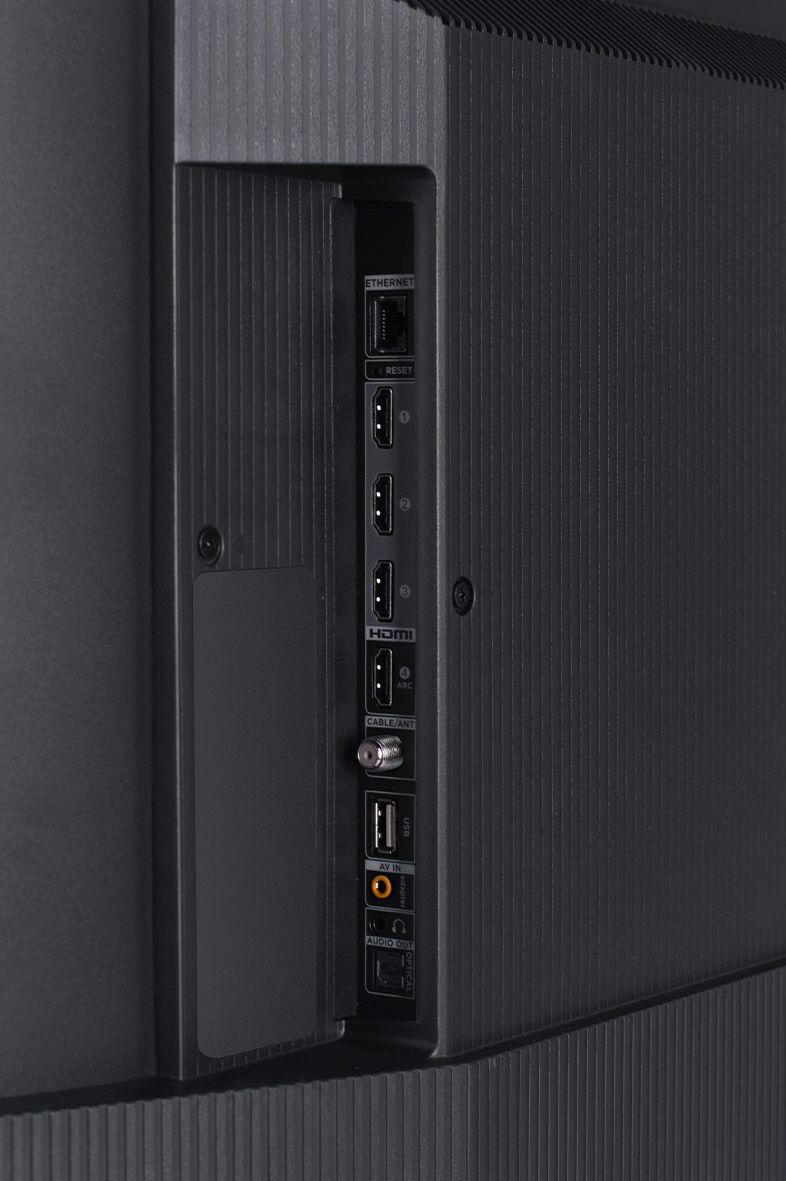
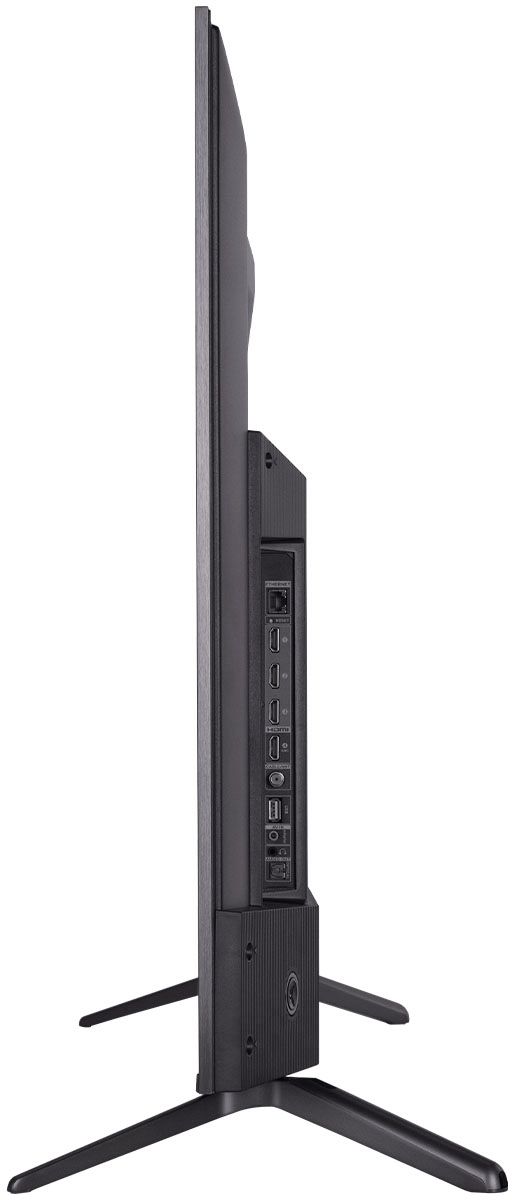
A:AnswerAll of our TVs come with HDMI ARC, Optical Out, and a headphone 3.5mm jack. You should be able to connect this receiver with an optical cable. However, we recommend upgrading your sound equipment so you can enjoy CEC and ARC features of the TV. Hope this helps! Thank you, TCL Customer Support
A:AnswerIn order for us to better assist, please reach out to us at [email protected] with your contact information and a description of what you need help with. Thank you, TCL Customer Support
A:AnswerThis TV supports casting from compatible apps. Additionally, TCL Roku TVs support screen mirroring with compatible Android and Windows devices. Here is a great article with more details on how: https://support.roku.com/article/208754928. Hope this helps! Thank you, TCL Customer Support
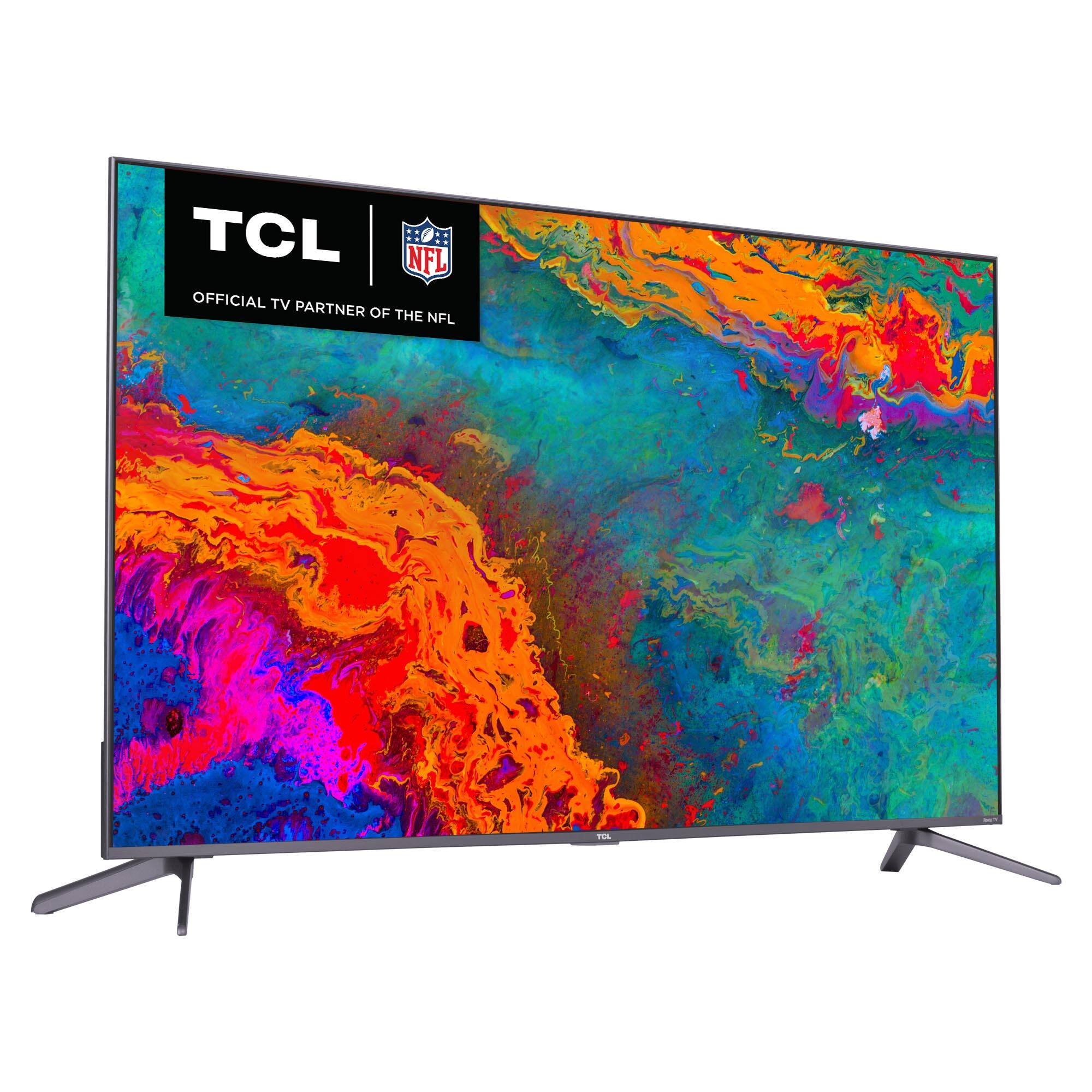
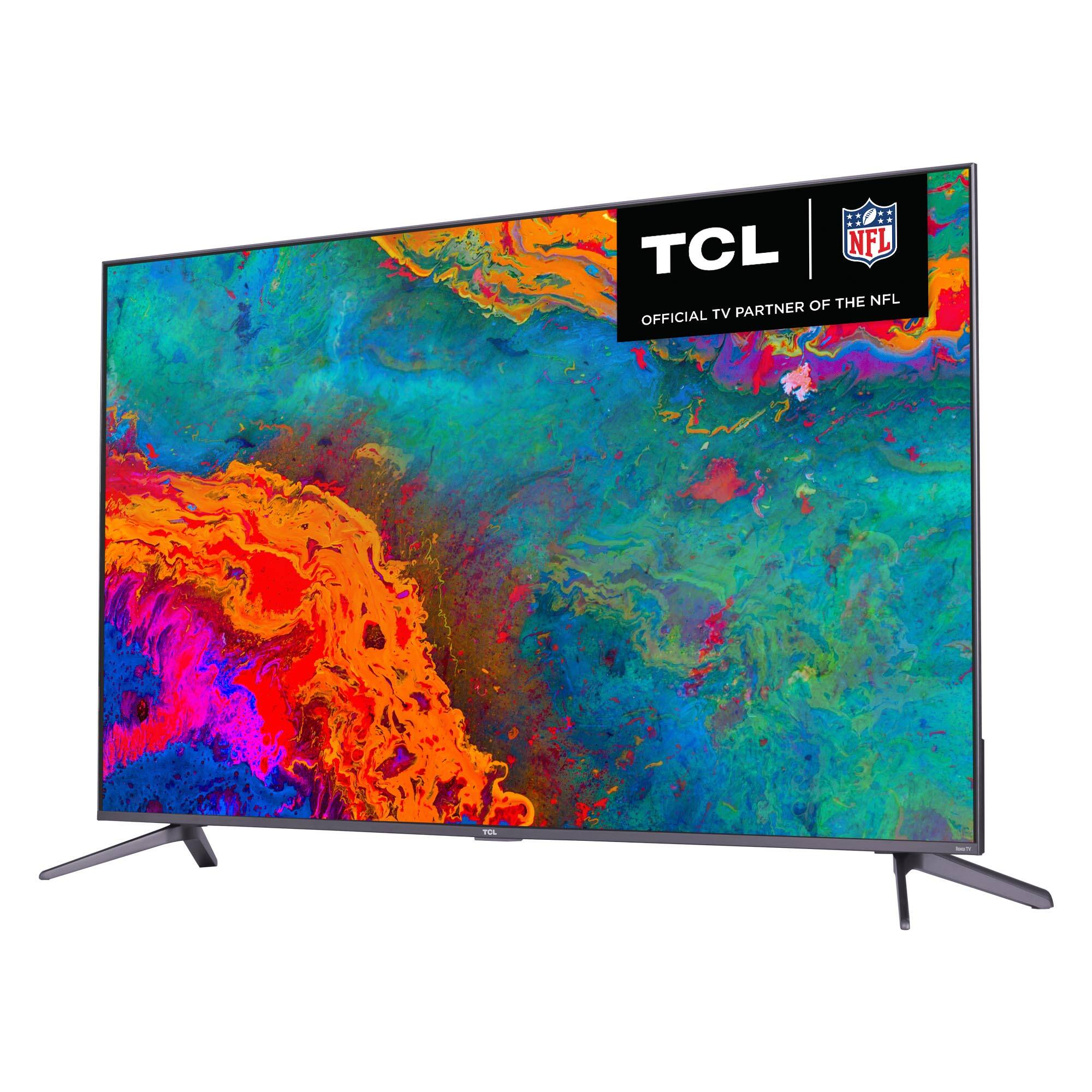
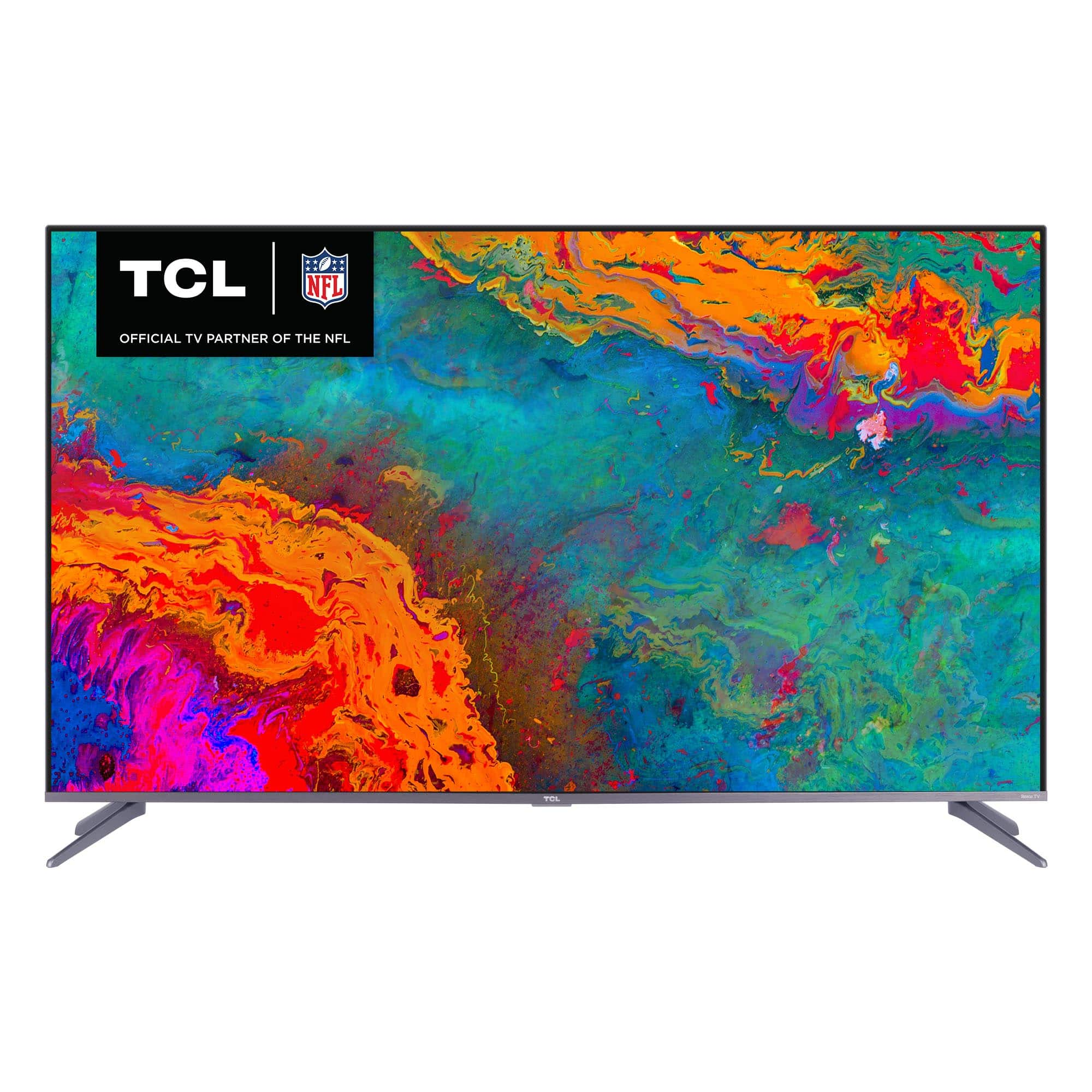
A:AnswerQLED stands for Quantum Dot Technology which lets you experience vivid wide color and striking contrast, matching the format of Hollywood content creators. Hope this helps! Thank you, TCL Customer Support