Questions & Answers
- Model:
- 55S455
- |
- SKU:
- 6500472
Highly rated by customers for: Picture Quality, Ease of use, Price
Page Showing 1-20 of 120 questions
Q: Questionwhats the difference between 4 series and 5 series? do you need a cable box or can you just use the apps like netflix youtube disney, etc.?
Asked by Marco.
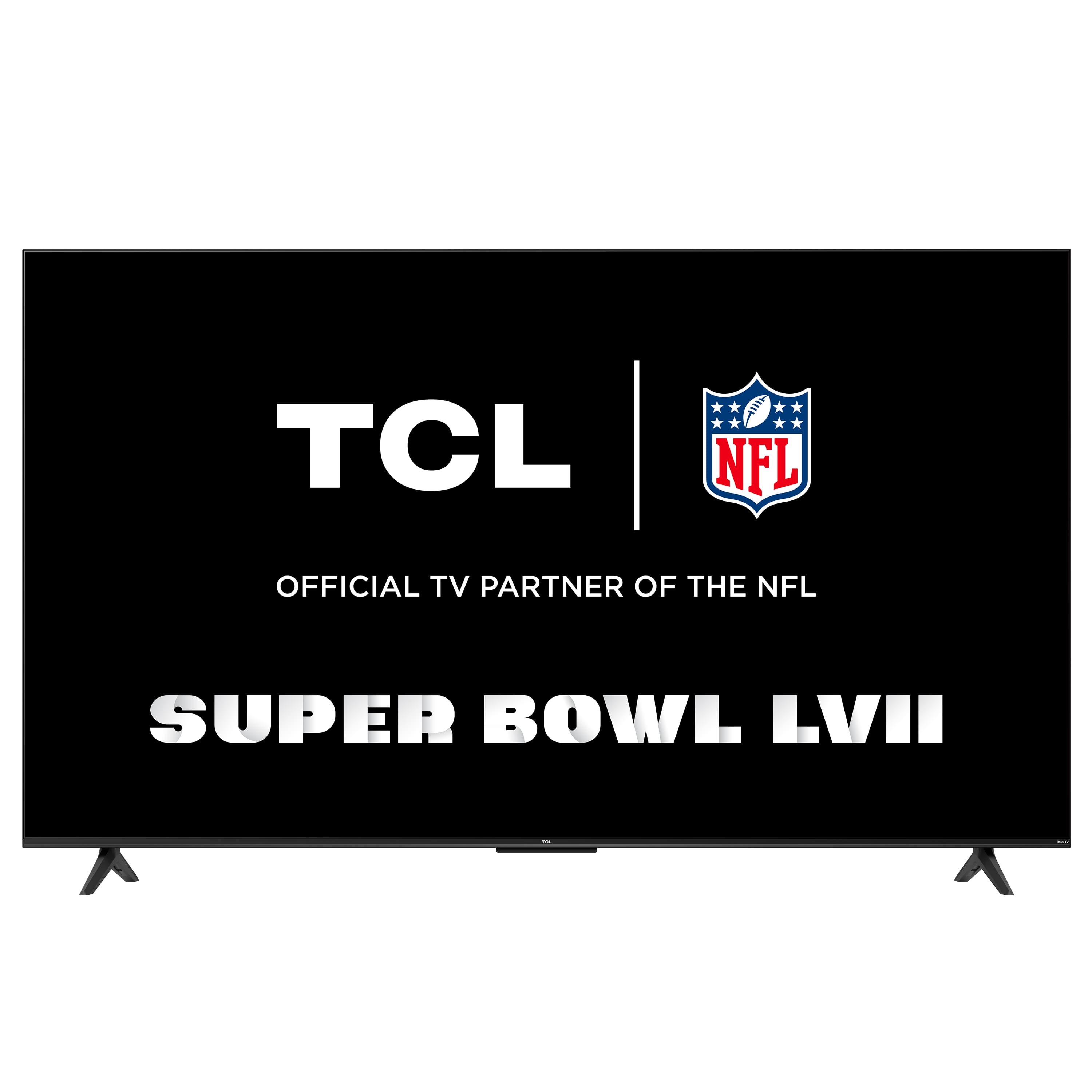
- A:Answer Both our 4 and 5-Series Roku TVs include a built-in Roku operating system, 4K UHD, and HDR Support. The 5-Series features Dolby Vision support, wide color gamut, auto-game mode, an edge-to-edge glass display, QLED technology, CCZ, eARC, and more! A cable box is not required to use the TV. In order to use the smart features of this TCL Roku TV, you would need to complete the guided setup. This includes connecting to the Internet via WiFi, creating a Roku account (completely free), and activating the TV (completely free). Hope this helps! Thank you, TCL Customer Support
Answered by TCLExpert

Q: QuestionWhat is the distance between the legs on this 55 inch model and is there only one position for the legs?
Asked by Legs.
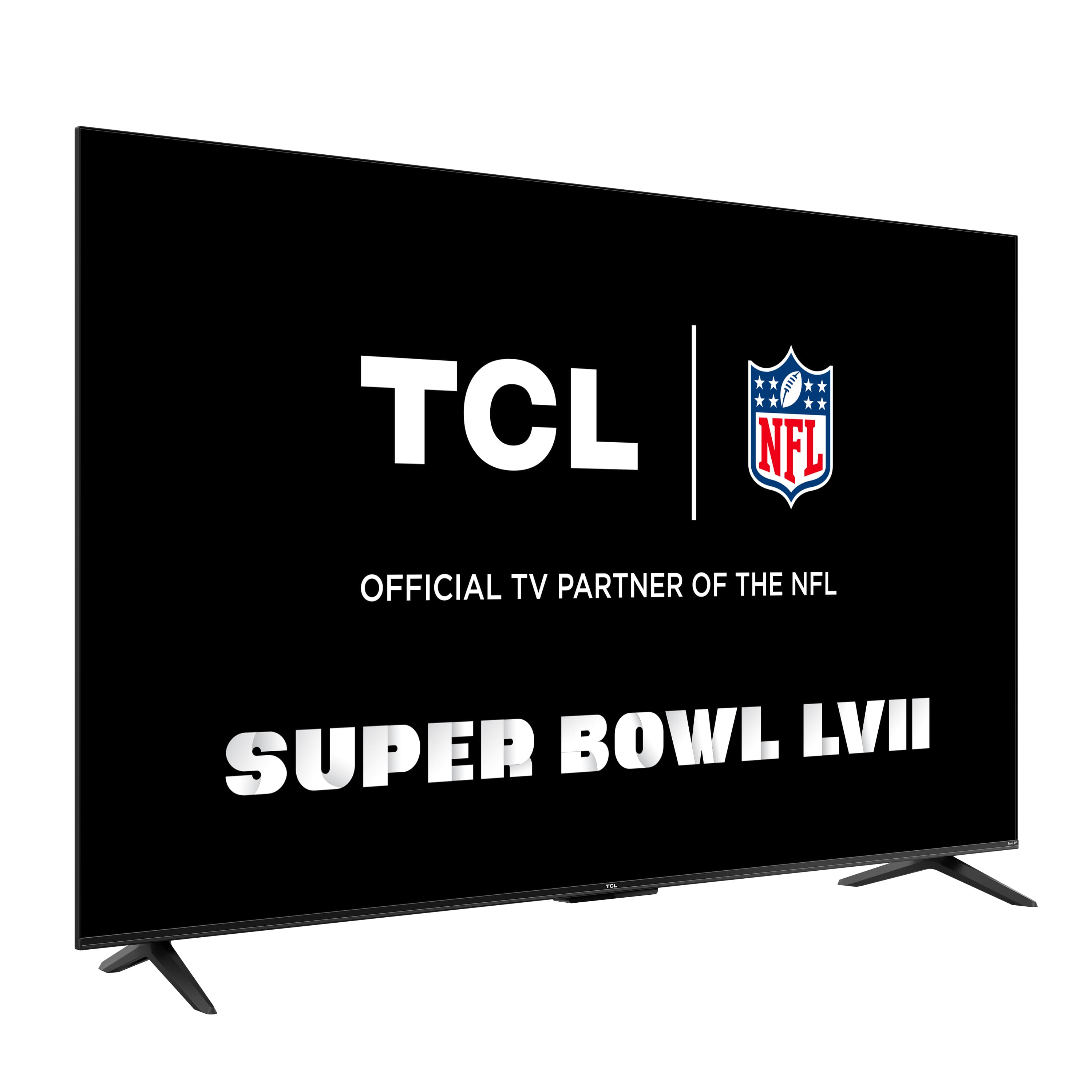
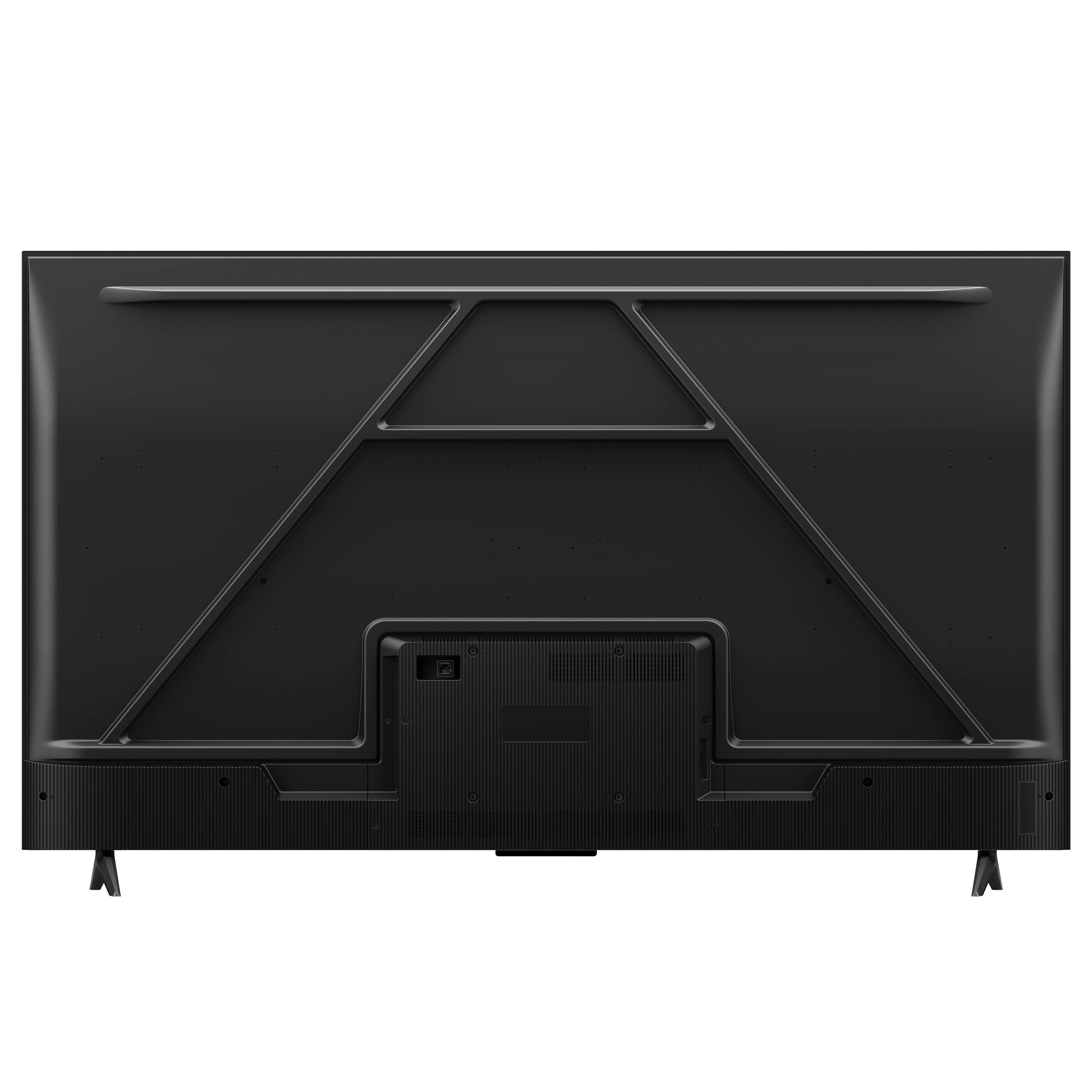
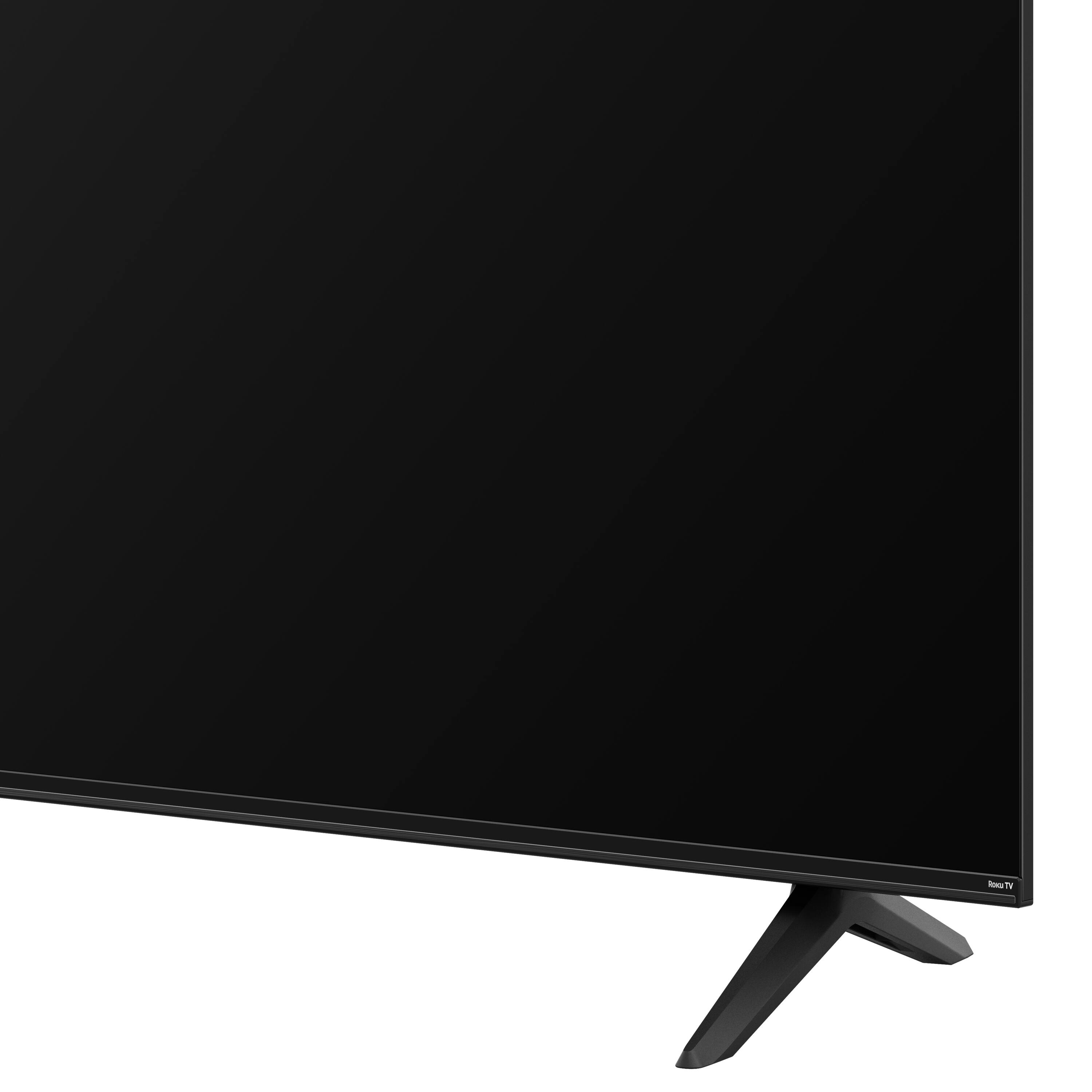
- A:Answer For this 55 inch TCL Roku TV, the feet spacing to fit on a stand is 41.5 inches wide and 10.1 inches deep. There is only one position for the feet to attach to the TV. Hope this helps! Thank you, TCL Customer Support
Answered by TCLExpert

Q: Questionwhat’s the difference between the TCL 55S455 and the TCL 55S41. They both are 55” class 4-Series 4k UHD HDR Smart Roku Tv’s. The only difference i see is one is a lot more exsoensive. am i missing something here about the 2.
Asked by Difference.
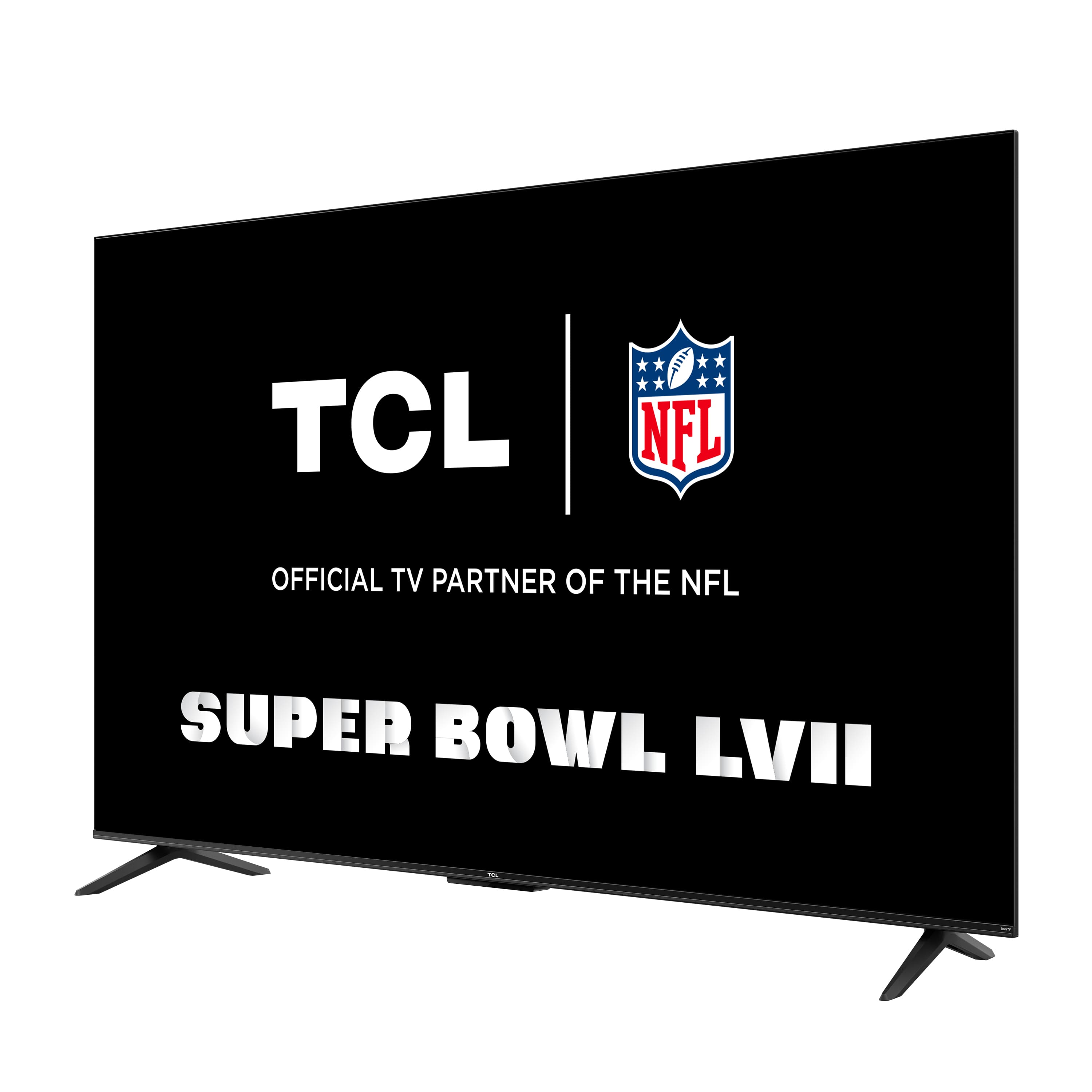
- A:Answer The new version of 4-Series TVs offers the same great performance and features as the previous versions. The new models offer a refreshed bezel and stand design, but features and capabilities are identical. Hope this helps! Thank you, TCL Customer Support
Answered by TCLExpert

Q: QuestionCan I mount this on my wall? If so, what are the specifications for a wall mount?
Asked by Jen.
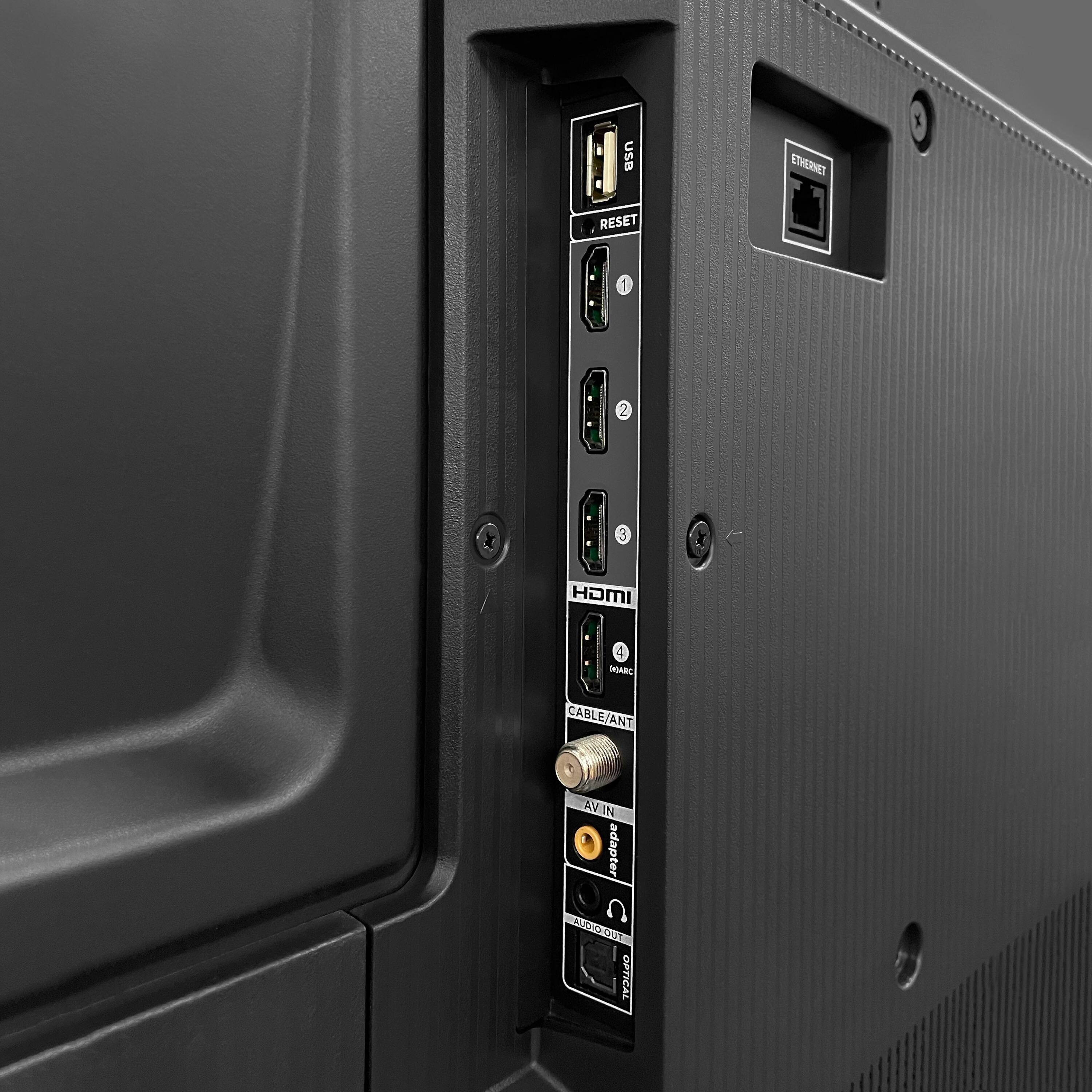
- A:Answer Absolutely! This TCL Roku TV is compatible with most wall mounts that support a 200mm x 200mm VESA mounting pattern. Hope this helps! Thank you, TCL Customer Support
Answered by TCLExpert

Q: QuestionWho manufactures TCL tv’s??
Asked by Oz01.
- A:Answer TCL manufactures TCL TVs. We are proud of the fact that we are one of only three TV manufacturers globally who is what’s called “vertically integrated”, meaning everything inside a TCL TV is TCL components! Thank you, TCL Customer Support
Answered by TCLExpert

Q: Questioncan i connect my dvd/vcr device to this tv easily?
Asked by joey.
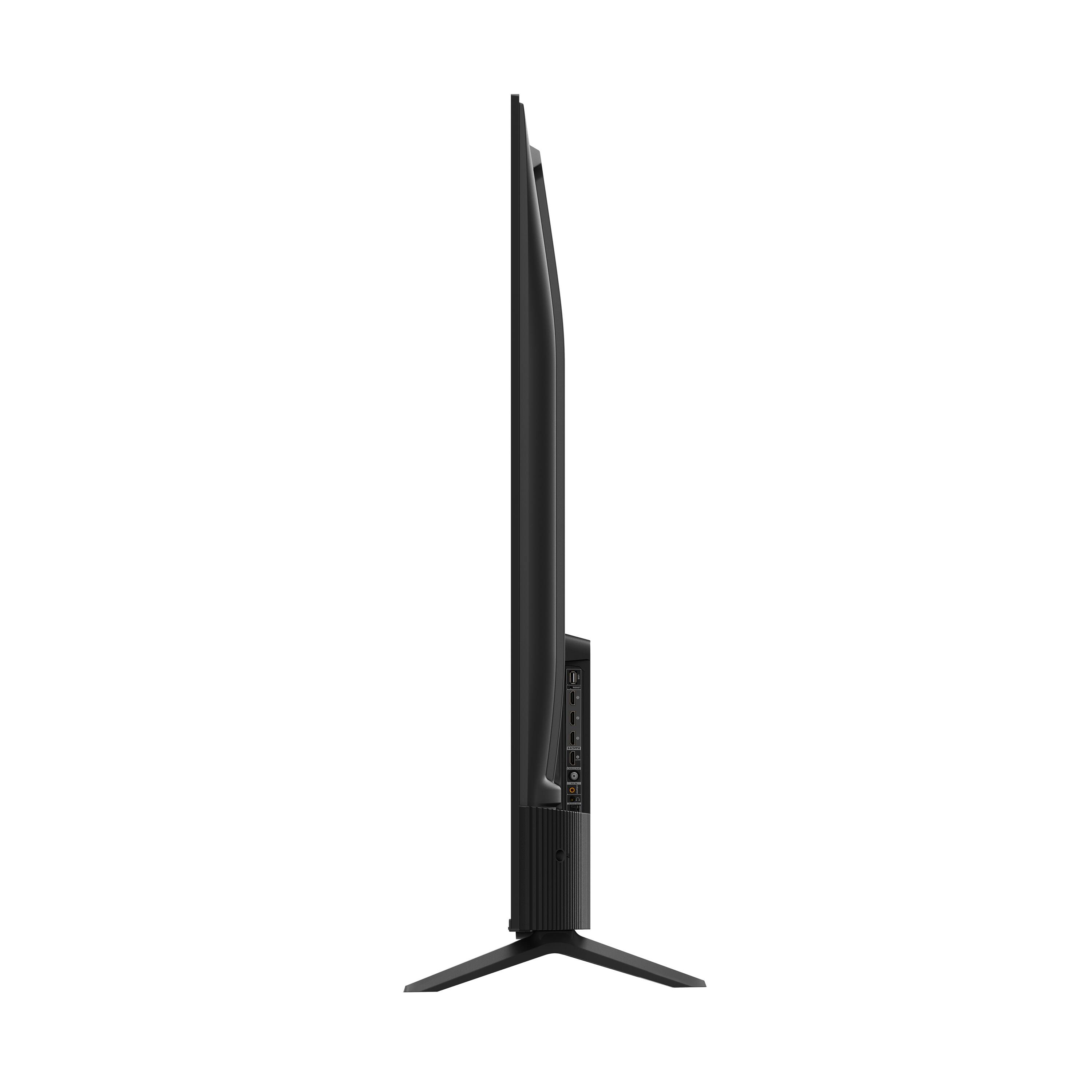
- A:Answer This TCL TV features various inputs that can be used to connect external devices like a DVD/VCR player. The composite connection for this TCL TV is a single input located on the back of the TV near the other inputs. You would need to use an adapter to connect the traditional red/white/yellow cables you are used to seeing. The adapter would need to be purchased separately. Hope this helps! Thank you, TCL Customer Support
Answered by TCLExpert

Q: QuestionThis listing states this model as a QLED screen. Is this a QLED television?
Asked by Dan.
- A:Answer This 4-Series TCL Roku TV does not feature QLED technology. We are currently in the process of updating information to make sure that it accurately reflects the specifications of the TV. Hope this helps! Thank you, TCL Customer Support
Answered by TCLExpert

Q: QuestionXbox one or Xbox Series s/x compatible?
Asked by Xbox.
- A:Answer This TCL TV features various inputs that can be used to connect external devices like a game console. Hope this helps! Thank you, TCL Customer Support
Answered by TCLExpert

Q: QuestionI don't see any holes on the back, for attaching a wall mount... ?
Asked by SF.
- A:Answer There are screws already in back of tv that have to be removed to attach mount
Answered by GaryV
Q: QuestionDoes this TV support live rewind and pause for live TV?
Asked by Kathy.
- A:Answer Yes it does for both...
Answered by bestbuyboy
Q: QuestionAre you able to use prime, I didn't see the app included
Asked by Jazzy.
- A:Answer The Prime Video streaming channel is one of the thousands of streaming channels offered through the Roku Channel Store. You can also visit channelstore.roku.com/browse to see other streaming channels Roku offers. Hope this helps! Thank you, TCL Customer Support
Answered by TCLExpert

Q: QuestionCan someone please tell me the roku model number of this tv. Not the TCL model but the roku model number. Thanks
Asked by Johnny.
- A:Answer As far as I can tell there is only the TCL model number. The ROKU is built in to the TV and has no model number. I own 5 of these TV's that I bought at different times, different stores, different years, different model numbers and different sizes and the ROKU platform is exactly the same on every one of them. It is built in and works the same: BEAUTIFULLY!!!
Answered by KarenH
Q: Questiondoes this tv have a roku remote?
Asked by MAM1.
- A:Answer It comes with a Roku remote.
Answered by NeiP
Q: QuestionCan I use this TV without connecting to the internet, and registering with TCL.
Asked by Howieg.
- A:Answer It can easily be connected to an antenna and/or a DVD player, no internet required BUT if you want to use it's wonderful Smart/streaming capabilities... you must connect it to the internet. I can't remember now if cable or satellite dish require the internet, you would have to check with those services if that's your question.
Answered by KarenH
Q: QuestionThe picture is “washed out”——not sharp. Is there a picture adjustment capability?
Asked by Bess.
- A:Answer There are options available to adjust the settings to better fit your personal preference. You can access the Options menu on the TV by pressing the asterisk (*) button on your remote while watching content. Additionally, you can access expert picture settings by downloading the free Roku mobile app on a smartphone or tablet. The Roku mobile app works as a remote and allows you to access additional features like voice search, private listening, expert picture settings, and more. Hope this helps & happy viewing! Thank you, TCL Customer Support
Answered by TCLExpert

Q: QuestionCan you cast from an iPhone to the TV?
Asked by Greggor.
- A:Answer You can cast YouTube on to this tv.
Answered by NeiP
Q: QuestionTo access the Internet, does this TV needed to be hard wired or does it pick up the Wi-Fi signal?
Asked by GeneralEd.
- A:Answer This TCL Roku TV has the ability to connect to the Internet via WiFi or through Ethernet. Hope this helps! Thank you, TCL Customer Support
Answered by TCLExpert

Q: Questiondoes tv have a sleep timer
Asked by Shakey.
- A:Answer There is not a physical button for it, but there is an option for it. Simply press the asterisk (*) button on your TCL Roku TV remote while watching content, highlight the sleep time option, and choose how long you want to set it for (30minutes-3hours). Hope this helps! Thank you, TCL Customer Support
Answered by TCLExpert

Q: QuestionIs this Bluetooth compatible for using wireless earbuds?
Asked by balgal45.
- A:Answer Our TCL Roku TVs do not currently support Bluetooth. However, you can download the free Roku app on your smart phone or tablet to use voice search, voice control, and experience private listening. To enjoy private listening you simply click private listening in the app, and attach headphones to your smart phone or tablet. Or you can use the 3.5 mm headphone jack in the back of the TV to connect standard headphones. Hope this helps! Thank you, TCL Customer Support

Answered by TCLExpert

Top Rated
- $329.99$329.99The price was $469.99
- $139.99$139.99The price was $149.99
- $299.99$299.99The price was $349.99
- $1,099.99$1,099.99The price was $1,299.99
- $279.99$279.99The price was $329.99
- $949.00$949.00The price was $1,099.00
- $1,499.00$1,499.00The price was $2,799.00
- $449.99$449.99The price was $649.99