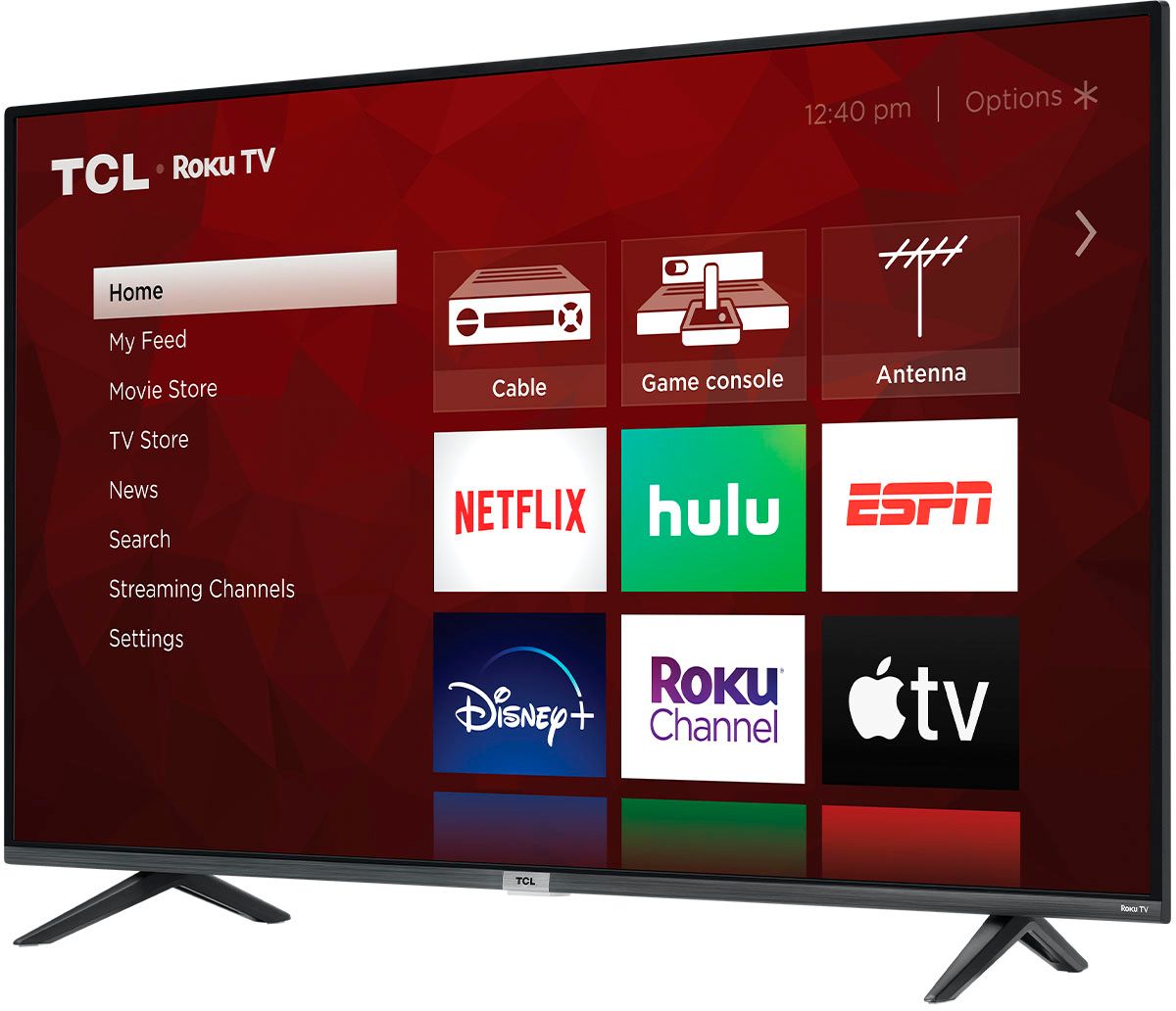
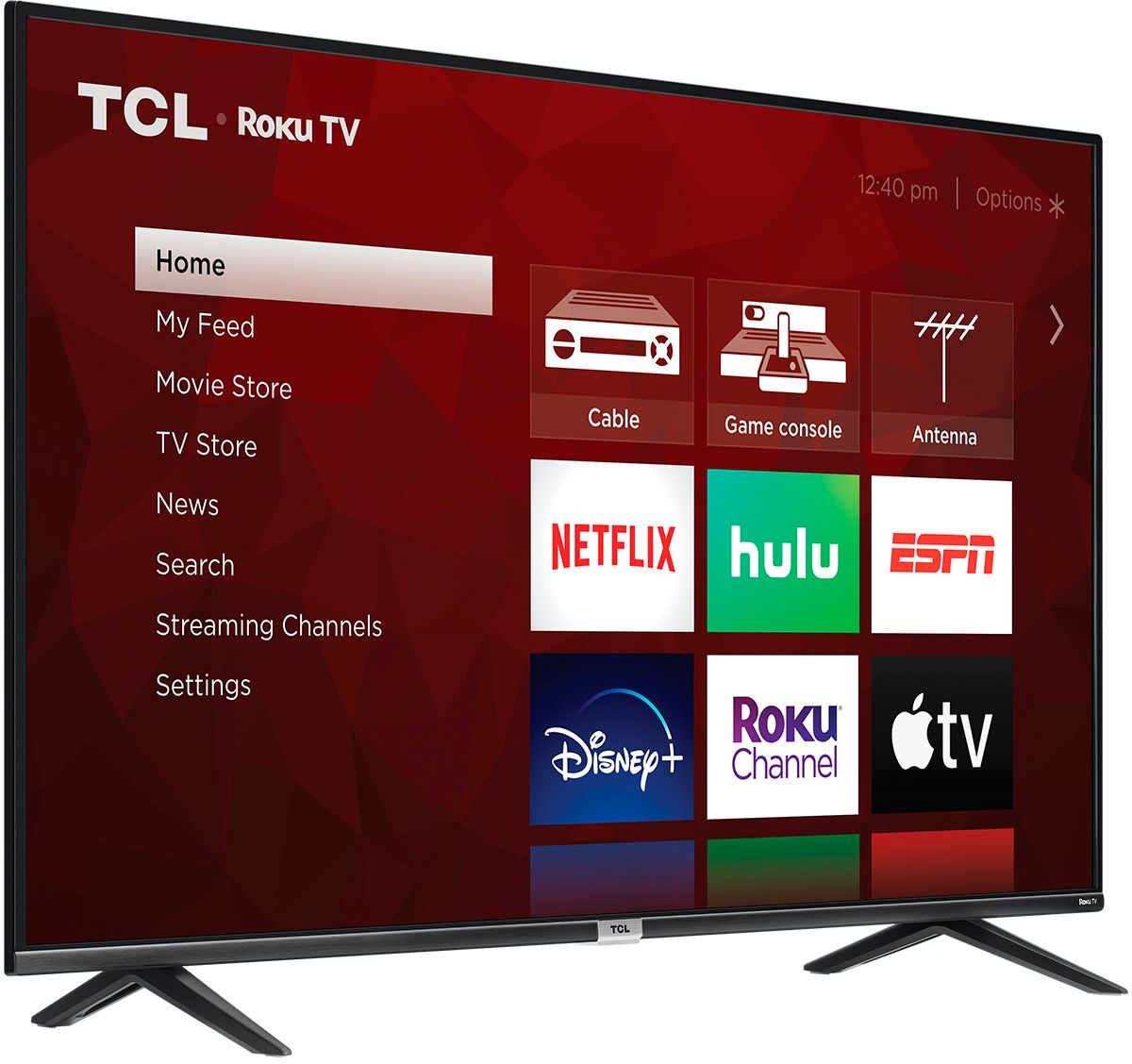
A:AnswerNo streaming (Roku, etc.) unless connected to the internet (wired or Wi-Fi). As a TV with an antenna or using an external box (cable box, Roku, etc.) works fine. The cable box will have a cable wire, but the Roku or other device (Apple TV, etc.) would need internet.
A:AnswerAll new TCL TVs come with a standard one-year part and labor warranty. You can visit https://support.tcl.com/us/tclus-tv-warranty-information for more specific warranty questions. Hope this helps! Thank you, TCL Customer Support
A:AnswerJust login to your existing Roku account online & simply add your new Roku tv device. They even allow you to customize the names of your different devices that use a Roku system. Hope that helps Merry Christmas!
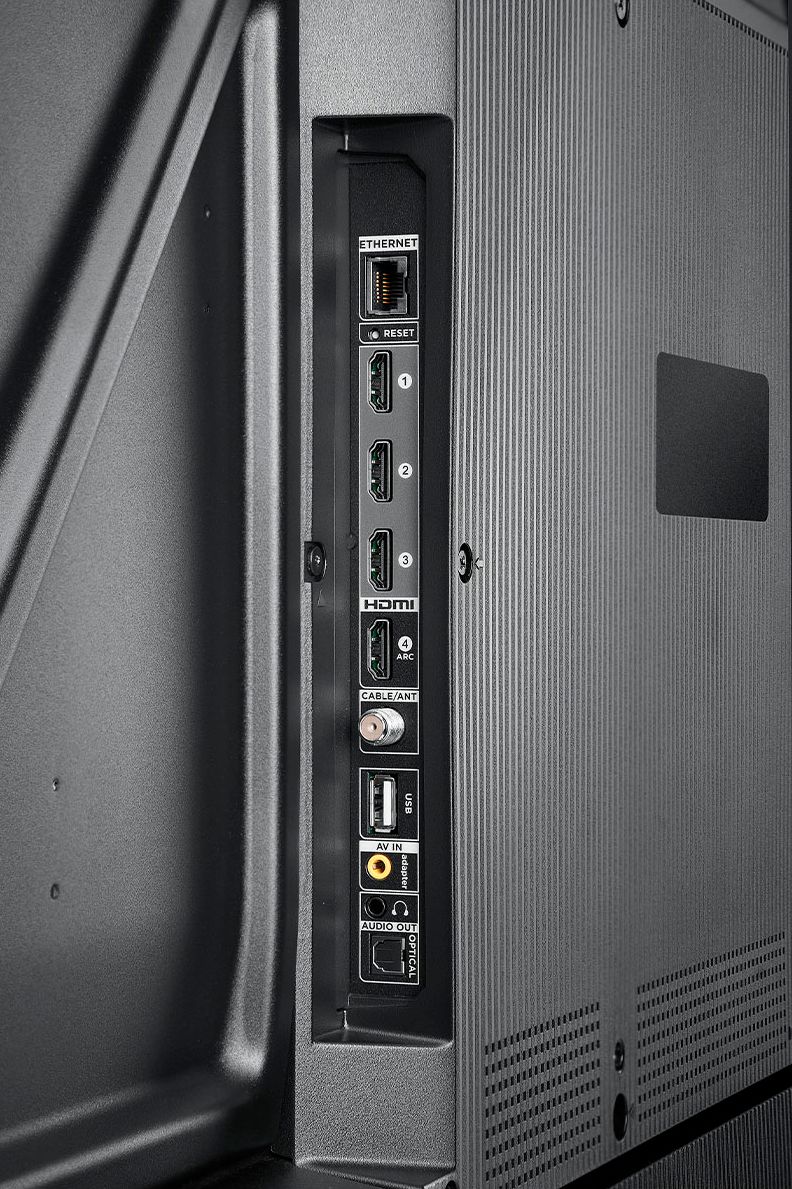
A:AnswerThis TCL TV features various inputs that can be used to connect external devices like an Apple TV. Hope this helps! Thank you, TCL Customer Support
A:AnswerThis TCL TV features various inputs that can be used to connect external devices like a cable box. Hope this helps! Thank you, TCL Customer Support
A:AnswerA 16GB flash drive should be sufficient. You can visit https://support.tcl.com/62989-tcl-roku-tv/what-is-live-tv-pause for more information about this. Hope this helps! Thank you, TCL Customer Support
A:AnswerThere are options available to adjust the settings to better fit your personal preference. You can access the Options menu on the TV by pressing the asterisk (*) button on your remote while watching content. Additionally, you can access expert picture settings by downloading the free Roku mobile app on a smartphone or tablet. The Roku mobile app works as a remote and allows you to access additional features like voice search, private listening, expert picture settings, and more. If you need any further assistance, please reach out to us at [email protected] with your contact information and a description of what you need help with. Hope this helps! Thank you, TCL Customer Support
A:AnswerThis TCL Roku TV is a smart TV that features a Roku operating system. You can go to channelstore.roku.com/browse to see what streaming channels and apps are offered through the Roku Channel Store. To search for a specific channel you would simply want to enter that information into the search section. Hope this helps! Thank you, TCL Customer Support
A:AnswerThe YouTube streaming channel is one of the thousands of streaming channels offered through the Roku Channel Store. You can also visit channelstore.roku.com/browse to see other streaming channels Roku offers. Hope this helps! Thank you, TCL Customer Support
A:AnswerThis TCL TV is designed and engineered for indoor usage. As such it is not weatherproof. The Operating Temperature is 5°C to 35°C (41°F to 95°F), and the Storage Temperature is -15°C to 45°C (5°F to 113°F). Hope this helps! Thank you, TCL Customer Support
A:AnswerThe "Soap Opera Effect" is typically caused by interpolation. This TV does not feature interpolation. Hope this helps! Thank you, TCL Customer Support
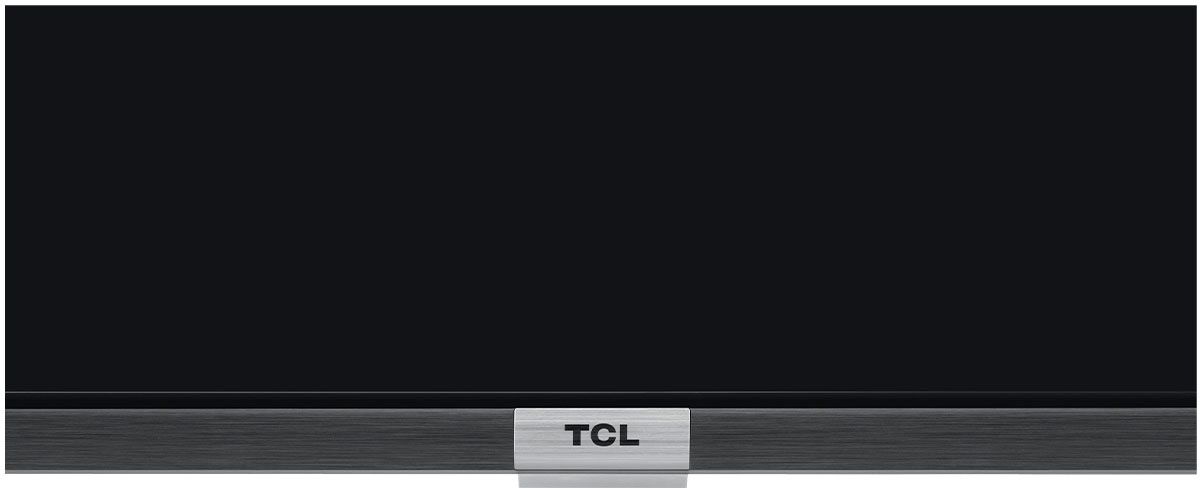
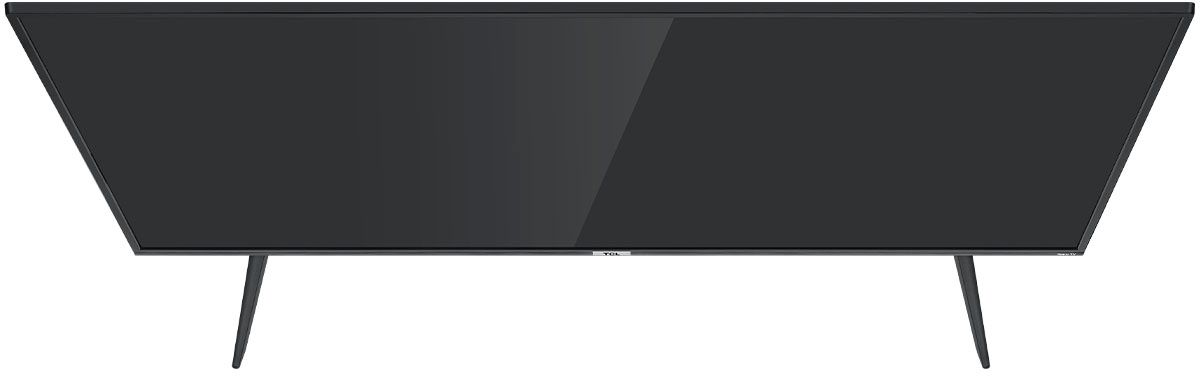
A:AnswerThe 55S21 (Black Friday special) is identical to the 55S431, 55S432, 55S533, 55S534 and 55S435, other than the 55S21 has black feet (not silver) and the 55S21 does not have the silver accent around the TCL logo on the front of the bezel. The remote, LCD panel, and the internal electronics and features are the same.
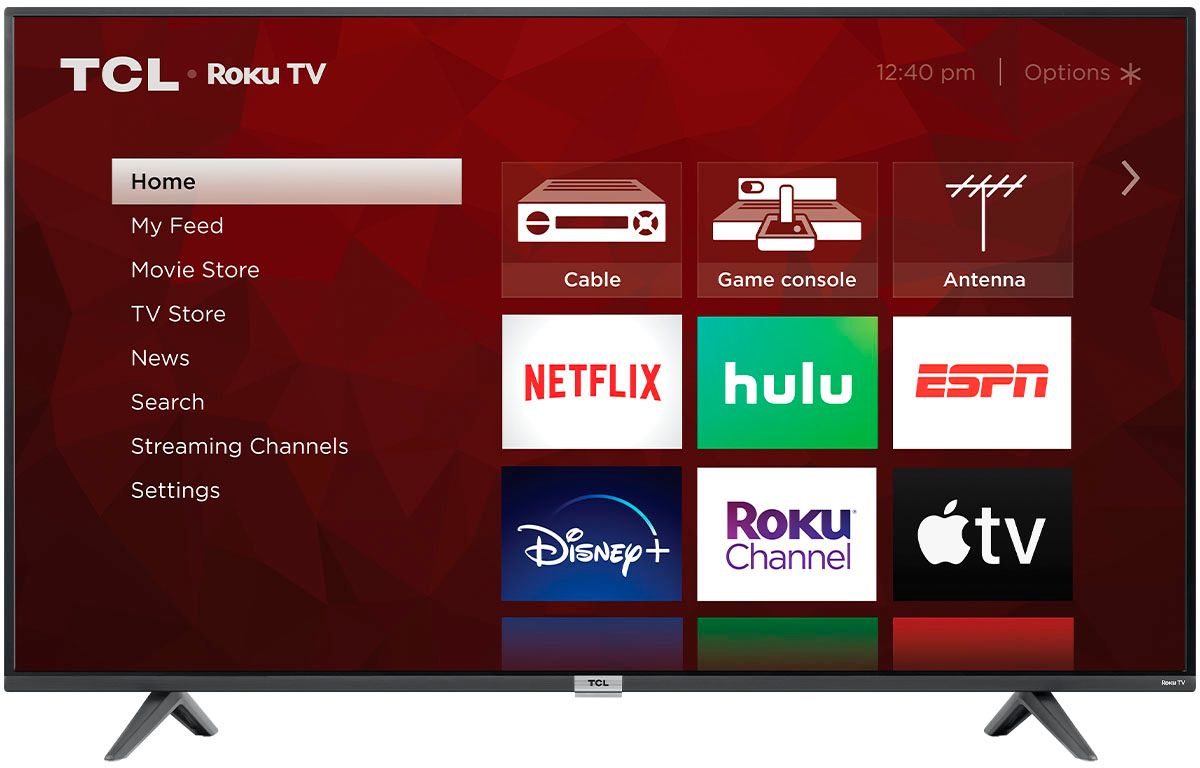
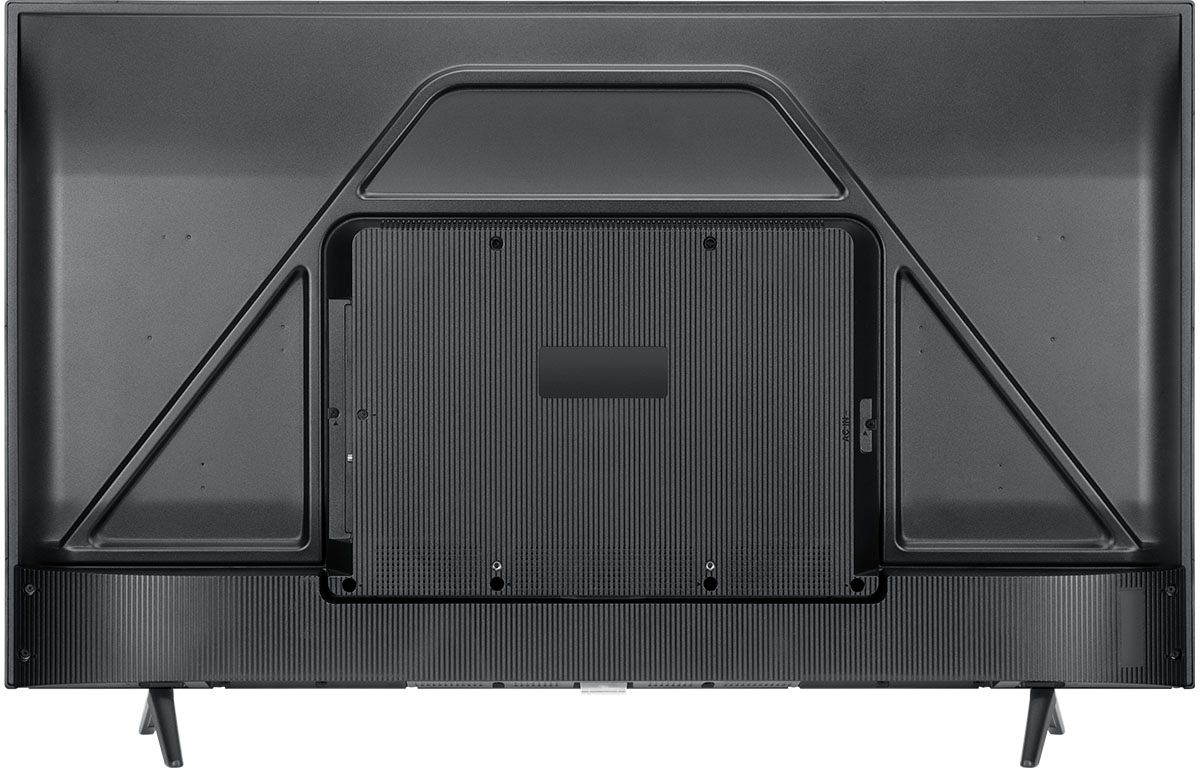
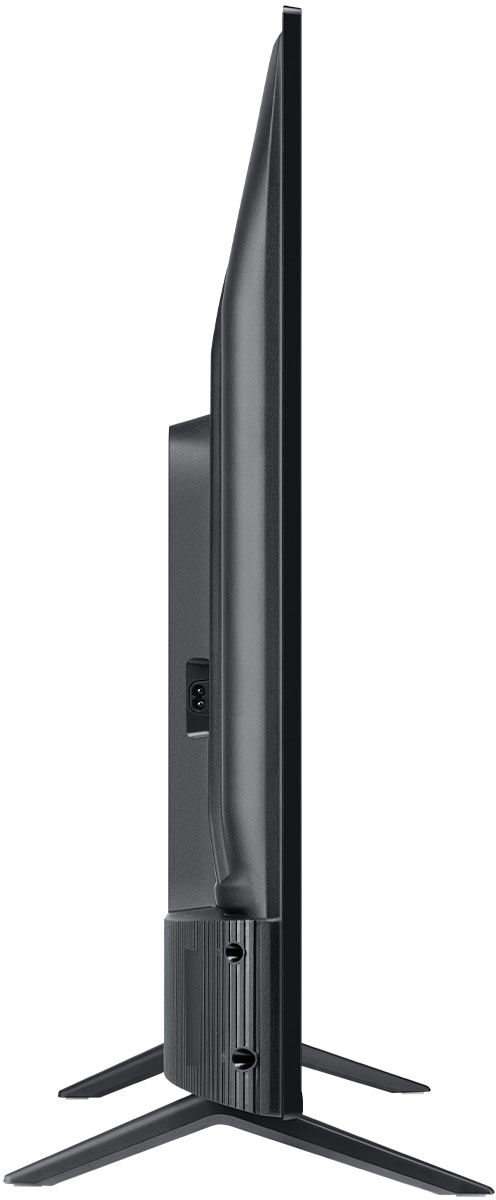
A:AnswerWithout the feet attached, the dimensions of this TV are as follows: (W x H x D) 48.7" x 28.3" x 3.3". Hope this helps! Thank you, TCL Customer Support
A:AnswerThis TV should indeed support AirPlay and HomeKit. You can visit https://support.roku.com/article/360057488733 for more information. The new Alto R1 (TSR1) is compatible with all Roku TVs. Hope this helps! Thank you, TCL Customer Support
A:AnswerThis particular TV does not feature THX certified game mode. For this feature, you would want to look at our 6-Series TCL TVs. Hope this helps! Thank you, TCL Customer Support
A:AnswerThis TCL Roku TV is designed and engineered to be used within the US. As such, it supports 120V. Hope this helps! Thank you, TCL Customer Support
A:AnswerThe composite connection for this TCL TV is a single input located between the coaxial input and the Headphone Jack. You would need to use an adapter to connect the traditional red/white/yellow cables you are used to seeing. The adapter would need to be purchased separately. Hope this helps! Thank you, TCL Customer Support