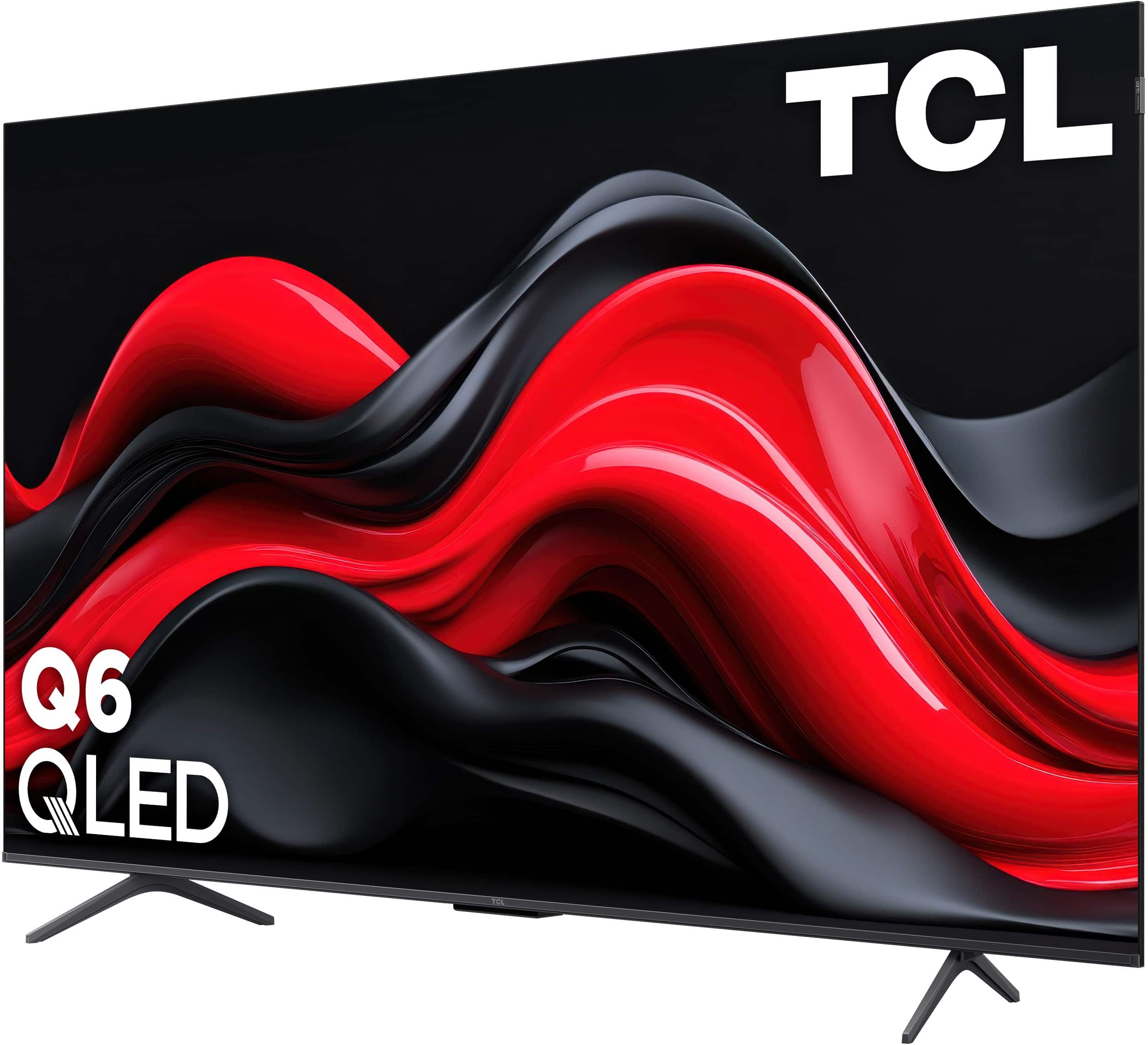
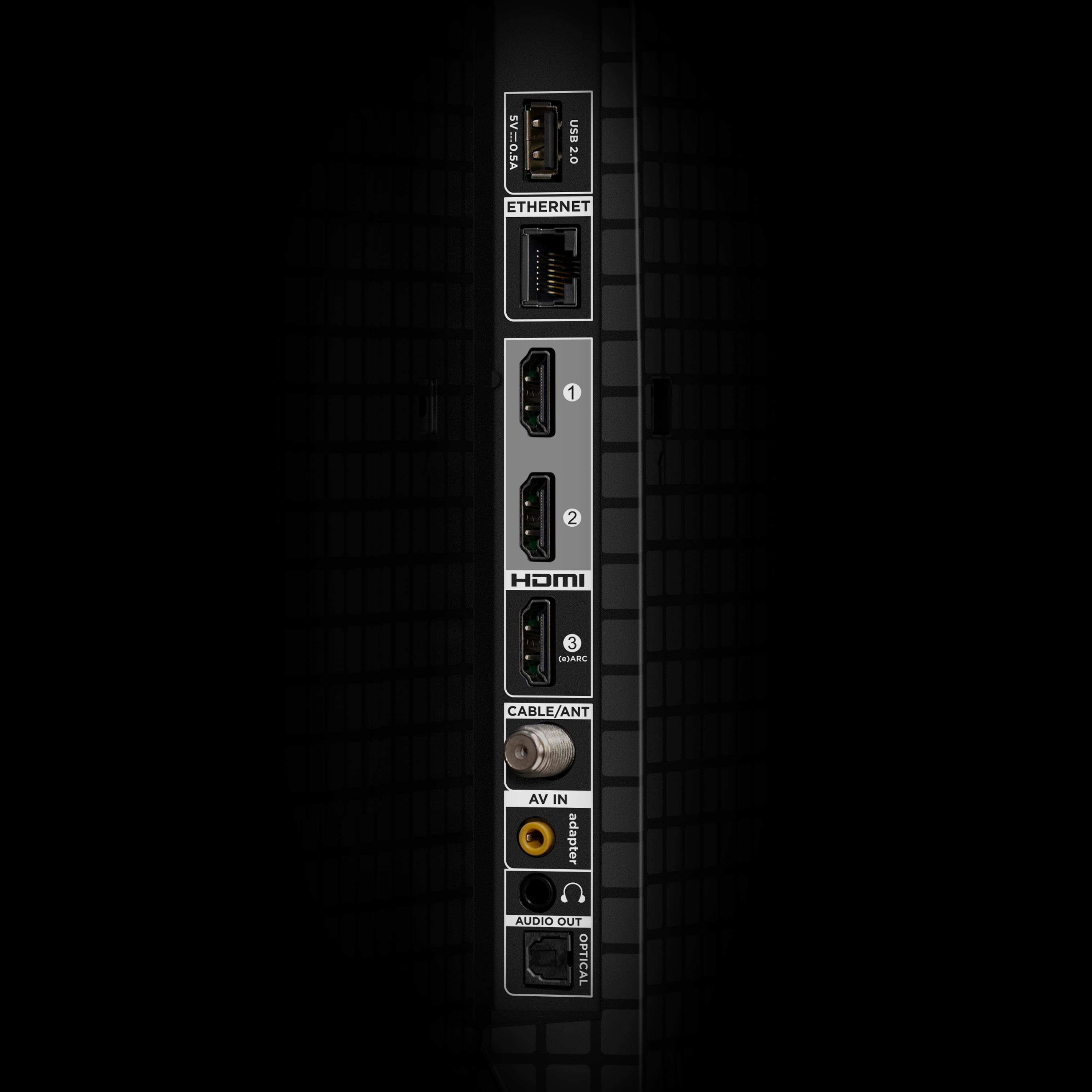
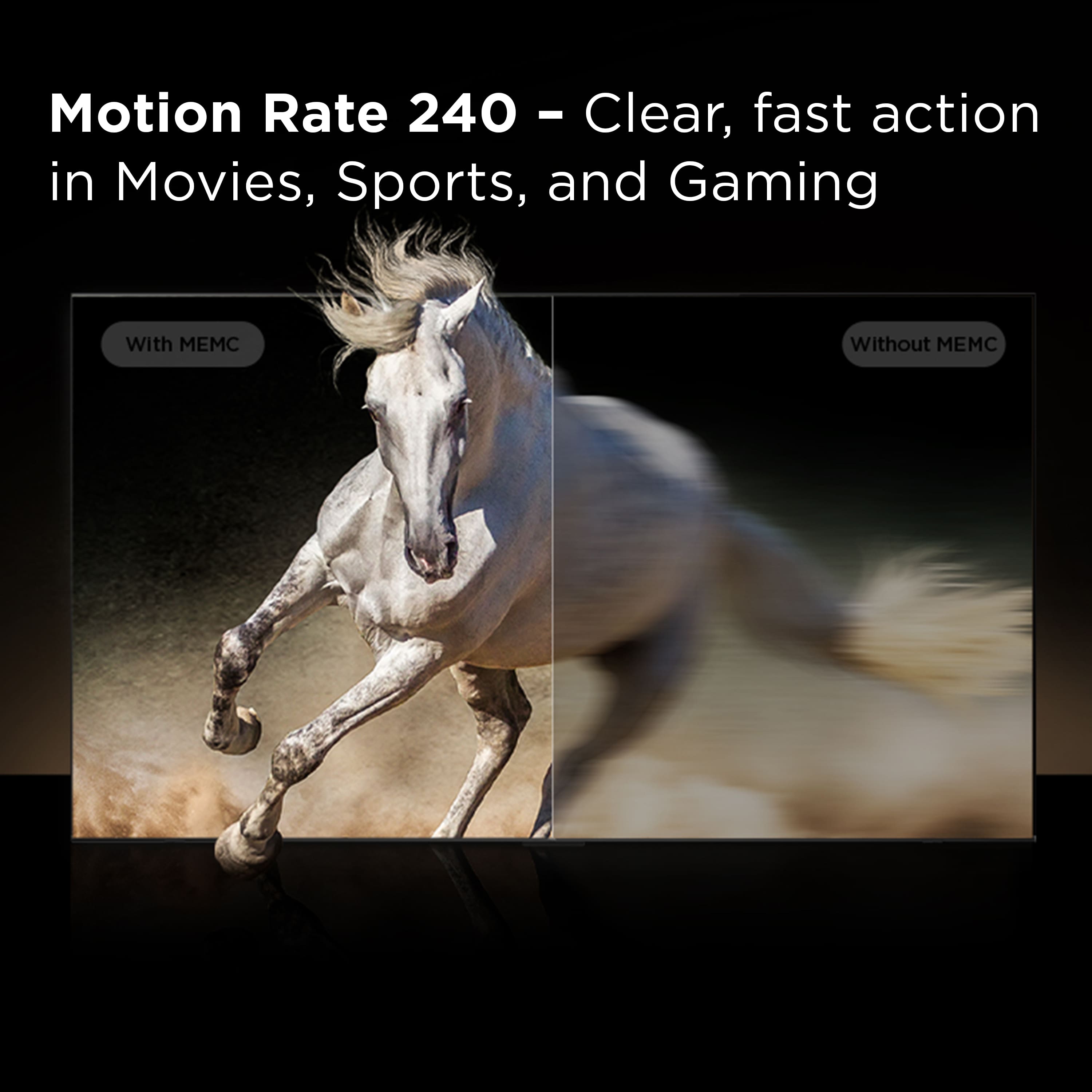
A:AnswerFor this 55Q651G, the HDMI ports can support up to 4K/60Hz. However, this TV does feature Game Accelerator 120 and Motion Rate 240 with MEMC Frame Insertion which combines multiple motion enhancement technologies for best-in-class motion clarity. Hope this helps! Thank you, TCL Customer Support
A:AnswerOpen box TV's can be both old TV's that were on display and on for multiple hours a day or they could be returns from a customer who was unhappy with the tv for X reason usually if you ask an employee they can check the day the tag was created.
A:AnswerIf you choose to have the TV delivered through Best Buy it will either be Geek Squad or a third party that delivers the TV, if you need an old TV gone completely Best Buy charges a haul away fee of about $50. This can be added when ordering the TV in store or online!
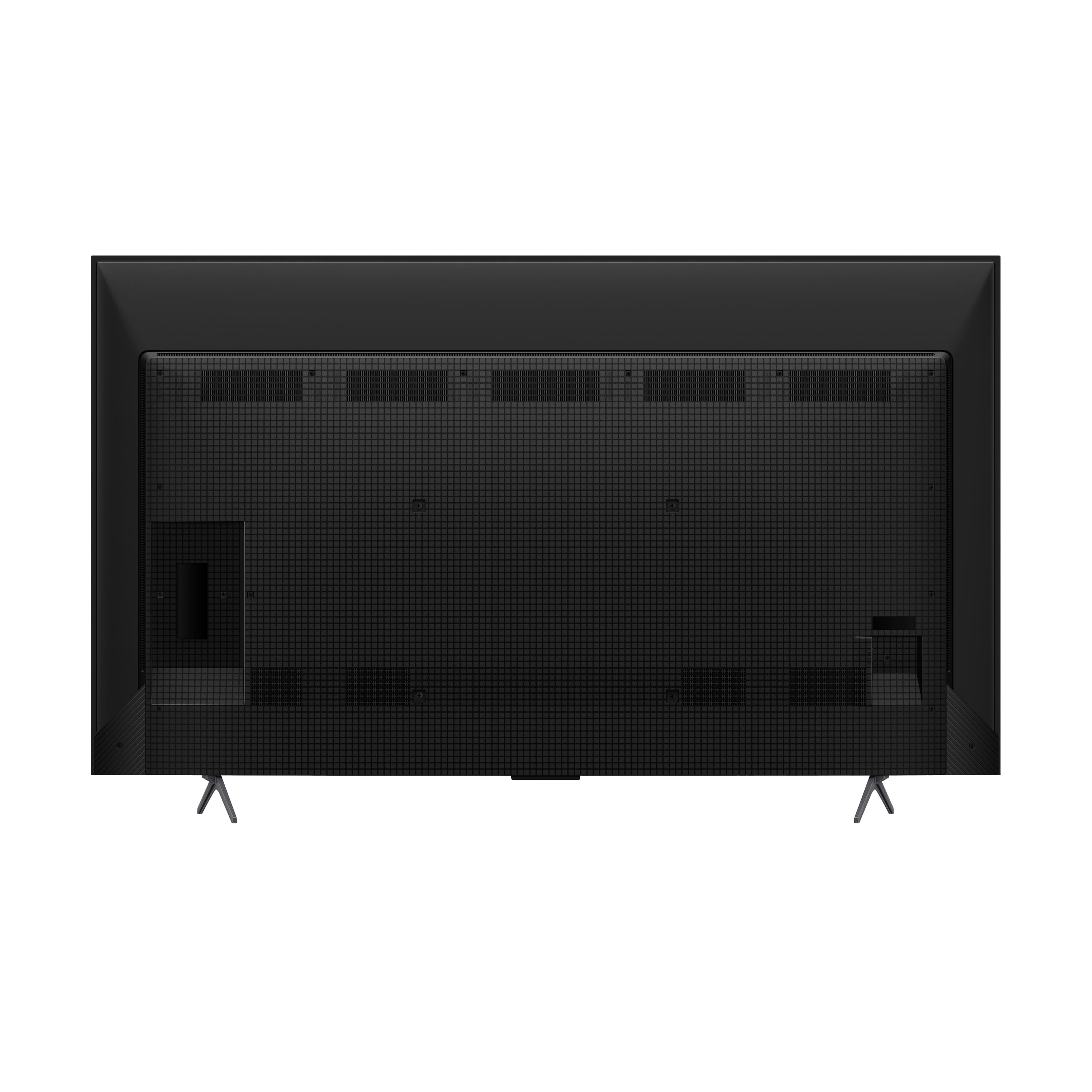
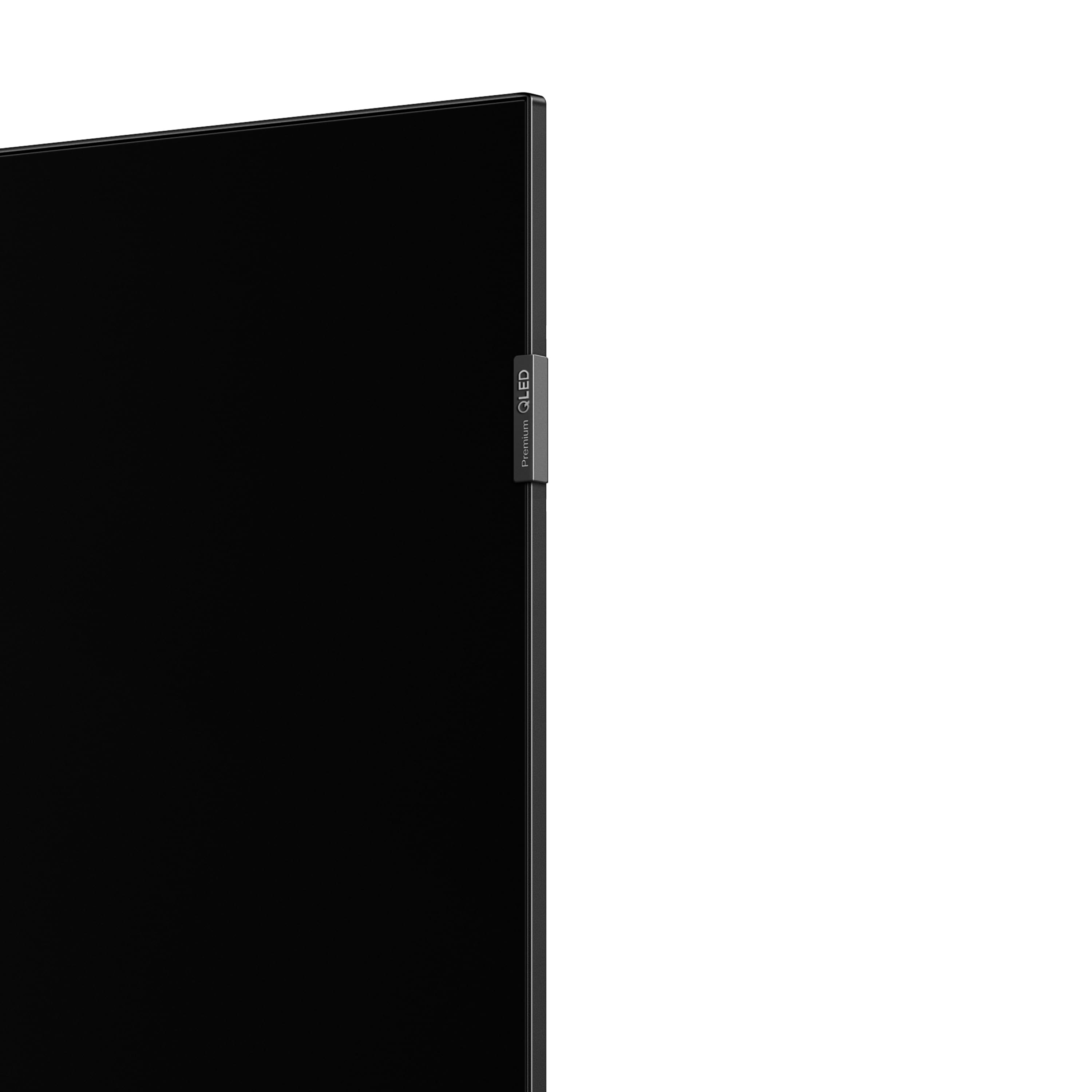
A:AnswerThere is a small badge similar in size to any brand label you’d find on most TVs. This is not designed to be removed. If you need further assistance, please reach out to us at [email protected] with your contact information and a description of what you need help with. Thank you, TCL Customer Support
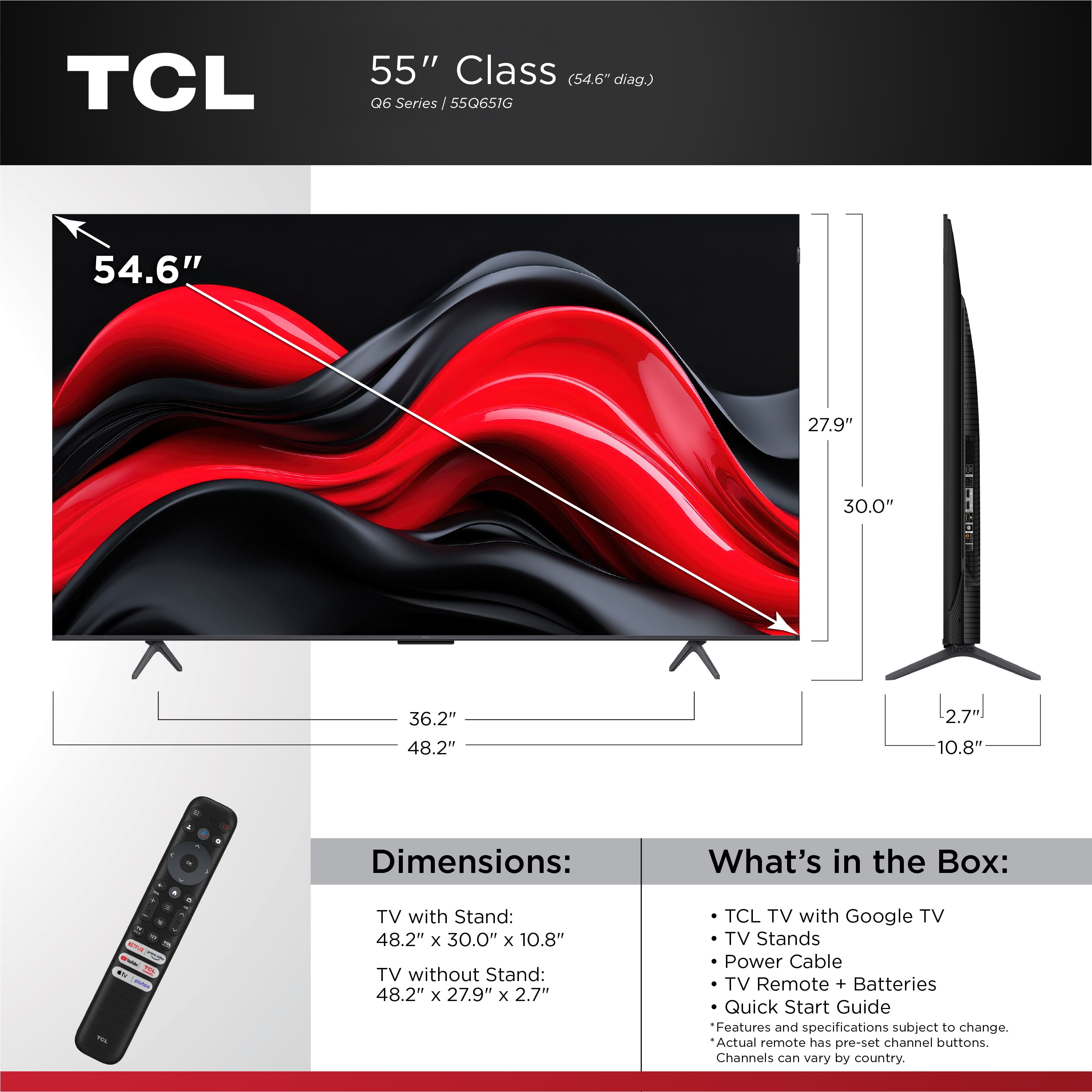
A:AnswerFor this 55 inch TCL TV, the feet spacing to fit on a stand is 36.2 inches wide and 10.8 inches deep. Hope this helps! Thank you, TCL Customer Support
A:AnswerIf the sound bar has an optical input buy an optical splitter that will provide two optical outputs. I use the method to supply optical signal for two optical devices. Look at Amazon for devices.
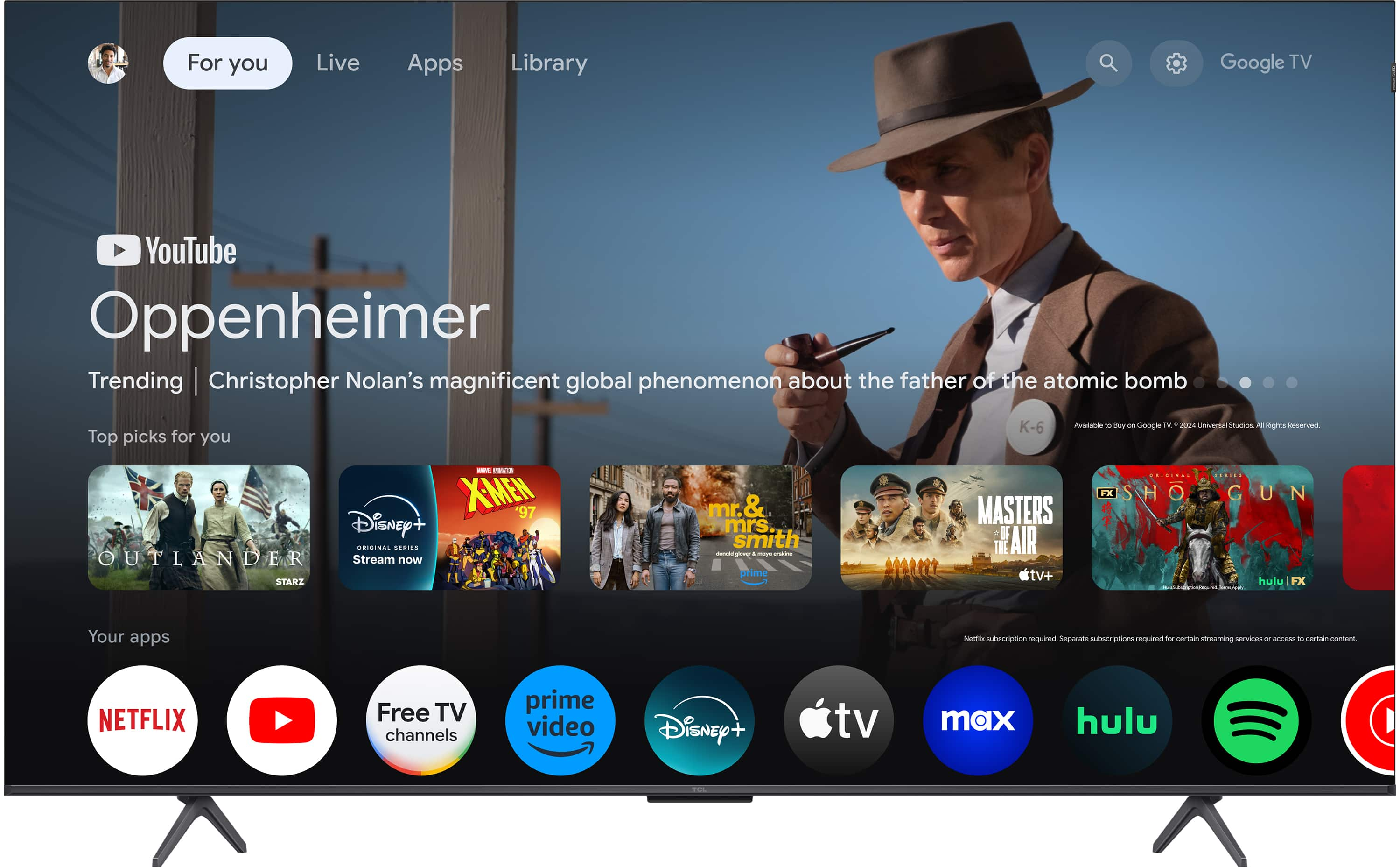
A:AnswerThis TCL TV features a Google TV operating system with access to 5,000+ apps with over 500,000 TV shows and movies available through the App Store. Hope this helps! Thank you, TCL Customer Support

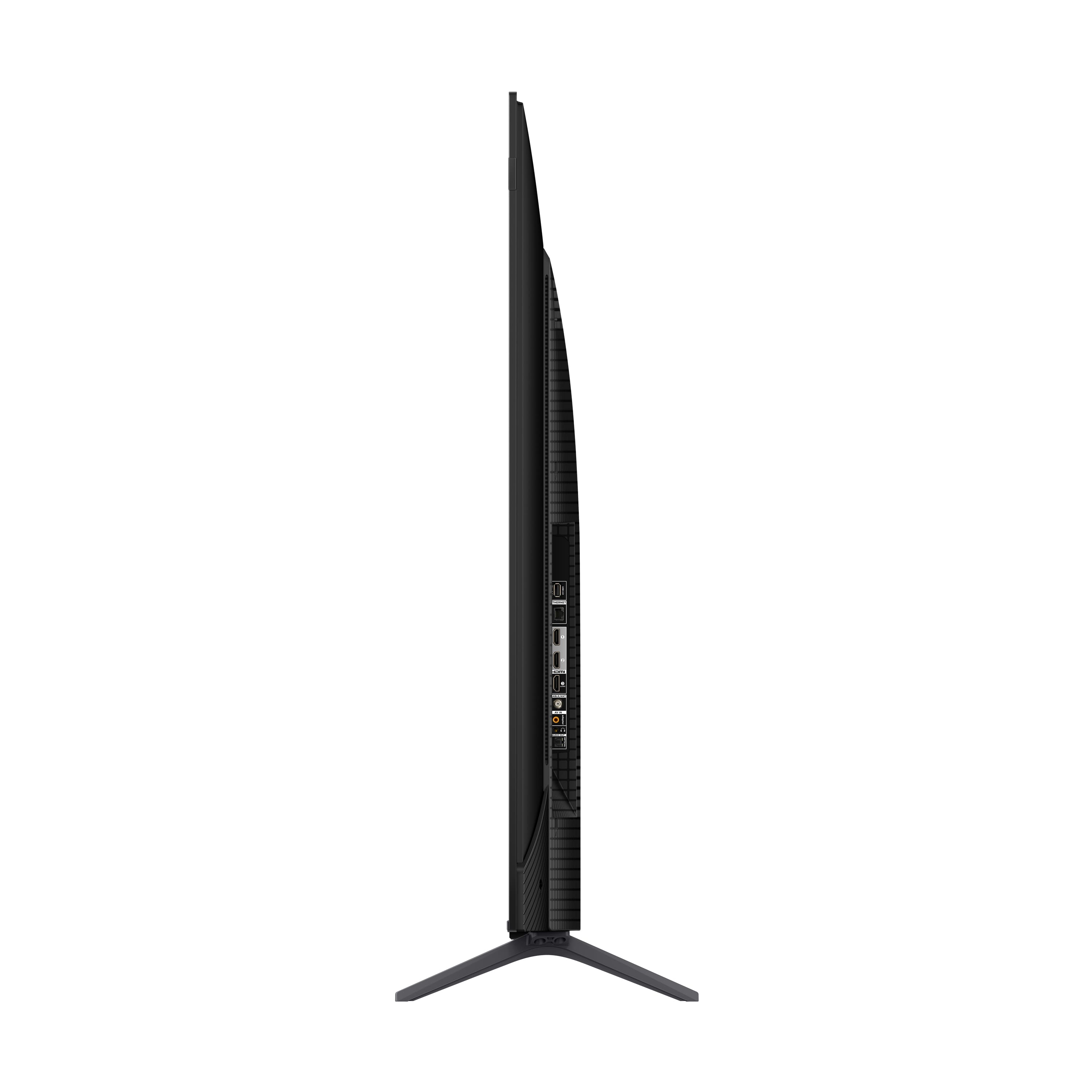
A:AnswerThis TCL TV is compatible with most soundbars and speakers and can be connected via HDMI eARC, Optical, Bluetooth, or the 3.5mm headphone jack. Hope this helps! Thank you, TCL Customer Support
A:AnswerThe DirecTV streaming app is indeed one of the many available streaming apps on this TCL TV featuring Google TV. Hope this helps! Thank you, TCL Customer Support
A:AnswerYou could have both connected to Optical output. You will need two devices. One device to convert the Optical to Analog for the head phones. One device to split the optical from the tv into two optical outputs. Connect one output to your AVR. Other to optical output to analog device. Devices can be found on Amazon. Used similar setup on my main TV to supply output to soundbar and for wireless headphones.


A:AnswerConnecting headphones to the TV will automatically disable the TV speakers. There are no settings to override this. Hope this helps! Thank you, TCL Customer Support