A:AnswerAlthough we do not have exact numbers, we can say that the input lag is relatively low. This TV features a dedicated gaming mode that helps to provide a low input lag. Hope this helps! Thank you, TCL Customer Support
A:AnswerI believe it’s 90 days or 60 days one of the two. But it Hass to be in mint condition it cannot be cracked or dented or anything because they’re going to give it to the geek squad to run a whole diagnostic on it and if they find something you will not get your money back
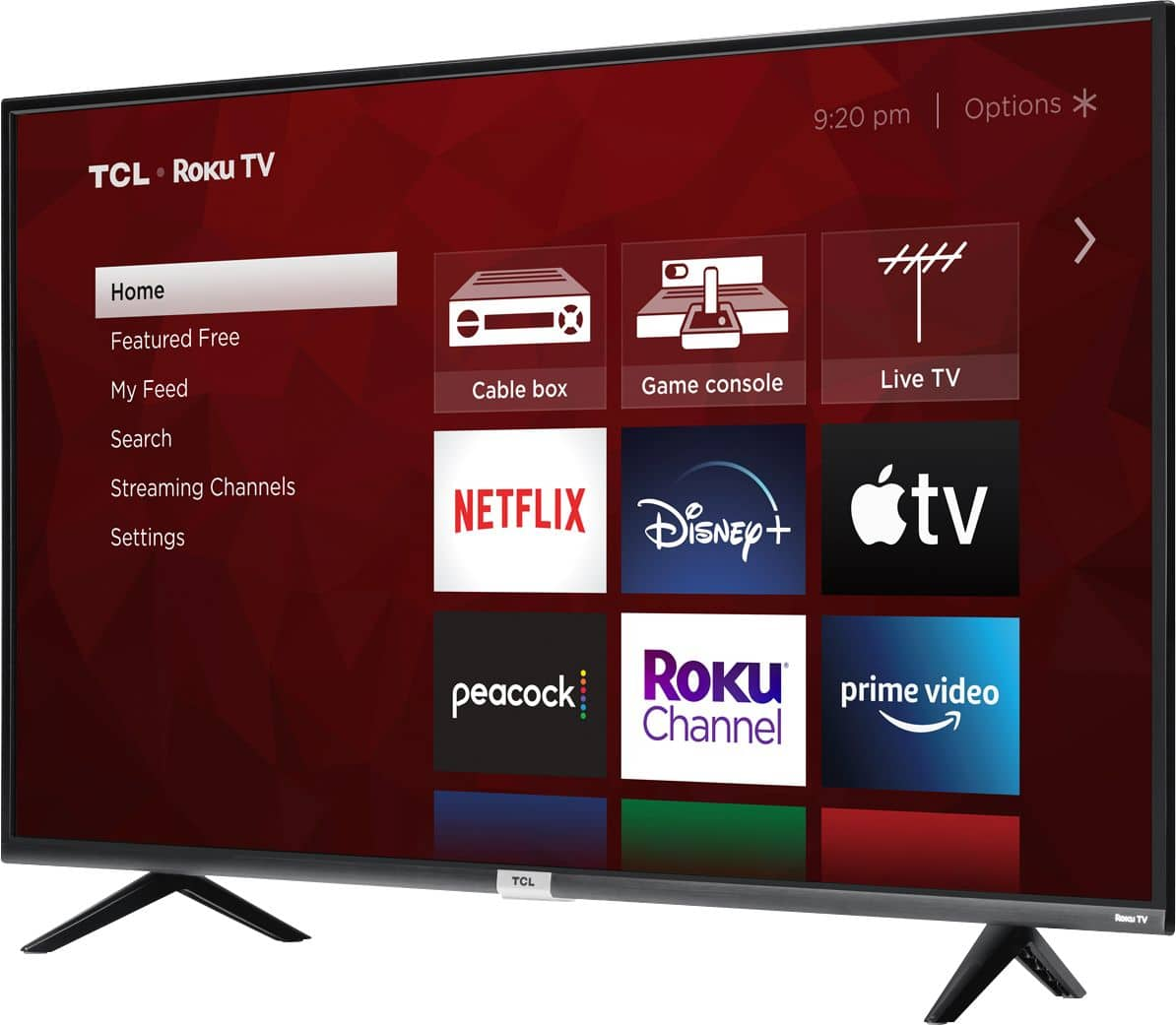
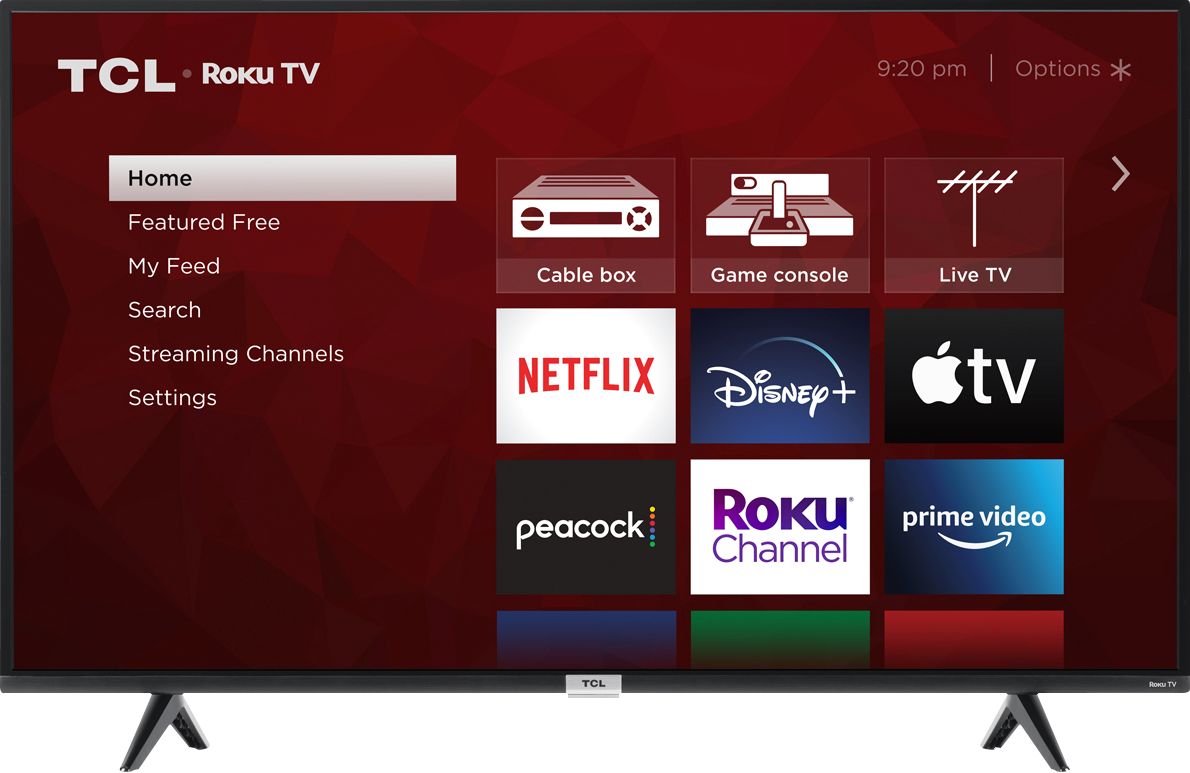
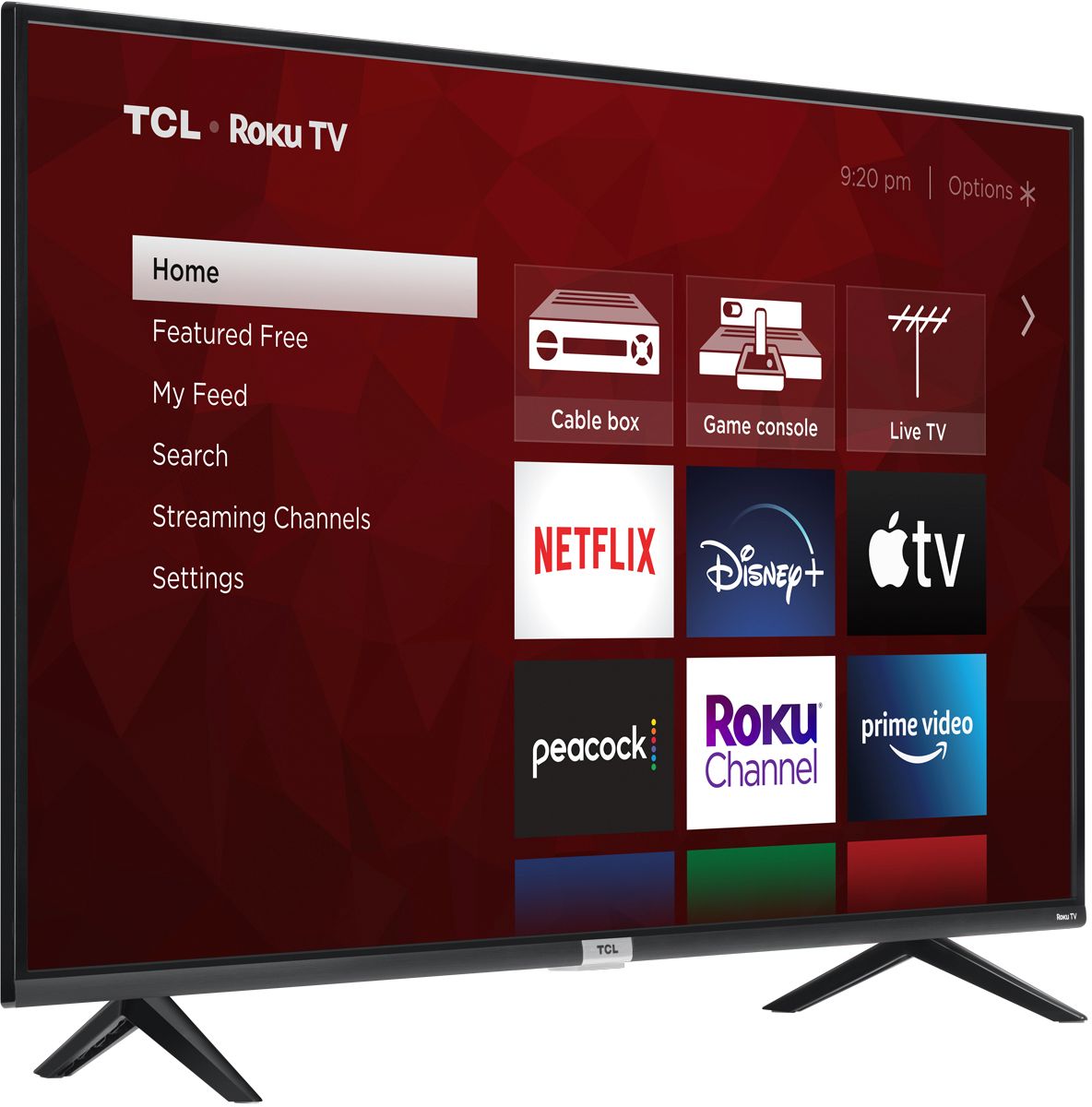
A:AnswerThe Discovery Plus and Peacock streaming channels are some of the thousands of streaming channels offered through the Roku Channel Store. You can also visit www.roku.com/whats-on to see other streaming channels Roku offers. Hope this helps! Thank you, TCL Customer Support
A:AnswerThere are options available to adjust the picture settings to better fit your personal preference. You can access the Options menu on the TV by pressing the asterisk (*) button on your remote while watching content. Additionally, you can access expert picture settings by downloading the free Roku mobile app on a smartphone or tablet. The Roku mobile app works as a remote and allows you to access additional features like voice search, private listening, expert picture settings, and more. Hope this helps! Thank you, TCL Customer Support
A:AnswerThis TCL Roku TV is compatible with most wall mounts that support a 300mm x 300mm VESA mounting pattern. Hope this helps! Thank you, TCL Customer Support
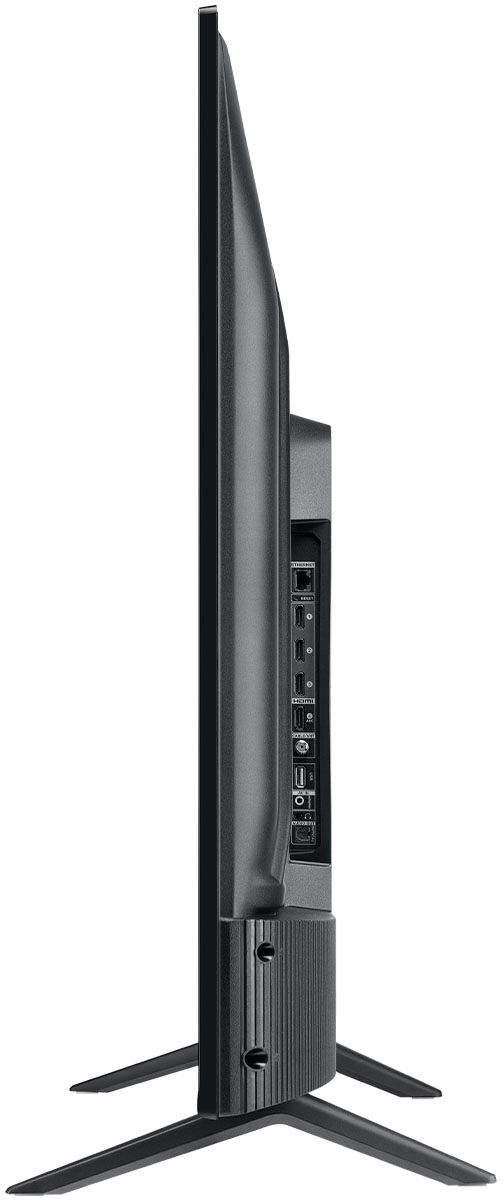
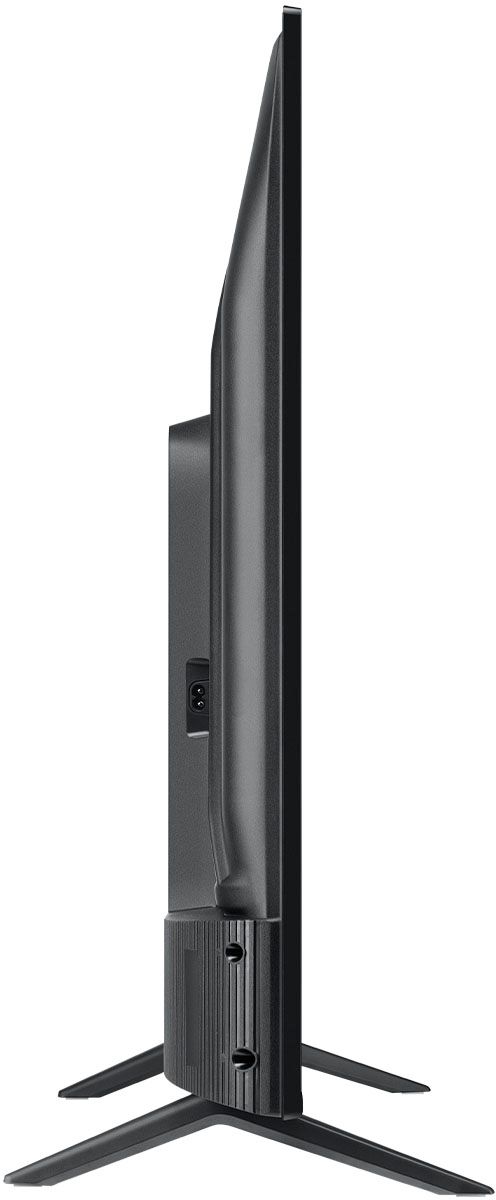
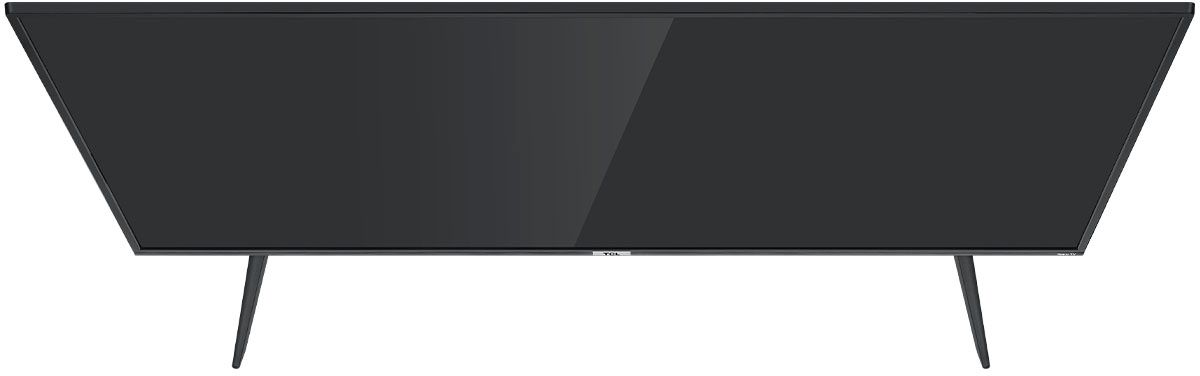
A:AnswerWithout the feet attached, the dimensions of this TV are as follows: (W x H x D) 57.4" x 33.2" x 3.3". Hope this helps! Thank you, TCL Customer Support