A:AnswerFor TVs produced by other manufacturers, you would want to contact that manufacturer for further assistance. Hope this helps! Thank you, TCL Customer Support
A:AnswerThe dimensions of the 43S446 with the feet attached are as follows: (W x H x D) 38.2" x 24.6" x 9.9". Hope this helps! Thank you, TCL Customer Support
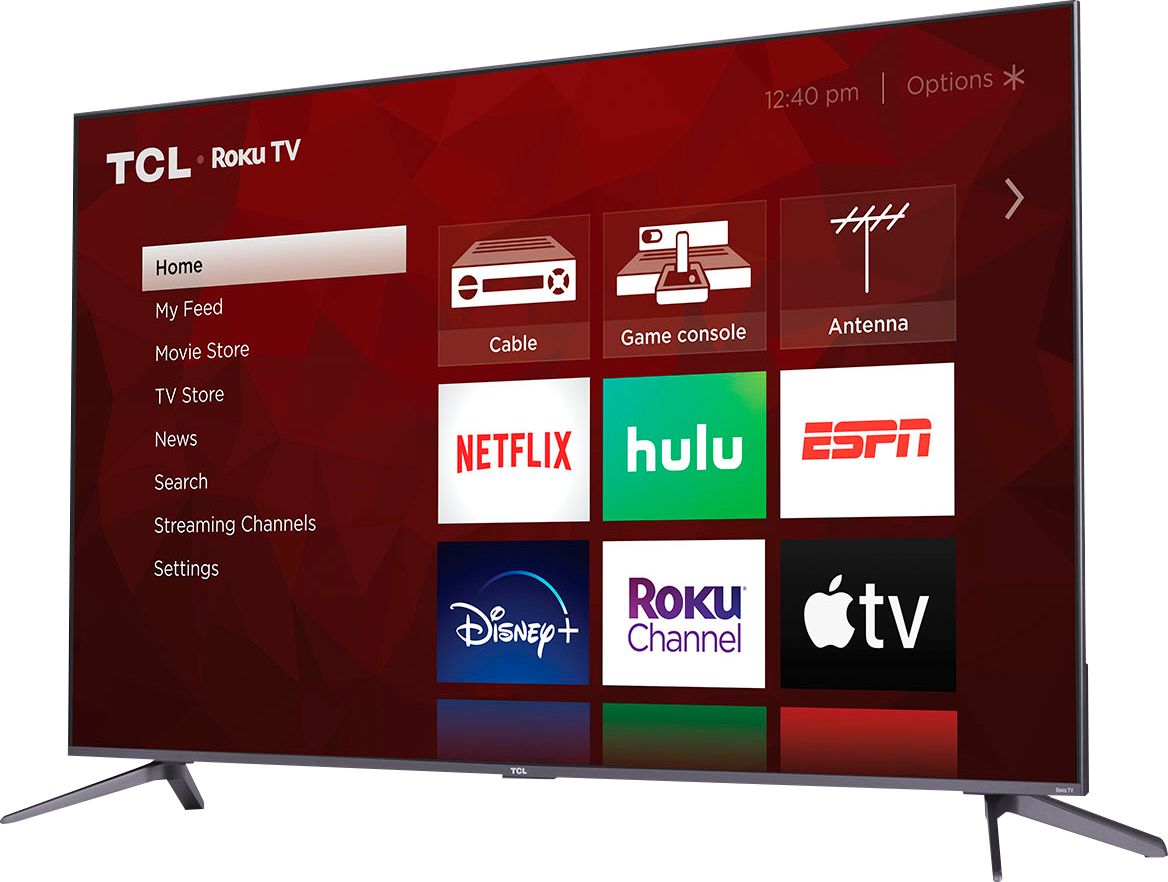
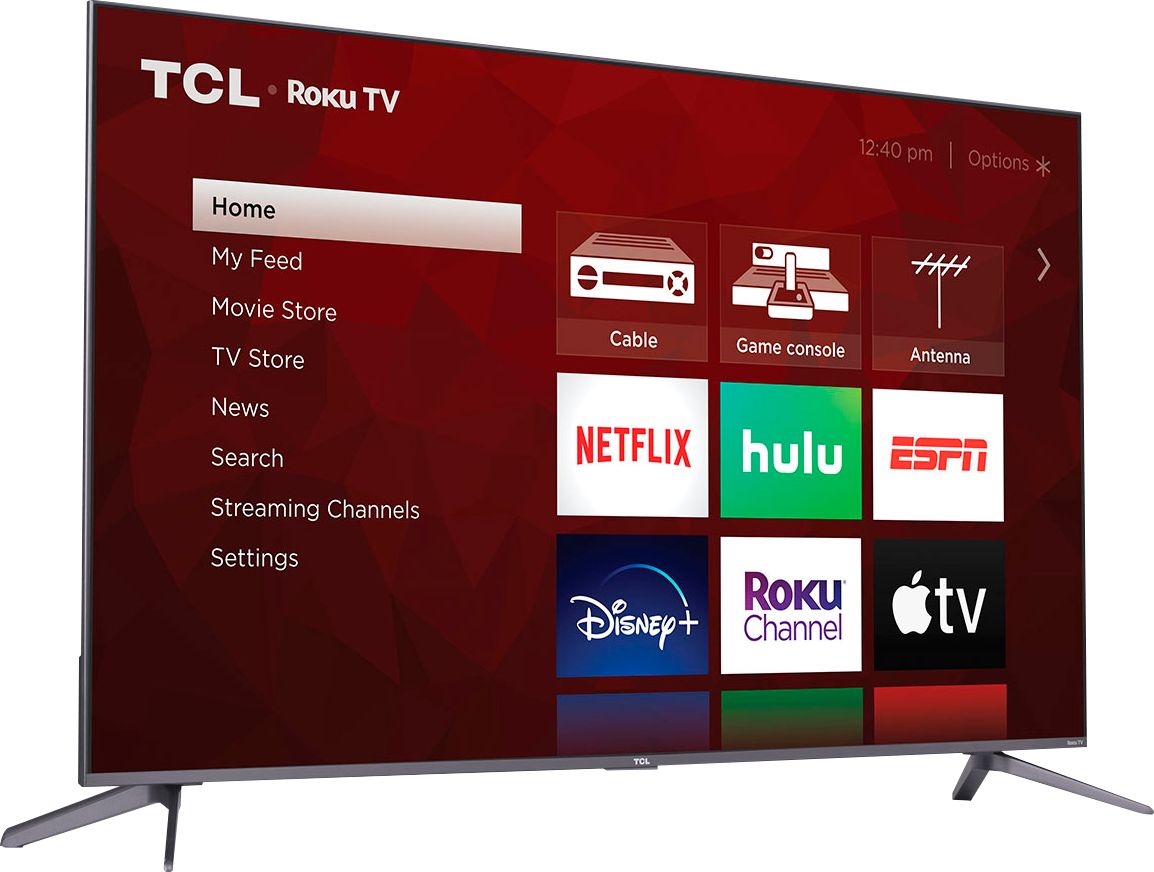
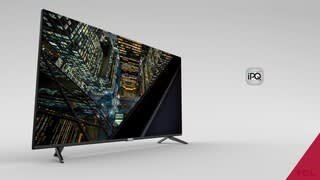
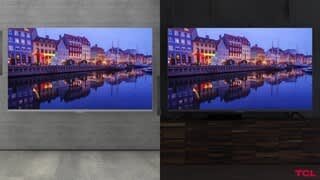
A:AnswerThis TV features Dolby Vision/HDR10 support, wide color gamut, auto-game mode, an edge-to-edge glass display, QLED technology, CCZ, eARC, and more! You can visit www.tcl.com/us/en/products/home-theater/5-series/65-class-5-series-4k-qled-hdr-smart-roku-tv-65s535 to see all of the features this TV has to offer. Hope this helps! Thank you, TCL Customer Support
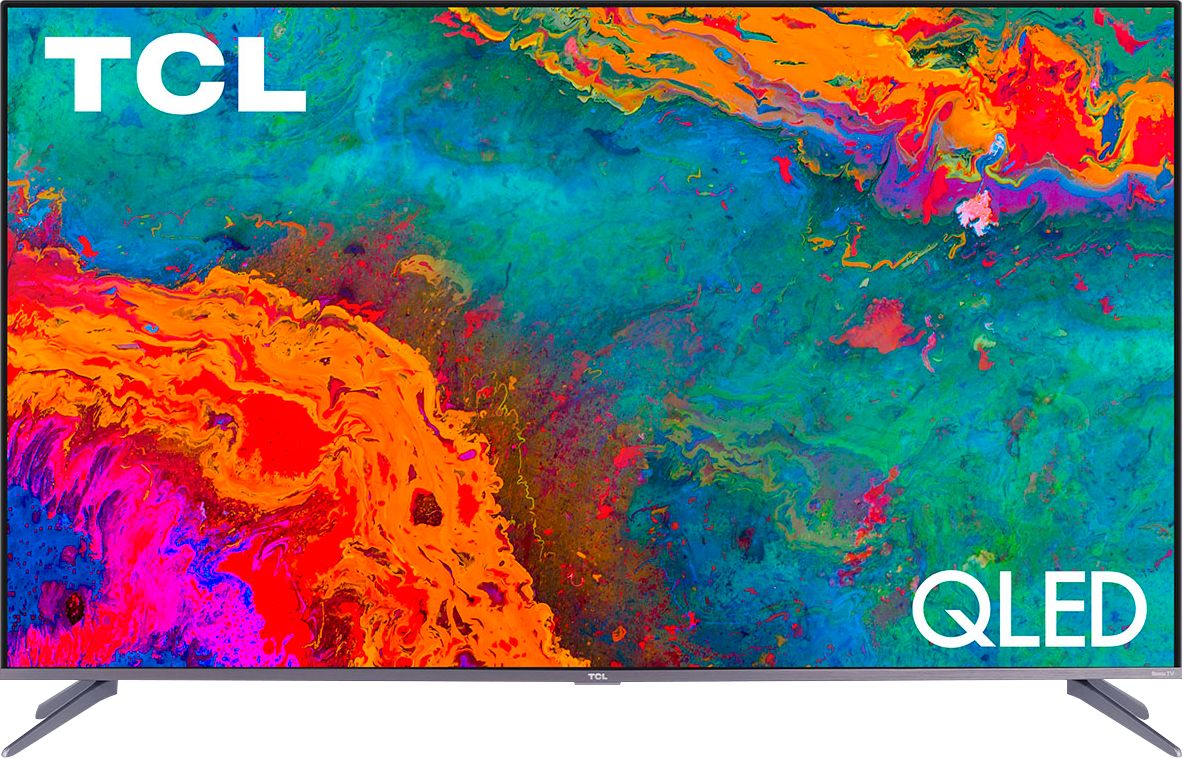
A:AnswerThis TV features a 4K resolution and will upscale non-4K content. To experience true 4K, the content you are watching and the device you are watching through (if an external device is connected) would need to support 4K as well. Hope this helps! Thank you, TCL Customer Support
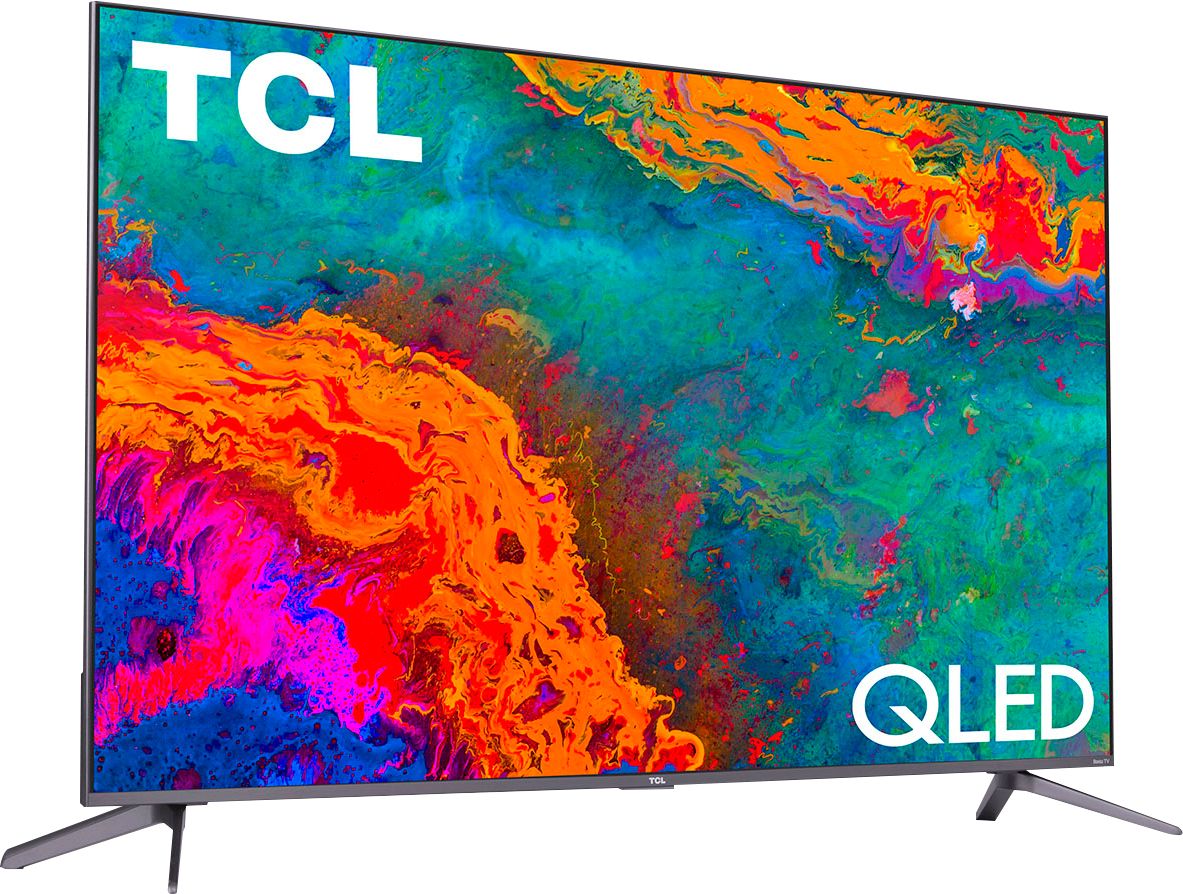
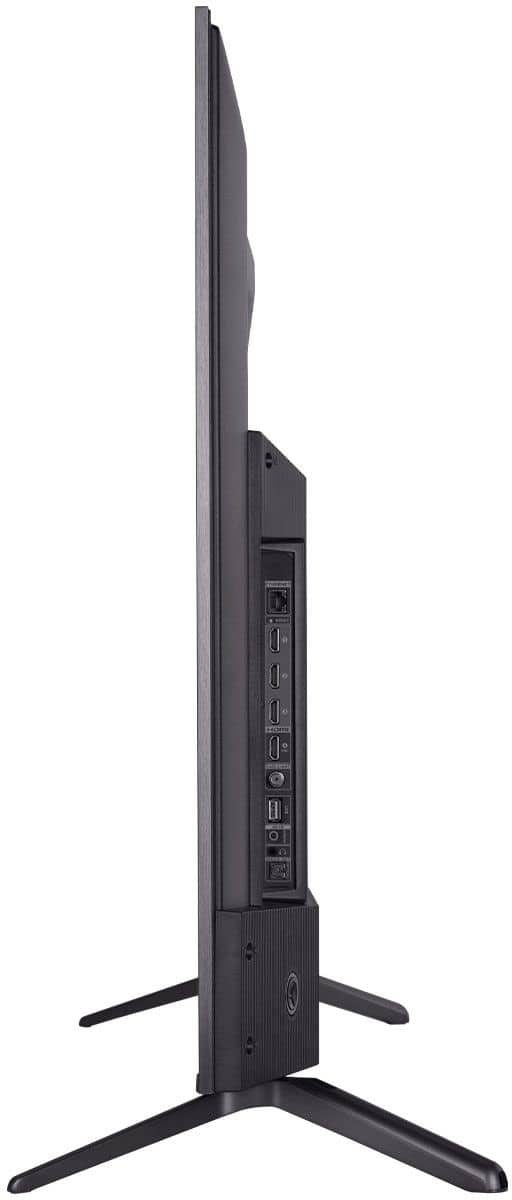
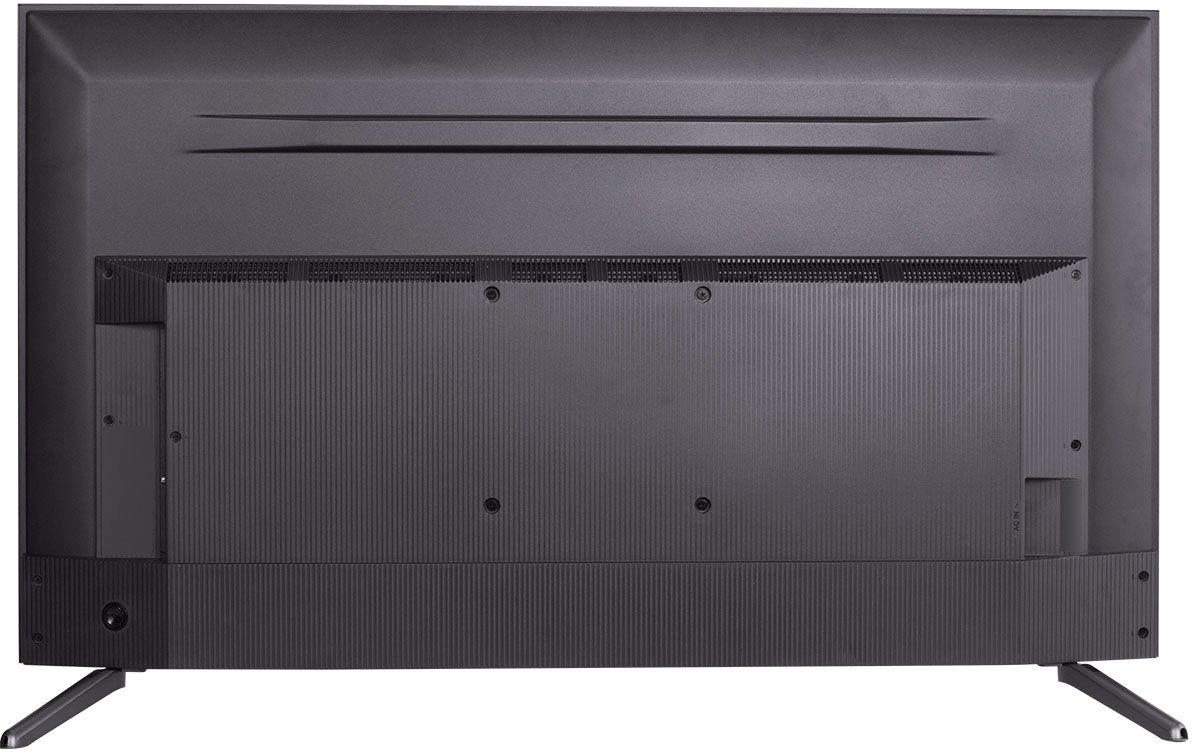
A:AnswerThis TCL Roku TV is compatible with most soundbars and can be connected via HDMI ARC, Optical, or the 3.5mm headphone jack. Hope this helps! Thank you, TCL Customer Support
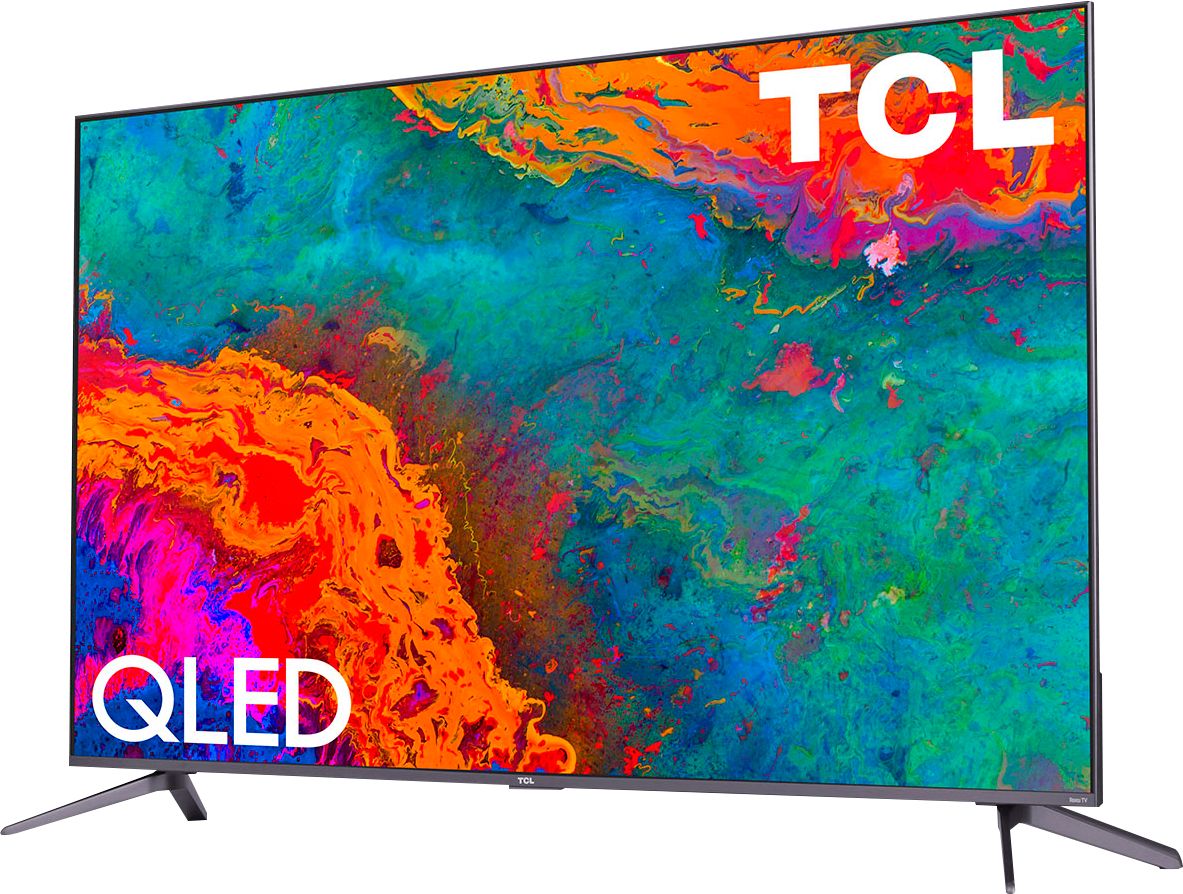
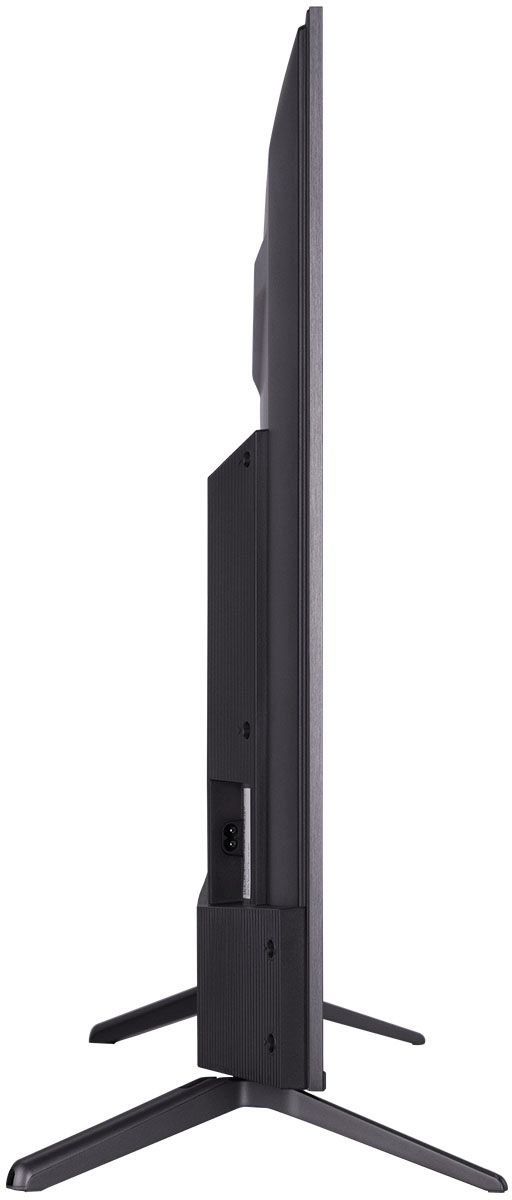
A:AnswerWithout the feet attached, the dimensions of this TV are as follows: (W x H x D) 56.9" x 32.5" x 3.0". Hope this helps! Thank you, TCL Customer Support
A:AnswerYou can go to channelstore.roku.com/browse to see what streaming channels and apps are offered through the Roku Channel Store. To search for a specific channel you would simply want to enter that information into the search section. Hope this helps! Thank you, TCL Customer Support
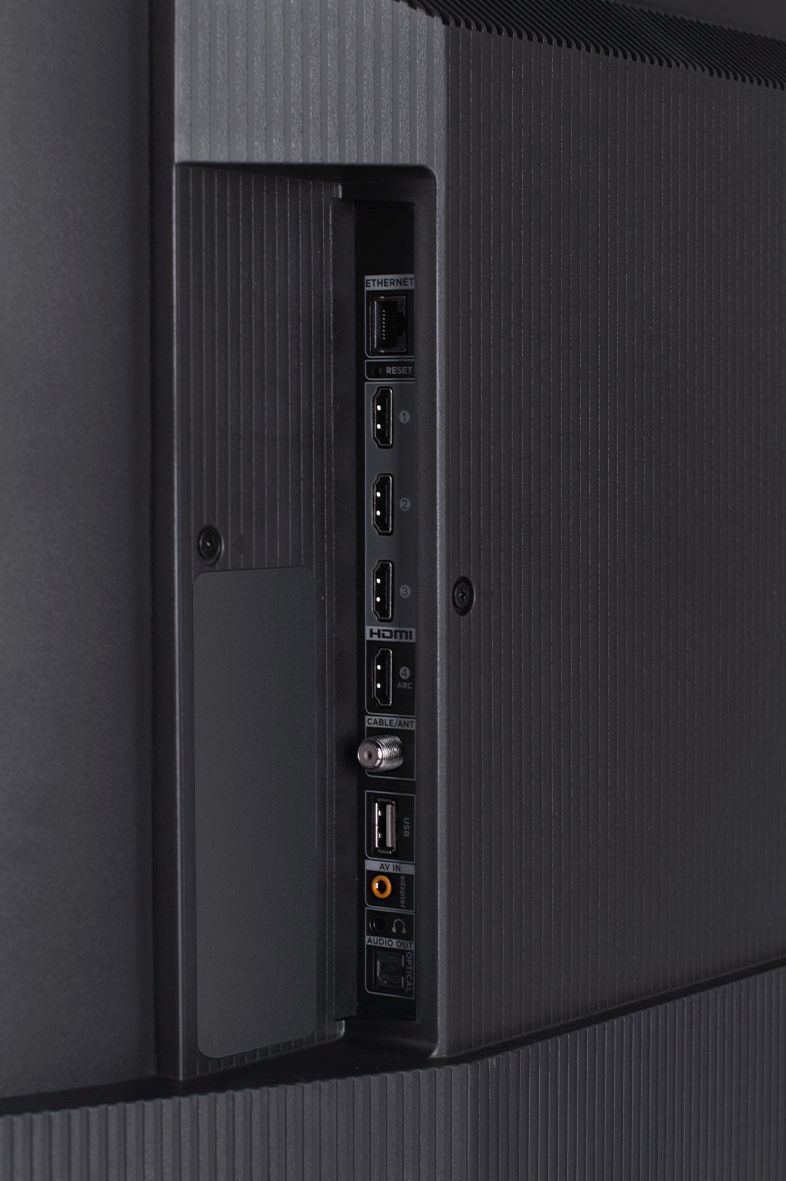
A:AnswerThe TV has a standard 3.5mm headphone output that you can use to connect a bluetooth transmitter as shown in the attached picture. However you can also use the Roku app on your phone with the “private listening” feature. No transmitter is needed if you have the app on your phone.
A:AnswerOur TCL Roku TVs do not currently support Bluetooth. However, you can download the free Roku app on your smart phone or tablet to use voice search, voice control, and experience private listening. To enjoy private listening you simply click private listening in the app, and attach headphones to your smart phone or tablet. Or you can use the 3.5 mm headphone jack in the back of the TV to connect standard headphones. Hope this helps! Thank you, TCL Customer Support