A:AnswerThe USB port on this TV is not designed to provide power to external devices. However, it does support 500 mA. Hope this helps! Thank you, TCL Customer Support
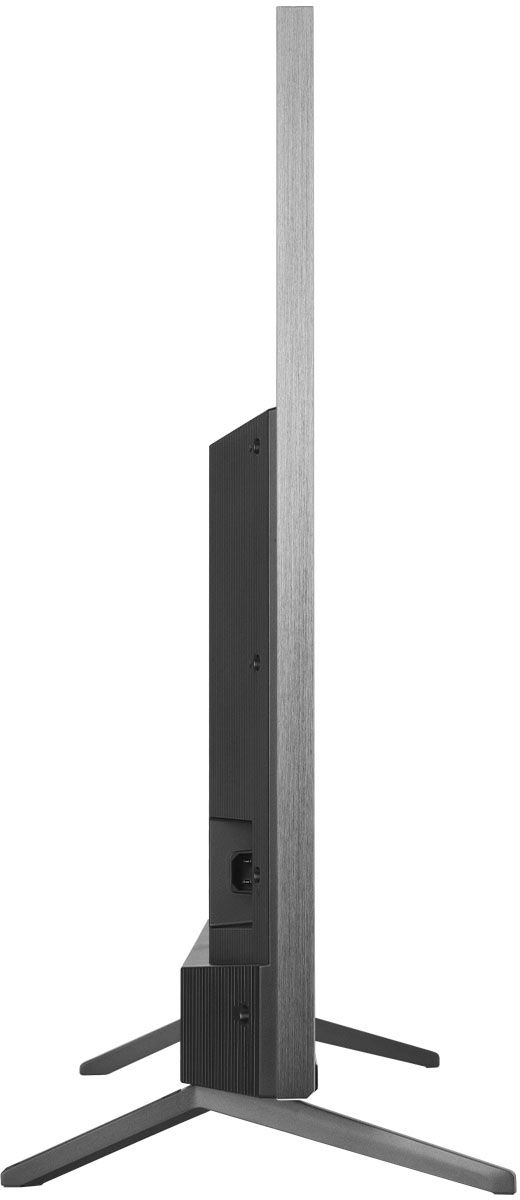
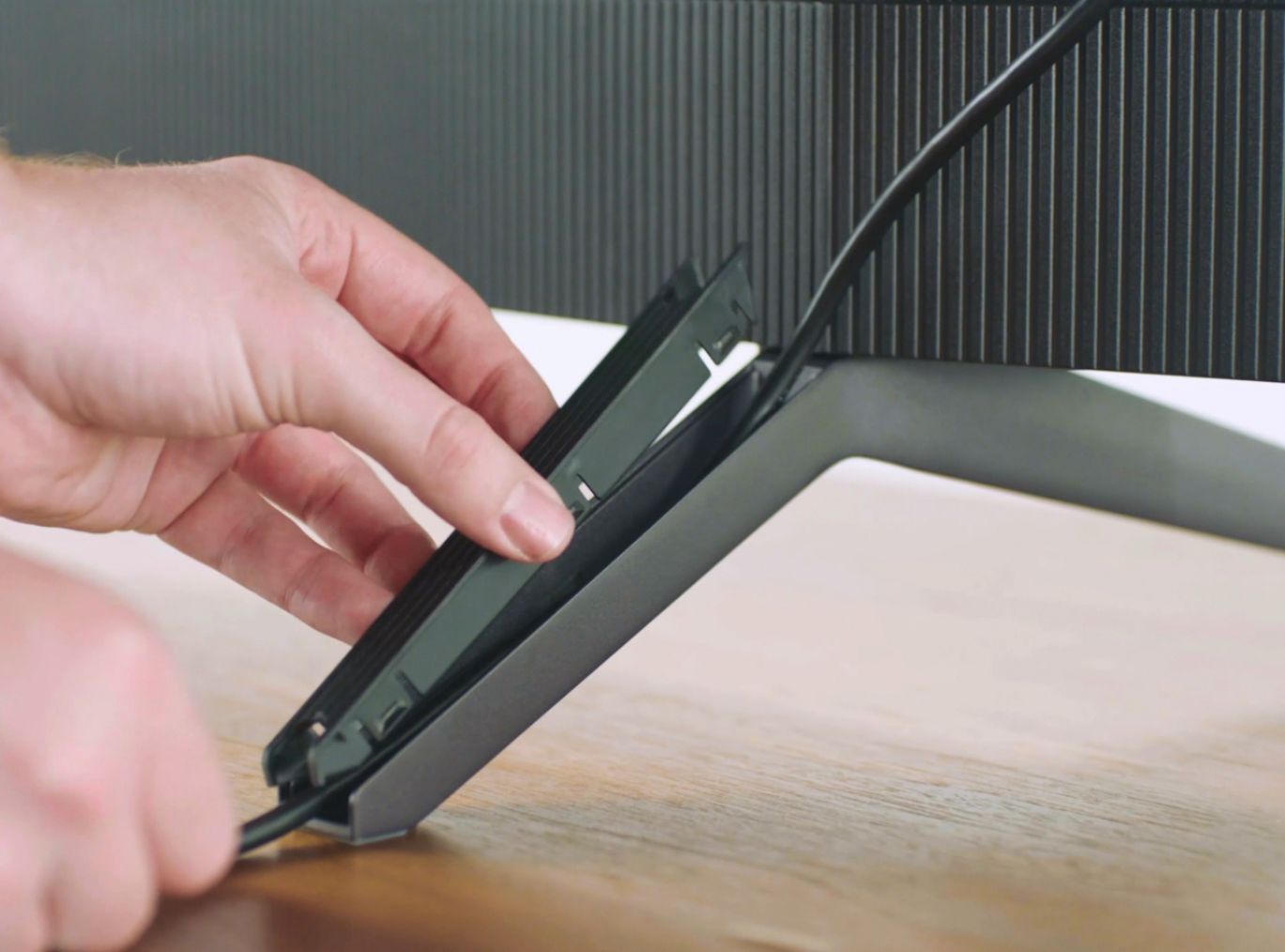
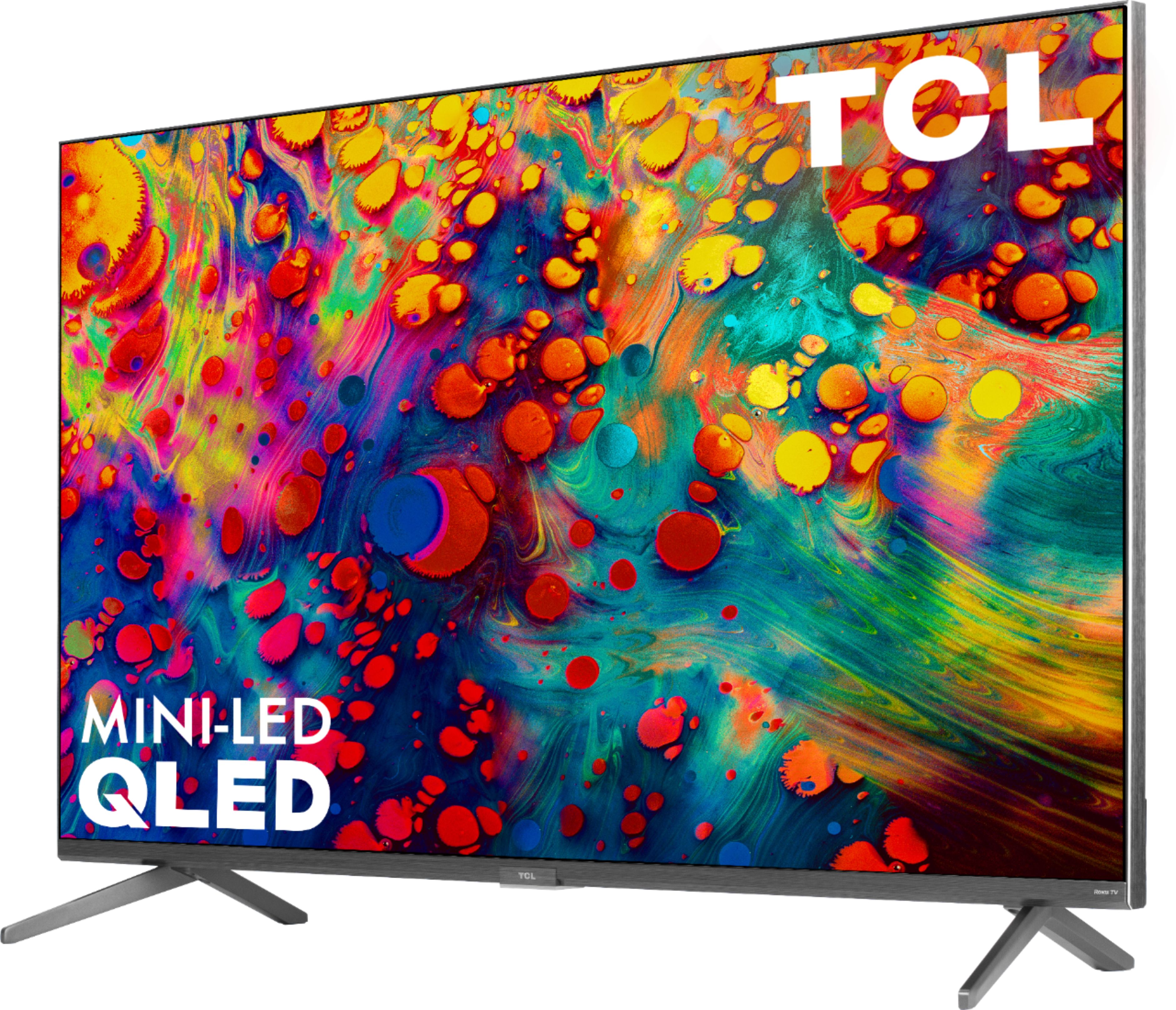
A:AnswerThe stands have dedicated positions where they are attached to the TV and cannot be rotated. As such, the depth of the feet that come with the TV cannot be altered. Hope this helps! Thank you, TCL Customer Support
A:AnswerMike-
The internal audio system uses the electronic metadata within the Dolby Atmos soundtrack to deliver an increase in the spaciousness, openness and clarity of the sound when using the internal speakers. Additionally, using our HDMI ARC connection can be used to connect to a compatible Dolby Atmos receiver or Soundbar for breathtaking multi-channel audio.
-TCL US Support
A:AnswerWhile we do not have a specific list of hardware and software changes when in Game Mode (which is a convenient Auto Game Mode, making the transition seamless), TCL TVs have had the reputation of having some of the lowest input lags in the business, ideal for the most demanding gamers. Hope this helps! Thank you, TCL Customer Support
A:AnswerTCL TVs continue to feature digital TV tuners with advanced program guides and an available live TV pause feature from broadcast channels. There are no plans to support ATSC 3.0 tuners. Hope this helps! Thank you, TCL Customer Support
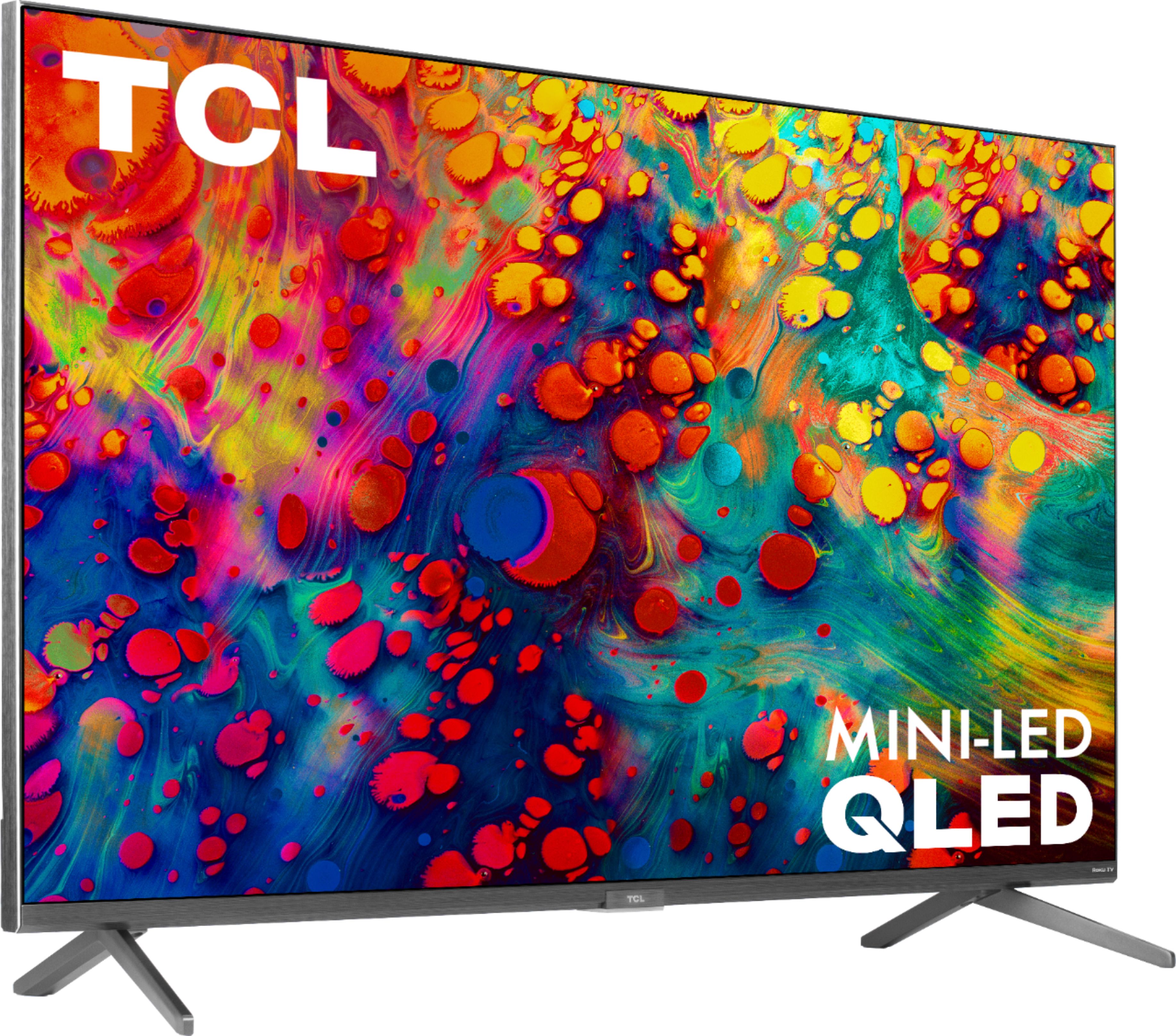
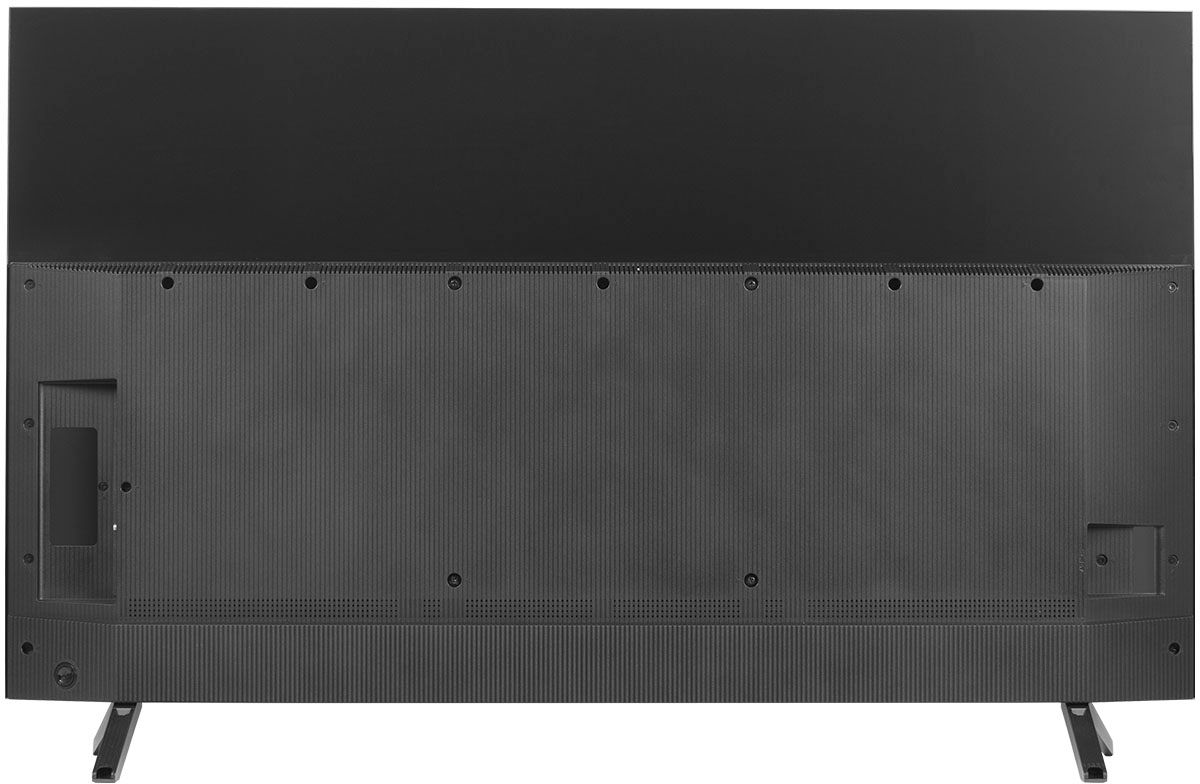
A:AnswerThis TCL Roku TV is compatible with most soundbars and can be connected via HDMI ARC, Optical, or the 3.5mm headphone jack. Hope this helps! Thank you, TCL Customer Support
A:AnswerIf you connect a USB Drive to your TV you can access Live TV Pause. You can visit https://support.tcl.com/62989-tcl-roku-tv/what-is-live-tv-pause for more information about this. A 16GB USB Flash Drive is recommended. Hope this helps! Thank you, TCL Customer Support
A:AnswerYes it does and works great. I actually have two of these TV's, one in the front of the house and one in the back and never have a problem with the wifi connection.
A:AnswerYou do not have to use a cable box with this TV you can use the cable apps at the same time in order to get a cable display if you do not use the apps then you need to use a cable box
A:AnswerNo it doesn't unless TCL makes headphones then it would probably link to them but like I had mentioned I use a transmitter connected to the headphone output and the transmitter I use links to any headphones