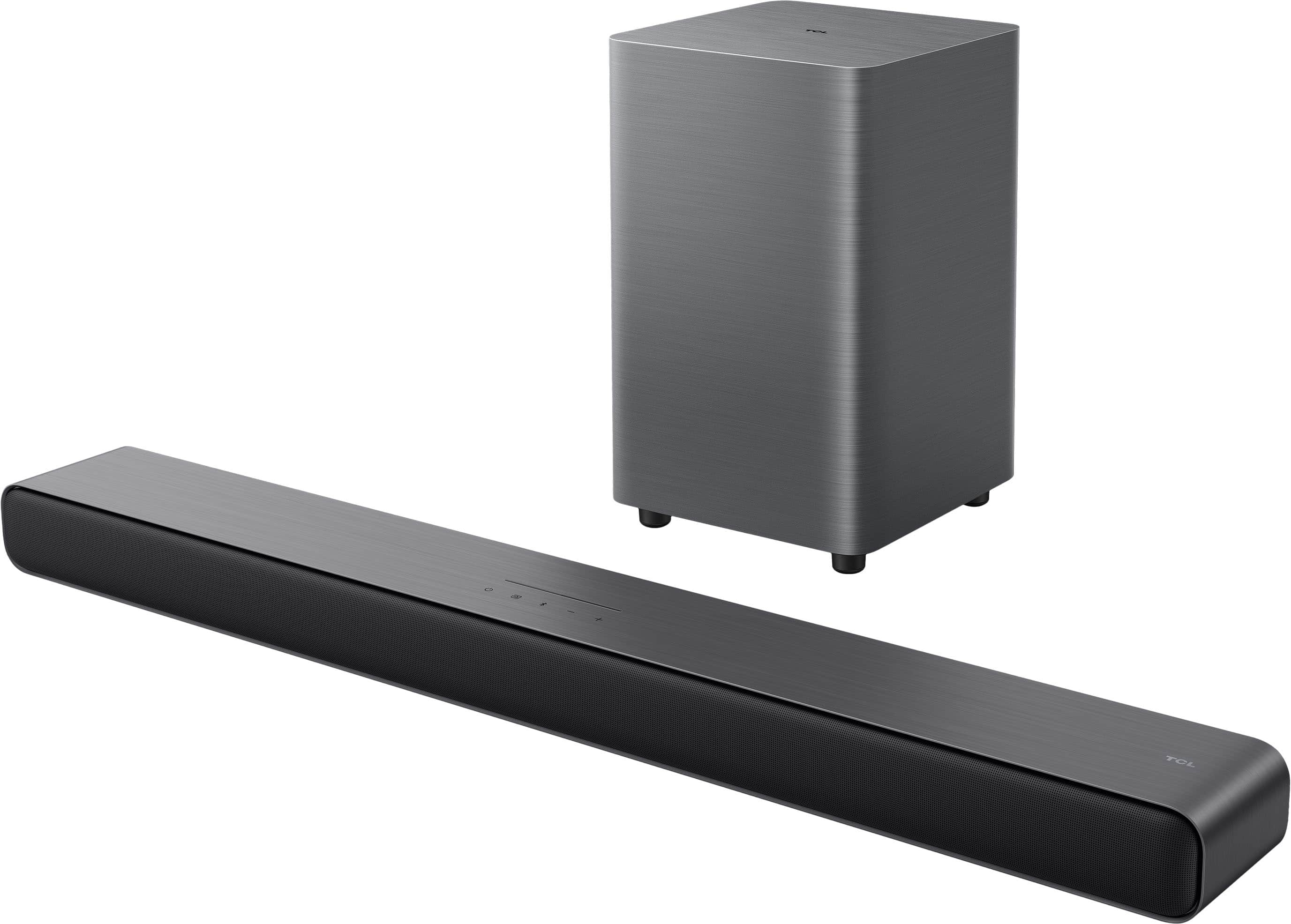
A:AnswerI’ve been using mine for several weeks and haven’t touched anything since the initial install, it just works. I’m connecting to a TCL TV, but zero issues so far, I’m very pleased.
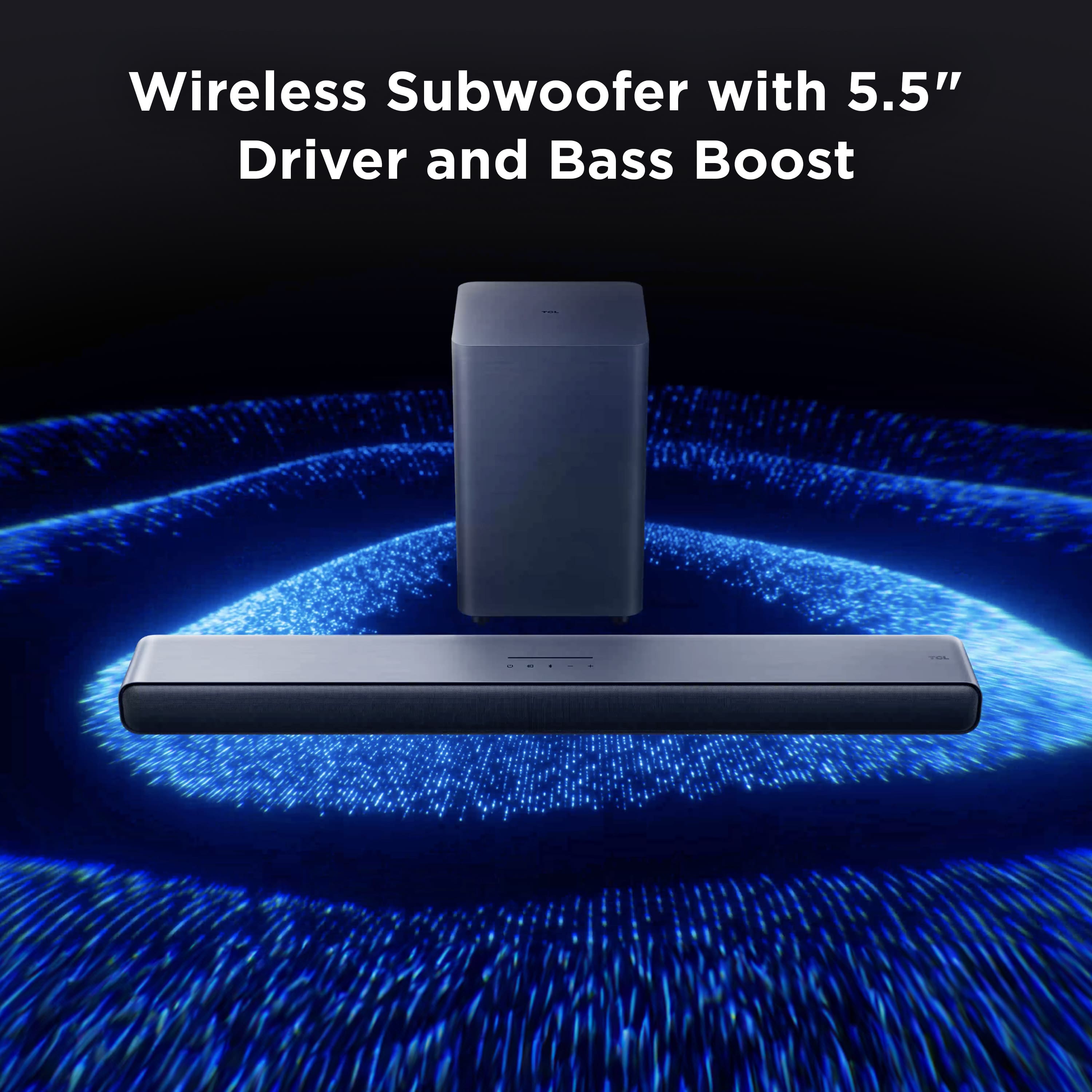
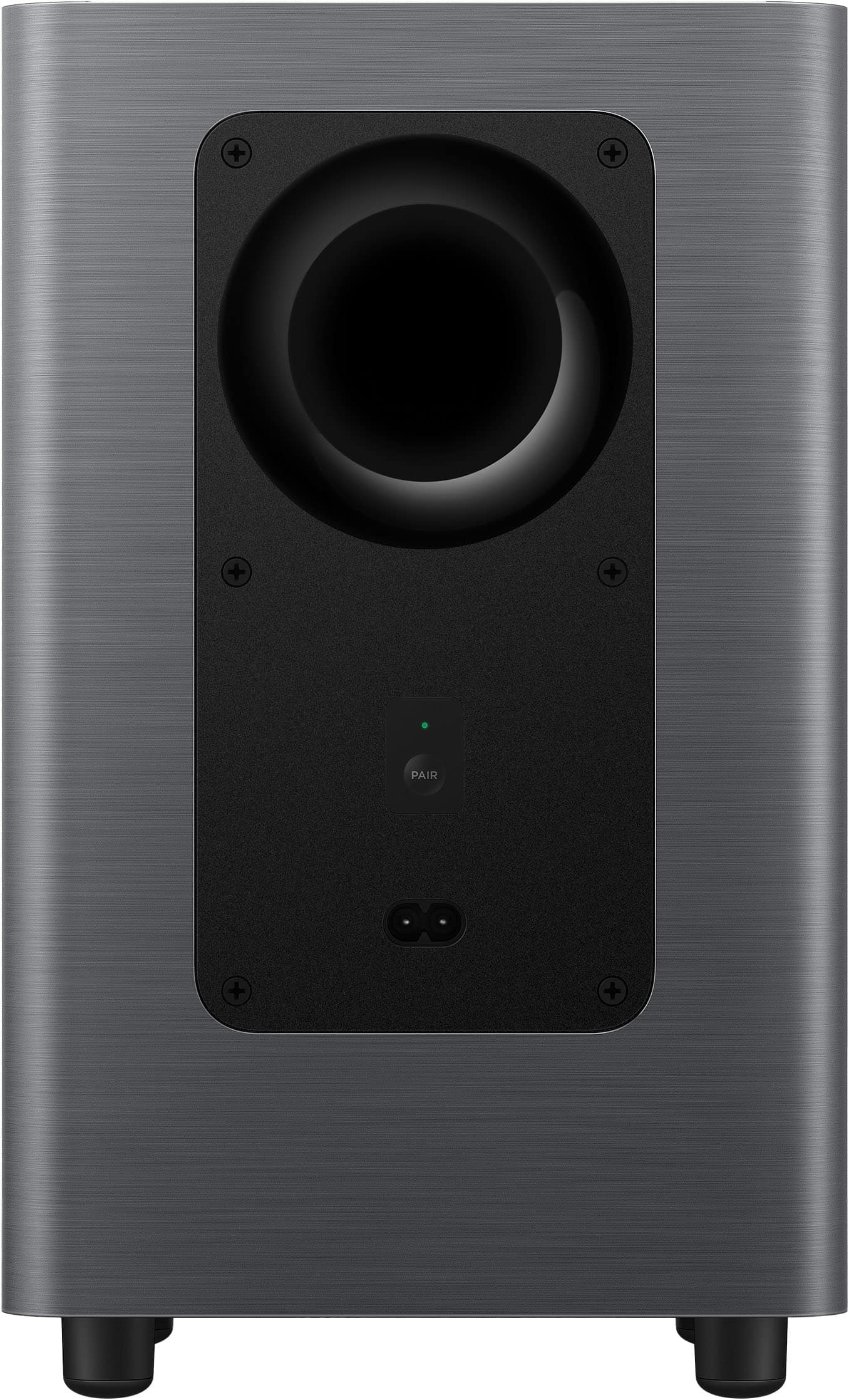
A:AnswerMy wireless subwoofer connects via wifi without any problem. But if you are continuing to have a problem, call TCL Customer support. They are excellent
A:AnswerNot if you use HDMI-ARC from your display as your audio source. My old soundbar had optical only, I switched to HDMI when I installed this soundbar.
A:AnswerThat probably would work fine, but the manual does say that the best placement is below your television. I put mine above because I don’t have room below and it sounds great.
A:AnswerThe sound bar came with brackets to mount on a wall, but you might be able to adapt them to your TV. I did not mount the sound bar. I placed it on a shelf above my television.
A:AnswerYes. But the remote has to be compatible. I suggest contacting TCL support so they may provide you the specific model u need to get. Based on their recommendation, I found one on Amazon at a reasonable price
A:AnswerYes it is compatible but you will likely need to enable ARC/eARC or select the correct audio output on the TV’s settings once — the TV doesn’t always switch audio automatically.
A:AnswerYes it has an option for Digital Optical input.
Connect an optical (TOSLINK) cable from your TV’s Optical Out to the soundbar’s Optical In.
Select “Optical” as the audio input on the soundbar.
On your TV, set the audio output to Optical (may be called “Digital Audio Out”).