A:AnswerHi there,
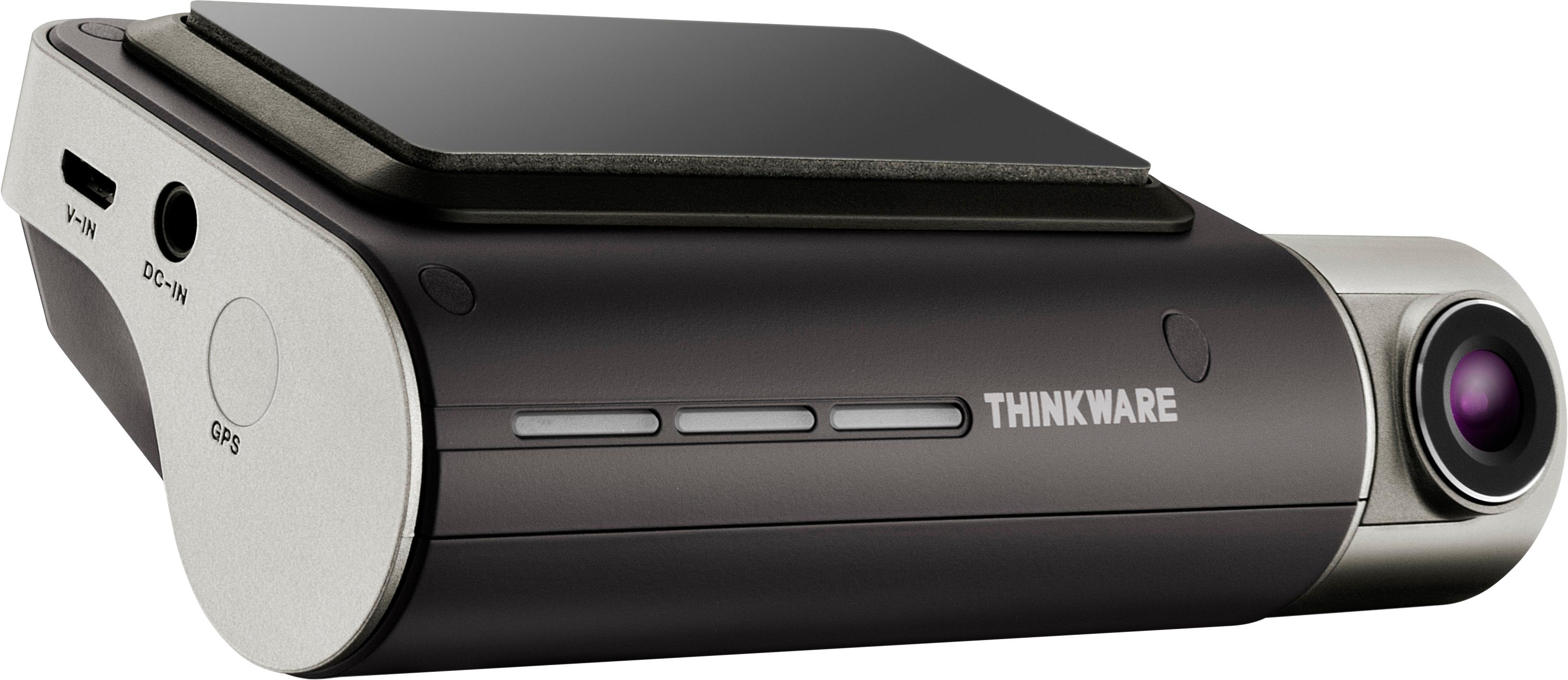
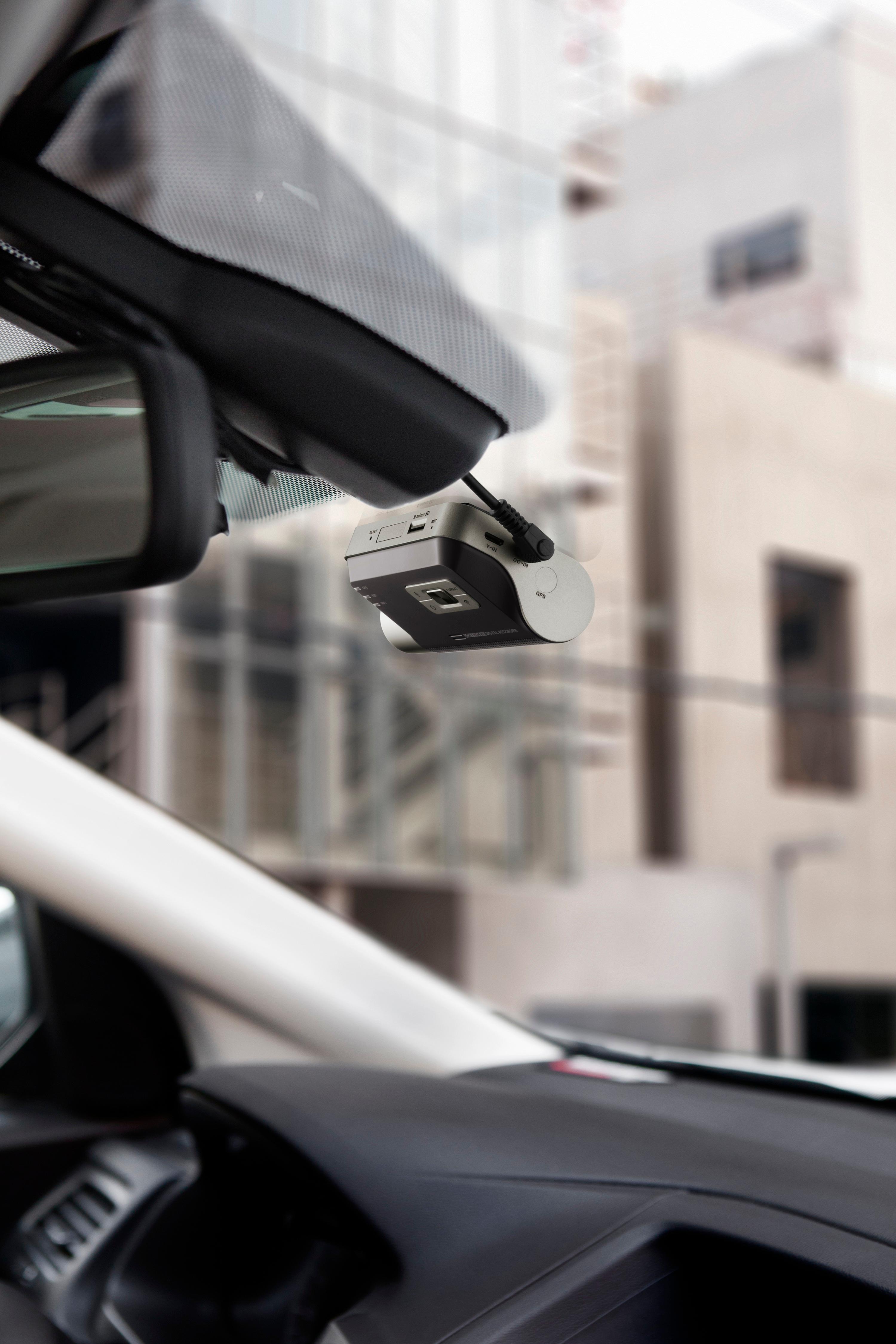
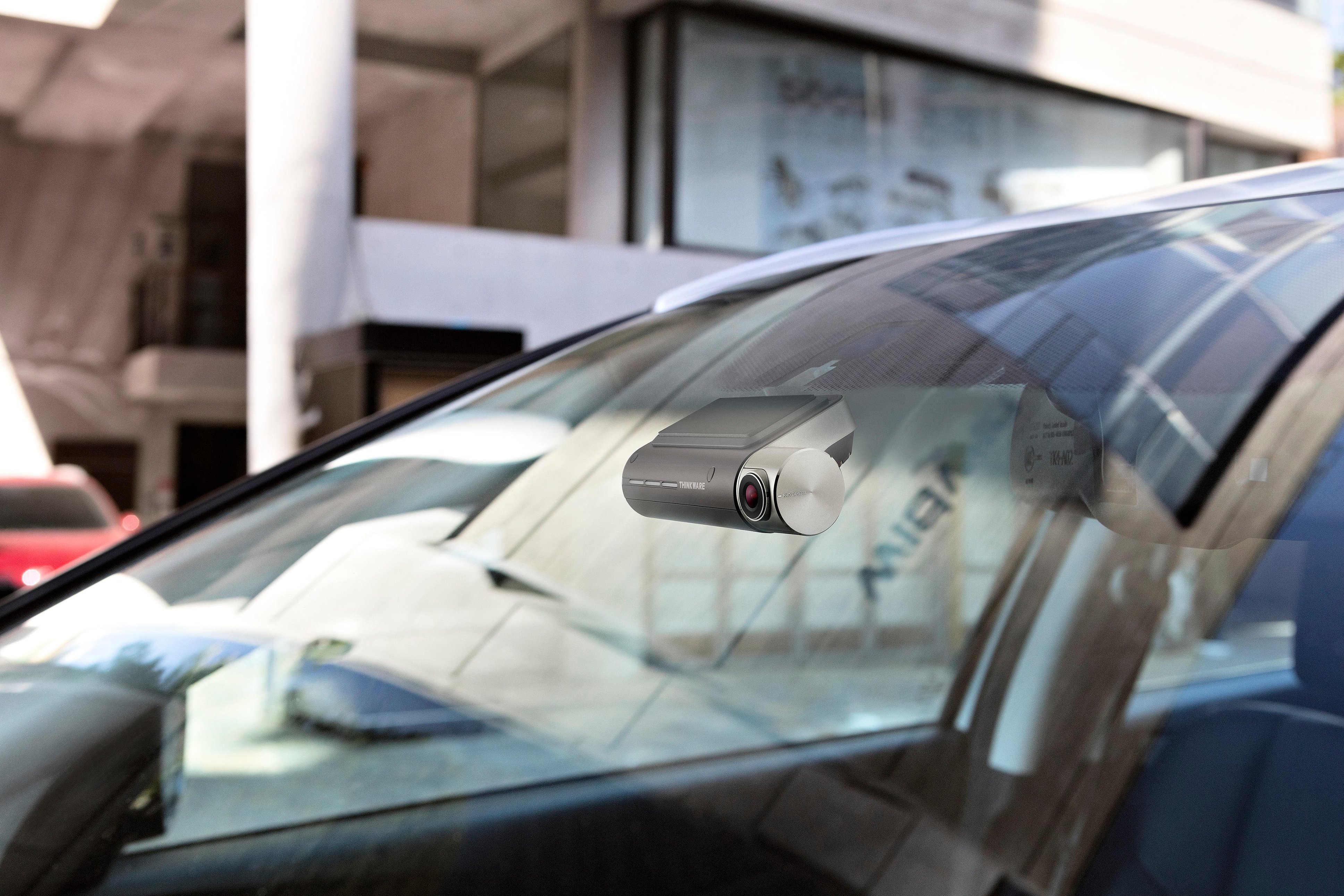
The F800 does not pivot to record the inside of the vehicle. The dash cam is attached to the windshield with an adhesive mount that is not designed to move.
We hope this helps! Please contact us directly by email ([email protected]) or phone (1-844-865-9273) if you have any other questions.
Kind regards,
Thinkware Customer Support
A:AnswerThese cameras can be picky. Please check thinkware. I also believe thinkware suggest a MLC flash card with high thoughput for longevity.
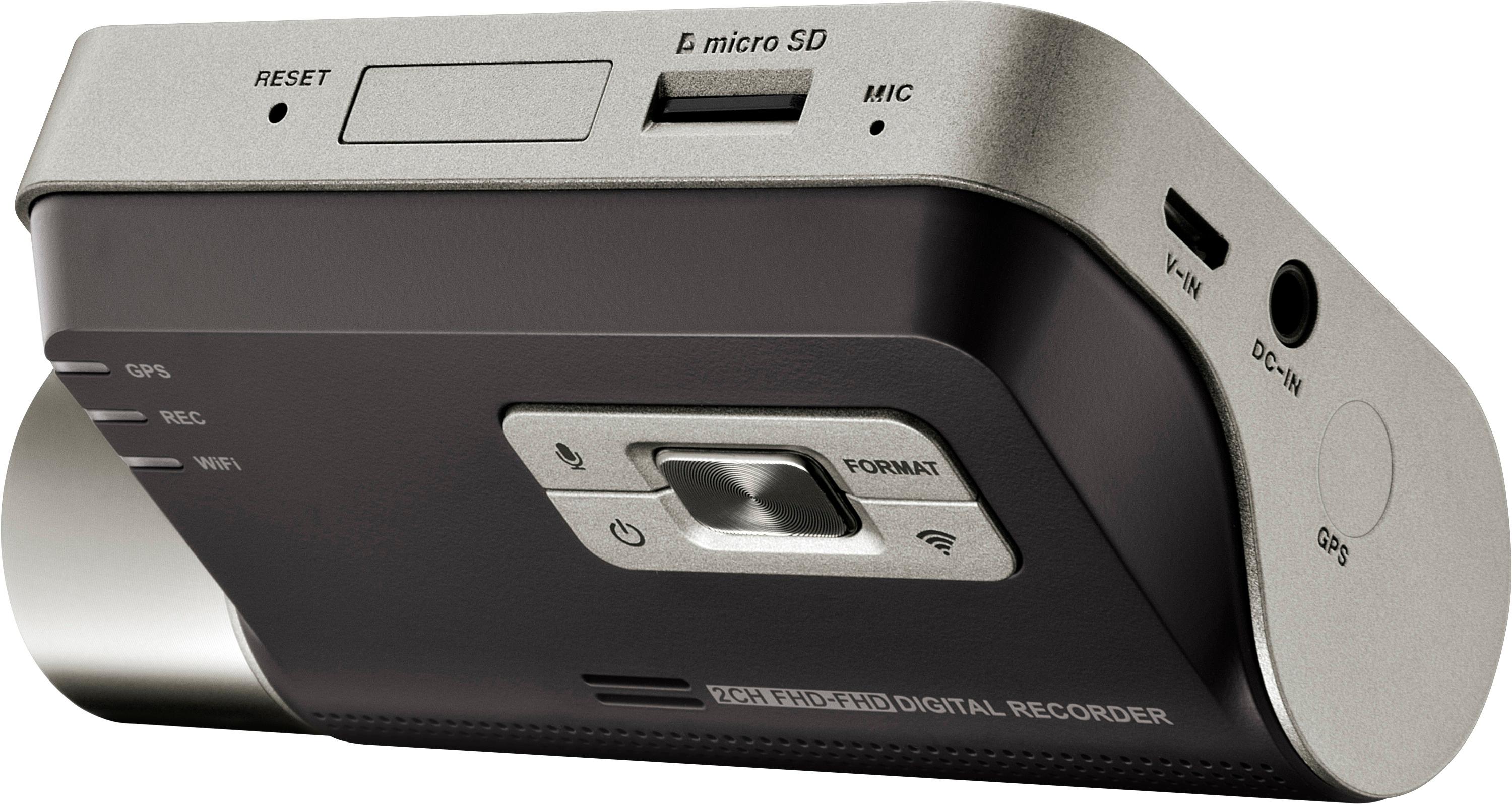
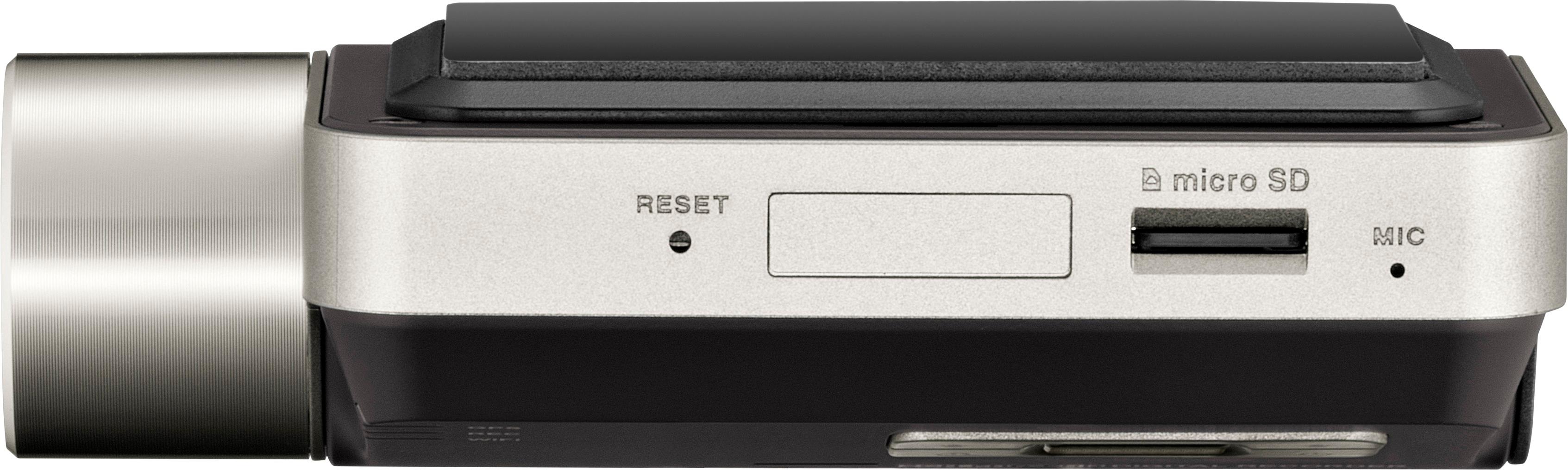
The F800 can handle a max of 64Gb. The F800Pro can handle max 128Gb.
I personally use Samsung EVO Plus without issue. I also live in a high heat state and my flash cards last about 1.5 years with driving only recording. Its just too hot for parking recording as it goes well above 200F in the windshield.
A:AnswerThe default can be found in Thinkware FAQ or Google. Search Google for "default thinkware wifi password". The response is: 'please make sure to turn on the Wi-Fi mode in the device setting of the smart phone which is installed with the THINKWARE DASH CAM Viewer(Mobile). 4. Please turn on the Wi-Fi option, select “Thinkware_xx” from SSID list, and enter password as “123456789”'
A:AnswerThe wifi will already blink according to thinkware customer support. I asked them that when I called them. It's up pose to go solid when connected. Make sure you have the "thinkware cloud" app loaded onto your phone. There are two versions of there. You need the one that says "cloud ". Push the button on the camera for he wifi. Then located "thinkware" in the wifi on your phone ND connect to it. Here's the tip, make sure all your other wifis are not set to auto connect! They will connect after you choose thinkware and disconnect it. Select the other wifis by selecting and holding to being up the feature on your phone to set it. Good luck! Remember, you can always call thinkware. Just Google for their customer support number.
A:AnswerHi there,
The F800 Pro is not available in the North American market yet. This product listing is for the F800 dash cam.
Kind regards,
Thinkware Customer Support
A:AnswerThe 16g card records roughly 2-3 hours of continuous video and will overwrite the oldest data when it needs space.
When an incident is triggered, it records for a full minute.
A:AnswerHi there!
When hardwired, the F800 can record with the ignition off in Parking Surveillance Mode. The duration of Parking Surveillance Mode varies and is dependent on the sensitivity of your impact/motion detection, the number of events, and your car battery. The dash cam is always active in Parking Surveillance Mode but does not save footage onto the MicroSD card until there is a trigger to minimize batter consumption and memory card storage. We hope this answers your question! Please contact us directly by email ([email protected]) or phone (1-844-865-9273) for more assistance.
Kind regards,
Thinkware Customer Support
A:AnswerHi there,
No, the mount for the F750 is different from the F800. If you are having troubles removing the mount, please click the following link to view a video tutorial: http://bit.ly/1Tgy49a
We hope this helps. Please contact us directly by email ([email protected]) or phone (1-844-865-9273) if you have any questions.
Kind regards,
Thinkware Customer Support
A:AnswerHello There, Once the G-Sensor is triggered the device will save a video clips starting 10 seconds before the impact up until 10 seconds after. This device does not feature IR tech for nighttime recording, however uses our newest technology Super Night Vision 2.0. The F800 does have the capability of Audio Recording. Our Mounting Plate comes with a pre-attached 3M Adhesive Pad which will ensure for sturdy mounting of the device. The F800 does not have a screen display as all Settings and Video's can be watched through our Thinkware Cloud Application. If you have any additional questions we'd be happy to answer! Email: [email protected] Phone: 1-844-865-9273
A:AnswerHi There,
F800PRO and F800 has a different color scheme. The F800PRO features a stealth look. The F800 features a luxury look.
F800PRO has cloud features – vehicle locator, geo-fencing, driving impact notifications whereas F800 doesn’t.
F800PRO can support up to 128gb micro SD cards whereas F800 can only support up to 64gb micro SD cards.
(If dash cam installed with Thinkware hardwiring kit) In Parking mode, the F800 Pro can record up to 72 hours in one sitting whereas the F800 can only record up to 48 hours in one sitting.
In addition, the F800PRO has energy saving mode, which can record 3 times more footage and using only one-third of the power than the usual parking mode.
Kind Regards, Thinkware Customer Support
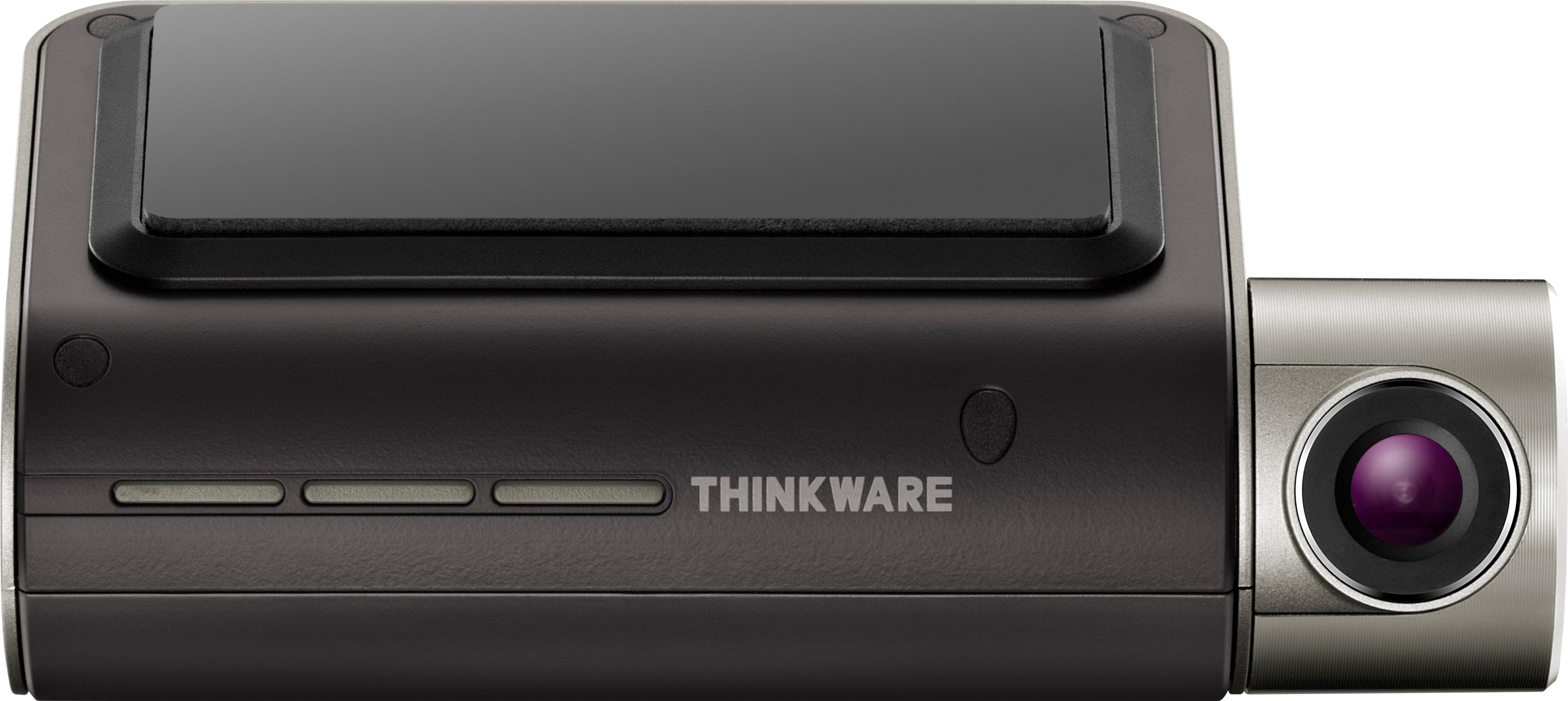
A:AnswerHi there, we do not currently have a interior IR camera for the F800 yet. Stay tuned to our social media pages for the latest Thinkware updates! Please contact us directly by email ([email protected]) or phone (1-844-865-9273) for more assistance. Kind regards, Thinkware Customer Support
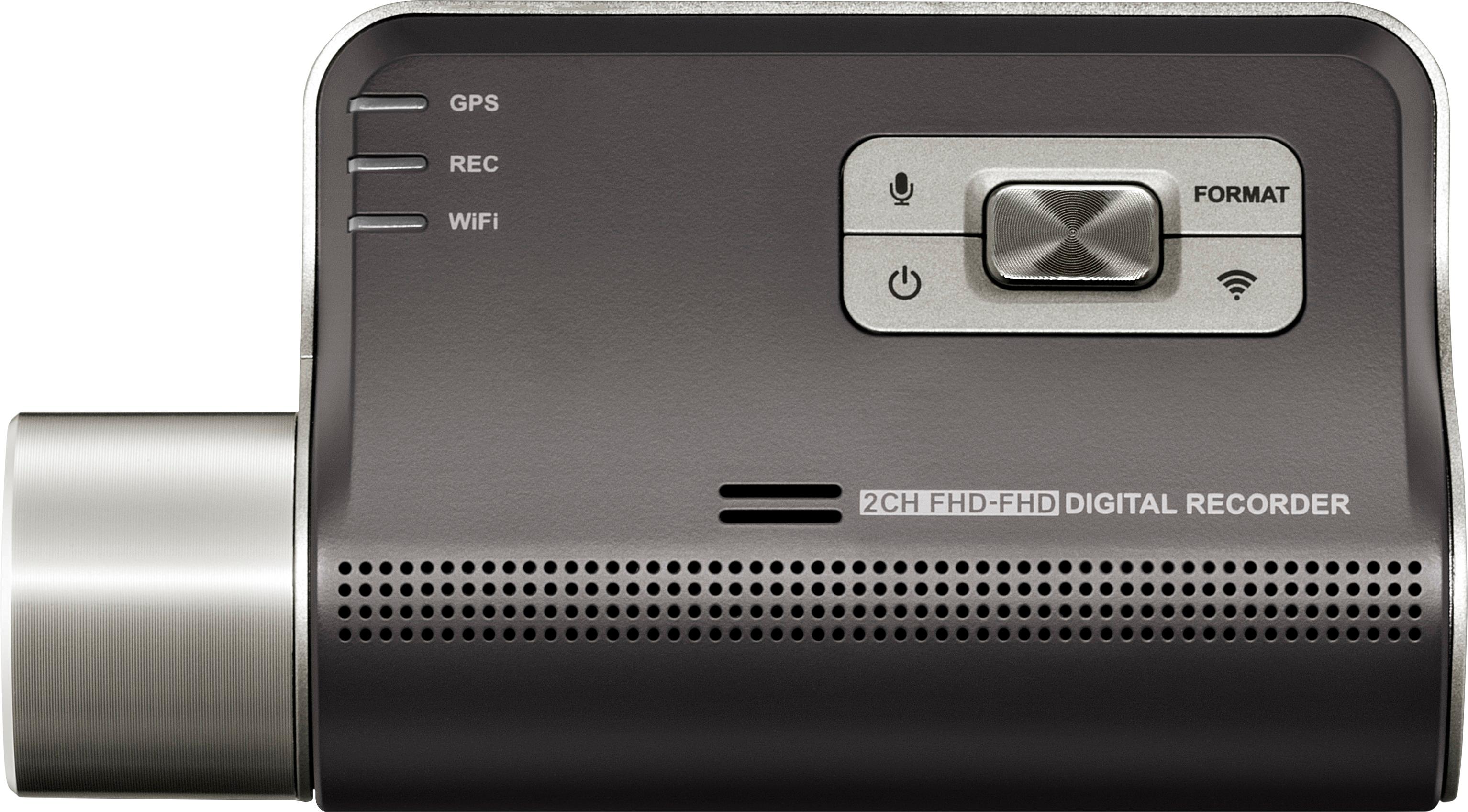
A:AnswerHello Amelia, Unfortunately the F800 does not have our Cloud Features. Because of this you are unable to be notified if an incident occurs while away from the vehicle.