A:AnswerHad the same exact problem, my solution was uninstalling the software from Thrustmaster and installing the software(APP) from the MICROSOFT STORE.
Once i did that , it works great and love the many options you can do with it.
A:AnswerThe warranty period 1) one year. 2) Thrustmaster branded add on sticks and packs - one year. Please remember to keep your receipt as the purchase date is the start date of the warranty.
A:AnswerSee if messing around with the deadzones fixes your issue. Especially the analog sticks should have their problem solved by increasing the center deadzone by a few percent. Both of the sticks on my eSwap PS4 controller don't center correctly after moving right. Setting the center deadzone to 3% (which is so small I'll never notice) fixed the issue.
A:AnswerI'm pretty sure it would work with any headset/mic that is a standard 3.5 jack like the controller that came with your Xbox. I found that it worked better with mine. It even has volume controls, including mute, right on the controller. I use it in Rocket League and it is top notch!
A:AnswerHi Tom,
The eSwap X Pro Controller is compatible with PC, Xbox One, and Xbox Series X|S, so no need to replace it when you upgrade, it is forward compatible!
~ Thrustmaster Team
A:AnswerI would suggest reaching out to Thrustmaster Custmoer Support at https://support.thrustmaster.com/en/contact-en/ . They can guide you thru the set up and help you get the most out of the software.
A:AnswerHi Dave,
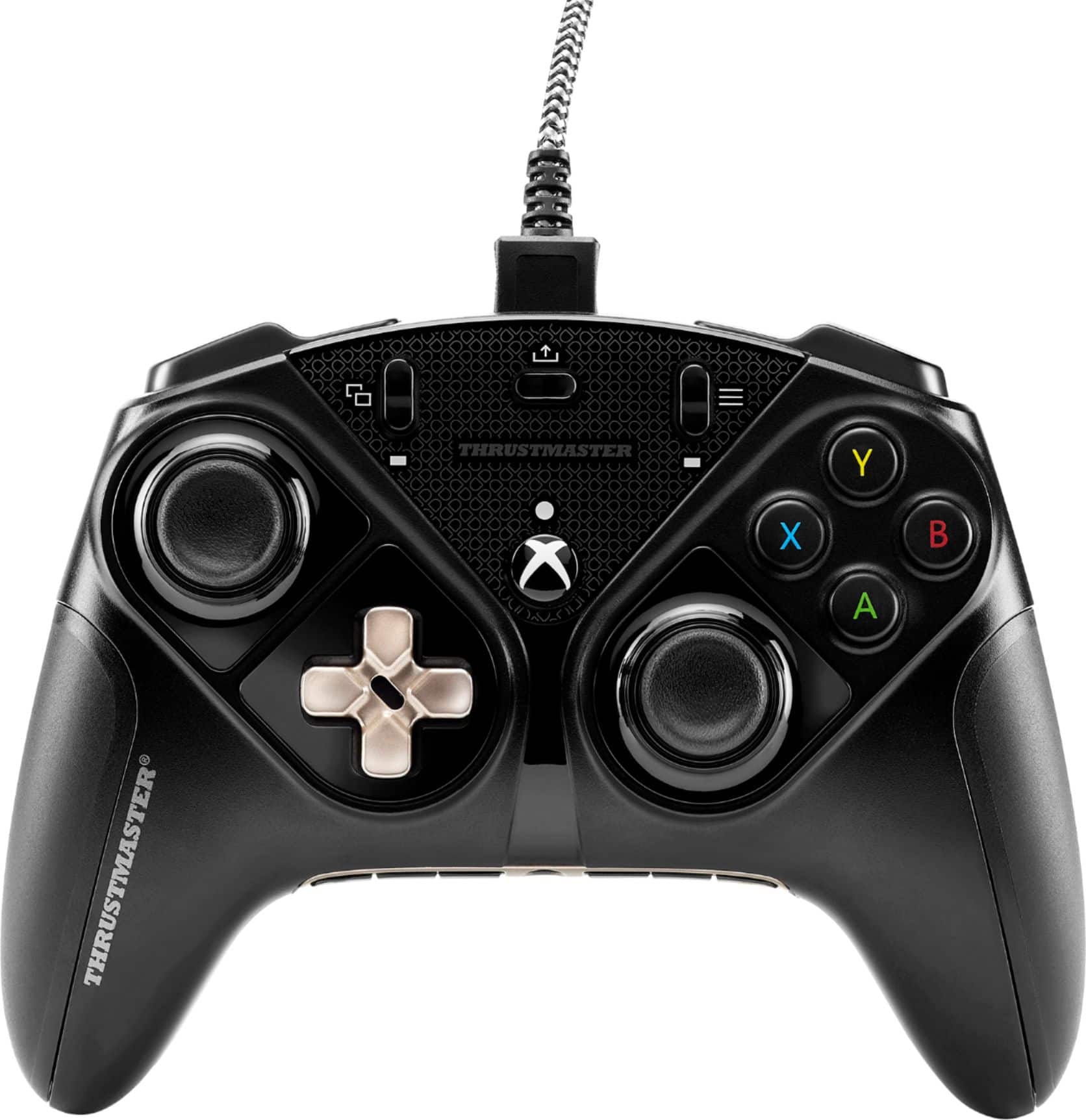
Yes the eSwap X Pro Controller is an officially licensed Xbox controller made for Series X|S, including a share button and full functionality on next gen consoles. Enjoy!
~ Thrustmaster team
A:AnswerHello - please go to our support page here : https://support.thrustmaster.com/en/product/eswap-x-pro-controller-en/ and click on software to download the Thrustmapper software to configure your Eswap!
thank you
A:AnswerNot sure if you fixed your issue, but I would try updating the firmware by plugging it into a PC if it is not working. I just got one and the website said that it needed to be updated before trying to use it with an Xbox.
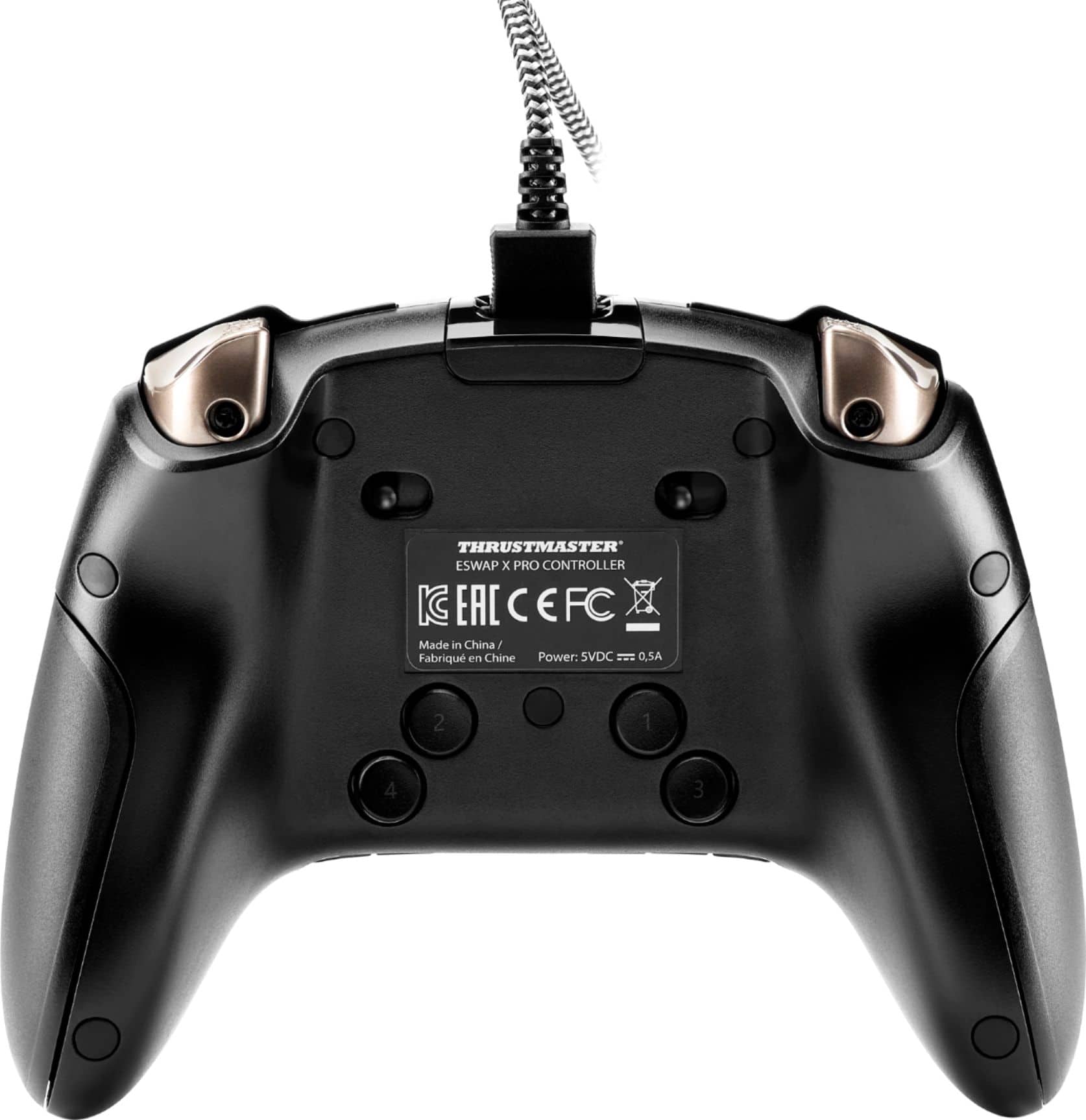
A:AnswerThe controller comes with a cable, but if you needed to replace it, make sure you get a cable that has the data connections. Sometimes phone chargers will only carry power and using one of those would probably show it powered up but not detecting.
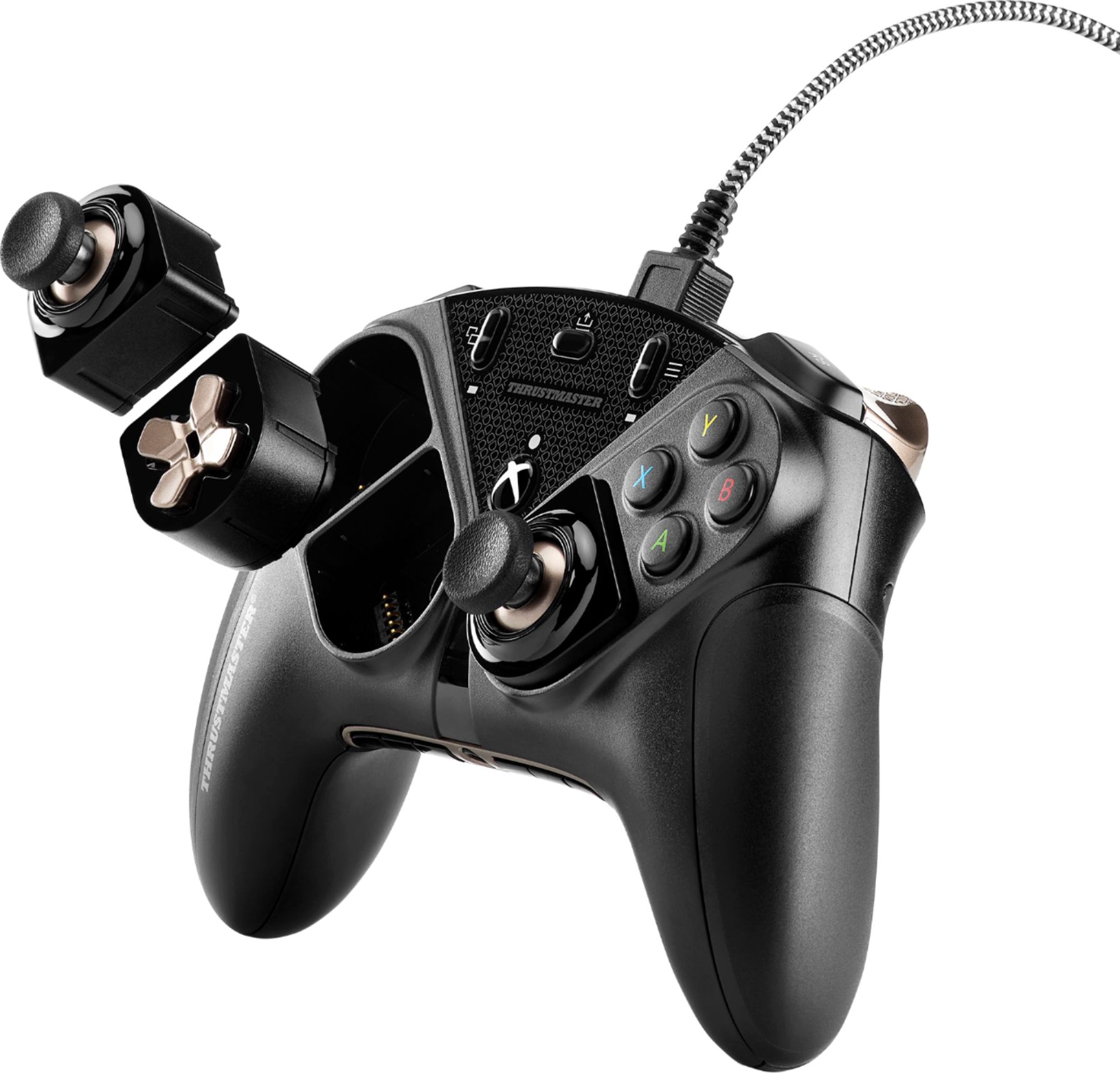
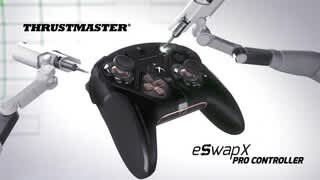
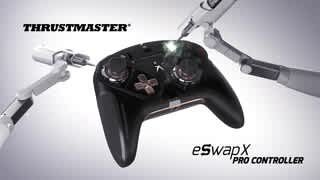
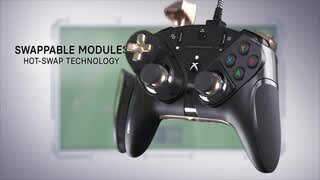
A:AnswerOn the section of the Thrustmaster ad where it shows all the different multicolored modules possible, the fine print underneath specifies that this is just a visualization of what could be possibly released in the future. For now, the only modules available for the xbox version of the eswap are either replacement black sticks and dpads, or the blue or green customization packs.