A:Answer Hey there,
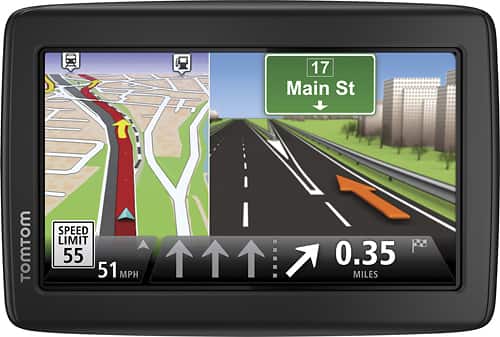
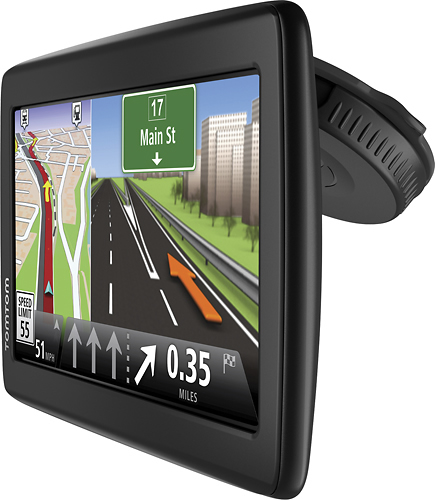
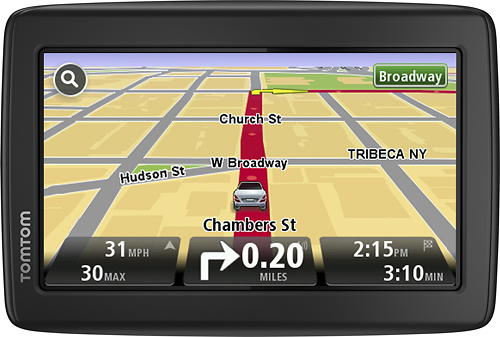
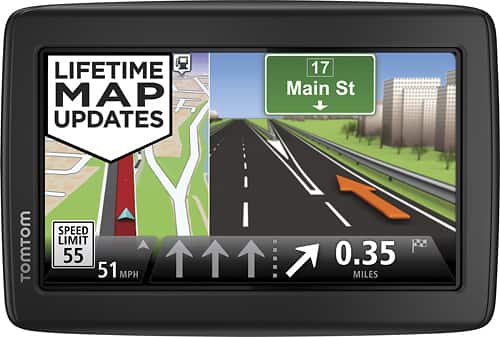
Thanks for your question. The VIA 1515M will show your current coordinates, as well as being able to navigate to a set of coordinates.
This is as accurate as you need it to be. To find your current coordinates, simply enter 'View Map' form the main menu, then select 'Options' in the bottom left corner. Finally, select 'Advanced' and tick 'Coordinates'. These will then show in the Map view.
Cheers,
- Cameron at TomTom