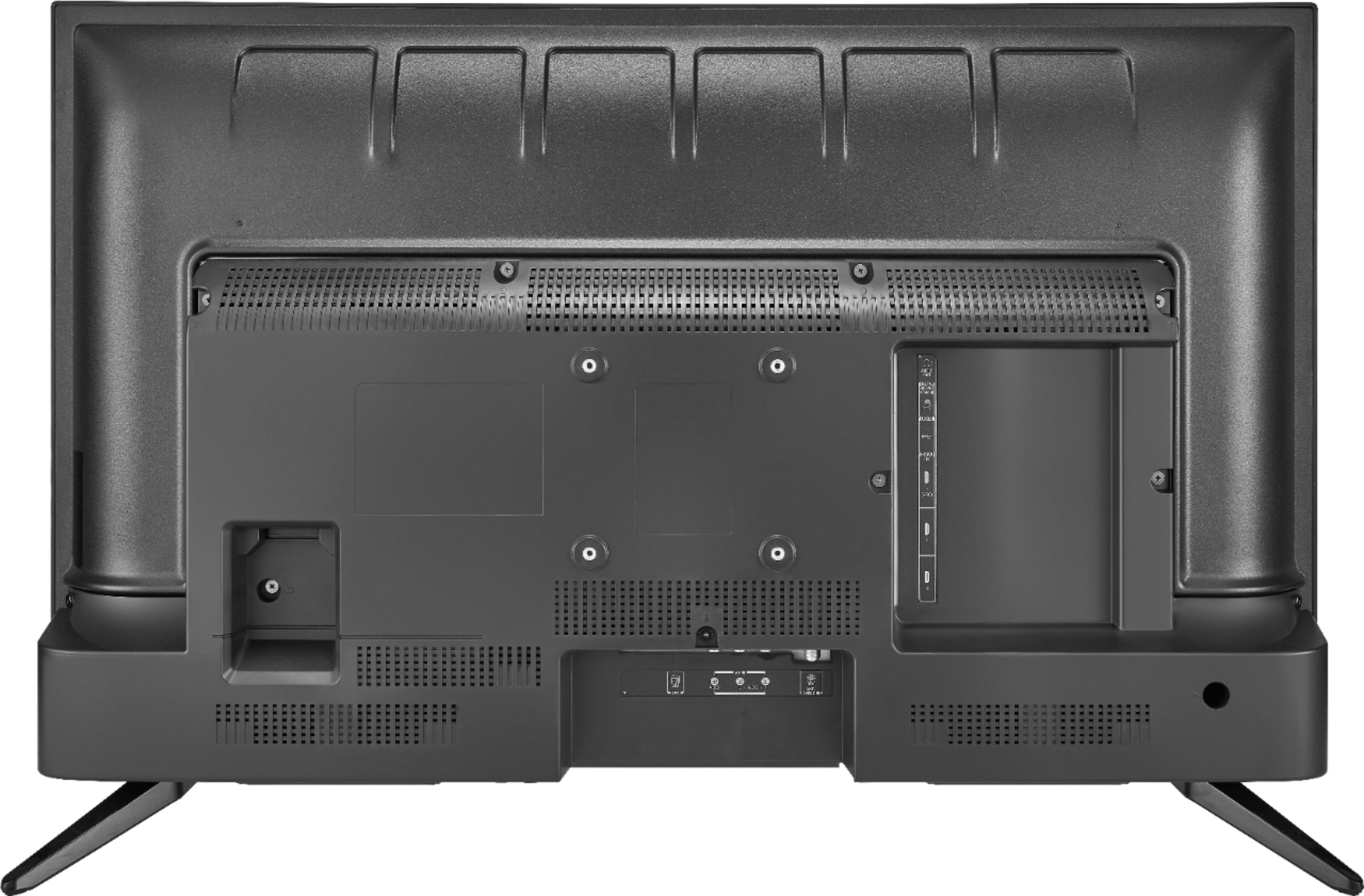
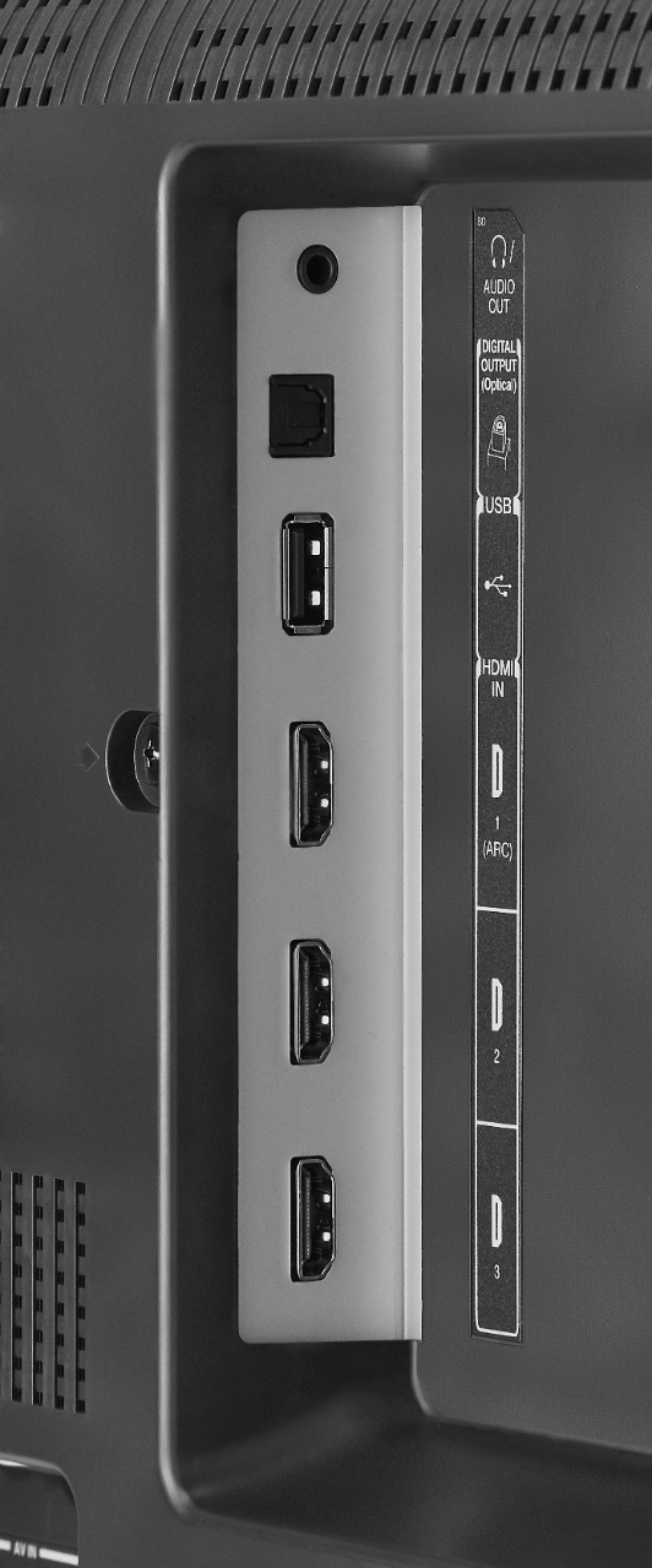
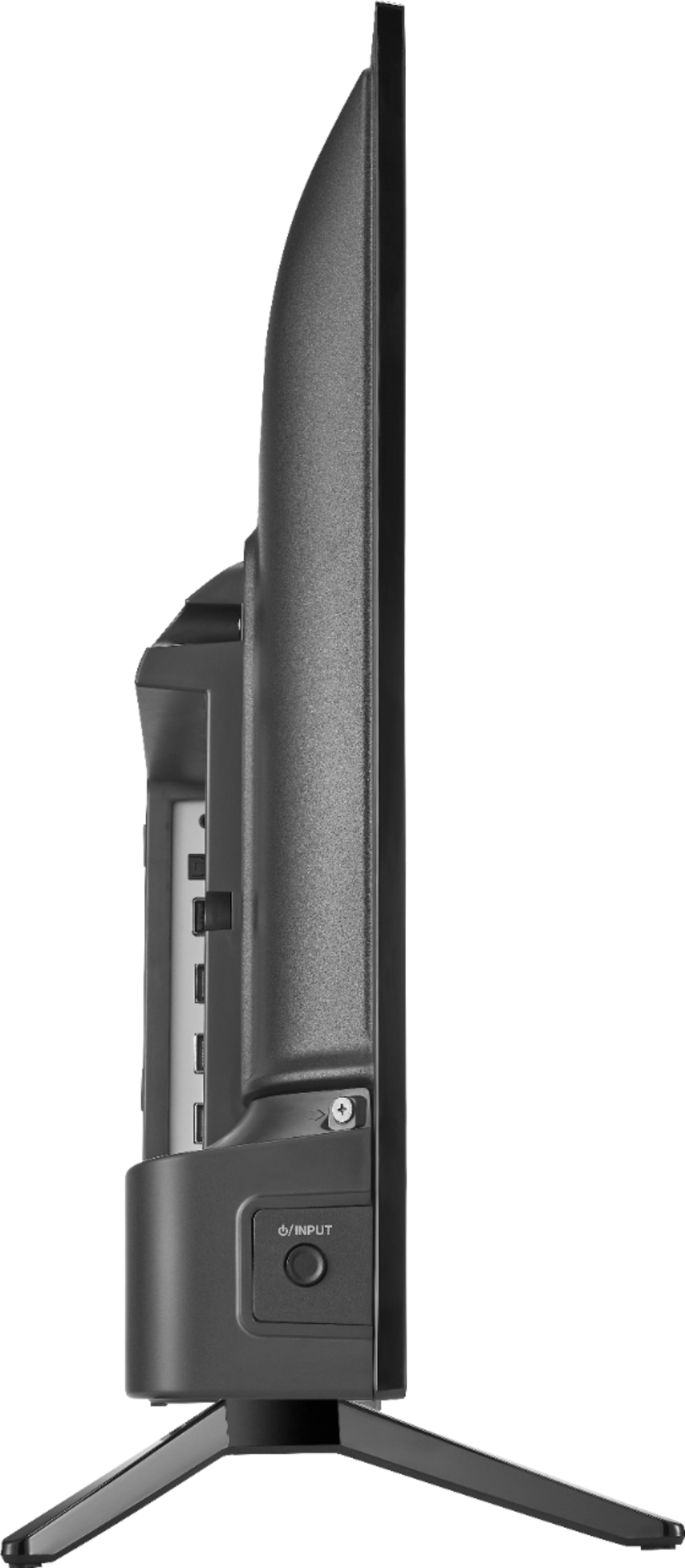
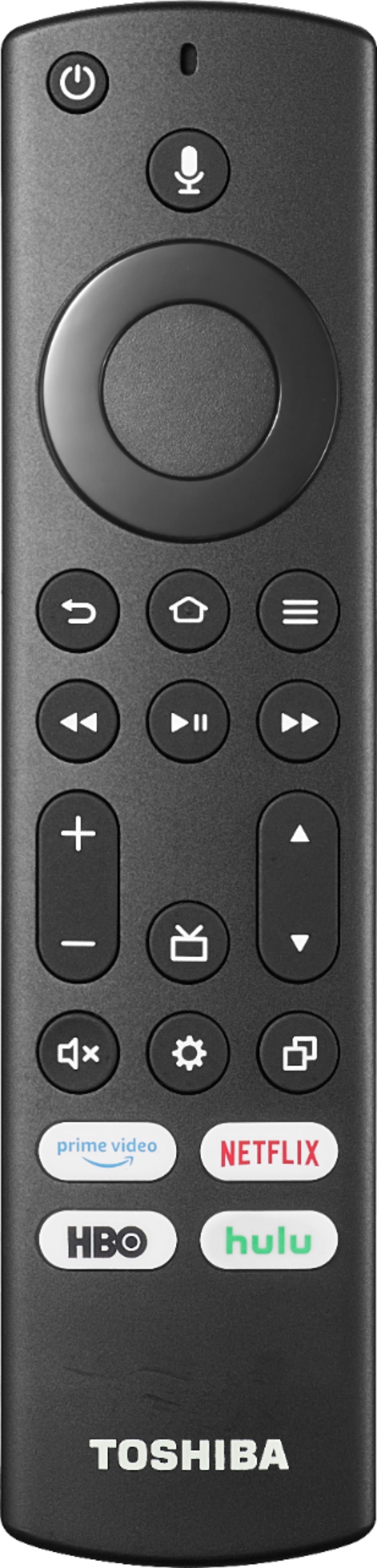
A:AnswerOn the back of the tv there's a rectangular cut out (that's where all the HDMI and etc. ports are). When facing the back of the tv, the power port is on the upper left side of the cutout.
A:AnswerYes, it works. You will need to have the TV scan the channels by going to Settings, Live TV, and choose Channel Scan, then Advanced Options, then either Analog Only or Cable Only, which ever one that works for your cable box.
A:AnswerYou can use this TV only with Wi-Fi without cable for streaming. You can connect your computer to the HDMI input on the TV. Connect your Bluetooth Keyboard and Mouse to your computer.
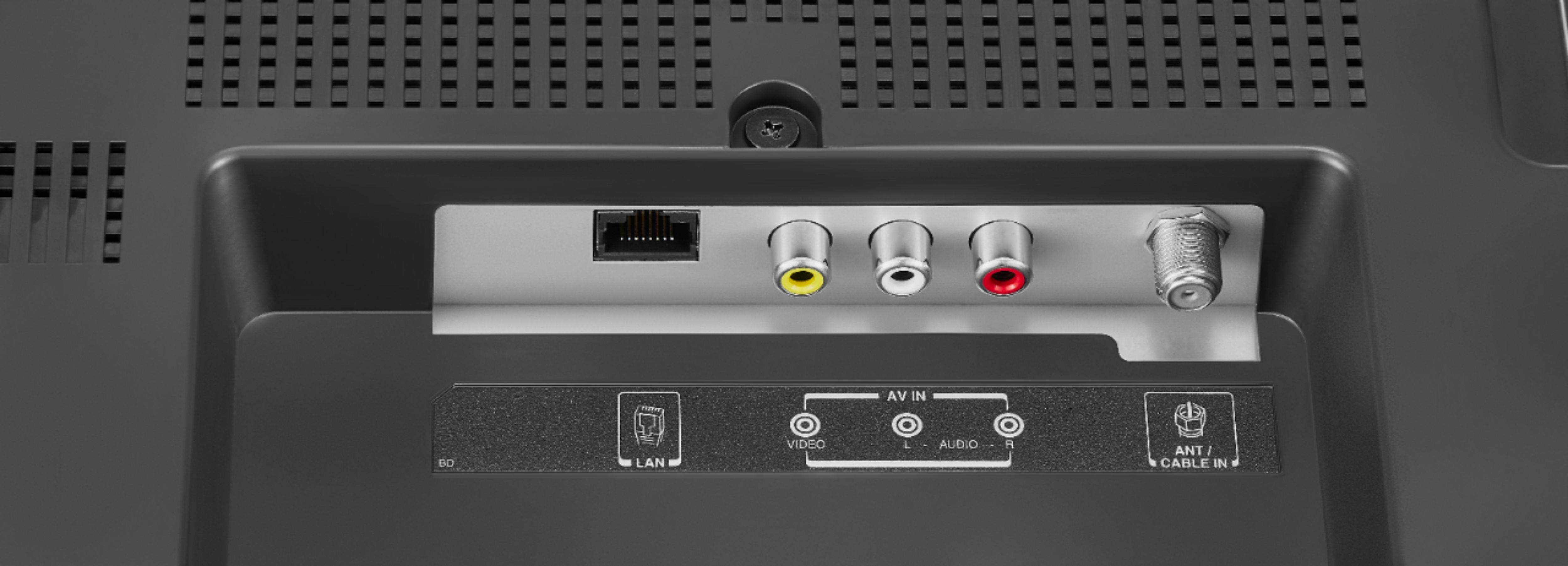
A:AnswerYou need an antenna if you want to watch free broadcasts from local channels.
If you have DirecTV, Prime Video and Netflix you don't need an antenna.
A:AnswerI'm pretty sure it does not have Bluetooth. But, has a 3.5 aux output, for extension speakers. Bluetooth sound is delayed, making lip sync ahead of the sound. My current VIZIO has it. Lip sync is bad.
A:AnswerThe channels are listed alphabetically. For faster navigation you can edit the channel lineup.
Go Home > Settings > Live TV > Channel Management > All.
Highlight the channel you want to hide and Press the Play /Pause button to Hide the Channel.
Another option is to use the Alexa voice command, try to say: "Tune to channel 2.1".
A:AnswerThe channels are listed alphabetically and it shows the info if it's available, this is normal behavior. For more information about your local channels please visit https://www.tvguide.com/listings/
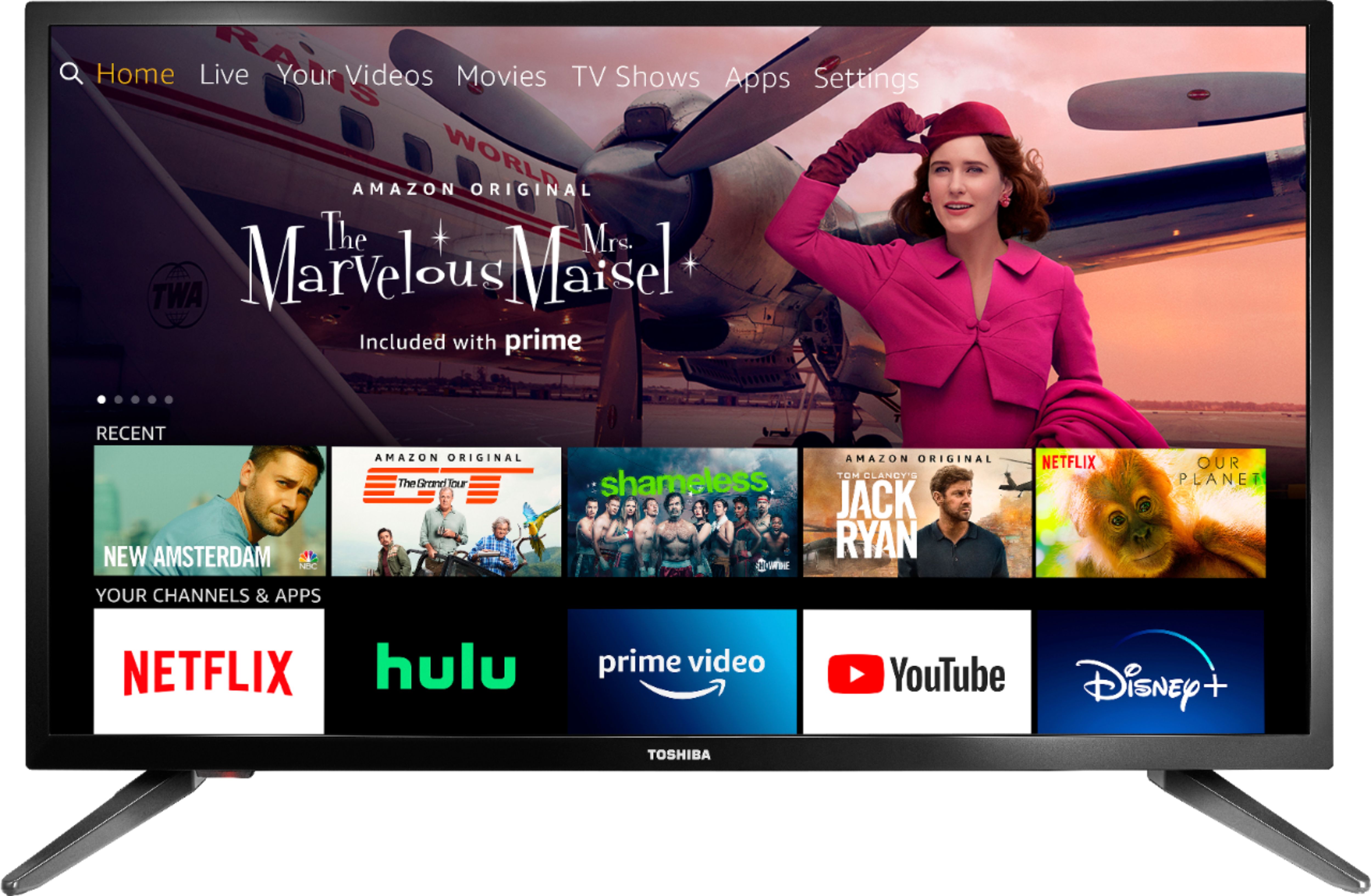
A:AnswerThis TV can connect to the internet using Wi-Fi and you can use the Firefox app to go to websites. Connect your Comcast receiver to the HDMI input on the TV.