A:AnswerI did the electrical tape thing also. If the power button the remote doesn't turn "off/on" the TV, then press the mic button on the remote and say
"fire tv off/on".
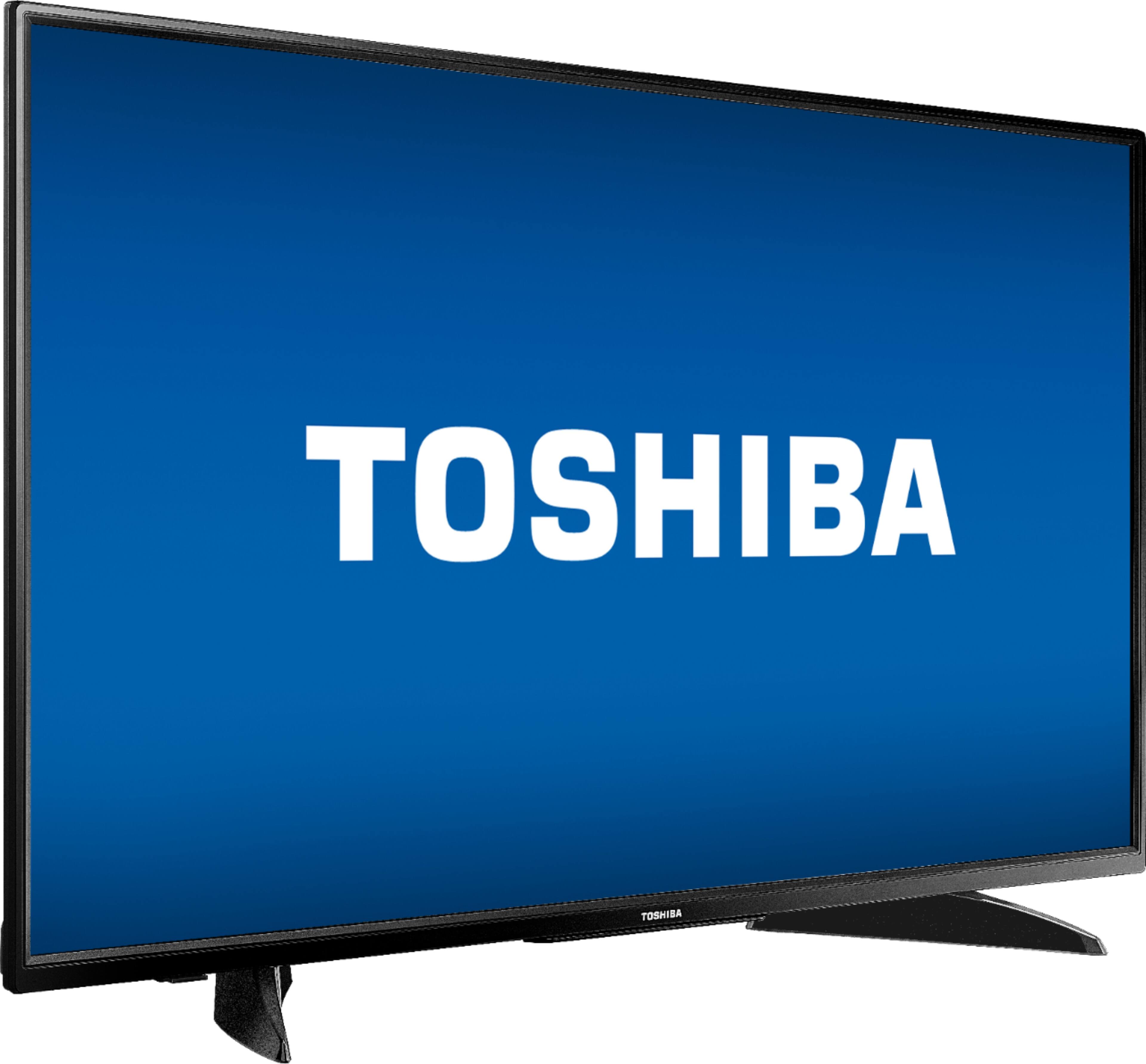
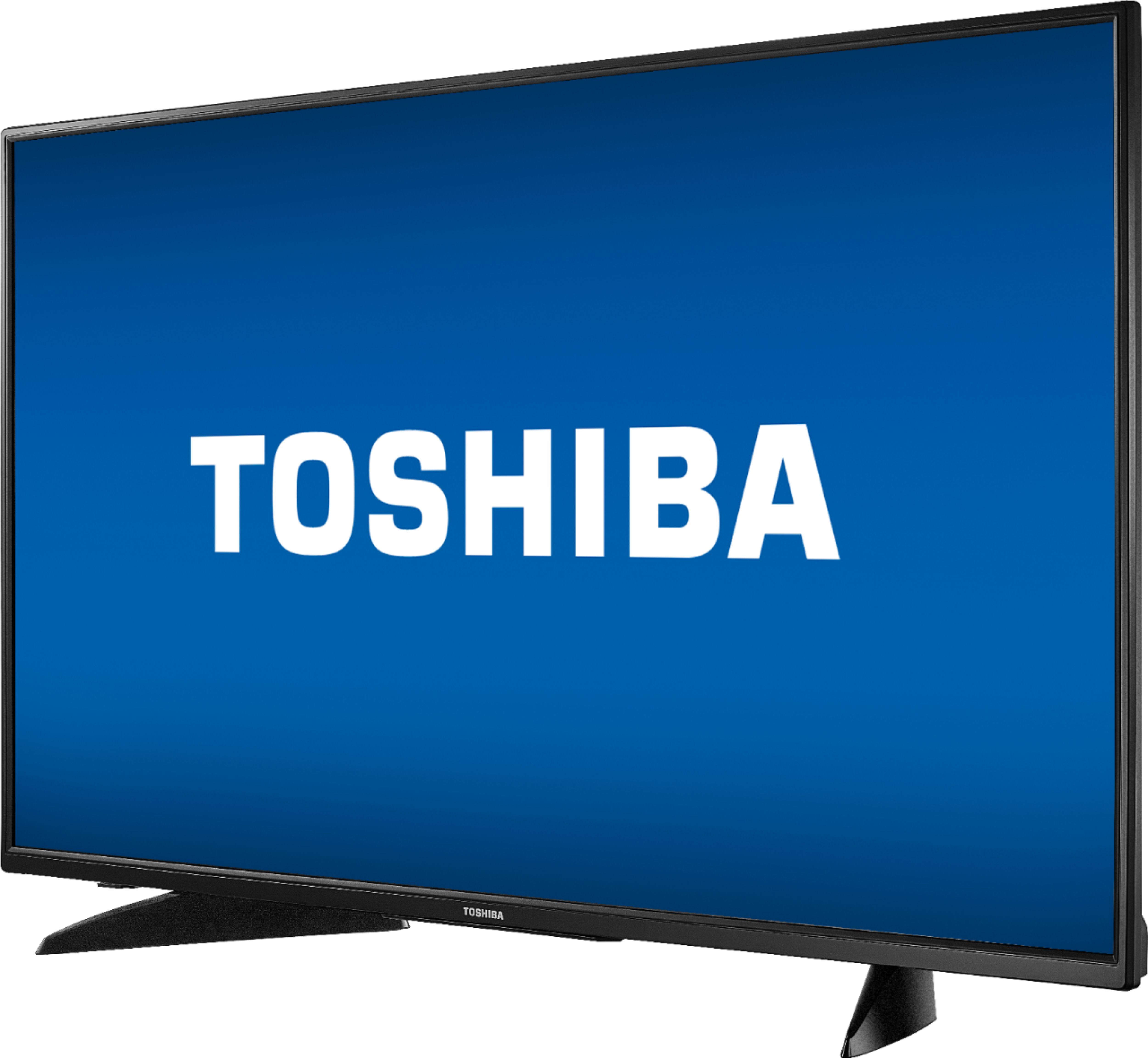
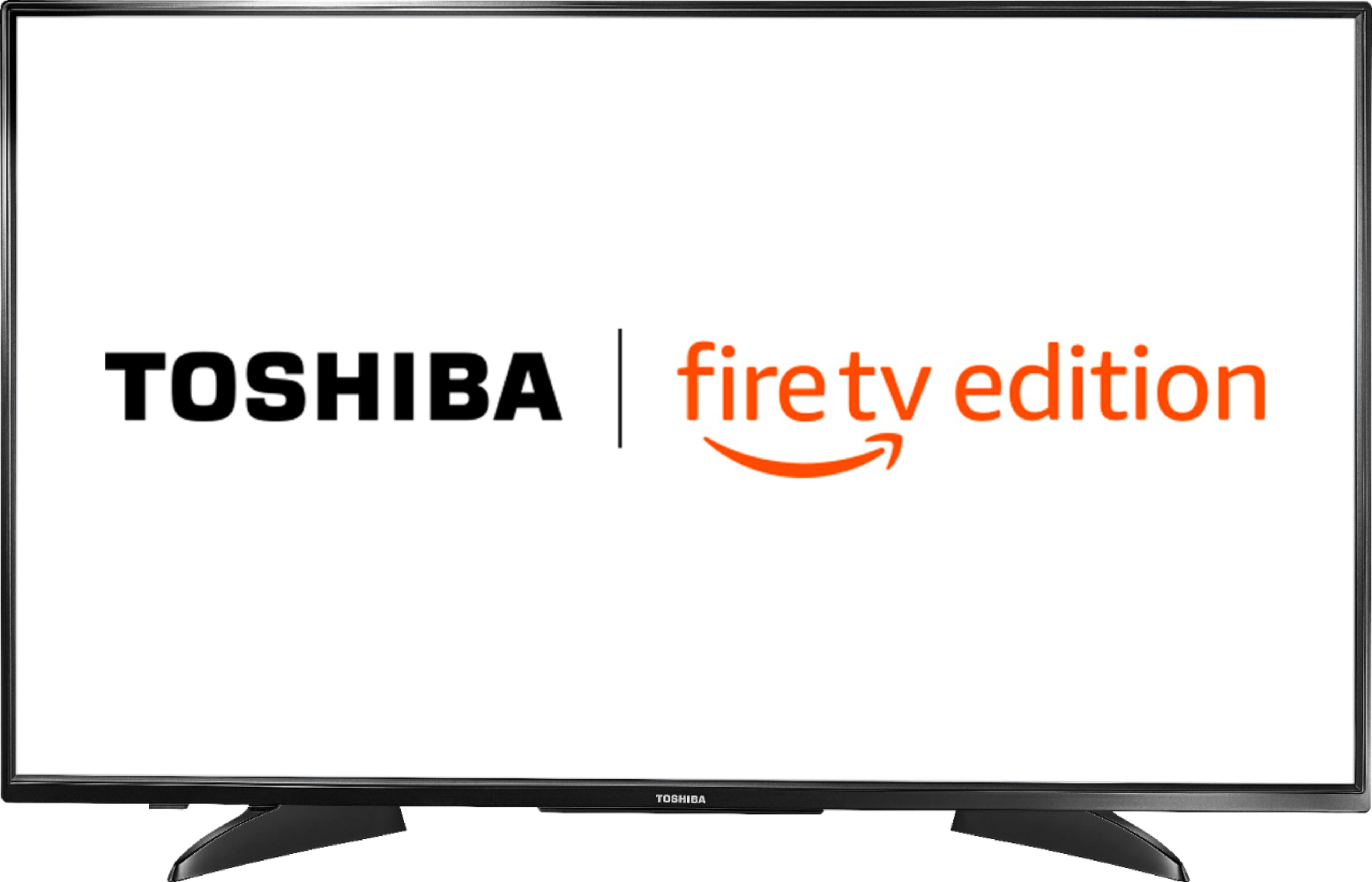
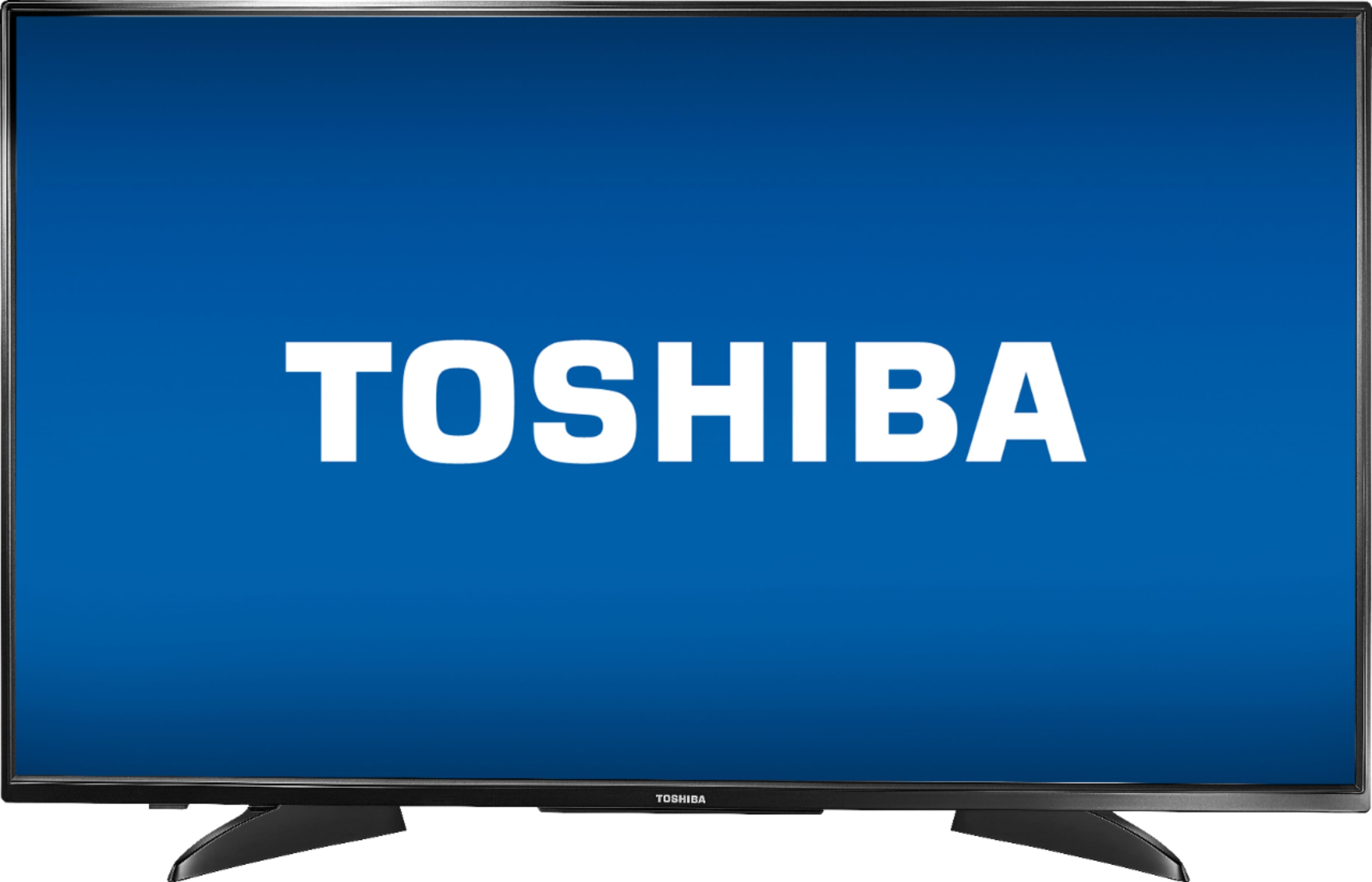
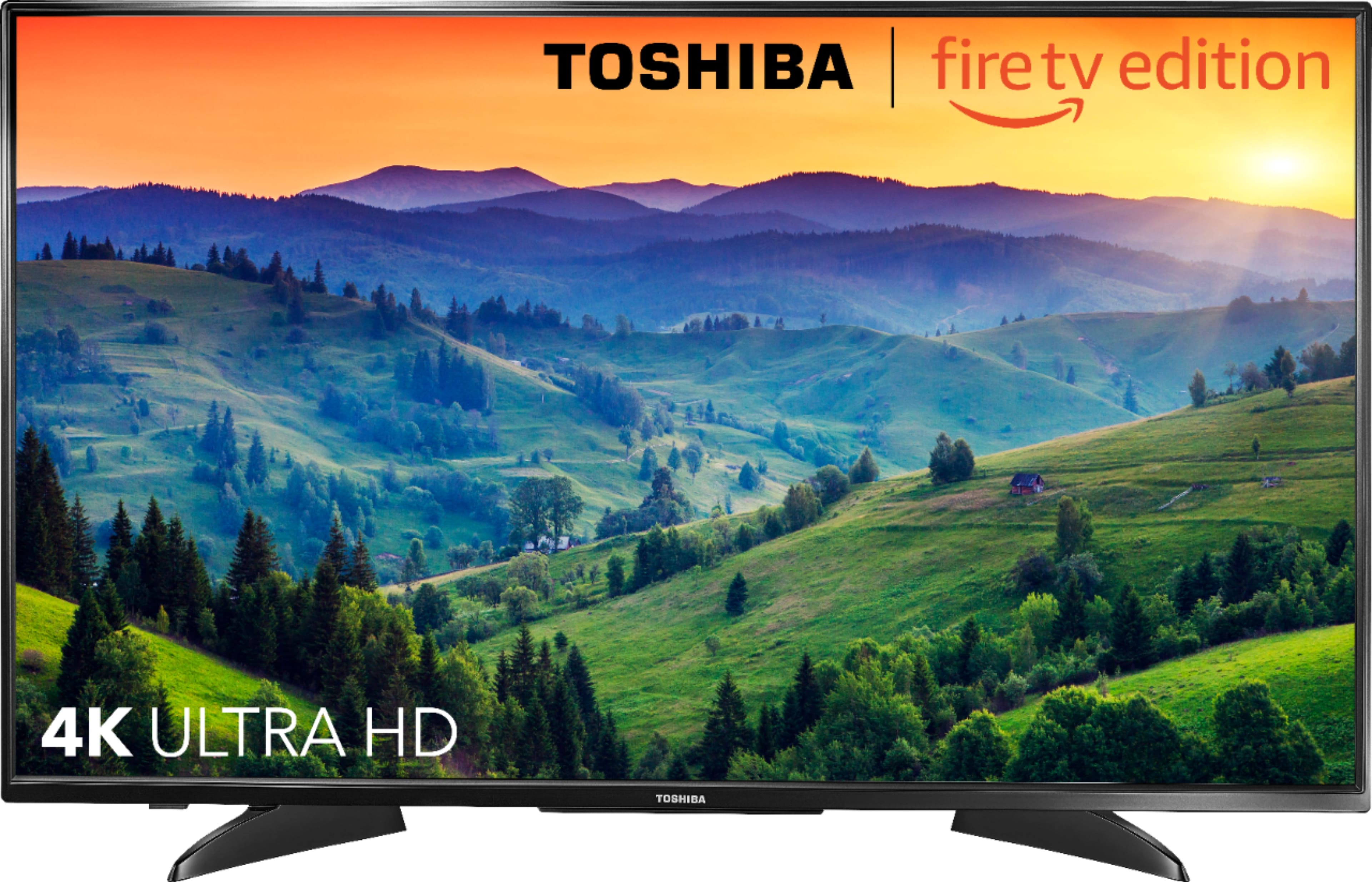
A:AnswerThe two arms are attached to the TV at an angle so the opening between them is wider in the front and narrower in the back. I don't know whether they could be attached straight - the arms are each a solid piece of about 10 inches in total length - sticking out by 4 inches in the front and about the same in the back. The distance between the two tips of the arms in the front is 27 1/2 inches on my set.
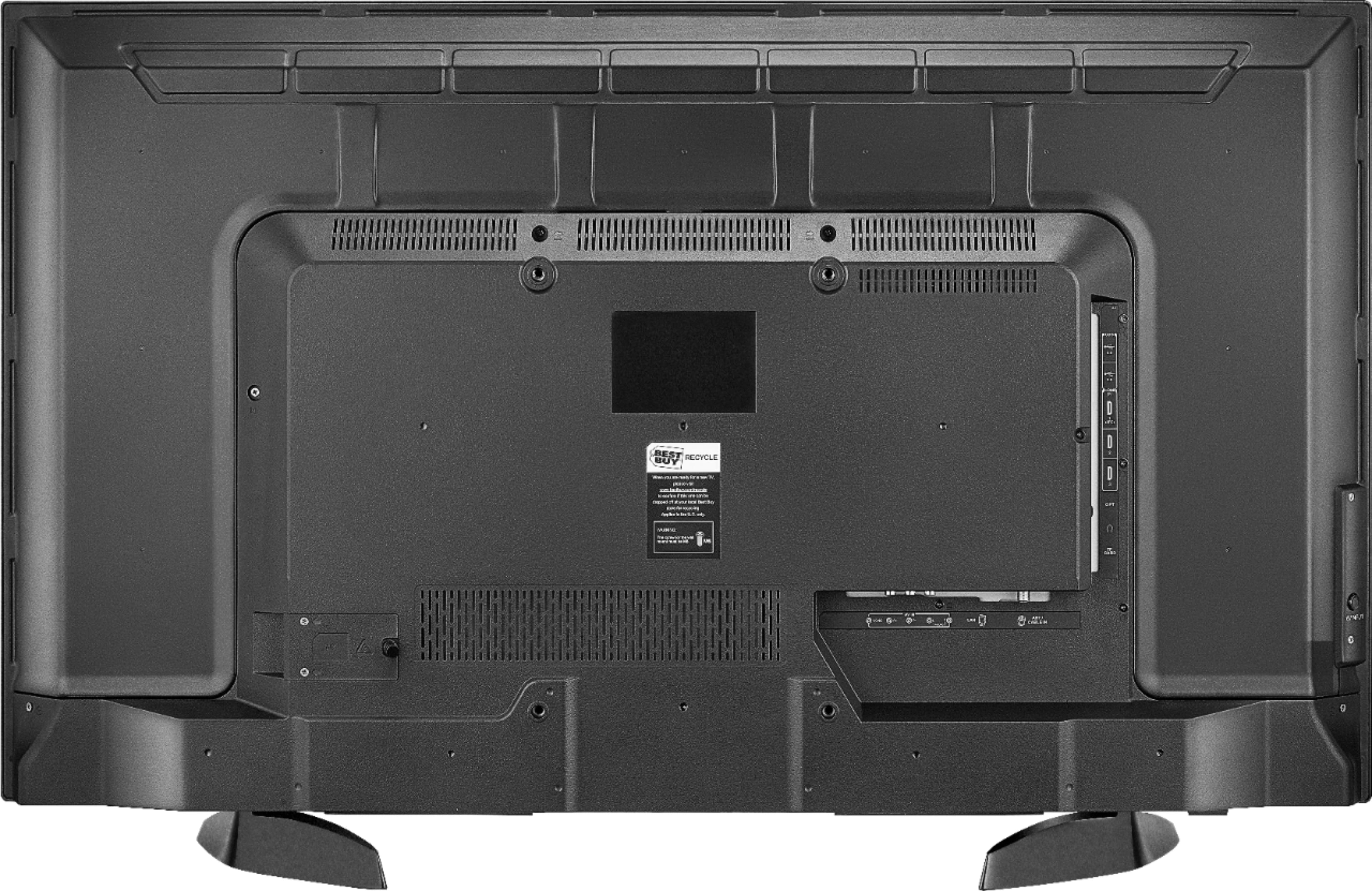
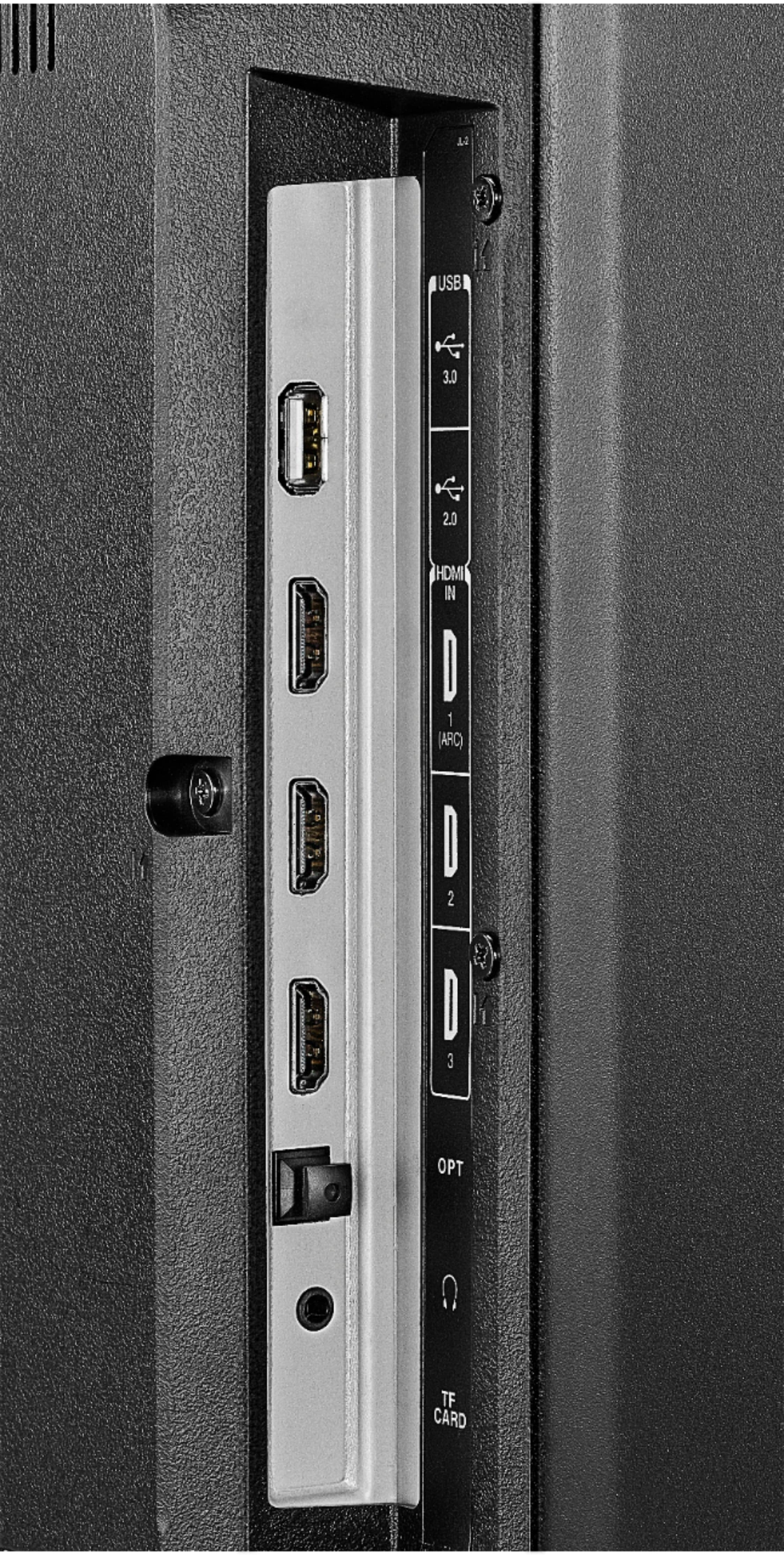
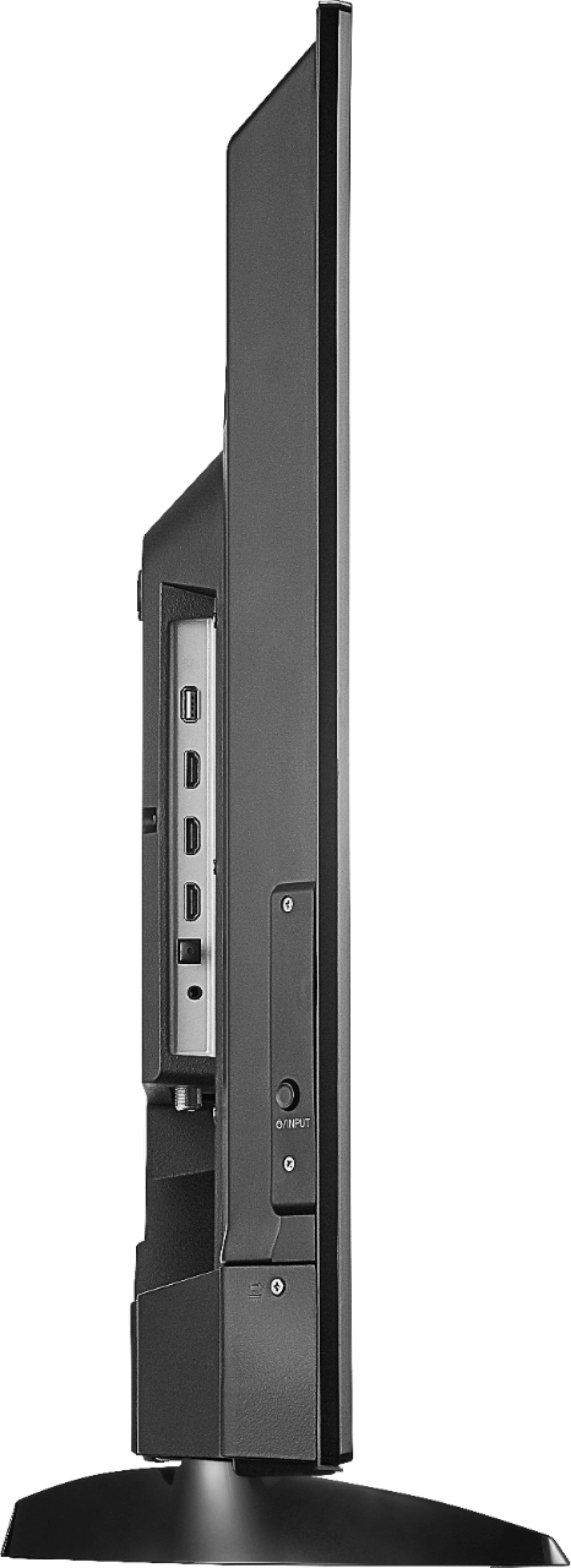
A:AnswerYes. As is listed, the product features three HDMI ports. As long as your computer contains an HDMI port, and you’ve got an HDMI cable available to you, this tv should work just fine.
A:AnswerThe legs on the TV are 27 1/2 in. From one leg to the other on the outside of the legs at the widest part because the legs are curved. Fits nice on my old tv stand.
A:AnswerThe screw size for the mounting screws is M6 × 25mm.
For more information, please visit http://tvna.compal-toshiba.com/ca/en/models/43LF621C21/
A:AnswerThe Fire TV Edition television features built-in Wi-Fi 802.11 a/b/g/n/ac; 2x2 MIMO, supports 2.4 GHz and 5.0 GHz dual band.
David M. - Toshiba Support
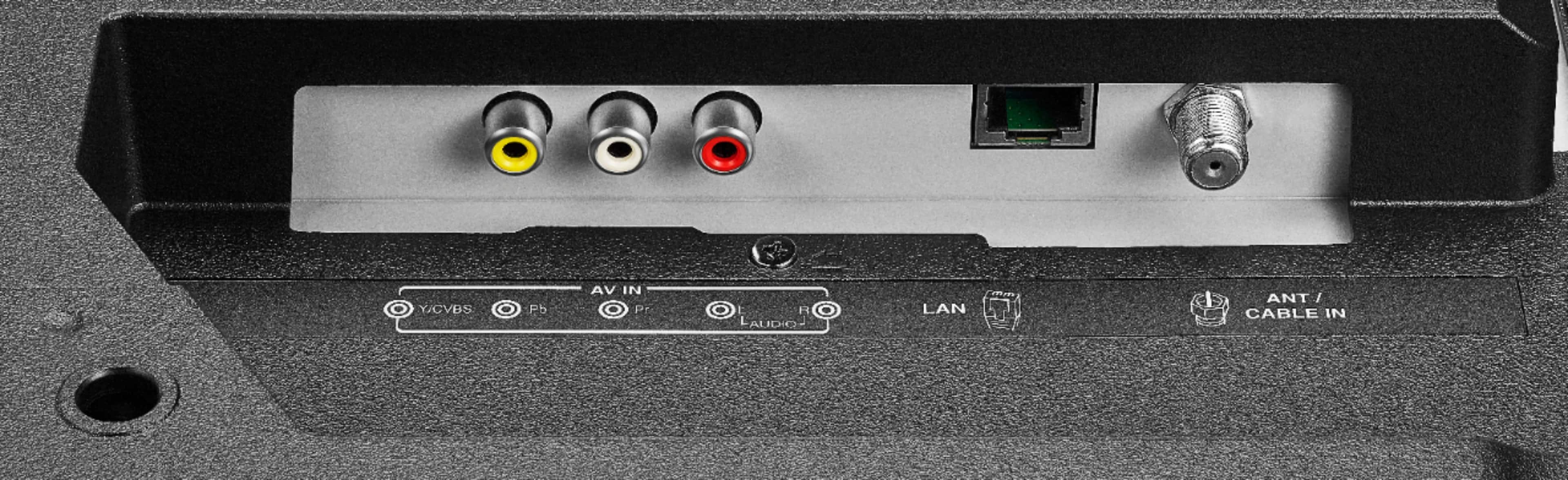
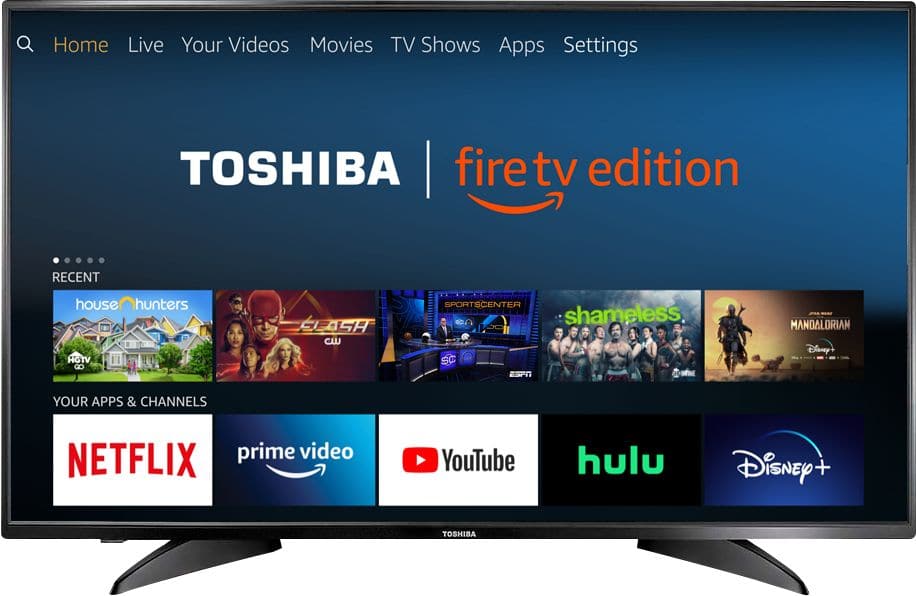
A:AnswerConnect your Cable Box to the Fire TV Edition television using HDMI.
Try to use the Power On feature. Go Home > Settings > Display & Sounds > Power On and select Last Input.
To watch Fire TV Edition TV Help Videos, please visit:
https://www.amazon.com/gp/help/customer/display.html?nodeId=202162190
David M. - Toshiba Support
A:AnswerThe Fire TV Edition television USB port supports 1 USB flash drive up to 128 GB formatted FAT32.
To watch Videos from a USB Flash Drive on your Fire TV Edition television, you need to download the Media Player app VLC for Fire.
The app VLC for Fire supports the following formats:
MKV, MP4, AVI, MOV, Ogg, FLAC, TS, M2TS, Wv and AAC
David M. - Toshiba Support
A:AnswerThe Fire TV Edition television features HDMI1 (ARC).
For more information, please visit:
https://tvna.compal-toshiba.com/us/en/models/43lf621u19/
David M. - Toshiba Support

A:AnswerThe Fire TV Edition television does not feature input lock/unlock.
The Fire TV Edition television has the Power On feature, when enabled, the TV turns on displaying the last used input.
Go Home > Settings > Display & Sounds > Power On and select Last Input.
David M. - Toshiba Support