A:AnswerI had the same issue! After factory reset the tv was frozen at the ‘Choose your language’ section. All you have to do is press and hold the Home (house icon) button on your remote control for at least 5 seconds and all of a sudden the remote will work again and you can finish the setup.
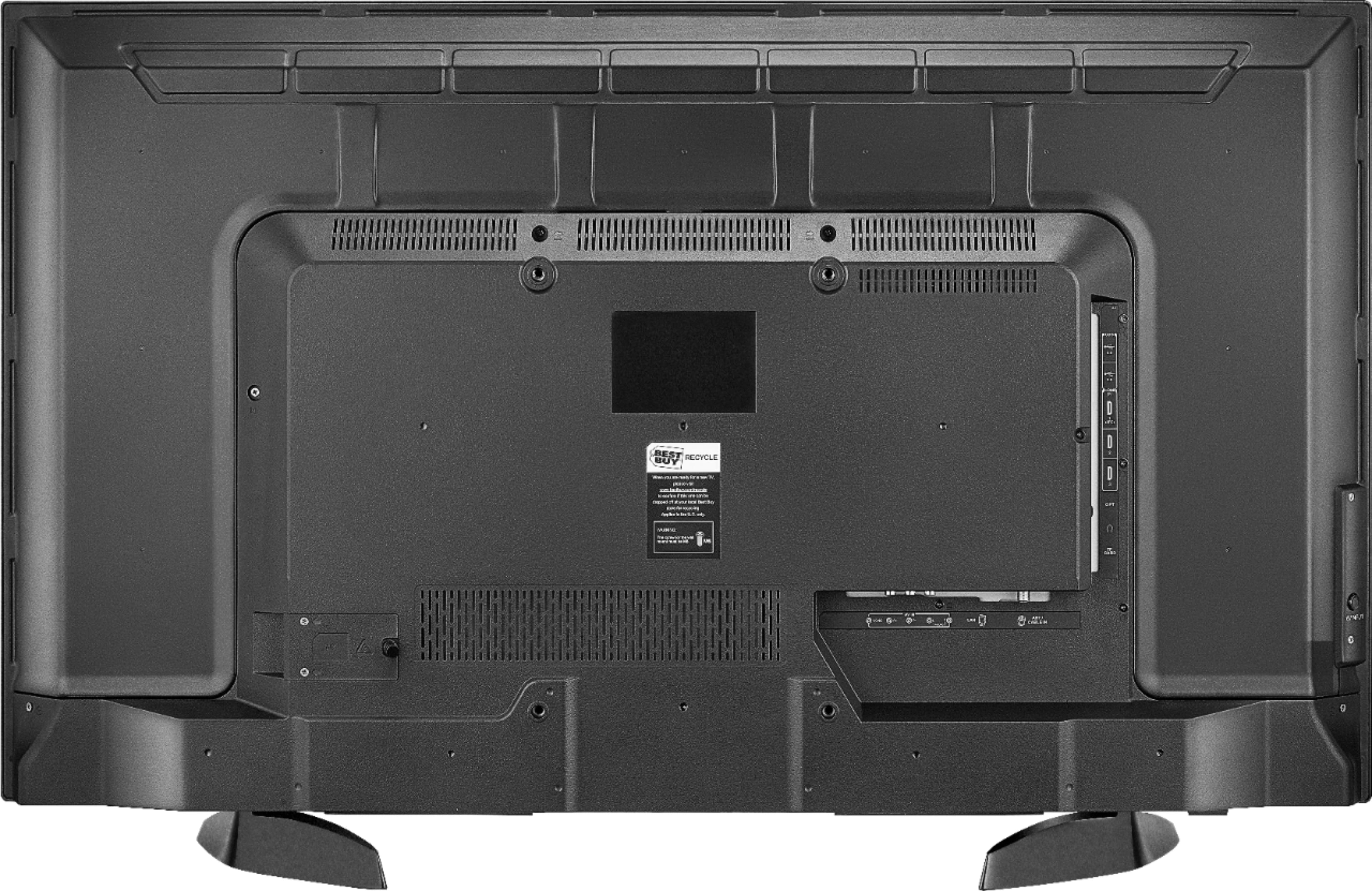
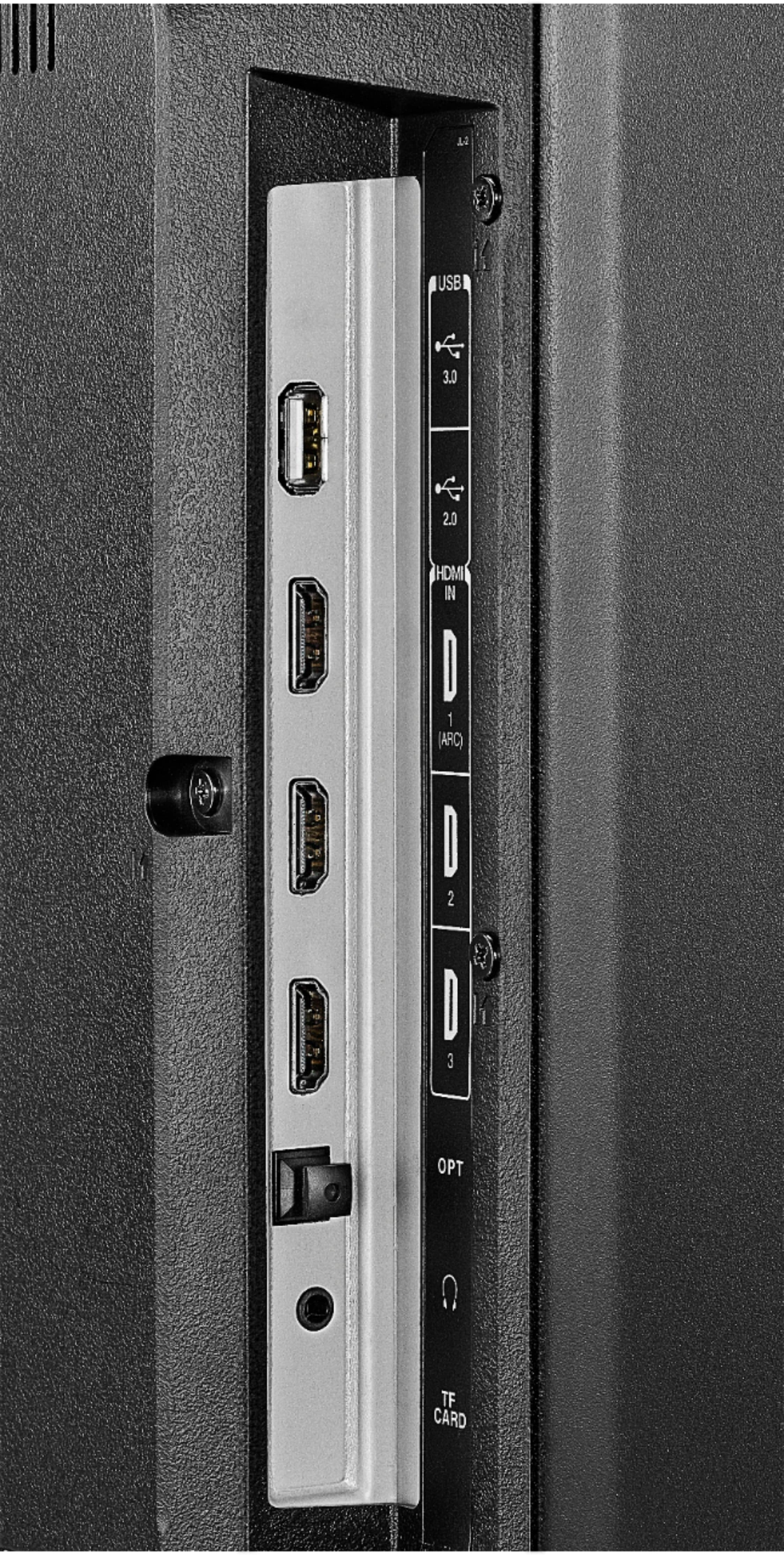
A:AnswerYes, the USB port can handle a 500 milliamp power draw. Unfortunately, I am unable to answer the question of what the maximum milliamp power the TV's USB can handle.
A:AnswerAvailable options are:
Cable
Satellite
Game Console
Playstation
Xbox
Media Player
Fire TV
Apple TV
Roku
DVD Player
Blu-Ray
DVR
AV Receiver
Does not have Computer or Custom
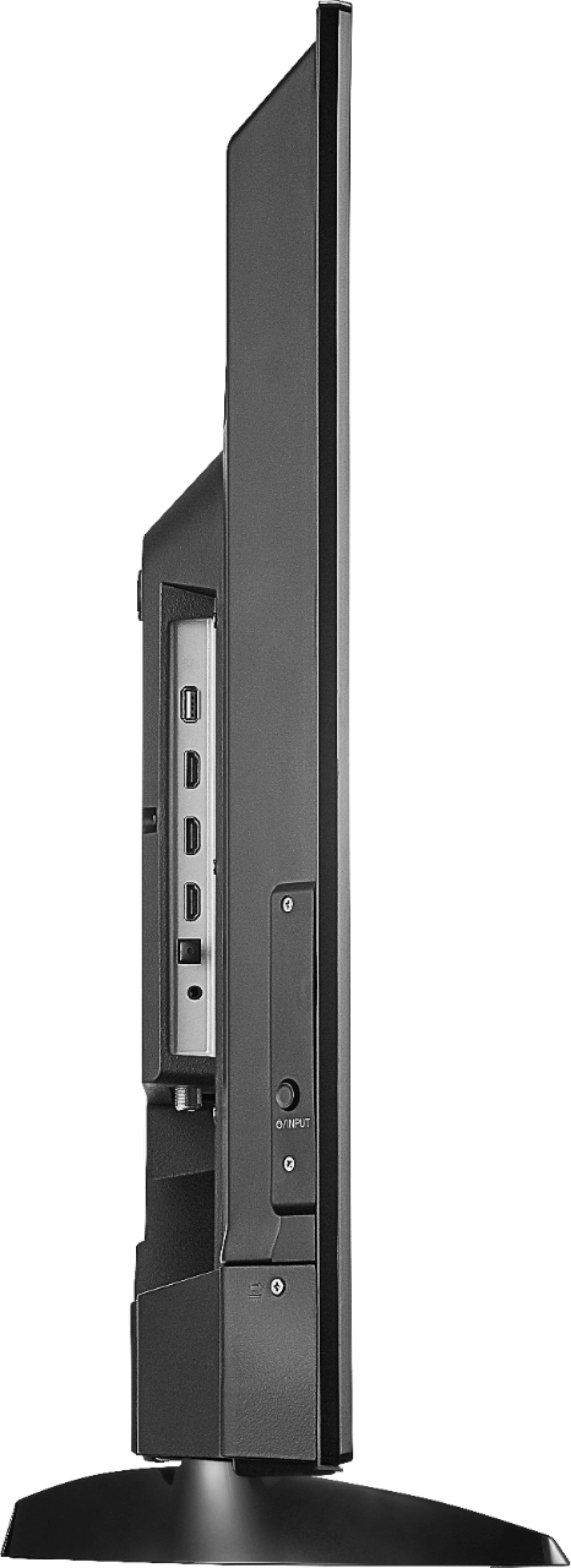
A:AnswerThe TV with stand measures 23.9 inches in height, 38.1 inches in width and 9.1 inches in depth. Without the stand the TV measures 22.5 inches in height, 38.1 inches in width and 3.5 inches in depth.
A:AnswerVudu does not automatically come in with the apps, but you can download it. There is a simple two minute YouTube video that will explain how to download vudu Amazon fire TV. I probably didn’t say that right but for the TV you’re asking the question for that is the answer
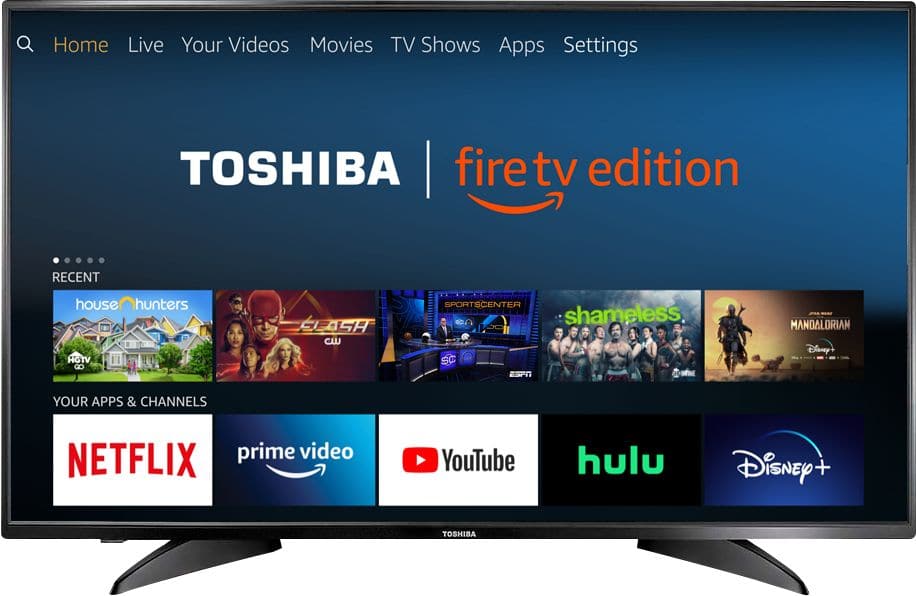
A:AnswerYou can search for new apps from the home screen: press Dpad left to access the "Search" section, use the on-screen keyboard to search for apps, select the App from the results and Download to install.
A:AnswerPress and hold the Home button to pair the remote. If you need personalized assistance, please call 1 (855) 527-2411 available from 8 am to 9 pm CT everyday.
A:AnswerThat could be some type of issue[-s] with the software of the television...
At that point you should just RESET THE TELEVISION TO FACTORY SETTINGS....The instructions for that should be with the manual or you can just internet search how....
That should solve all of your software issues and all of your apps shall be restored to what they were when you first bought the television...
For any reason that RESETTING THE TELEVISION TO FACTORY SETTINGS does not work then that would mean that something with the television is broken and you would have to take it in or send the television in to be fixed....
Hope that helps....