A:AnswerNo, it works like any other TV. It just has the cool feature of allowing you to cast movies etc from your smart phone or other devices wirelessly. I have two and love them both.
A:AnswerNeither. In built chromecasts are a little different than the other ones. But if you are wondering if the TV can cast in 4K, YES it CAN. But you need a fast enough internet connection.
A:AnswerNo. It does not. However, it has Chromecast built-in. It does not seem to work too well for me as I lose audio. It is not the internet because I have a gigabit ethernet connection, and when I plug in my Fire TV stick it looks and sounds amazing. It is great for the price though. The images look amazing.
A:AnswerYes you can use this TV with an Apple device. I use it with my iPad air 2 and iMac to cast to it. I am not sure about plugging in your optimum cable box to it as I don't have cable service at home but you can use an HDTV antenna to reveice local channels.
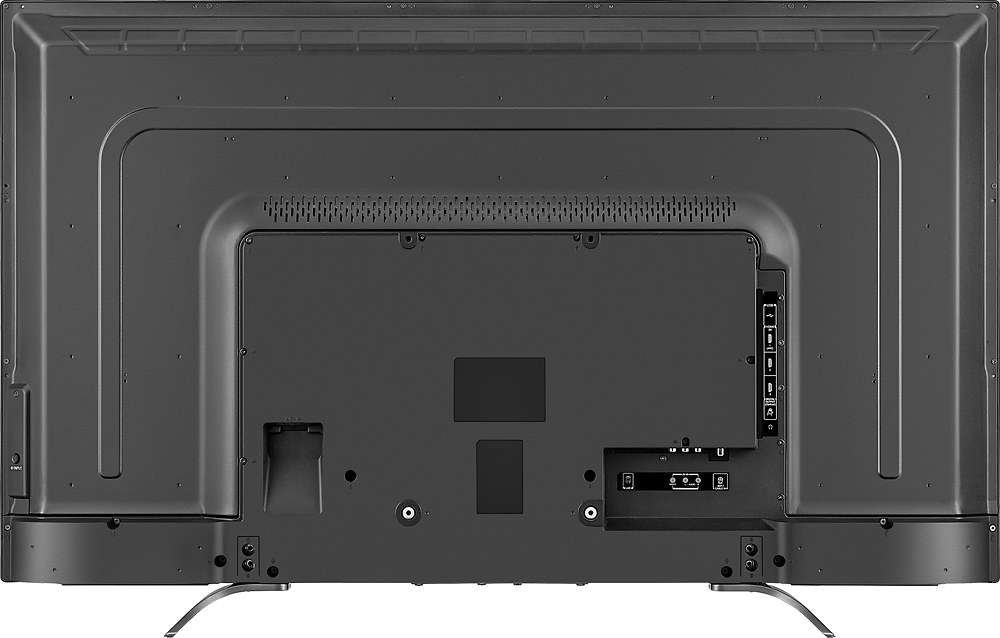
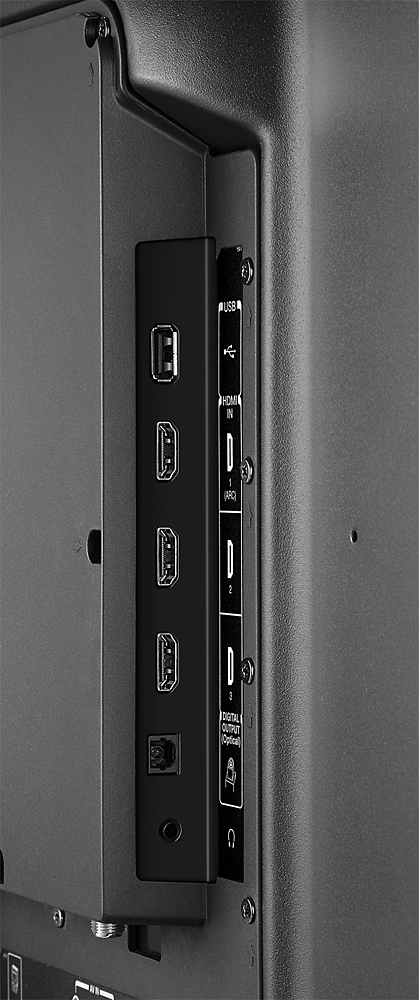
A:AnswerUSB port for photo viewing only, not video playback
Per user manual - TV supports the following photo file formats:
• Data type: JPEG EXIF ver 2.1
•File format: JPEG
• Maximum photo size: 6 MB
• Maximum number of files: 500/folder
• Maximum photo resolution: 4096 × 4096 pixels