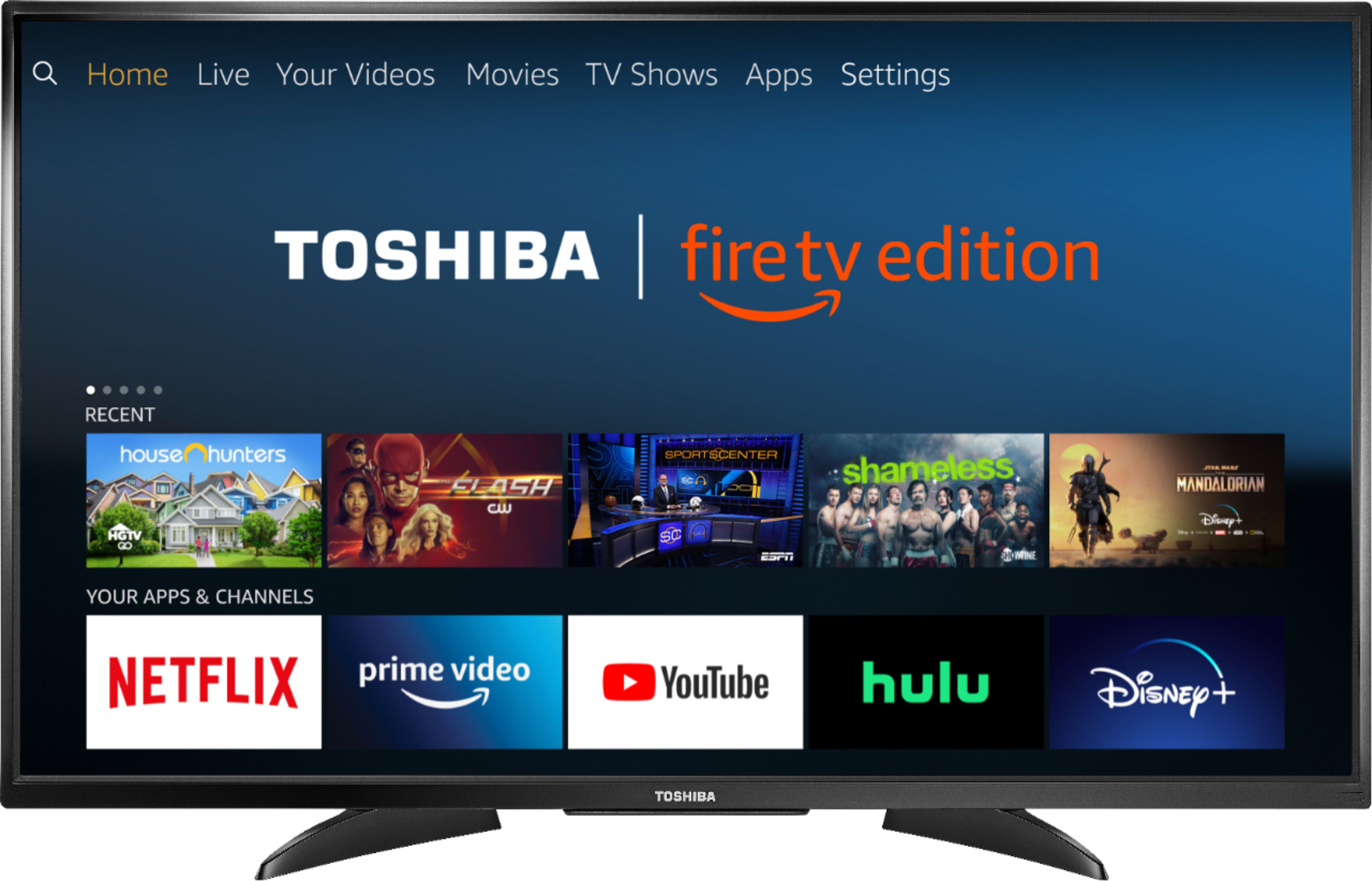
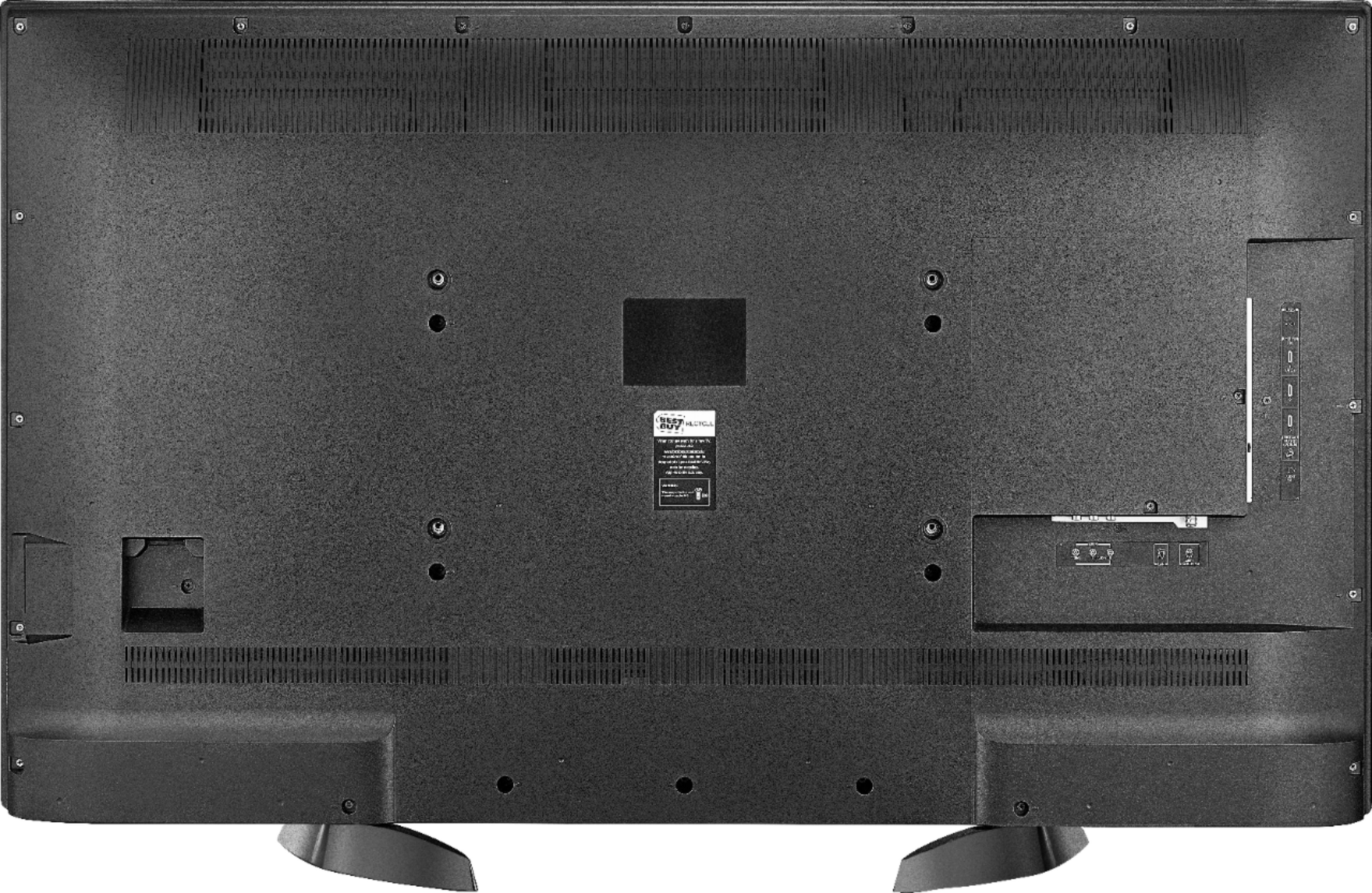
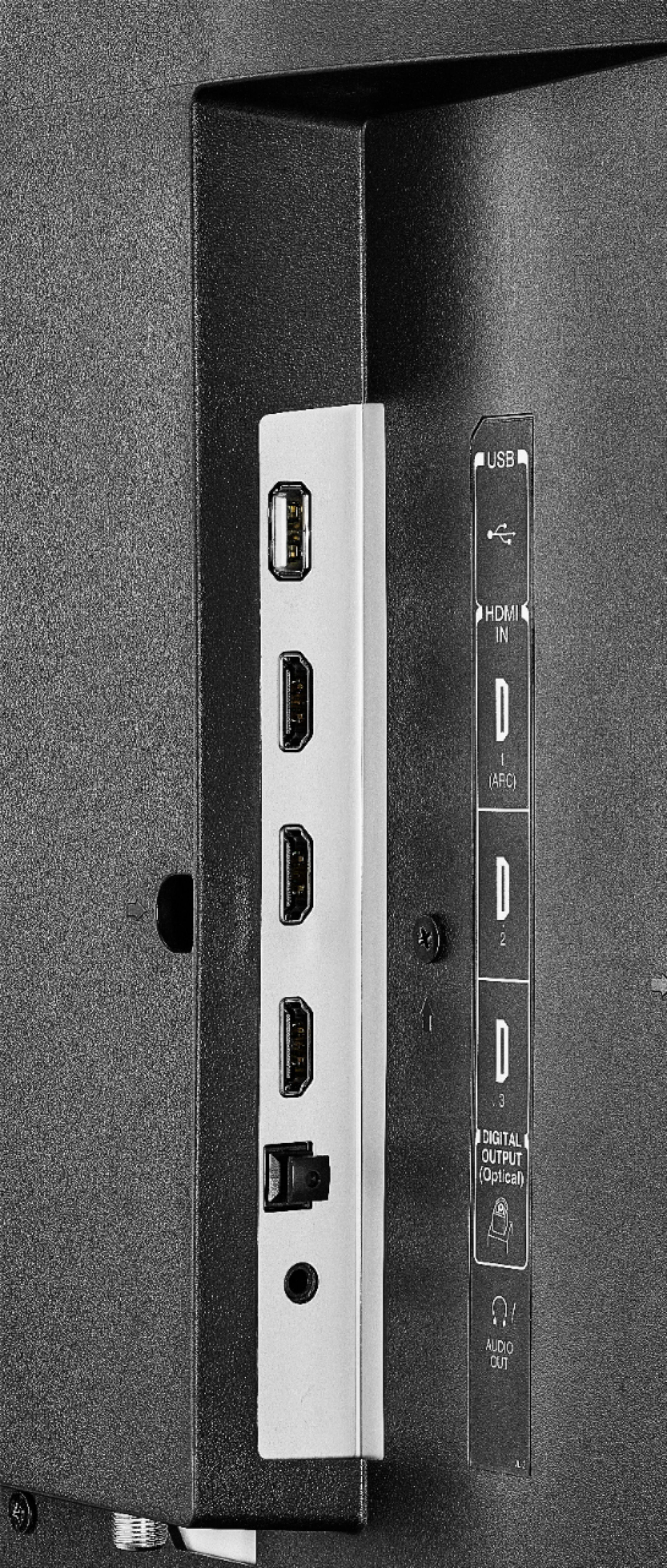
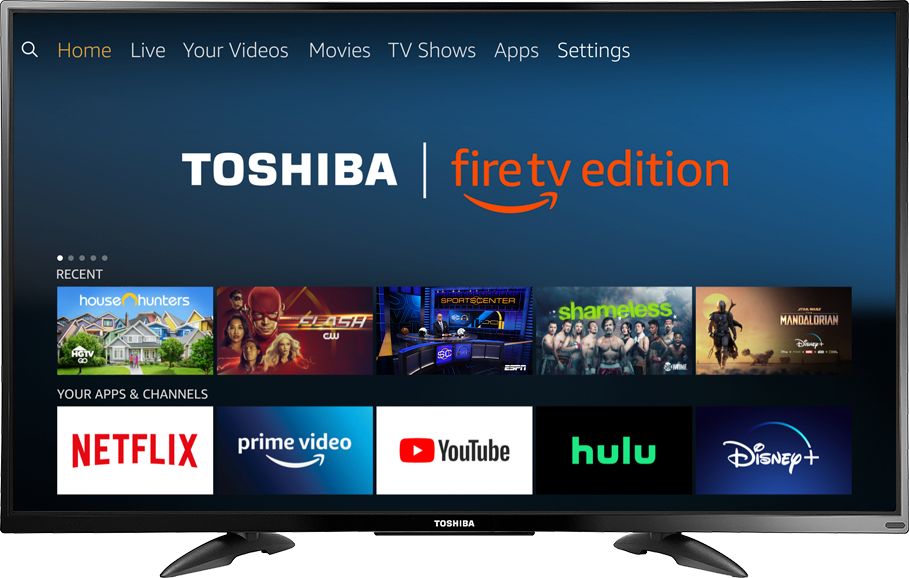
A:Answer Hi Toshiba. Your answer was unrelated to my question. Let's try this again. The Toshiba Fire TV's software program or User Interface, UI for short, mentions External Space in two places under settings. The first place is under "Settings - Device & Software - About - Storage." The second place is under "Settings - Applications - Manage Installed Applications." Both of these times that External Space is mentioned, it is accompanied by the status of Internal Space, which shows how much space the downloaded apps have taken up. This UI software layout leads me to believe that when Internal Space is full, I should be able to downloaded additional apps to External Space (or storage). I have attached a USB storage device to the TV's exterior USB port, but the UI software, under both mentions of External Space, says no External Storage Device detected. Please explain.