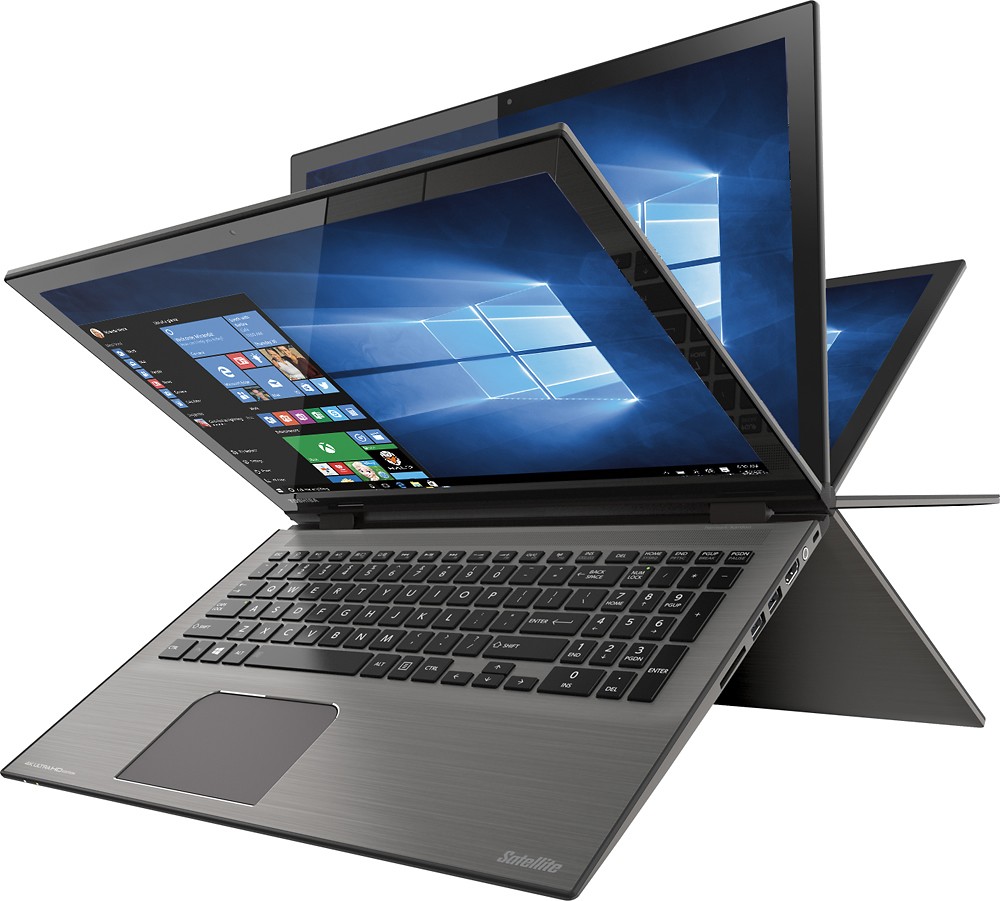
A:Answer Absolutely! (I'm a keyboard and mouse guy too.) You can use just the keyboard, just the touchscreen, or both as a combo (for instance, typing with the keyboard, but tapping or swiping on the screen.) When you flip the screen 360° into tablet mode, the keyboard is disabled to prevent accidental key presses. But when the screen is angled like a regular laptop the keyboard is enabled, and it has the side number pad too! Also, the touchpad is really big, unlike a lot of other laptops where you really need a wireless mouse. (If you do want a wireless mouse though, check out the Microsoft Arc Mouse.)
Actually, the biggest con of this computer is the dim, highly-reflective screen.