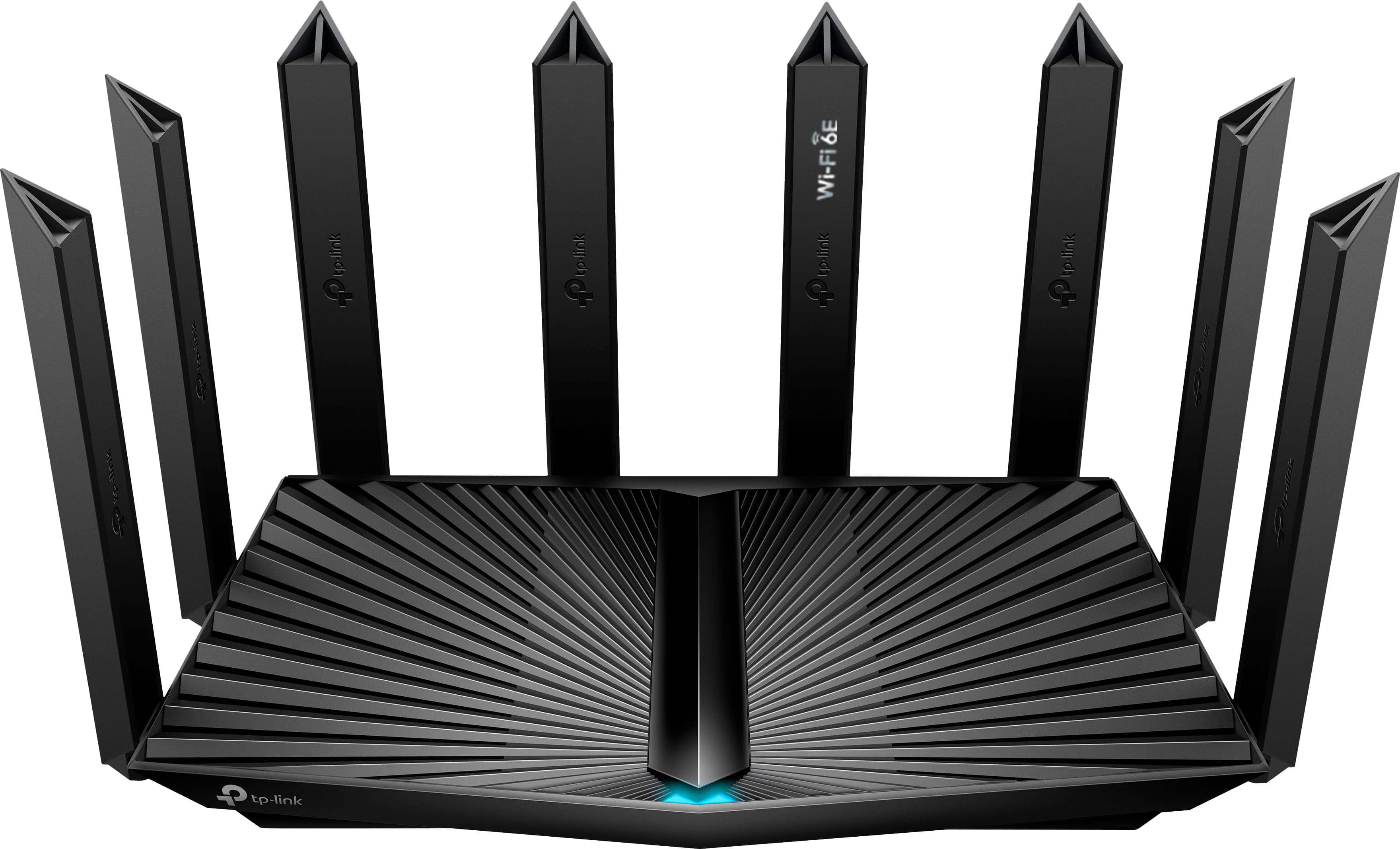
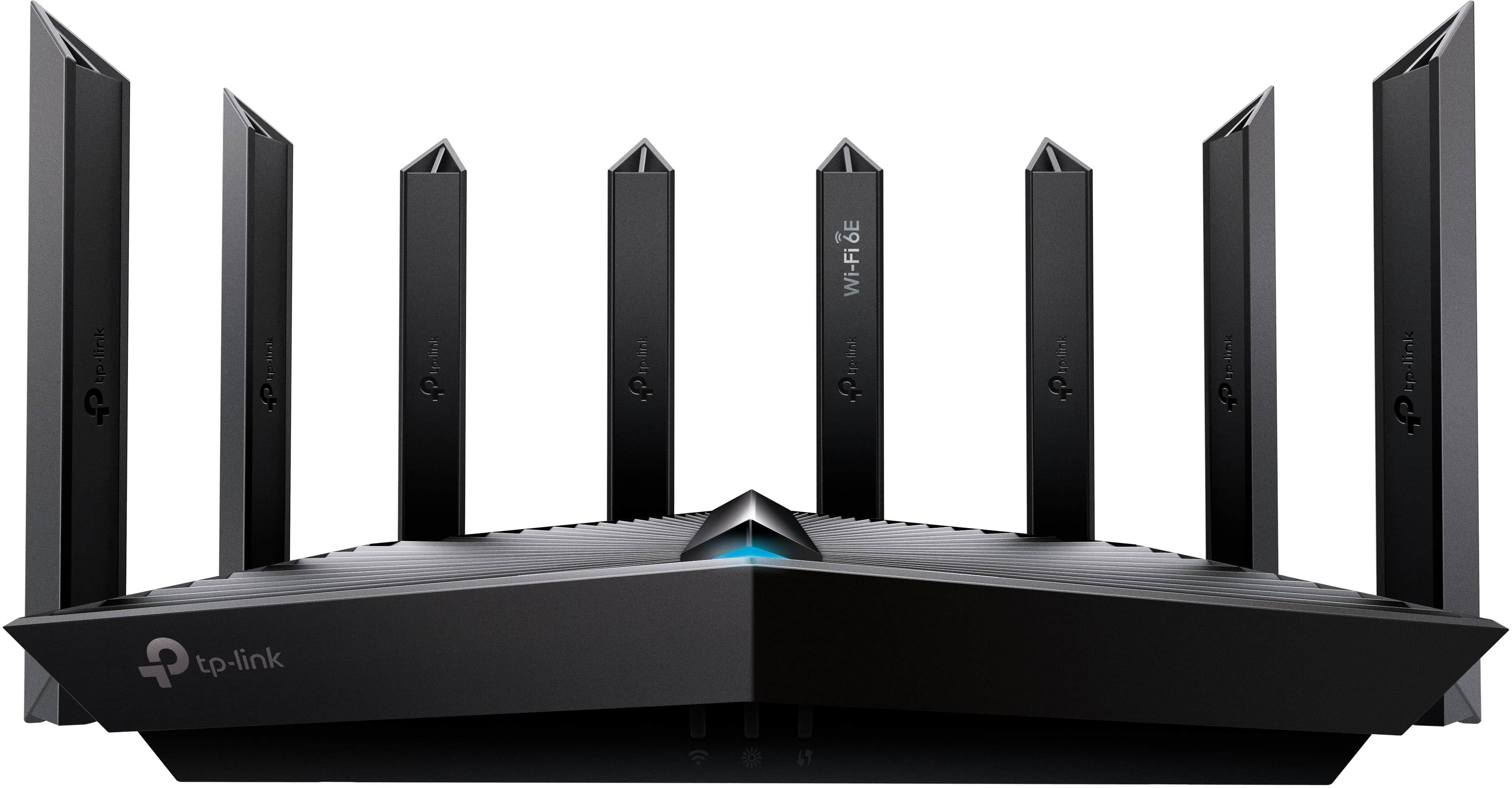
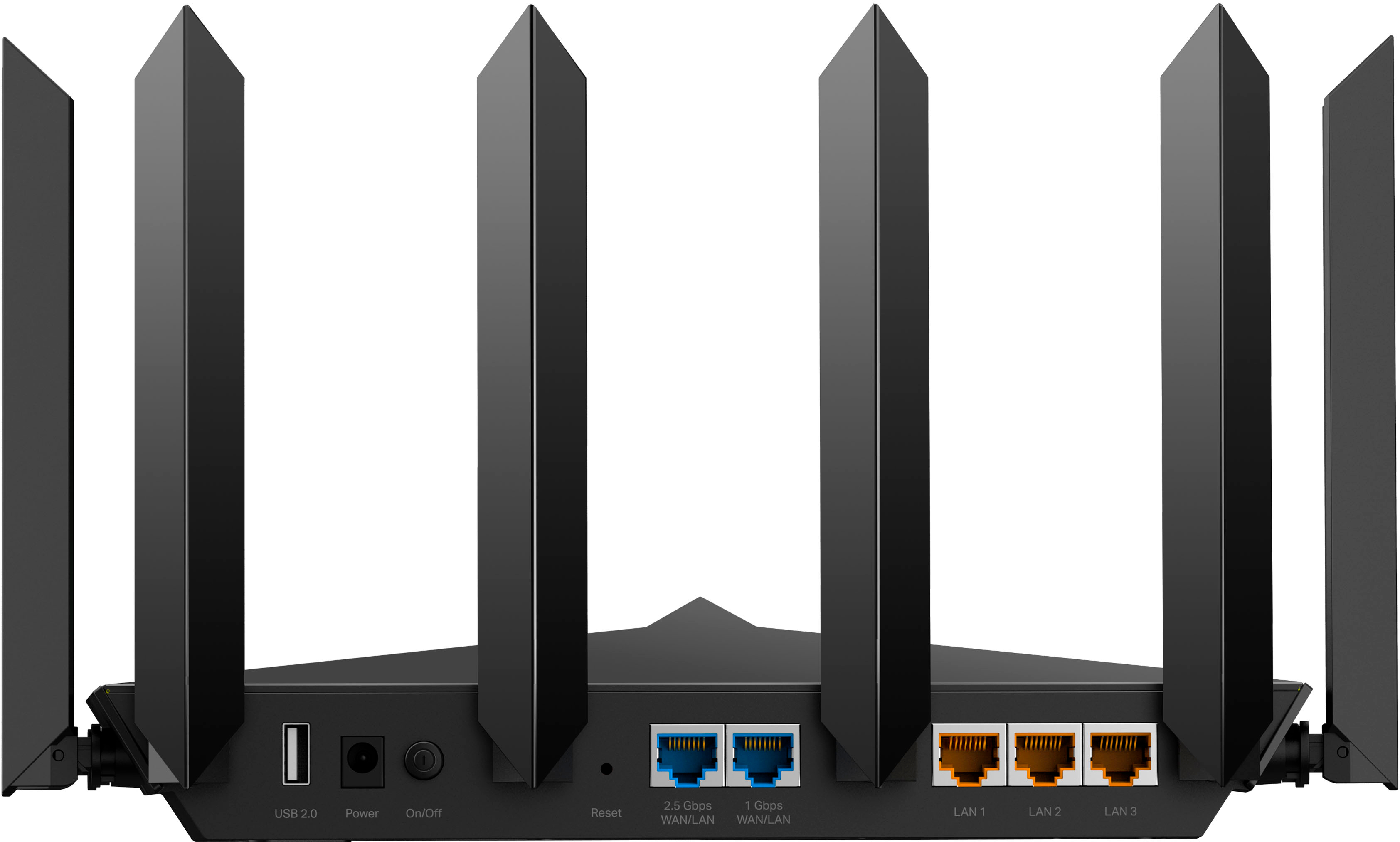
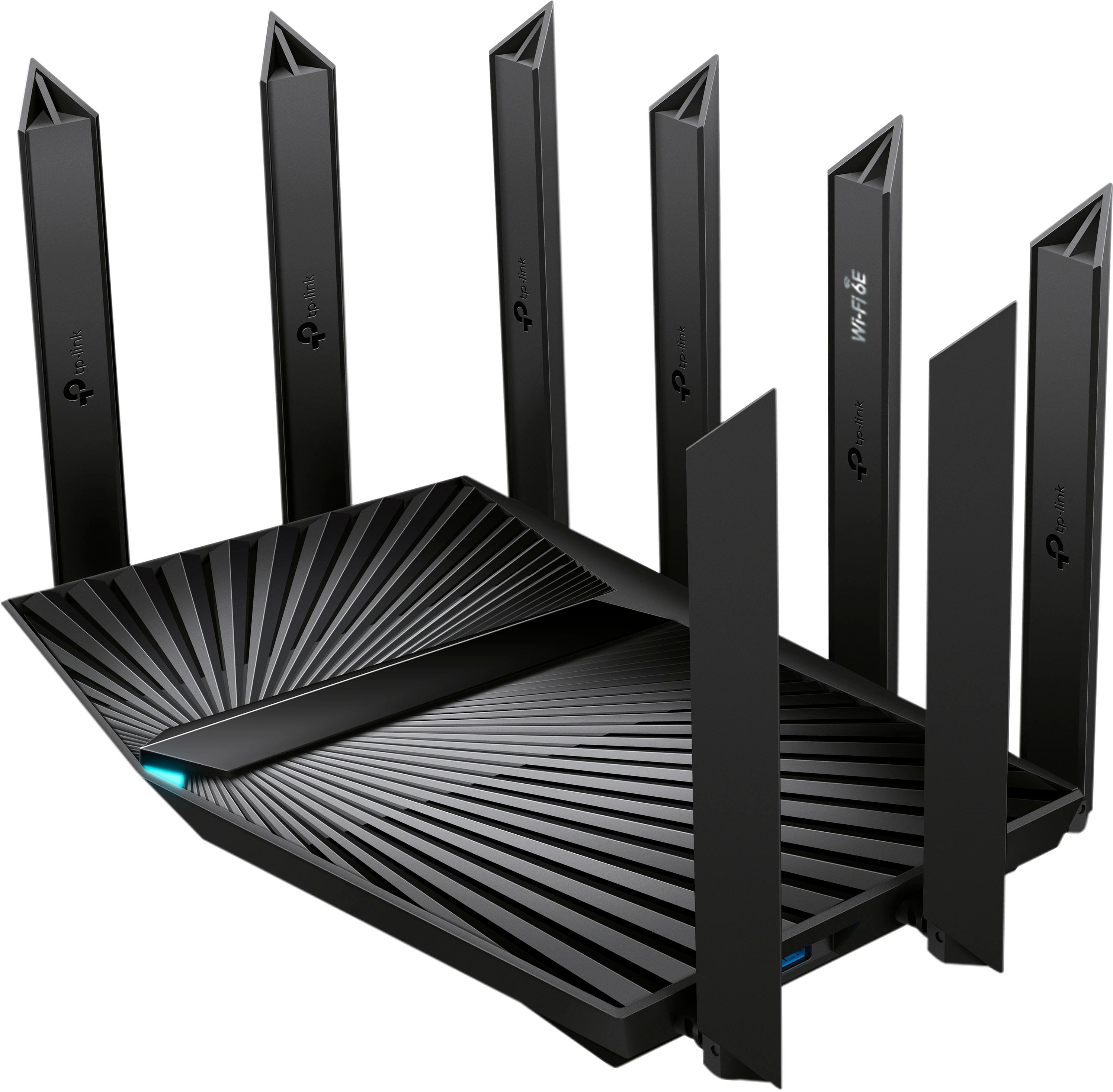
A:AnswerYour devices should have no trouble connecting to this router, and to the Chromecast, as long as they are all connected to the router's network.
A:AnswerYes. You will want to put the Archer in AP mode or disable the router function on the BGW320 though. Otherwise you may end up dealing with Double NAT which can cause all sorts of network related concerns.
A:Answeri am not sure about that as I would not use that feature. i have a stand alone NAS server that is a cloud server. it has 28 terabites of storage. it is connected to my router by an eithernet cable. i have almost 800 movies stored on my NAS.
A:AnswerHi! Yes, this router is designed to provide strong coverage and performance. However, if you are interested in seamless, whole home coverage, you can also consider our Deco Mesh Wi-Fi Systems.
A:AnswerCan't extend the range any more than what you have with the router alone. You're probably going to need some range extenders or an upgrade to a mesh system.
A:AnswerYou can connect them, yes. You would need to have this router connected to an eero and then that eero would transmit to the other Eeros . This doesn't just transmit to other Eeros on it's own. You can turn the radio off on this and just use the eero to get wifi. You need at least 2 Eeros for it to work.
A:AnswerThe router is only one aspect of your network. So it is nearly impossible to say if it will address your concerns or not. It may but it also may not if the source of the concern is something else.
A:AnswerYes, 3rd party routers will work with Starlink equipment. However, you may need to make configuration changes to the Starlink router or put the AXE7800 in AP mode.