Questions & Answers
- Model:
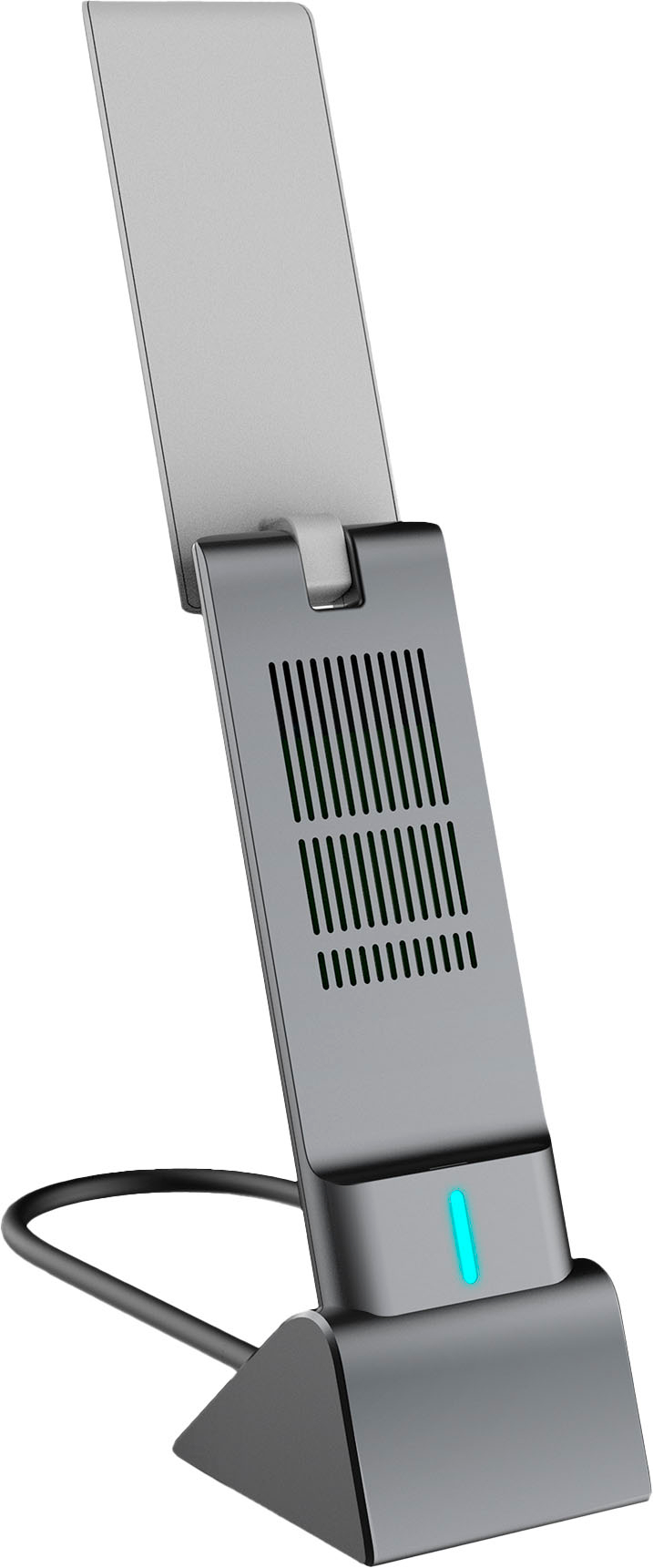
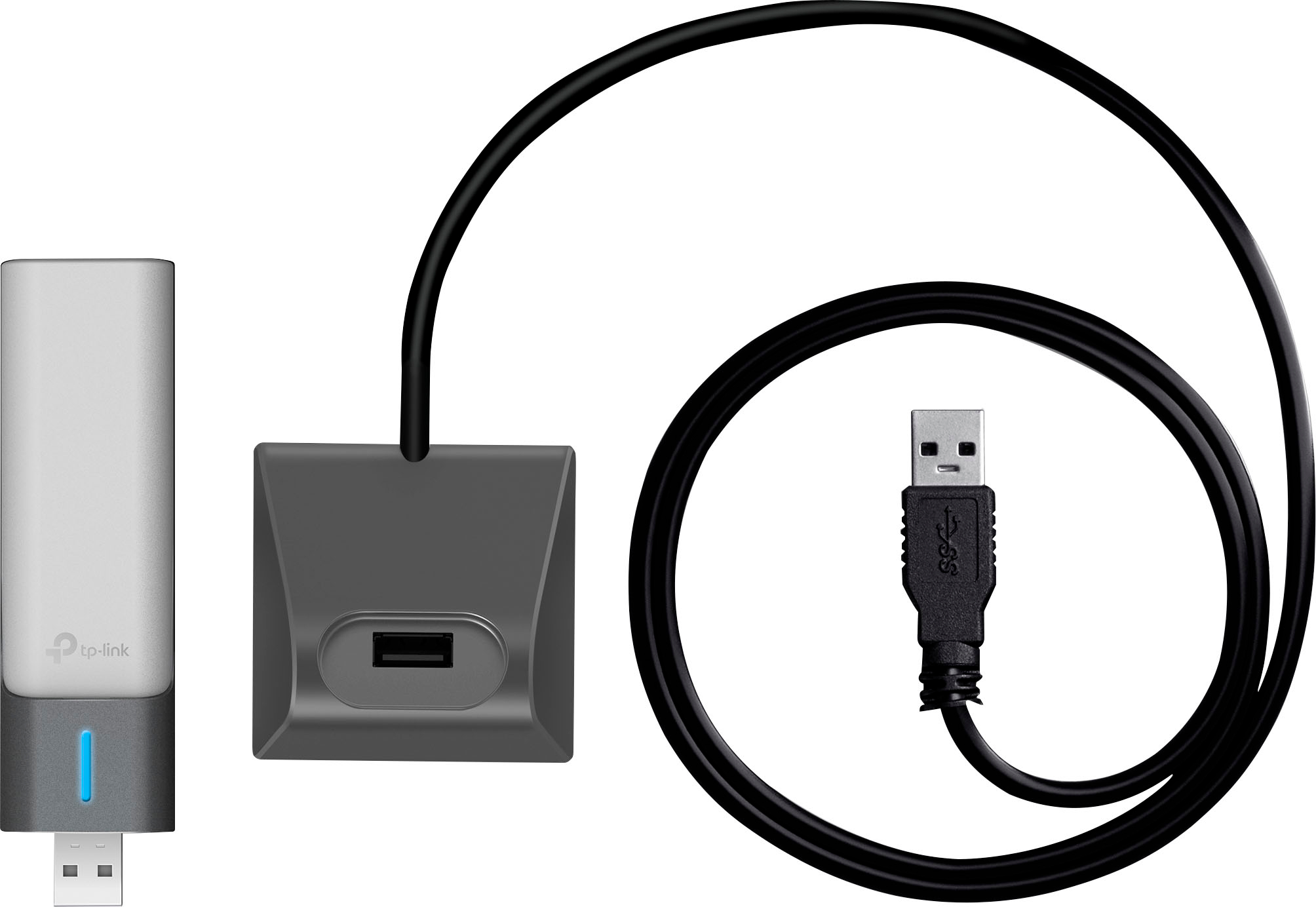
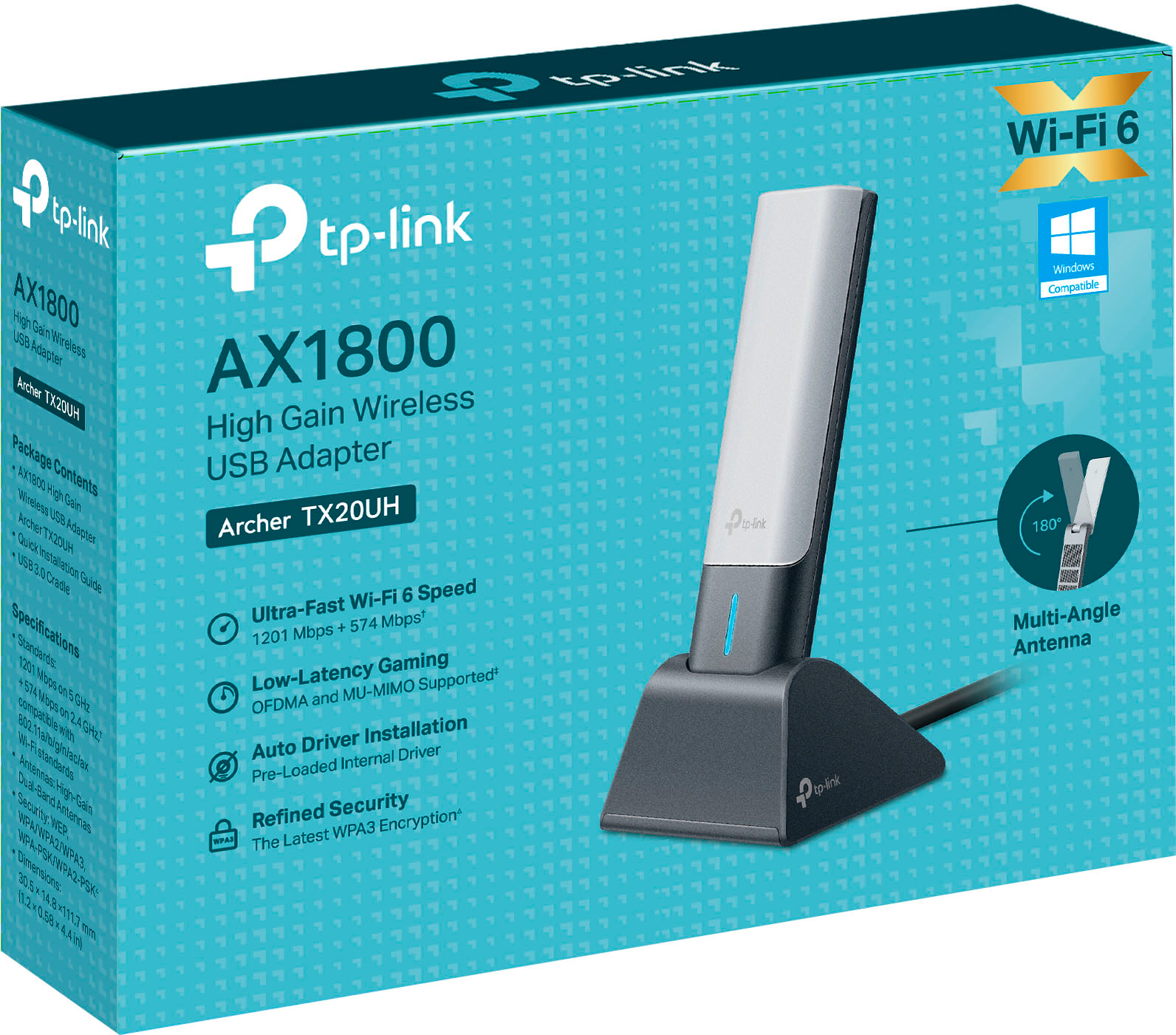
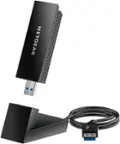
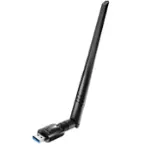
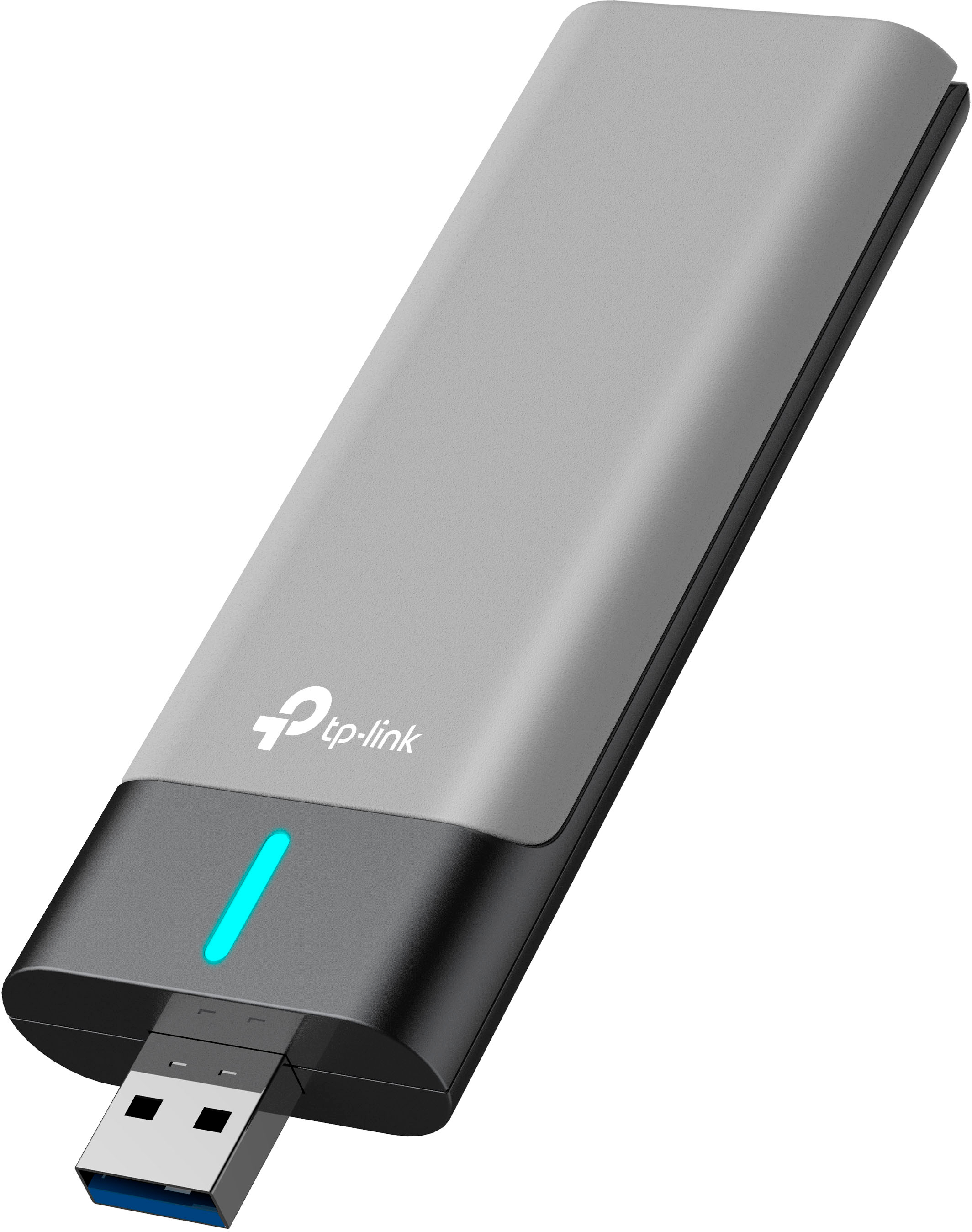
- Archer TX20UH
- |
- SKU:
- 6522468
Highly rated by customers for: Speed, Ease of use, Performance
$11.99Your price for this item is $11.99
Clearance
Comp. Value: $59.99
The comparable value price is $59.99
Page Showing 21-35 of 35 questions
Q: Questioni have a superbox and it drops my router alot. Can i use this to connect to my WIFI?
Asked by Anonymous.
- A:Answer Hi! This adapter is designed to provide Wi-Fi connectivity to a PC. It is not designed for use with TV boxes/set top boxes.
Answered by TPLinkSupport

Q: Questionwill the tx21uh work at all on win 8.1?
Asked by chaz.
- A:Answer No at this time there are only drivers for Windows 10 and Windows 11
Answered by TPLinkSupport

Q: QuestionDo it work on Mac OS 10.15.7 MacBook Pro 2012?
Asked by Maclove.
- A:Answer No. This adapter only supports Windows. You can try the Archer T2U Plus or Archer T3U Plus. Both support MacOS 10.15. Also in the future just look at our official website under the support tab for the product to see a driver list and which OS are supported.
Answered by TPLinkSupport

Q: QuestionIs this compatible with Chromebooks?
Asked by LilyCatsMom.
- A:Answer Supported operating systems include Windows 10, 11.
Answered by TPLinkSupport

Q: QuestionWhat is the square footage range more or less?
Asked by RangeFinder.
- A:Answer Hi! The square footage is based on your router's signal - this is a receiver. However, since it is a high gain adapter, it is designed for picking up signals from further away than a standard adapter.
Answered by TPLinkSupport

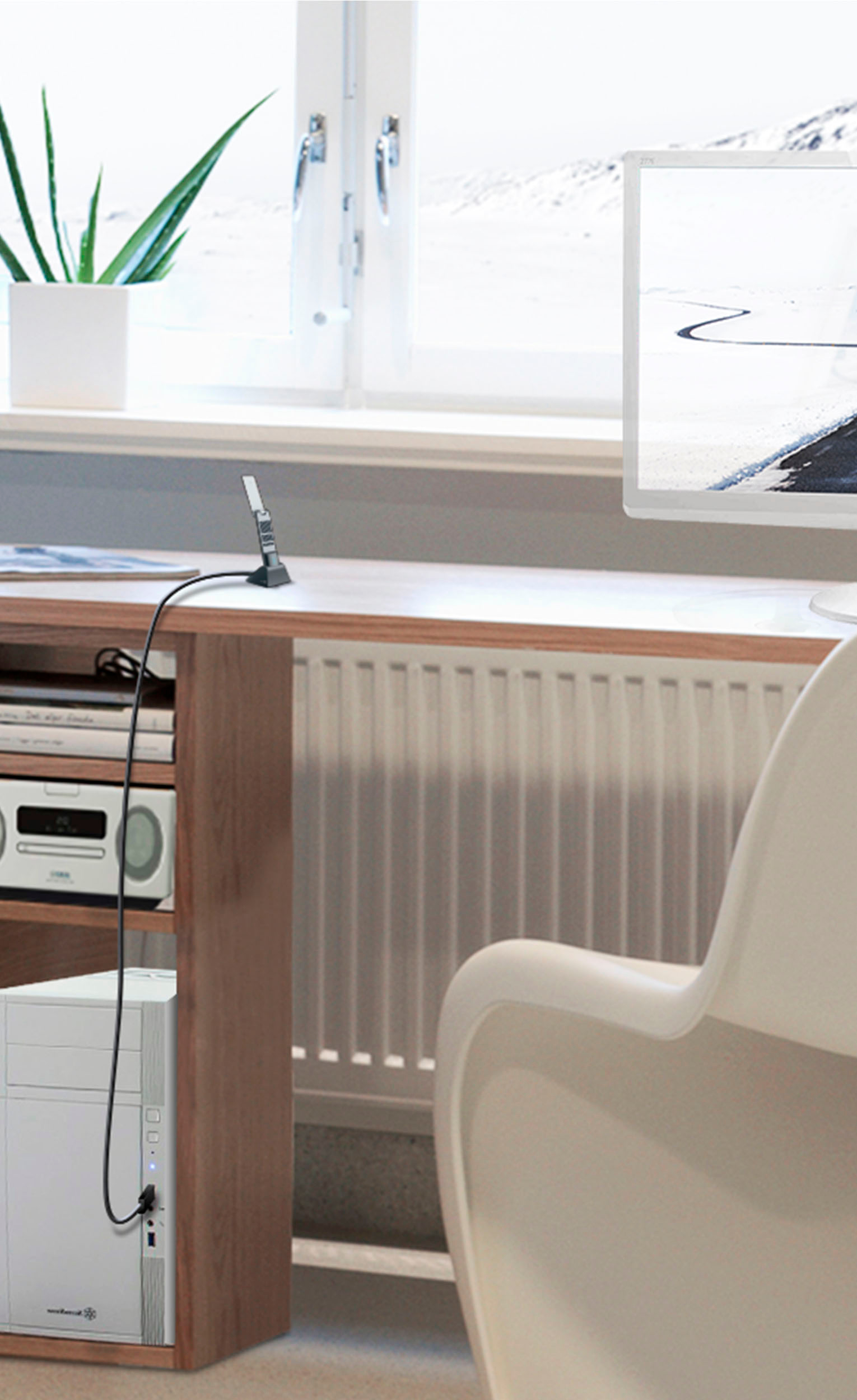
Q: QuestionI have a Dell desk top without built in wi fi. will this enable wi fi on my computer? I do have internet.
Asked by Lucy.
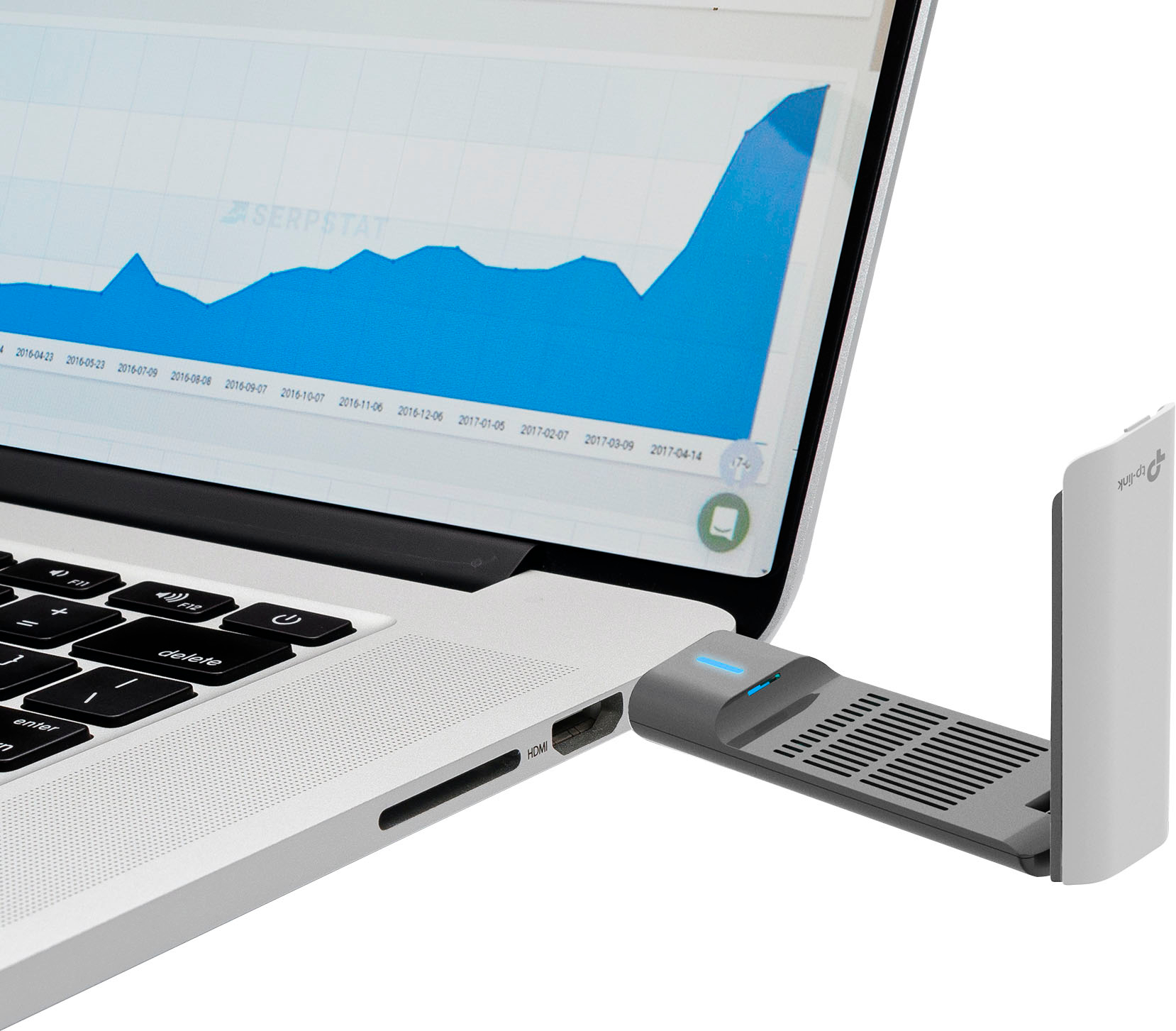
- A:Answer Hi! Yes, as long as your desktop PC has an available USB 3.0 port, is running a compatible operating system (Windows 10, 11), and your home Wi-Fi network's signal is within range of the computer.
Answered by TPLinkSupport

Q: QuestionWill this work with an archer a8? and if so, is the price drop to 40$ temporary?
Asked by Wren.
- A:Answer We can't speak on price drops but yes the Archer TX20UH will work with any router that has a 2.4 or 5GHZ signal
Answered by TPLinkSupport

Q: QuestionWe had to purchase a router to access wifi in my apartment. Aside from this adapter is there anything else I need to get access to wifi while using a desktop computer?
Asked by Perry.
- A:Answer Hi! If you already have an existing Wi-Fi network and Internet connectivity, you should just need to install this adapter in your PC, and the PC will be capable of detecting and connecting to nearby Wi-Fi networks.
Answered by TPLinkSupport

Q: QuestionWill this adapter enable my older Toshiba laptop (which was upgraded to Windows 10) to connect to our home WIFI router which is a Spectrum 6 router?
Asked by marian.
- A:Answer Hi! Yes, this adapter will allow your Windows 10 PC to connect via Wi-Fi 6 (802.11ax), if your router is providing Wi-Fi 6 network connectivity.
Answered by TPLinkSupport

Q: QuestionWill this work with a deco x55?
Asked by Berry.
- A:Answer Hi! Yes, the Archer TX20UH can be used to connect your PC to a nearby Wi-Fi network - including a Deco Wi-Fi network.
Answered by TPLinkSupport

Q: QuestionWill this work in a QNAP NAS?
Asked by Matt.
- A:Answer Hi! The Archer TX20UH is designed for installation and compatibility in Windows 10/11 systems.
Answered by TPLinkSupport

Q: QuestionWill this work with Windows 7 OS?.
Asked by Sher.
- A:Answer Supported operating systems include Windows 10, 11.
Answered by TPLinkSupport

Q: QuestionDoes this support Bluetooth 5.2?
Asked by Mike.
- A:Answer No. This is not a Bluetooth adapter; it is a dual-band Wi-Fi 6 AX1800 adapter.
Answered by TPLinkSupport

Q: Questionwill this work with apple 12.6.1 operating system?
Asked by orville.
- A:Answer Supported operating systems include Windows 10/11.
Answered by TPLinkSupport

Q: QuestionDoes this have a Filogic MediaTek chip or a Realtek chip and if so which one?
Asked by e94904.
- A:Answer Hi! For all available product specifications, please visit our official TP-Link website, or contact our TP-Link support team, and an agent will gladly help.
Answered by TPLinkSupport

Page 2, Showing 21-35 of 35 questions
Most-viewed items
- Black Friday Deal$44.99Your price for this item is $44.99
- $19.99Your price for this item is $19.99
- $79.99Your price for this item is $79.99$99.99The comparable value for this item is $99.99
- $14.99Your price for this item is $14.99
- $24.99Your price for this item is $24.99$39.99The comparable value for this item is $39.99
- Black Friday Deal$29.99Your price for this item is $29.99
- $49.99Your price for this item is $49.99
- $24.99Your price for this item is $24.99$29.99The comparable value for this item is $29.99
- $17.00Your price for this item is $17.00
- $29.99Your price for this item is $29.99$49.99The comparable value for this item is $49.99
- Black Friday Deal$79.99Your price for this item is $79.99
- $69.99Your price for this item is $69.99$89.99The comparable value for this item is $89.99
- $39.99Your price for this item is $39.99$49.99The comparable value for this item is $49.99
- $31.99Your price for this item is $31.99$39.99The comparable value for this item is $39.99
- Black Friday Deal$109.99Your price for this item is $109.99
- $14.49Your price for this item is $14.49$19.49The comparable value for this item is $19.49
- Black Friday Deal$69.99Your price for this item is $69.99
- $26.99Your price for this item is $26.99$36.99The comparable value for this item is $36.99
- $9.49Your price for this item is $9.49$19.99The comparable value for this item is $19.99
- $49.99Your price for this item is $49.99$69.99The comparable value for this item is $69.99