A:AnswerHi Jeff,
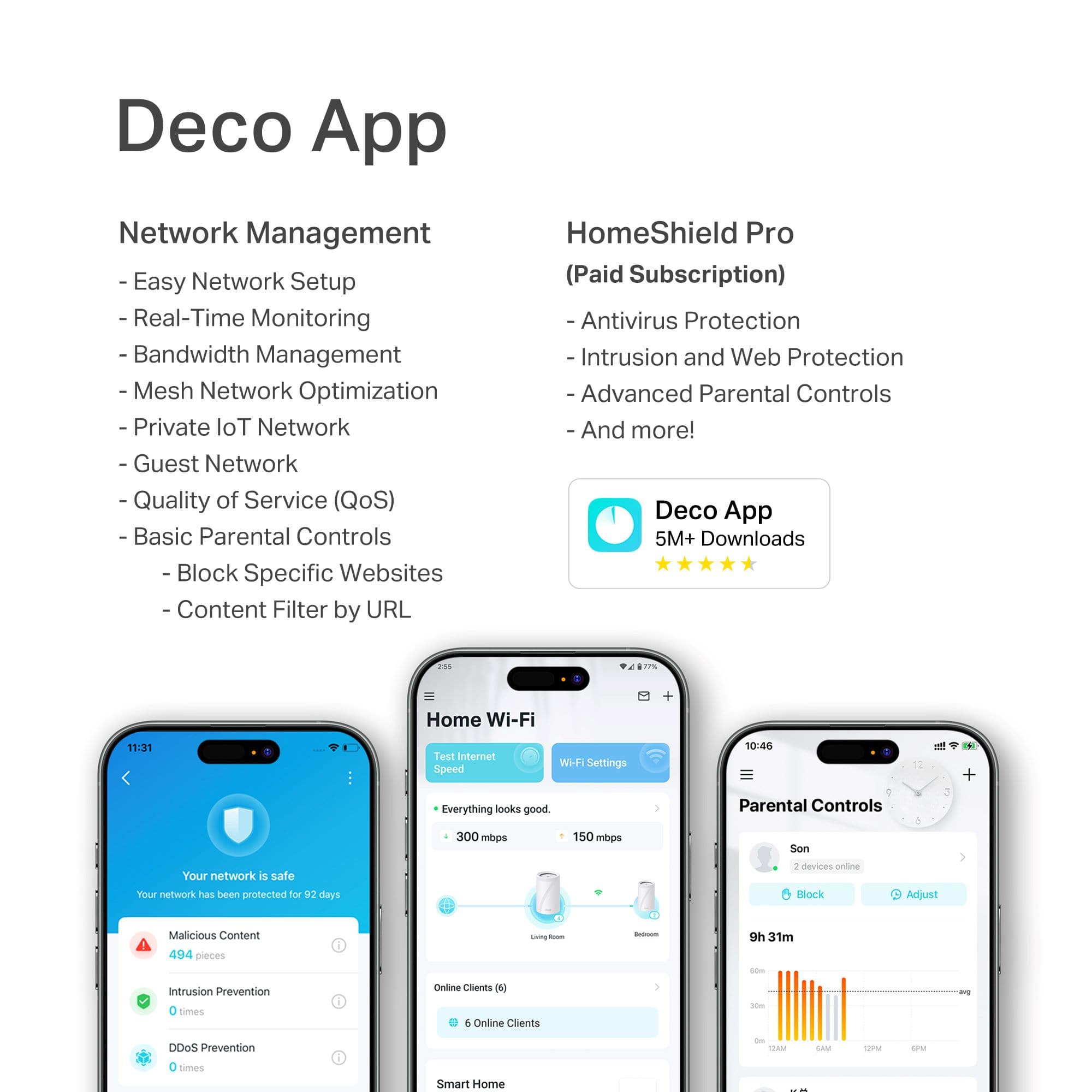
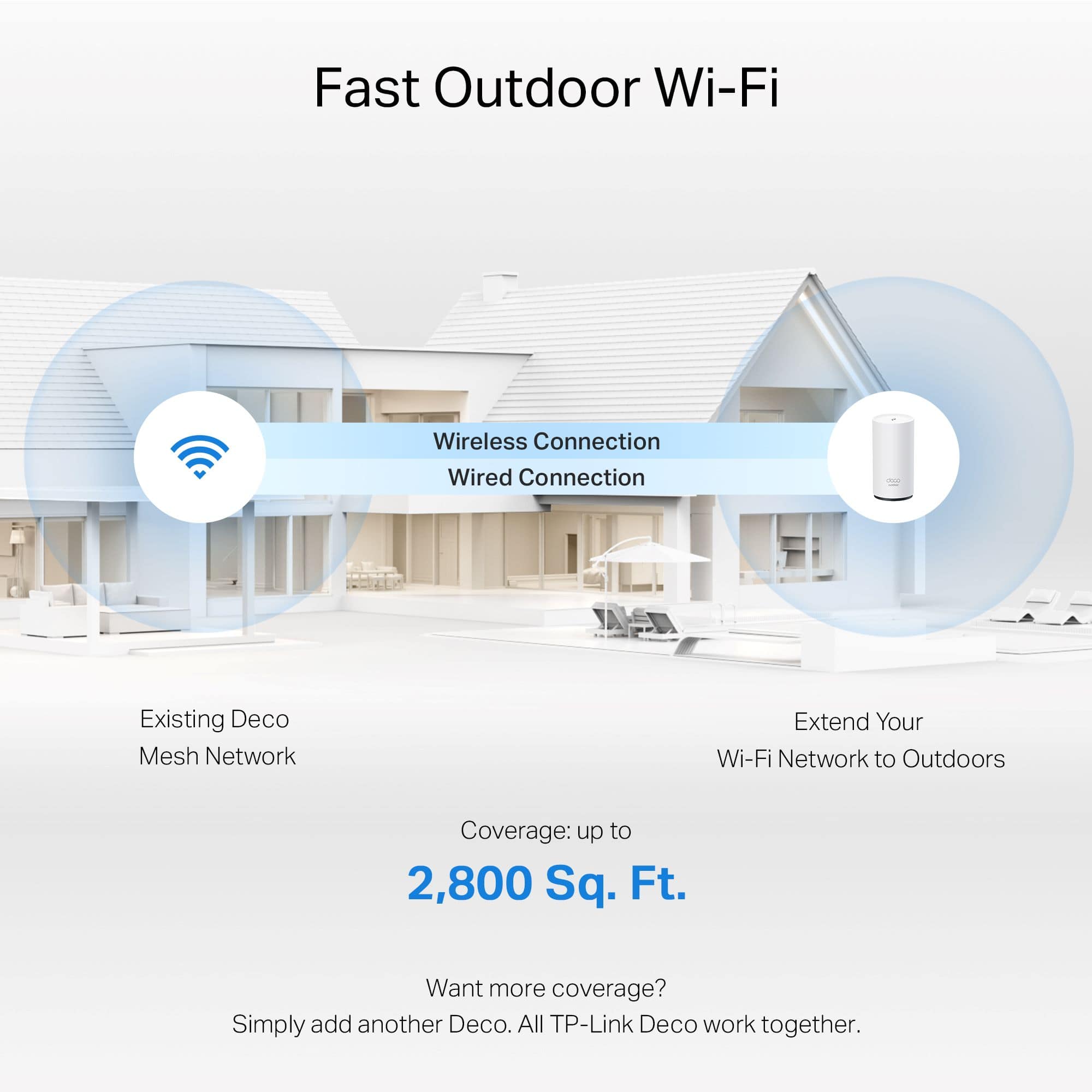
Deco Mesh Wi-Fi Systems are compatible with other Deco Mesh models and can be managed through the Deco app. While they may not connect directly via Wi-Fi Mesh to your Orbi or with your Orbi app, you can use the Deco BE65 Outdoor in Access Point Mode by connecting it to your existing network with an Ethernet cable and setting it up through the Deco app.
A:AnswerHi LLOYD,
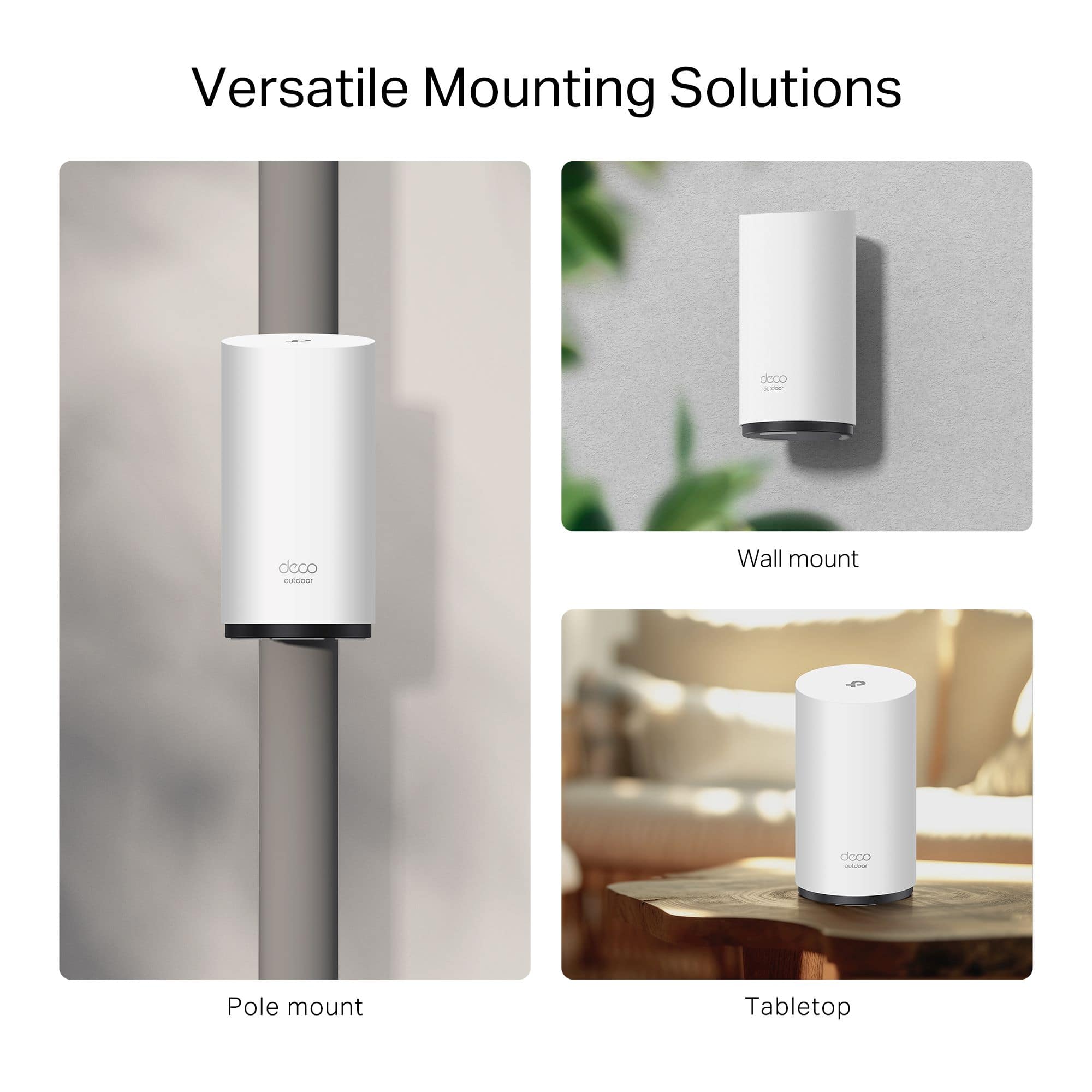
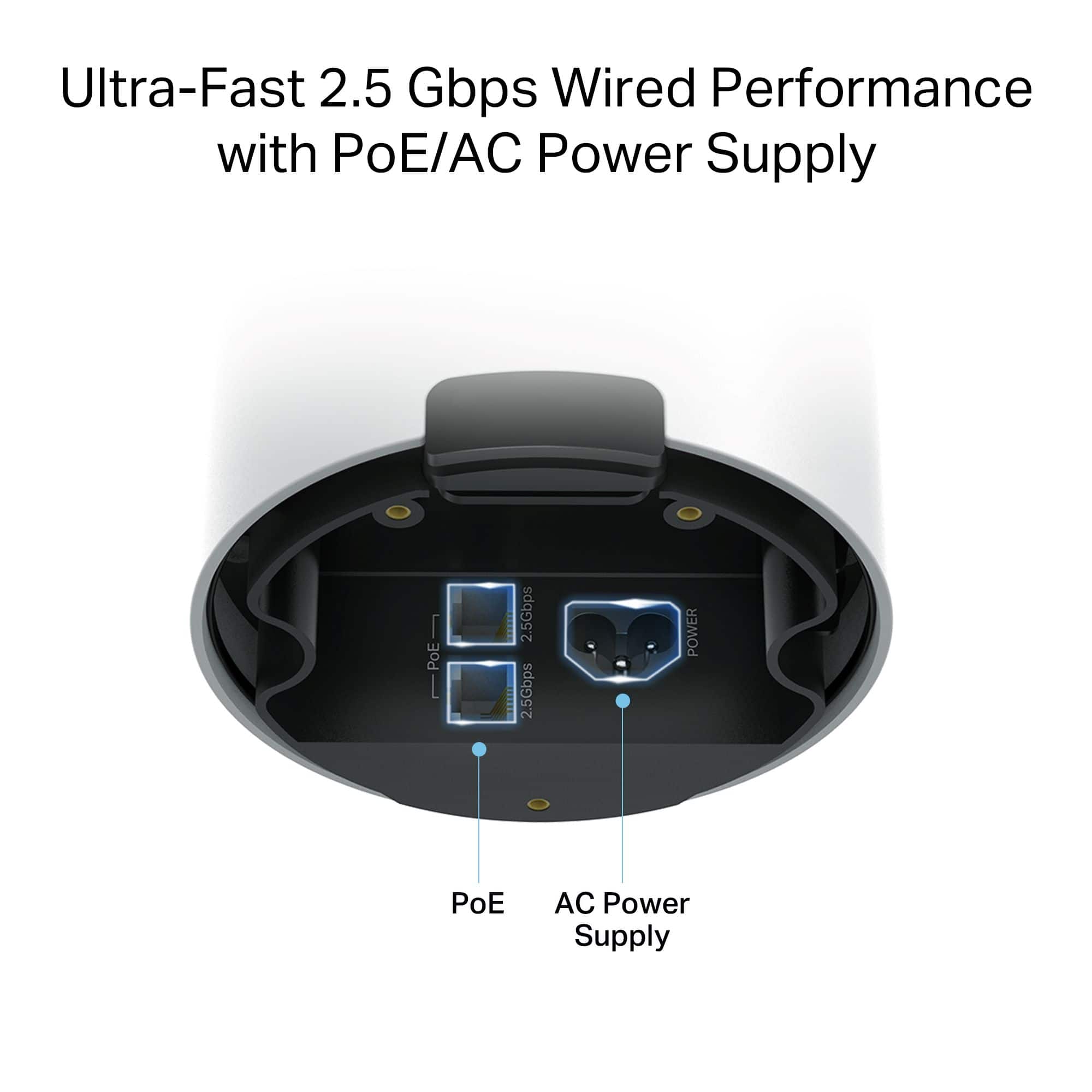
Yes! In addition to its standard power adapter, the Deco BE65-Outdoor also supports PoE (Power over Ethernet) for enhanced flexibility and convenience when installing the mesh node for your home.
A:AnswerHi Ronda,
Yes, absolutely! All of our Deco Mesh models are designed to be compatible, ensuring a convenient mesh Wi-Fi experience. You can easily add this outdoor Deco unit, via the Deco app, to your existing network.
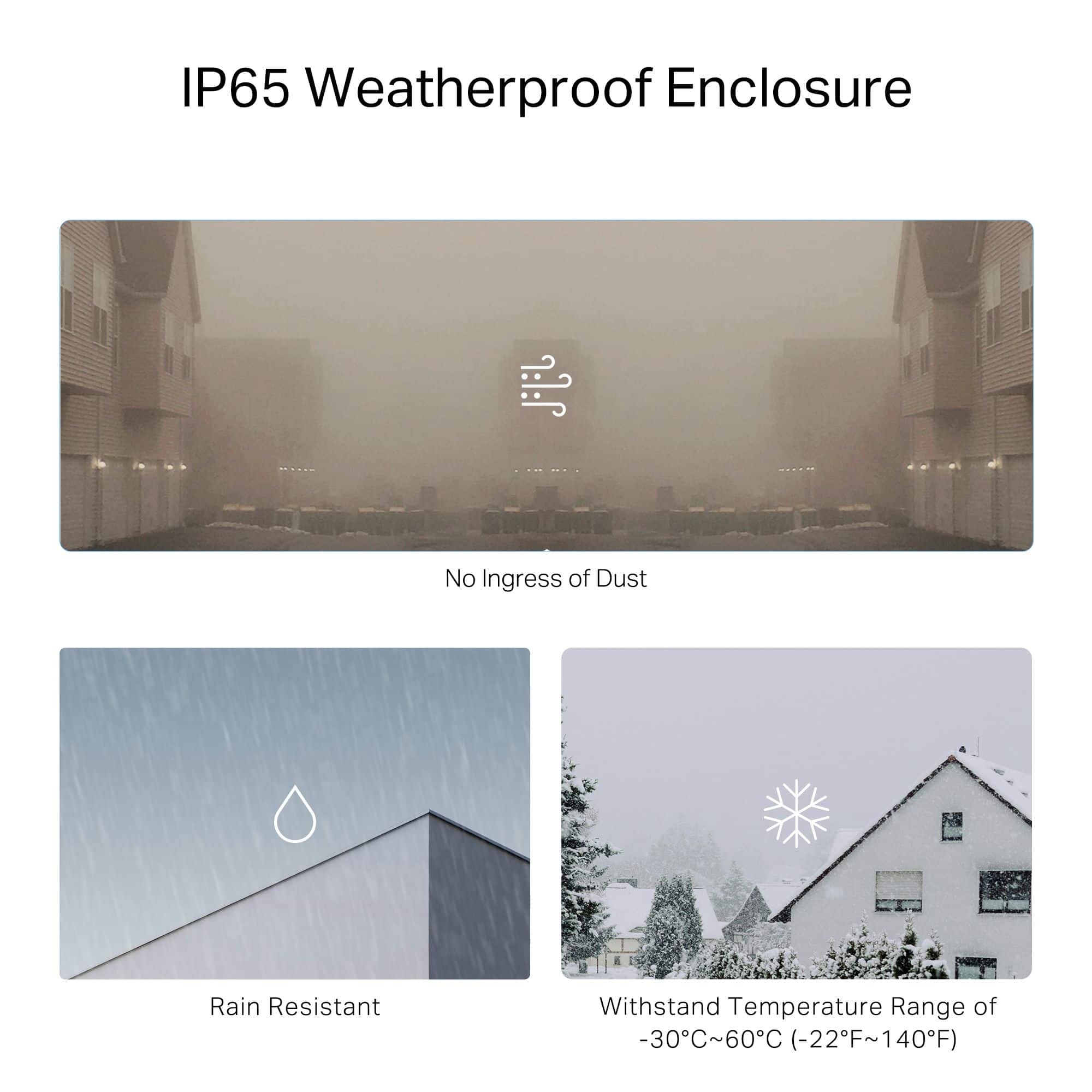
A:AnswerYou should never setup a router in an enclosed space. It’s an outdoor router, so it can handle the elements. Routers lose a lot of signal in an enclosed situation. If it has to be enclosed make sure the encloser is decent in size and out of the direct sunlight, but again don’t recommend that.
A:AnswerHi Mike,
Protection against lightning and electrostatic discharge may be achieved through proper product setup, grounding, and cable shielding. Refer to the instruction manual and, if need be, consult an IT professional to assist with setting up this product.
A:AnswerHi WaltM,
We would encourage you to contact our support team directly using the phone, live chat, or email support options listed on our official TP-Link website. Our support agents can assist you with diagnosing and optimizing your Deco network, and are always happy to help: https://www.tp-link.com/us/support/contact-technical-support/#LiveChat-Support
A:AnswerHi Floyd,
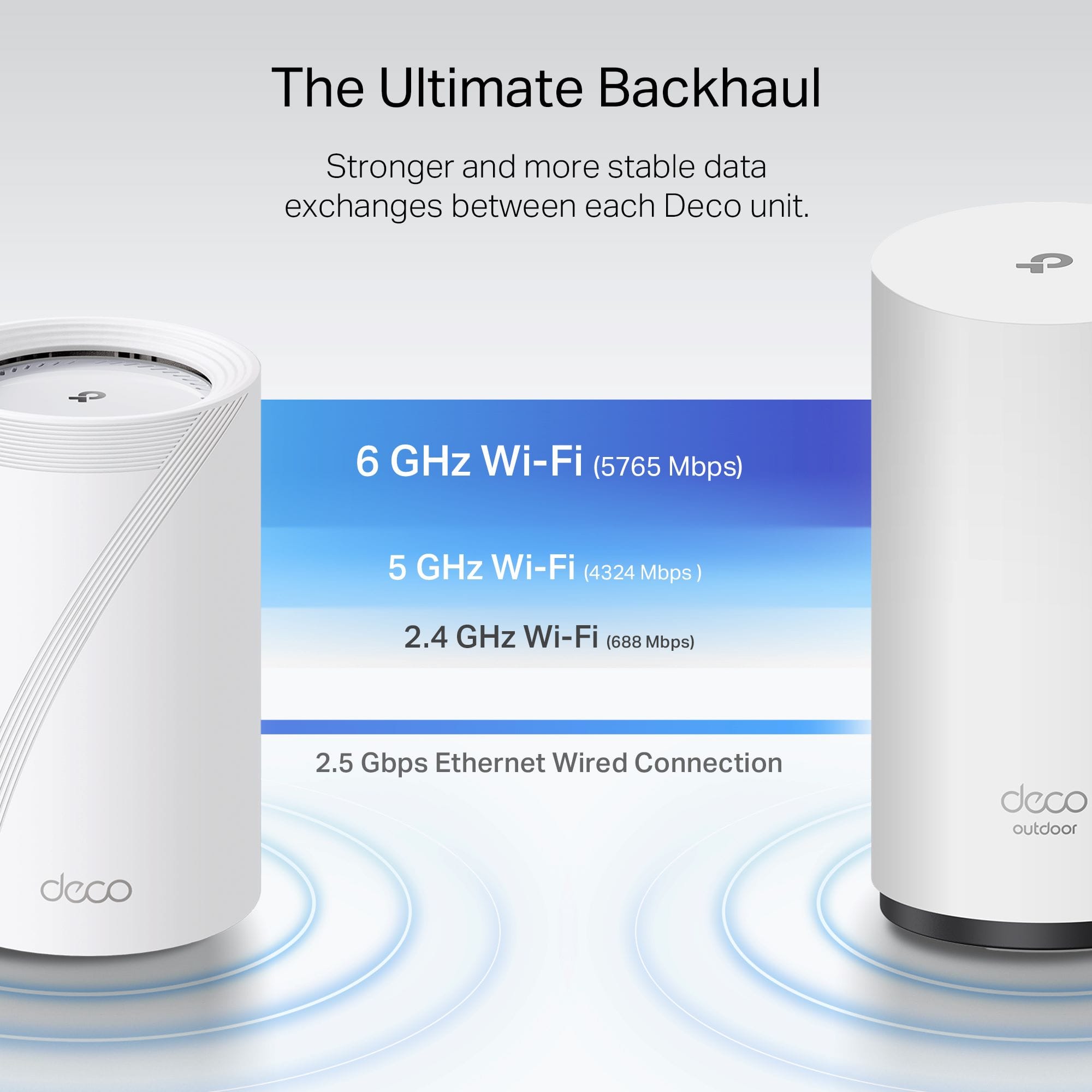
Yes, the Deco BE65-Outdoor can connect to another node besides the base Deco in your Mesh network. You also have the ability, through the Deco app, to assign Connection Preference parameters, including which node(s) connect to which, and which client devices connect to which nodes.
A:AnswerHi Dave,
Similarly, as with the other question involving a metal garage — solid block, or brick walls may impact connectivity, depending on node placement, obstructions, and how far away the Deco is from the nearest indoor Deco node. Additionally, whether you intend to connect the Deco BE65-Outdoor via Mesh Wi-Fi or via Ethernet, your results may vary.
A:AnswerHi Pat,
If the garage is made entirely of metal, then it may drastically impact connectivity, if not outright block it. This is due to the nature of Wi-Fi and how it interacts with different materials. Depending on how far away the garage is from the nearest indoor Deco node, and whether you intend to connect the Deco BE65-Outdoor via Mesh Wi-Fi or via Ethernet, your results may vary.