A:AnswerHi Felixg,
Deco Mesh is not directly compatible with EasyMesh, and Archer Routers are not compatible with the Deco app. We appreciate your interest in full compatibility between Archer and Deco, and will share your feedback with the appropriate teams for future consideration.
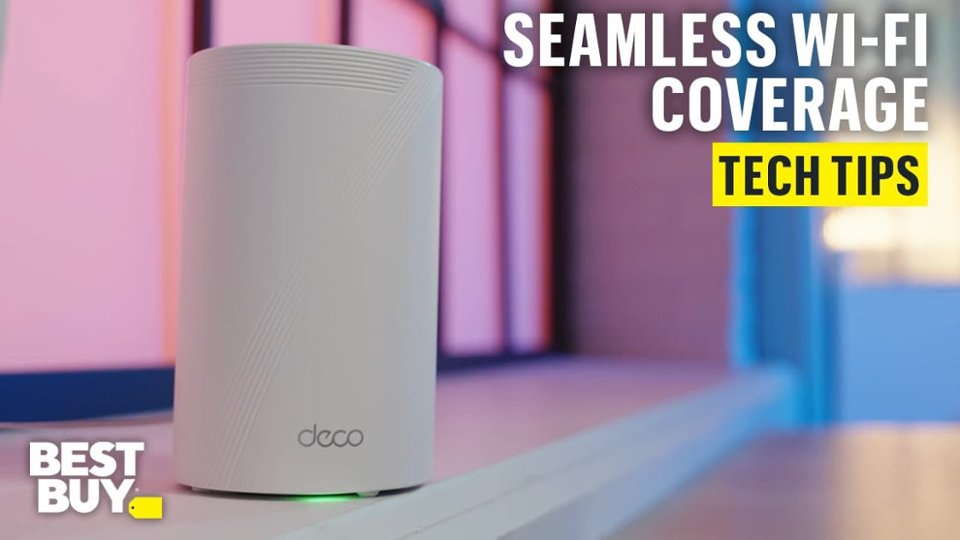
A:AnswerWhichever unit you plug into your modem (where the internet signal is brought in from your ISP) will become the router, and the other two will be nodes, or access points. All will broadcast the WiFi signal through you home.
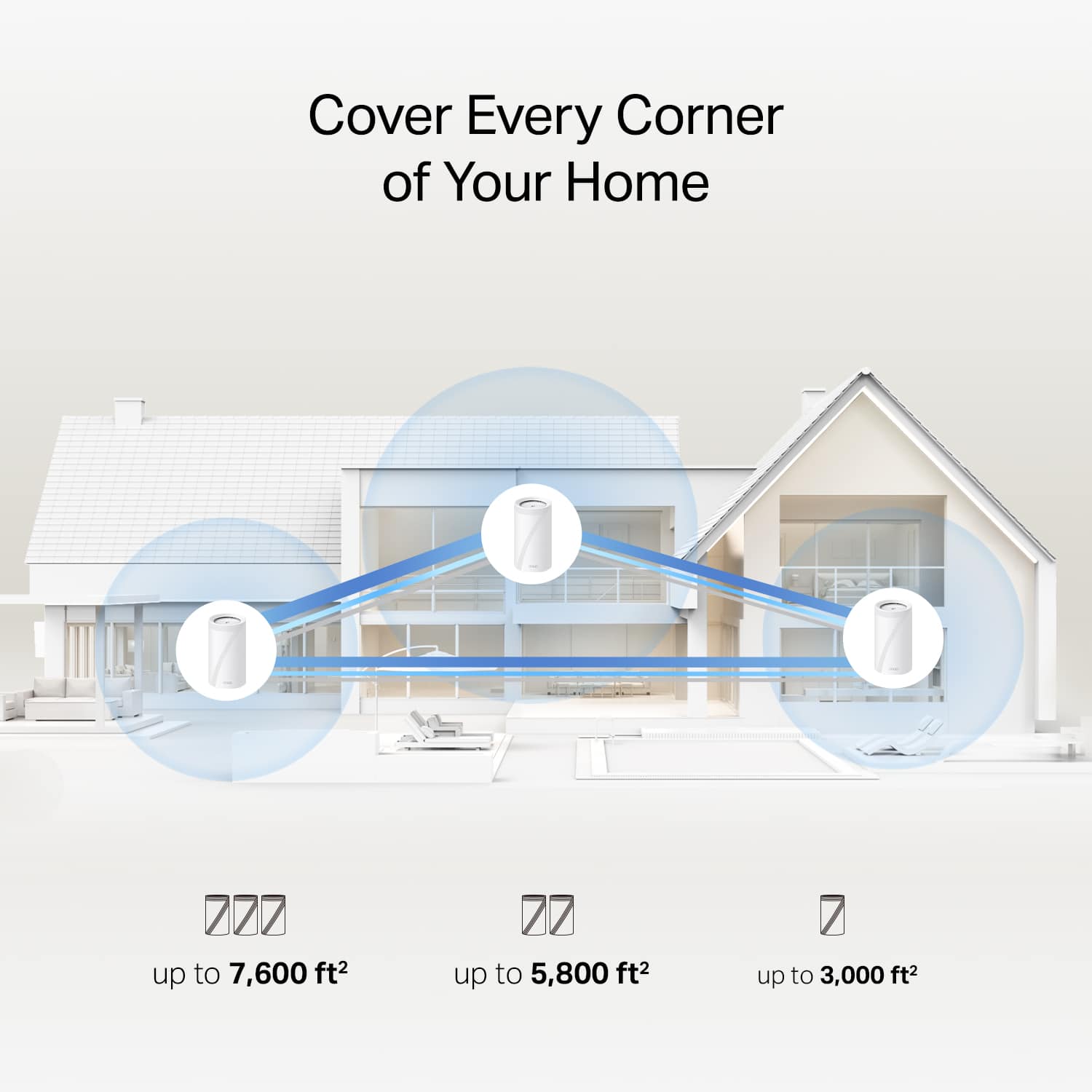
A:AnswerI would say at least one per floor in your house. I have some spread out areas that I needed coverage on one of three floors and I ended up putting two on that floor, so for my three floors I have 4 satellites.
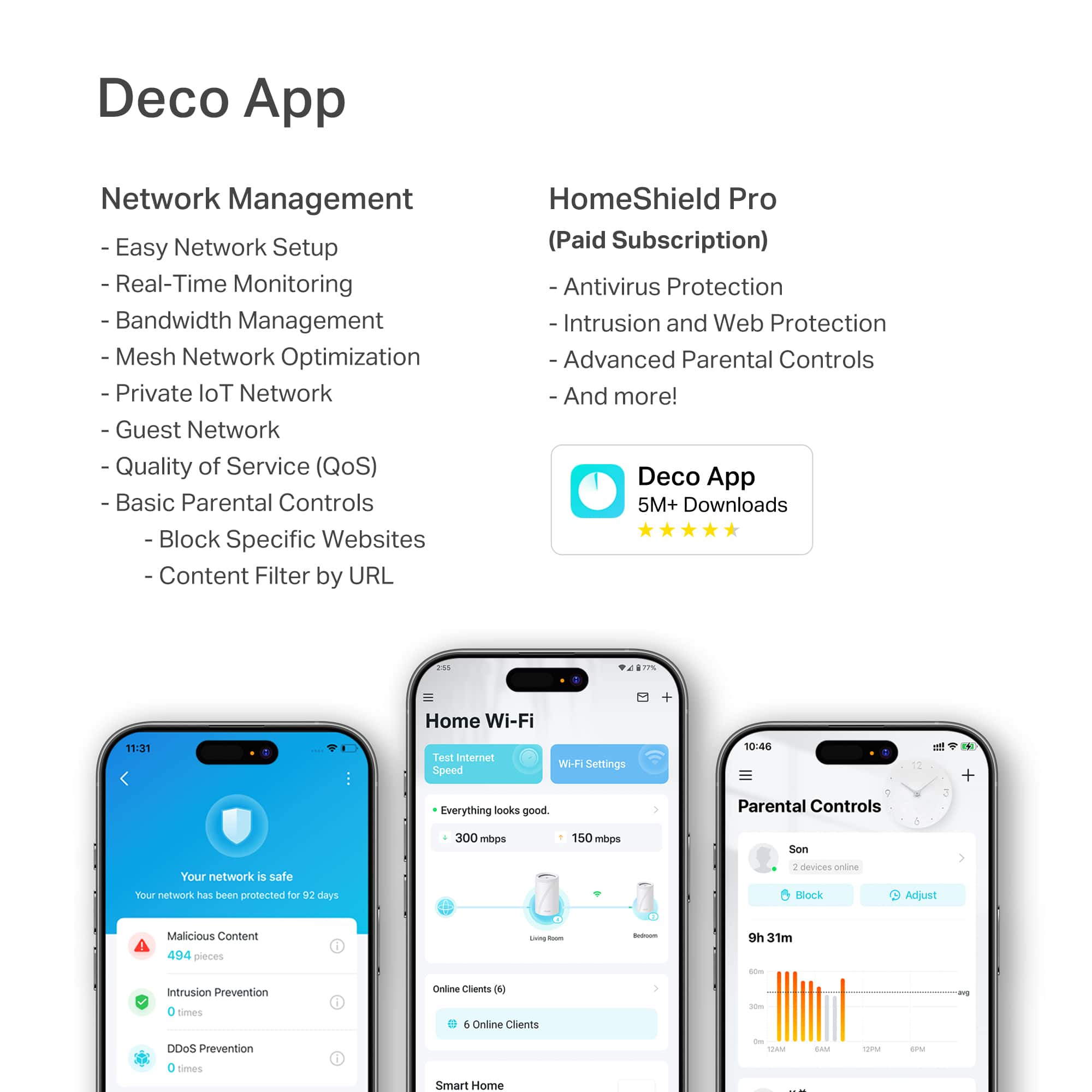
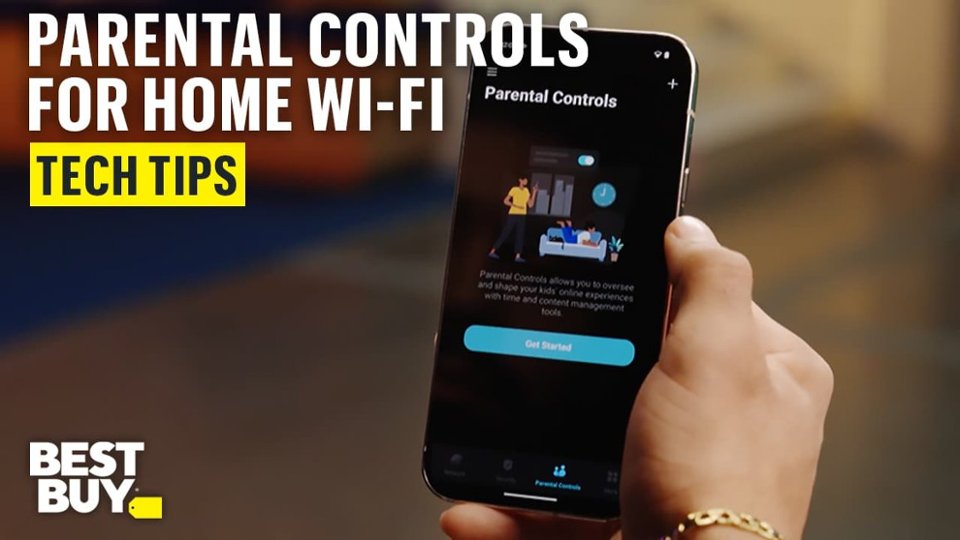
A:AnswerThe device includes parental controls such as user profiles to control access and online time free of charge via the companion app.
It includes basic security features as well. The plus package is currently $35.99/year or $4.99/mo. The premium "Total" package is currently $69.99/year.
These generally aren't worth the cost or the extra tracking data that the company collects on you, though :)
A:AnswerHi,
For your convenience, TP-Link Deco Whole Home Mesh Wi-Fi Systems can be remotely controlled and managed via the Deco App on your smartphone.
A:AnswerHi KayVerde,
Deco Mesh Wi-Fi Systems are designed to provide seamless Wi-Fi connectivity throughout your home. However, you will still need an existing Internet source, such as a modem, ONT, or gateway from your Internet provider, to access the Internet through the Deco Mesh System.
A:AnswerYes data transfer is a lot faster. Also, if you have a camera system, pictures will be a lot clearer and works a lot smoother with less static interference from the outside.
A:AnswerHi Candit96,
No, only the main Deco needs to be connected with Ethernet to your existing Internet source (e.g., modem, ONT, gateway). The remaining units can then connect using Mesh Wi-Fi.
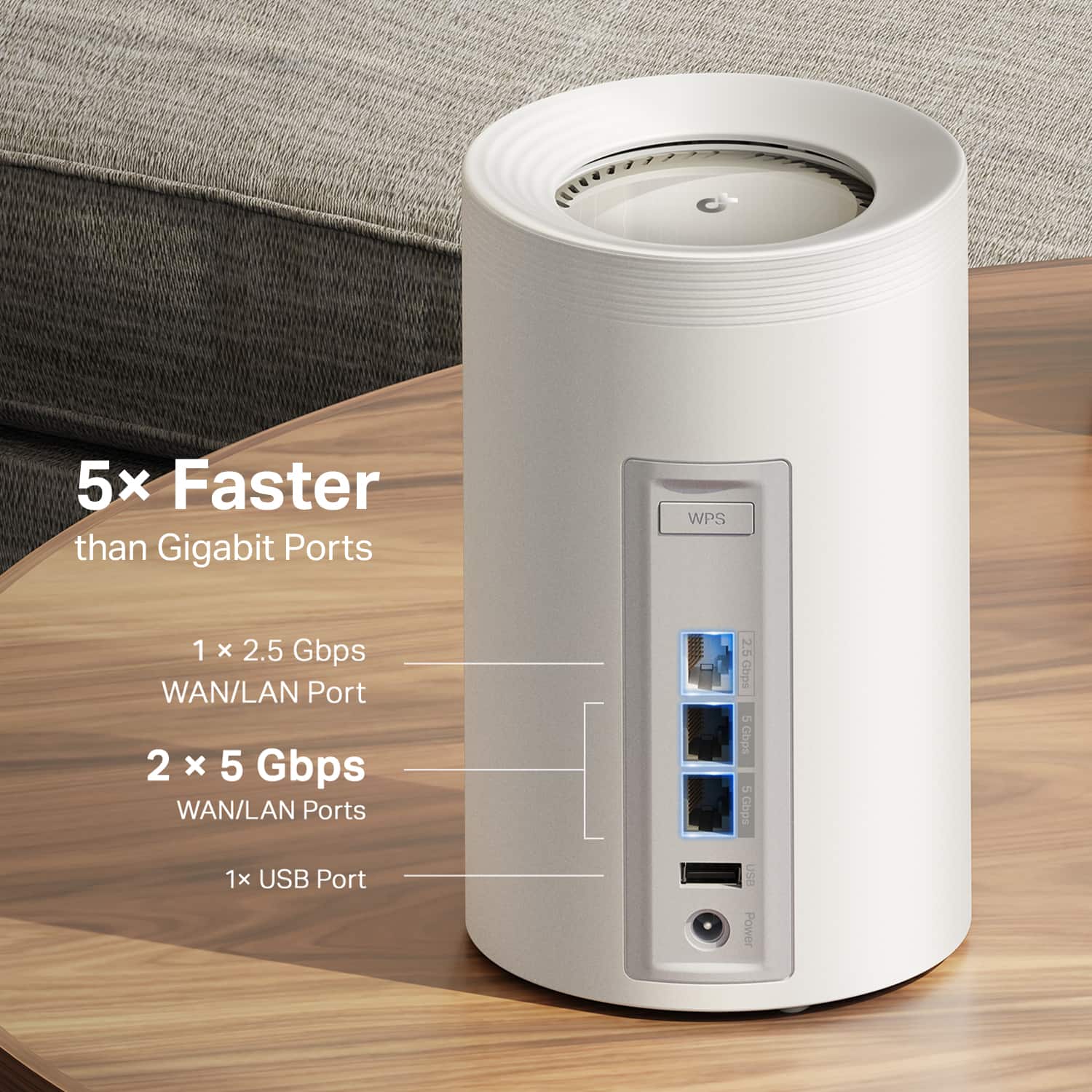
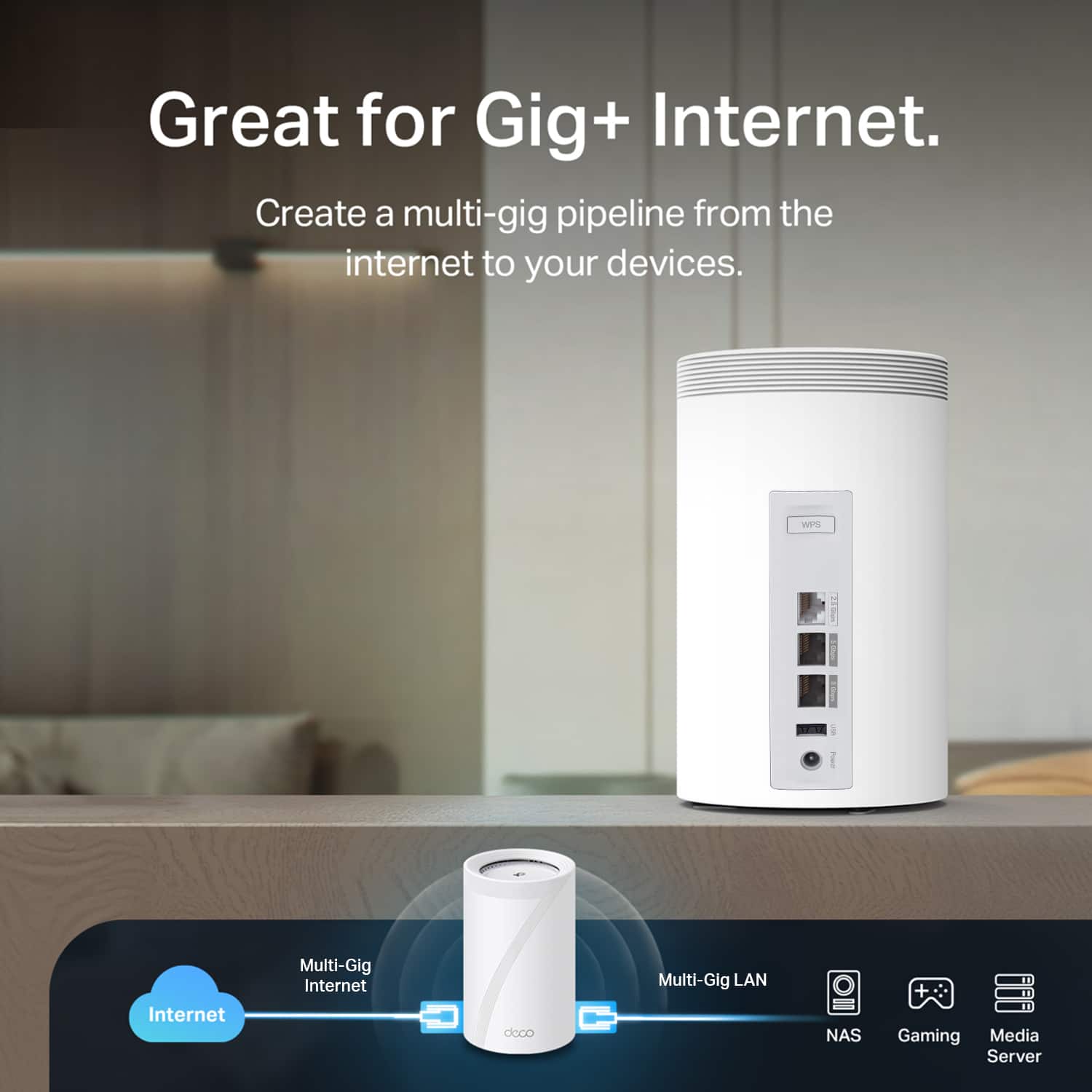
A:AnswerYes. This device is limited to a 5 Gigabit maximum speed by the 5 Gig ports, though. If your Google Fiber speed is higher, you won't get full speed
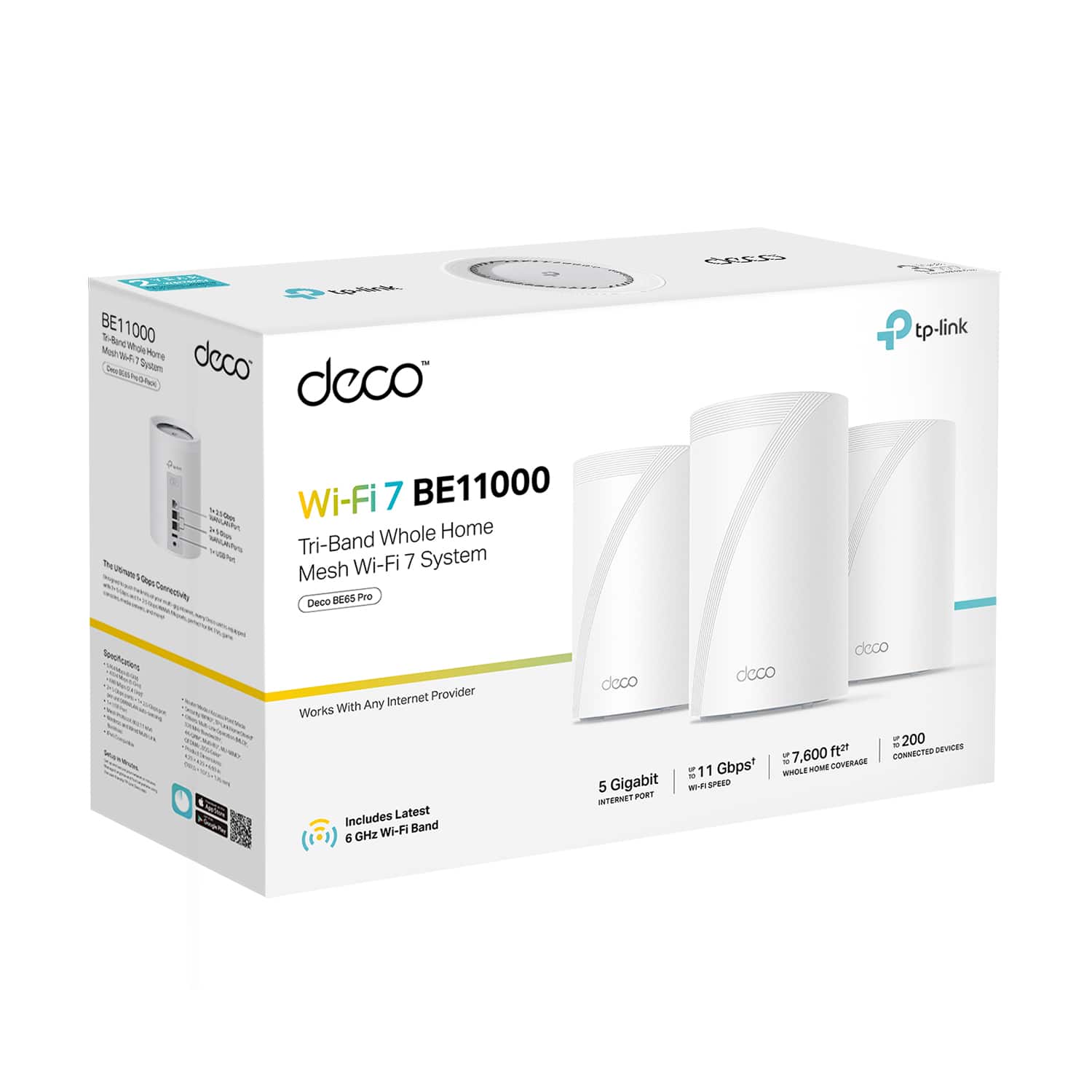
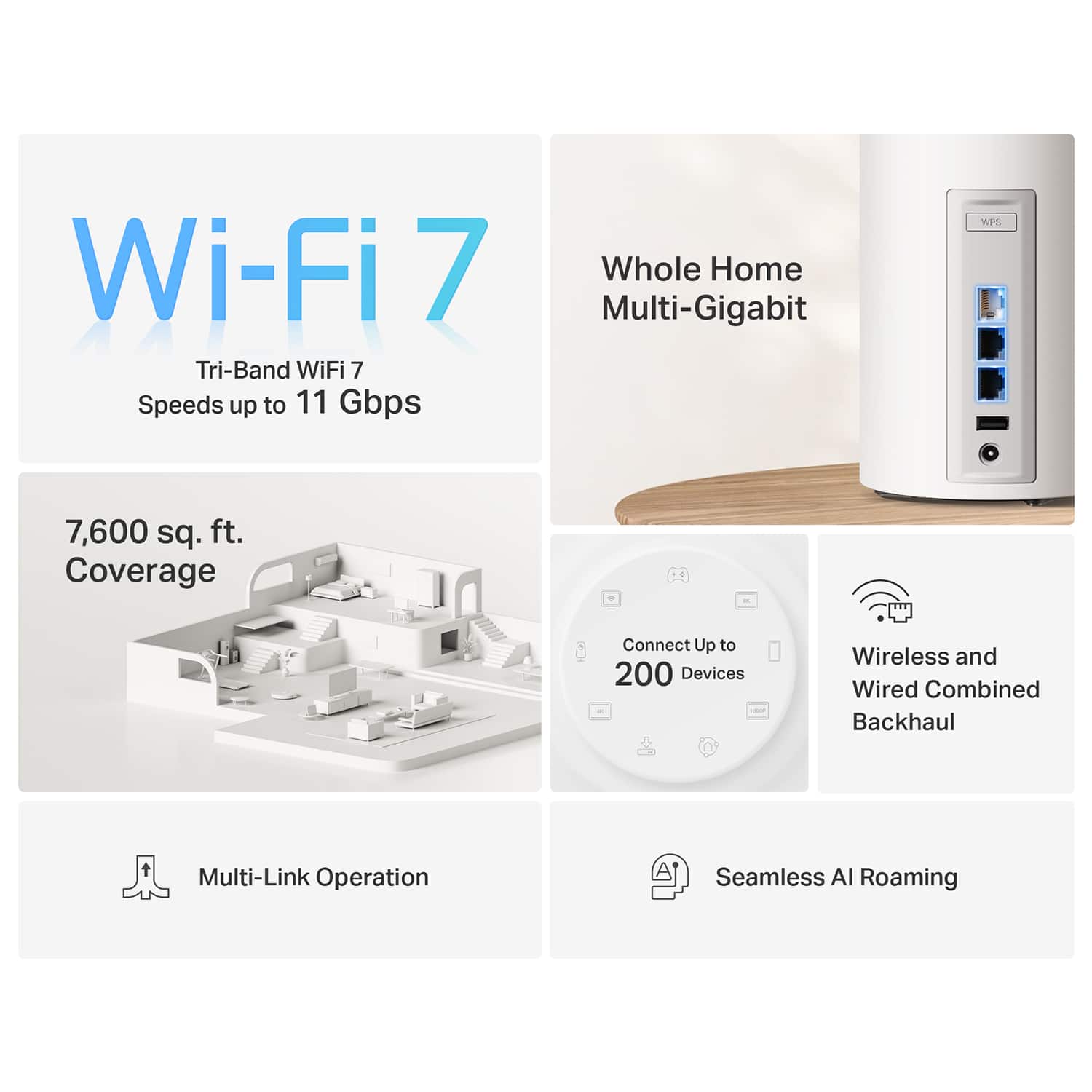
A:AnswerIt claims to support over 200 devices and uses a 255.255.255.252 subnet by default, with the default config including approximately 400 IP addresses in the DHCP pool. I have approximately 60 connected.
However, the firmware currently has some pretty major issues with Wi-Fi that sometimes cause frequent disconnects, regardless of how many devices are connected.
A:AnswerHi Nick,
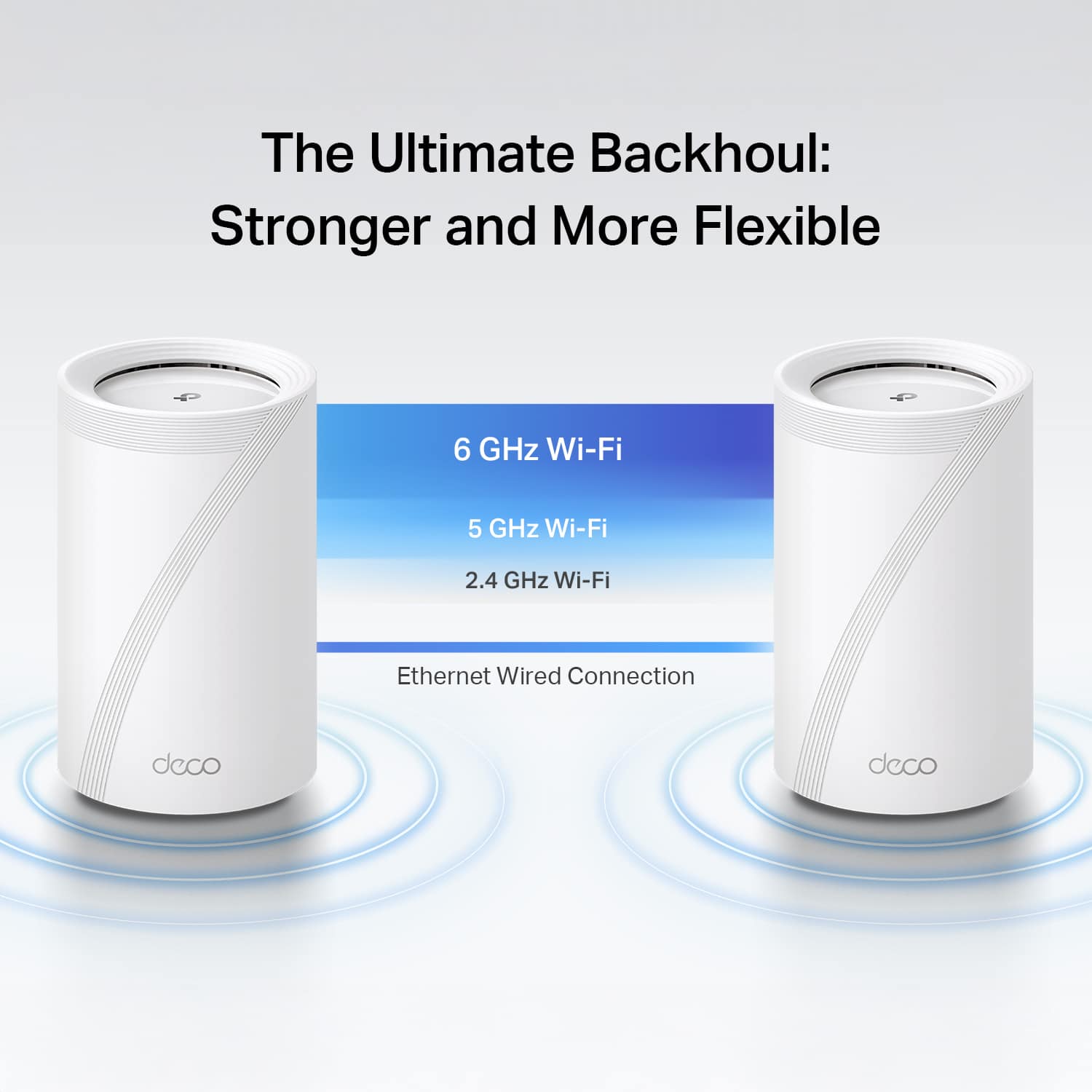
Yes, you can use the Deco's Ethernet backhaul feature to connect each node to your wired LAN. If you intend to use your Comcast router as your main network gateway/routing device, you would ideally want to set up the Deco in Access Point Mode. However, please note that some features that rely on the Deco operating in Router Mode may not be available in Access Point Mode.