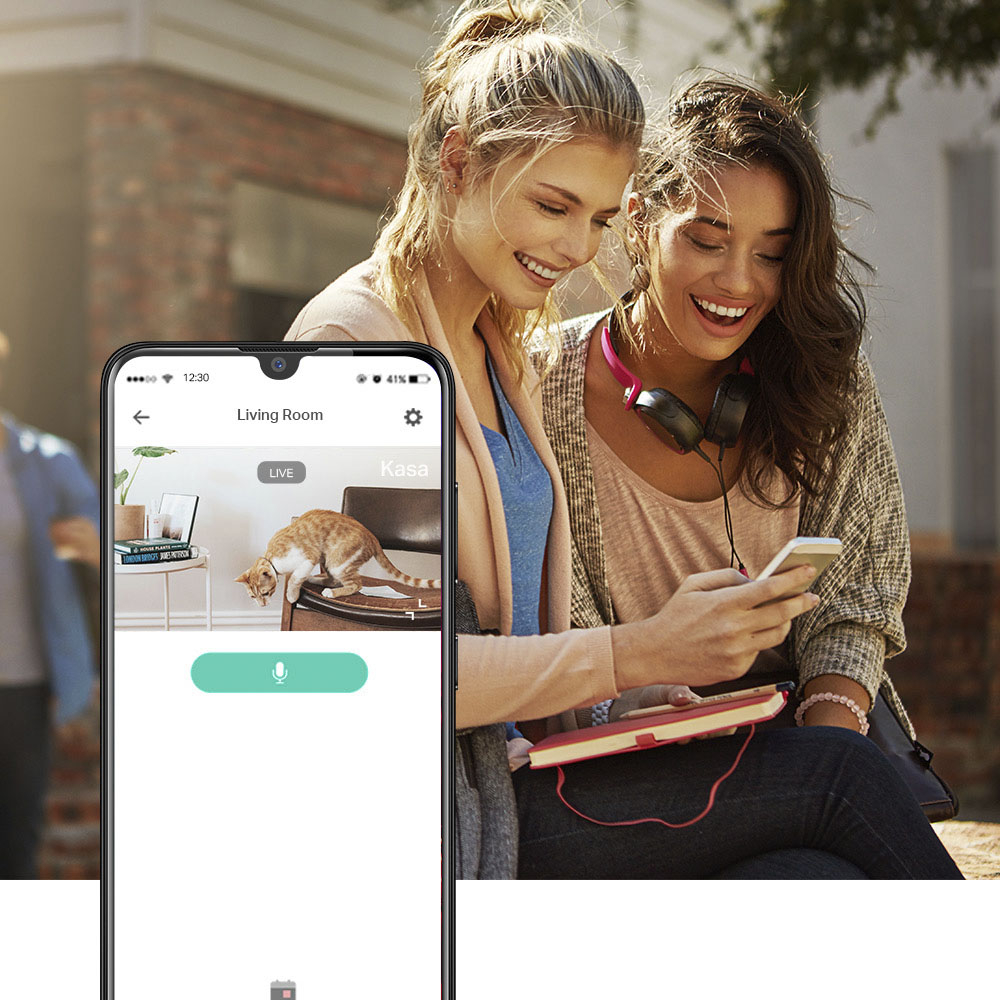
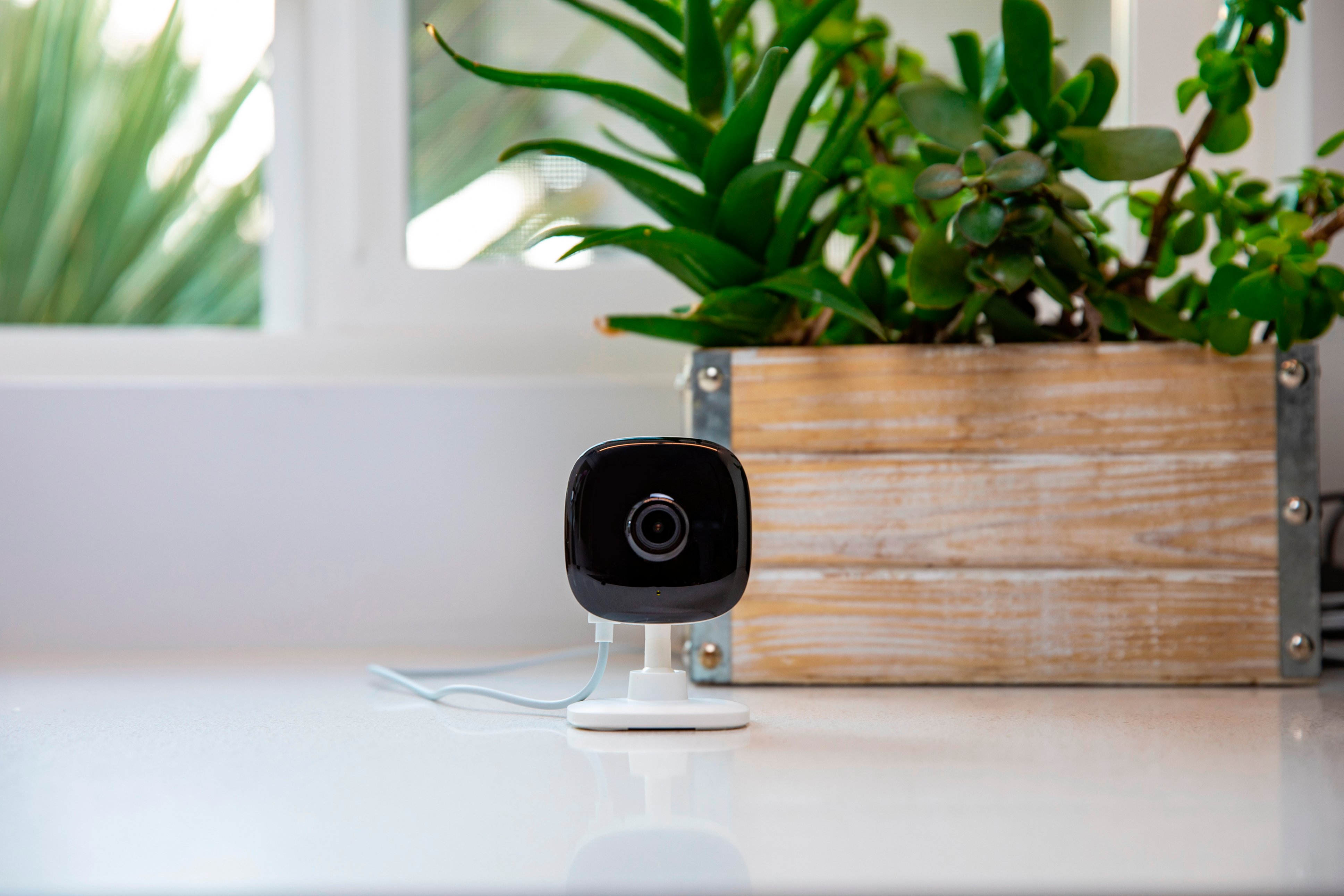
A:Answerit comes with power cable and just a card with installation instructions. Its basically plug and play with your phone. Download Kasa Smart from google play or apple app store. Plug in camera, tap + button in the app and select camera. follow app instructions to complete setup.
A:AnswerHi! Our Kasa cams are designed for quick and easy setup using the Kasa app. If you're having difficulty connecting them to your network during setup, please ensure your router's 2.4GHz Wi-Fi signal is sufficiently strong at the device's location.
Please also ensure your smartphone is not connected to a VPN during setup, as this may interfere with the installation process.
If you would like assistance with any of these steps, please reach out to our free support team using any of the resources included with the product, or from our official website, and we'll gladly have a Support Agent follow up with you directly.
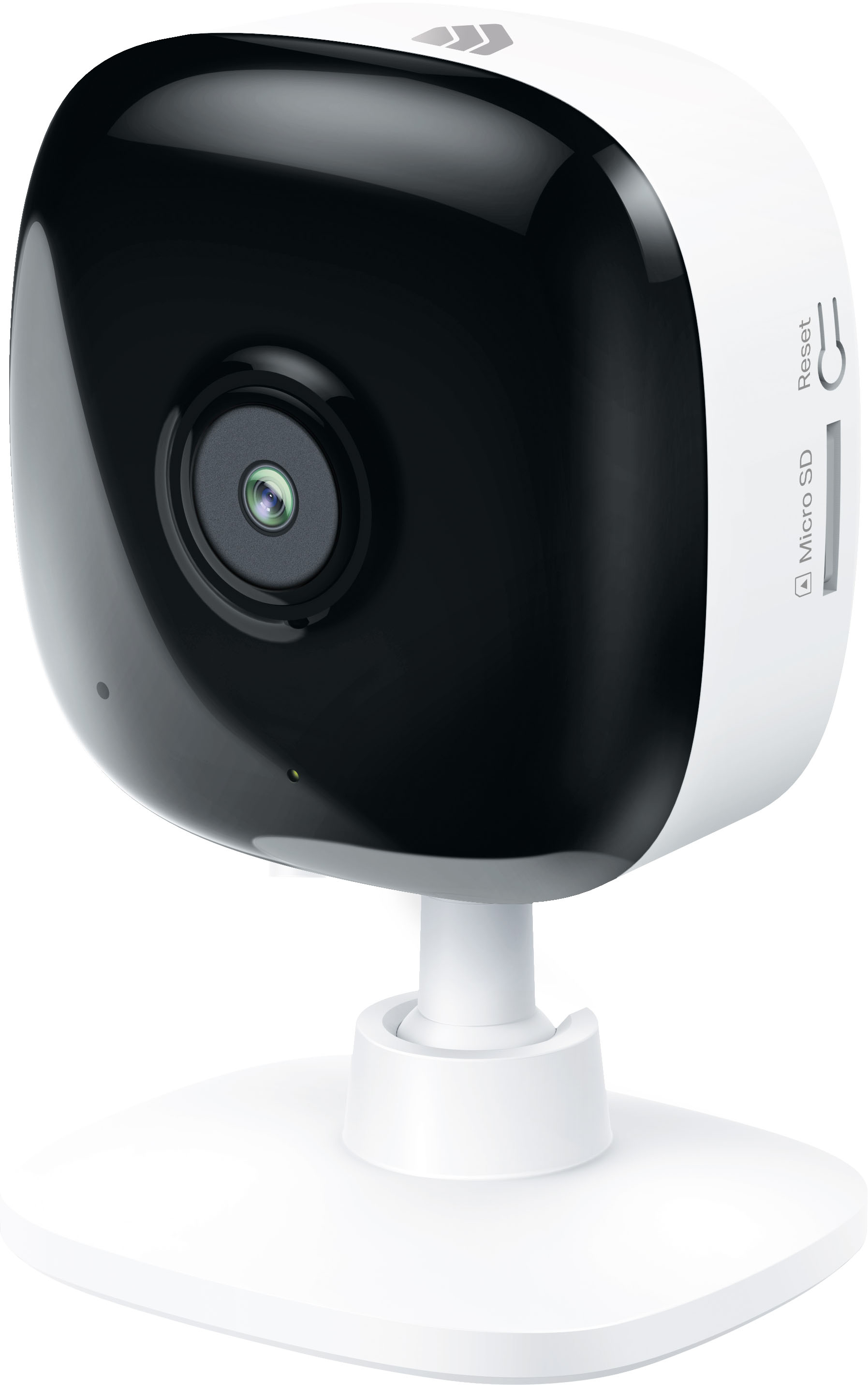
A:AnswerHi! No, in order for the camera to establish a connection with your phone, you must use the Kasa app to register a Kasa account and connect the camera to a nearby 2.4GHz Wi-Fi network.
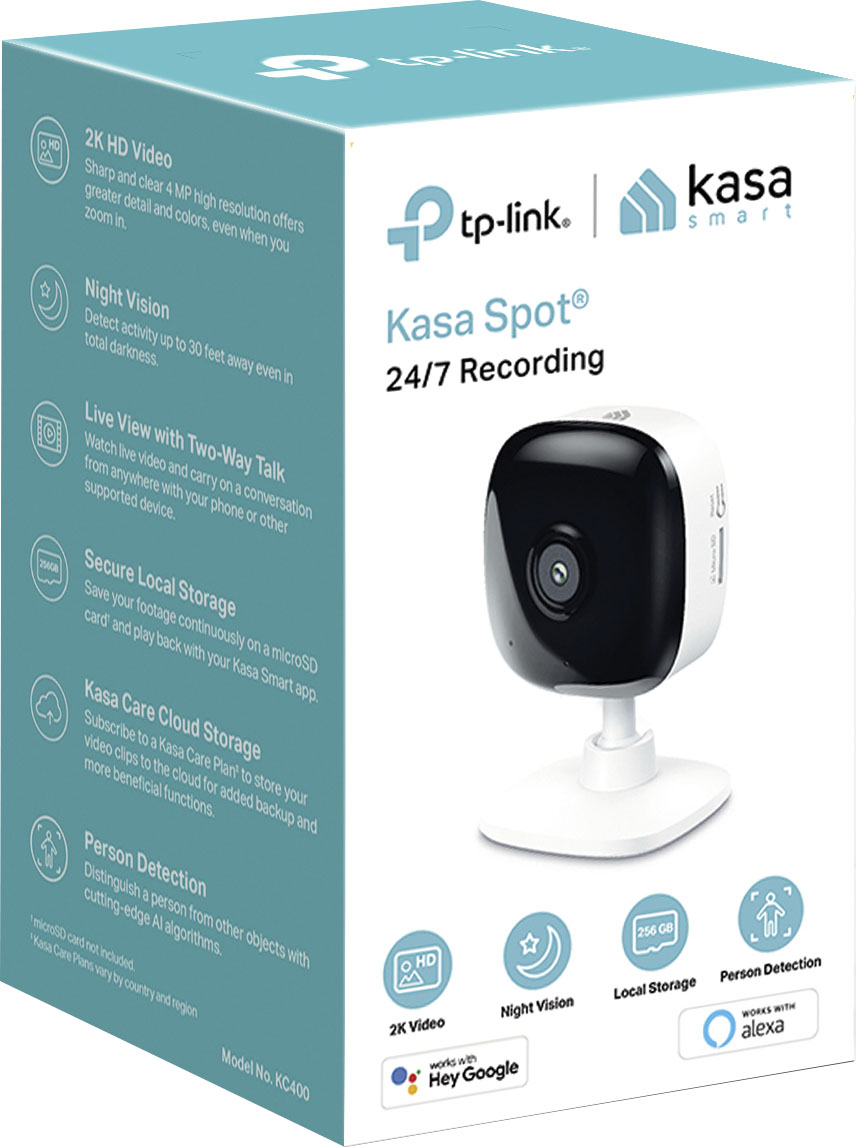
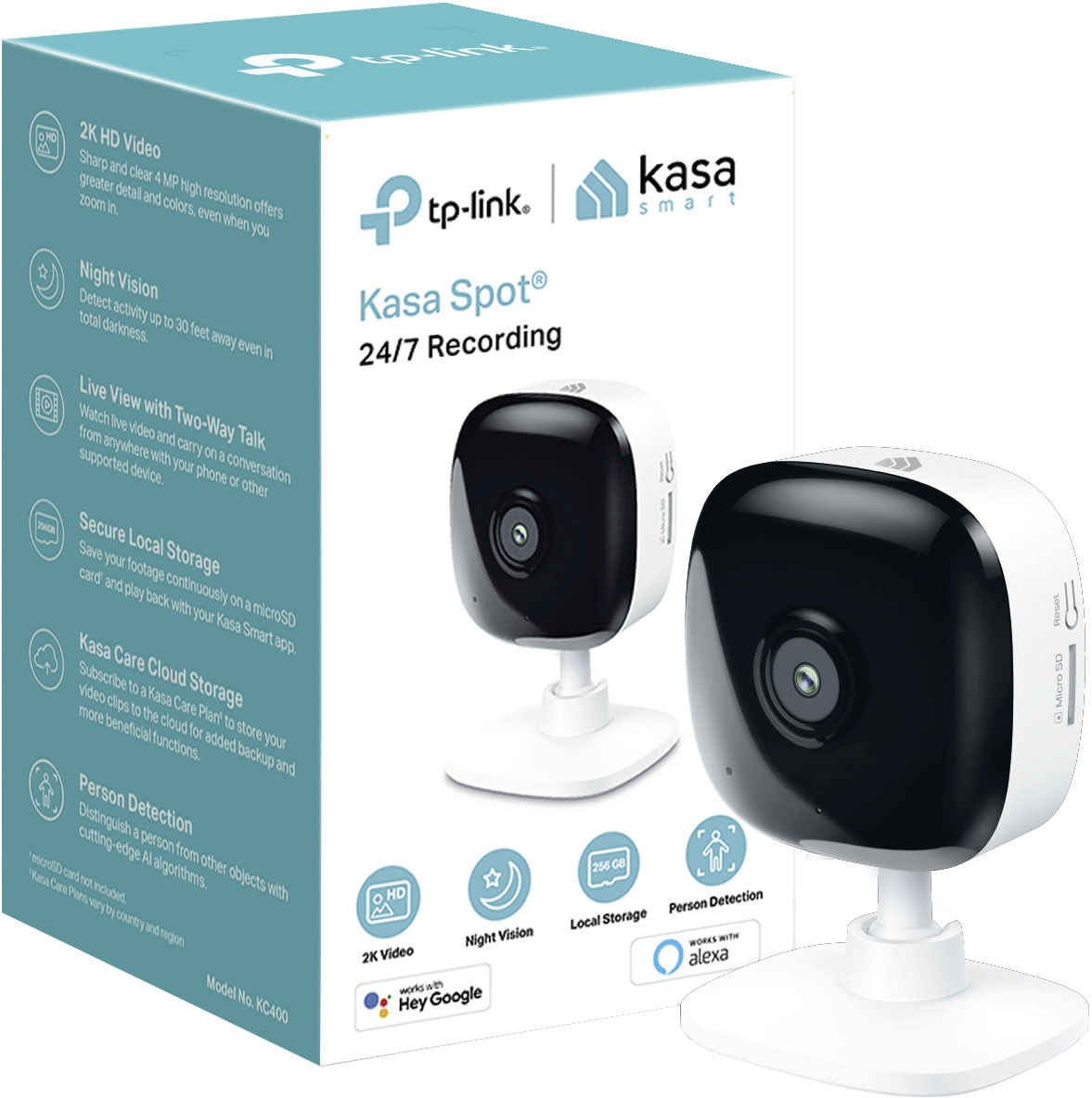
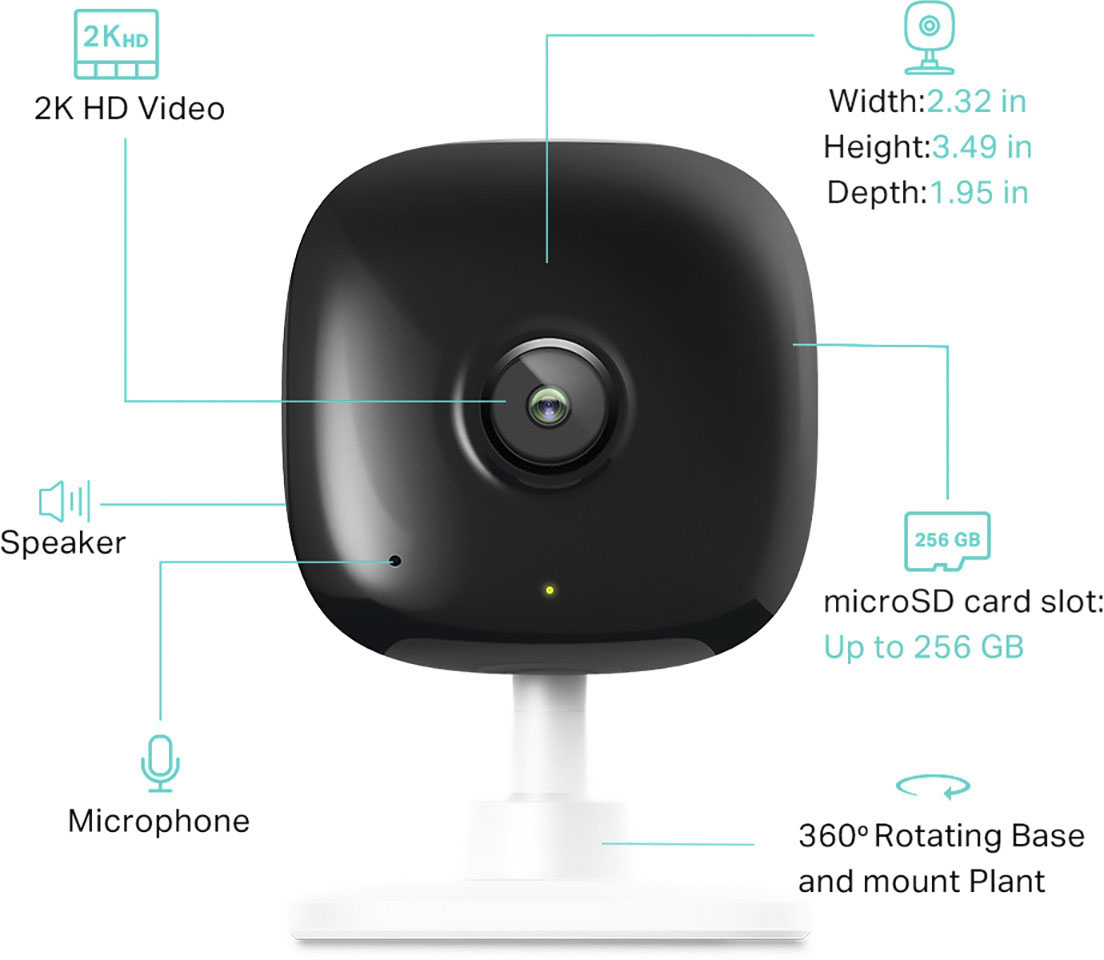
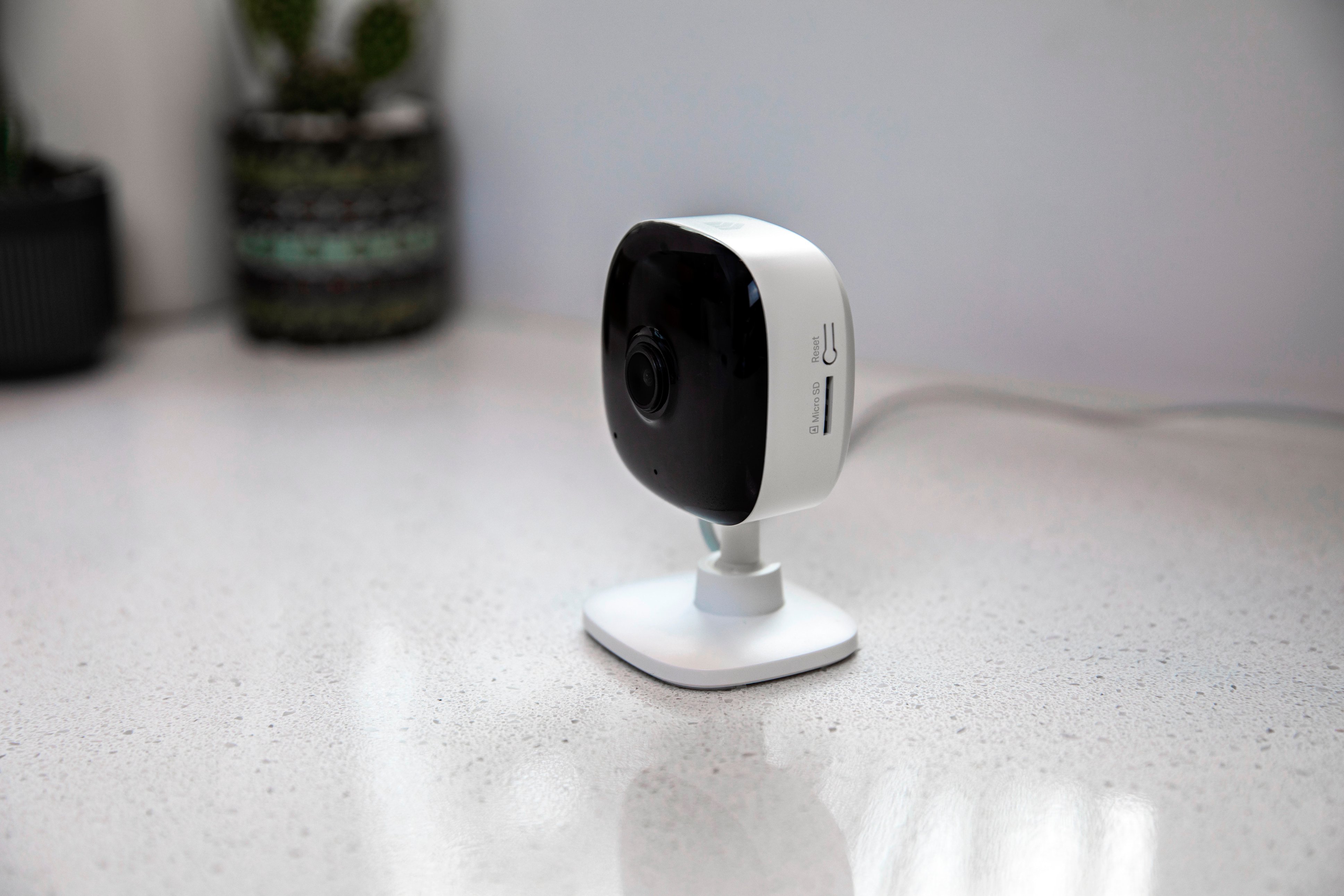
A:AnswerThe hours depends on the size of the SD card. Once the memory is full, the camera will keep recording and override the older recordings. U can set it up in the settings where it can record continuously.
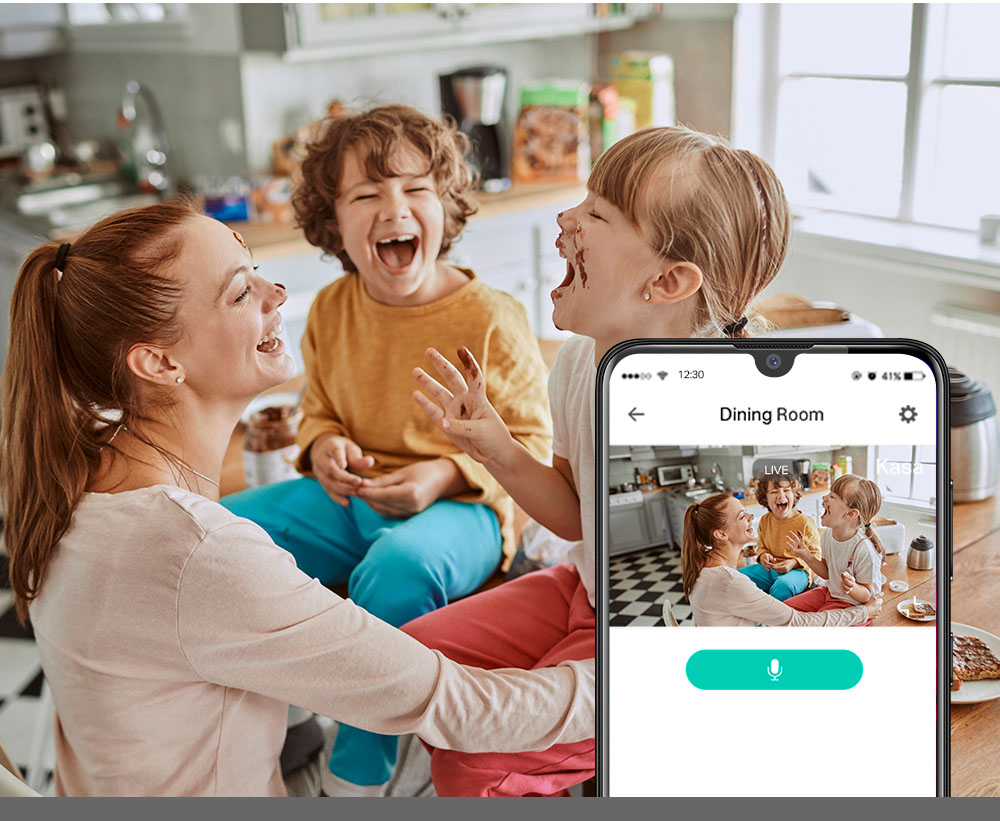
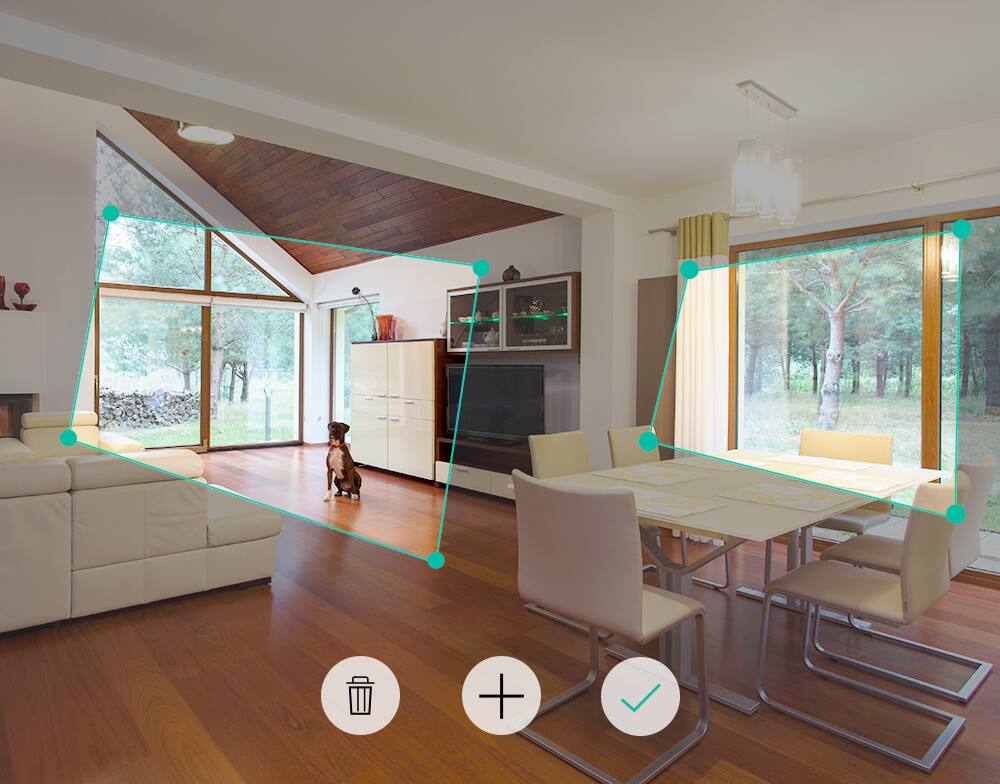
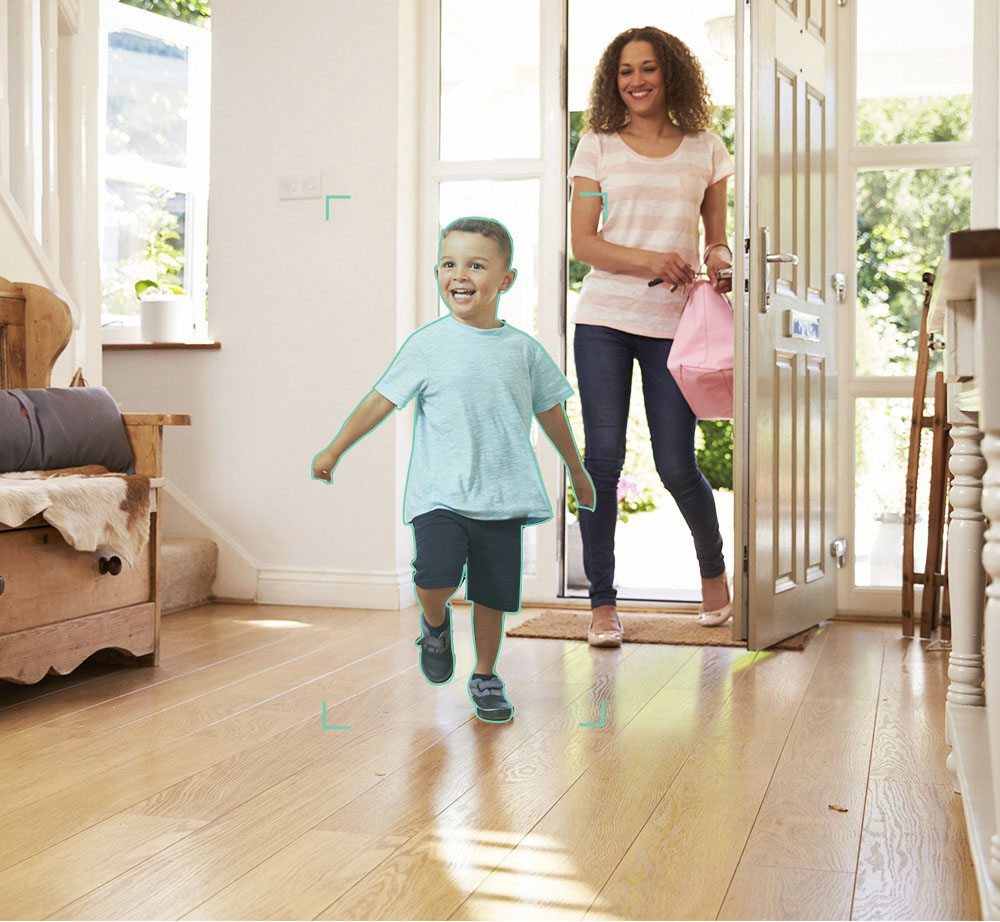
A:AnswerYou can use it to monitor anything really. It will alert you if detects movement through the app, but you can check a live feed at anytime as well.
A:AnswerHi! There is a slight delay on the live feed. As for "5G" Internet, that depends on what you mean.
1. Do you mean "5G Internet service provider", meaning your Internet service is delivered to your home via 5G cellular signal? If so, as long as you have a router within your home that supports 2.4GHz, it should work fine.
2. If by "5G" you mean 5GHz Wi-Fi, please note this camera only supports 2.4GHz Wi-Fi for network connectivity.