Questions & Answers
- Model:
- KP400
- |
- SKU:
- 6341148
Q: Questionwhat is the maximum distance from the router, that this plug will work?
Asked by shelly.
- A:Answer My plug is by garage door and where the router is about 50 feet. It also depends of your Router signal as well. If you decided to purchase this plug, set it up near by your Router first and then move it to where ever you like to use within the strength of your Router signal. I hope this help.
Answered by Mehdi
Q: QuestionAre the two plugs able to operate independently?
Asked by bapa13.
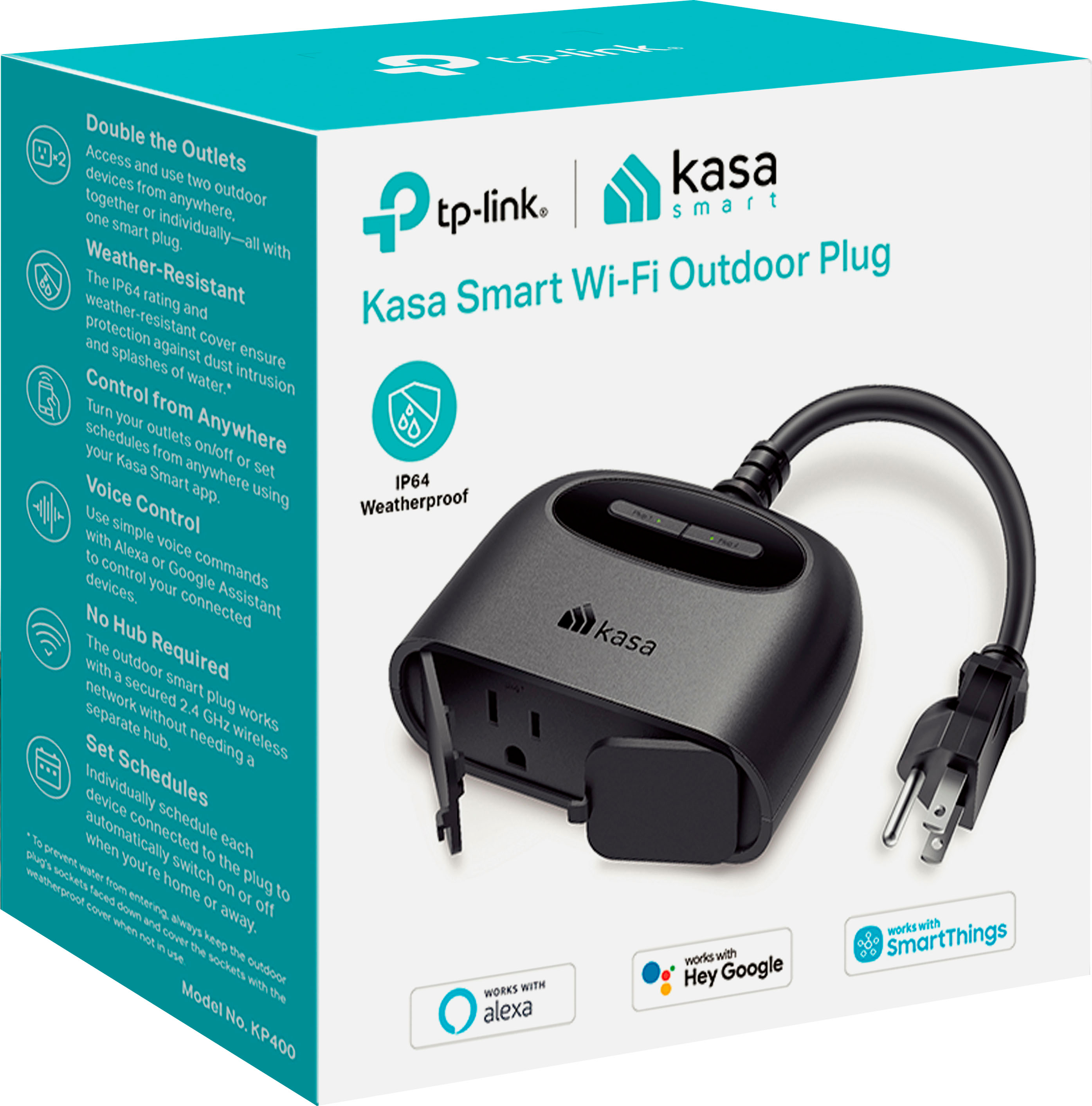
- A:Answer Yes, they can!
Answered by goprohero
Q: QuestionCan you use this for an above ground pool
Asked by Mike.
- A:Answer I bought it to use with our filter pump for our above ground pool too, but it doesn’t work like I wanted it to. Was hoping to be able to switch it on/off on demand, but once it switches off by timer or manually from the Kasa app, the GFCI built into the pump’s plug trips. In order for it to turn back on, the plug needs to be reset by hand - which defeats the whole purpose of the smart plug. I decided to keep mine for Christmas lights or other uses because it’s still a neat device.
Answered by John
Q: QuestionCan I put a air conditioner on this
Asked by Chuck.
- A:Answer Most likely yes. You will need to check the wattage draw of the AC and make sure it is no more than 1500 watts.
Answered by PaulyPaul
Q: QuestionCan this be used on a transformer that controls low voltage landscape lights
Asked by kasa.
- A:Answer You should be able to plug in almost anything that plugs into a regular outlet including the transformer for low voltage lights
Answered by PluggedIn
Q: QuestionCan you use this as a light dinmer?
Asked by Anonymous.
- A:Answer Nope. It’s a plug. You can set schedules to turn on/off or remotely turn on or off whatever is plugged into it.
Answered by MisterY
Q: QuestionOn one phone I can control the plug anywhere on the other phone I can only control it on my Wi-Fi at home how can I fix that
Asked by Music.
- A:Answer On the phone that only has wifi control check the settings in the app and make sure it doesn’t say local only access.
Answered by lionhart32
Q: QuestionCan this be left out in the elements like rain?
Asked by Anonymous.
- A:Answer Ours has been outside in several rain storms and it is fine.
Answered by JoDE
Q: QuestionDoes this release internet
Asked by Ryder.
- A:Answer The smart plug is designed to connect to your existing WiFi network and provide smart automation features for a connected home appliance. You will need an existing Internet service to provide Internet connectivity to the smart plug.
Answered by TPLinkSupport

Q: QuestionDoes this work on 5ghz wifi?
Asked by Bigmoose.
- A:Answer Hi! No, this smart plug requires an encrypted, 2.4GHz Wi-Fi signal for connectivity. The good news is, most routers that support 5GHz also support 2.4GHz. Please check with your router's documentation to verify whether it supports both bands.
Answered by TPLinkSupport

Q: QuestionHow long is the cord, from the unit to the plug.
Asked by tygerliley.
- A:Answer approx 8"
Answered by Christian
Q: QuestionCan you use this indoors to connect to my TV like a regular smart plug
Asked by Rocky.
- A:Answer I have mine hooked up to a plug-in light in my bedroom works perfect
Answered by BigF
Q: QuestionCan this plug be used to change the speed of a fan from low to medium to high?
Asked by Plaz.
- A:Answer No. Smart plugs can only control the power on/off. For the KP405 it can also control the dimming of a light. Those are the only functions of a plug though.
Answered by TPLinkSupport

Q: QuestionCan I use this with my Apple Phone
Asked by Shortsman.
- A:Answer Hi! Yes, the Kasa app supports iOS.
Answered by TPLinkSupport

Q: QuestionCan this plug operate a small pump - up to 1 hp?
Asked by CCWoodles.
- A:Answer The box states up to 1/2 hp.
Answered by Mistaed2019
Q: QuestionHow do you reset them?
Asked by JimA.
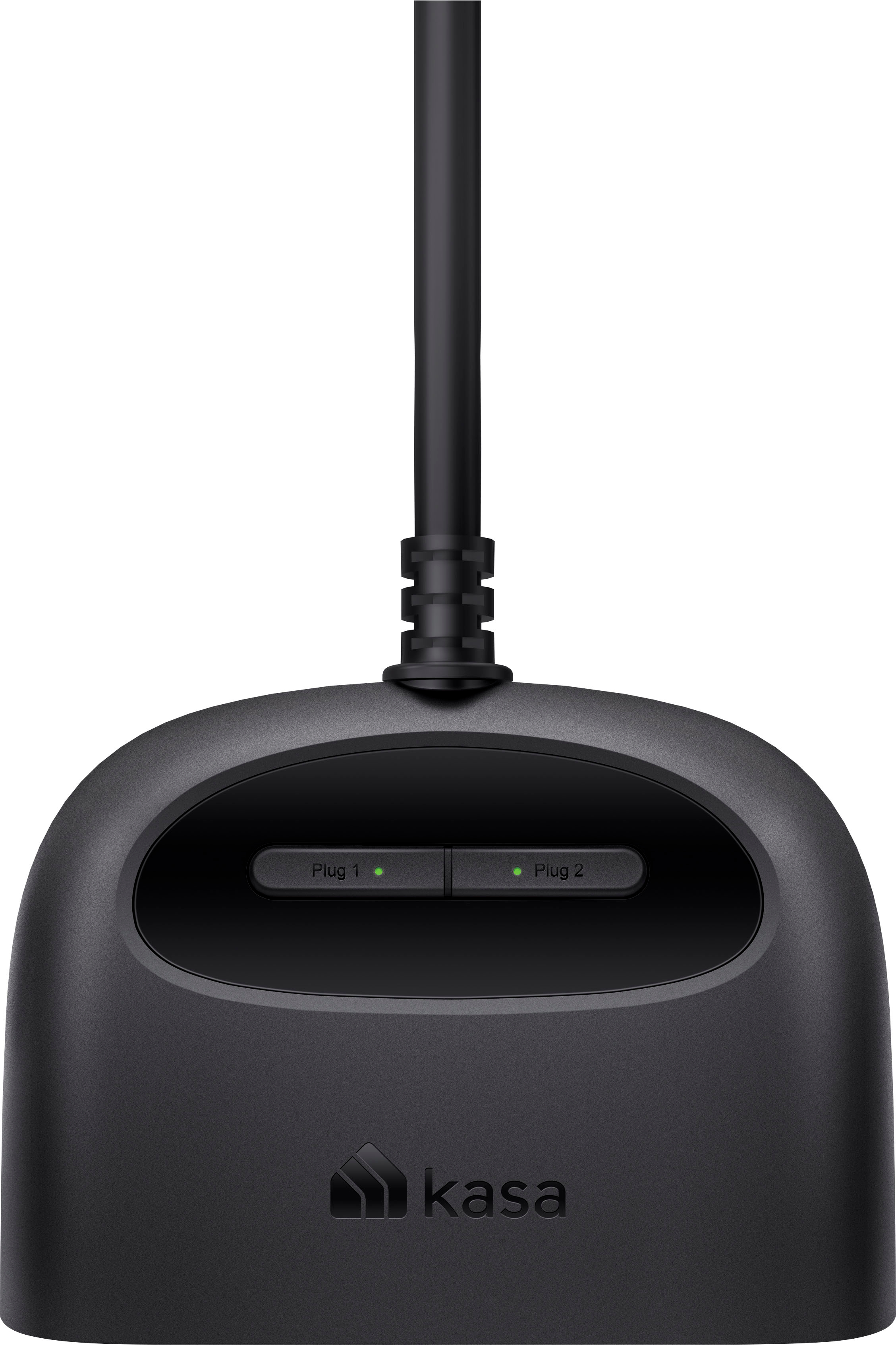
- A:Answer Hi! To reset each plug on the device, press and hold the power button for at least 5 seconds (Wi-Fi reset) or 10 seconds (full factory reset), while it is plugged in.
Answered by TPLinkSupport

Q: QuestionWill this work with an iPhone using the home app
Asked by Kentuckycat.
- A:Answer Hi! No, the Kasa app, and an encrypted 2.4GHz Wi-Fi network with Internet connectivity is required.
Answered by TPLinkSupport

Q: QuestionCan this connect to 5ghz?
Asked by Sparins.
- A:Answer No you need 2.0
Answered by Kentuckycat
Q: QuestionDoes this have a 2.4 ghz Wi-Fi capability only or will it work with 5.0 GHz Wi-Fi?
Asked by Anonymous.
- A:Answer 2.4 GHz only.
Answered by Gino151
Q: QuestionCannot get to work ,won’t connect to Wi-Fi how ?
Asked by Coni.
- A:Answer Must only use 2.0 WiFi. Will not connect to iPhone either
Answered by Kentuckycat
Top Rated
- $329.99$329.99The price was $469.99
- $139.99$139.99The price was $149.99
- $299.99$299.99The price was $349.99
- $1,099.99$1,099.99The price was $1,299.99
- $279.99$279.99The price was $329.99
- $1,499.00$1,499.00The price was $2,799.00
- $449.99$449.99The price was $649.99
- $122.00$122.00The price was $129.99