Questions & Answers
- Model:
- KC105
- |
- SKU:
- 6400546
Highly rated by customers for: Camera Quality, Ease of use, Price
Page Showing 121-128 of 128 questions
Q: QuestionI have the KASA KC 105 camera. How do I turn off sound? I just want to record.
Asked by Michele.
- A:Answer There is an option in the KASA app under the device's settings to disable audio recording. For my needs, I need to record audio and video. This option can be changed at any time and doesn't interfere with live viewing with sound.
Answered by Studio42
Q: QuestionCan it be mounted on a wall?
Asked by Kayla.
- A:Answer Yes it can be mounted on the wall.
Answered by KWin
Q: QuestionIs this a wire free camera?
Asked by No.
- A:Answer No...it needs to needs to be plugged in to power..doesn’t run off batteries
Answered by bbashak1
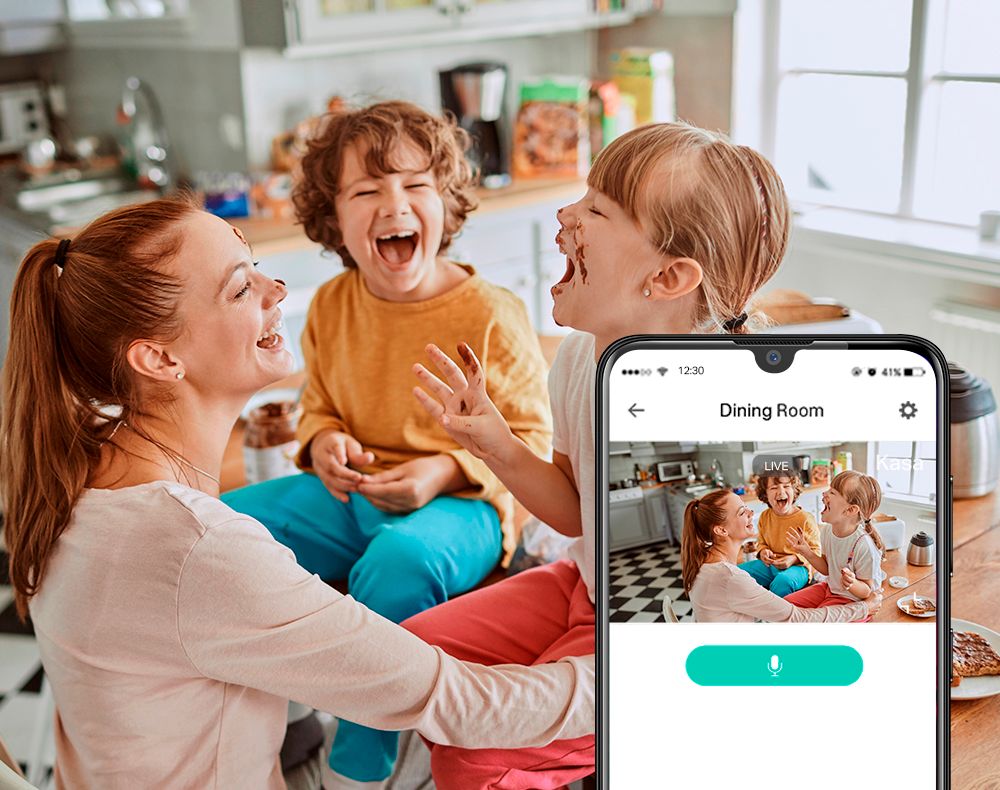
Q: QuestionCan you have a two way conversation with person in view and will this record into the cloud for future reference?
Asked by Pauly11741.
- A:Answer The other answer saying this does not record to the cloud is incorrect. Without an SD card, it only records to the cloud. WITH an SD card, it will record to the SD card AND the cloud at the same time.
Answered by Sashy
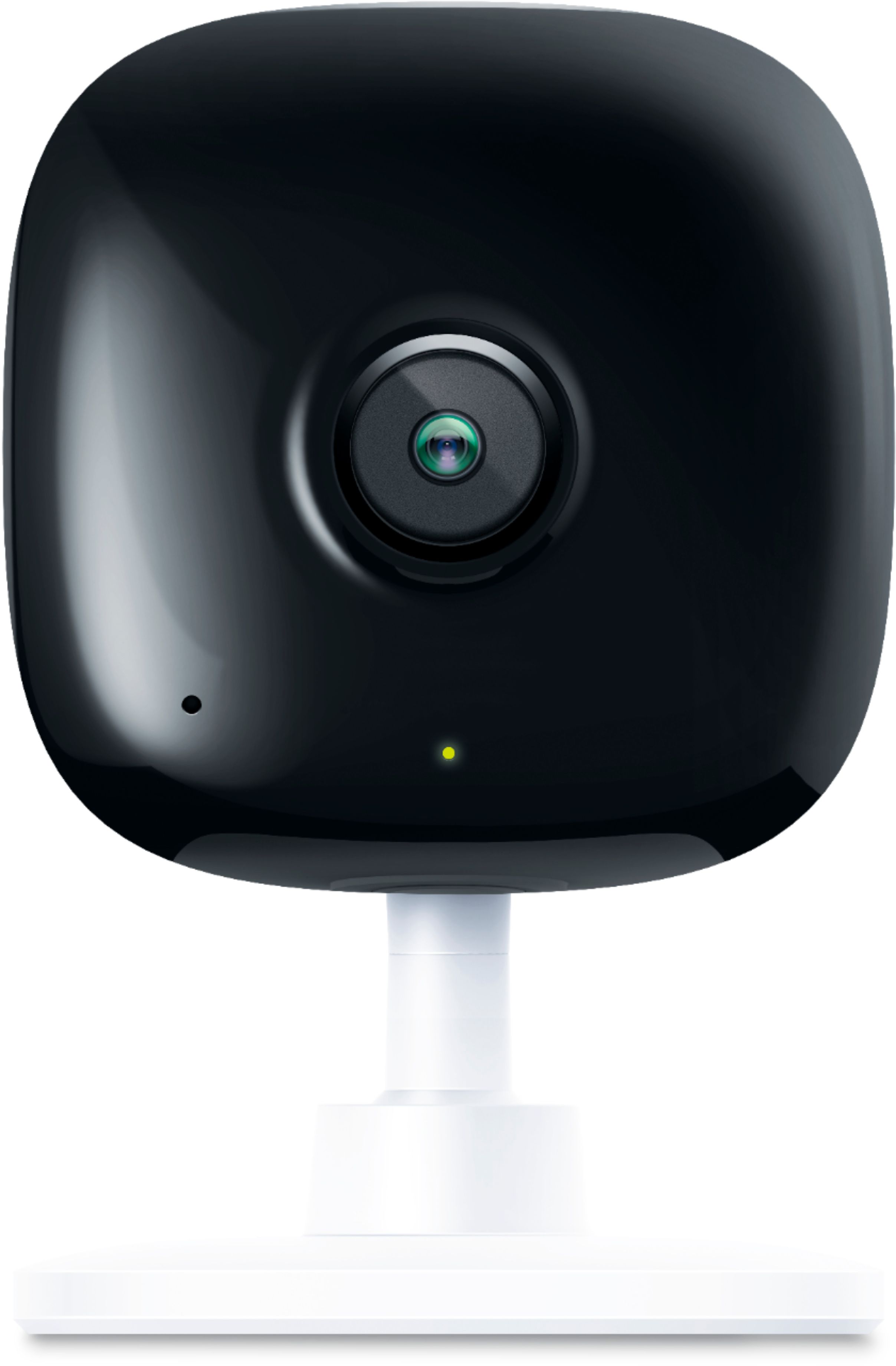
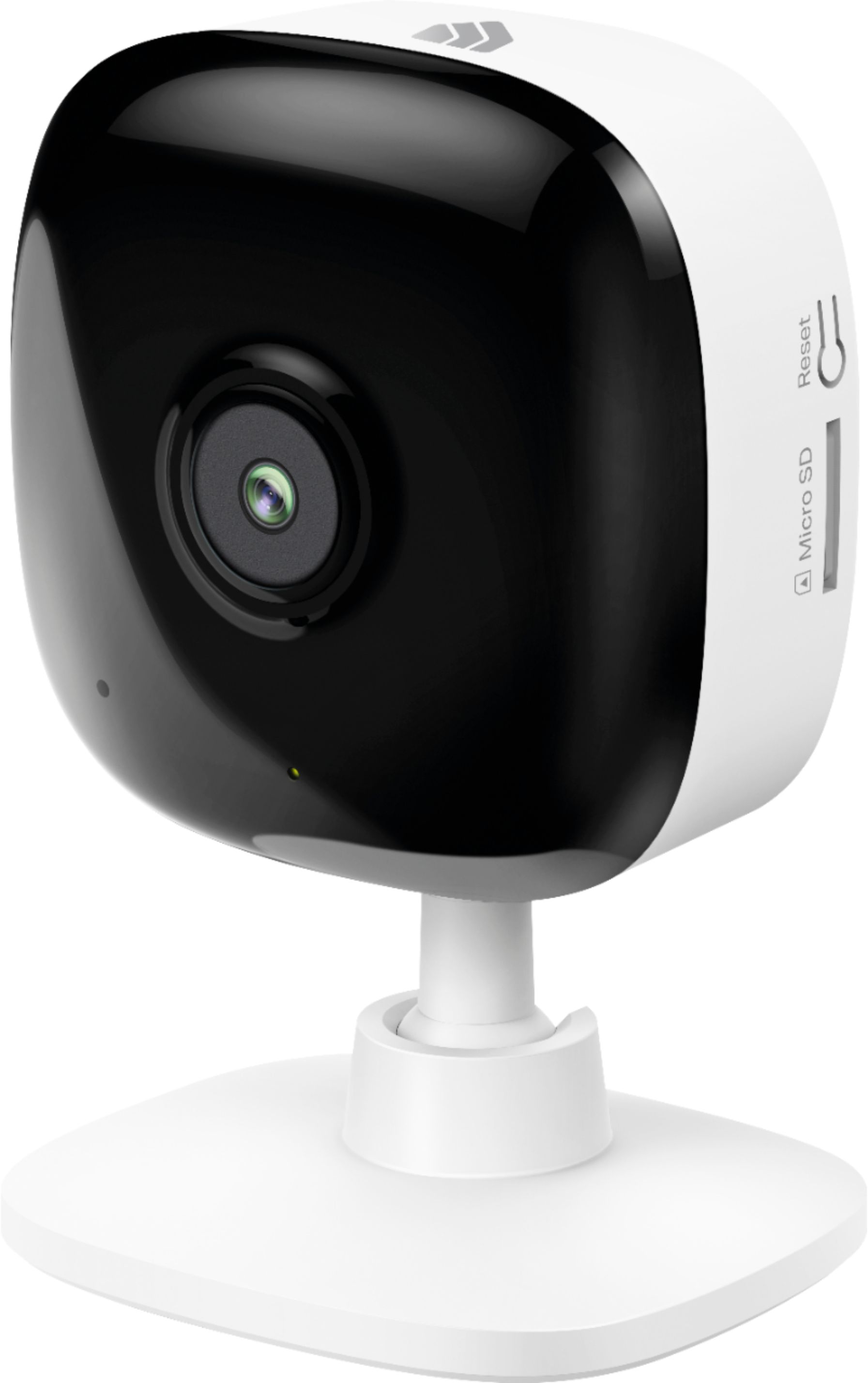
Q: QuestionAre the dimensions of this model (KC105) the same as the dimensions of the KC100 model? Are there any other differences besides the micro SD slot?
Asked by BKars.
- A:Answer Yes, the KC100 and KC105 share the same physical design and dimensions; the primary difference between the models is local storage via the Micro SD slot on the KC105.
Answered by TPLinkSupport

Q: QuestionCan you use this as an IP camera, or does this only work with the app/SD card?
Asked by Asker.
- A:Answer You have to download the app to use this camera but it’s free. You don’t need a SD card either you will be able to see live it just won’t record/ save anything until you insert a SD card.
Answered by Anonymous
Q: QuestionHow do you read the recorded video on the SD card - plug into my computer if so, what sw is needed or thru the app connected to the camera etc
Asked by Elvis2020.
- A:Answer The Kasa Smart app lets you view the video recordings that are on the camera’s SD card. You don’t have to remove the SD card from the camera.
Answered by Sashy
Q: QuestionHow do i download a clip from this camera when using an SD card? do i have to take the card out and put it in a computer? or can I save a clip from the app directly to my phone? I cannot find the ability to do so compared to other Kasa Cameras
Asked by lottagamer.
- A:Answer Follow the Manuel to download the app use your phone to set up . I can watch the record from SD card on my phone don’t need take out the SD card .
Answered by Joan
Best-selling Best Buy
- $299.00$299.00The price was $349.00
- $14.99$14.99The price was $19.00
- $24.99$24.99The price was $29.99
- $14.99$14.99The price was $19.00
- $79.00$79.00The price was $99.99