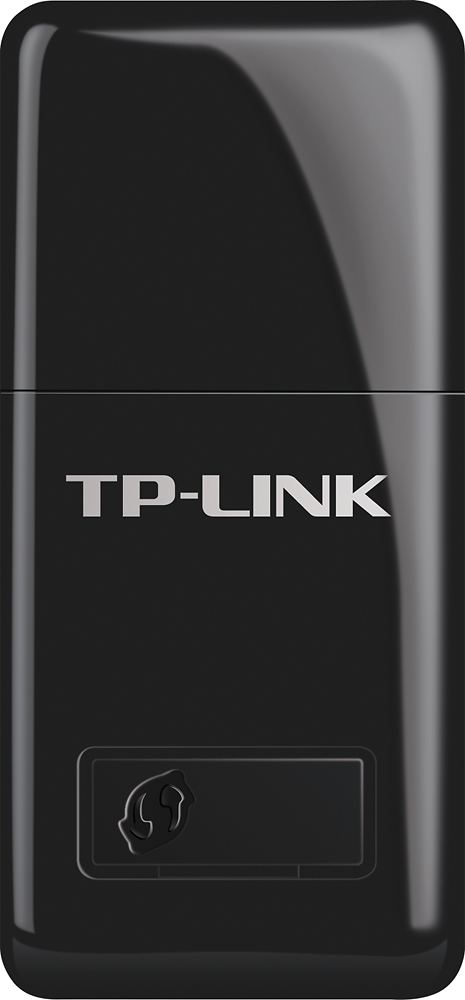
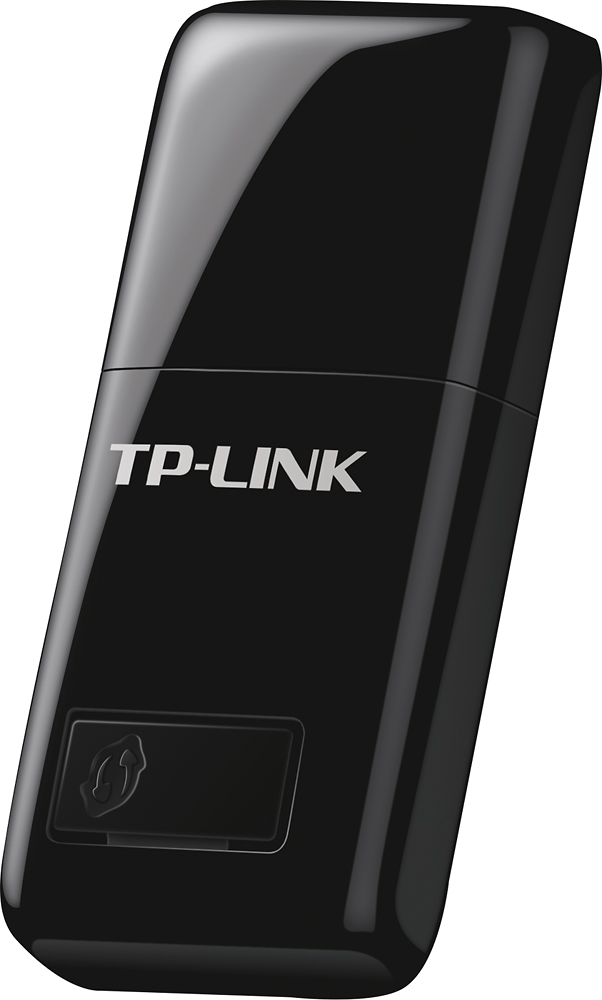
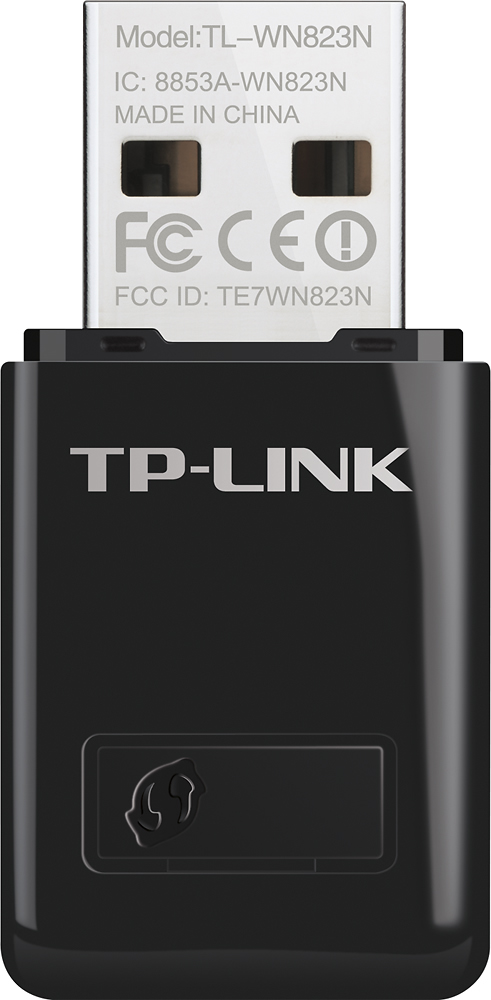
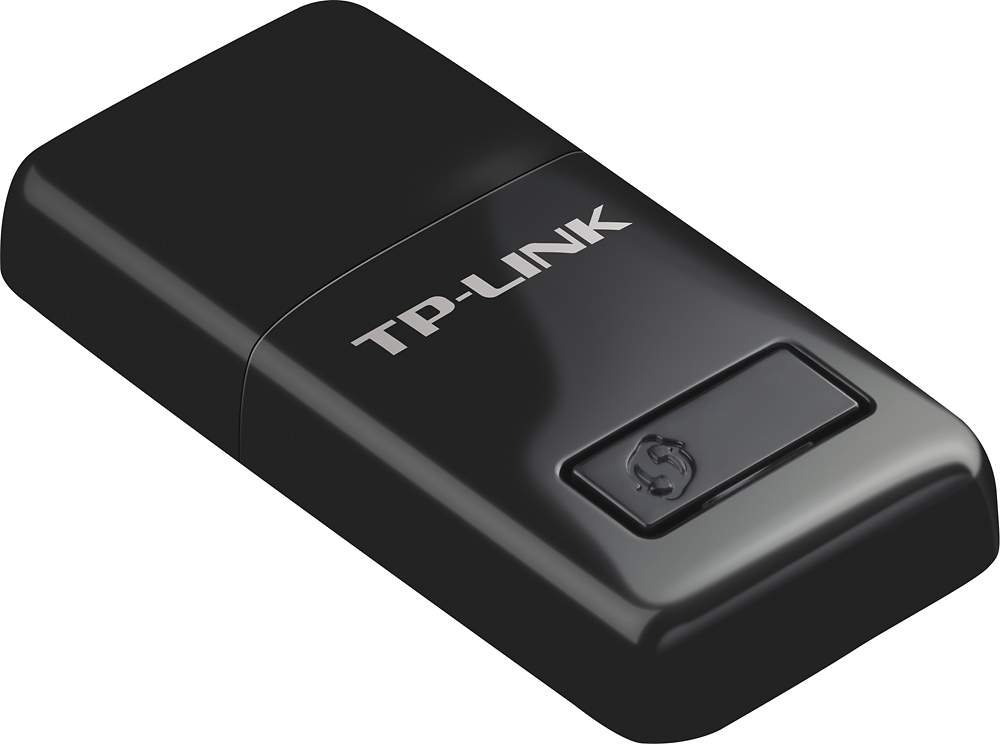
A:AnswerHi! This Wi-Fi adapter is designed for installation in your PC, providing the PC with the ability to detect and connect to nearby 2.4GHz Wi-Fi networks.
A:AnswerThe TL-WN823N is compatible with the operating systems listed on our official website's driver page here: https://www.tp-link.com/us/support/download/tl-wn823n/#Driver
Regards,
TP-Link Support
A:AnswerYes, it will work with XP, but Vista compatibility is not guaranteed. You can download relevant Windows XP drivers from our official website here: https://www.tp-link.com/us/support/download/tl-wn823n/#Driver
Regards,
TP-Link Support
A:AnswerThe TL-WN823N is compatible with macOS versions 10.8 through 10.15 using the applicable drivers from our official website here: https://www.tp-link.com/us/support/download/tl-wn823n/#Driver
Regards,
TP-Link Support
A:AnswerThe TL-WN823N supports devices that use the operating systems listed on our official driver page here: https://www.tp-link.com/us/support/download/tl-wn823n/#Driver
If your tablet does not use any of the listed operating systems, we cannot guarantee compatibility.
Regards,
TP-Link Support
A:AnswerFor details regarding OS compatibility, please visit our official website here: https://www.tp-link.com/us/support/download/tl-wn823n/#Driver
Regards,
TP-Link Support
A:AnswerWe cannot guarantee compatibility with Windows Vista as our official drivers do not list it as compatible: https://www.tp-link.com/us/support/download/tl-wn823n/v3/#Driver
Regards,
TP-Link Support
A:AnswerAfter setup you will get WIFI capability to connect to a wireless router. To get the list of available wireless router click on the WIFI icon on the lower right corner (Windows). Select the wireless router and enter passphase (password) to connect.