


Black Friday is hereShop new DoorbustersShop now

Main Content

Questions & Answers

Page Showing 1-20 of 21 questions
  • QuestionCan it be set to record at set times, like 10hrs straight, not just motion detection? In other words "24/7", via App and microsd. Or will it just work with subcription? Please be sure because c120 may or may not and I'm deciding which one.

    Asked by Andkc.

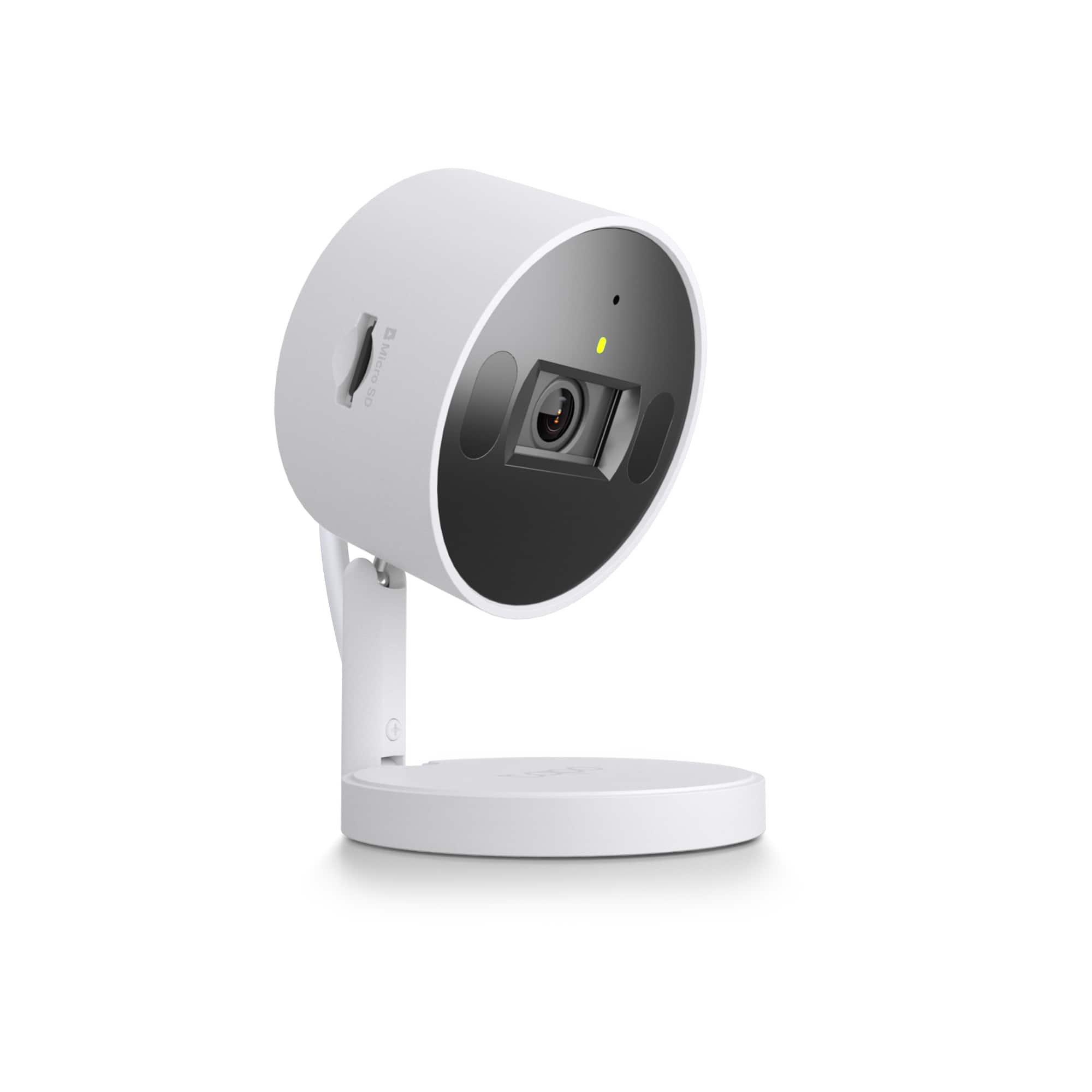
    • Answer Hi Andkc, Yes, you can set Continuous Recording schedules within the Tapo app when using local storage via a Micro SD card (not included) - by hour/day blocks, up to 24/7 rolling recording.

      Answered by TPLinkSupport

  • QuestionWill the camera continue operating without wifi connection? I would like to install w wifi is necessary, oh well, but I would like its continuous recording away from wifi as all my cameras have been hacked, so want to avoid anybody else’s acce

    Asked by WoodsideStory.

    • Answer Yes, TP-Link Tapo Indoor 2K Wi-Fi Security Plug-In Cameras can continue to operate even when the Wi-Fi connection is lost. However, certain functionalities will be limited. ocal Recording: If you have a microSD card inserted and formatted, the camera will continue to record video, including during motion detection or 24/7 recording, even if the Wi-Fi connection is lost. Limited Functionality: While the camera records locally, you won't be able to view the live feed, playback videos, or receive notifications through the Tapo app without a Wi-Fi connection. Wi-Fi Required for Setup: The camera needs a Wi-Fi connection to be configured initially. Local Network Access: You can still potentially view the live feed and playback videos by connecting your phone to the same Wi-Fi network as the camera, even if it's not connected to the internet.

      Answered by WaltS

  • QuestionIs subcription required?

    Asked by KITTY.

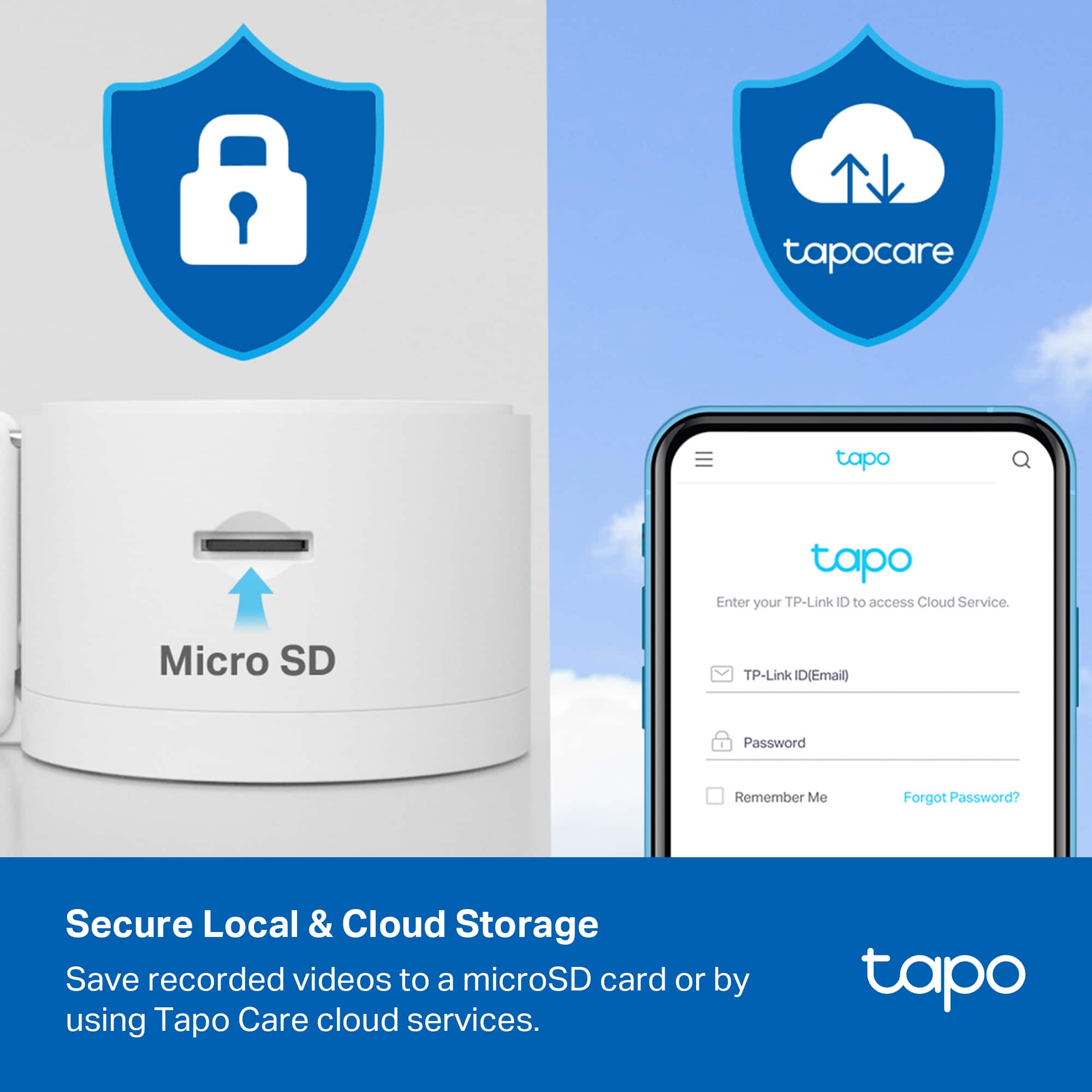
    • Answer No, subscription is not required. The Tapo application is free and you do have the option to subscribe to have the recordings stored on the cloud, but if you don’t want to you can just have the recordings on your SD card.

      Answered by Risen

  • QuestionI am looking for noise based action taking camera. It will start recording when there is noise and stop when the noise is gone. Do you have a model for that one?

    Asked by BoraA.

    • Answer Hi! Yes, the camera supports Sound Detection options via the Tapo app. However, when it begins recording will depend on which video storage method you choose. For example, if you use the local storage method via Micro SD card (not included), the camera will perform 24/7 rolling recording, with notifications for activity/detection, and indicators on the video timeline to designate activity. However, if you opt to subscribe to a Tapo Care plan, this option offers detection-activated, clip-based recordings stored in the cloud.

      Answered by TPLinkSupport

  • QuestionI would like to know if it's possible to automatically enable/disable the physical privacy mode on a schedule. We need the camera to be completely shut down (lens covered) every day from 6 PM to 8 AM for privacy, and automatically turn on/off.

    Asked by chriss02.

    • Answer Hi chriss02, Using the Tapo app's Smart Automation feature, you can set parameters such as time and device status to schedule Privacy Mode On or Off. If you would like assistance configuring these Smart Automations, please get in touch with our Support Team using the Support Portal on our official TP-Link Website: https://www.tp-link.com/us/support/contact-technical-support/

      Answered by TPLinkSupport

  • Questionwill this work with shentel internet wi-fi and tracfone cell service thanks

    Asked by farmer.

    • Answer I think you should have experts on hand to assist customer.

      Answered by HOLLYD

  • QuestionWhat Micro SD cards do you recommend?

    Asked by Kay.

    • Answer Hi Kay, For a helpful list of supported and/or recommended microSD cards for Tapo cameras, please see our FAQ here: https://www.tp-link.com/us/support/faq/3048/

      Answered by TPLinkSupport

  • Questiondoes this work with smartthings hub

    Asked by Anonymous.

    • Answer Yes, the Tapo Indoor 2K Wi-Fi Security Plug-In Camera is compatible with the Samsung SmartThings hub. You can integrate Tapo cameras into your SmartThings ecosystem, though full integration might not be available for all features, such as live video streaming within SmartThings. Tapo cameras offer event detection integration with SmartThings, allowing for specific events to trigger actions within your SmartThings routines.

      Answered by WaltS

  • QuestionHello, I want to buy this camera and bring it to Peru where we use 220V. Will it support this voltage?

    Asked by Oswal.

    • Answer Yes, the TP-Link Tapo Indoor 2K Wi-Fi Security Plug-In Camera is designed to run on 220 VAC. While TP-Link states they don't recommend using the camera outside of its intended region for warranty purposes. The Tapo Indoor 2K camera is designed to operate on a voltage range of 110-220V, While TP-Link doesn't explicitly restrict functionality based on region, they advise against purchasing a camera intended for a different region due to potential compatibility issues with wireless channels and the aforementioned warranty limitations.

      Answered by WaltS

  • QuestionCan this camera be connected to a laptop to show the video feed in real time?

    Asked by Anonymous.

    • Answer Yes, you can connect the TP-Link Tapo Indoor 2K Wi-Fi Security Plug-In to a laptop to show the video feed in real time using the RTSP protocol. This allows you to view the live stream on your computer using third-party apps like VLC Player.Obtain the camera's IP address: You can find this in the Tapo app or by accessing the camera's web interface. Open Port 554 on your router: This port is required for RTSP streaming. Use a third-party app: Install an app like VLC Player on your laptop. Enter the RTSP stream URL: The URL will be in the format rtsp://IP Address/stream1 for high quality or rtsp://IP Address/stream2 for low quality. Start playing the stream: The app should now display the live video feed from the Tapo camera.

      Answered by WaltS

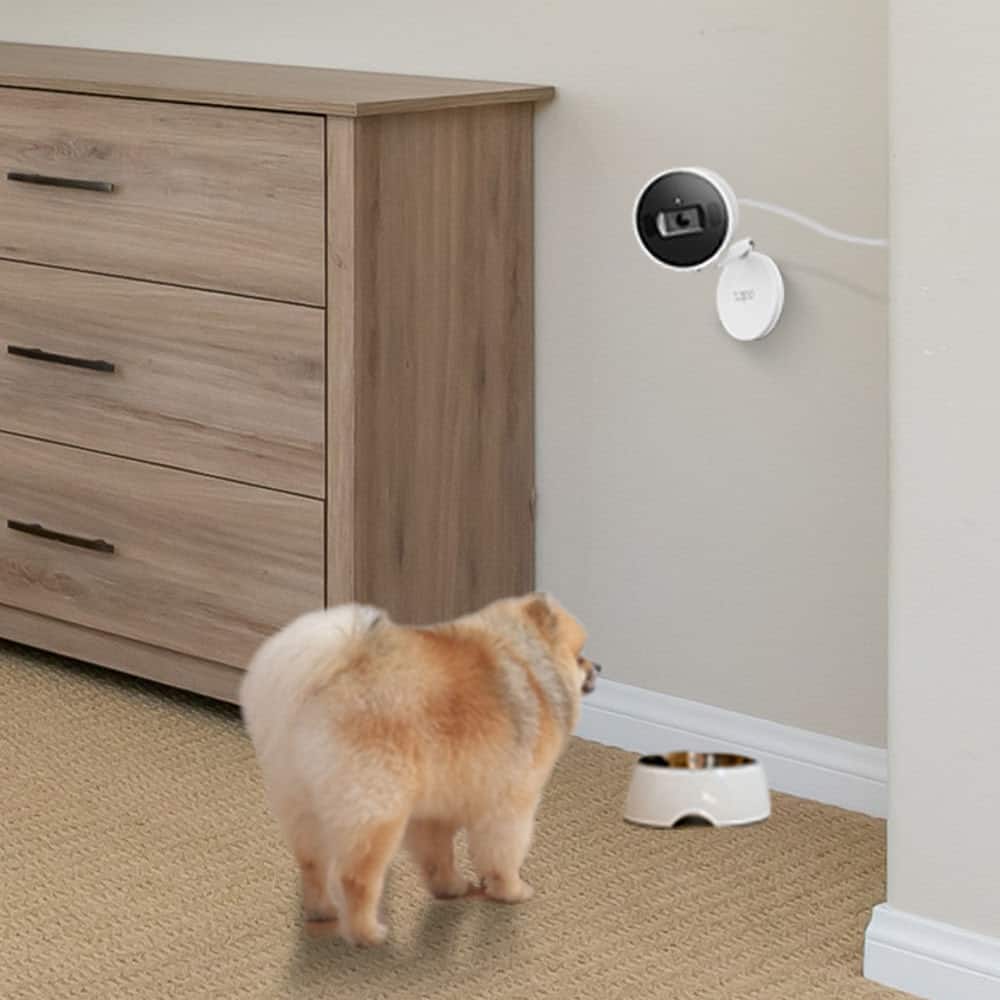
  • QuestionSo this does not require you to purchase the subscription or save any recordings of anything correct? I am mainly just wanting to use camera for my dogs at home when I am at work so I can tell them NO and they will be able to hear clearly right?

    Asked by Anonymous.

    • Answer ocal Recording: If you have a microSD card inserted and formatted, the camera will continue to record video, including during motion detection or 24/7 recording, even if the Wi-Fi connection is lost. Limited Functionality: While the camera records locally, you won't be able to view the live feed, playback videos, or receive notifications through the Tapo app without a Wi-Fi connection. Wi-Fi Required for Setup: The camera needs a Wi-Fi connection to be configured initially. Local Network Access: You can still potentially view the live feed and playback videos by connecting your phone to the same Wi-Fi network as the camera, even if it's not connected to the internet. The app can get a little annoying at times because it frequently pops up and asks you if you want to buy the additional subscription. If you don't wish to do so, the functionality continues the same as long as you have your recordings directed to a MicroSD card.

      Answered by WaltS

  • QuestionWill it work with Starlink?

    Asked by Camera.

    • Answer Yes, the Tapo Indoor 2K Wi-Fi Security Plug-In Cameras are compatible with Starlink internet service. As long as the cameras are within range of your Starlink router's 2.4GHz Wi-Fi network, they should function properly. Wi-Fi Connection: The Tapo cameras connect to your home Wi-Fi network, and since Starlink provides a Wi-Fi router, the cameras can connect to that. Range: Ensure the cameras are within a reasonable range of your Starlink router's Wi-Fi signal for optimal performance. Starlink Hardware: If you have a Gen-2 Starlink terminal (the rectangular dish), you may need to purchase an Ethernet adapter from Starlink to connect your TP-Link router directly to the Starlink gateway. Configuration: You might need to configure "Bypass Mode" on the Starlink app and set a static route on your TP-Link network for your Starlink gateway to avoid dual-NAT issues and access Starlink settings.

      Answered by WaltS

  • QuestionDoes this still record what's going on even when you are actively viewing the camera or even when you are reviewing recordings? I have another brand right now that pause recording while doing such and it's the most ridiculous thing ever.

    Asked by SamsClubSandwich.

    • Answer Yes, Tapo Indoor 2K cameras can be set to continue recording even when you're actively viewing the camera or reviewing recordings. This is achieved by setting up a continuous recording schedule in the Tapo app, typically using a microSD card.

      Answered by WaltS

  • QuestionHow can I get notifications only when the 'Alarm' is turned on? The Tapo app doesn't seem to support this, which makes it useless as a security camera.

    Asked by JonnyFantastic.

    • Answer There are modes where Tapo cameras can be set to be either "Home" or "Away". Each mode has it's own custom notification and alarm settings: so while "Home" you can have notifications and alarms turned off, and then "Away" can have notifications and alarms turned on. Then, as/when you leave the house, you turn the cameras to "Away" mode, thus activating a security status where you will be notified if the cameras see anything and if the alarm is activated. (And, vice versa, when you come home, turn set the cameras back to "Home" mode).

      Answered by Anonymous

  • Questionis it iPhone X compatible or does it even matter and it can paired from the homekit app directly?

    Asked by ggg.

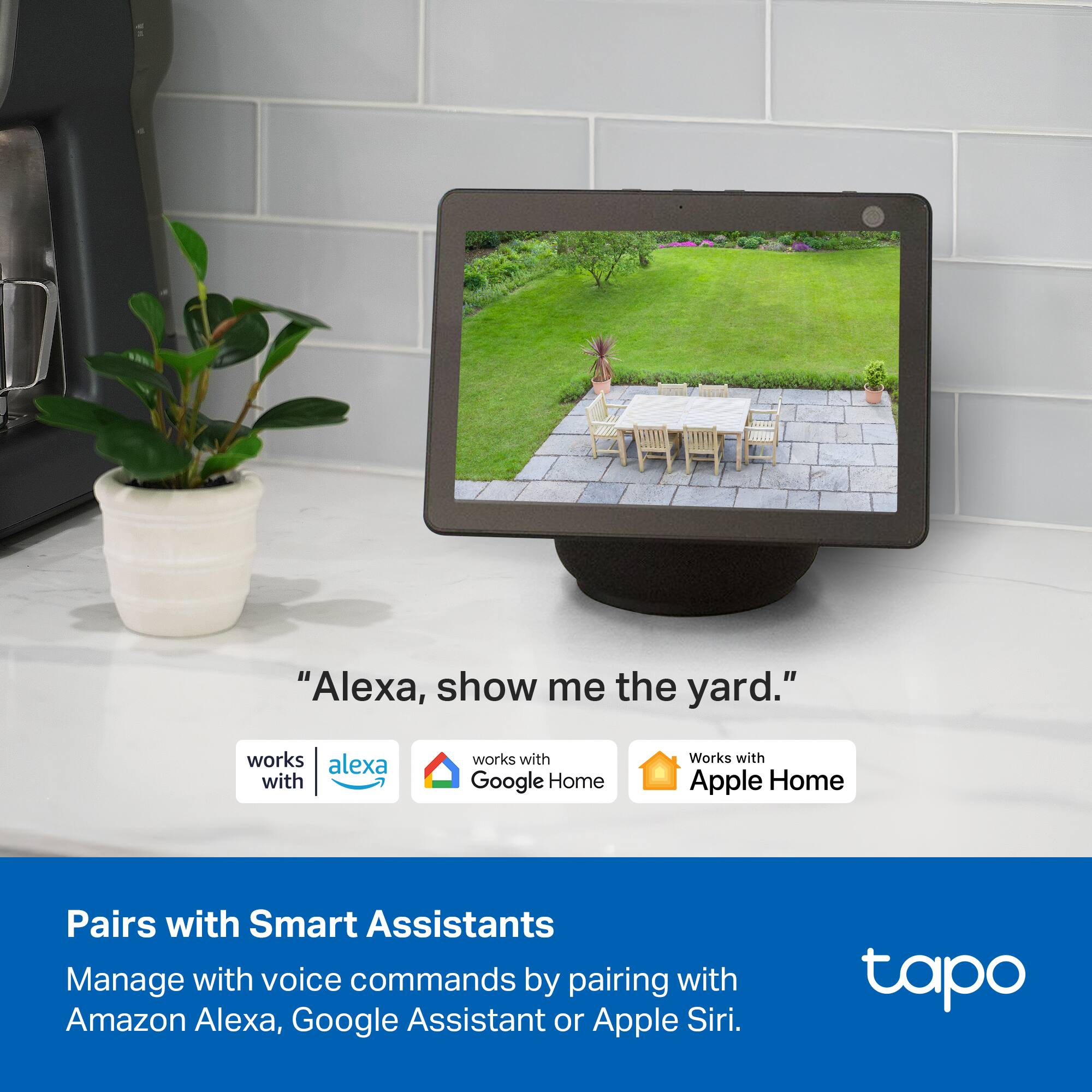
    • Answer Yes, the Tapo Indoor 2K Wi-Fi Security Camera is compatible with Apple HomeKit, which means it can be controlled and paired with an iPhone X or any later model through the Home app. You do not need the Tapo app for setup or control once the camera is added to the Home app. Here's why it matters and how to set it up: HomeKit Integration: Tapo devices are designed to work seamlessly within the Apple Home ecosystem, allowing for unified control and automation with other HomeKit accessories. iPhone X Compatibility: The Tapo app is compatible with iOS 12 or later, including the iPhone X. Simplified Control: Once paired with HomeKit, the camera can be controlled through the Home app on your iPhone, using voice commands with Siri, or through automations with other HomeKit devices. No Need for the Tapo App: You can set up the camera in the Home app directly and use it without needing the separate Tapo app for basic functionality. To set up the Tapo Indoor 2K camera with HomeKit: Open the Home App: Launch the Home app on your iPhone. Add Accessory: Tap the "+" icon in the top right corner and select "Add Accessory". Scan the Code: Follow the instructions in the Home app to scan the HomeKit setup code (a QR code) on the camera. Follow the Steps: The Home app will guide you through the setup process, which may include connecting the camera to your Wi-Fi network. Enjoy Seamless Control: Once setup is complete, you can view the camera feed, control the privacy shutter, and set up automations within the Home app.

      Answered by WaltS

  • QuestionHello. Allows this cam 110-220 volts (plug in)? or only 110v? Thanks

    Asked by PabloG.

    • Answer Hi! The Tapo C125's included power adapter supports an input voltage range of 100-240 V, 50/60 Hz.

      Answered by TPLinkSupport

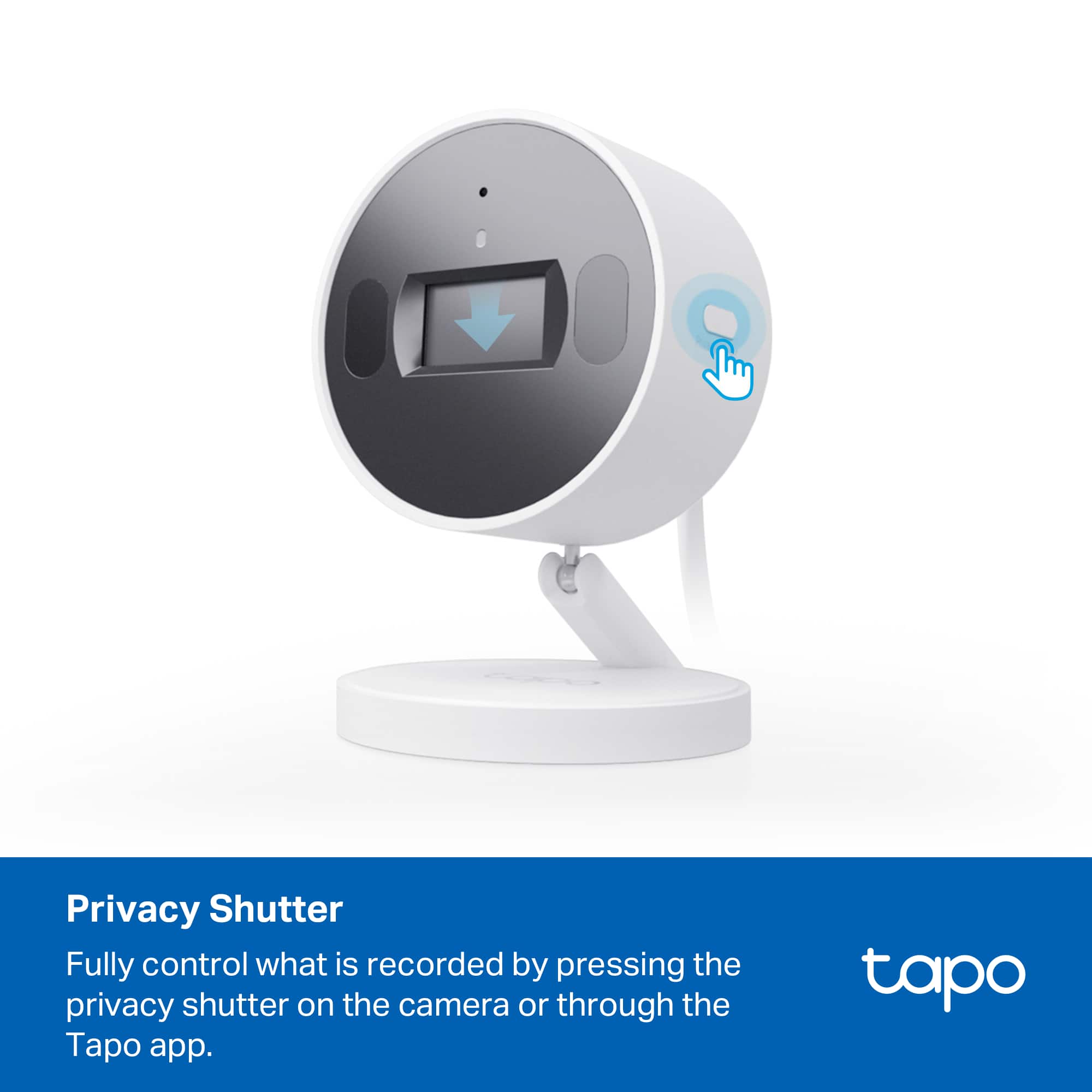
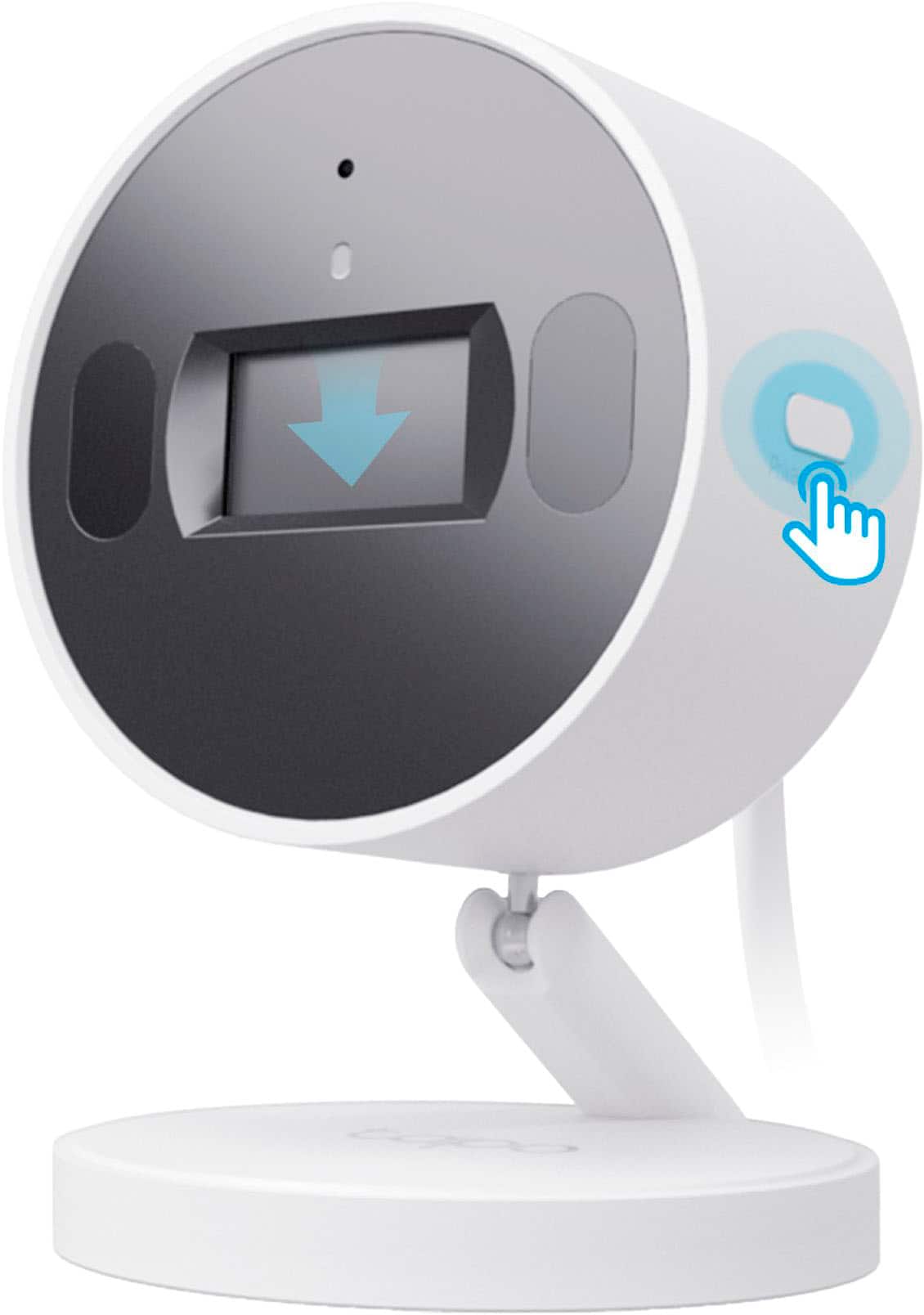
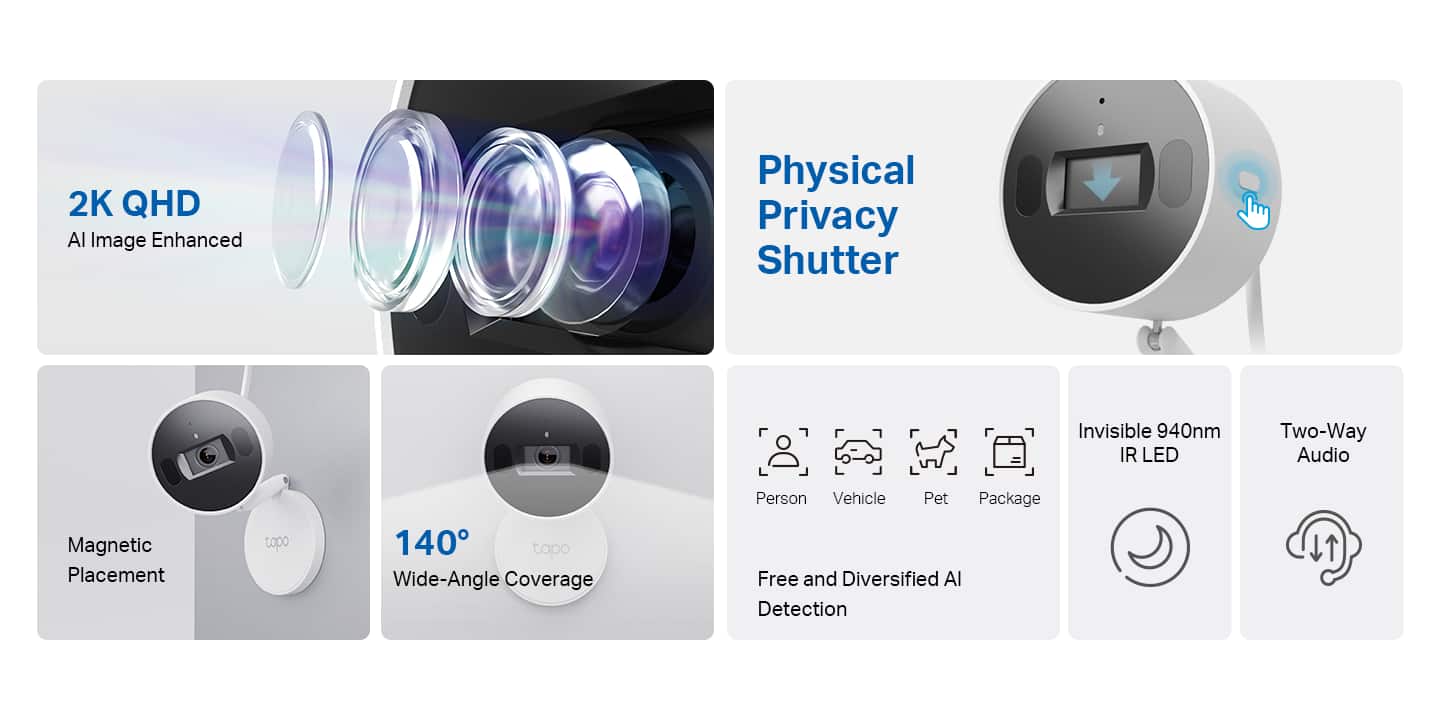
  • QuestionCan the physical privacy shutter be operated from BOTH the TAPO app AND from the physical button on the camera?

    Asked by NA.

    • Answer Yes, the privacy shutter can be controlled both from the app and with the button on the camera itself.

      Answered by Risen

  • QuestionHi, I would like to ask if I can set it to auto record when it starts detecting noise and stop when the noise stops?

    Asked by BoraA.

    • Answer It can detect cat meowing, dog barking, baby crying, and glass breaking.

      Answered by Risen

  • QuestionTAPO application allow to delete recorded videos from the SD card?

    Asked by Yauheni.

    • Answer No, the Tapo app for the Tapo Indoor 2K Wi-Fi Security Plug-In does not allow users to delete specific recorded videos from the SD card. You can format the entire SD card to delete all recordings within the Tapo app. Alternatively, you can physically remove the SD card and delete recordings using a computer or phone. One user on the Tapo Community forum suggests the possibility of using third-party software like iSpy to manage the camera on a computer, but this isn't a native feature within the app.

      Answered by WaltS

  • QuestionCan any size micro card be used?

    Asked by JudyM.

    • Answer The Tapo C125 supports Micro SD cards with a capacity of up to 512 GB.

      Answered by TPLinkSupport