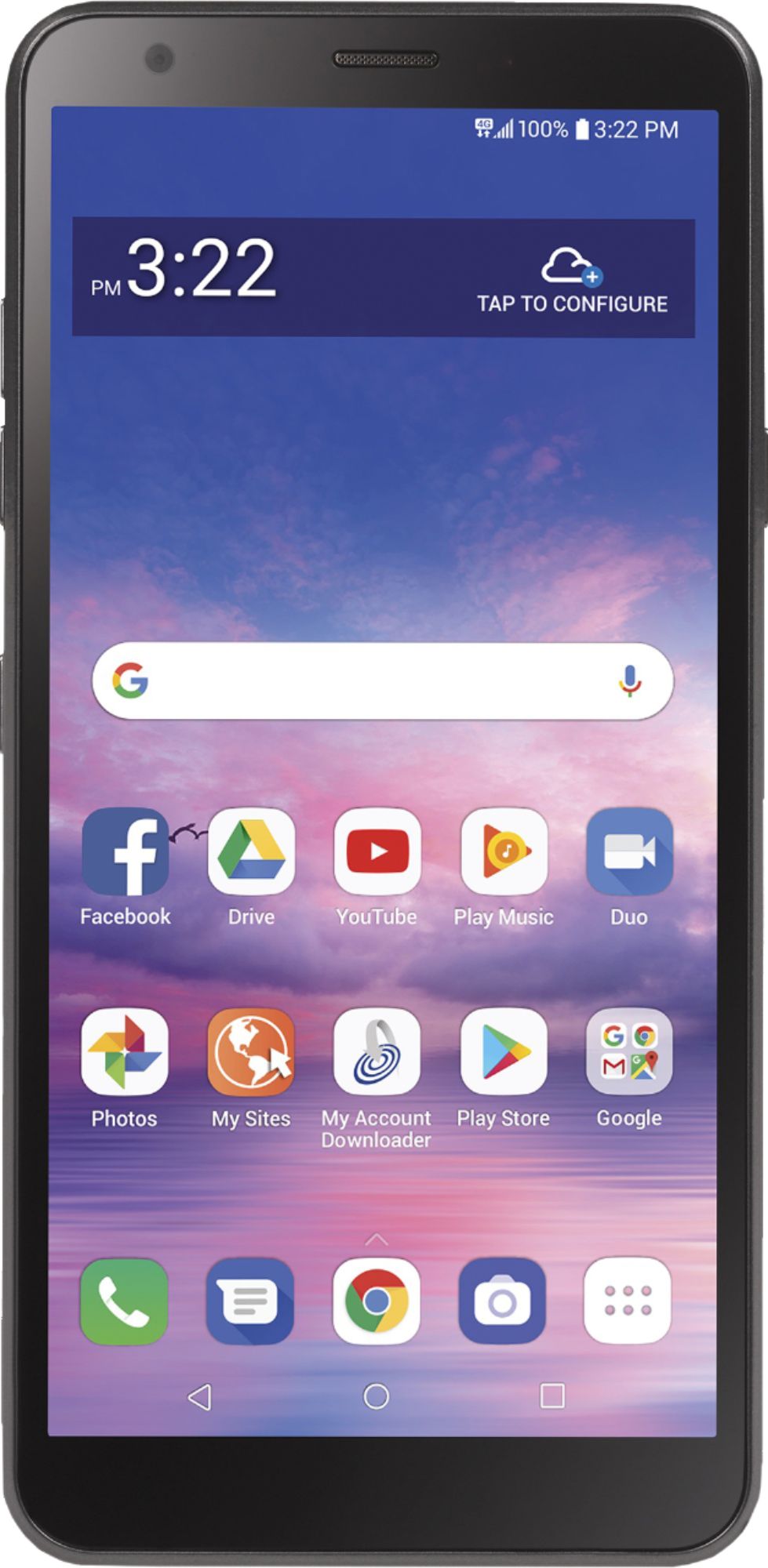
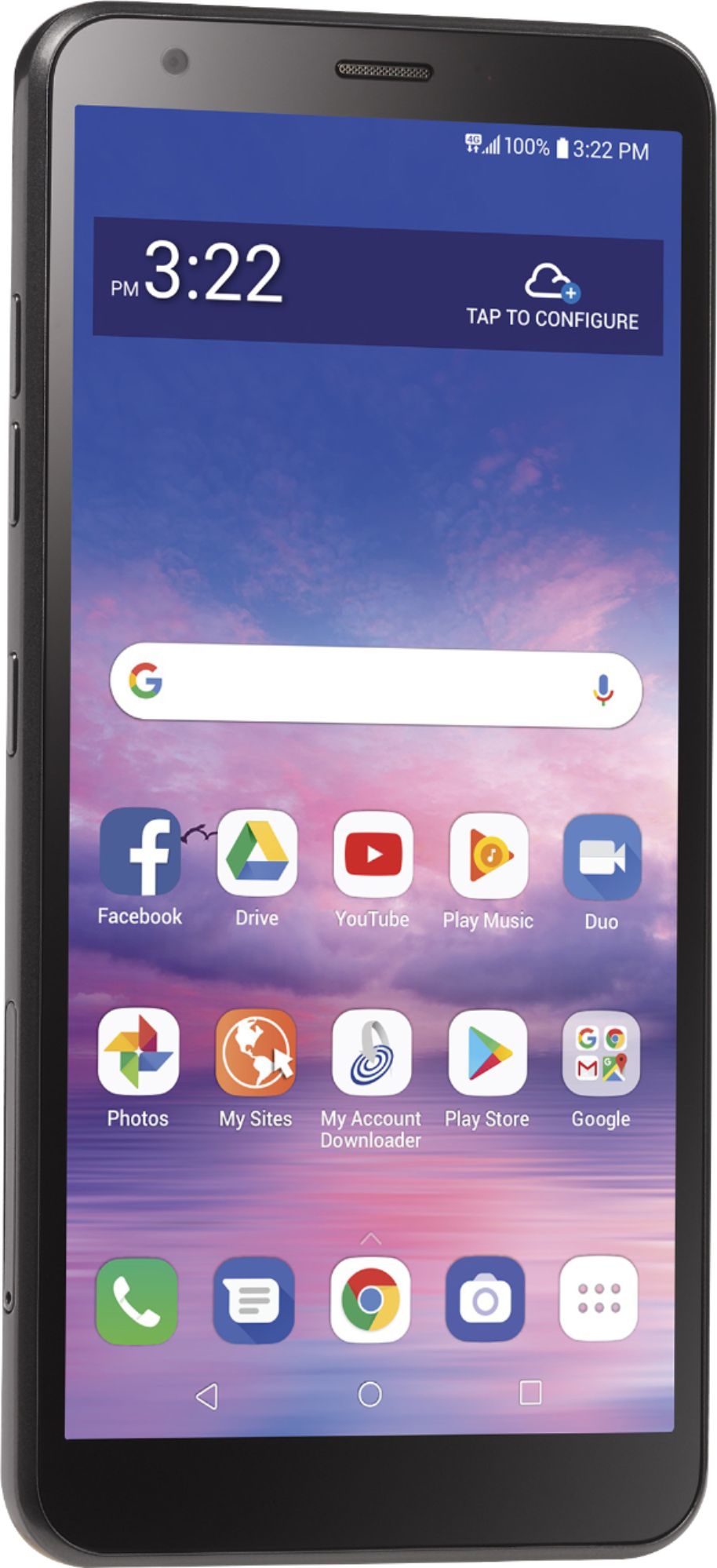
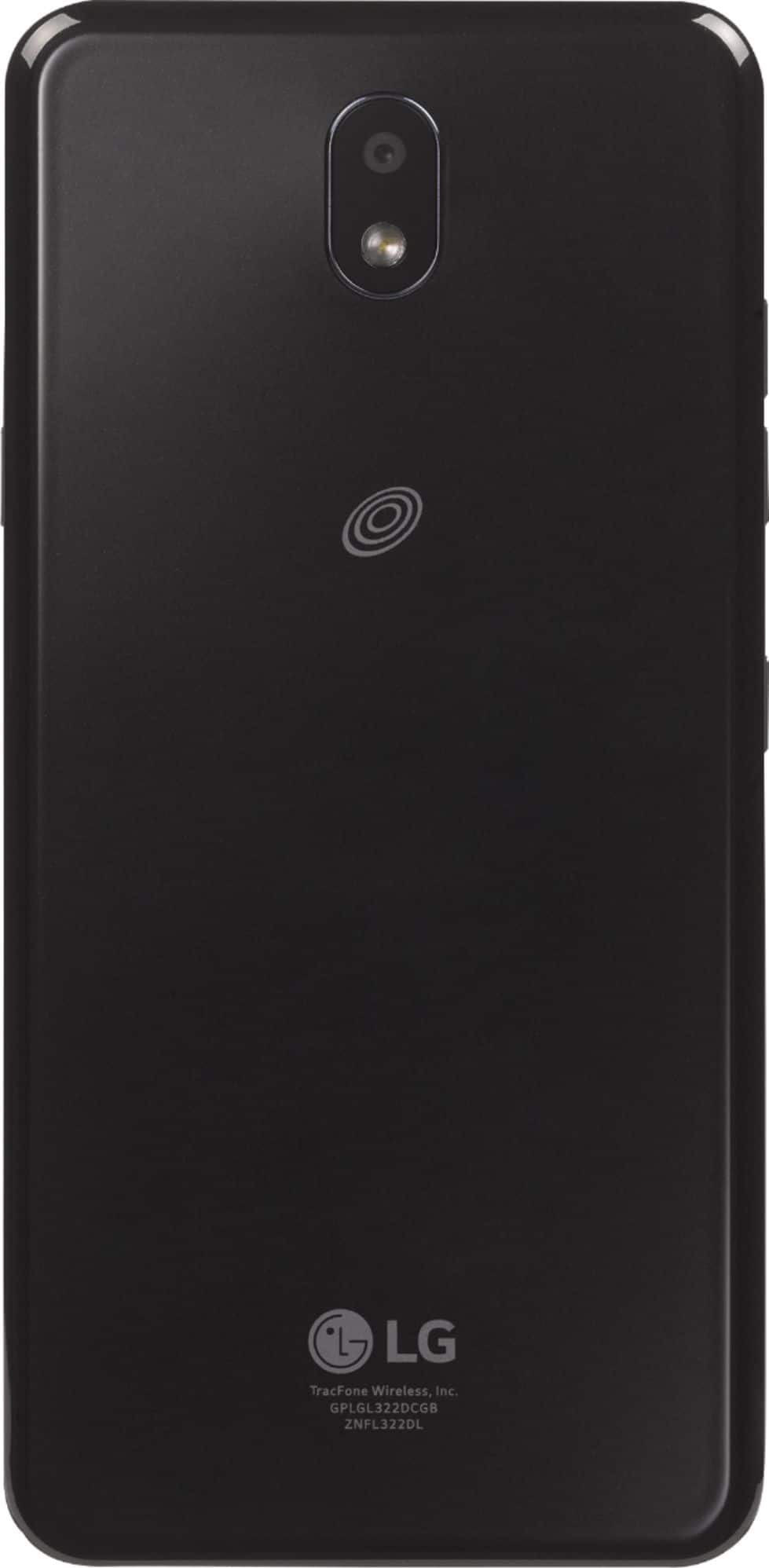
A:AnswerThe Instructions for how to take a screenshot with the LG Journey™ LTE | TracFone, Model # TFLGL322DC3PW can be found on page 40 in your owner's manual for the phone. Pres and hold the Power/Lock key and volume Down key at the same time for at least two seconds. Screen shots can be viewed from the Screenshots folder in Gallery...^IFV
A:AnswerThe Instructions for how to take a screenshot with the LG Journey™ LTE | TracFone, Model # TFLGL322DC3PW can be found on page 40 in your owner's manual for the phone. Pres and hold the Power/Lock key and volume Down key at the same time for at least two seconds. Screen shots can be viewed from the Screenshots folder in Gallery...^IFV
A:AnswerThis is not an iphone, but the cheapest available tract fone B. Buy sells.The rice was $50. It works good! Tops up with a $20 tract phone card.
A:AnswerTo rest the LG Journey™ LTE | TracFone, Model # TFLGL322DC3PWP, you will have to perform a factory reset. A factory reset, also called a master reset, restores a device to its original system state and often, solves the issue of a malfunctioning device. However, by doing this, users agree to delete permanently all their data and applications encrypted on their phones. This is irreversible and can’t be undone so it is a must to back up your phone in advance. If there are files on your phone that you can’t let go yet. It can be something important or valuable to you. So, before you reset it, browse through your device and take note of the stuff you have. If you can, list the data you want to keep starting from your media files, to your messages, contacts, note, documents and the applications you installed. Bear in mind that factory resetting will remove everything on your phone which is essentially similar to reformatting a drive. There are desktop software that you can use to backup files on your Android device, such as contacts, messages, call history, bookmarks, and applications. There is a Backup setting in the phone's settings menu that can be used to back up data saved on your device to another device or account. To access it, on the settings screen, tap System > Backup. You can customize Backup & Restore to back up the phone or restore data to your device from a backup. Again, keep in mind that resetting the phone may delete backup files saved in storage. Make sure to copy and store the important backup files to your PC. Restart and reset lets you reset the device including network and app settings. Any unsaved data and notifications, including badges, will be cleared after a restart. Make sure you save what you are doing. You will these instructions in your owner's manual for the phone under settings. If you need assistance, please contact our Support Center at (800) 243-0000...^IFV
A:AnswerWhat type of earbud are you inquiring about? Bluetooth Wireless Earbuds or Wired Earbuds, and which Tracfones in particular. Tracfone carries a variety of phones that have different specifications and features. The LG Journey™ LTE | TracFone, Model # LGL322DLATRFBKY has a Stereo Headset Jack (3.5mm port) that you can use with wired earbuds and the phone supports Bluetooth so it can also be paired with Bluetooth Wireless Earbuds...^IFV
A:AnswerYes, the Trak phones are prepaid, even the smart phones. You can buy the month of time online if you don't want to go to the store to purchase it. If you don't want to get some of the apps to have other things besides talking and texting, or you don't want to load some of the apps for other perks, you don't have to. My phone, I didn't want my email on, so after my husband loaded it in there to start my account, I took it out and changed my passwords. But if you want you can have your emails accessible to your phone along with all the other perks. There are gifs and emojis to use in my phone if you want. There is a camera you can use and send photos to and from your texts. There is also a place to store the photos and gifs people send you, which is nice.
A:AnswerVoice over Long-Term Evolution (VoLTE) is a standard high-speed wireless communication for mobile phones and data terminals, including Internet of things (IoT) devices and wearables. To be able to make a VoLTE call, the device, its firmware, and the mobile telephone provider must all support the service in the area, and be able to work together. Please contact Tracfone to inquire about their selection of phones that support VoLTE...^IFV
A:AnswerThank you for reaching out. For best assistance with your inquiry, we recommend reaching out to Best Buy directly. Their phone number is 1-888-BEST BUY (1-888-237-8289). ^CP
A:AnswerI used this lg journey for several months without "activating" it for phone service. It worked fine with my wifi at home. I didnt do movies but, could do anything on internet.
A:AnswerPlease contact LG Customer Support by private message via Facebook @LGUSSupport. Be sure to provide your contact information, IMEI number or model/serial numbers and date of purchase; we will be happy to assist you. Our Mobile Communications Support will be better able to assist you. ^Daphane