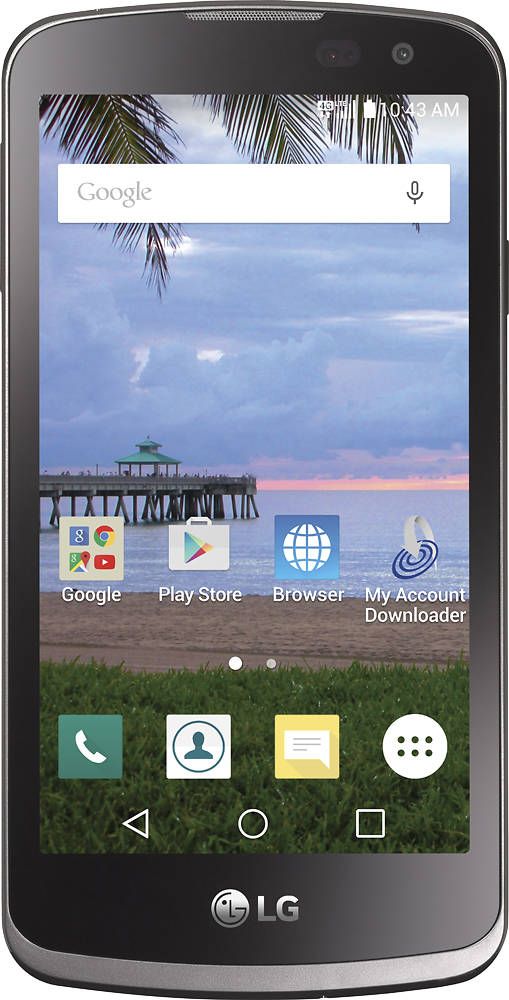
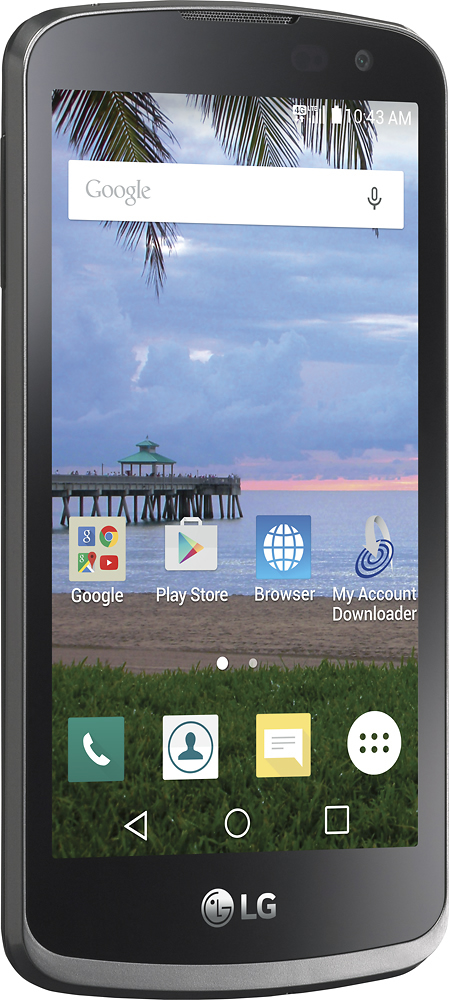
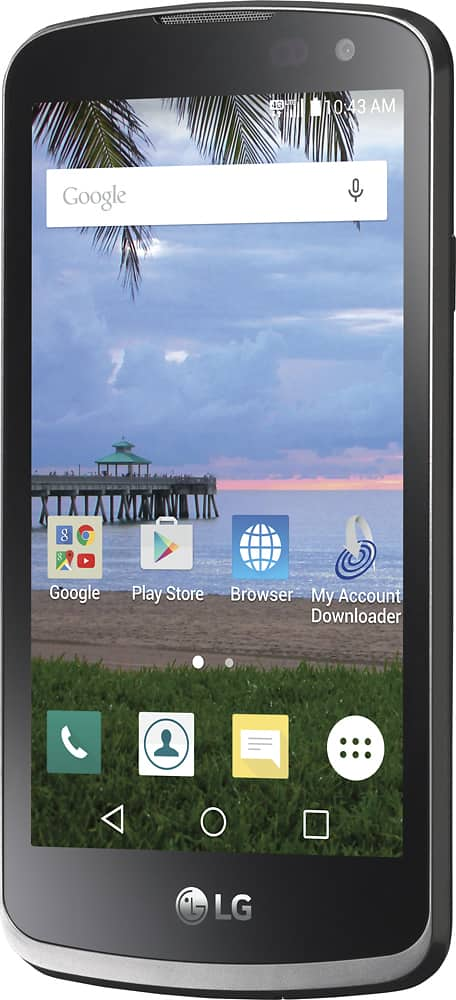
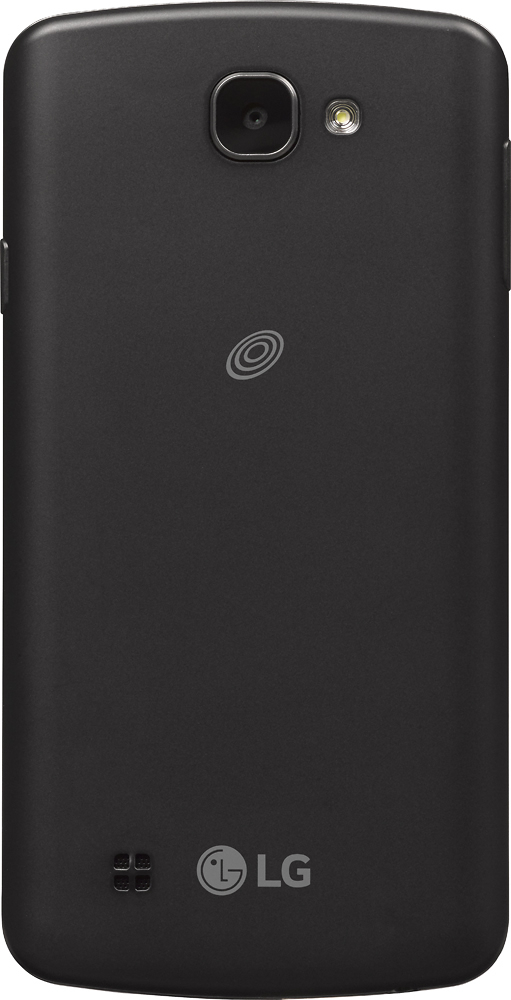
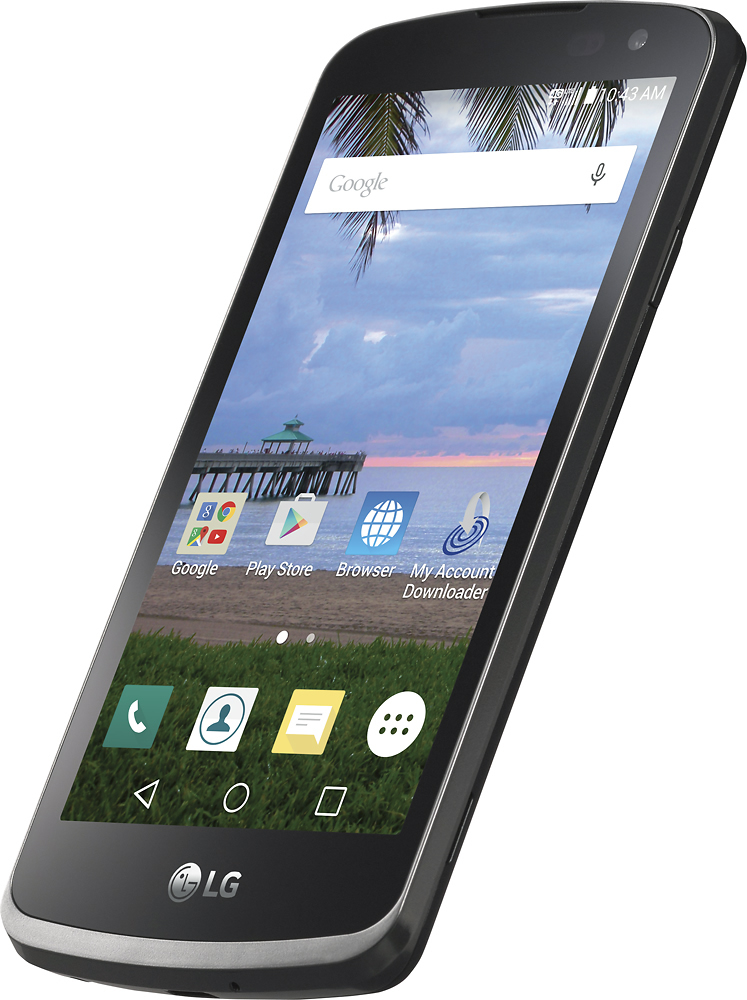
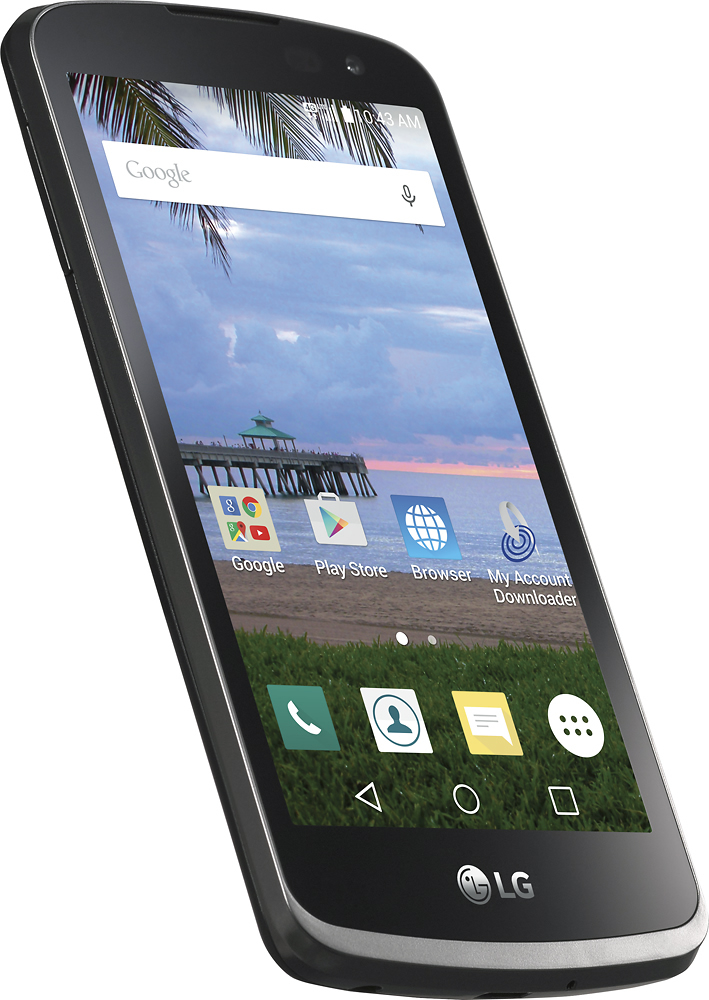
A:AnswerHi. This is Glen from TracFone Wireless. No. This phone has a feature which allow the user to access social medias or internet. You may visit our website and look for regular or basic phones.
A:AnswerIt is an Android and with a Google Account you can "locate" the phone, but you would want a tracking app that works across both Android and iPhone to do real-time tracking
A:AnswerHi. This is Katrina from TracFone Wireless. This phone is a TracFone and you can add either a TracFone Pay As You Go airtime plan or a TracFone Smartphone Only Plan.
A:AnswerHi. This is Glen from TracFone Wireless. We need to check first if this phone is eligible for rebranding. Can you chat with us at http://bit.ly/2qdrKHH so we can further assist you? For your convenience, our representatives are available Monday-Sunday from 8:00 AM to 11:45 PM EST. You may also text the key word HELP to 611611 to view our self-service menu with a list of help key words with valuable information.
A:AnswerHi. This is Cristy from TracFone Wireless. The phone doesn't have large buttons. To enlarge the screen icons, you may try going on the Applications screen. From the Home screen, tap Apps to open the Applications screen. Touch the Menu Key > Show large icons > OK.
A:AnswerHi. This is Glen from TracFone Wireless. This phone is lock to our carrier. It will not work with any other carrier. To know our Unlocking Policy, please visit our website for more details. Thank you.
A:AnswerHi. This is Cristy from TracFone Wireless. We're sorry for the trouble. We will make sure to send out notifications to our customers if the phone will no longer be compatible due to network carrier updates or changes. For more information, please contact us via chat using this link http://bit.ly/2qdrKHH. For your convenience, our representatives are available Monday-Sunday from 8:00 AM to 11:45 PM EST. You may also text the key word HELP to 611611 to view our self-service menu with a list of help key words with valuable information.
A:AnswerHi. This is Glen from TracFone Wireless. We're sorry for the inconvenience this may have caused. Please turn off your phone and remove the SIM card. Insert it again and check if it works. If the error persists, chat with us at http://bit.ly/2qdrKHH so we can assist you. For your convenience, our representatives are available Monday-Sunday from 8:00 AM to 11:45 PM EST. You can also use our self-service menu by simply texting the word HELP to 611611.
A:AnswerHi. This is Arianne from TracFone Wireless. Yes, the phone requires a TracFone Smartphone plan. You can also use the Pay-As-You-Go cards to this phone. For more details, please contact us via chat at http://bit.ly/2gQCmUz?caseId=41023.
A:AnswerHi. My name is Jose from TracFone Wireless. We can help you with this. Please contact us via chat at http://bit.ly/2gQCmUz and we will be able to assist you.
A:AnswerHi. My name is Jose from TracFone Wireless. We can verify the coverage for your area. Please contact us via chat at http://bit.ly/2gQCmUz and we will be able to assist you.