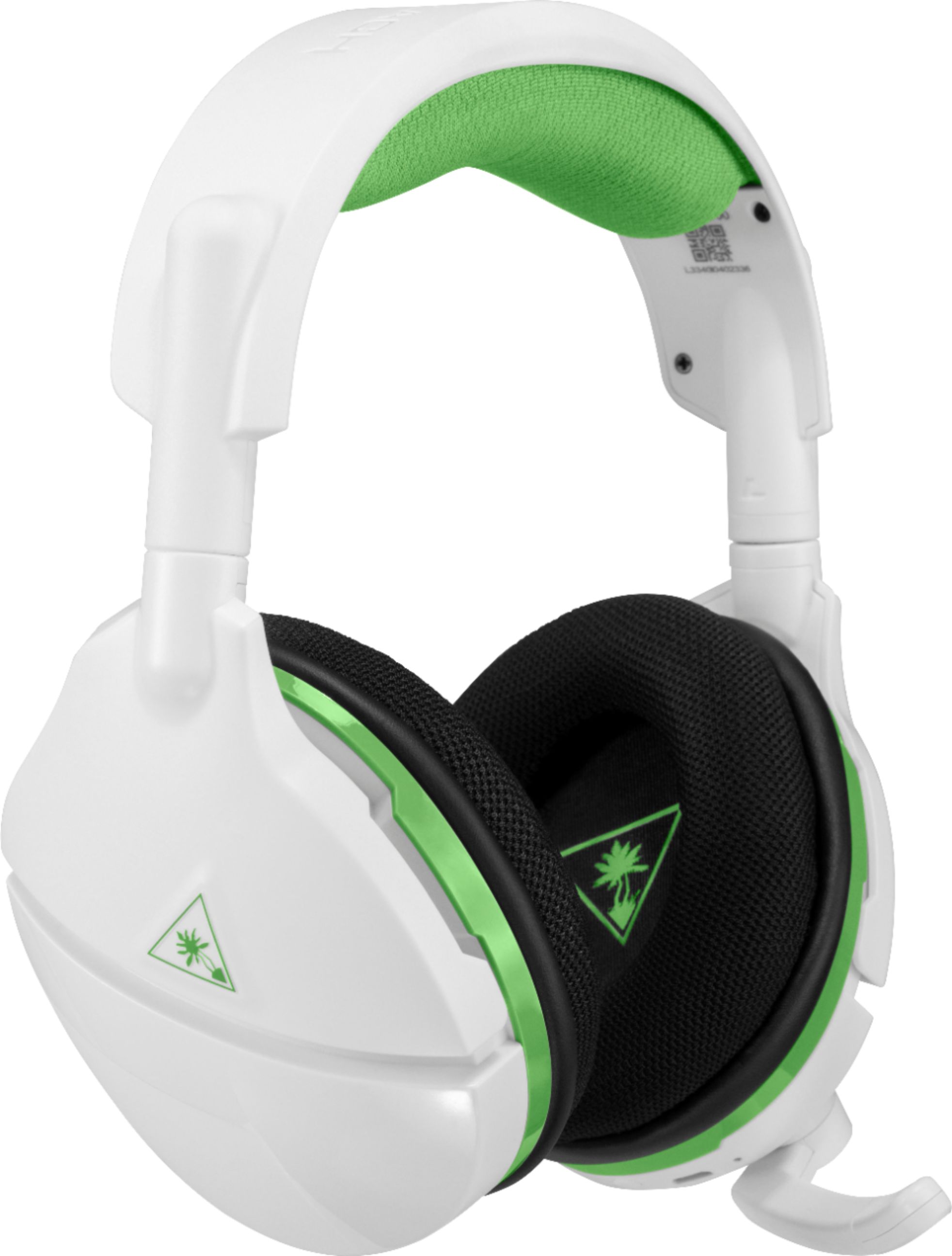
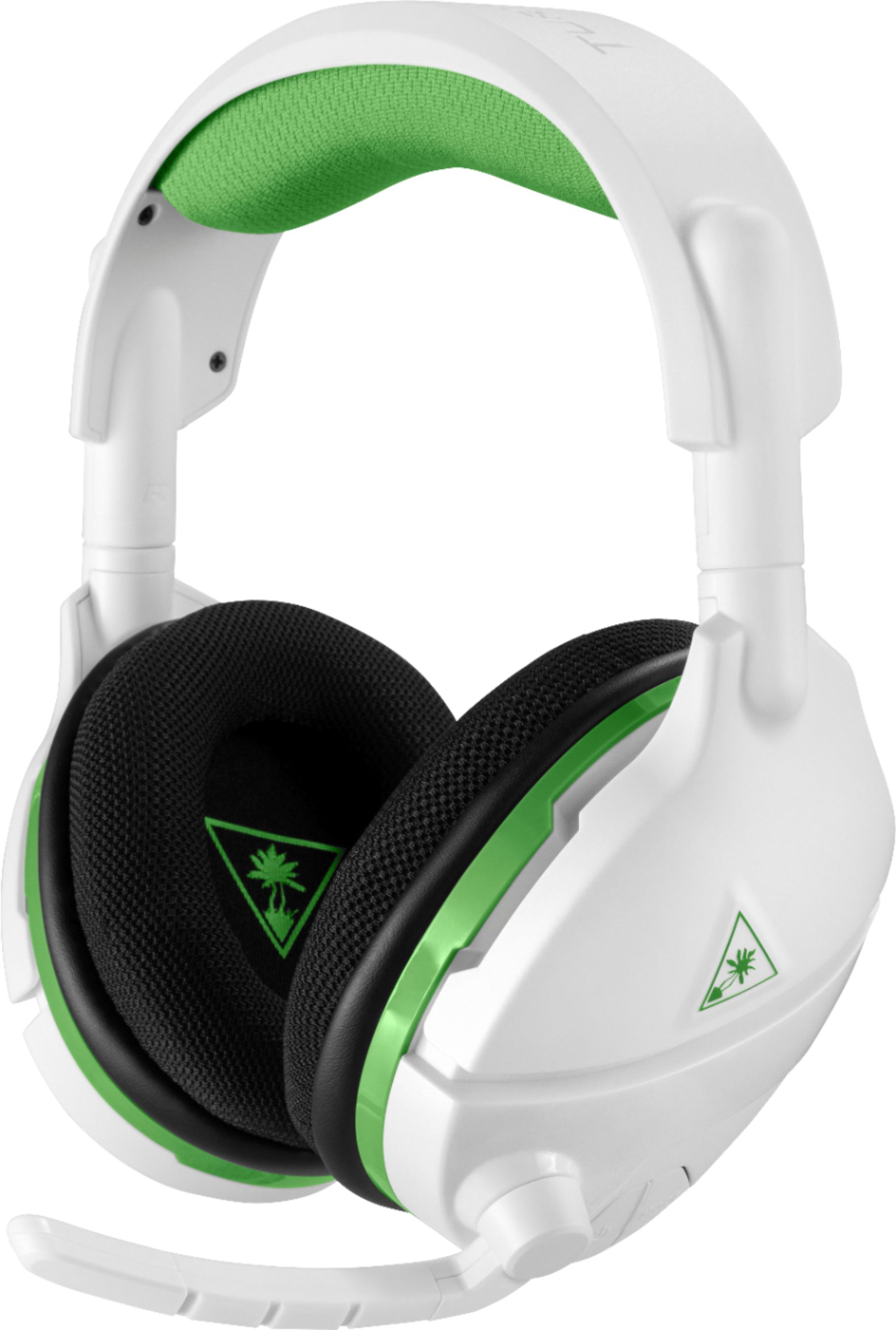
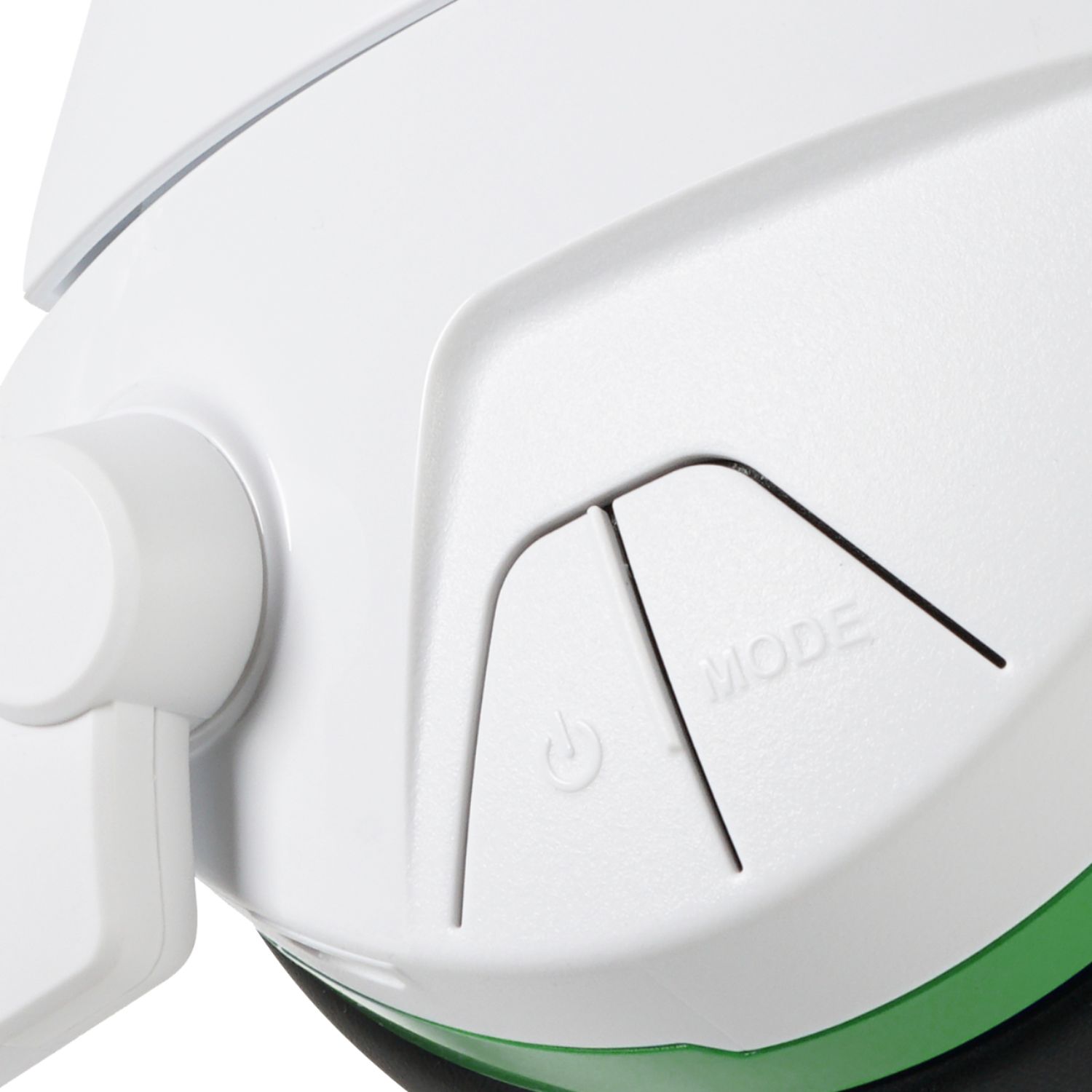
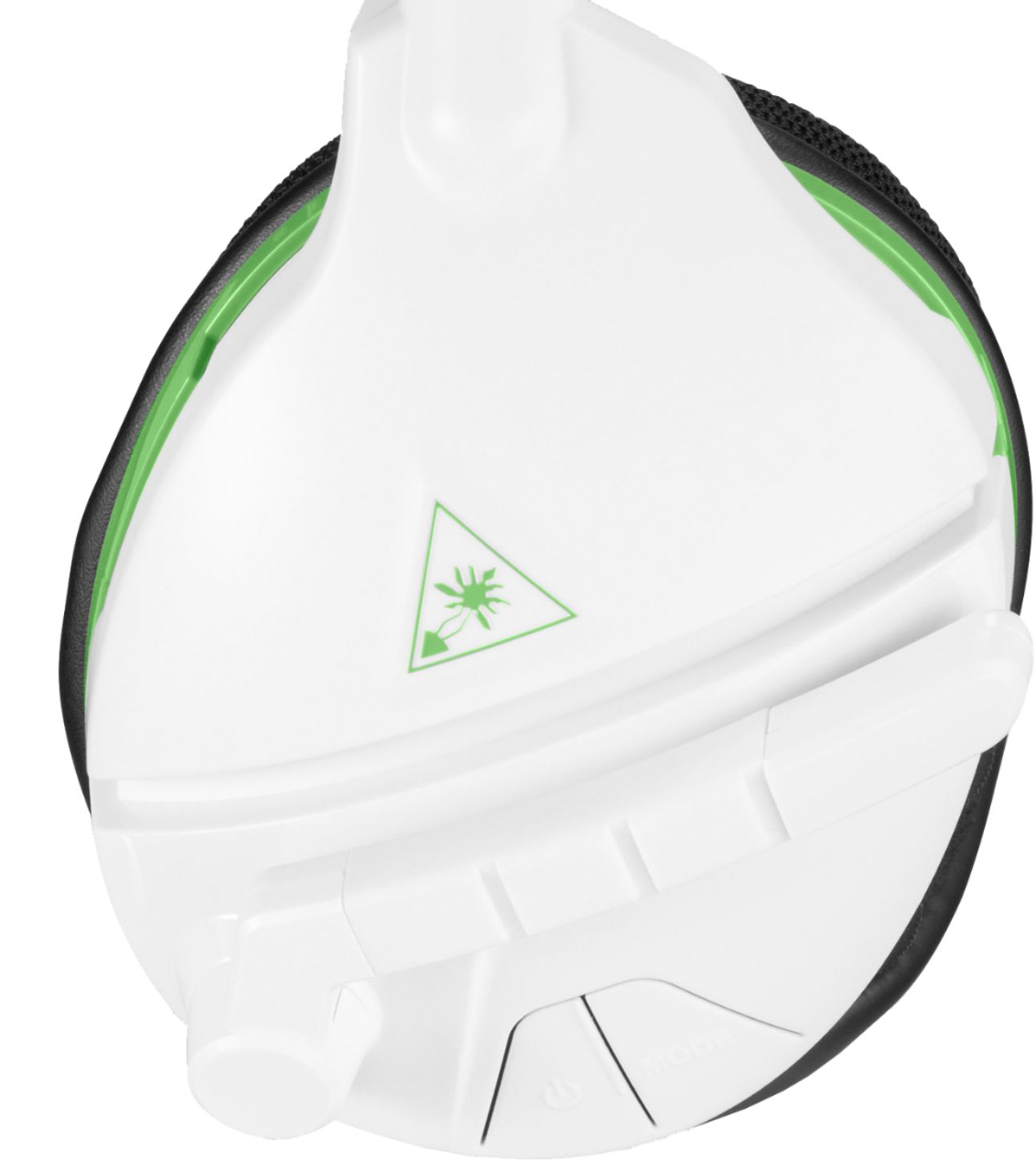
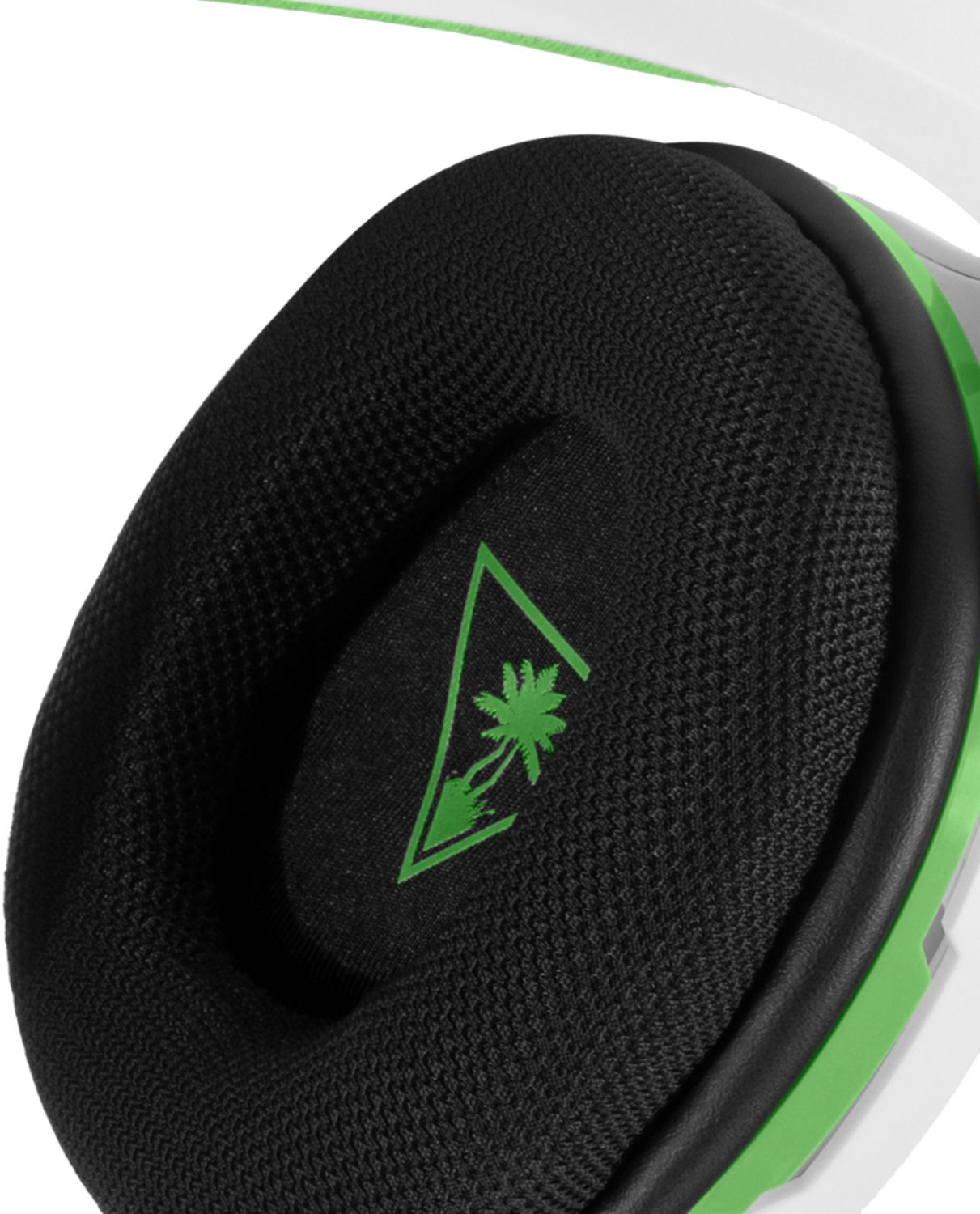
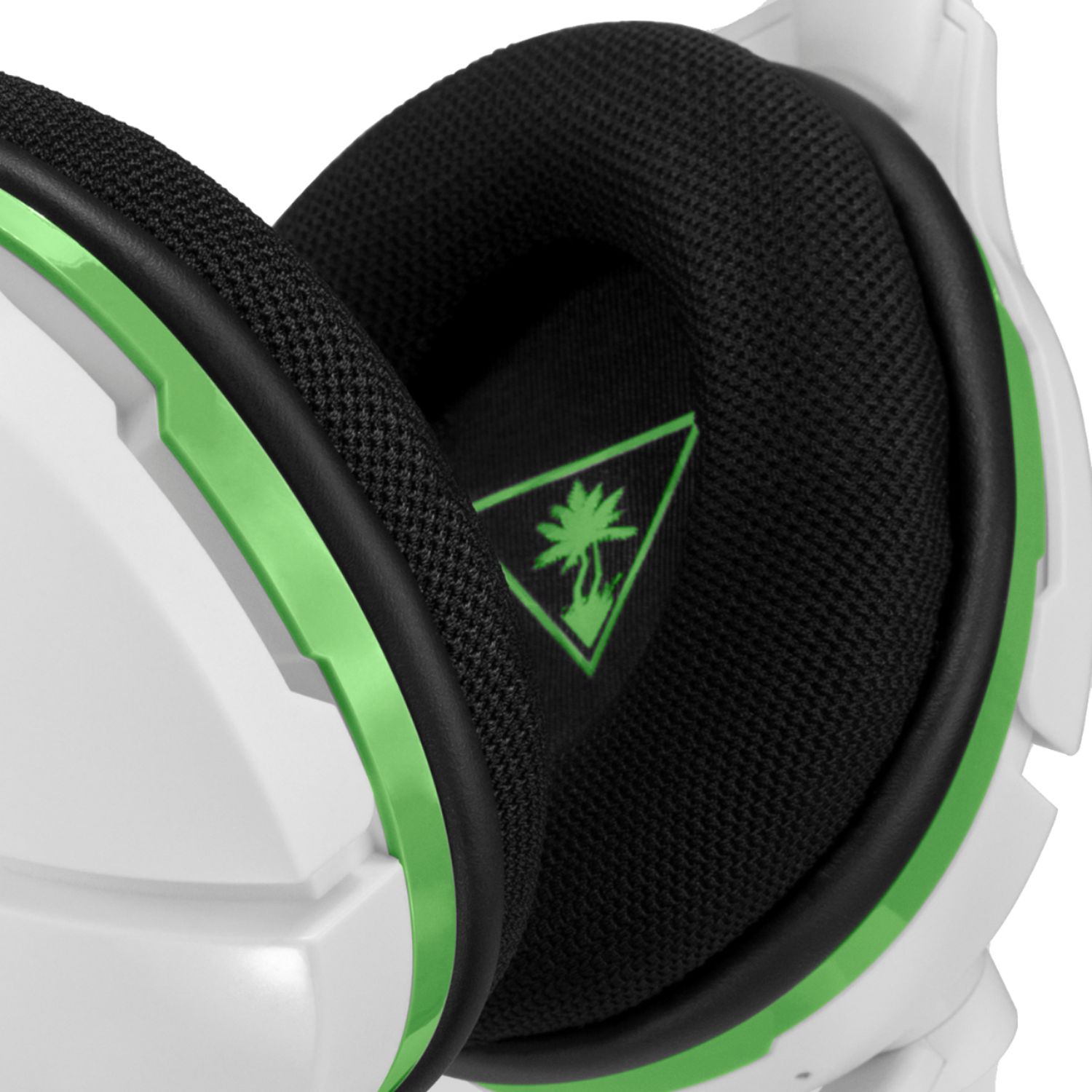
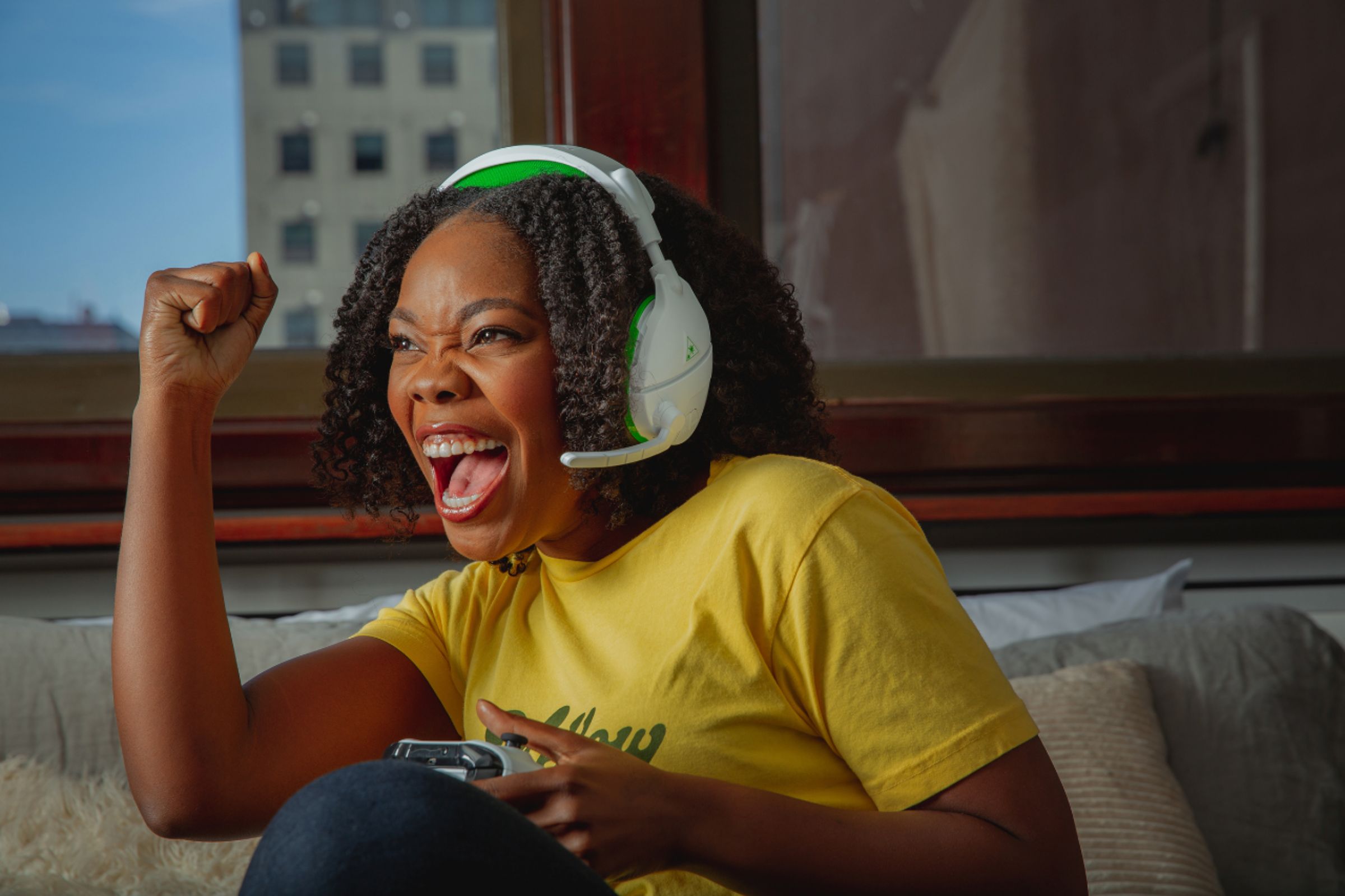
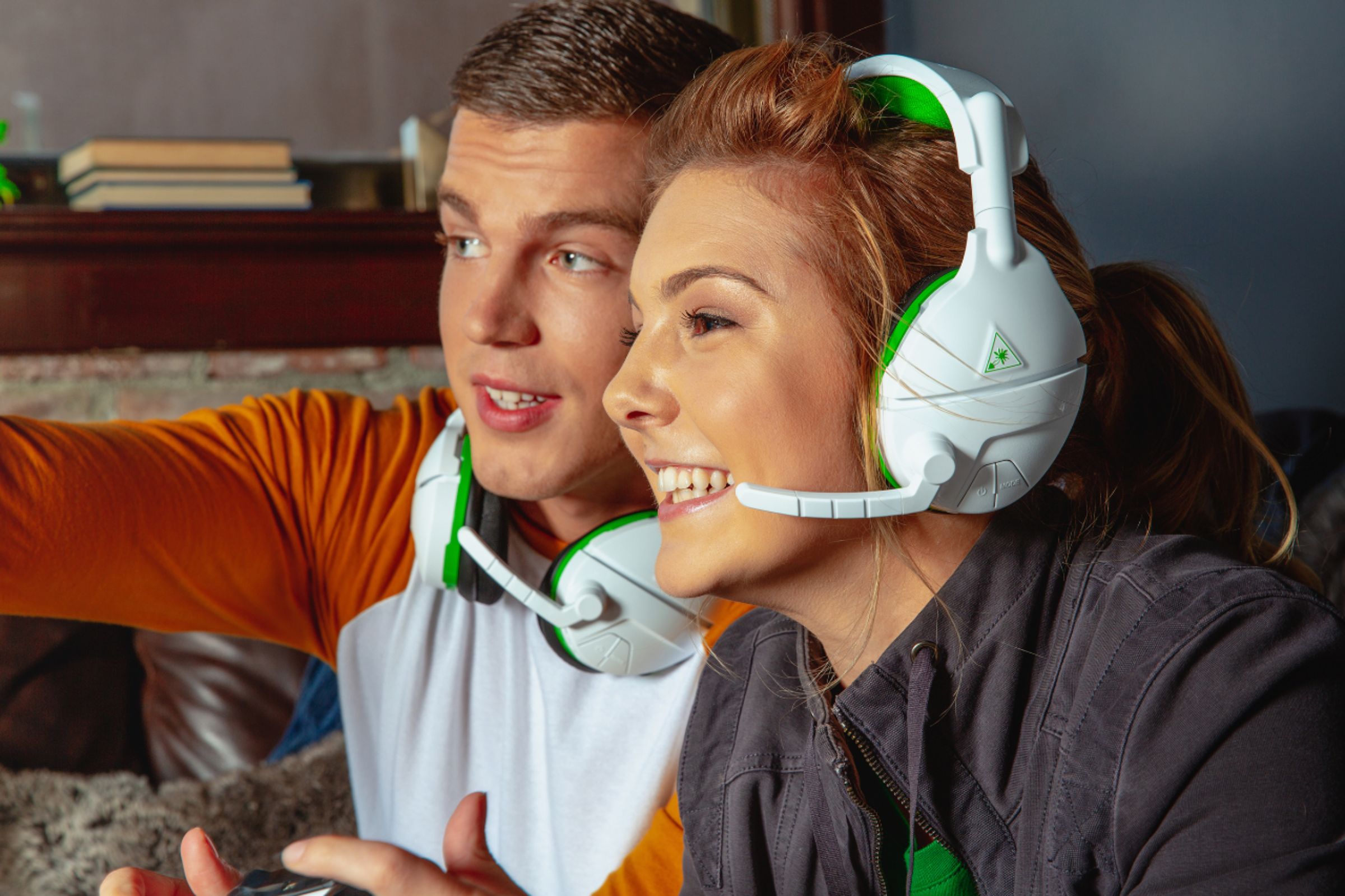
A:AnswerNo these are not. These are wireless surround sound gaming headset with retractable microphone for the Xbox one. They are not noise canceling, Bluetooth nor wired.
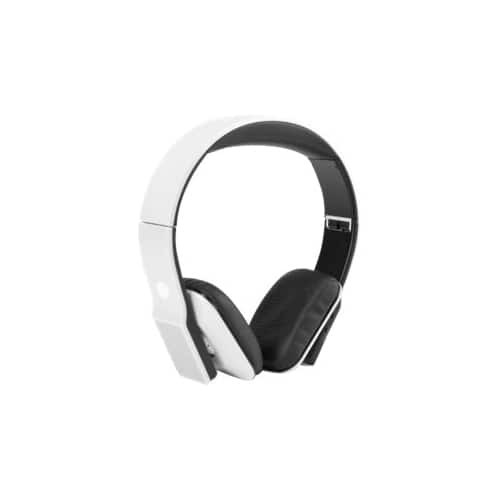
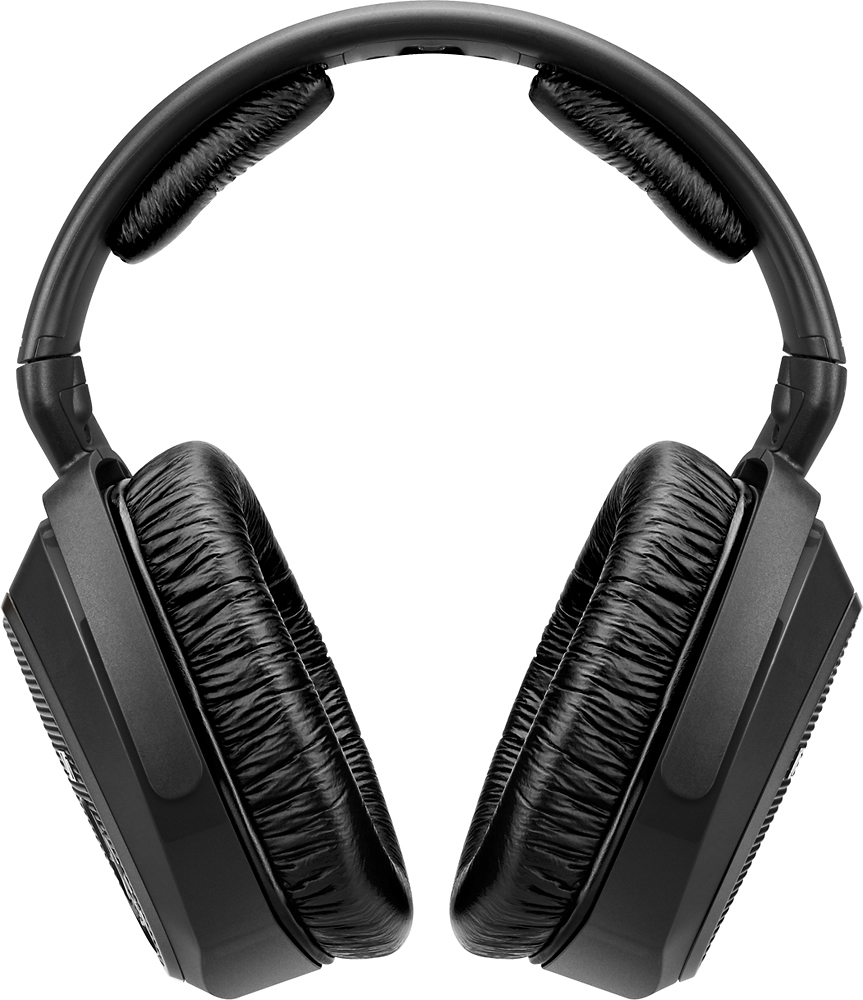
A:AnswerNo, theses are specifically meant for use with an Xbox One or Microsoft Computer, I would recommend either of the two headsets shown below as an alternative.
A:AnswerYes you can, the Mic has three positions, down is on and open for talking, flip it up to mute it and then it has a storage position for when it's off
A:AnswerHello Nathan,
If you have encountered an inconvenience with your headset, it would be best to reach out directly to our dedicated Support Team via the main Turtle Beach website so they can offer assistance under your headset's warranty.
A:AnswerHello there,
You'd want to reach out to our Support Team about this. Our Support Team is always happy to help as needed, and we can be reached right from the support section of the Turtle Beach website.
Thank you!
A:AnswerThanks for reaching out to us.
Two headsets can be used on the same console. Please be aware that each player would need to have their own separate Xbox Live accounts and their own Xbox One controller.
Communication through the headset is limited to other online players. That means the players with the Stealth 600 for Xbox One headsets will be able to hear and be heard by other online players. However, they will not be able to communicate with each other through their headsets. They will have to speak out loud to one another to communicate. This is because "local chat" is not enabled on this console and is not related to the particular headset or headset model itself.
A:AnswerIt takes a standard micro usb. It should be very easy to find a longer cord for it. I happened to have a longer charger for my phone and use that when needed.
A:AnswerYou would want the PlayStation 4 version. They are listed under Turtle Beach - Stealth 600 Wireless Surround Sound Gaming Headset for PlayStation 4 and PlayStation 4 Pro - Black/Blue.