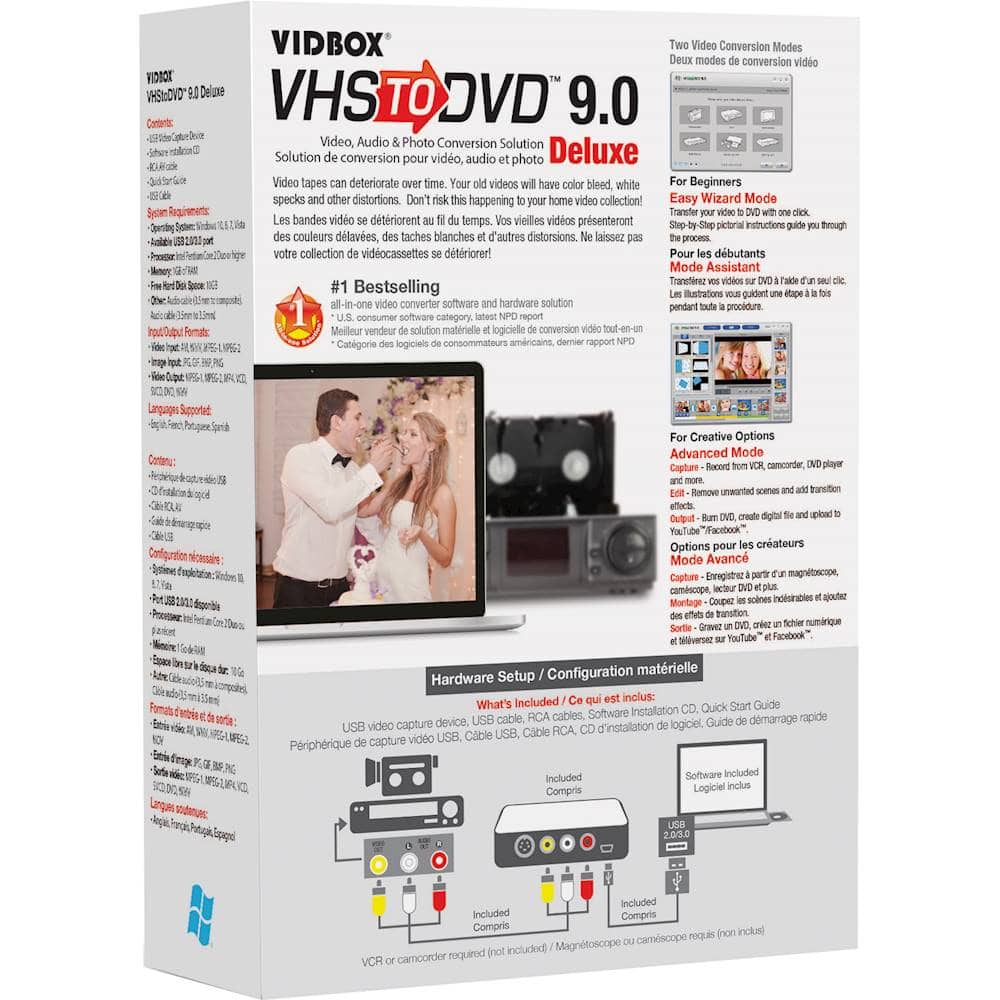
A:Answer Yes you can. It is a longer process, but when you go to the Advanced Mode you can start and stop recording at anytime. This way you will be able to put in multiple vhs tapes. Once you hit stop while recording, the clip will show up on the right of the screen. Once you get the clips you want, you need to go to the EDIT mode. Here you can either edit them a little more, then drag and drop them to the bottom of the screen, or you can just drag and drop them to the bottom of the screen without any editing, and that is where the video will come from. Once you have all the clips you want, hit Merge and Save. This will create the video that can be either saved to the computer, or be burned. Once the video has been merged and saved, the video clip will show up on the right of the screen. If you want to burn the video, hit BURN at the top of the screen. Now you can drag and drop the video to the screen, then hit the burn icon at the bottom of the screen to burn the video. Personally, I have been able to both burn dvd's, or save the videos to the computer where I have been able to put them on a flash drive.