A:AnswerVIZIO sounds bars are designed to work with all makes and models of TVs. All you need is an open and compatible audio connection on the back of your TV.
A:AnswerI have not attempted to use it with devices other than a TV yet, but it has multiple output/interface options including HDMI and Bluetooth. So I would guess that it may be possible. The video at https://www.youtube.com/watch?v=dZ-G3vkALgQ may also offer insight, although it involves a different VIZIO model.
A:AnswerSorry to hear you are not having a smooth experience. I would love the opportunity to have our technical support team learn more about the issues you are experiencing. When you have a free moment, they’re available through text message, chat, or over the phone. Just go to support.VIZIO.com and click on ‘Contact Us’.
A:AnswerAlexa and Google Assistant devices can help with powering the TV on and off, but you do not have to attach or use one if you prefer to have it set up that way.
A:AnswerYes, you could connect this sound bar to our 55" OLED model. It pretty straightforward, but if you have any questions we do offer free tech support. Just head over to support.VIZIO.com and click on 'contact us.'
A:AnswerThis sound bar does have a learn feature that would allow the sound bar to learn the buttons from other remotes to control volume up, down, and mute.
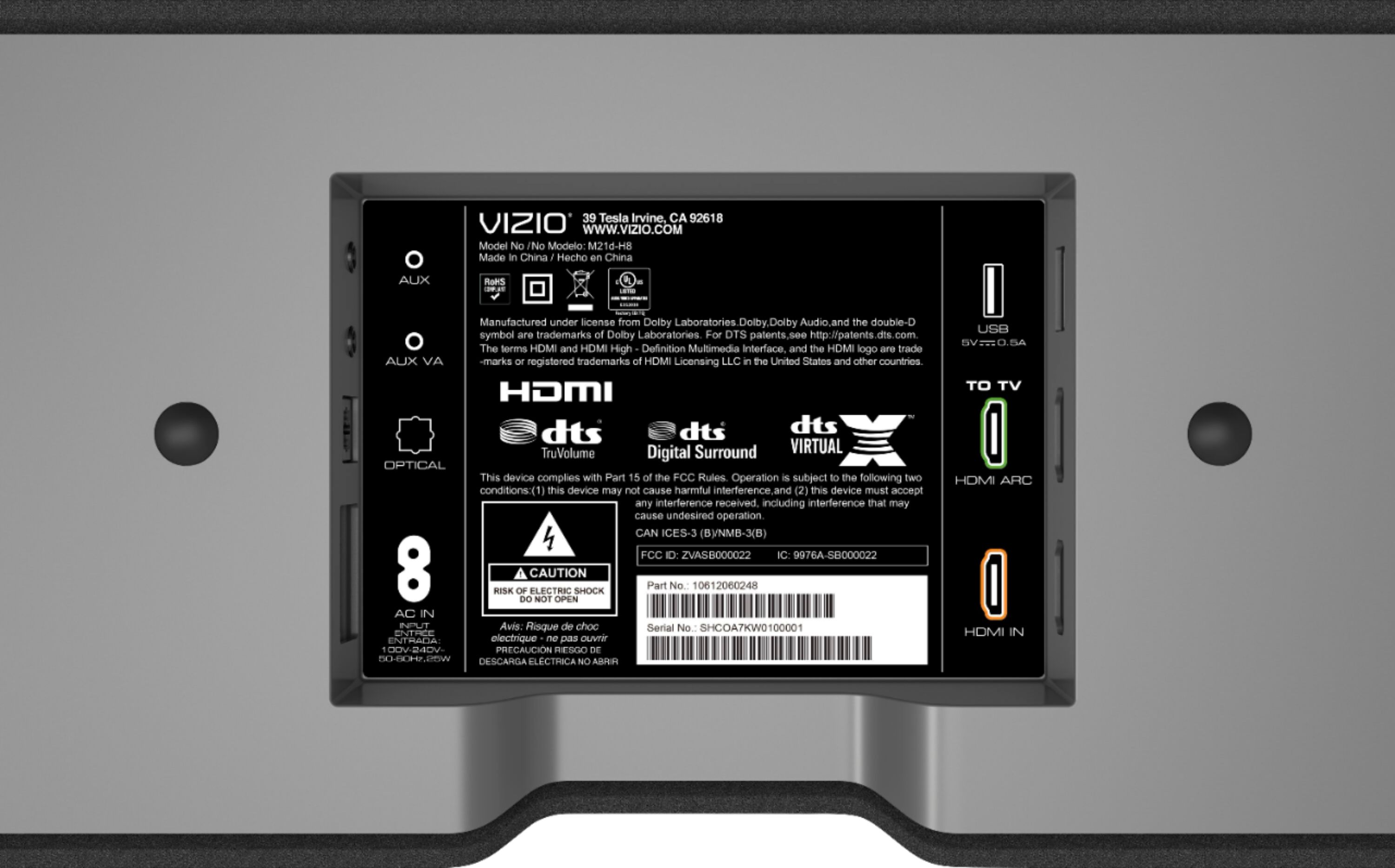
A:AnswerWhen connecting a sound bar and a TV with HDMI, yes, both devices need to be attached with the HDMI ARC port. The sound bar does also have other connection options that might be able to attach to your TV.
A:AnswerSorry to hear you are not having a smooth experience. I would love the opportunity to have our technical support team learn more about the issues you are experiencing. When you have a free moment, they’re available through text message, chat, or over the phone. Just go to support.VIZIO.com and click on ‘Contact Us’.
A:AnswerTo answer your question, I want to gather a bit more information. When you have a free moment, we are available through text message, chat, or over the phone. Just go to support.VIZIO.com and click on ‘Contact Us’.
A:AnswerTo answer your question, I want to gather a bit more information. When you have a free moment, we are available through text message, chat, or over the phone. Just go to support.VIZIO.com and click on ‘Contact Us’.
A:AnswerVizio sound bars are designed to work with any TV that has the available ports to connect the audio cords between the devices. In regards to recommendations, that really depends on what your wants, needs, and layout of your room is like.
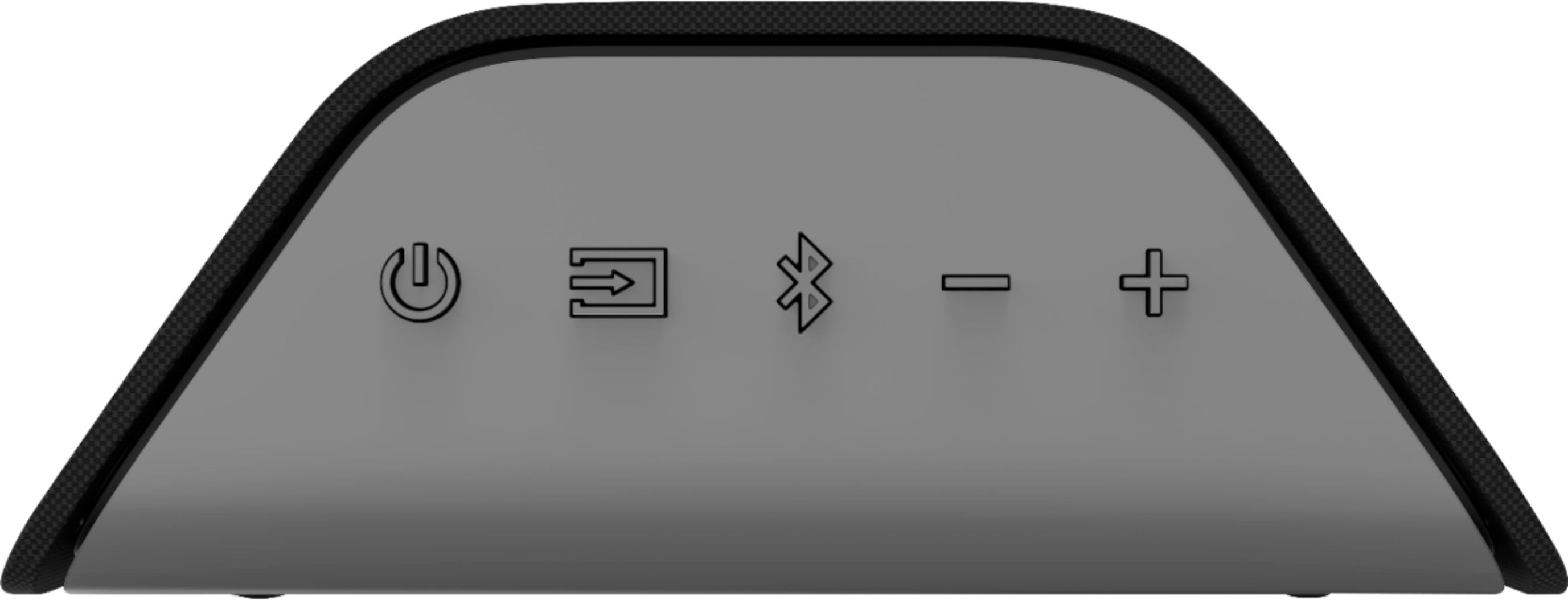
A:AnswerWhen the sound bar is connected to your TV using the HDMI ARC connections on both devices, you will be able to control most basic functions with the Vizio TV remote. Any individual settings of the sound bar will need to be adjusted with the sound bar remote. This sound bar does also have a Learn feature where you can program it to learn the Volume up, down, and mute buttons of your cable remote.