A:AnswerThe echo dot can be connected through Bluetooth and would output all audio from the echo dot. When doing this we recommend turning off eco mode so the sound bar doesn't automatically power off. If the sound bar powers off it would need to be repaired when powered back on.
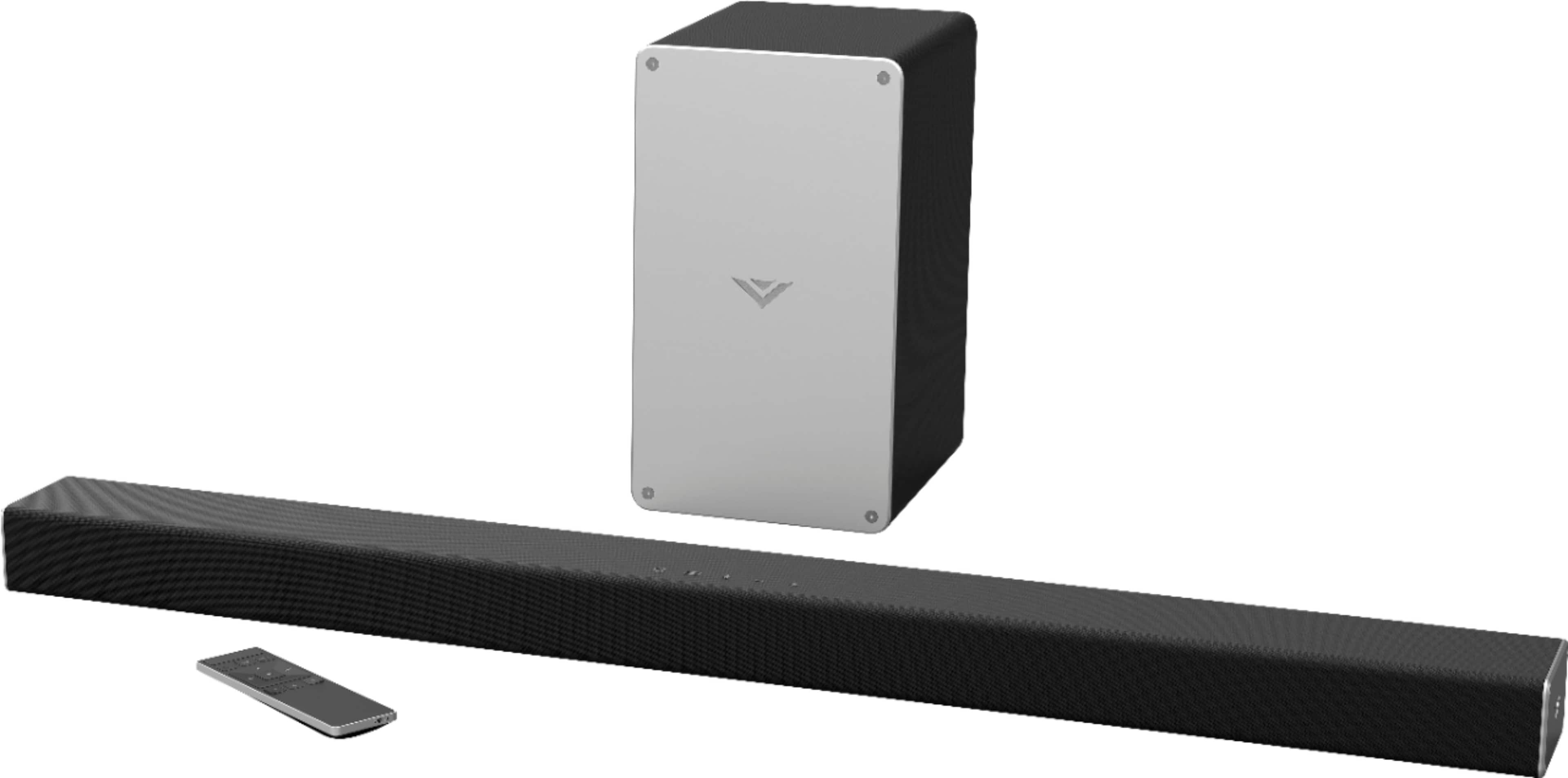
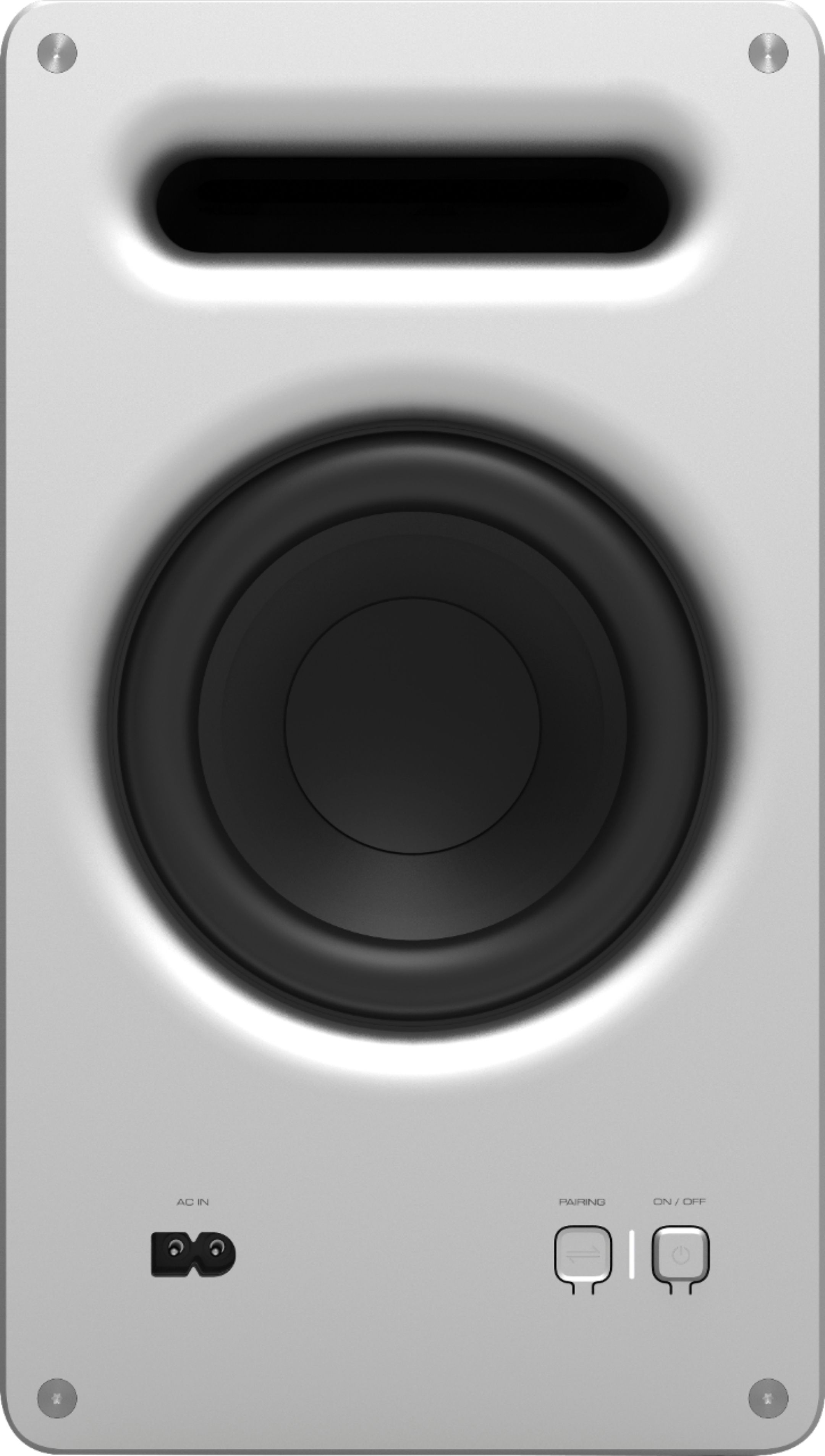
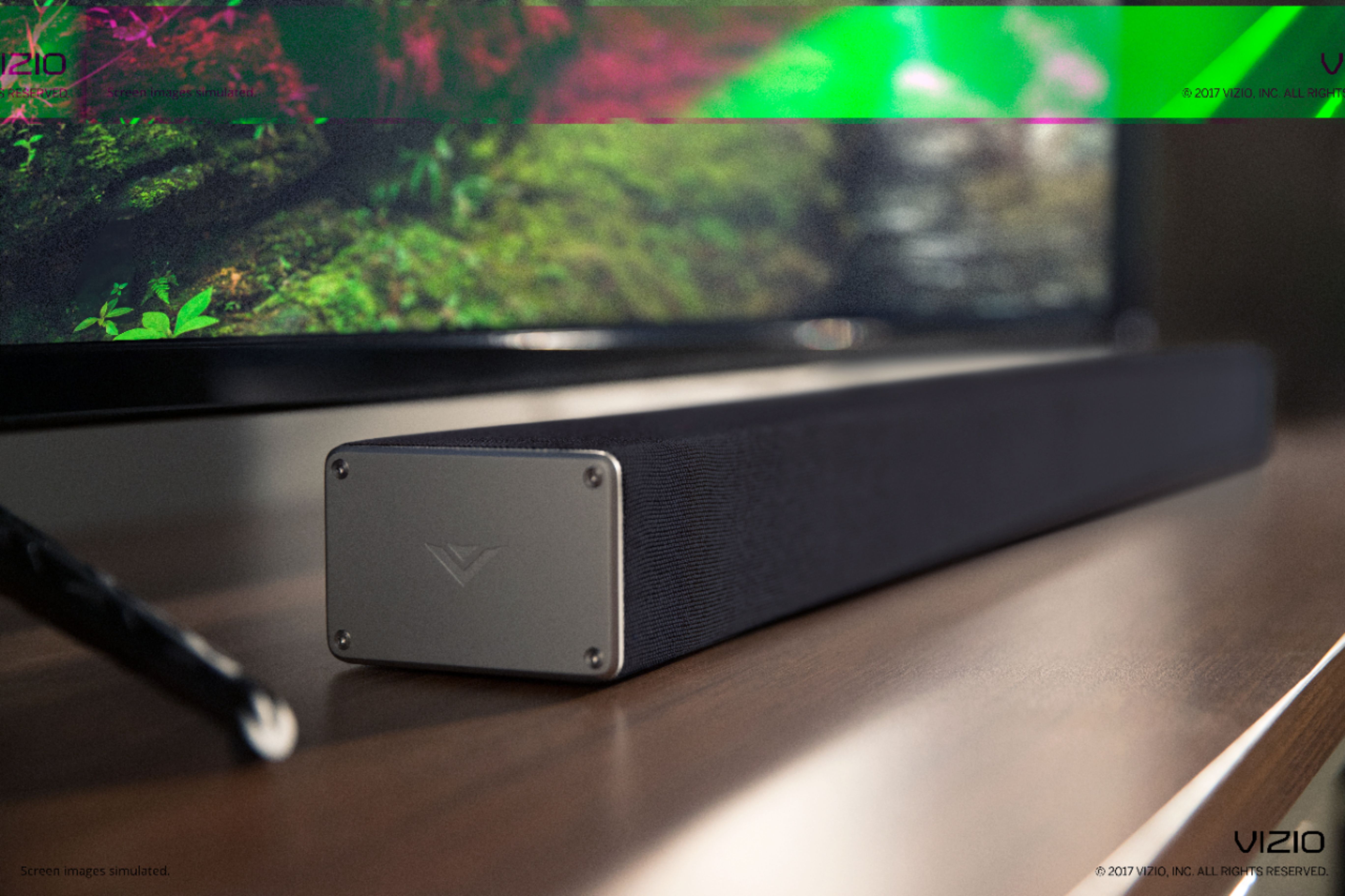
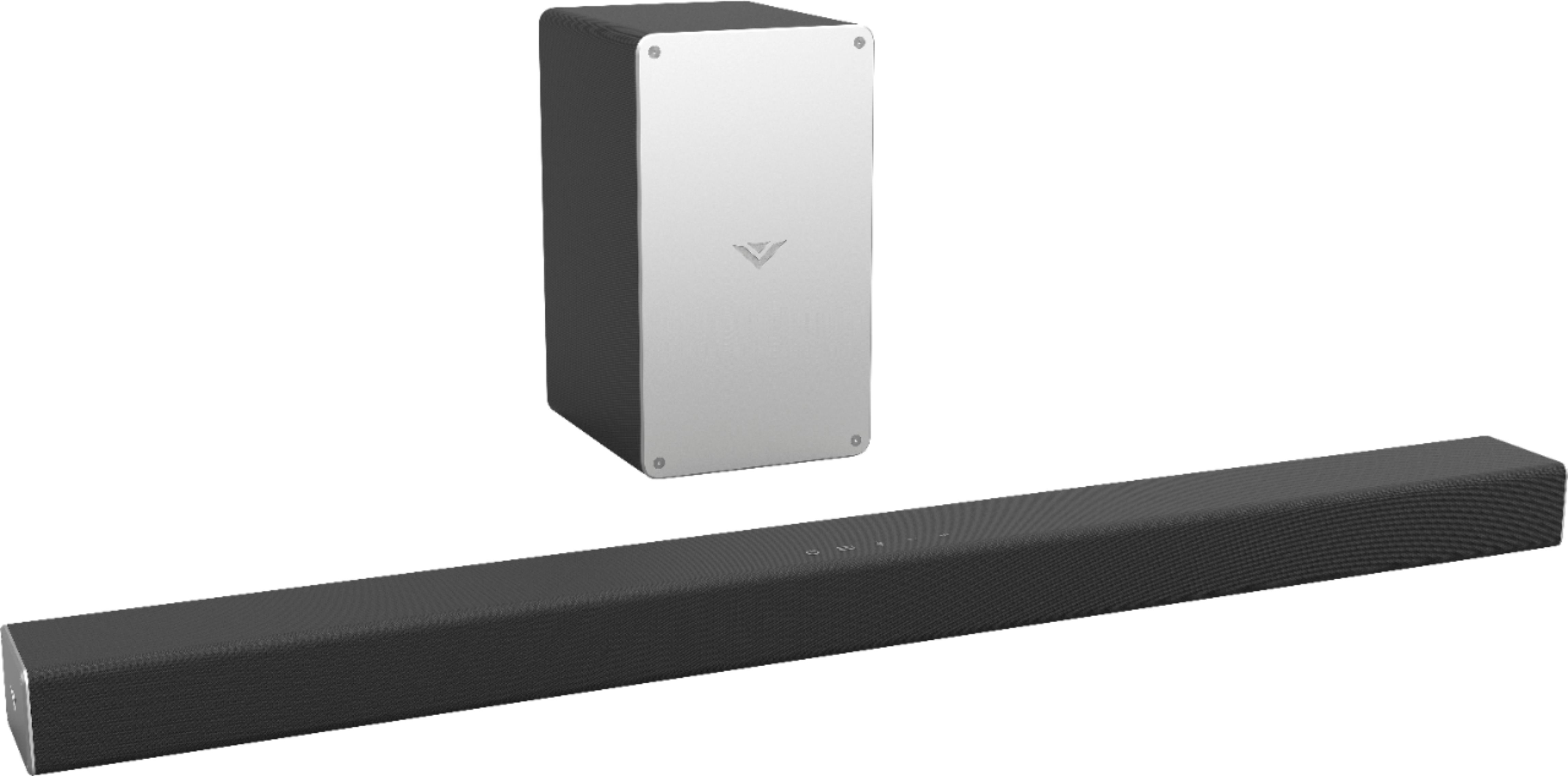
A:AnswerThis soundbar has 2 internal speakers (left and right) as well as one subwoofer. In the "2.1 Channel" descriptor the first number refers to the number of speakers and the second number refers to the number of subwoofers. Just a tidbit for future reference!
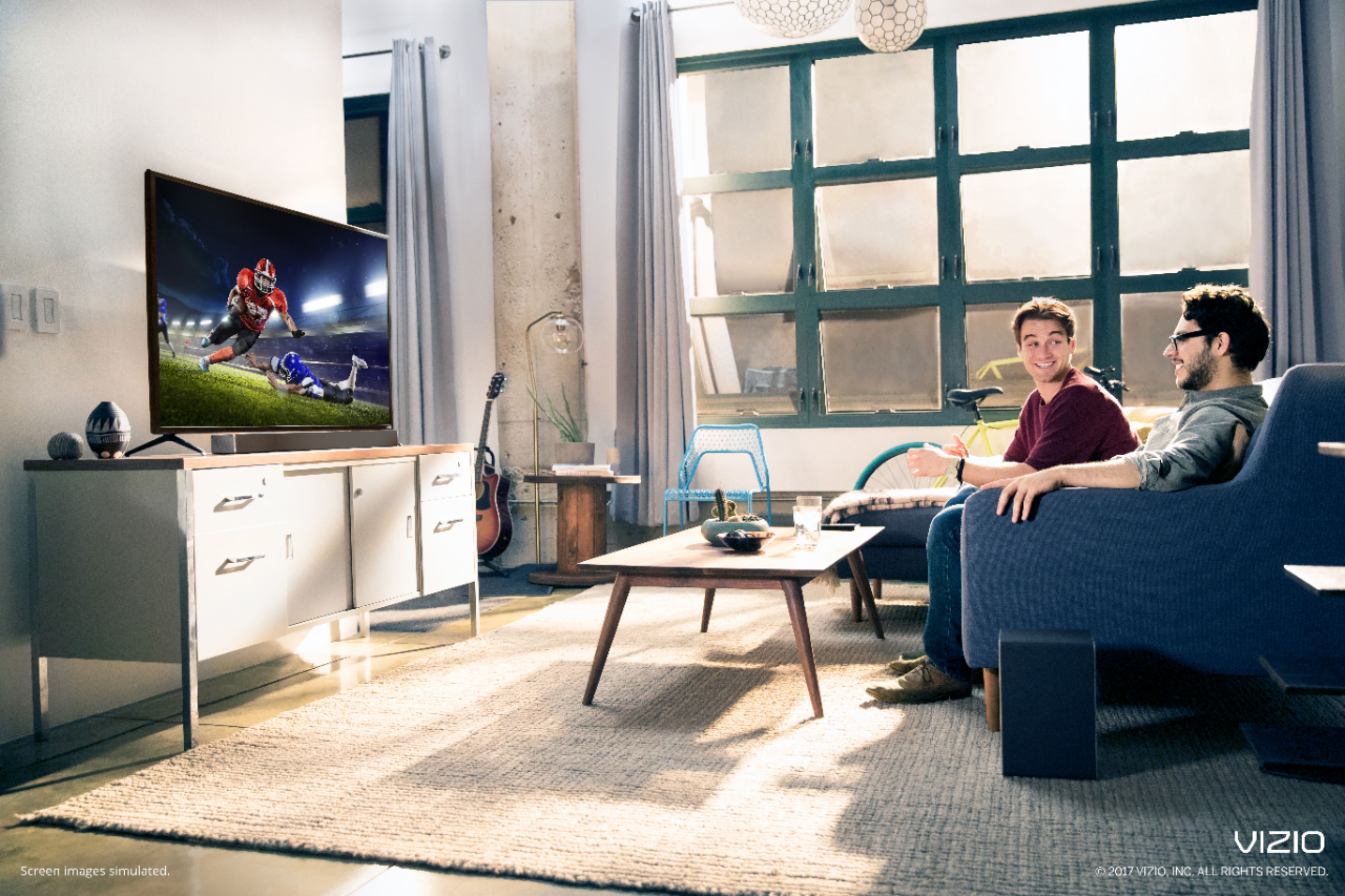
A:AnswerMy experience has been that with both a Vizio TV and a Vizio soundbar they will turn on together with just the TV remote, but need to be turned off separately. However, both devices turn off automatically after some amount of standby time.
I should note that this is only true for my newer Vizio TV/soundbar. I have a new soundbar with an older TV in another room and everything must be turned on separately. Auto-shutoff also seems to not include the TV likely due to how old it is.
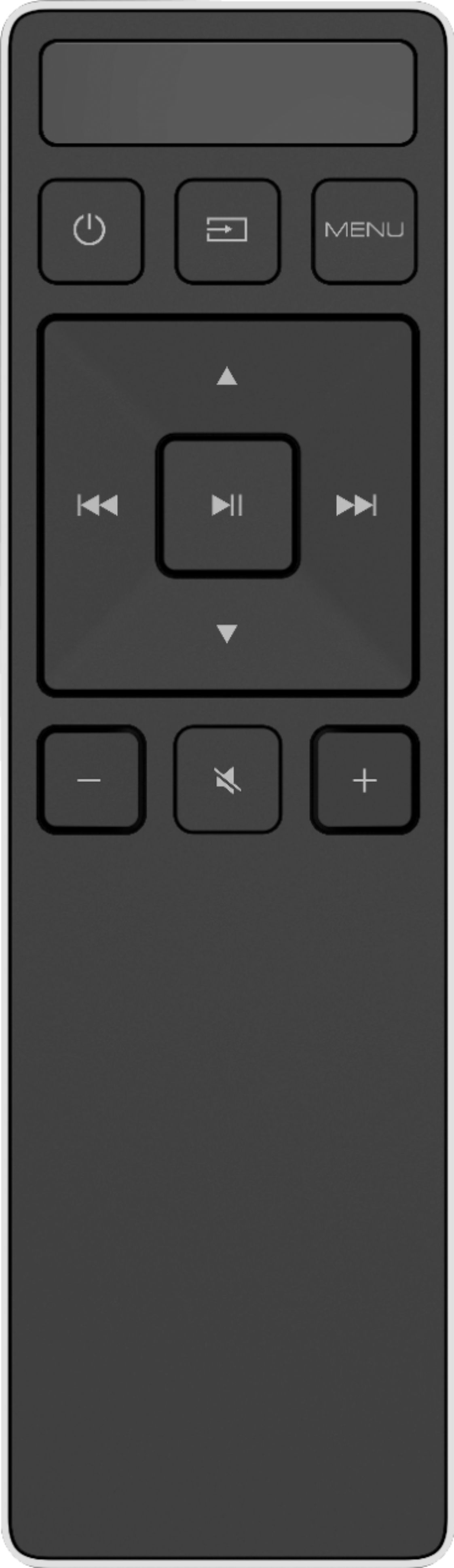
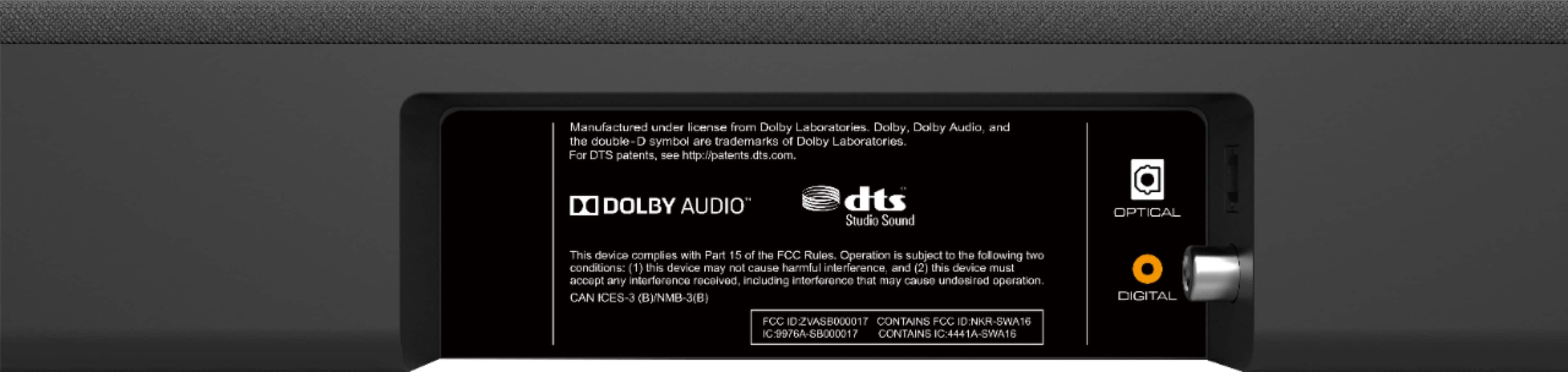
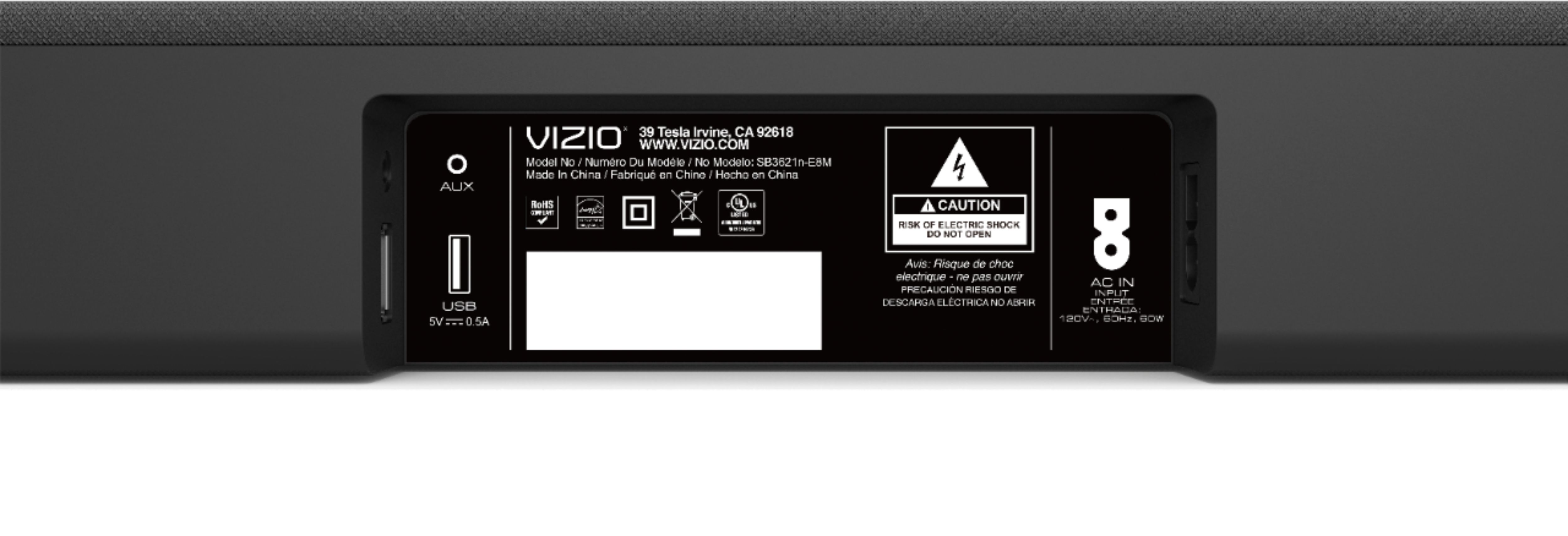
A:Answerassuming that you are connecting via digital/optical from the TV to the soundbar, and the TV settings are going to external speakers, not the TV speakers, and the soundbar is plugged in, and the remote has batteries in it, and the light comes on in the front left corner of the soundbar when you press the on button on the remote, and the volume it set to something audible - assuming all of that, if you get no sound, it may be a compatibility issue with the TV. If the second soundbar is also not working, it is not the soundbar.
A:AnswerThe best way to connect a sound bar, is to plug everything into your TV, then connect 1 cable from an 'Audio Out' port on the TV to the sound bar. This way, whatever is playing on your TV will come through the sound bar. The problem with your setup right now, is that both devices are connected to the TV, but only the DVR is connected to the sound bar. So plug the DVR, and Blu Ray player directly into your TV, and run 1 audio cable from an audio output on your TV to the sound bar. If you need any assistance, feel free to reach out to our tech support agents at 855-833-3221.