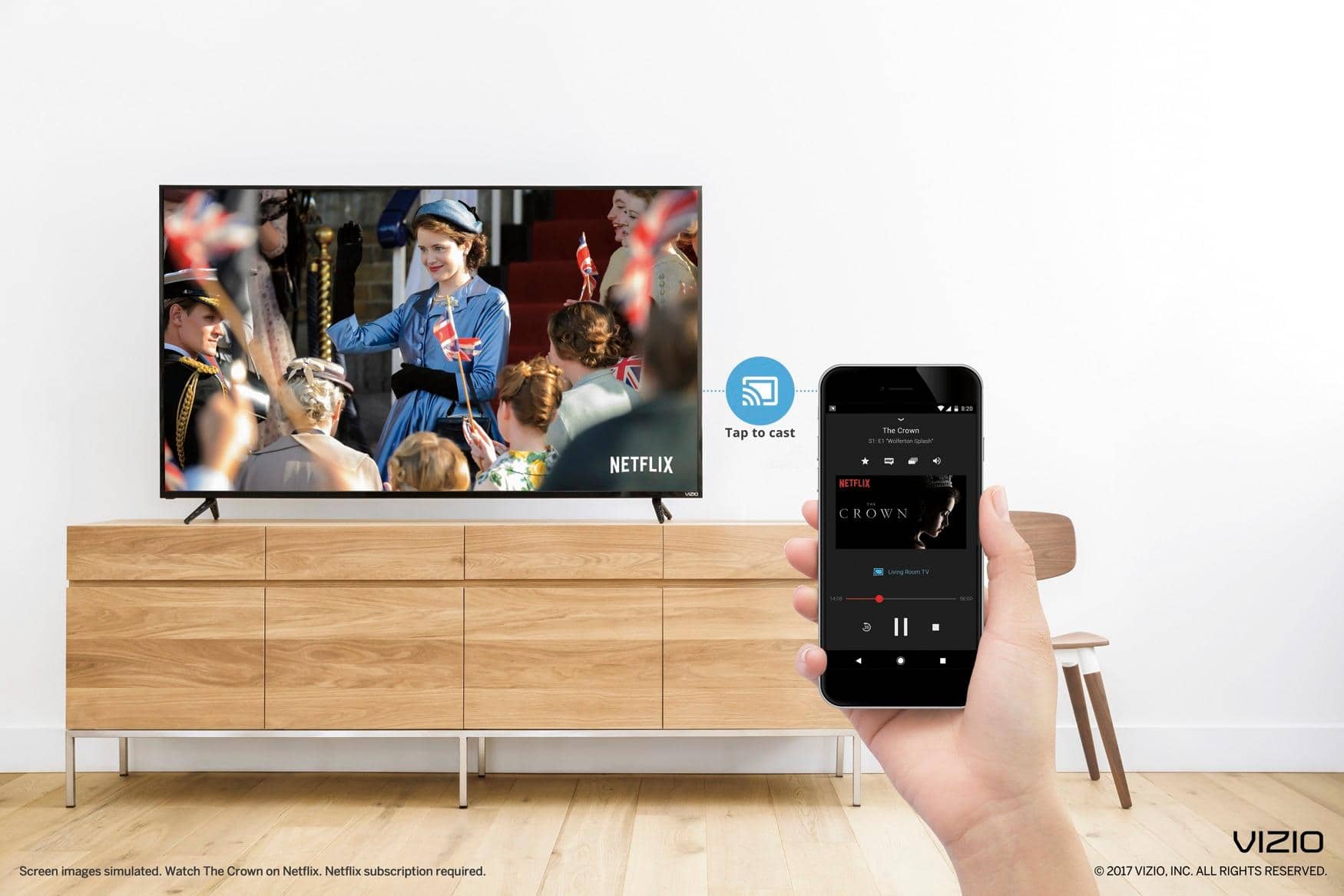
A:Answer You can stream Kodi to your TV via chrome cast. Open Chromecast app on your Android device, Open the menu and select the “Cast screen / audio” option and follow the instructions to connect to your Chromecast, and then open Kodi. Otherwise, you can follow these steps :
Download ES File Explorer, Kodi, LocalCast and .xml file PlayerFactoryCore.
Open ES File Explorer, go to Settings, and make sure “Show hidden files” is ticked.
Next, make sure your Kodi or XBMC media centre is connected to the Kodi app
Once done, go into ES File Explorer again and open the Downloads folder
Locate PlayerFactoryCore.xml, copy it, and go to Android > Data and look for either “org.xbmc.kodi” or “org.xbmc.xbmc” depending on which streamer you use. Kodi will be “org.xbmc.kodi”
Once open, click through Files > .kodi (or .xbmc, depending which one you've used) > userdata and then paste the PlayerFactoryCore.xml file into this folder.