A:AnswerYes, you can either connect with an HDMI cable or you can use the built in Apple AirPlay2 to mirror your Mac to the TV, or even use it as a second or third monitor.
A:AnswerThe TV has a variety of preset picture modes that can be adjusted by pressing the PIC button on your remote. You can also access the picture menu and individually adjust every value of the TV's picture. (Sharpness, Color, Brightness, Black Levels etc.).
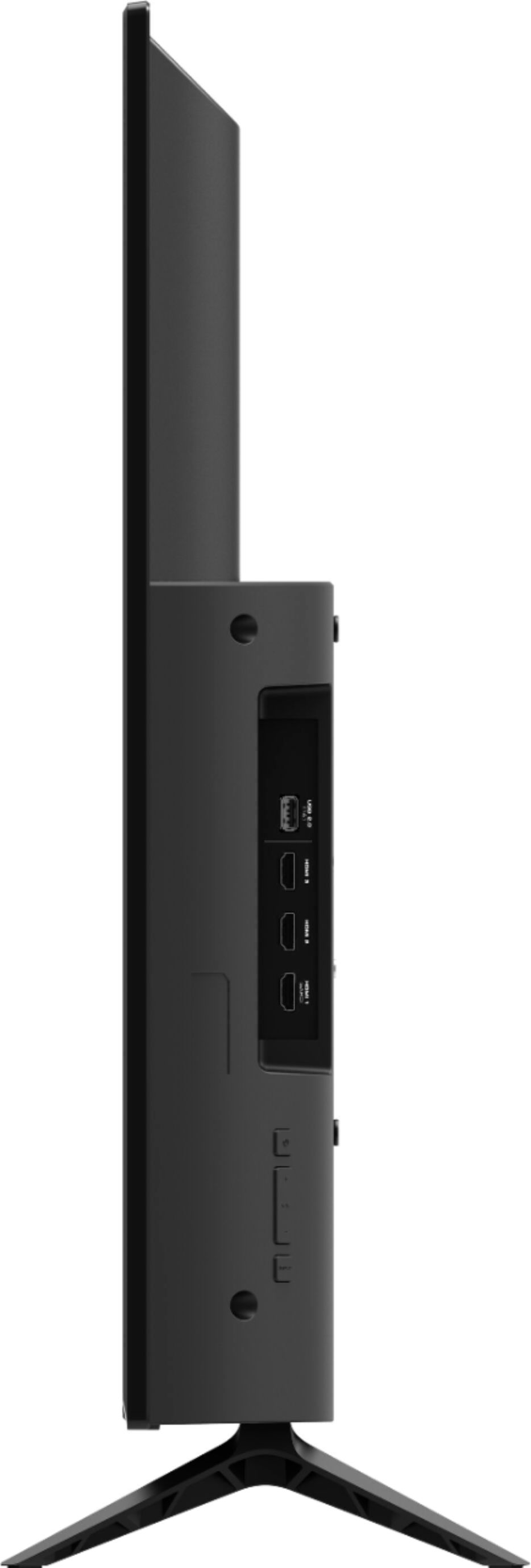
A:AnswerCable and satellite boxes can be used with all VIZIO TVs. We would recommend using an HDMI connection between the box and TV for best audio and video quality.
A:AnswerThe TV does not have a web browser available. Currently, the Spectrum app is not a part of SmartCast. VIZIO is committed to giving consumers access to as much streaming content as possible. We appreciate your feedback and will make sure to continue adding features and applications in the future.
A:AnswerTo answer your question, I want to gather a bit more information. When you have a free moment, we are available through text message, chat, or over the phone. Just go to support.VIZIO.com and click on ‘Contact Us’.
A:AnswerTo answer your question, I want to gather a bit more information. When you have a free moment, we are available through text message, chat, or over the phone. Just go to support.VIZIO.com and click on ‘Contact Us’.