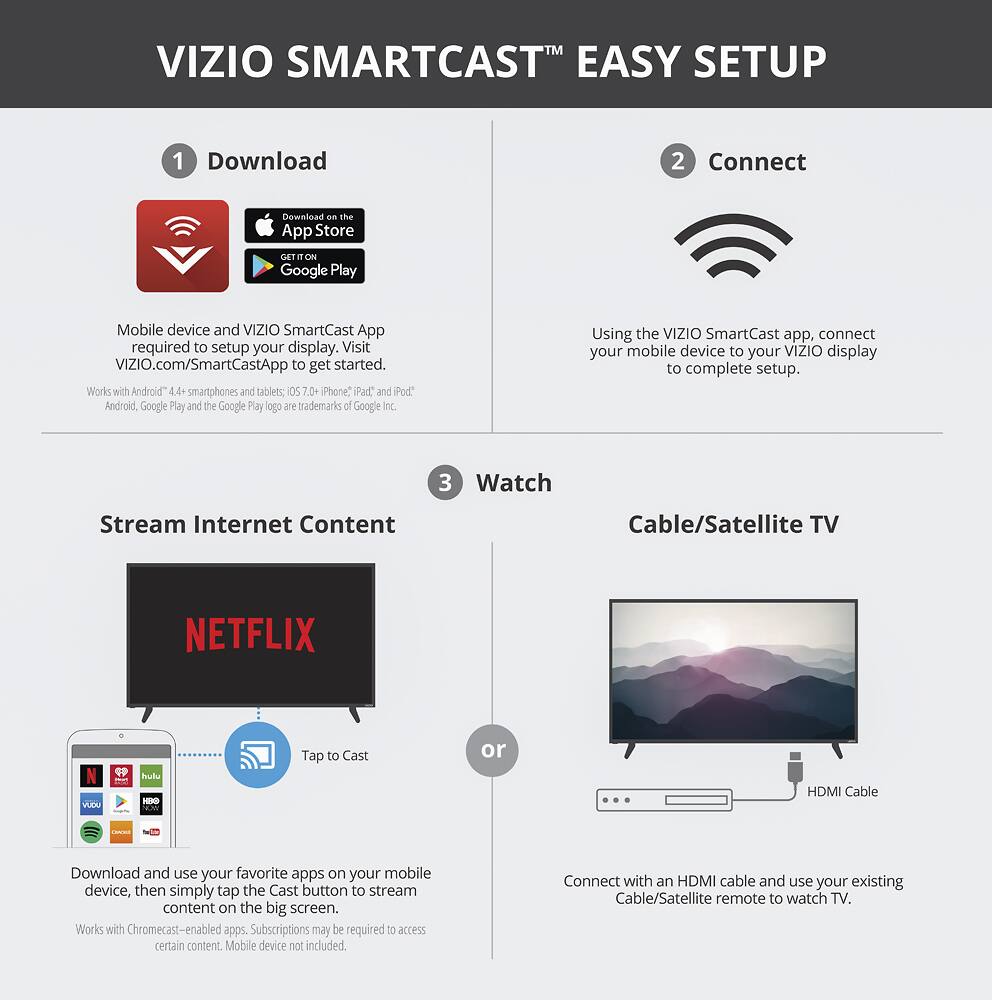
A:AnswerYou have to program your existing remote to the TV...that was so easy it happened before I realized iit was done - on screen instructions even guessing info you might not have handy.
Using your smartphone is pretty cool though. If I were I kid I would be outside and turn the TV off on my sister. :)
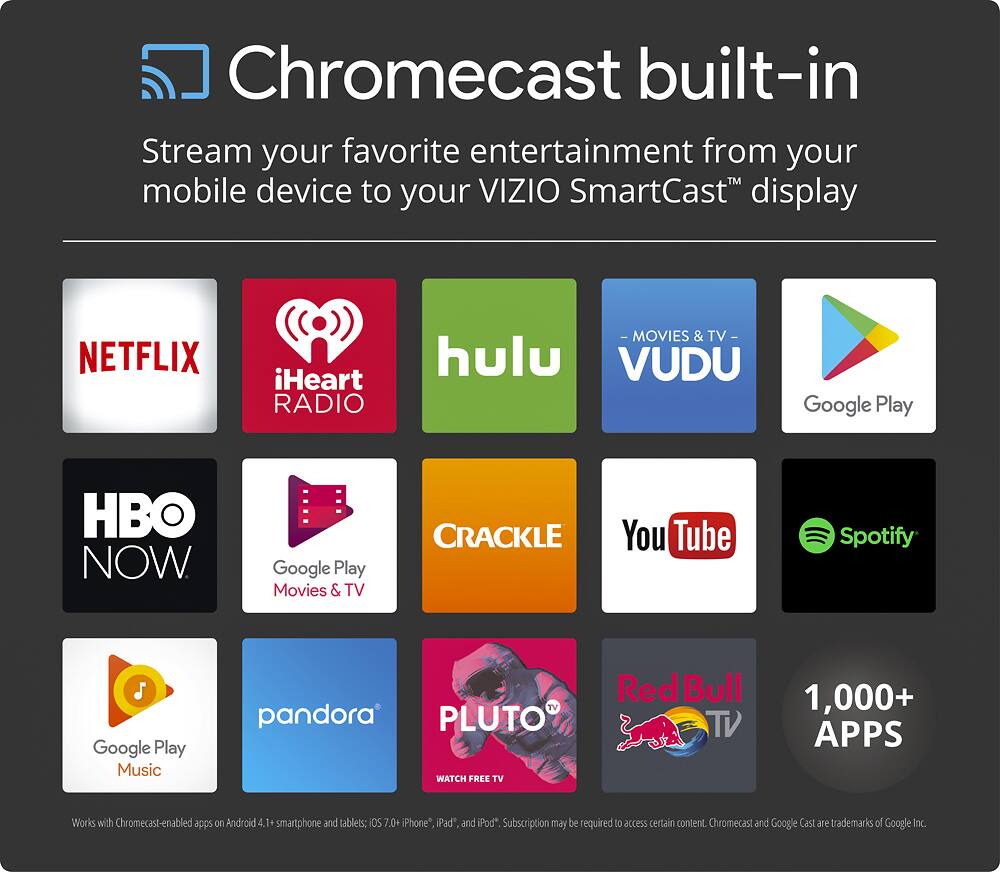
A:AnswerYes, you download the Visio smart app from your phone to set it all up, it's very easy to do and instructions come as soon as you turn the tv on for the first time. You watch Netflix or Hulu on your phone and hit a button to switch to your tv and abracadabra it's that easy
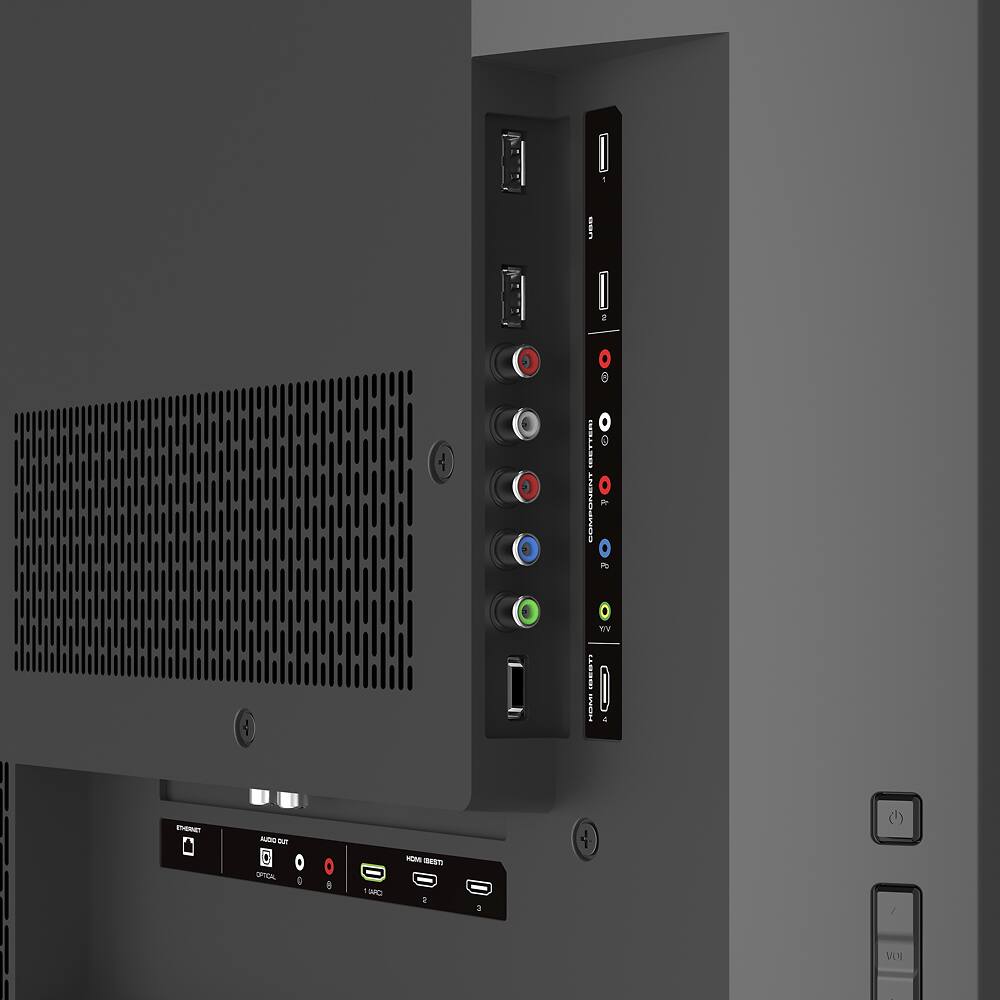
A:AnswerAre you using an outside sound system like surround sound? Make sure it's set to whatever device you are trying to watch. In my case, the HDMI pass-through comes from a Direct TV box. So when I turn things on, the surround sound goes to "TV" instead of "Sat/DVR." Just make sure you are listening to the right input. If that isn't the problem then I don't have a good answer.
A:AnswerYes. The TV is not a giant screen....a good sized screen suitable for smaller rooms. I read online how to size your TV - a screen dimension per viewing distance constant.
A:AnswerThis TV can connect with Bluetooth smartphones/tablets that support Bluetooth LE for use with the SmartCast Remote. This TV does not support Apple Airplay so you won't be able to stream from your iPad or iPhone.
A:AnswerOnce you enter the world of LED moving fro Plasma. the energy consumption becomes essentially irrelevant. Best BUy always has lables that give you the actually numbers...